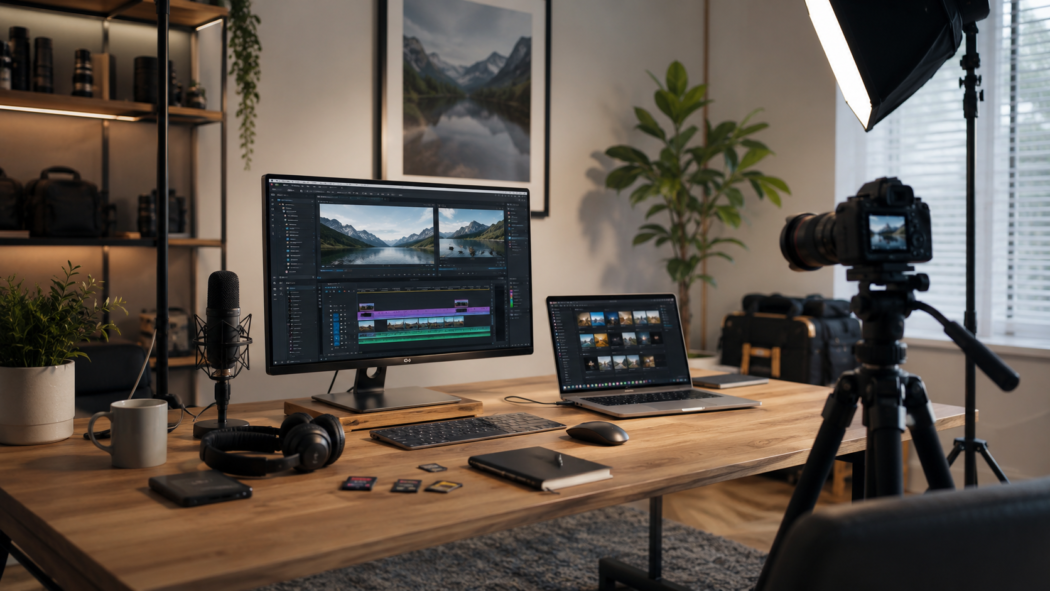
MyHotips started because a lot of us were trying to build something online from a spare room, and quickly discovered that every creator on the internet seems to own a small film studio. You do not need one. The Money Growth side of the site is about building income that lasts, and that starts with kit you will actually use rather than kit that looks good in a desk tour.
Creator Kit covers the gear and the software behind your content: cameras, microphones, lighting, storage and computers, plus the apps for editing, design, planning and AI. Whether you film in a converted garage or a corner of the bedroom, both count. We start with the free and cheap fixes, then tell you where spending money genuinely helps.
Related guide: Tools bloggers and creators actually need
Quick Overview
Start Here
New here? These are the articles we would read first: the basics, then the upgrades.
Where Creators Overspend First
The Camera Comes First (and Should Not)
It is tempting to start with a shiny camera. Most new creators get more from fixing light and sound first, then upgrading the camera once they know what they actually film.
Audio Gets Forgotten
People will forgive slightly soft video far longer than echoey, crackly sound. A decent microphone often does more for a tutorial or podcast than any lens.
Setups That Take Twenty Minutes
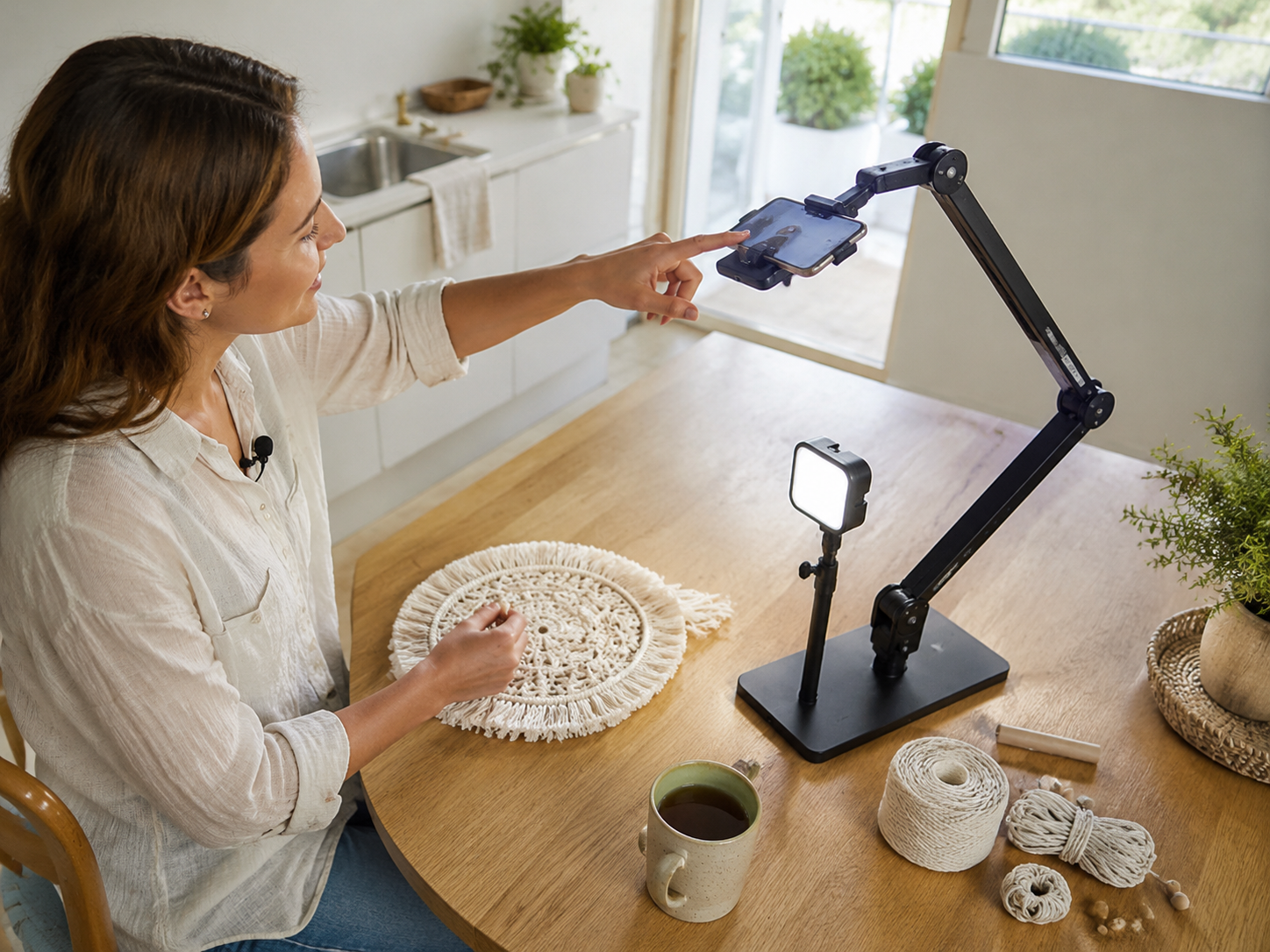
If filming means building a small film set every time, tired-day you will find a reason not to bother. Kit that stays set up, or packs into one bag, gets used.
Buying the Whole Studio Tour
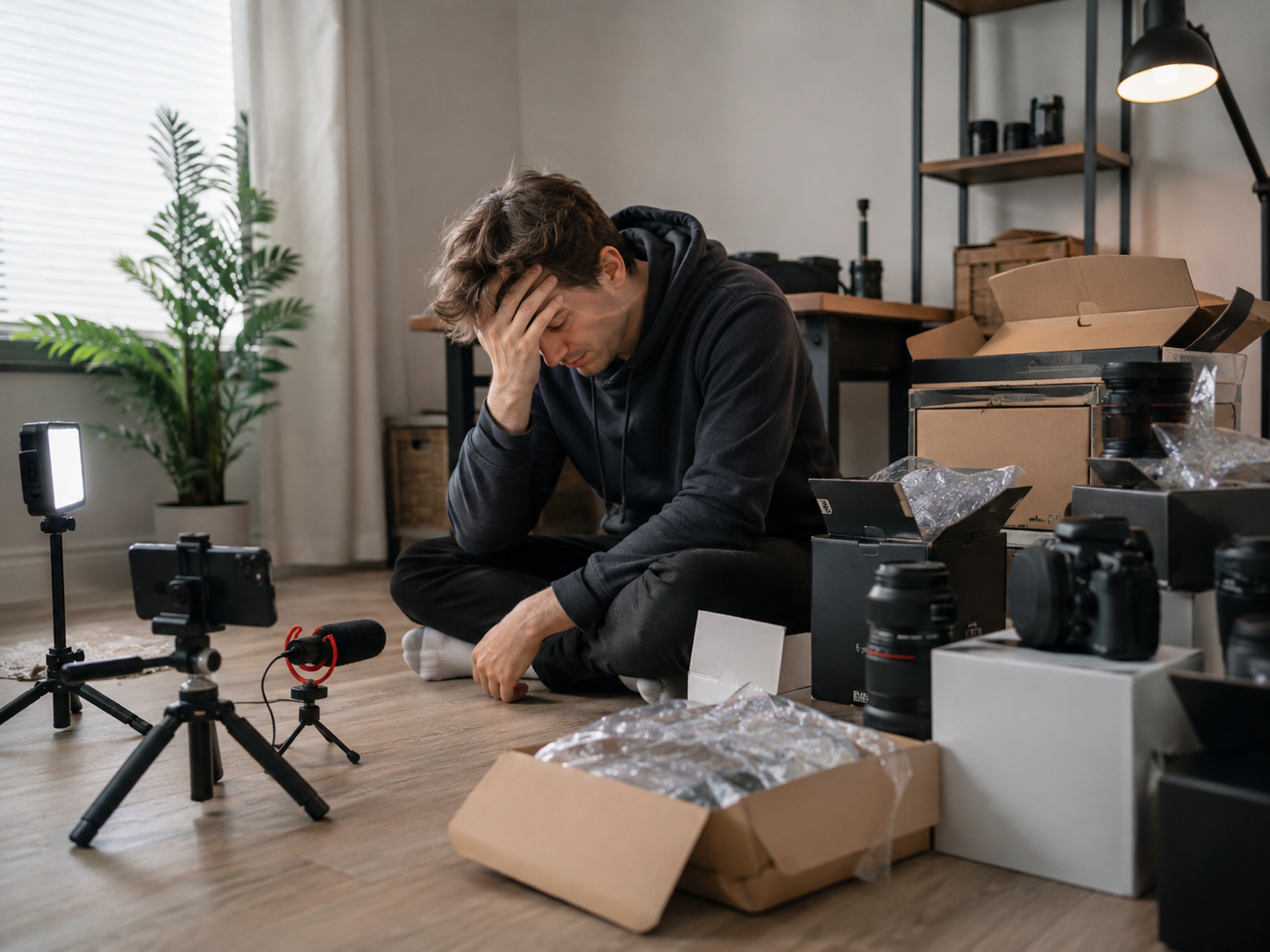
Studio tours are fun to watch and dangerous to copy. Someone with a sponsor and a team does not have the same needs as someone filming desk tutorials twice a week.
Good Kit Removes Friction
The best creator kit, whether it is a microphone or an app, makes publishing easier. A reliable light means less fiddling. A simple editor means less time staring at a timeline. A sensible storage system means no lost files the night before a deadline. If something adds steps rather than removing them, it is probably not the right buy yet.
Related guide: Best webcams for bloggers and course creators
The Core Gear
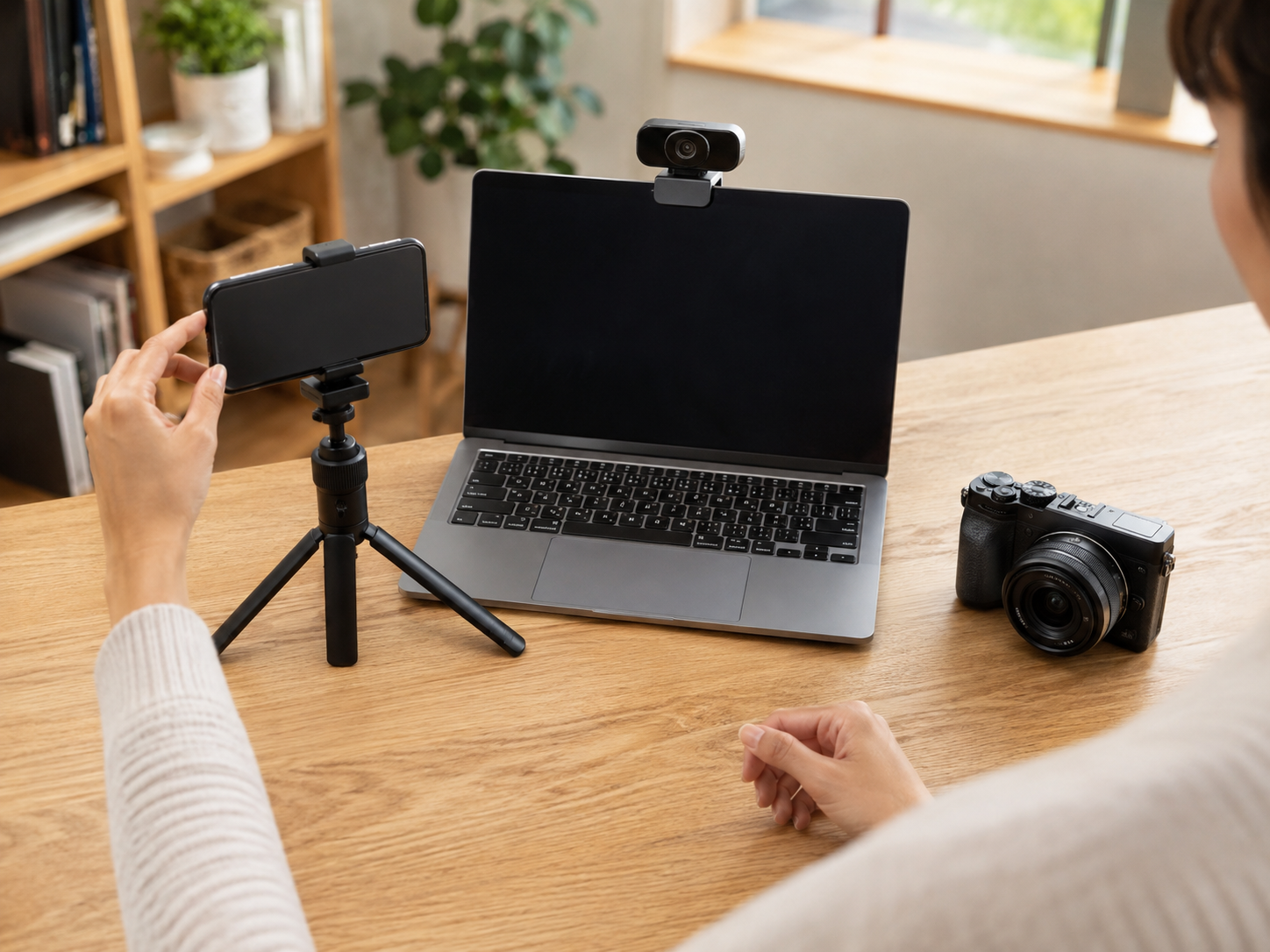
A Camera You Will Actually Use
A modern phone, a webcam or a compact camera can all do the job. Pick the one that is quickest to set up for the kind of content you make.
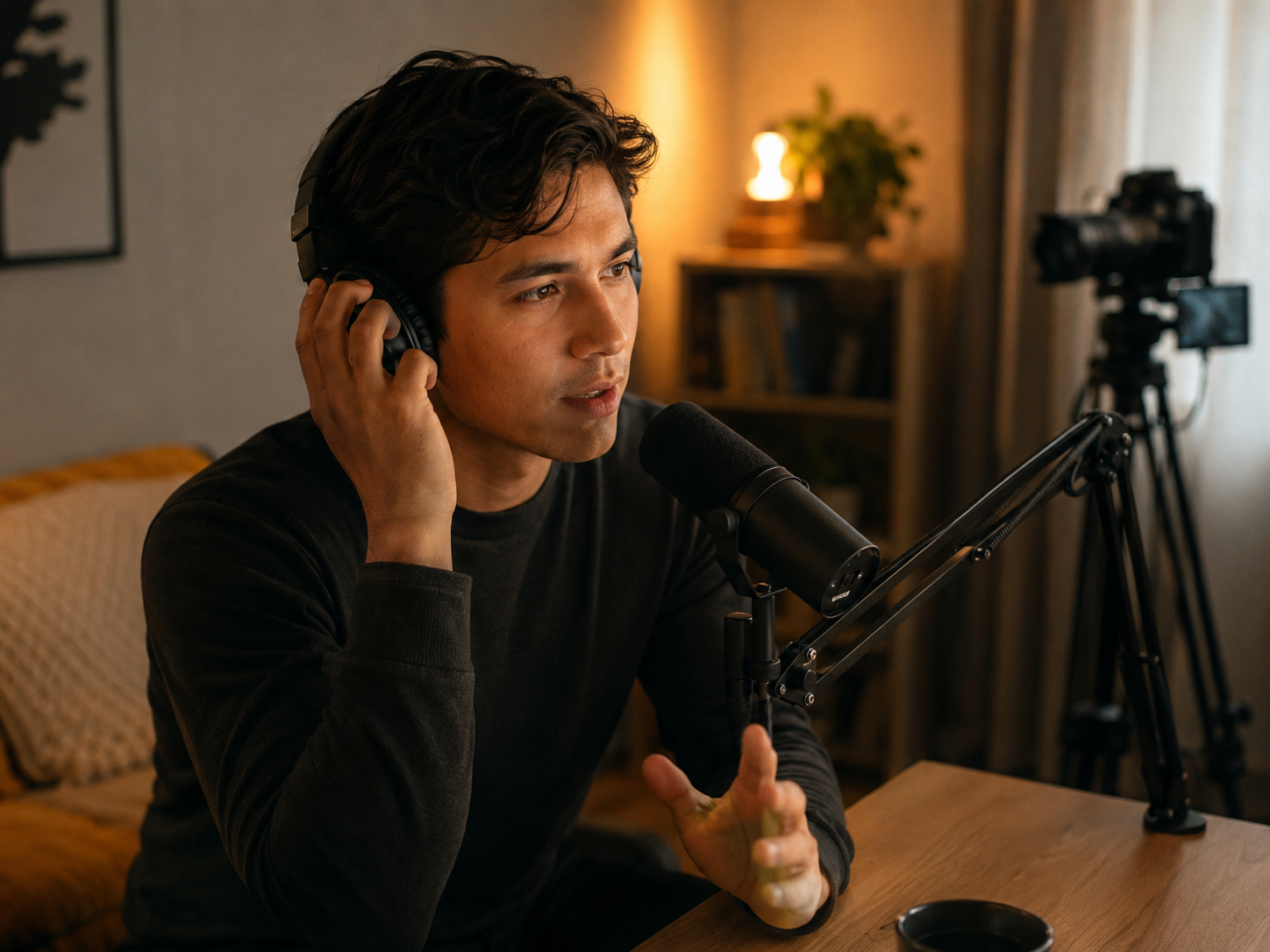
A Decent Microphone
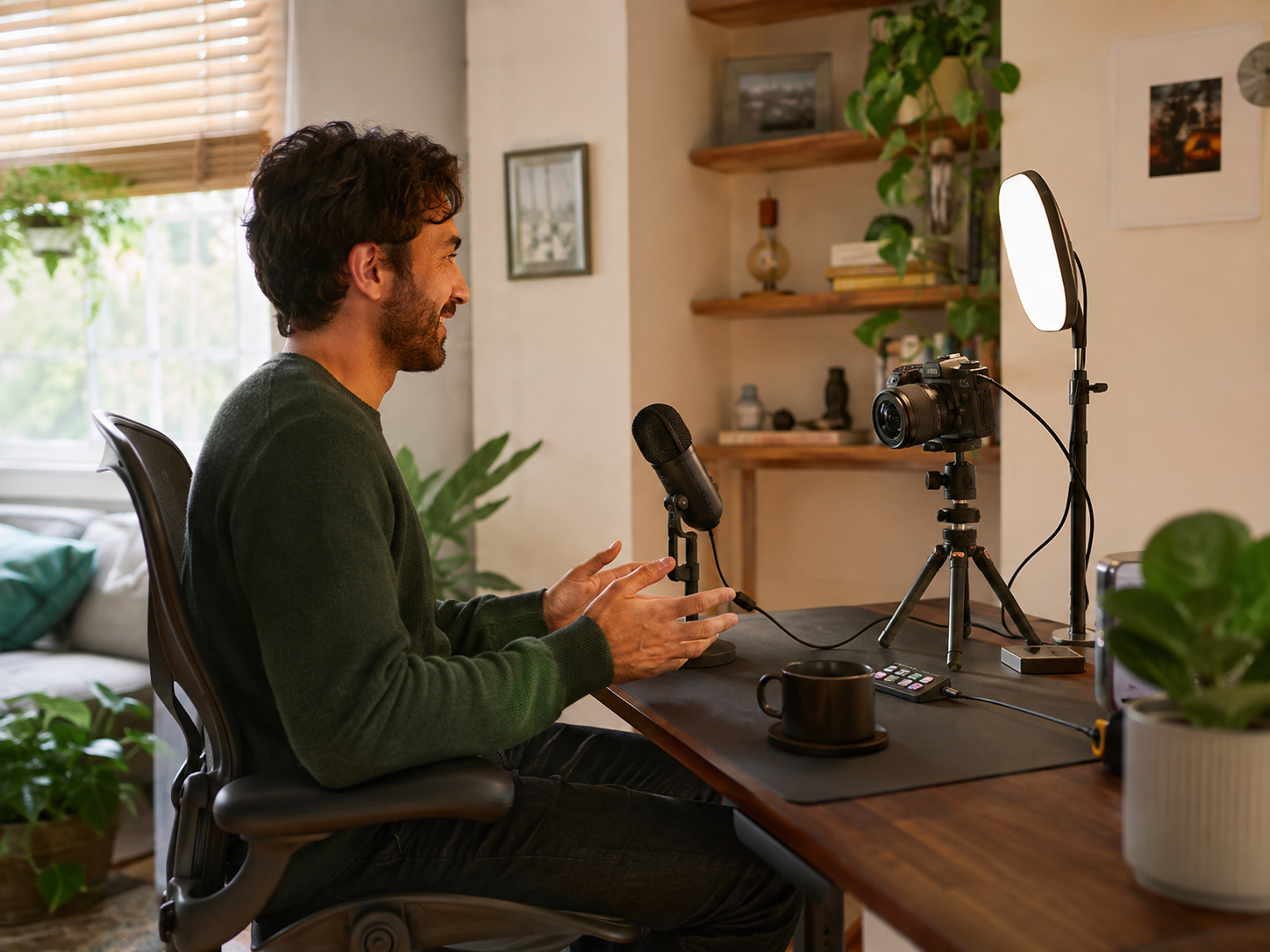
A USB mic, a clip-on lavalier or a simple podcast mic makes speech clearer and much easier to listen to for longer.
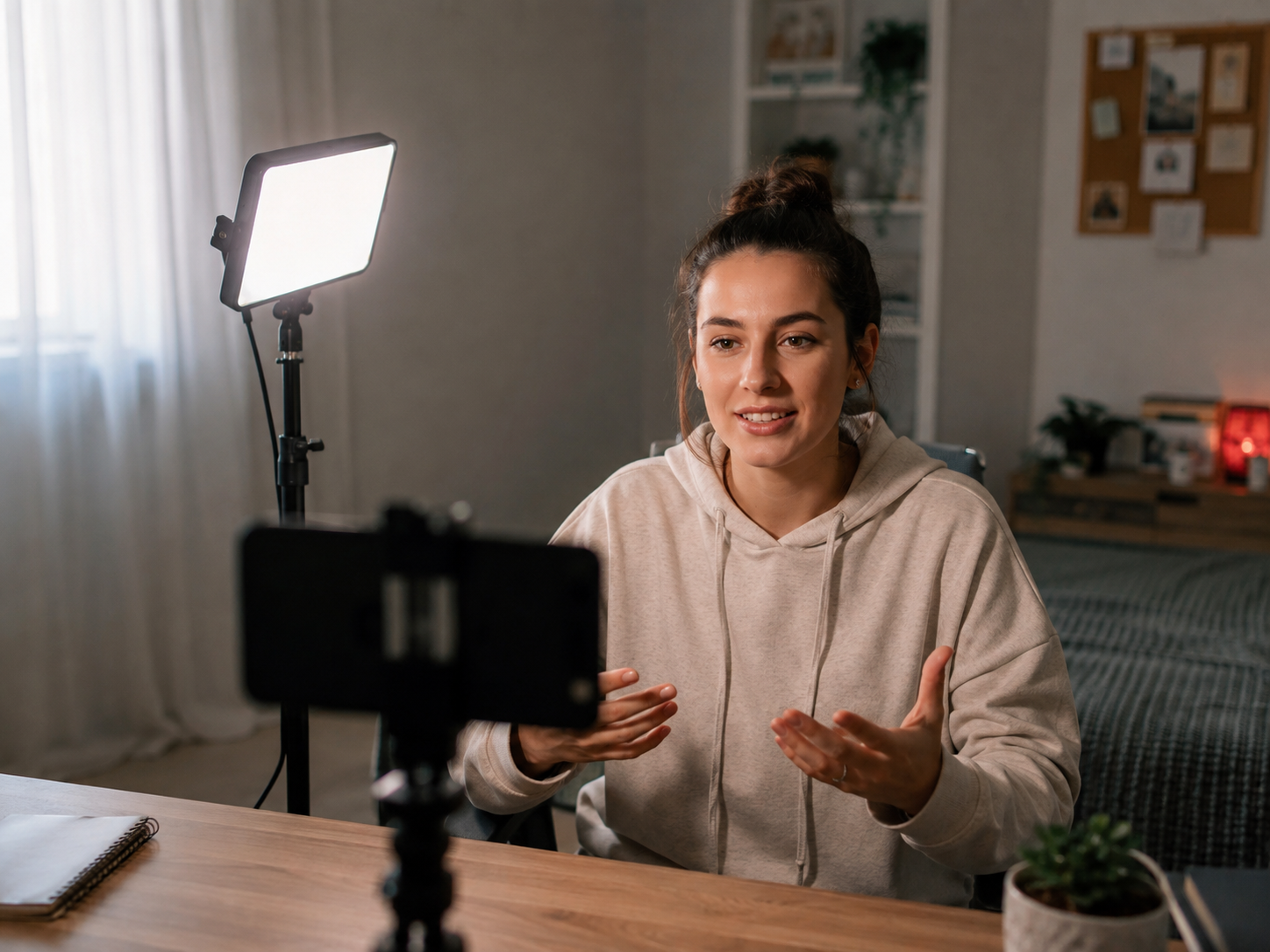
Simple Lighting
A ring light, a softbox or a small LED panel can make an ordinary camera look far better. Soft light from the front and slightly above is a good place to start.
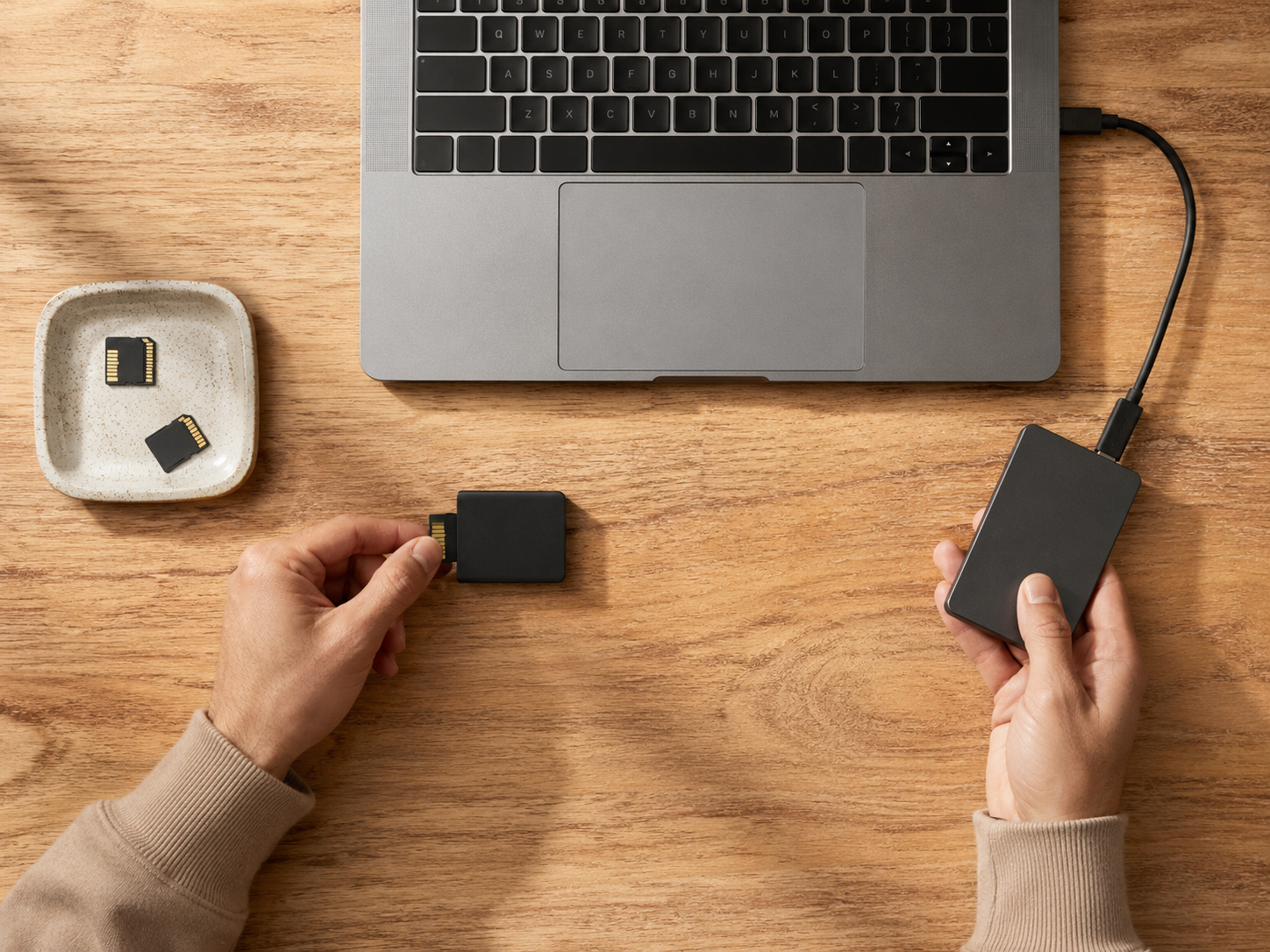
Storage and Backups
Video eats storage. An external SSD plus a cloud backup means a full laptop or a dead hard drive is an annoyance, not a disaster.
A Computer That Keeps Up
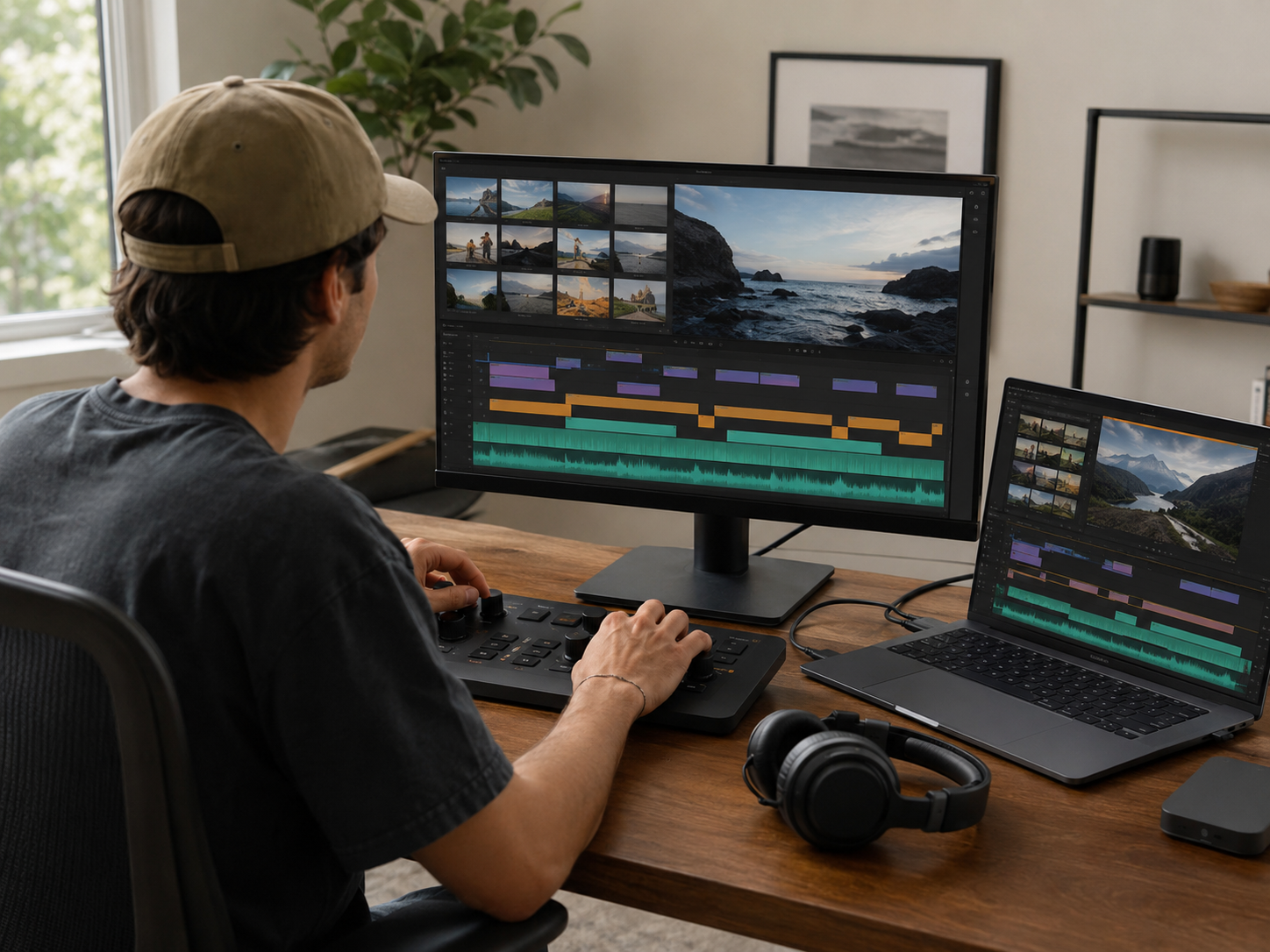
Editing is where most of the hours go. A laptop or desktop that does not freeze every few minutes, ideally with a second screen, makes those hours far less painful.
A Comfortable Workspace
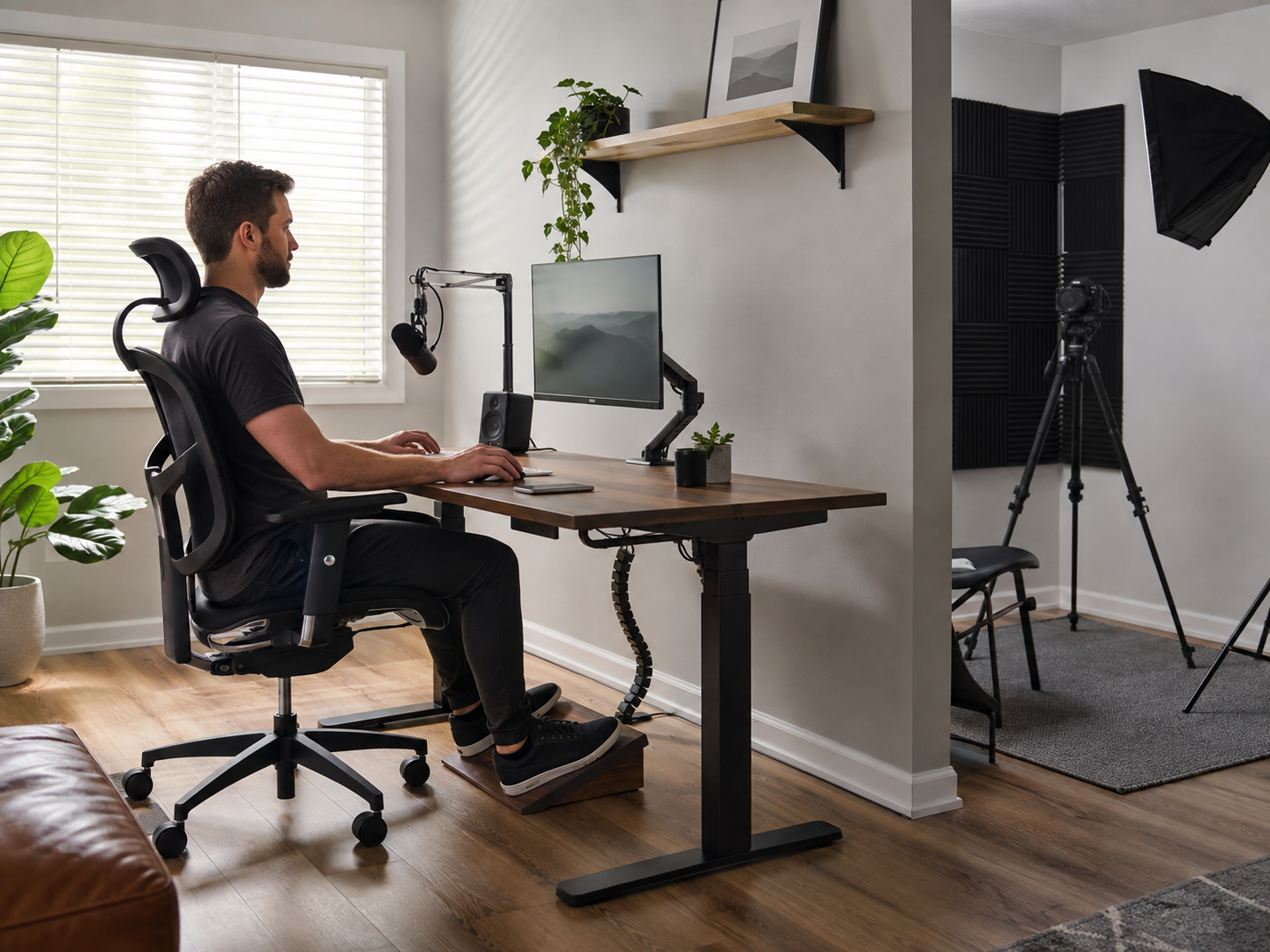
A decent chair, a screen at the right height and tidy cables make long editing sessions much kinder on your back. Our Home Office Comfort guide covers the setup in more detail.
Apps and Software Worth Knowing About
Design Apps
Free design tools now cover thumbnails, social graphics and simple branding for most small creators. Pay when you hit a real limit, not before.
App guide: Top 10 design tools for creators
AI Helpers
AI tools can speed up research, outlines, captions and meeting notes. They work best as an assistant, not a replacement for your own voice, and everything they write still needs checking.
App guide: Top 10 AI tools for bloggers
Video and Photo Editing
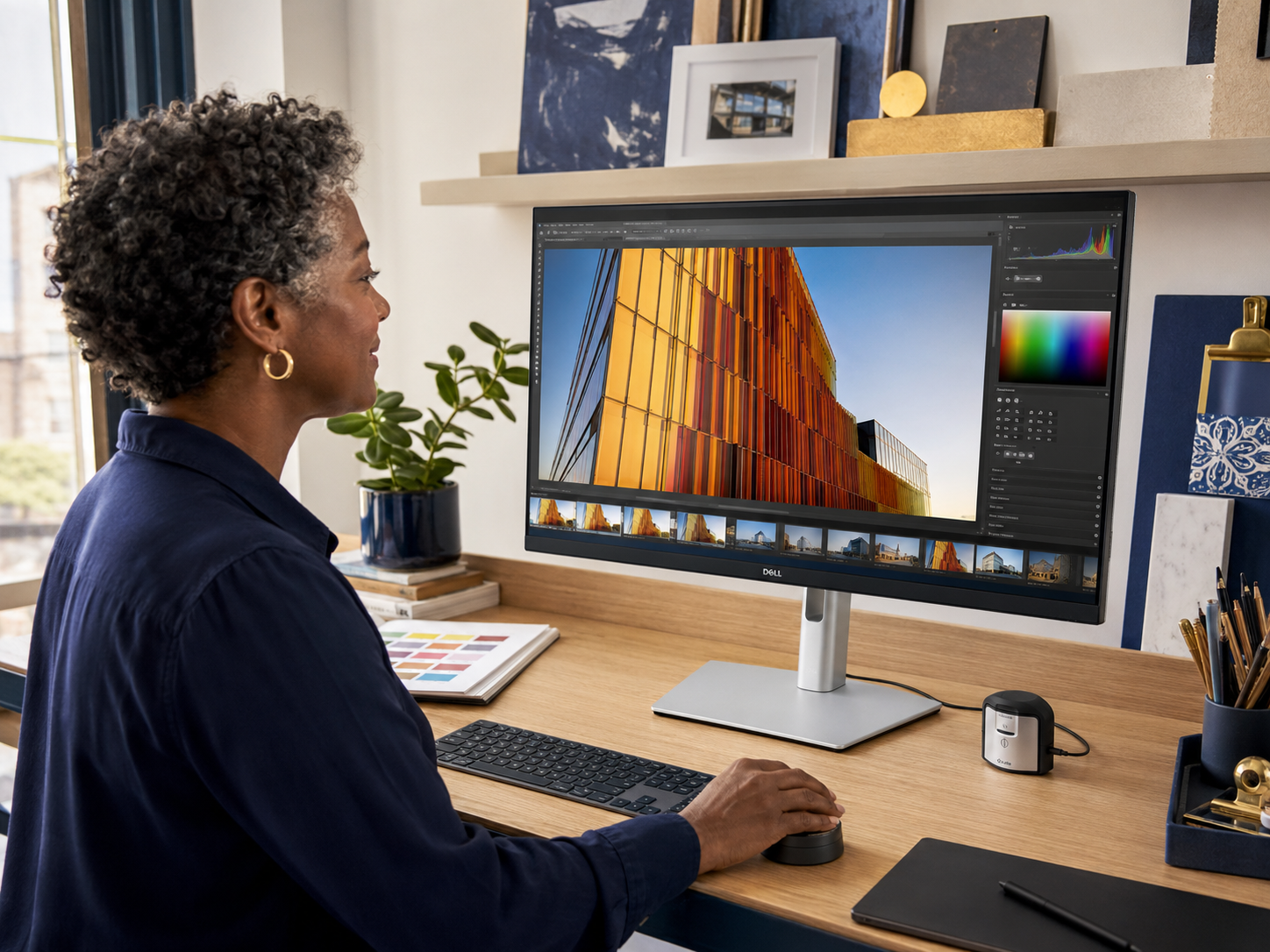
From free mobile editors to full desktop suites, the right editor is the one you can work quickly in. Try a couple of free versions before committing to a yearly plan.
App guide: Top 10 video editing tools for creators
Planning and Scheduling
A simple content calendar stops you deciding what to post at 9pm on a Sunday. A spreadsheet, Notion or a dedicated scheduler can all work, so pick the one you will keep opening.
Keep an Eye on the Monthly Bill
Gear is usually a one-off cost. Apps are not. A handful of small monthly subscriptions can quietly add up to more than the microphone you agonised over for weeks. Every few months, list what you pay for, cancel what you have not opened, and only switch to annual plans for the tools you use every week.
The Right Kit for Different Creators
YouTubers And Video Creators
Light, sound, a reliable camera, a computer that keeps up and fast storage. Together they cover filming and editing, which is where most of the time goes.
Bloggers And Course Creators
A webcam, a microphone, a light and decent screen-recording software cover most tutorials, webinars and online lessons.
Podcasters
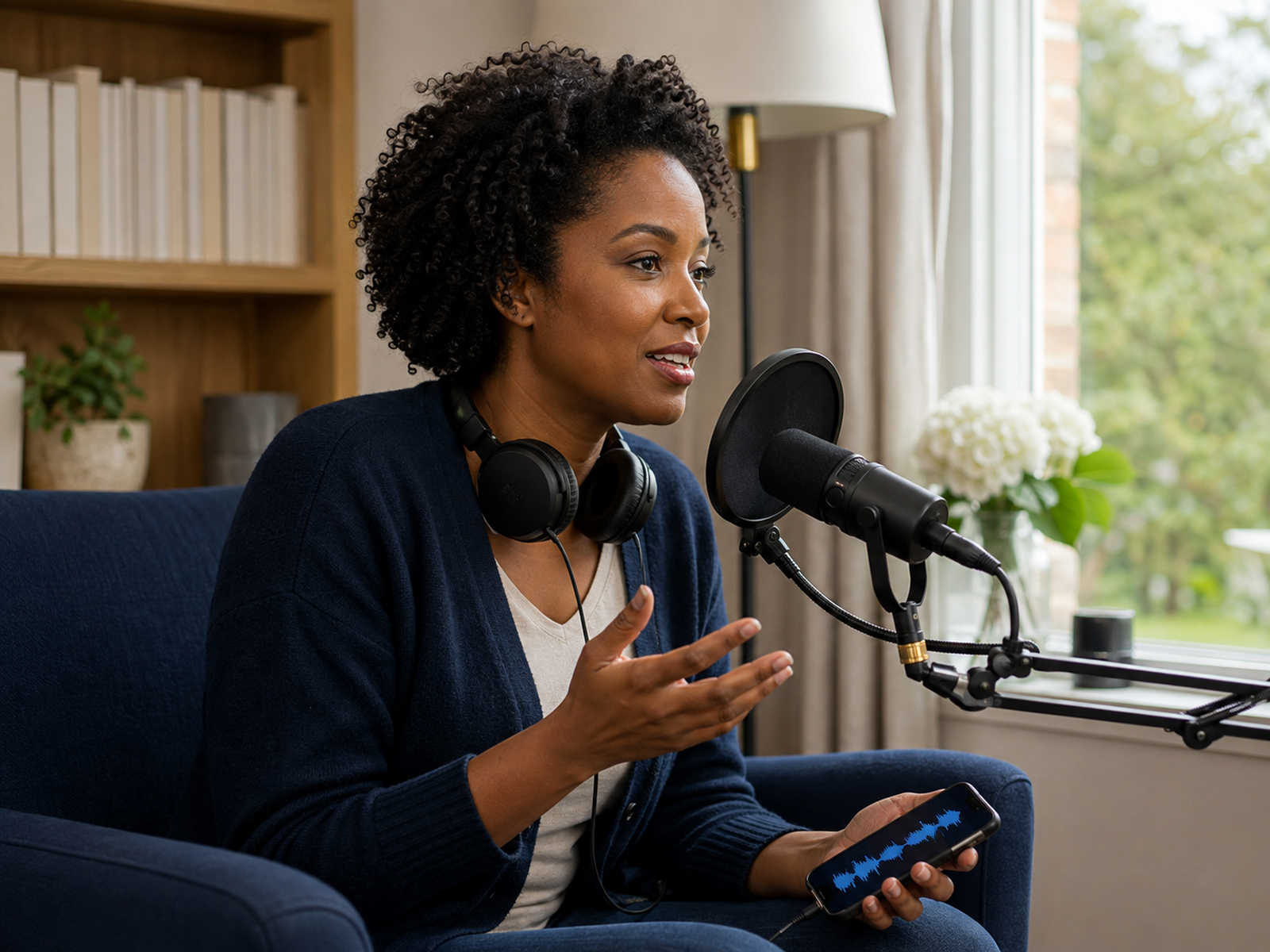
A good microphone, a quiet room with some soft furnishings, headphones and a simple audio editor. Backups matter too, because re-recording an interview is nobody’s idea of fun.
Beginners
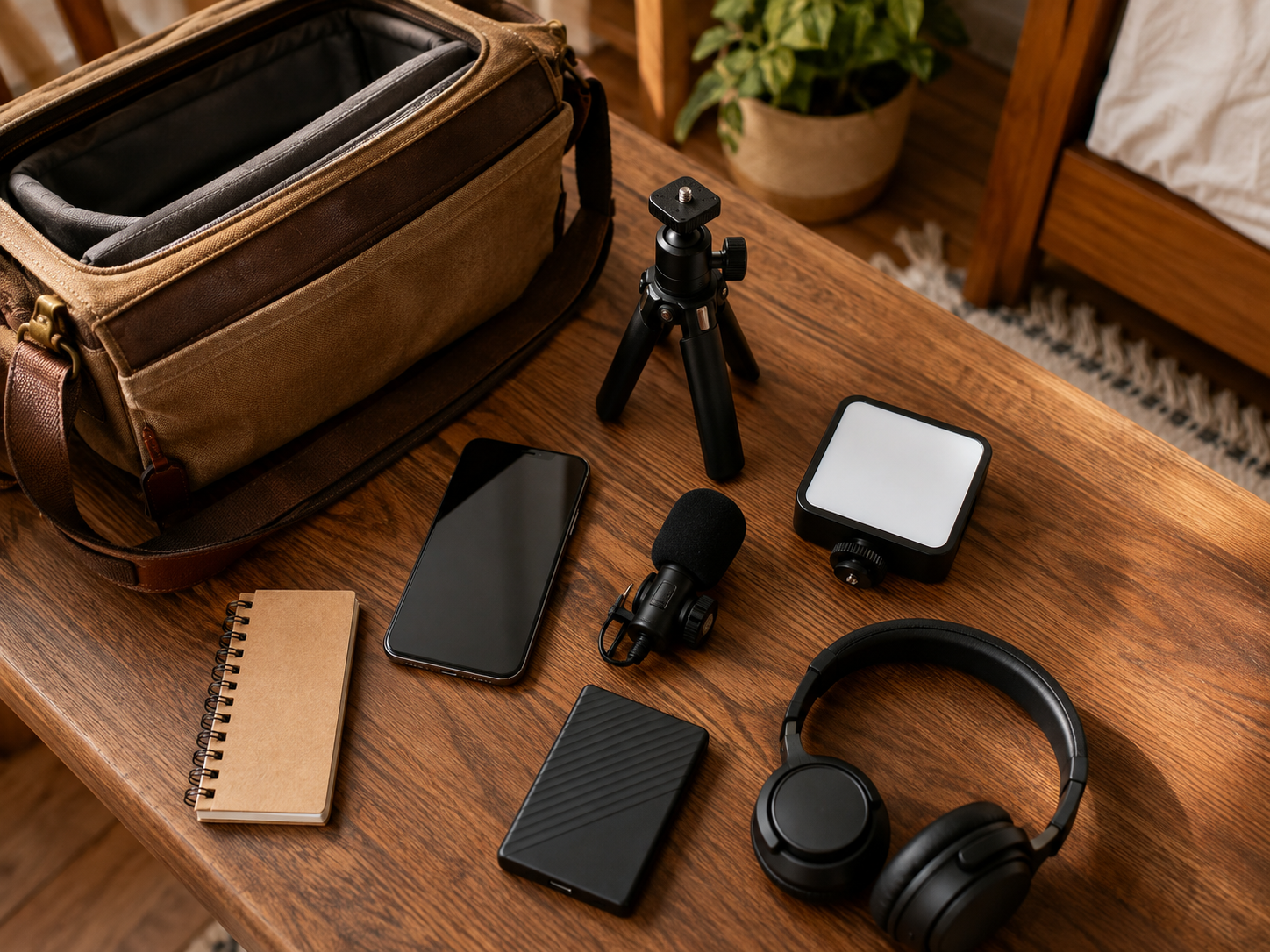
Start with your phone, a clip-on mic, a small light and free apps. Upgrade one thing at a time, and only when it is clearly holding you back.
Pros and Cons of Building a Creator Kit
Pros
Cons
FAQs
What does Creator Kit cover?
The gear and software creators use: cameras, microphones, lighting, storage and computers, plus apps for editing, design, planning and AI. Email tools live in Online Marketing, and website tools in Websites & SEO.
What should I buy first?
Usually a microphone and a light. Most phones already film well enough to get started.
Do I need paid software?
Not at first. Free versions of most editing and design apps are enough to learn on. Pay when a missing feature is genuinely slowing you down.
Why do creators stop posting?
Often because the setup takes too long, editing feels heavy or there is no simple plan. Simpler kit and a basic content calendar help more than new gear.
What is a sensible beginner setup?
A phone, a clip-on microphone, a small light, a mini tripod and free editing and design apps.
Final Verdict
MyHotips started because building something online should not mean buying everything at once. Creator Kit is where we look at the gear and software that genuinely earn their place.
Choose kit that removes steps: clear sound, decent light, steady framing, an editor you are quick in and backups you do not have to think about. That combination beats an impressive studio you dread setting up.
Start with what you have, fix sound and light first, and upgrade one thing at a time. Your bank balance, and your future self on a busy Tuesday, will both be grateful.