


Top 10 Best Web Hosting in…

Vinted vs eBay in 2026: Fees,…

Tailwind SmartPin and Pinterest Traffic: What…

Make Review: Can It Take the…

MoneyHQ Review: Can It Make Comparing…

AI Receptionists for UK Small Businesses:…

TikTok Shop Affiliate in the UK:…

Eden Creator Store Explained: Can One…

Domain vs Web Hosting: What Is…

Redbubble vs Printify: Which Print-on-Demand Platform…

Can Free Affinity Help You Build…

Can Hostinger AI Builder Launch a…
The best AI tools for bloggers save time on the dull parts of publishing without writing your blog for you. They cannot replace your experience, opinions or trust with readers.
This guide ranks ten tools by the job each does best and says where each falls short. Prices checked on 8 November 2026. Most of these tools bill UK users in US dollars, so we show an approximate pound price at today's rate (US$1 = about 75p) with the dollar price in brackets. Some links may be affiliate links, but that did not decide the list.
Quick Overview
- Which AI tool suits research, writing, editing, SEO, images, video and audio.
- What each tool costs and what the free plan gives you.
- Where each tool falls short.
- How to start with one or two tools instead of buying ten.
- How to use AI without losing your own voice.
Comparison Table: The 10 Best AI Tools for Bloggers
Prices checked on 8 November 2026. Most of these tools charge UK users in US dollars, so the pound prices below are approximate, converted at about 75p to the dollar on 8 November 2026. Your bank's rate may differ, and UK VAT at 20% is usually added on top. ChatGPT and Canva show a UK price in pounds at checkout.
| # | Tool | Best for | Free plan | Paid from (as listed) |
|---|---|---|---|---|
| 1 | Claude | Drafting, outlining and editing | Yes | About £13/mo billed annually or £15/mo monthly + VAT (Pro; $17 / $20) |
| 2 | ChatGPT | All-round assistant and brainstorming | Yes | Plus: about £19 to £20/mo incl. VAT (UK price, reported) |
| 3 | Perplexity | Research with sources | Yes | About £15/mo + VAT (Pro; $20) |
| 4 | Grammarly | Editing and tone | Yes | About £9/mo + VAT (Pro; $12) |
| 5 | Canva | Featured images and social graphics | Yes | About £13.50/mo or £108/yr (Pro; $18 / $144 US price); exact UK price at checkout |
| 6 | Surfer | SEO content optimisation | No | About £37/mo + VAT, billed yearly (Discovery; $49) |
| 7 | Descript | Video and podcast editing | Yes | About £12/mo billed annually or £18 monthly + VAT (Hobbyist; $16 / $24) |
| 8 | ElevenLabs | Voiceover and audio | Yes | About £4.50/mo + VAT after a 75p first month (Starter; $6, $1 first month) |
| 9 | OpusClip | Turning long videos into clips | Yes (60 credits/mo) | About £11/mo + VAT, monthly only (Starter; $15) |
| 10 | Notion AI | Planning and organising content | Trial only | Included in Business at about £15/member/mo + VAT ($20) |
Which AI Tool Should You Start With?
New blogger
Start with one assistant (Claude or ChatGPT) and Grammarly's free plan. That covers outlines, drafts and editing at no cost.
SEO-focused blogger
Add Perplexity for sourced research and Surfer to check your drafts against what already ranks.
Video and podcast creator
Add Descript for editing, OpusClip for short clips and ElevenLabs for voiceover.
Visual and social content
Use Canva for featured images and graphics, and Notion to plan your content calendar.
The 10 Best AI Tools for Bloggers
1. Claude: Best for Drafting and Editing
Claude is a strong writing and editing assistant for outlines, first drafts, rewrites and tightening long posts. There is a free plan, and Pro costs about £13 a month billed annually or £15 billed monthly, plus VAT ($17 or $20, billed in US dollars). It works best when you give it your own notes and tone, then edit the result. Do not ask it to invent facts.

Claude at a glance
Price: free plan, or Pro at about £13 a month billed annually or £15 monthly, plus VAT. Good at: outlines, first drafts, rewrites and tightening long posts.
Best for: outlines, drafts and editing. Watch out for: confident statements that still need fact-checking.
2. ChatGPT: Best All-Round Assistant
ChatGPT is a flexible assistant for brainstorming headlines, outlining posts, summarising research and answering questions as you write. It has a free plan, and UK price trackers report Plus at about £19 to £20 a month including VAT; the exact price is shown at checkout. Like any model, its output needs your fact-checking and your voice.
Best for: brainstorming and general help. Watch out for: generic-sounding copy if you do not guide it.
3. Perplexity: Best for Research With Sources
Perplexity is an AI search tool that answers questions with cited sources, which makes it useful for background research before you write. The free plan includes a few Pro searches a day, and Pro costs about £15 a month plus VAT ($20, billed in US dollars), adding the latest models and deeper research. Always open the cited sources and check them yourself.
Perplexity at a glance
Price: free plan with a few Pro searches a day, or Pro at about £15 a month plus VAT. Good at: quick background research with source links you can open and check.
Best for: fast, sourced research. Watch out for: citations still need checking.

4. Grammarly: Best for Editing and Tone
Grammarly checks spelling, grammar and tone as you write. The free plan covers corrections and 100 AI prompts a month, and Pro at about £9 a month plus VAT ($12, billed in US dollars) adds full-sentence rewrites, tone adjustments, plagiarism checks and many more AI prompts. It is a good last-pass editor after you finish a draft.
Best for: final editing. Watch out for: it can flatten your voice if you accept every suggestion.
5. Canva: Best for Featured Images and Graphics
Canva is the easy way to make featured images, Pinterest graphics and social posts, with AI features for generating and editing images. It has a free plan; Pro lists at $18 a month or $144 a year in the US (about £13.50 or £108), and Canva shows the exact UK price at checkout. Keep your branding consistent so your posts look like they belong together.

Canva at a glance
Price: free plan, or Pro at about £13.50 a month or £108 a year (US price converted; exact UK price at checkout). Good at: featured images, Pinterest pins and social posts.
Best for: featured images and social graphics. Watch out for: stock-looking templates if you do not customise them.
6. Surfer: Best for SEO Content Optimisation
Surfer analyses the pages already ranking for your keyword and scores your draft against them, suggesting topics and terms to cover. It is a paid tool: Discovery costs about £37 a month plus VAT, billed yearly ($49, billed in US dollars). Use its suggestions as a checklist, not a script, and do not stuff keywords.
Best for: optimising posts you want to rank. Watch out for: cost and over-optimised writing.
7. Descript: Best for Video and Podcast Editing
Descript lets you edit audio and video by editing a transcript. The free plan gives 60 media minutes a month with watermarked 720p export. Hobbyist costs about £12 a month billed annually or £18 monthly, and Creator about £18 or £26, plus VAT (billed in US dollars). It saves hours on filler words and rough cuts.
Descript at a glance
Price: free plan with 60 media minutes a month, or Hobbyist at about £12 a month billed annually, plus VAT. Good at: cutting filler words and rough edits straight from the transcript.
Best for: creators who also publish video or podcasts. Watch out for: credit limits on lower plans.
8. ElevenLabs: Best for Voiceover and Audio
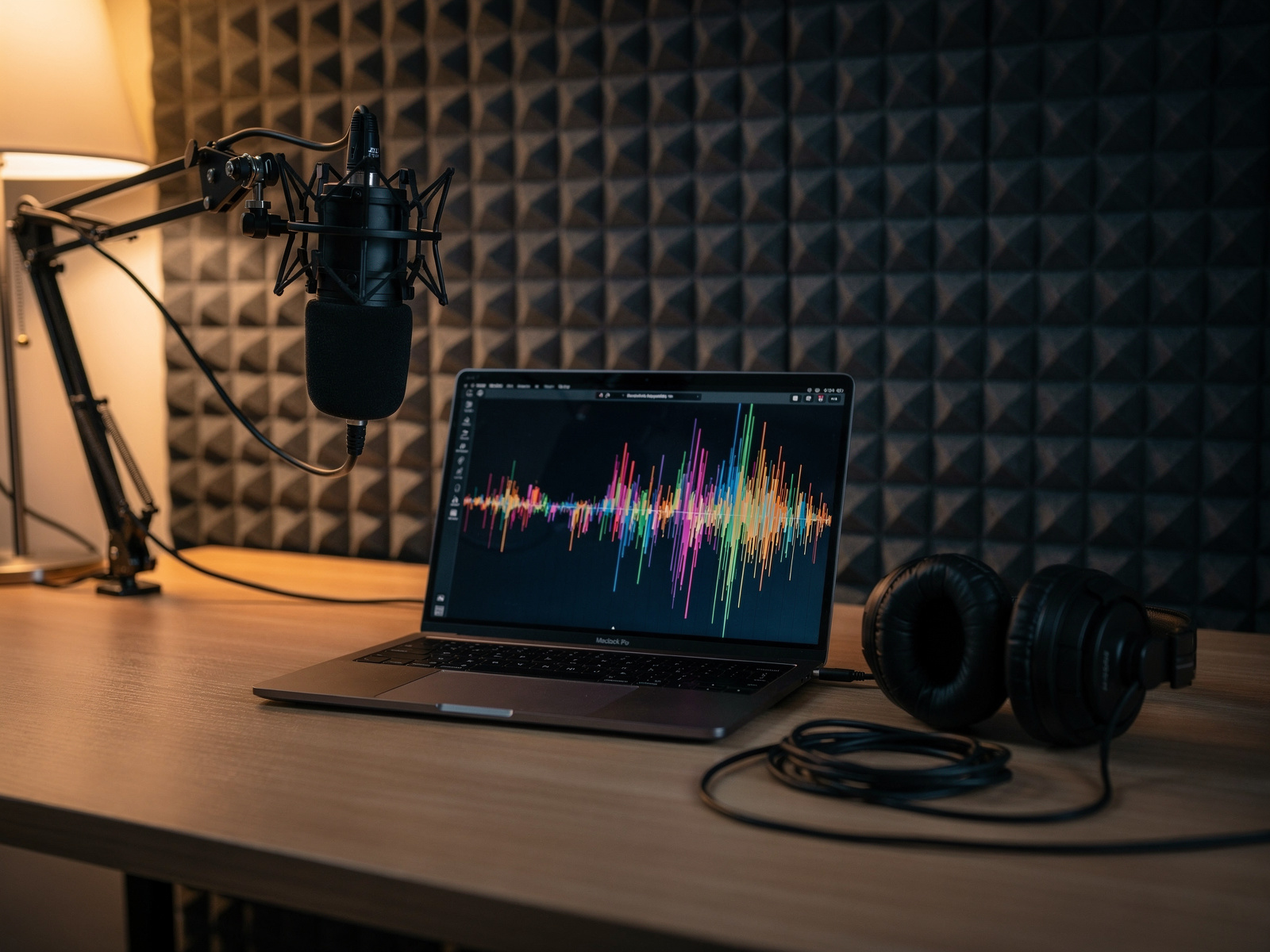
ElevenLabs creates natural-sounding voiceovers. The free plan includes 10,000 credits a month, and Starter costs about 75p for the first month, then about £4.50 a month plus VAT ($1, then $6, billed in US dollars), adding 30,000 credits and a commercial licence. It is useful for narrated posts and video voiceover. Be open with your audience if a voice is AI-generated.
Best for: voiceover and narrated content. Watch out for: credit limits and using voices responsibly.
9. OpusClip: Best for Turning Long Videos Into Short Clips
OpusClip turns a long video into short, shareable clips for social media. The free plan includes 60 credits a month, Starter costs about £11 a month plus VAT on monthly billing only, and Pro about £22 monthly or £11 a month billed annually ($15, $29 and $14.50, billed in US dollars). Review every clip before posting.
Best for: repurposing video. Watch out for: clips still need a human edit.
10. Notion AI: Best for Planning and Organising Content
Notion AI adds writing, summarising and agent features inside Notion, which suits bloggers who already plan their content there. Free and Plus plans only include a trial of Notion AI; the full features come with the Business plan at about £15 per member a month plus VAT ($20, billed in US dollars). If you do not already use Notion, you do not need it for AI help.
Best for: bloggers who already run their content in Notion. Watch out for: paying for a bigger plan you will not use.
How We Picked
We looked at five things for every tool:
- What job it does best for a blogger.
- Whether there is a free plan.
- The paid price on the tool's own page.
- Where it falls short.
- Whether a beginner can start using it quickly.
We did not rank tools by affiliate commission, and some tools here may not pay us anything. Prices and features change fast in AI, so confirm every figure before you buy.
FAQ
What is the best AI tool for bloggers?
For most bloggers, one assistant such as Claude or ChatGPT plus a free editing tool such as Grammarly covers the most ground at the lowest cost.
Why are most prices in dollars?
Most of these tools bill UK customers in US dollars. We show approximate pound prices at the 8 November 2026 exchange rate, but your bank converts at its own rate and UK VAT is usually added, so the amount you pay will differ slightly.
Can AI write my whole blog post?
It can produce a draft, but readers and search engines reward real experience and original opinions. Use AI for outlines and editing, and add your own knowledge.
Are free AI tools good enough?
For many bloggers, yes. Start with free plans and upgrade only when a limit actually slows you down.
Do I need to disclose AI use?
Some platforms and audiences expect it, especially for AI voices and images. Being open about it builds trust.
Final Verdict
Final Verdict
The best AI tools for bloggers are the ones that remove a specific chore. Claude or ChatGPT cover drafting and brainstorming, Perplexity helps with sourced research, Grammarly polishes your edit, and Canva handles your images. Add Surfer for SEO, and Descript, ElevenLabs or OpusClip only if you publish video or audio. Start with a free plan, keep your own voice in every post, and check the facts before you publish.