


Top 10 Best SEO Tools for…

YouTube Shopping Affiliate in the UK:…

Shopify Canvas Explained: Can UK Beginners…

Vinted vs eBay in 2026: Fees,…

Top 10 Best Video Editing Tools…

Top 10 Best Domain Registrars in…

Top 10 Best Email Tools for…

Top 10 Best Website Builders in…

Top 10 Best Scheduling and Productivity…

Top 10 Best AI Tools for…

Top 10 Best Web Hosting in…

Tailwind SmartPin and Pinterest Traffic: What…
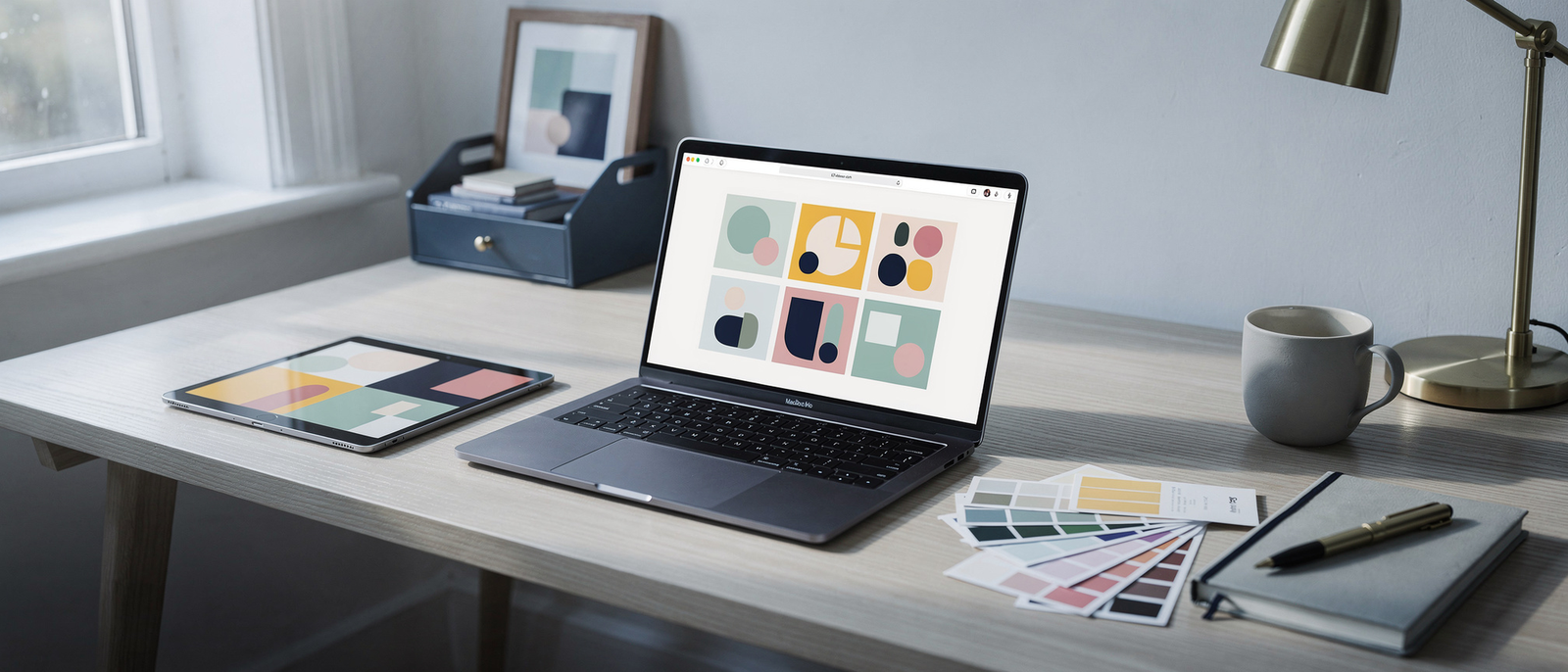
The best design tools for creators help you make clear thumbnails, featured images and social graphics quickly, not impress other designers. Most creators need decent templates, fast resizing and an export that does not look blurry.
Prices checked on 9 November 2026. Where a tool bills in US dollars we show an approximate £ price with the dollar price in brackets. This guide ranks ten tools by the job each does best and where each falls short.
Quick Overview
- Which design tools are easiest for thumbnails, featured images and social graphics.
- Which have a useful free plan.
- What the paid plans cost in pounds and what you get for the money.
- Where each tool falls short.
- How to keep your visuals consistent without a designer.
Comparison Table: The 10 Best Design and Thumbnail Tools for Creators
Prices checked on 9 November 2026. £ prices for US-dollar tools are approximate, converted at the 8 November 2026 rate of US$1 = £0.75, with the dollar price in brackets. Where a page did not say whether UK VAT is added, we say so.
| # | Tool | Best for | Free option | Paid from (as listed) |
|---|---|---|---|---|
| 1 | Canva | Easy templates for everything | Yes | About £9.70 a month ($12.99, Pro), or about £90 a year ($119.99) |
| 2 | Adobe Express | Templates with Adobe fonts and AI | Yes | £9.98 a month including VAT (Premium) |
| 3 | Photopea | Free Photoshop-style editing in the browser | Free | No paid tier on its page |
| 4 | Figma | Custom layouts and brand systems | Yes | About £9 a month billed annually ($12), about £11 monthly ($15) |
| 5 | Snappa | Quick social graphics and thumbnails | Yes, 3 downloads a month | About £11 a month ($15), about £7.50 billed yearly ($10) |
| 6 | Kapwing | Video thumbnails, subtitles and quick edits | Yes, with watermark | About £12 a month ($16, Pro) |
| 7 | Fotor | AI image editing and templates | Yes | Price not shown on its page |
| 8 | Pixlr | Light photo editing in the browser | Yes | Price not found on its pages |
| 9 | GIMP | Free desktop image editing | Free | Free |
| 10 | Adobe Photoshop | Professional image editing | Free trial | £21.98 a month including VAT |
Which Design Tool Should You Start With?
New blogger
Start with Canva or Adobe Express. Both have templates, a free plan and quick exports for featured images.
YouTube thumbnails
Try Canva, Snappa or Photopea. Keep text large, faces clear and contrast high.
Brand and consistency
Figma suits creators who want custom layouts and a repeatable system across all visuals.
Photo editing
Photopea, GIMP or Photoshop suit creators who need layers, masks and precise edits.
The 10 Best Design and Thumbnail Tools for Creators
1. Canva: Best for Easy Templates
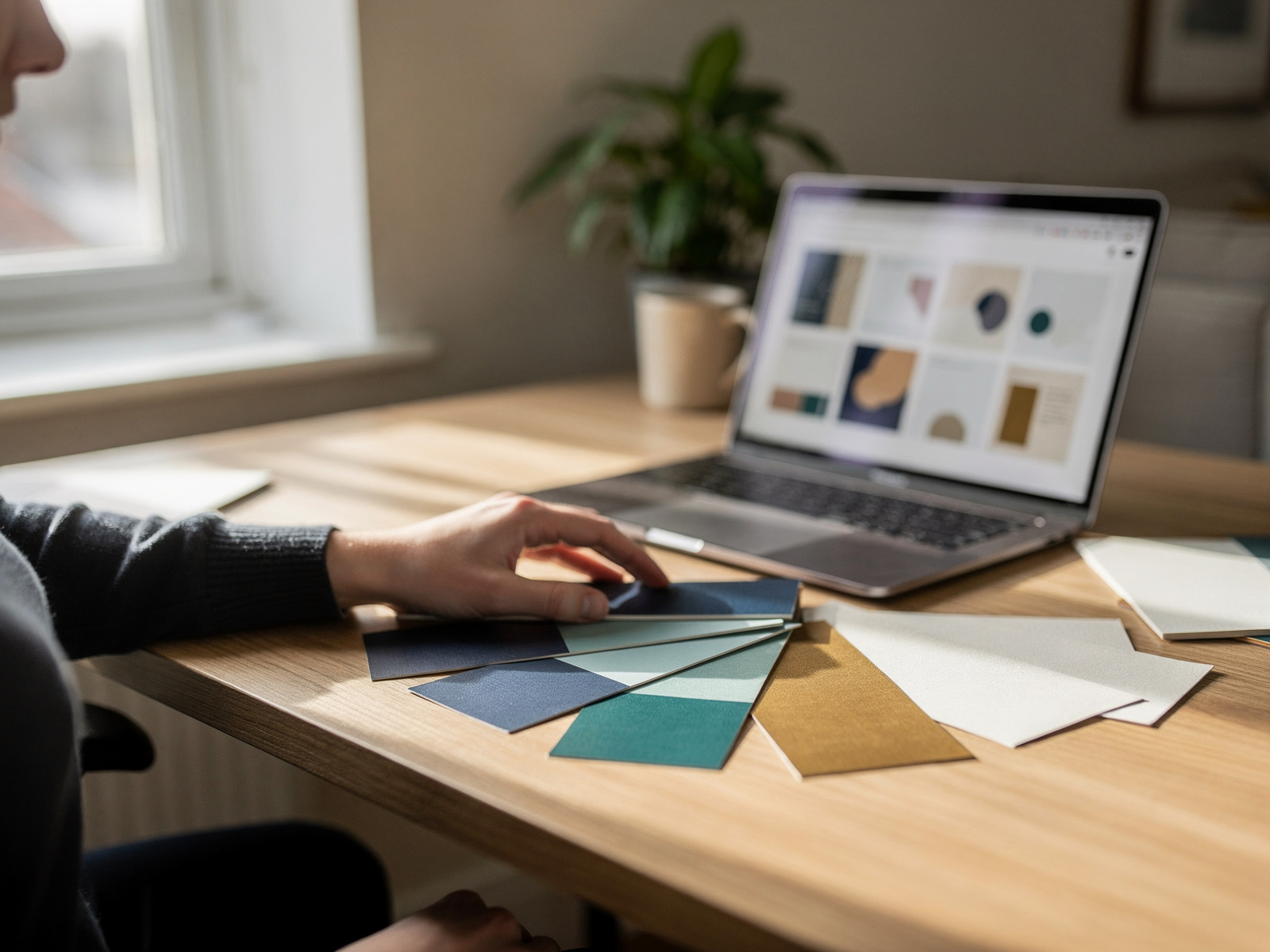
Canva is the default choice for most creators, with templates for thumbnails, featured images, social posts and more, plus AI features. Canva Pro is listed at $12.99 a month for up to five people (about £9.70) or $119.99 a year (about £90). The page shows a dollar sign without naming the currency, and it did not say whether UK VAT is added. A free trial needs a card to start.
Canva at a glance
Price: free, or about £9.70 a month ($12.99) for Pro. Good at: templates for thumbnails, featured images and social posts. Best for: beginners who want a polished result fast. Watch out for: template-heavy designs can look the same as everyone else's.
2. Adobe Express: Best for Templates With Adobe Fonts and AI
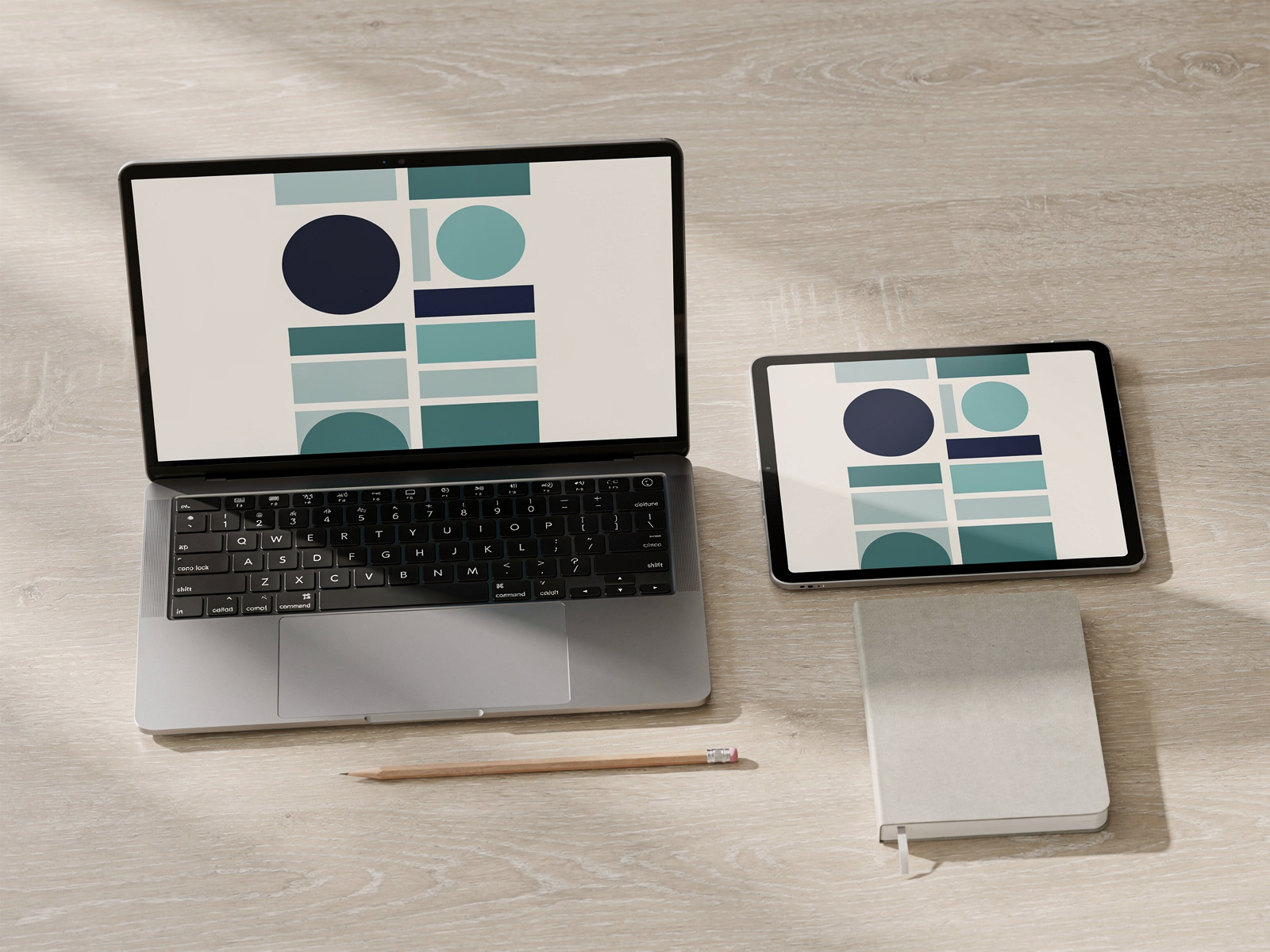
Adobe Express has a free plan with 100,000+ templates and a Premium plan listed at £9.98 a month including VAT. Premium adds a larger asset library, 250 generative credits a month, more fonts, brand kits, one-click resize and more storage. Some details differ between sections of the page, so check what your plan includes.
Adobe Express at a glance
Price: free, or £9.98 a month including VAT for Premium. Good at: templates, one-click resize and Adobe fonts. Best for: creators who like Adobe's fonts and AI tools. Watch out for: some plan details differ on the pricing page, so confirm storage and credits before paying.
3. Photopea: Best Free Photoshop-Style Editor
Photopea is a browser-based editor with layers, masks, PSD and RAW support, and one-click background removal. The site presents it as free, and no paid tier appears on the page checked. Best for: creators who want layers and masks for free. Watch out for: a busier interface with a learning curve.
4. Figma: Best for Custom Layouts and Brand Systems
Figma is a design tool for custom layouts and reusable components. The free plan allows 3 projects, and Professional is listed at $12 per editor a month billed annually (about £9) or $15 billed monthly (about £11), with unlimited projects. The page did not say whether UK VAT is added.
Figma at a glance
Price: free, or about £9 a month billed annually ($12) for Professional. Good at: custom layouts, reusable components and brand systems. Best for: creators who want a consistent look across all visuals. Watch out for: the free plan's 3-project limit and a steeper learning curve than template tools.

5. Snappa: Best for Quick Social Graphics
Snappa is a simple template tool for social graphics and thumbnails. The free plan allows 3 downloads a month for one user, and Pro is listed at $15 a month (about £11), or $10 a month billed yearly (about £7.50), with unlimited downloads, custom fonts and background removal. Best for: quick, simple social graphics. Watch out for: the free plan's 3 downloads a month.
6. Kapwing: Best for Video Thumbnails and Quick Edits
Kapwing is a browser editor for video, subtitles and thumbnails. The free plan adds a watermark and limits exports and storage, while Pro is listed at $16 a month (about £12) with no watermark, longer exports and more AI minutes. The page did not say whether $16 applies to monthly or annual billing. Best for: creators who edit video and thumbnails in one place. Watch out for: the free watermark and AI limits.
7. Fotor: Best for AI Image Editing
Fotor combines image editing, templates and AI tools, and its page says the basic plan is free forever. Pro and Pro+ are billed annually, but the page checked showed placeholders instead of prices, so no price is given here. Best for: quick AI edits and retouching. Watch out for: confirm the price and limits before paying.
8. Pixlr: Best for Light Browser Photo Editing
Pixlr is a lightweight browser photo editor with a free version and paid plans. Its pricing pages did not load, so no price is given here. Best for: quick photo edits in the browser. Watch out for: free-plan limits and adverts.
9. GIMP: Best Free Desktop Editor
GIMP is free software, with source code you can change and share, and runs on Linux, macOS and Windows. It costs nothing, but it has a steeper learning curve and a less polished interface than the paid tools. Best for: creators who want a free desktop editor. Watch out for: the learning curve and no templates.
10. Adobe Photoshop: Best Professional Image Editor
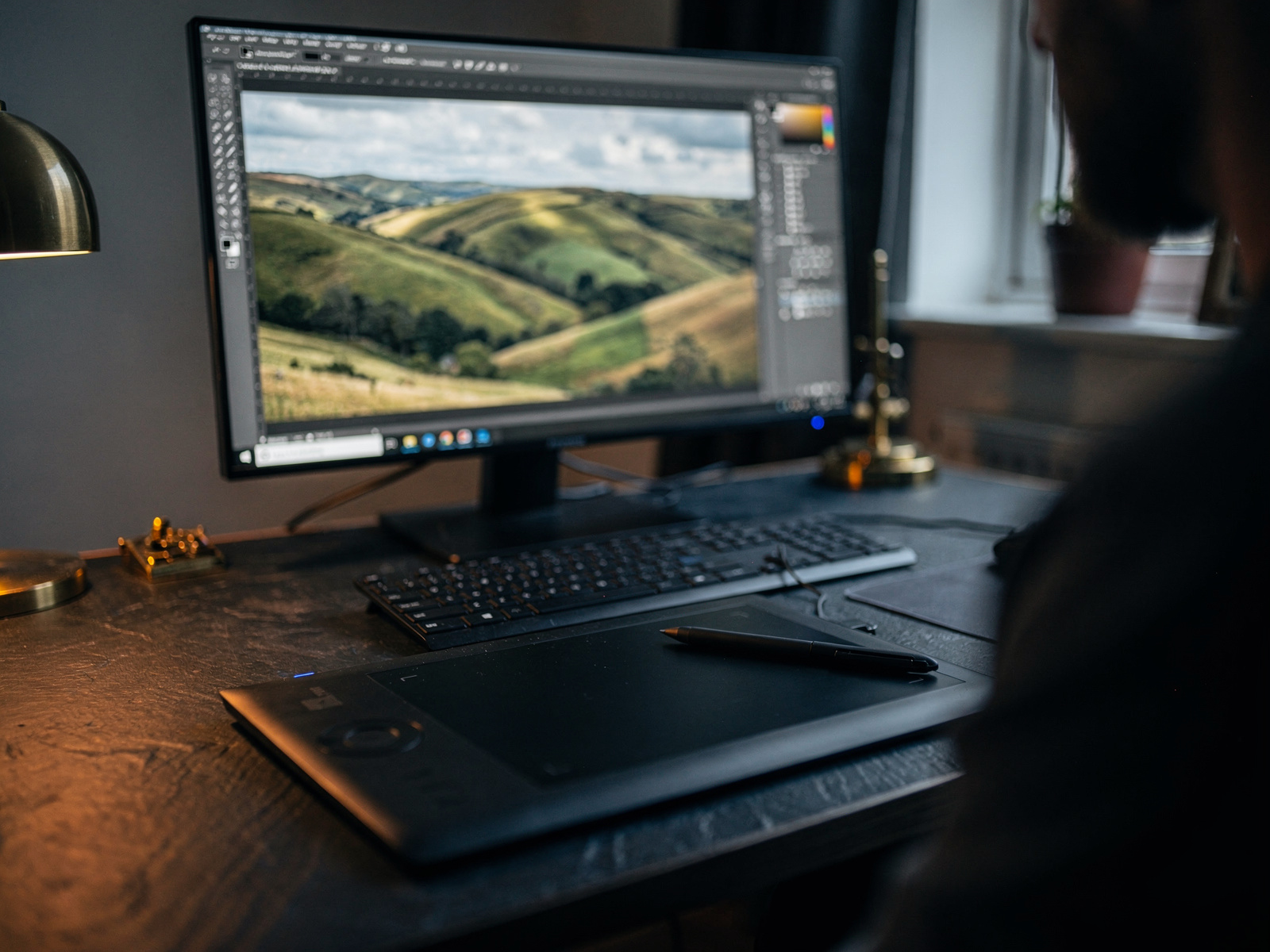
Photoshop is the industry-standard image editor, with layers, retouching and generative AI. Adobe's UK page lists £21.98 a month including VAT on an annual plan billed monthly, with an introductory £9.98 a month for the first three months for new subscribers, and a free trial of unstated length.
Photoshop at a glance
Price: £21.98 a month including VAT, with £9.98 for the first three months for new subscribers. Good at: layers, retouching and generative AI. Best for: professional image editing and retouching. Watch out for: the price after the intro period and a steeper learning curve than template tools.
How We Picked
We looked at five things for every tool:
- What job it does best for a creator.
- Whether there is a useful free plan.
- The paid price on the tool's own page.
- Where it falls short.
- Whether a beginner can use it quickly.
We did not rank tools by affiliate commission, and some tools here may not pay us anything. Prices change often, so confirm every figure before you buy. Where a tool's own page did not state a detail, we said so instead of guessing.
FAQ
What is the best free design tool for creators?
Canva and Adobe Express have the most useful free plans for templates. Photopea and GIMP are the best free editors for layers and precise edits.
What is the best tool for YouTube thumbnails?
Canva and Snappa are the easiest, and Photopea or Photoshop suit creators who want more control. Keep text large and contrast high.
Do I need Photoshop to make good thumbnails?
No. Most creators do well with a template tool such as Canva or Adobe Express.
How do I keep my visuals consistent?
Pick two fonts and a small colour palette, then reuse them. Figma, Canva and Adobe Express all support brand kits or reusable styles.
Can I use AI-generated images commercially?
Check each tool's licence terms before you publish AI-generated images, and be open with your audience where it matters.
Final Verdict
Final Verdict
The best design tools for creators make clear thumbnails and featured images quickly. Start with Canva or Adobe Express for templates, add Photopea or GIMP if you need layers, and look at Figma only when you want a custom brand system. Snappa and Kapwing suit quick social and video graphics. Keep your fonts and colours consistent, start on a free plan, and check the real price before you upgrade.