Eden Creator Store Explained: Can One…

Redbubble vs Printify: Which Print-on-Demand Platform…

Can Free Affinity Help You Build…

Can Hostinger AI Builder Launch a…

Plug-In Solar Panels UK: Are They…

Meta One Explained: Is the Subscription…

Plaud One Explained: UK Price, Plans…

Namecheap vs Dynadot

Kit (ConvertKit) vs beehiiv: Which Should…

Bluehost vs Siteground

Namecheap review

Cloudways Vs WP Engine
Most creators do not need complicated audio setups initially.
They need cleaner sound without technical chaos. Many creators stop posting consistently because recording workflows become exhausting managing. Cables everywhere. Audio interfaces failing. Settings constantly breaking. USB microphones became popular partly because they remove much of that friction immediately. They allow creators to record podcasts, tutorials, livestreams, interviews, reels, and videos with dramatically less setup complexity while still producing audio that sounds clear, professional, and trustworthy online.
Quick Overview
In this guide you will learn:
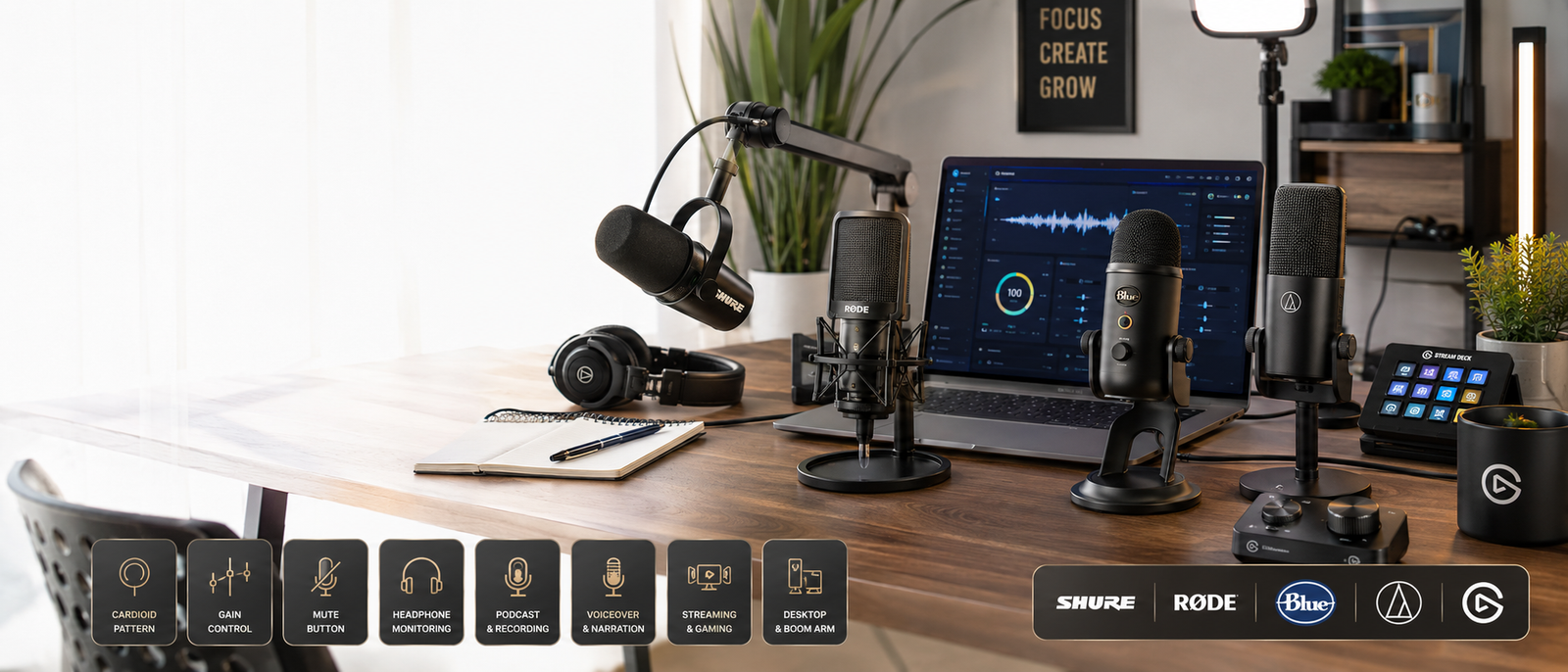
A home recording setup supporting podcasts, videos, and livestreams.
Helpful next reads: Best microphones for bloggers
Why USB Microphones Became So Popular
Simpler Workflows Increase Publishing Consistency
Many creators quietly lose momentum because their recording setup feels annoying using repeatedly.
USB microphones remove much of that operational friction immediately.
USB Microphones Reduce Technical Complexity
Traditional XLR setups often require:
USB microphones dramatically simplify the process.
Most Audiences Care More About Clarity Than Equipment
Viewers rarely ask which microphone someone used.
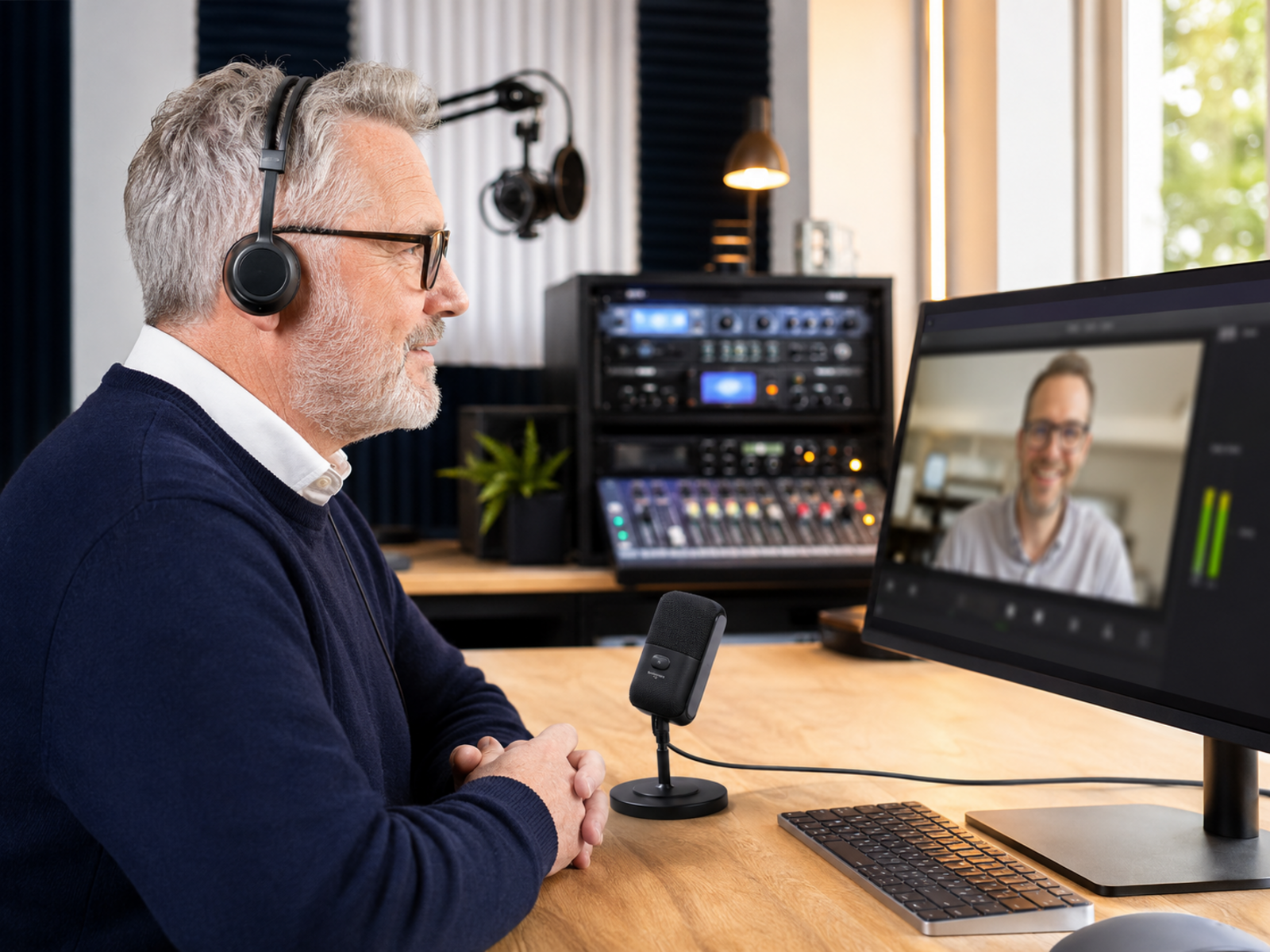
They mainly care whether the audio feels clean, stable, and easy listening to.
Home Creators Usually Need Convenience
Many creators record content:
Convenience matters heavily in those workflows.
Complicated Audio Setups Quietly Kill Consistency
This happens more often than creators realise.
The creator starts enthusiastically, buys expensive equipment after watching setup videos online, then slowly stops recording because the workflow itself becomes frustrating. Audio interfaces fail unexpectedly. Settings reset. Cables become messy. Recording sessions require preparation instead of feeling effortless. Simpler setups often outperform technically “perfect” setups because they reduce friction between the idea and the actual publishing process.
Explore more insights: How to stop admin work eating your whole day
Best USB Microphones Creators Use Most Often
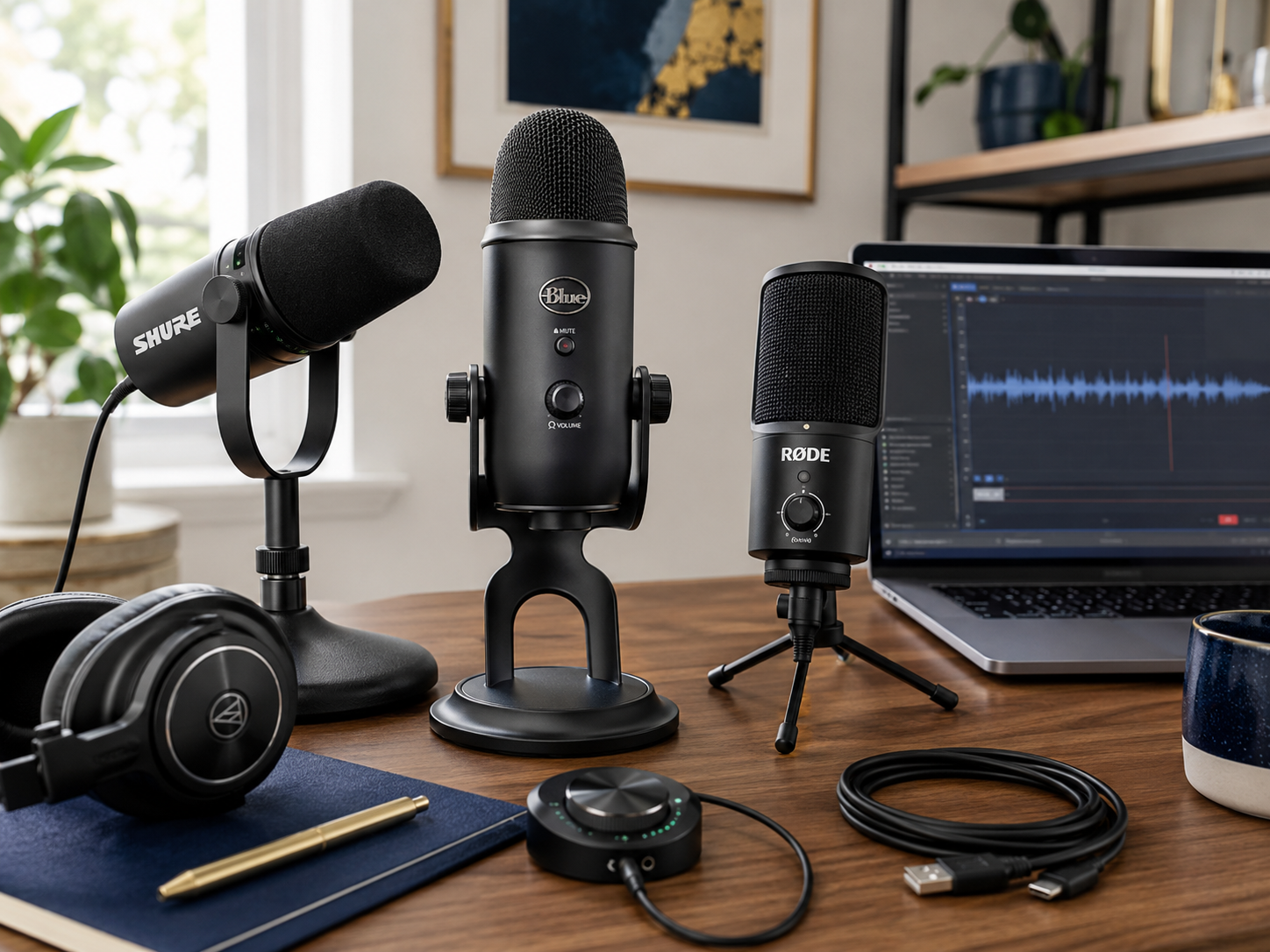
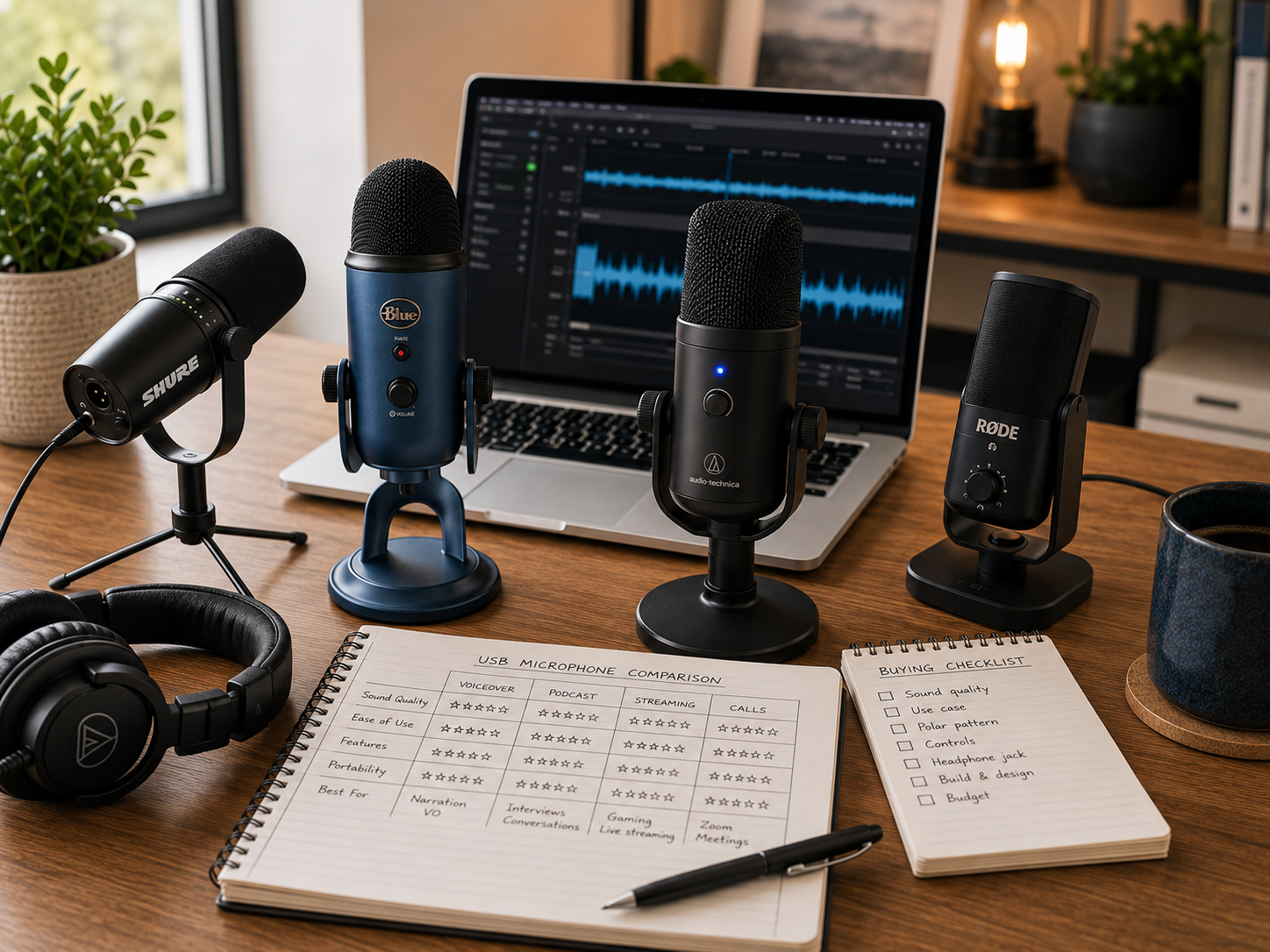
Shure MV7
The Shure MV7 became extremely popular because it balances:
That combination works especially well for podcasters and creators recording inside untreated rooms.
Blue Yeti
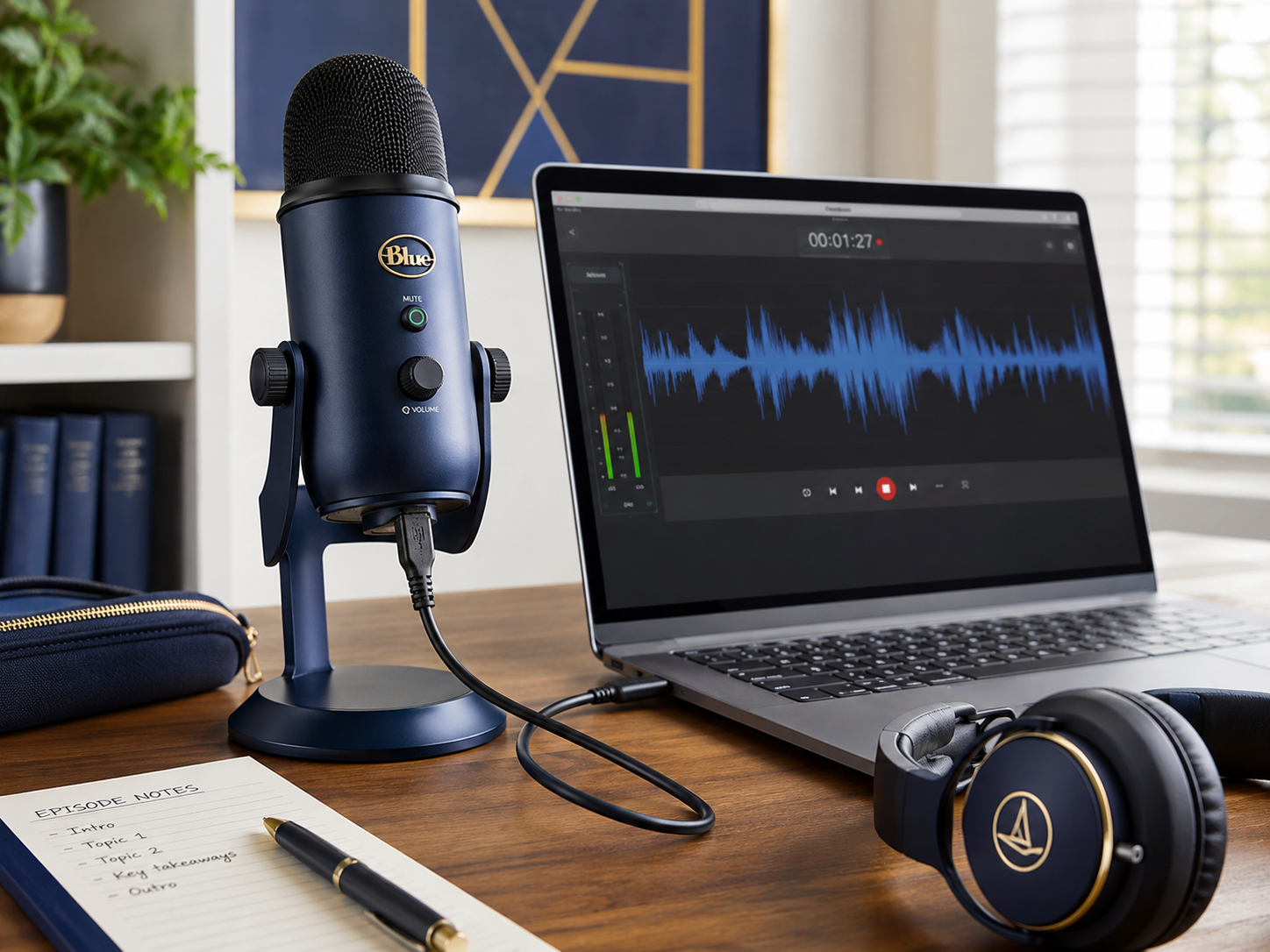
The Blue Yeti became one of the most recognisable USB microphones online partly because setup feels extremely beginner-friendly.
Many creators upgrade from laptop microphones and immediately notice:
However, reflective rooms may sound overly echoey because the microphone captures environmental detail aggressively.
Rode NT-USB+
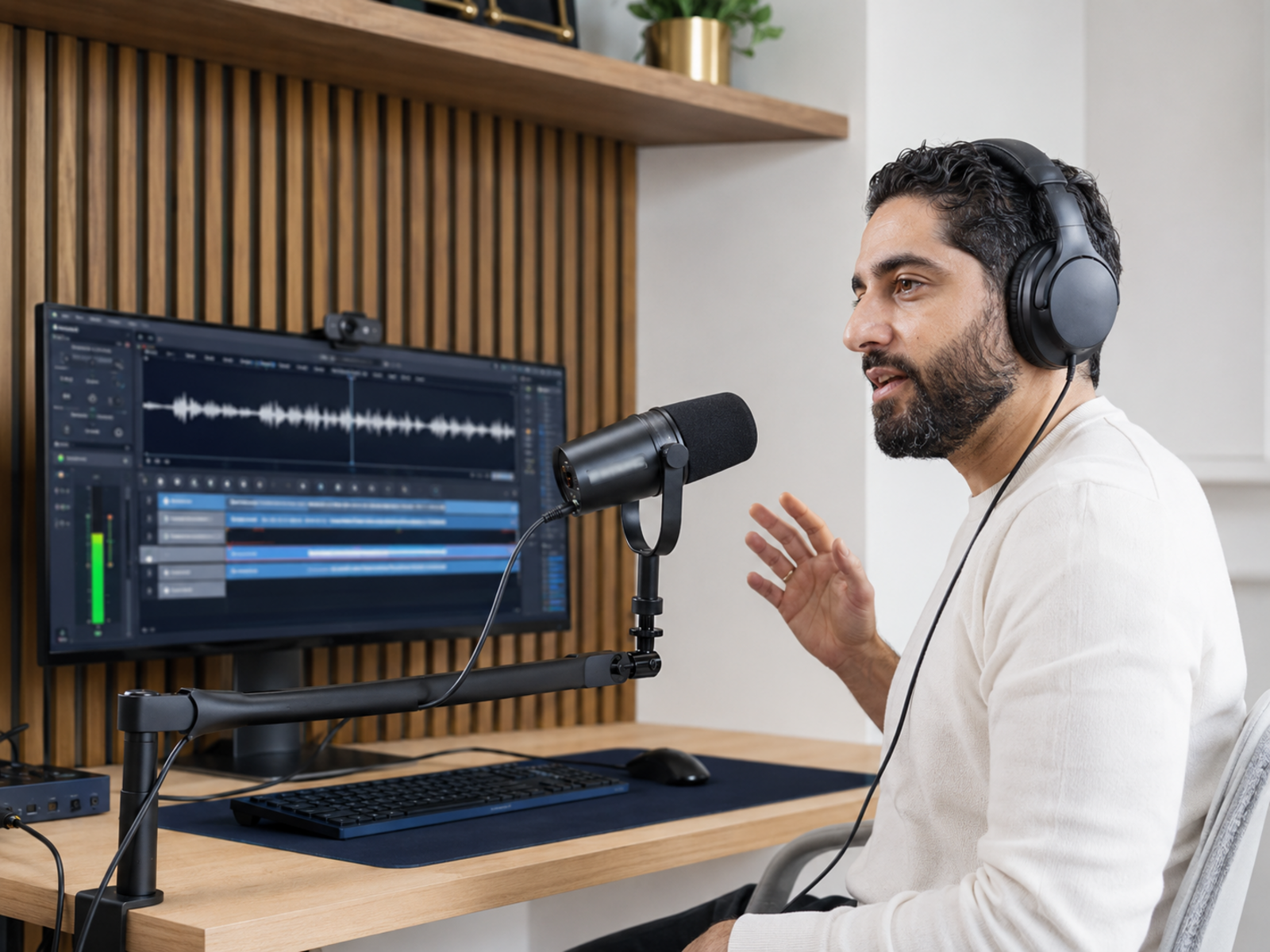
The Rode NT-USB+ appeals strongly to creators wanting cleaner vocal recordings without entering complicated XLR workflows immediately.
That balance attracts many YouTubers and educators recording tutorials from home offices.
Samson Q2U
The Samson Q2U became especially popular among beginners because it balances:
That combination makes it attractive for smaller creator budgets.
HyperX QuadCast
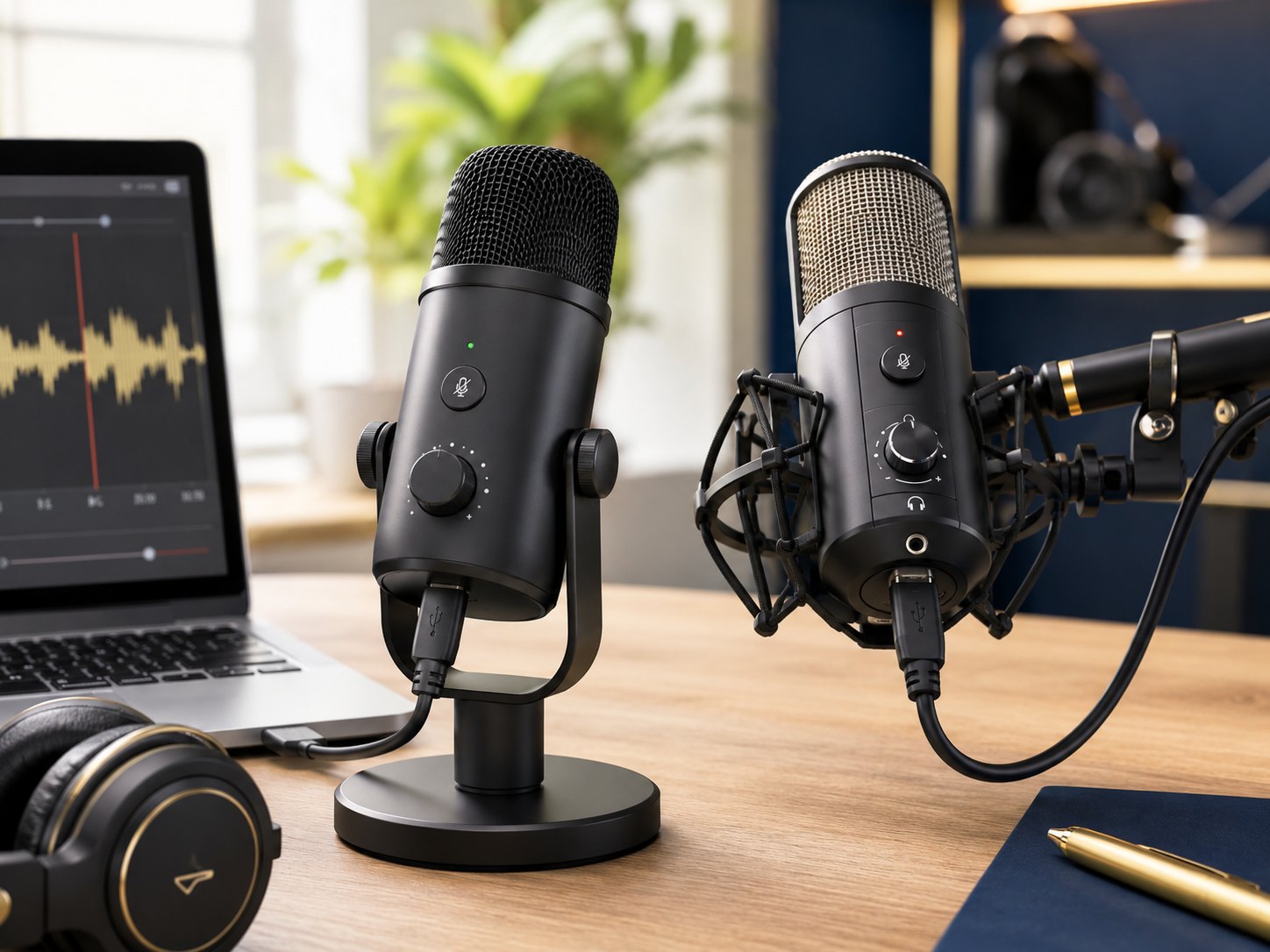
The HyperX QuadCast became popular with streamers partly because the design feels visually distinctive while still delivering respectable recording quality.
The built-in shock mount also helps reduce desk vibration noise noticeably.
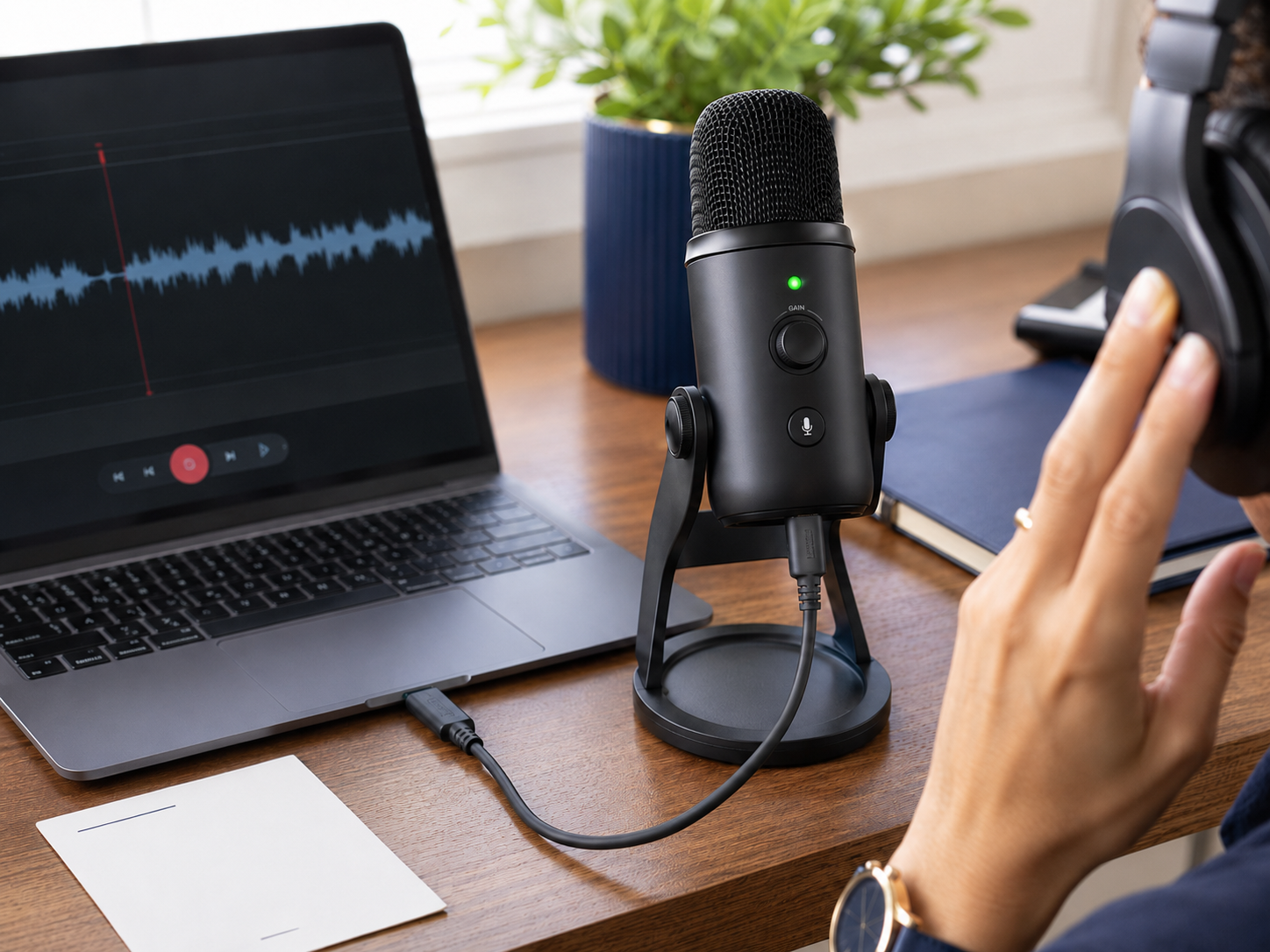
Audio-Technica ATR2100x
The ATR2100x appeals strongly to creators wanting:
It also performs well inside untreated recording environments.
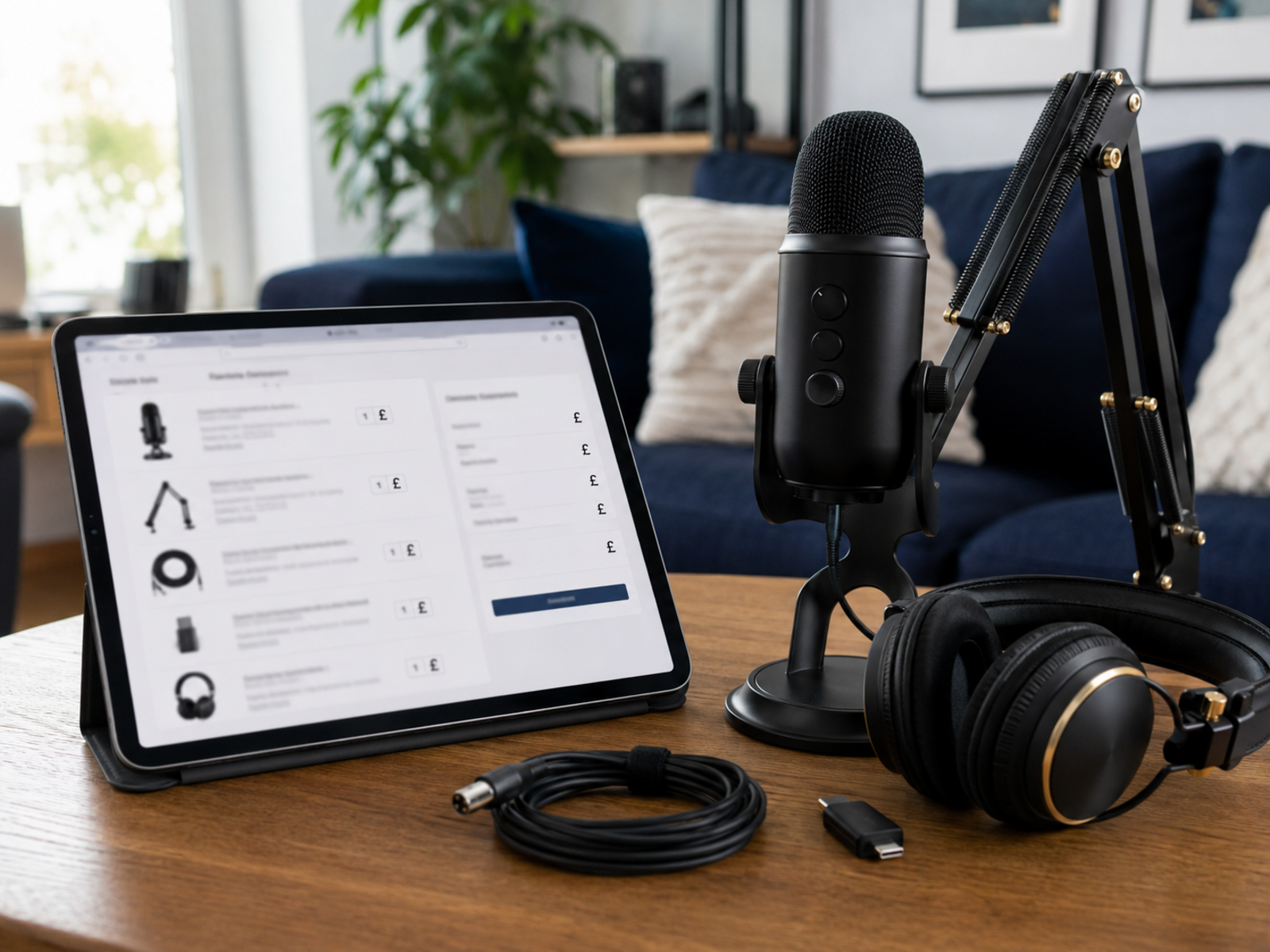
What Creators Should Actually Prioritise
Room Acoustics Matter More Than Many Specs
Many creators obsess over:
Meanwhile, untreated echo and background noise damage recordings far more heavily than minor technical differences.
Dynamic USB Microphones Usually Suit Home Offices Better
Dynamic microphones often reject:
That difference matters heavily in smaller creator spaces.
Faster Setup Usually Means More Content Published
Creators recording quickly between work sessions or family responsibilities usually benefit more from frictionless workflows than technically perfect studio setups.
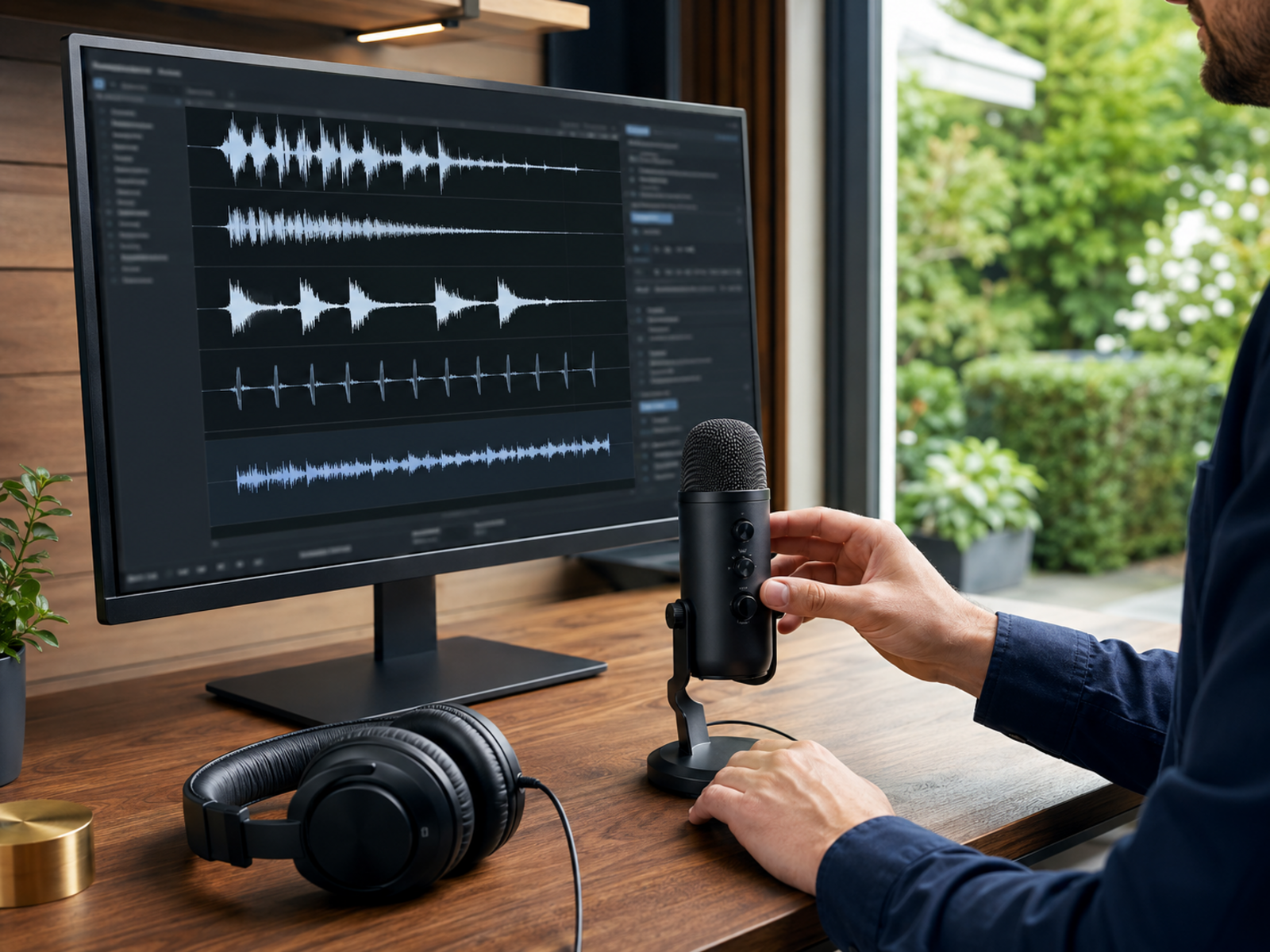
Audio Consistency Builds Audience Comfort
Best USB microphones for content creators discussions become far more useful once creators realise audiences mainly want audio that feels calm, stable, and easy following consistently.
Frequently read together: Video content setup for small business owners
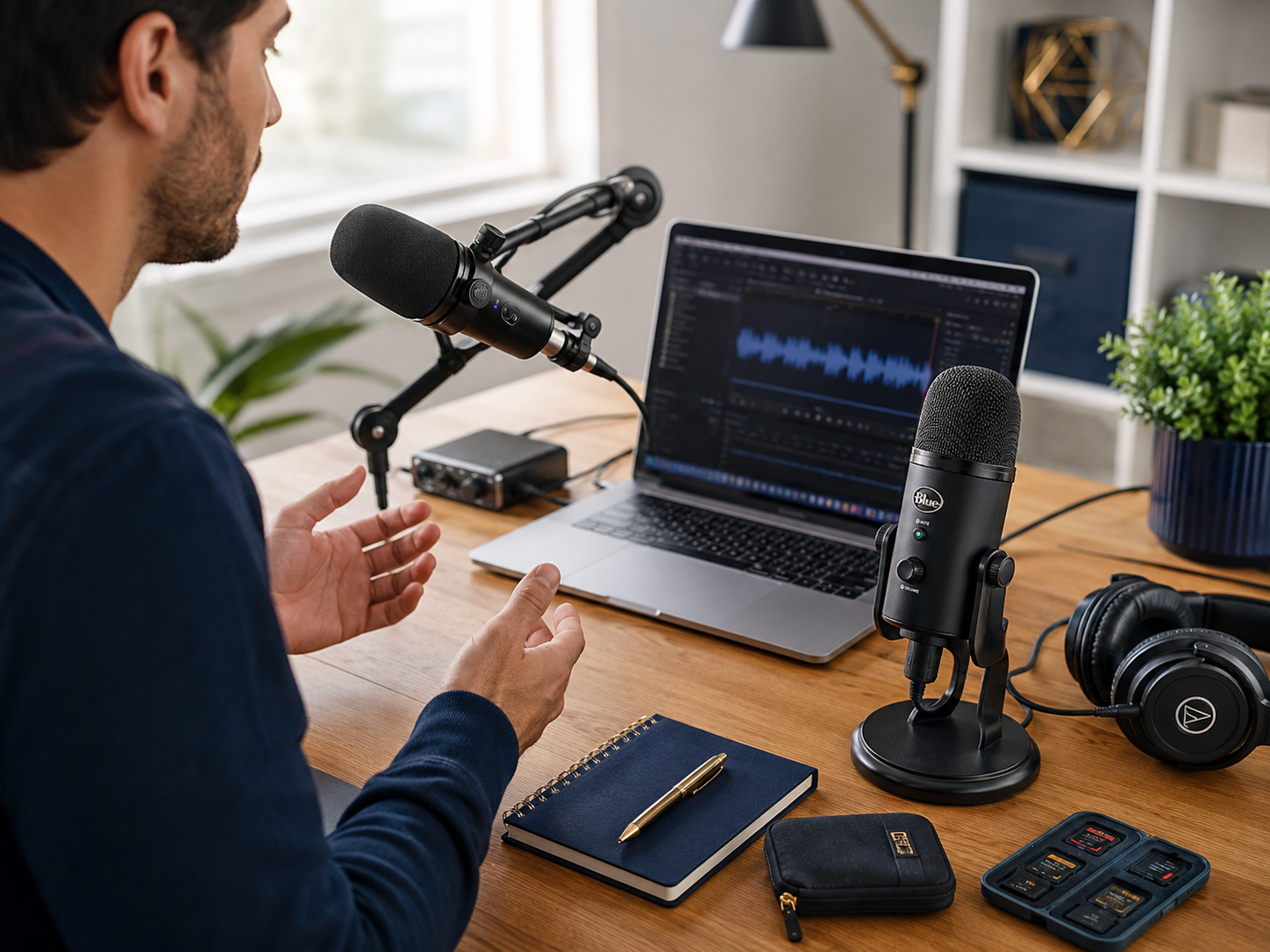
Many Creators Quietly Overspend On Audio Gear
This usually begins after watching high-end creator setup videos online.
Suddenly the creator feels pressured buying:
Meanwhile, a good USB microphone would already improve the content dramatically. Cleaner workflows usually outperform technically bloated setups that slow publishing momentum and create unnecessary operational friction. Many creators quietly stop posting because the production process itself becomes mentally exhausting maintaining every week.
Readers also enjoyed: Simple systems that make working-from-home feel lighter
Pros And Cons Of USB Microphones
Pros
Cons
Final Verdict
The best USB microphones for content creators simplify recording workflows while still delivering audio that sounds clean, professional, and trustworthy online. That balance matters heavily for creators publishing consistently from bedrooms, home offices, or smaller creator spaces. The smartest setup is rarely the most technically impressive one. A microphone reducing operational friction while producing stable, clear audio usually supports better long-term publishing consistency than complicated studio setups creators eventually stop wanting to manage.