


Top 10 Best SEO Tools for…

YouTube Shopping Affiliate in the UK:…

Shopify Canvas Explained: Can UK Beginners…

Vinted vs eBay in 2026: Fees,…

Top 10 Best Design and Thumbnail…

Top 10 Best Domain Registrars in…

Top 10 Best Email Tools for…

Top 10 Best Website Builders in…

Top 10 Best Scheduling and Productivity…

Top 10 Best AI Tools for…

Top 10 Best Web Hosting in…

Tailwind SmartPin and Pinterest Traffic: What…
The best video editing tool for a creator is the one you will open every week, not the one with the longest feature list. A free editor handles cuts, captions and music for a long time, and pro tools only pay off once you hit a real limit.
Prices checked on 9 November 2026. Where a tool bills in US dollars we show an approximate £ price with the dollar price in brackets. This guide ranks ten editors roughly from easiest to hardest.
Quick Overview
- Which video editors are free and genuinely good enough to start.
- Which editors suit fast social video, YouTube and podcasts.
- What the paid tools cost in pounds and what you get for the money.
- Where each editor falls short.
- How to choose without buying software you will not use.
Comparison Table: The 10 Best Video Editing Tools for Creators
Prices checked on 9 November 2026. £ prices for US-dollar tools are approximate, converted at the 8 November 2026 rate of US$1 = £0.75, with the dollar price in brackets. Where a page did not say whether UK VAT is added, we say so.
| # | Tool | Best for | Learning curve | Free option | Paid from (as listed) |
|---|---|---|---|---|---|
| 1 | CapCut | Fast social video | Easy | Yes | About £15 a month ($19.99, Pro) |
| 2 | Descript | Podcasts and talking-head video | Easy | Yes | About £12 a month ($16, Hobbyist) |
| 3 | Filmora | Beginners who want templates | Easy | Yes, with watermark | About £45 a year ($59.99, Advanced) |
| 4 | iMovie | Basic edits on Apple devices | Easy | Price not stated on Apple's page | Price not stated on Apple's page |
| 5 | Clipchamp | Simple edits on Windows | Easy | Yes, 1080p, no watermark | Premium comes with Microsoft 365; price not stated |
| 6 | VEED | Browser-based captions and quick edits | Easy | Yes | Price not found on its pages |
| 7 | Camtasia | Tutorials and screen recordings | Medium | No | From about £29 a year ($39, Starter) |
| 8 | DaVinci Resolve | Free pro-level editing and colour | Hard | Yes | Studio about £176 one-off ($236) |
| 9 | Final Cut Pro | Mac creators who want speed | Medium | 30-day trial | £299.99 one-off, or £12.99 a month in Apple Creator Studio |
| 10 | Adobe Premiere Pro | Industry-standard editing | Hard | 7-day trial | About £17 a month, first year only ($22.99) |
Which Video Editor Should You Start With?
Short social videos
Start with CapCut. It is quick, has templates and captions, and the free plan covers the basics.
Podcasts and talking-head video
Start with Descript. You edit by editing the transcript, which makes cutting filler words fast.
YouTube and longer videos
Try DaVinci Resolve (free) if you are willing to learn, or Final Cut Pro if you use a Mac.
Tutorials and screen recordings
Camtasia is built for screen recordings, callouts and step-by-step explainers.
The 10 Best Video Editing Tools for Creators
1. CapCut: Best for Fast Social Video
CapCut is built for short vertical video, with templates, captions and quick effects. The free plan covers basic editing, and Pro is listed at $19.99 a month (about £15) with 1,200 monthly AI credits, premium templates and 1 TB of storage. A seven-day Pro trial may be offered, depending on region. The page said displayed pricing is for reference only.

CapCut at a glance
Price: free, or about £15 a month ($19.99) for Pro. Good at: quick vertical clips, templates and captions. Best for: reels, shorts and quick social clips. Watch out for: heavy template use can make your videos look like everyone else's.
2. Descript: Best for Podcasts and Talking Heads
Descript lets you edit video and audio by editing a transcript. The free plan gives 60 media minutes a month with a 720p export, Hobbyist is listed at $16 a month (about £12) and Creator at $24 (about £18). The page did not say which price is annual and which is monthly, so confirm the billing option at checkout.
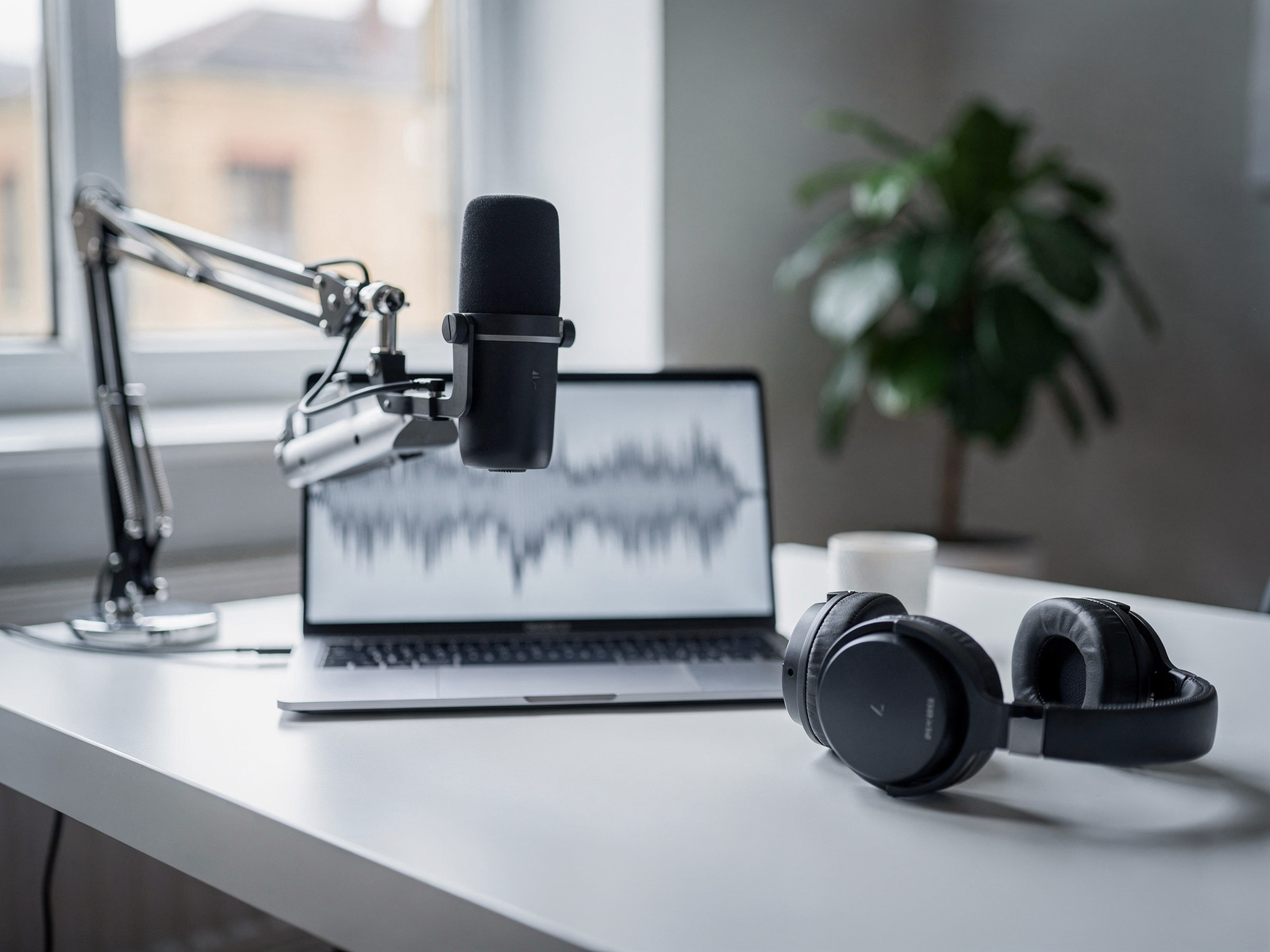
Descript at a glance
Price: free, or about £12 a month ($16) for Hobbyist. Good at: cutting filler words and rough edits from a transcript. Best for: podcasts, interviews and talking-head video. Watch out for: monthly AI credit and media-hour limits on the lower plans.
3. Filmora: Best for Beginners Who Want Templates
Filmora is a friendly editor with templates, effects and AI tools. The free version adds a watermark and limits cloud storage and AI use. The Advanced plan is listed at US$59.99 a year (about £45), with 1,000 AI credits a month and 10 GB of cloud storage. The page did not clearly state the Basic or one-off Perpetual prices. Best for: beginners who want a polished look quickly. Watch out for: the watermark on free exports.
4. iMovie: Best Editor on Apple Devices
Apple's iMovie page covers editing and sharing movies on Mac, iPhone, iPod touch and iPad. The page checked did not state a price, so check the App Store for the current price on your device. It is a good place to learn the basics, and you can move up to Final Cut Pro later. Best for: Apple users doing basic edits. Watch out for: fewer advanced controls and no Windows version.
5. Clipchamp: Best for Simple Edits on Windows
Clipchamp is Microsoft's simple video editor. Its page says no payment or download is needed for the free editor, with 1080p exports and no watermarks, while Premium features, including 4K export, come with a Microsoft 365 Personal or Family subscription. The page did not state what that subscription costs. Best for: simple edits for Windows users. Watch out for: 4K and premium features need a paid Microsoft plan.
6. VEED: Best for Browser-Based Captions
VEED is a browser editor well known for subtitles and quick edits. Its prices were not shown on the pages checked, so none are given here. Its pages say subtitles are subject to a 50-hour monthly fair-use limit, AI credits do not carry over and plans are billed per seat. Best for: captions and quick edits without installing software. Watch out for: per-seat pricing and monthly allowances.
7. Camtasia: Best for Tutorials and Screen Recordings
Camtasia is made for screen recordings, callouts and tutorials. Individual plans billed yearly are listed at Starter $39 a year (about £29), Essentials $179.88 (about £134), Create $249 (about £186) and Pro $599 (about £448). Individual plans are for one user and non-transferable.
Camtasia at a glance
Price: from about £29 a year ($39, Starter) up to about £448 a year ($599, Pro). Good at: screen recordings, callouts and step-by-step tutorials. Best for: software walkthroughs and training videos. Watch out for: a large price gap between tiers, so pick the lowest one that has what you need.
8. DaVinci Resolve: Best Free Pro-Level Editor
DaVinci Resolve is a professional editor with a very capable free version for Mac, Windows and Linux, including multi-user collaboration and HDR grading. The paid Studio version is listed at $236 one-off (about £176), reduced from $295, and adds 10-bit up to 120fps, higher resolutions, the AI Neural Engine and text-based editing.
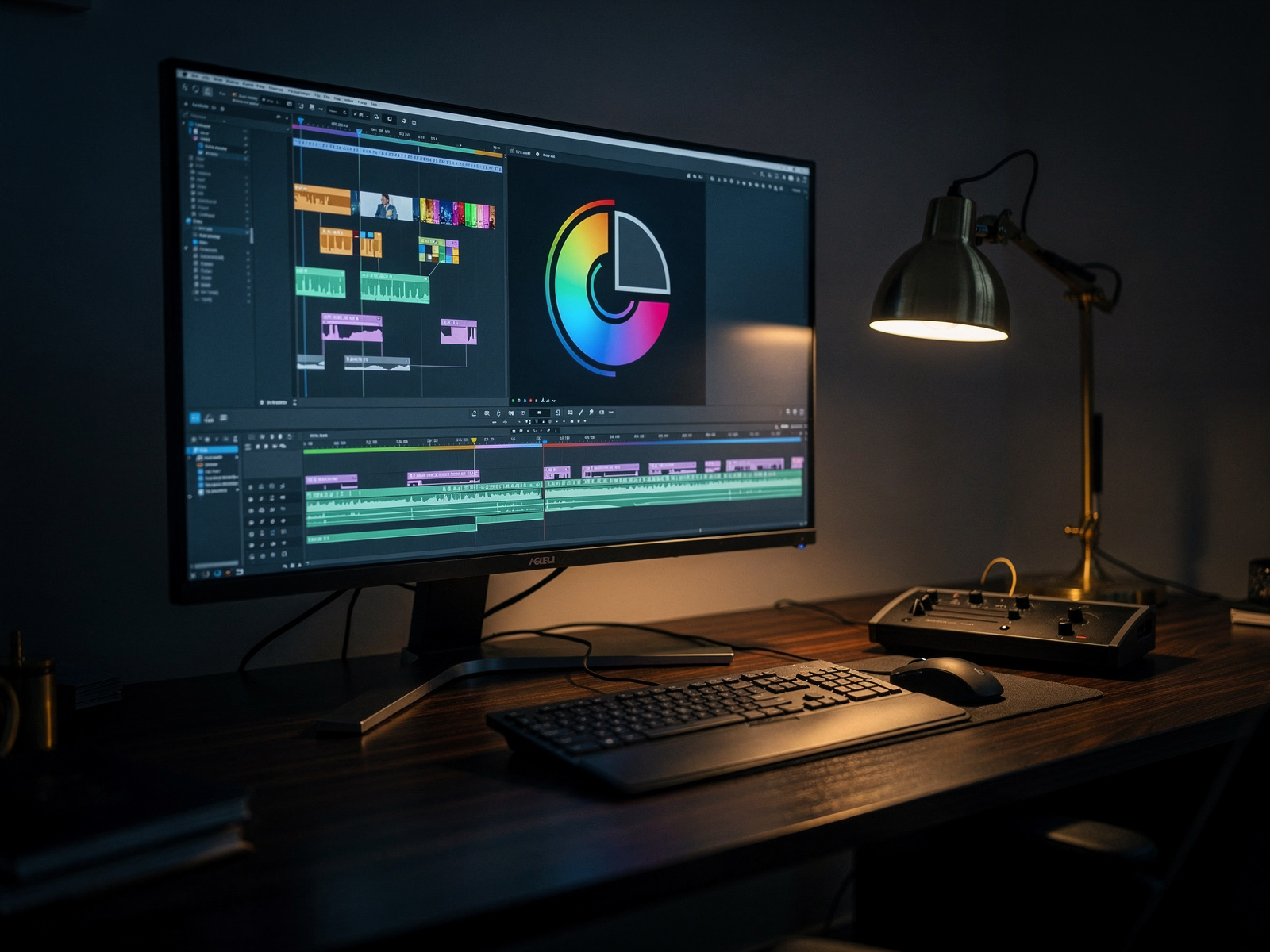
DaVinci Resolve at a glance
Price: free, or about £176 one-off ($236) for Studio. Good at: colour grading and professional editing without a subscription. Best for: creators who want pro tools and are willing to learn. Watch out for: a steeper learning curve and a computer powerful enough to run it.
9. Final Cut Pro: Best for Mac Creators
Final Cut Pro is Apple's pro editor for Mac. Apple's UK page lists £299.99 as a one-off purchase for Mac, or £12.99 a month or £129 a year inside the Apple Creator Studio subscription, which also covers iPad and has a 30-day free trial. Student and educator plans are £2.99 a month or £29 a year. Best for: Mac users who edit regularly. Watch out for: no Windows version, and the one-off price is high if you only edit occasionally.
10. Adobe Premiere Pro: Best Industry-Standard Editor
Premiere Pro is the industry-standard editor and works well with Adobe's other apps. Adobe's page listed US$22.99 a month on an annual plan billed monthly (about £17), for the first year only and for new subscribers, with a seven-day free trial. The page showed no UK price, so check Adobe's UK page for the price including VAT. Best for: creators who work with the Adobe ecosystem. Watch out for: the price after the first year and a steeper learning curve.
How We Picked
We looked at five things for every tool:
- What kind of creator it suits best.
- How hard it is to learn.
- Whether there is a useful free option.
- The paid price on the tool's own page.
- Where it falls short.
We did not rank tools by affiliate commission, and some tools here may not pay us anything. Prices change often, so confirm every figure before you buy. Where a tool's own page did not state a detail, we said so instead of guessing.
FAQ
What is the best free video editing software for creators?
DaVinci Resolve is the most powerful free option, CapCut is the easiest for social video, and Clipchamp's free editor exports 1080p with no watermark.
What is the best video editor for beginners?
CapCut, Descript and Filmora are the easiest to start with. Pick one that suits the kind of video you make.
Do I need to pay for video editing software?
Not at first. Start with a free editor and upgrade only when a specific limit costs you time.
What is the best editor for YouTube?
DaVinci Resolve and Final Cut Pro suit longer YouTube videos, while CapCut and Descript suit shorter or talking-head content.
Does editing software matter more than audio?
Usually not. Clear audio and good lighting improve a video more than a pricier editor, so fix those first.
Final Verdict
Final Verdict
The best video editing tools for creators start simple. CapCut suits fast social video, Descript suits podcasts and talking heads, and DaVinci Resolve gives you a free pro-level editor if you will learn it. Mac users should look at Final Cut Pro, tutorial makers at Camtasia, and Adobe fans at Premiere Pro. Start with a free tool, check the real price before upgrading, and spend your money on clear audio and good light before you spend it on software.