



Fitbit Edge vs Fitbit Air vs…

Autumn Comfort Food: How to Eat…

Soup Maker vs Saucepan: Which Suits…

The Best Lighting for Darker Autumn…

Create an Autumn Wind-Down Routine That…

Heated Throw vs Heated Blanket vs…

Autumn Sleep Reset: Light, Temperature and…

Dehumidifiers Explained: When Are They Actually…

A Realistic Autumn Walking Routine for…

Autumn Social Reset: Small Plans for…

Sekonda Smart Ring vs Oura Ring…

Make Your Home Cosier Without Turning…
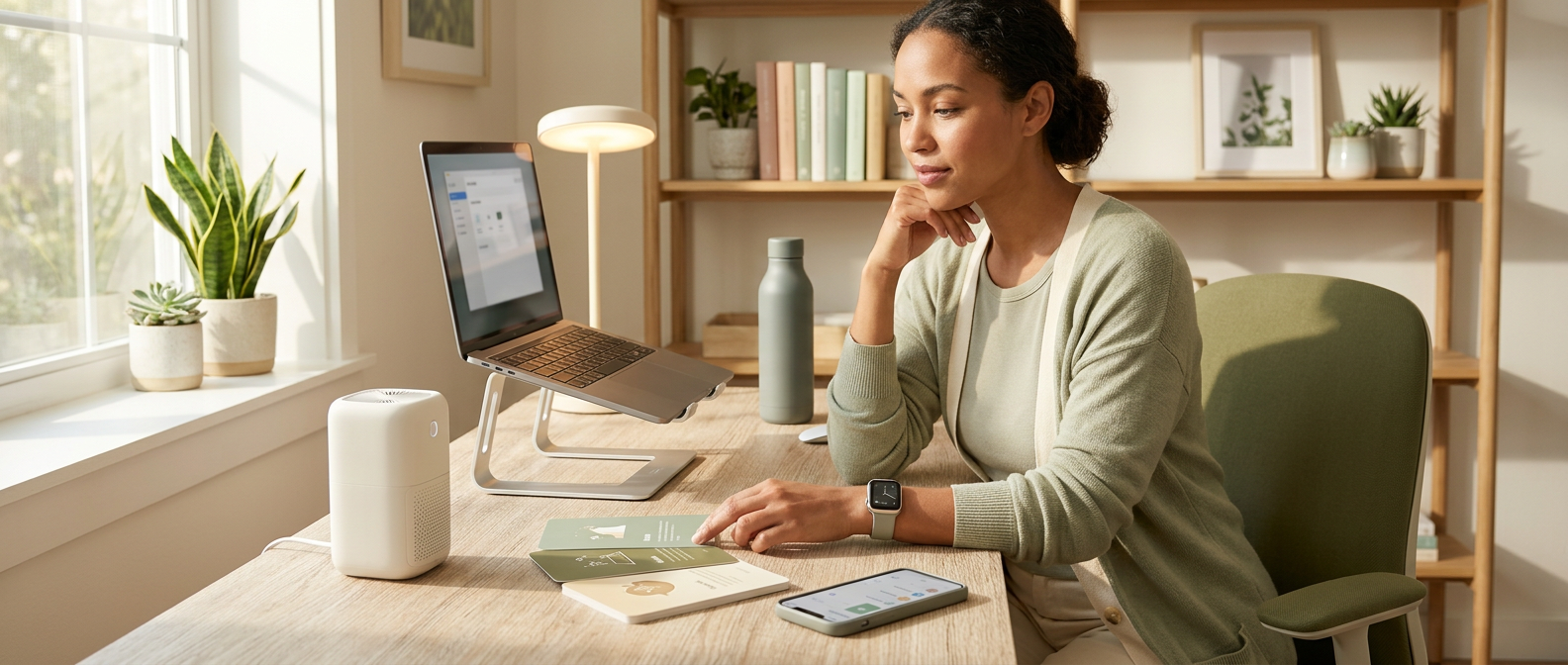
Wellness tech can go from helpful to gadget museum very quickly. One minute you want fewer tired afternoons, the next your desk has a tracker, lamp, app, speaker, fan and something blinking softly to remind you that you are still tired. The best wellness tech for home workers should not create a lifestyle upgrade project. It should solve one repeated drain in your actual workday: sitting, light, screens, air, sleep, noise or switching off.
Choose the repeated drain first.
Buy one useful fix, not ten gadgets.
Prioritise movement, light, screens or sleep.
Keep tech quiet, simple and low-maintenance.
Avoid devices that add more admin.
Make the workday calmer, not busier.
Most Relevant Audience
This article is for remote workers, home workers, desk workers, freelancers, bloggers, creators, side hustlers, parents, carers and small business owners who want practical tech for comfort, movement, focus, sleep, recovery and calmer workdays. It is especially useful if your workspace is also a bedroom corner, dining table, homework area, pet zone or tiny command centre for everyone’s unfinished life.
What Makes Wellness Tech Worth Buying
It solves a repeated drain
Good wellness tech should solve something that keeps showing up. Tired eyes every afternoon. A stiff body after calls. Harsh lighting during video meetings. Stale air in a closed room. Poor sleep after laptop evenings. If the problem is rare, wait. Repeated drains deserve the first upgrade.
It reduces a decision
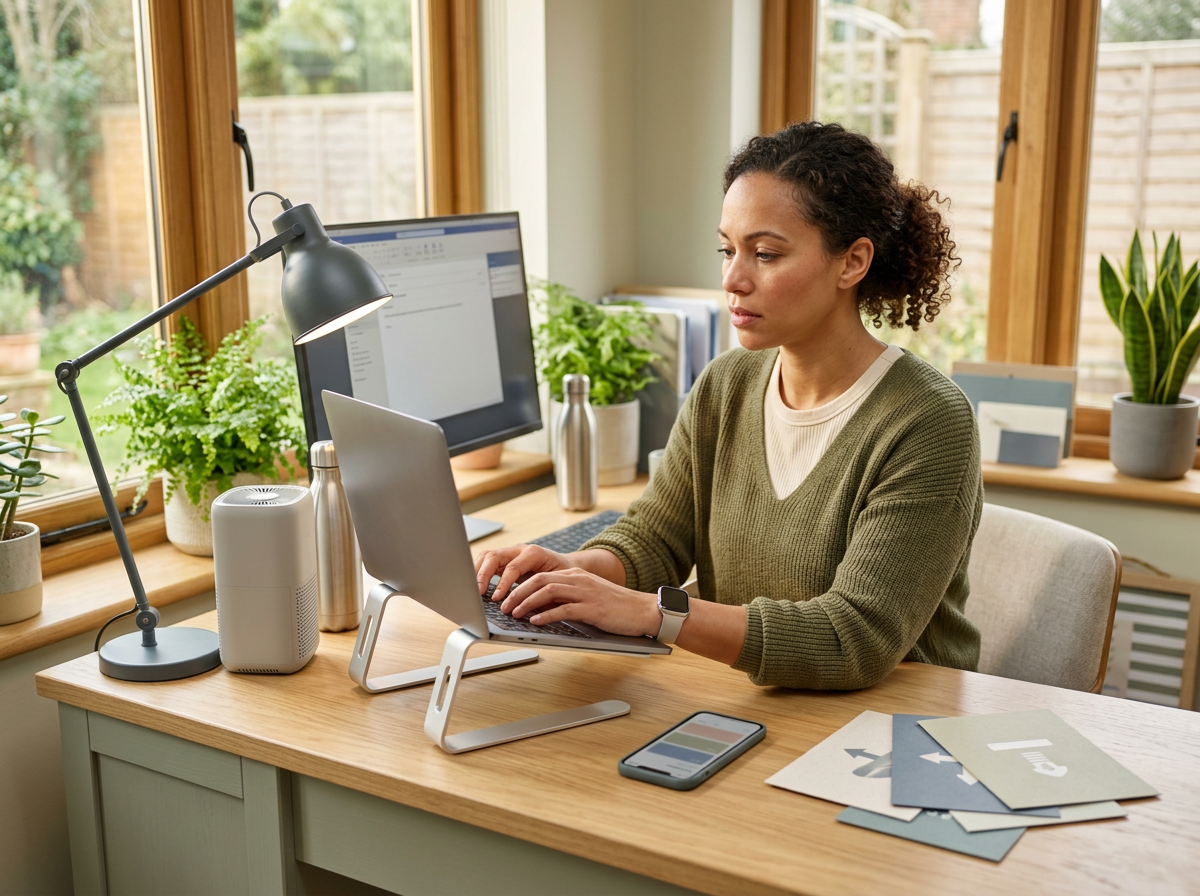
Useful tech should make the next good action easier. A tracker says move. A light softens the room. A fan improves comfort. A screen filter reduces glare. A movement app gives you something to press. If the product adds settings, charging, updates and guilt, it may be another job in disguise.
It fits the room you actually use
Your workspace may not be a perfect office. It might be a dining table before dinner takes over, a spare corner after school drop-off or a small desk beside laundry that keeps making itself known. Wellness tech only helps if it fits the real room without becoming another thing to move.
It stays low-maintenance
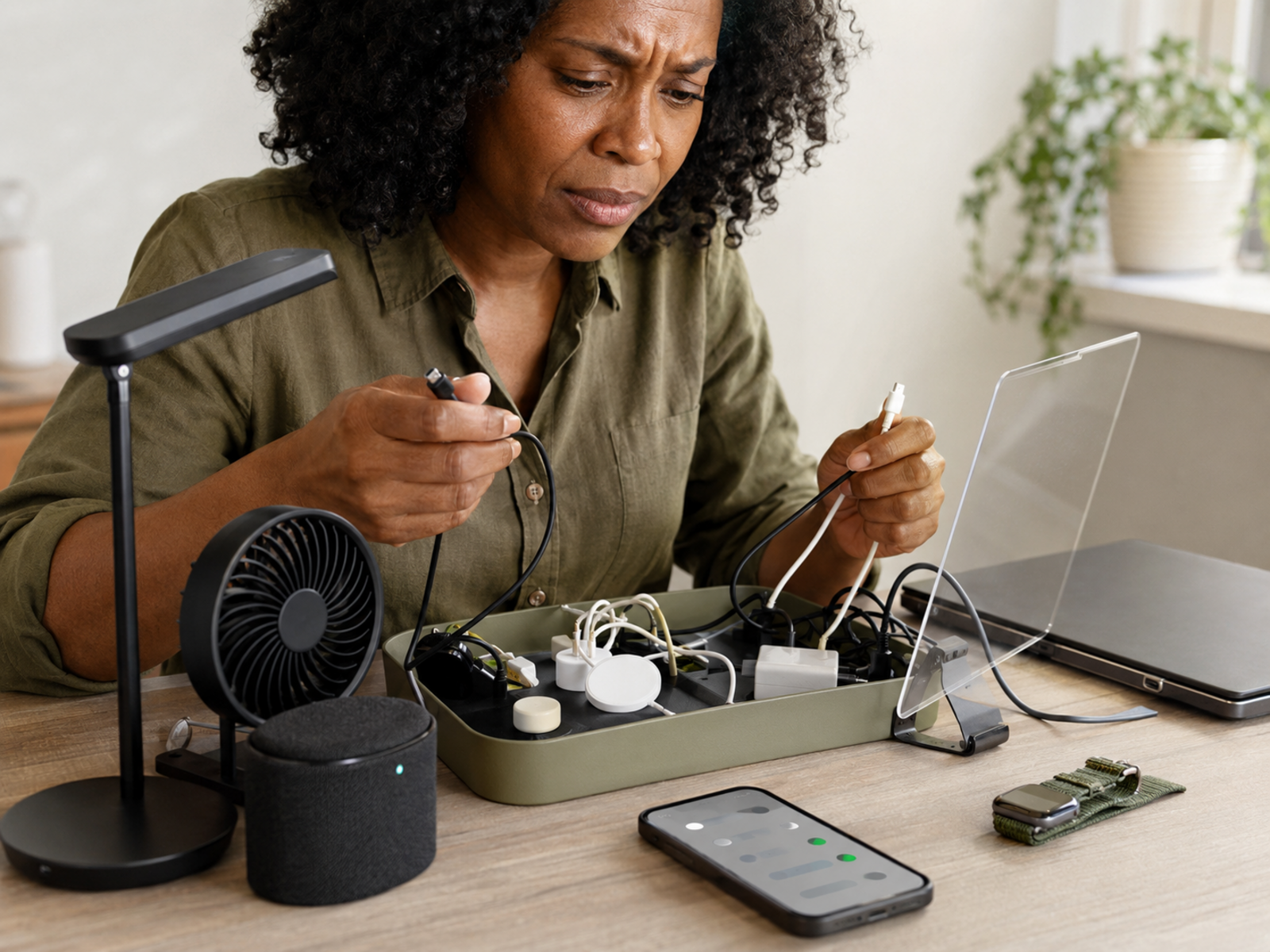
Busy home workers do not need gadgets that constantly need charging, cleaning, updating, pairing, explaining or rescuing from family members. A product earns its place when it quietly helps. If it needs too much attention, it may be wellness clutter with a nicer box.
Buy For The Drain, Not The Device
Before choosing the best wellness tech for home workers, name the drain. Is it sitting, light, screens, air, sound, sleep or switching off? That question keeps this from becoming a shopping list. You are not building a smart wellness command centre. You are removing one workday problem at a time.
Which Wellness Problem Should You Solve First
If you sit too long
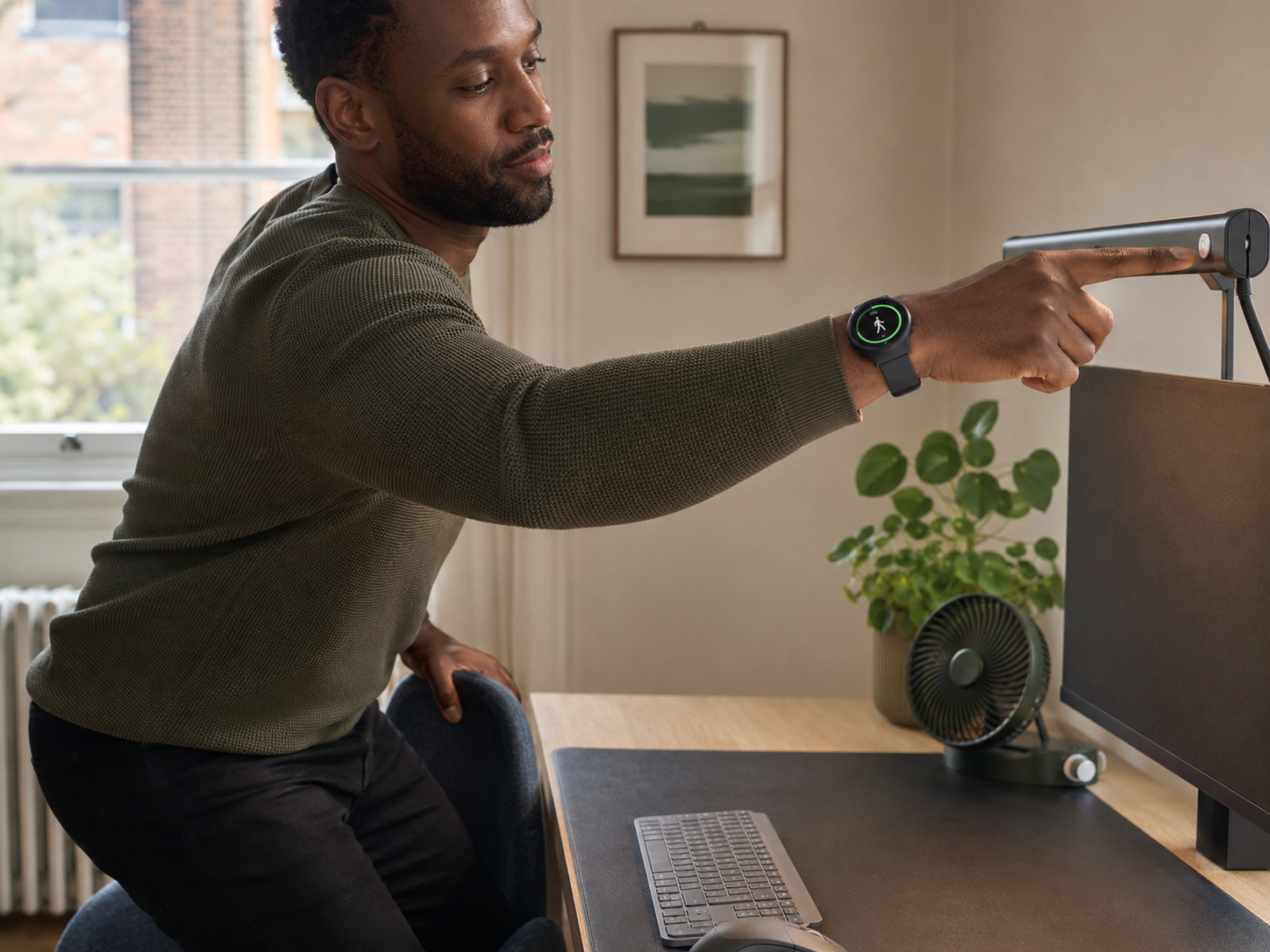
Start with movement reminders or guided movement. Fitbit Charge 6, Garmin Venu 3 and Nike Training Club can help in different ways. The first goal is not a full fitness identity. It is noticing chair mode before your back, hips and mood all submit separate complaints.
If tiredness keeps repeating
Start with sleep and recovery awareness. Garmin Venu 3 or WHOOP 5.0 can help you notice patterns around sleep, strain and recovery. This is useful if you keep blaming motivation when the real issue may be late nights, broken rest, overloaded days or no recovery space.
If screens drain your eyes
Start with screen comfort and light. Ocushield, FORITO Screen Protector and Logitech Litra Glow can help reduce glare, harshness or poor desk lighting. Also check brightness, screen height and evening habits. No product can fully rescue you from fourteen tabs and bedtime email.
If the room feels stale or noisy
Start with airflow or sound. MeacoFan 360 Personal Air Circulator can help with stuffy corners and warm rooms. JBL Charge 5 can help if background audio makes the room feel less tense. Choose these only if air or sound is the repeated drain, not because the gadget looks useful.
Choose One Fix Before Building A System
The best first upgrade is usually the one that solves the problem you complain about most often. Movement first if you sit too long. Light first if the room feels harsh. Screen comfort first if your eyes feel cooked. Airflow first if the room feels stale. Sleep tracking first if tiredness keeps returning.
Best Wellness Tech for Home Workers
The Product Is Only Useful If It Changes The Day
A tracker helps when you stand up. A light helps when it changes the room’s mood. A fan helps when you actually run it. A speaker helps when sound creates a calmer cue. Nike Training Club helps when you open a short session. The product is not the wellness plan. It is the prompt.
Tech That Helps You Switch Off
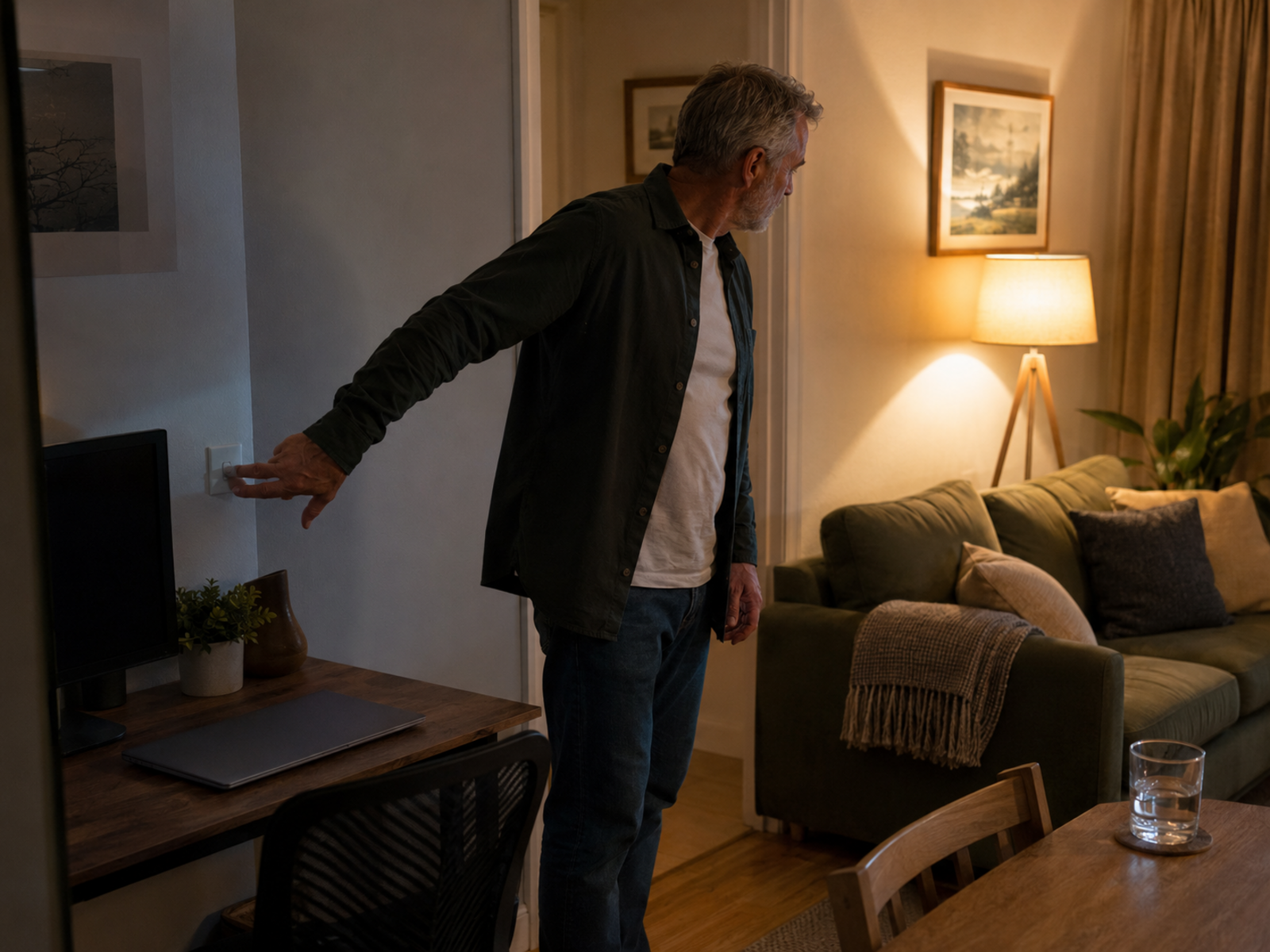
Use lighting as a finish cue
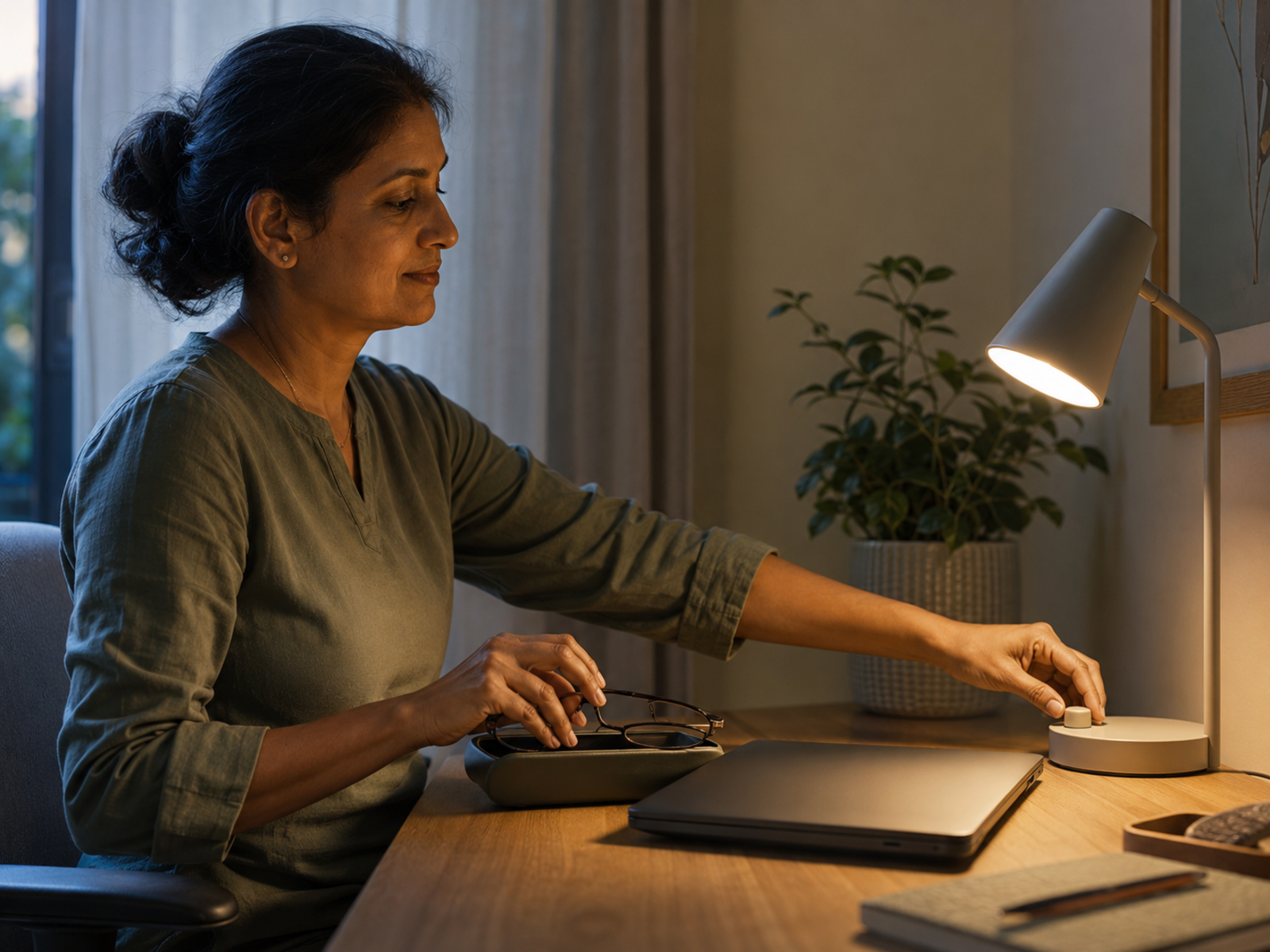
A lighting change can tell your brain the workday is shifting. Dim the desk light, change the room tone or turn off the harsh work light after your final task. This is useful when your desk is in a shared room and cannot physically disappear after hours.
Use sound to change the room
A speaker can help shift the atmosphere after work. Calm music, low background audio or a familiar playlist can make the room feel less like a task list. This is especially useful after school pick-up chaos, dinner noise or a work block that ended without any real pause.
Use trackers as pattern clues
Wearables can show whether poor sleep, low movement or high strain keeps repeating. Use that information to make one small adjustment. Sleep earlier once. Walk after lunch. Take a lighter evening. If the tracker only tells you that you are tired in higher resolution, simplify how you use it.
Use movement apps before stiffness wins
A free app such as Nike Training Club can help you move before the day settles into your shoulders. Choose a short stretch, mobility session or beginner strength workout. Ten useful minutes between tasks can be better than waiting for a perfect hour that never arrives.
Why This Matters If You Work From Home
If movement is the main drain, a fitness tracker guide can help you choose a wearable that nudges without becoming another wrist-based inbox. If evenings are the problem, screen habits and lighting boundaries matter more than buying another gadget, which is where Desk Worker Sleep Problems And Evening Screen Habits fits naturally.
Common Wellness Tech Buying Mistakes
Buying because the product looks calming
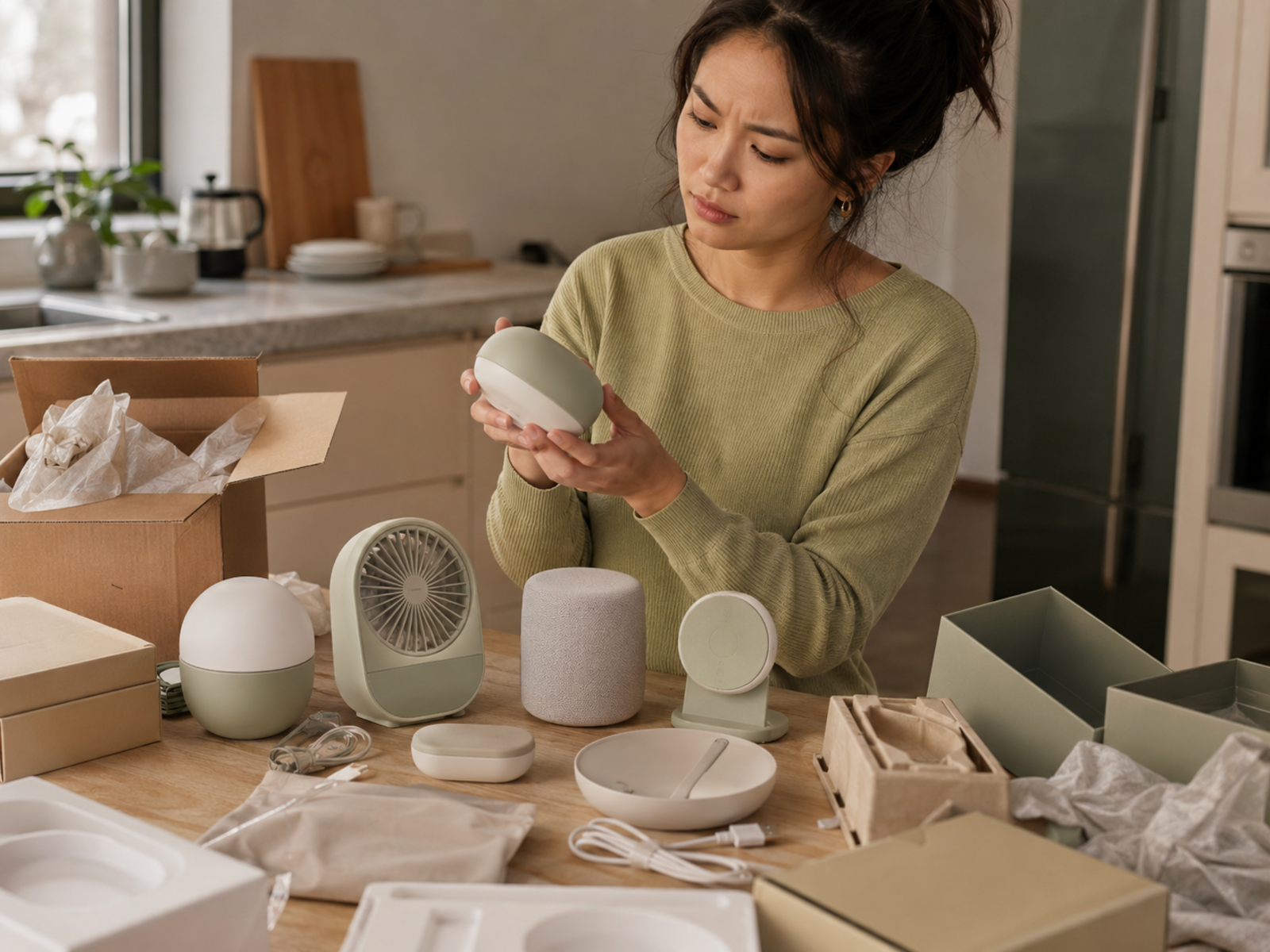
A product can look calm and still add clutter. Soft colours, rounded edges and gentle app screens do not guarantee usefulness. Buy because it solves a repeated workday problem, not because the product photo looks like it has never had a deadline.
Buying several fixes at once
Too much wellness tech can become digital clutter. A tracker, light, app, speaker, fan and screen filter all at once may create more decisions, cables and settings. Start with one fix. Let the benefit prove itself before adding another.
Ignoring maintenance
Filters, charging, updates, subscriptions, batteries and app settings all matter. A product that needs too much care may not suit a packed home-working life. Before buying, ask how often it needs attention and whether you realistically want to give it any.
Expecting tech to fix boundaries
Tech can support a better workday, but it cannot create boundaries alone. A light can cue shutdown. A tracker can remind you to move. A speaker can soften the room. You still need habits that stop work from spreading across every hour and surface.
FAQ
What is the best wellness tech for home workers?
The best wellness tech for home workers depends on the repeated problem you want to solve. Fitbit Charge 6 helps with movement reminders, Garmin Venu 3 and WHOOP 5.0 support recovery awareness, Govee lighting helps atmosphere, and Ocushield or FORITO can support screen comfort.
What tech helps remote workers feel better?
Remote workers may benefit from fitness trackers, recovery wearables, better desk lighting, screen comfort tools, quiet airflow, calming audio and movement apps. The best choice is the product that solves a repeated drain, such as sitting too long, harsh light, tired eyes or poor sleep.
Are fitness trackers useful for home workers?
Fitness trackers can be useful for home workers because they make sitting blocks, step patterns, sleep and movement easier to notice. They work best when reminders are treated as practical cues rather than another set of numbers to manage.
What wellness tech helps with sleep and recovery?
Garmin Venu 3 and WHOOP 5.0 can help with sleep, recovery and strain awareness. Govee RGBIC LED Strip Light 5m may also support evening wind-down cues by softening room lighting. Screen comfort tools can help if evening screen use feels too harsh.
Can smart lighting improve a home office?
Smart lighting can improve a home office if harsh light, gloomy corners or poor evening atmosphere make the room feel harder to work in. It can support focus during the day and create a clearer work-to-evening transition after hours.
What should I buy first for a healthier workday?
Buy first for the problem that repeats most often. Choose a tracker if you sit too long, lighting if the room feels harsh, screen comfort if your eyes feel tired, a fan if the room feels stale or warm, and a movement app if you need simple guided sessions.
Final Verdict
The best wellness tech for home workers is not a full desk of supportive gadgets. It is the right tool for the repeated drain that keeps making your workday harder: sitting, light, screens, air, sleep, sound or switching off.
You do not need a wellness gadget museum. Pick the problem first, choose one useful fix and keep the setup simple. The right tech should make the day easier on your body, calmer on your brain and less likely to end with you feeling gently microwaved by screens.