



Host a Virtual Halloween Party: Audio,…

20 Minimalist Halloween Nail Ideas for…

Can Free Affinity Help You Build…

12 Lower-Sugar Halloween Treat Swaps Worth…

Can Hostinger AI Builder Launch a…

A 5-Step Screen-Free Autumn Reading Ritual…

Plug-In Solar Panels UK: Are They…

15 Last-Minute Zoom Halloween Costumes for…

Meta One Explained: Is the Subscription…

10 Low-Fuss Dog Halloween Ideas: Comfort…

Plaud One Explained: Can AI Earbuds…

9 Gothic Dinner Table Ideas for…

Namecheap vs Dynadot

7 UK Ghost Tours and How…

Convertkit Vs Beehiiv

Do You Really Need a £420…

Bluehost vs Siteground

15 Gentle Spooky Autumn Books to…

Namecheap review

How to Remove Halloween Face Paint…
Most creators think, "I'll organise my files later." The problem is that content has a habit of multiplying faster than organisation systems. One blog post becomes fifty. One video becomes five hundred. One content folder quietly becomes a digital junk drawer nobody wants to open. Before long, finding the correct file becomes a project in itself. The value of cloud storage is not simply storing files. It is knowing exactly where they are when you need them.
Quick Overview
In this guide you will learn:

Organised digital workspace supporting content creation and file management.
Explore the full category: Best External SSDs For Creators
Why Cloud Storage Matters More Than Most Creators Realise
Content Grows Faster Than Expected
Several creators start with a handful of files before discovering they have accumulated thousands within a few years.
Organisation Saves Real Time
Finding files quickly often saves more time than creating them.
Collaboration Becomes Easier
Sharing projects, drafts, videos, and assets becomes significantly simpler when everything lives in one accessible location.
Backups Reduce Stress
Knowing files exist somewhere other than a laptop creates valuable peace of mind.
Best Cloud Storage For Bloggers And Creators
Google Drive
Google Drive includes 15GB of free storage, real-time collaboration, version history, Google Docs integration, and scalable Google One plans up to multiple terabytes.
Best For
Bloggers, content planners, and teams already using Google Workspace.
Limitation
The free storage allowance fills quickly once video files enter the workflow.

Dropbox Plus
Dropbox Plus includes 2TB of storage, file recovery, version history, Smart Sync functionality, and strong cross-platform synchronisation.
Best For
Creators regularly sharing projects with editors, clients, and collaborators.
Limitation
Pricing is often higher than competing services offering similar storage capacity.

Microsoft OneDrive
OneDrive integrates directly with Microsoft 365, includes file versioning, Windows integration, and typically provides 1TB of storage with many Microsoft 365 subscriptions.
Best For
Creators already using Word, Excel, PowerPoint, and Windows-based workflows.
Limitation
The experience feels less compelling outside the Microsoft ecosystem.

iCloud+
iCloud+ provides seamless synchronisation across Apple devices, automated backups, file sharing, and storage plans ranging from 50GB upwards.
Best For
Apple users wanting simple device integration with minimal setup.
Limitation
Cross-platform support is weaker than several competing services.

pCloud
pCloud offers traditional subscriptions alongside lifetime plans, client-side encryption options, media streaming capabilities, and storage plans up to several terabytes.
Best For
Creators seeking long-term storage without ongoing monthly costs.
Limitation
Some advanced security features require additional payment.

Best Cloud Storage For Large Video Files
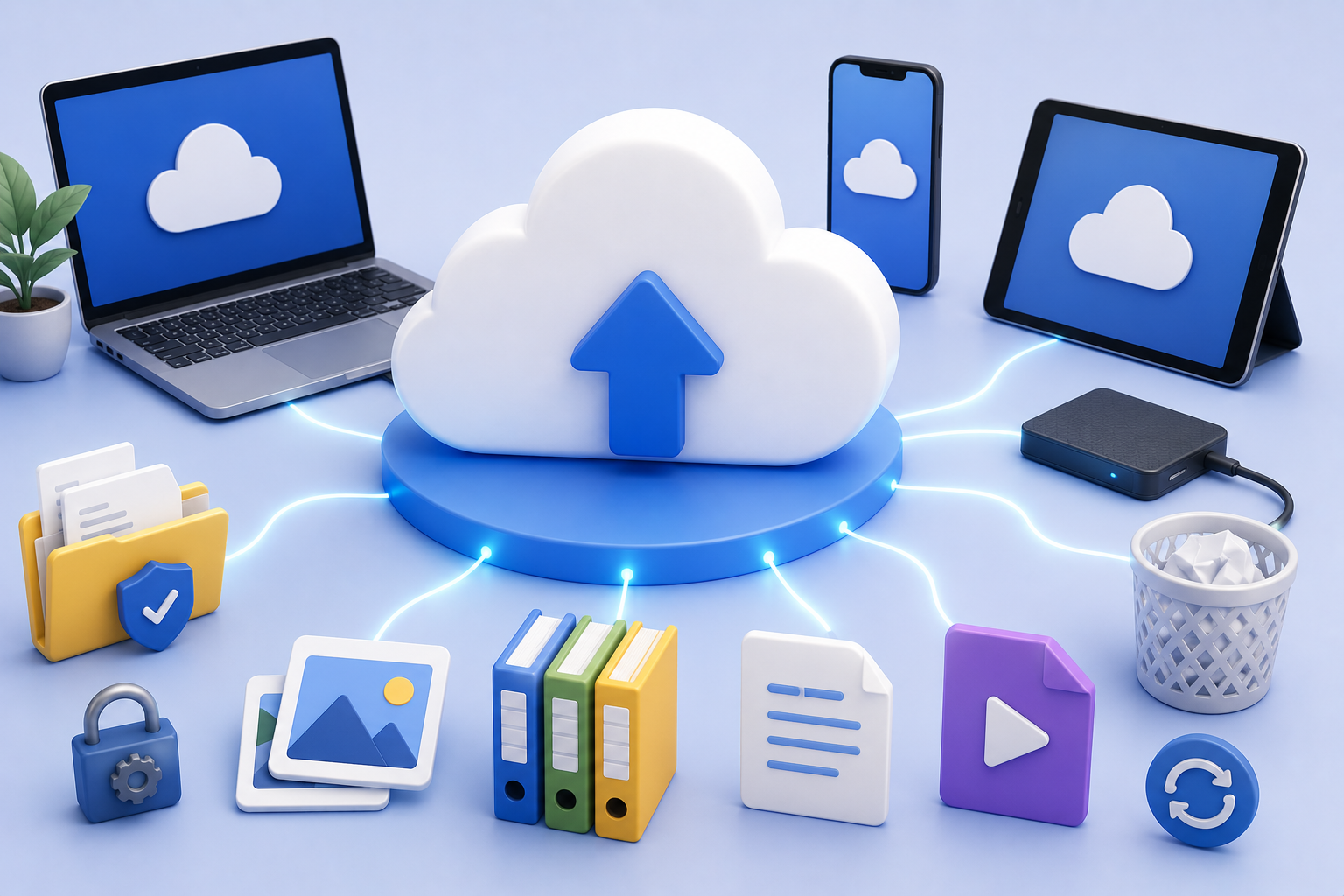
Video creators have very different storage requirements from bloggers. A single 4K project can consume tens or even hundreds of gigabytes before editing is complete. Raw footage, project files, exports, graphics, audio, and backups all accumulate rapidly. Dropbox Plus, Google Drive, and pCloud often stand out because they provide scalable storage plans, dependable synchronisation, and support for large file libraries. Creators handling regular video production should usually prioritise storage capacity and upload reliability over minor feature differences.
Related guide: Best External SSDs For Creators
Cloud Storage Vs External Hard Drives
Cloud Storage Improves Accessibility
Files remain available across multiple devices and locations.
Hard Drives Provide Local Control
Several creators prefer maintaining physical ownership of important files.
Both Often Work Best Together
Cloud services and external drives frequently complement each other rather than compete.
Redundancy Reduces Risk
Multiple backups usually create stronger protection than relying on a single solution.
Best Cloud Storage For Collaboration
Shared Access Matters
Team members can work from the same files without endless email attachments.
Version History Prevents Disasters
Several platforms allow users to restore previous versions after mistakes.
Dropbox Excels Here
Its file-sharing and synchronisation capabilities remain major strengths.
Google Drive Performs Well Too
Real-time collaboration makes it particularly useful for content planning and editing.
Best Budget Cloud Storage
Google Drive Delivers Strong Value
The combination of free storage and productivity tools remains attractive.
OneDrive Rewards Microsoft Users
Many Microsoft 365 subscribers already receive substantial storage allowances.
pCloud Reduces Long-Term Costs
Lifetime plans appeal to creators planning for years rather than months.
Features Should Match Needs
The cheapest service is not always the best value.
Best Cloud Storage For Apple Users
Integration Creates Convenience
Automatic synchronisation across Apple devices simplifies daily workflows.
iCloud+ Feels Native
Several users appreciate not managing additional software.
Device Backups Become Easier
Photos, files, and settings remain synchronised automatically.
Simplicity Often Wins
Many Apple users prioritise convenience over maximum flexibility.
Best Cloud Storage For Windows Users
OneDrive Integrates Naturally
The service fits comfortably into many Windows-based workflows.
Microsoft 365 Adds Value
Subscribers often benefit from bundled storage.
Collaboration Remains Strong
Sharing and synchronisation features work well for many business users.
Familiar Tools Improve Adoption
Existing workflows frequently influence long-term success.
Backup And Security Features
The best cloud storage platforms do more than simply store files. Version history, file recovery, account protection, encryption, synchronisation, and backup tools all contribute to reliability. These features rarely feel exciting while everything works correctly. Their value becomes obvious after accidental deletion, device failure, theft, corruption, or human error. Strong backup systems help ensure content creation setbacks remain inconveniences rather than disasters.
Readers also enjoyed: Best Portable Monitors For Home Business
How Much Storage Do You Need?
Bloggers Often Need Less
Text, images, and documents generally consume relatively little space.
Video Creators Need More
Raw footage and project files expand storage requirements dramatically.
Growth Changes Requirements
Several creators underestimate future storage needs.
Buy For Tomorrow Too
The best plan often accommodates future growth rather than current usage alone.
Pros And Cons Of Cloud Storage
Pros
Cons
FAQs
What is the best cloud storage service for bloggers and creators?
Google Drive remains one of the strongest overall options because it balances storage, collaboration, accessibility, and productivity tools.
How much cloud storage do content creators need?
Requirements vary significantly. Bloggers may need relatively little space while video creators often require hundreds of gigabytes or more.
Is cloud storage better than an external hard drive?
They solve different problems. Cloud storage improves accessibility and collaboration while hard drives provide physical local backups.
Which cloud storage service is best for large video files?
Dropbox Plus, Google Drive, and pCloud are popular choices among creators handling larger media libraries.
Is paid cloud storage worth it for creators?
For several creators, yes. The combination of backups, accessibility, collaboration, and organisation often justifies the cost.
Final Verdict
The value of cloud storage is not storing files. It is knowing exactly where they are when you need them. Content businesses eventually reach a point where organisation becomes just as important as creation. The more projects, assets, articles, videos, and client work you produce, the more valuable a dependable storage system becomes.


