



Paper Planner vs Task App: Which…

Sleep Earplugs: Simpler Sleep, Chosen and…

VYVE Health Explained: Can One £16.99…

Too Good To Go M&S Bakery…

Sunrise Alarm Clocks Compared: Are They…

Fitbit Edge vs Fitbit Air vs…

Autumn Comfort Food: How to Eat…

Soup Maker vs Saucepan: Which Suits…

The Best Lighting for Darker Autumn…

Create an Autumn Wind-Down Routine That…

Heated Throw vs Heated Blanket vs…

Autumn Sleep Reset: Light, Temperature and…
Email overload and energy drain are connected because the inbox is not just where messages arrive. It is a stream of decisions, expectations, reminders, tasks, tone-checking and interruptions. One email asks for a reply. Another hides a deadline. Another sounds simple but needs ten minutes of context. Before the real work begins, your attention has already been spent. The goal is not to defeat email forever. It is to stop your inbox deciding your mood, schedule and energy all day.
Email drains attention quickly
Every message carries decisions
Constant checking breaks focus
Unanswered emails create mental load
Templates reduce repeat thinking
Filters lower inbox noise
Boundaries protect energy

Most Relevant Audience
This guide is for remote workers, home workers, freelancers, bloggers, creators, side hustlers, parents, carers and small business owners who feel mentally tired from constant inbox pressure.
It is especially useful if your day keeps getting shaped by unfinished replies, vague requests, client follow-ups, school messages, receipts, newsletters, alerts and the quiet feeling that you are always supposed to be reachable.
Why Email Feels More Tiring Than It Looks
It interrupts the work before the work
Email often arrives before you have chosen the shape of your day.
You open the inbox to check one thing, then leave with five new concerns, two replies to send and a task you did not plan for. That makes email feel productive while quietly rearranging your priorities.
It carries hidden decisions
A message may look short, but still ask for judgement.
Should you reply now? Is this urgent? What tone is needed? Do you need a document? Should this become a task? A short email can still carry a surprising amount of thinking.
It creates attention switching
Checking email all day forces your brain to keep changing lanes.
You move from writing to replying, from planning to decoding, from focused work to tiny admin. The cost is not just time. It is the energy required to keep restarting.
It keeps unfinished loops open
Unanswered emails often stay in your head because they represent open loops.
Even if you close the inbox, part of your brain may keep tracking the reply you owe, the follow-up you need, or the message you are avoiding because it needs care.
It mixes importance with noise
Email puts important requests beside receipts, newsletters, alerts and updates that do not need immediate attention.
That mix is tiring because your brain has to sort value from noise repeatedly. A calmer inbox starts by reducing how much sorting you do in real time.
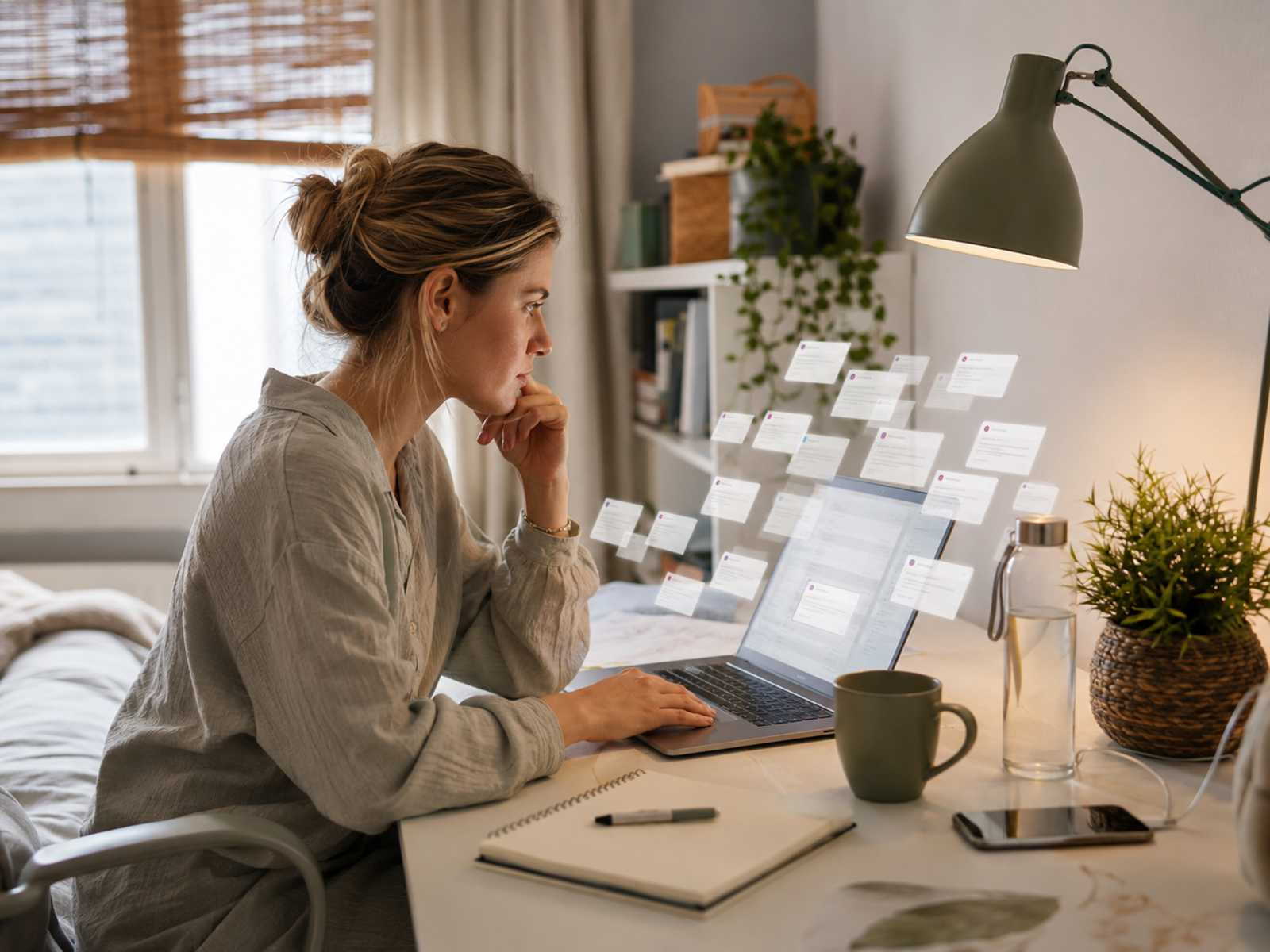
This guide is about why email drains attention and how to make the inbox less dominant. Email automation can help when messages repeat, but automation is not the main fix here. Start with the bigger question: why is email getting to decide your focus, mood and priorities before the real work begins?
What Makes Email Overload Worse
Inbox checking as a habit
Frequent checking can become a reflex instead of a planned action.
You check because you feel uncertain, bored, stuck or worried something has changed. The inbox then trains your attention to keep looking for the next interruption.
Vague requests
Vague emails are draining because they require translation.
A message like “Can you look at this?” may hide a deadline, a task, a decision or a problem. You spend energy figuring out what is being asked before you can respond.
Social pressure
Email carries social expectations. You may worry about sounding slow, cold, rude, unclear or too brief.
That emotional load is real, especially for freelancers, creators and small business owners whose income can depend on communication feeling reliable.
Too many inbox jobs
For many home workers, email becomes the control room for everything: clients, invoices, receipts, school notes, newsletters, tools, subscriptions and reminders.
One inbox should not have to hold the whole day without help.
No clear email window
When email has no clear window, it can quietly become an all-day background task.
That makes it harder to do deeper work, because the inbox is always half-open in your attention. A planned email rhythm gives the day more shape.

Inbox Supports That Reduce Friction
Email Filters And Labels
Filters and labels help sort messages before your tired brain has to do it manually.
Best for: receipts, newsletters, client folders, school updates, invoices and low-priority notifications. Skip if: you create so many labels that filing becomes another job. Keep categories obvious.
Saved Replies And Templates
Saved replies and templates reduce repeat-response energy.
Best for: follow-ups, booking replies, invoice nudges, common questions and delivery messages. Skip if: the message needs sensitive judgement. Good templates should be editable, warm and fast.
Unsubscribe Tools
Unsubscribe tools and regular newsletter cleanups reduce inbox noise.
Best for: newsletters, sales emails, old subscriptions and alerts you no longer read. Skip if: you are unsubscribing instead of fixing deeper work boundaries. Less noise still helps.
Calendar Blocks For Email
Calendar blocks give email a place in the day instead of letting it interrupt everything.
Best for: inbox checks, replies, follow-ups and admin windows. Skip if: your role genuinely needs live monitoring. Most people still benefit from fewer, clearer email sessions.
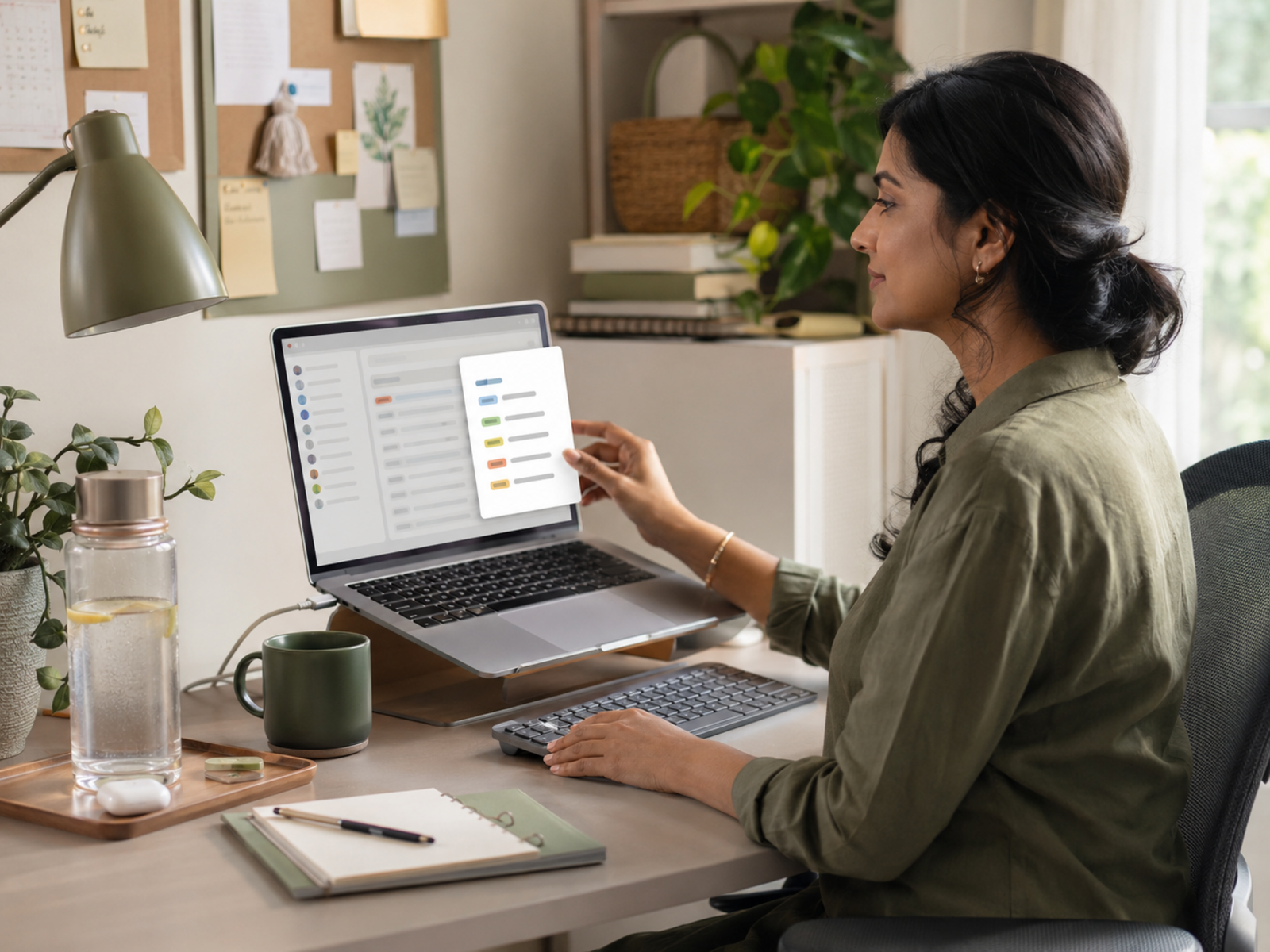
A tidy inbox is useful, but attention is the real prize. Filters, labels and templates help most when they reduce the number of decisions you face during focused work. If your inbox looks organised but still controls your day, the system is not calm enough yet.
Calmer Inbox Habits That Actually Help
Batch email without ignoring people
Batching email means choosing when you deal with it instead of reacting all day.
Try checking email at planned points, such as late morning and mid-afternoon. Adjust this around your work, clients and responsibilities. The aim is predictability, not disappearing.
Turn emails into tasks
If an email needs action, move the action into a task list or admin block.
This stops the inbox becoming your main project manager. The message can stay as reference, but the next step should live somewhere clearer.
Create a reply rhythm
A reply rhythm helps reduce the pressure to answer everything instantly.
You might reply within one business day, check messages twice daily, or reserve mornings for focused work before email. The best rhythm is one you can keep.
Use templates for repeat replies
Templates are not about sounding robotic. They are about saving your brain from rewriting the same polite answer every week.
Create templates for booking, follow-ups, FAQs, delivery notes and gentle nudges. Edit them before sending so the reply still feels human.
Clear low-value noise regularly
Unsubscribe from emails you never read. Filter receipts and alerts. Remove notifications that do not need action.
This is small maintenance, but it matters. Every unnecessary email is one more tiny demand for attention.

When Email Automation Actually Helps
Safe repeated messages
Automation helps most when the same safe message needs to go out repeatedly.
Examples include welcome emails, resource delivery, simple reminders, basic onboarding notes and standard confirmations. If the message needs careful judgement, keep a human review point.
Basic follow-up sequences
Follow-up automation can help when people need the same next step after signing up, buying, enquiring or downloading something.
Keep it simple. The automation should support the relationship, not bury people in unnecessary messages.
Newsletter and creator systems
Creators and bloggers may benefit from basic email systems that separate broadcasts, sequences and subscriber updates.
Tools like systeme.io, ConvertKit, MailerLite and ActiveCampaign can help, but only after the purpose is clear. A tool cannot fix unclear communication.
Repeat admin reminders
Email automation can support invoice nudges, appointment reminders or recurring check-ins when the wording is predictable.
Use automation for the repeat loop, not the sensitive decision. Money, client and personal messages still deserve care.
Common Inbox Habits That Make Overload Worse
Checking before choosing the day
Opening email first can let other people’s priorities choose your morning.
Try choosing your first meaningful task before the inbox. Even a short focused block can protect the day from becoming reactive.
Leaving emails as reminders
Using unread emails as your task list keeps the inbox mentally heavy.
Move actions into a proper list, calendar block or admin window. The inbox is good for receiving messages, not holding your whole brain.
Replying too fast by default
Fast replies can be useful, but they can also train people to expect constant availability.
Respond quickly when it matters. For everything else, use a realistic rhythm that protects attention.
Treating every email as urgent
Some emails are urgent. Many are simply new.
Pause before reacting. Ask whether the message needs action now, later, delegation, a template or no reply at all.
Letting notifications stay loud
Email notifications make the inbox follow you around.
Use quiet hours, app settings, Focus Modes or notification limits. Protect meals, rest, deep work and evenings from messages that can wait.

FAQ
Why does email overload feel so draining?
Email overload feels draining because every message can carry a decision, task, expectation or interruption.
Even short emails can require judgement about timing, tone and priority. That mental sorting uses energy before the actual work begins.
How do I stop email taking over my day?
Stop email taking over your day by giving it planned windows.
Use email blocks, filters, templates and task capture. Check the inbox at realistic times instead of letting every new message interrupt focused work.
Is checking email all day bad for focus?
Checking email all day can be bad for focus because it creates constant attention switching.
Every check asks your brain to stop one thing and start another. Fewer planned checks can help you protect deeper work.
How can I reduce inbox stress?
Reduce inbox stress by lowering noise and making decisions easier.
Unsubscribe from emails you do not read, filter routine messages, use templates for repeat replies and move actions into a task list instead of keeping them in your head.
Do email filters and templates really help?
Email filters and templates can help when they reduce repeat decisions.
Filters sort predictable messages. Templates make common replies faster. They work best when kept simple and reviewed occasionally.
When should I use email automation?
Use email automation when the same safe, predictable message needs to go out repeatedly.
Good examples include welcome emails, lead magnet delivery, basic follow-ups, appointment reminders and simple customer updates. Avoid automating sensitive replies too early.
Final Verdict
Email overload drains energy because it is not just messages. It is decisions, expectations, interruptions and unfinished loops arriving all day. Filters, labels, templates, unsubscribe habits, email blocks and simple automation can all help when they protect attention rather than create another system to maintain.
The goal is not inbox perfection. It is a calmer relationship with email, where your inbox supports the workday instead of deciding your focus, mood and energy before you have had a fair chance to begin.
