



Too Good To Go M&S Bakery…

Sunrise Alarm Clocks Compared: Are They…

Fitbit Edge vs Fitbit Air vs…

Autumn Comfort Food: How to Eat…

Soup Maker vs Saucepan: Which Suits…

The Best Lighting for Darker Autumn…

Create an Autumn Wind-Down Routine That…

Heated Throw vs Heated Blanket vs…

Autumn Sleep Reset: Light, Temperature and…

Dehumidifiers Explained: When Are They Actually…

A Realistic Autumn Walking Routine for…

Autumn Social Reset: Small Plans for…
Digital clutter and mental load when working from home often start before the real work begins. You open the laptop and there it is: tabs, screenshots, folders, dashboards, notifications, unfinished documents and five versions of something called “final”. The mess is not only visual. Every file, message, reminder and half-decision asks for a tiny piece of attention. Before you have written a sentence, your brain is already doing unpaid admin.
Digital clutter creates mental load.
Open tabs become open loops.
Notifications make work feel louder.
Messy folders slow decisions.
Desktop chaos drains attention.
Cleaner systems protect focus.
Small digital resets work best.

Most Relevant Audience
This article is for remote workers, home workers, creators, bloggers, freelancers, side hustlers and small business owners who feel overloaded by tabs, files, apps, notifications, folders, dashboards and unfinished digital tasks. It is especially useful if your laptop feels mentally crowded before the workday has even begun.
Digital clutter and mental load when working from home
What digital clutter actually looks like
Digital clutter is more than a messy desktop. It is too many browser tabs, duplicate files, old downloads, unread notifications, half-finished documents, forgotten screenshots, scattered notes and dashboards left open “just in case”. None of these things looks dramatic alone. Together, they make the laptop feel like a cupboard where every shelf is quietly asking for a decision.
Why it feels mentally heavy
Digital clutter feels heavy because it creates open loops. An unfinished file reminds you to decide something. A saved screenshot reminds you to sort something. A tab reminds you to read something. The brain keeps filtering these signals in the background. Even when you are trying to focus, part of your attention is managing the digital noise around the task.
Too many tabs and apps
Tabs and apps make digital work easier, until they all stay open at once. Email, research, analytics, documents, social media, project tools and shopping comparisons can crowd the same screen. That creates a false sense of progress. Everything is available, but nothing feels finished. Your browser becomes less of a workspace and more of a panic drawer with Wi-Fi.
Notifications and unfinished tasks
Notifications make digital clutter louder. A folder can sit quietly, but a notification taps you on the shoulder. Messages, reminders, updates, comments and app alerts keep adding new decisions to a day that already has enough. The issue is not one notification. It is the constant feeling that something else might need you.
Files, folders and desktop chaos
Messy files create friction every time you need to find something. Downloads pile up. Images land on the desktop. Drafts get saved in three places. Project names become vague. Eventually, a simple task becomes a small investigation. Digital clutter is stressful partly because it makes ordinary work feel more complicated than it needs to be.

The hidden cost
Digital clutter is not only a tidiness issue. It changes how work feels. A crowded laptop can make the day feel unfinished before you properly start, because the screen is already full of reminders. The goal is not a perfect digital system. It is fewer open loops, cleaner decisions and a workspace that does not mentally crowd you.
How digital clutter affects focus and rest
Focus gets split
Focus needs a clear target. Digital clutter gives your attention too many targets at once. You may sit down to write, but your screen shows messages, dashboards, folders, research tabs and old tasks. Even if you ignore them, your brain still has to filter them. That filtering uses energy.
Rest feels less complete
When you work from home, the laptop can hold every task, worry, deadline and “I’ll sort this later” promise. If digital clutter is waiting every time you open it, rest can feel less complete. The work may be physically closed, but mentally it still feels nearby, sitting behind the screen like a very organised ghost with poor boundaries.
Creativity gets crowded
Creative work needs room to connect ideas. Digital clutter crowds that space with reminders and half-decisions. Bloggers, creators and freelancers often need research, notes, images and drafts open, but too much visible unfinished work can make ideas feel heavier. A cleaner digital setup gives creativity somewhere to land.
Decision fatigue builds quietly
Every messy folder, unclear file name and open tab asks a small question. Keep it? Delete it? Save it? Read it? Reply now? Decide later? These tiny decisions do not feel like much, but they stack up. By the afternoon, even simple choices can feel more annoying than they should.
Why home workers feel it more
Remote work makes digital clutter more personal because your laptop is not just an office tool. It is also where you plan life, manage money, message people, watch things, research ideas and build side projects. Without boundaries, all of that blends together. Work feels heavier when every digital space contains a bit of everything.
Simple digital decluttering habits
Clear one digital surface
Start with one digital surface, not everything. That might be your desktop, downloads folder, browser tabs or inbox. Clear what is obvious, move what belongs elsewhere and delete what no longer has a job. A small visible win can make the whole workday feel lighter without needing a full digital life makeover.
Create a current work folder
A current work folder gives active projects one place to live. Inside it, use simple names for drafts, images, notes and exports. This reduces the daily hunt for files and makes it easier to know what matters now. The point is not perfect filing. The point is fewer “where did I put that?” moments.
Use a read-later system
Tabs often stay open because they feel useful. Instead of keeping every article, tool or reference visible, save non-urgent links into a read-later folder or notes document. This keeps your browser focused on the task you are doing now. Useful does not always mean urgent enough to stare at all day.
Reduce notification channels
Choose which apps are allowed to interrupt you. Turn off non-essential alerts, mute noisy platforms and batch-check lower-priority tools. Notifications should earn their place. If every app can interrupt the day, your attention becomes shared office property, and nobody asked your focus for permission.
Close the day digitally
End the workday with a small digital shutdown. Save important tabs, close the rest, write tomorrow’s first task and clear obvious desktop clutter. This helps the laptop feel less like an unfinished room when you return. A calm start tomorrow often begins with a cleaner ending today.
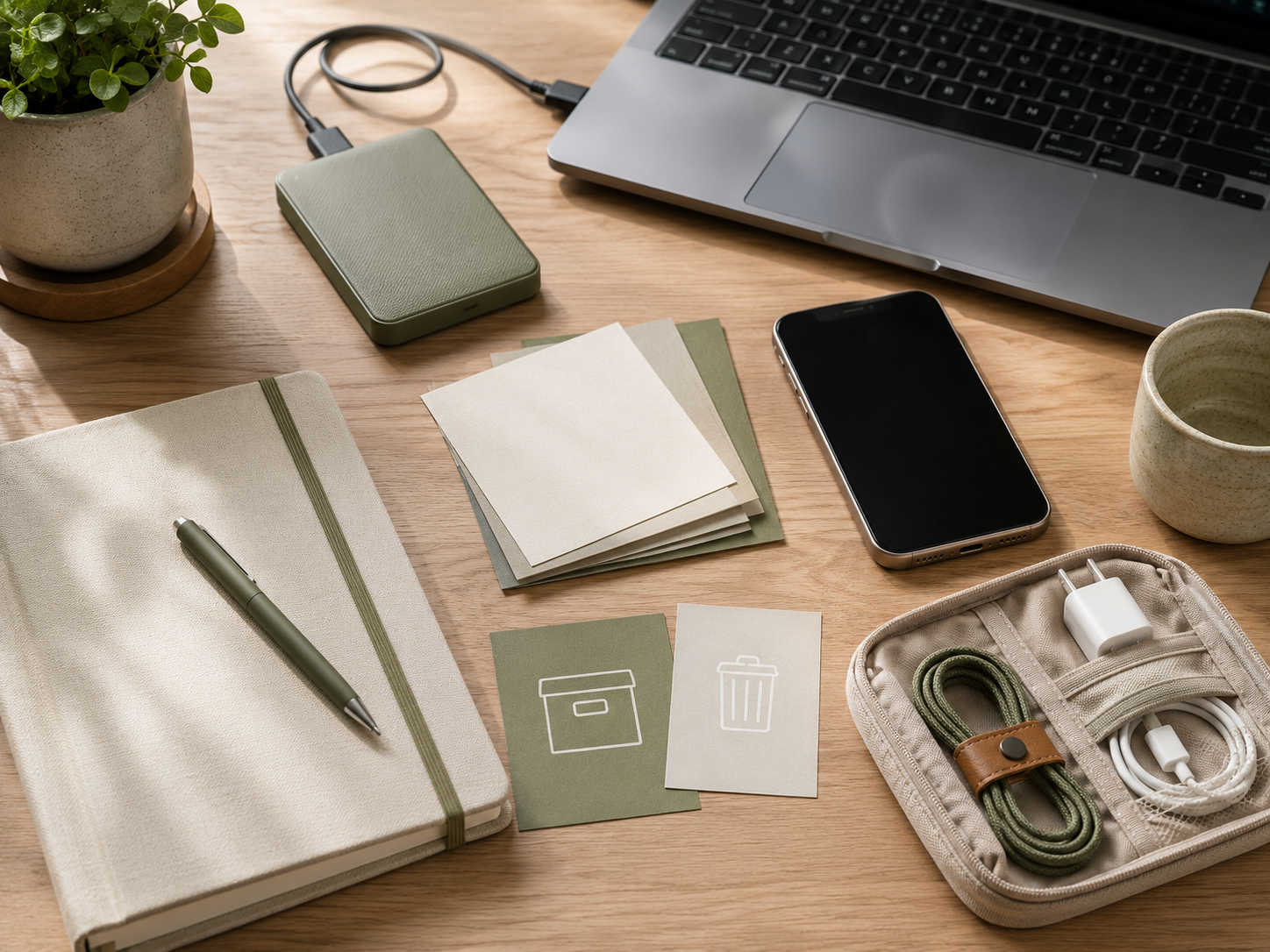
The calmer routine
A calmer digital routine does not need to be strict. It needs to be repeatable. Clear one surface, save useful links properly, reduce noisy alerts and close the day with fewer open loops. Small resets work because digital clutter builds slowly. The fix can be slow and steady too.
Common digital clutter mistakes
Trying to fix everything at once
A full digital clean-up sounds satisfying, but it can become another overwhelming project. Start with the area causing the most daily friction. If tabs are the problem, fix tabs first. If files are the issue, clean one folder. Small progress is more useful than a giant organising plan you avoid for three months.
Keeping files with vague names
File names like “draft”, “new draft”, “final” and “final final honest” create future stress. Use names that tell you what the file is and where it belongs. Clear naming saves time because you do not need to open seven documents just to find the one you meant.
Using tabs as a to-do list
Tabs are not a reliable to-do list. They show that something exists, but they do not explain the next action. Save the link, write the task and close the tab. Your browser should support the work, not become a row of tiny guilt rectangles.
Ignoring digital clutter because it is invisible
Physical mess gets noticed because it sits in front of you. Digital mess can hide until you open the laptop. That makes it easy to underestimate. If your screen feels stressful, that counts. Digital clutter affects the workday even if visitors cannot see it on the dining table.
Related money note
Better cloud storage will not fix every digital habit, but it can make files easier to organise, back up and move between devices. A calmer storage system protects creative work and reduces the daily friction of hunting for assets, drafts and project folders.
Related guides to read next
Too Many Tabs Open: The Hidden Stress of Digital Work
Too Many Tabs Open: The Hidden Stress of Digital Work is the best next read if your browser is the main problem. It focuses on open tabs, research loops, unfinished decisions and the way browser clutter quietly turns digital work into mental noise.
Notification Burnout And How To Take Back Your Focus
Notification Burnout And How To Take Back Your Focus is useful if alerts keep interrupting your workday. Digital clutter becomes harder to manage when every app can demand attention. Fewer interruptions make it easier to stay with one task.
Digital Boundaries For Side Hustlers And Home Workers
Digital Boundaries For Side Hustlers And Home Workers can help if your work apps follow you into evenings, weekends and rest time. Better boundaries make digital clutter easier to contain because work no longer has unlimited access to every quiet gap.
How To Make Your Home Office Feel Less Overwhelming
How To Make Your Home Office Feel Less Overwhelming is useful if digital clutter is combining with physical clutter. A calmer desk and a calmer laptop work well together. The aim is not perfection. It is a workspace that feels less crowded before you start.
FAQ
What is digital clutter?
Digital clutter is the build-up of messy files, open tabs, unused apps, notifications, downloads, screenshots, duplicate documents and unfinished digital tasks. It is the online version of a cluttered desk, except it can hide inside your laptop until the moment you need to focus.
Why does digital clutter feel stressful?
Digital clutter feels stressful because it creates open loops. Every tab, file, reminder and notification can suggest something unfinished. Your brain has to filter those signals while trying to work. That background filtering uses energy and can make the day feel mentally crowded.
How does digital clutter affect focus?
Digital clutter affects focus by giving your attention too many possible targets. Open tabs, messages, dashboards and messy folders all compete with the task in front of you. Even when you ignore them, they can make deep work feel harder because your screen keeps showing unfinished business.
How do I reduce digital clutter when working from home?
Reduce digital clutter by clearing one area at a time. Start with browser tabs, downloads, desktop files or notifications. Save useful links properly, delete what no longer has a job and create simple folders for current projects. A daily shutdown habit also helps prevent clutter rebuilding immediately.
What is the best way to organise digital work?
The best way to organise digital work is to keep active projects easy to find, name files clearly and separate current work from old material. Use simple folders, a read-later system and fewer notifications. The best system is not the most complex one. It is the one you can keep using.
Final verdict
Digital clutter quietly increases mental load when working from home. Too many files, tabs, apps, notifications, folders and unfinished tasks can make the laptop feel stressful before the real work even begins.
You do not need a perfect digital system to feel better. Start with fewer open loops, clearer folders, quieter notifications and a simple shutdown habit. A calmer digital workspace helps your mind settle, your focus recover and your workday feel less crowded.

