



Calm Christmas Hosting Without the Stress

Sleep Earplugs: Simpler Sleep, Chosen and…

VYVE Health Explained: Can One £16.99…

Too Good To Go M&S Bakery…

Sunrise Alarm Clocks Compared: Are They…

Fitbit Edge vs Fitbit Air vs…

Autumn Comfort Food: How to Eat…

Soup Maker vs Saucepan: Which Suits…

The Best Lighting for Darker Autumn…

Create an Autumn Wind-Down Routine That…

Heated Throw vs Heated Blanket vs…

Autumn Sleep Reset: Light, Temperature and…
A planning system only helps if you keep returning to it. If paper planners end up closed on a shelf and task apps become another inbox, the question is not which format has more features. It is which kind of friction you can live with.
For most people, paper is better at keeping today visible. A task app is better at remembering what comes later. The choice gets easier once you decide which failure causes more trouble.
Quick Overview
- Choose paper when screens and setup create the friction.
- Choose an app when reminders, recurrence and search matter.
- Use a hybrid only with one clear source of truth.
- Test one system for seven ordinary days before changing it.
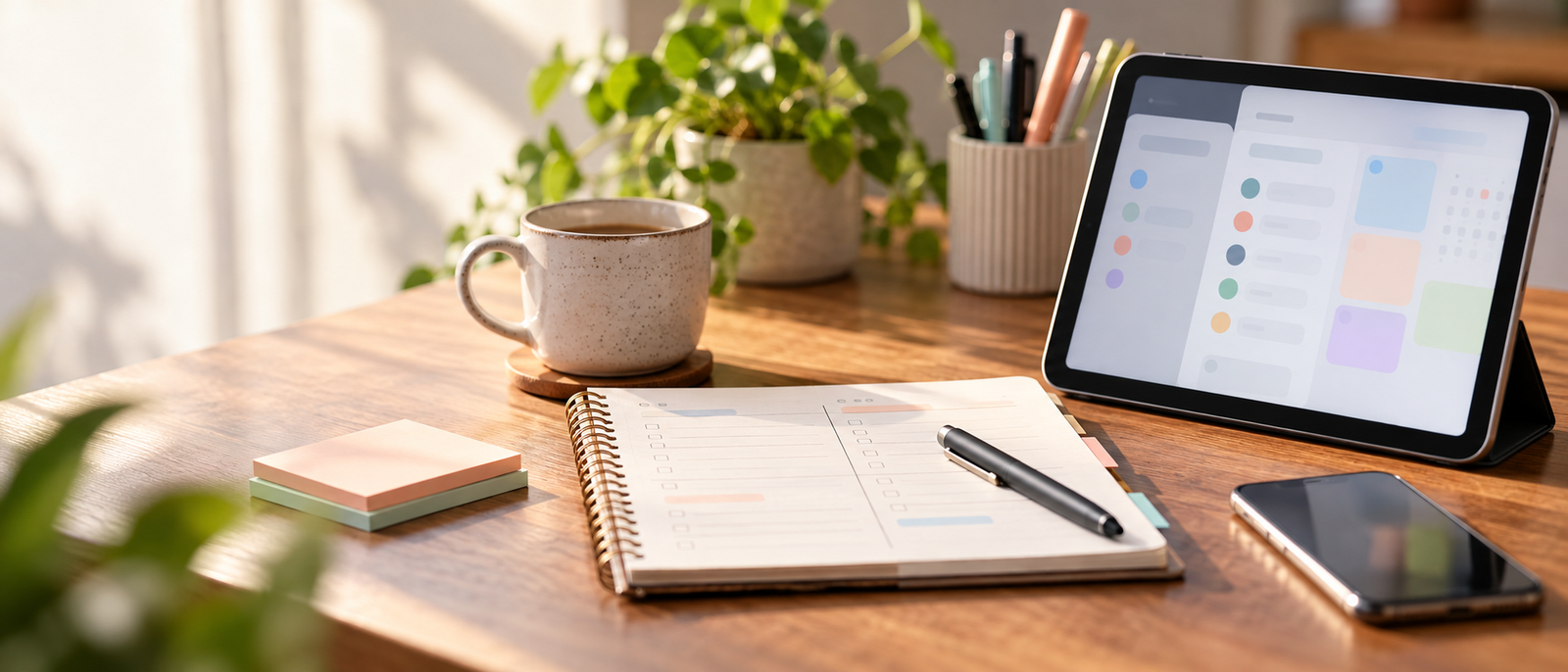
The Fast Answer: Choose the Failure You Want to Prevent
Paper Planner: Less Digital Friction
Paper gives you a small, fixed surface. That limitation can be useful. You can open one page, see the day and decide what matters without navigating menus, clearing badges or being pulled into another app.
It works particularly well when your work is mostly visible in front of you and the main problem is attention rather than memory. A notebook can make a short daily plan feel concrete without inviting you to redesign the system.
The trade-off is obvious: paper cannot remind you about something next Thursday unless you remember to look. It is also awkward when plans change repeatedly or tasks need to be found months later.
Task App: Less Memory Friction
A task app earns its place when work arrives at different times and from different places. Recurring tasks, due dates, search and quick capture mean you do not have to keep the whole week in your head.
That matters if you regularly think of something away from your desk, manage repeating admin or need a dependable place for future commitments. The app can hold the backlog while you focus on what is current.
Its weakness is that flexibility can become maintenance. Tags, projects, views and filters are useful only when they solve a real problem. If you spend more time arranging tasks than doing them, the system has become another job.
Where Each System Wins in an Ordinary Week
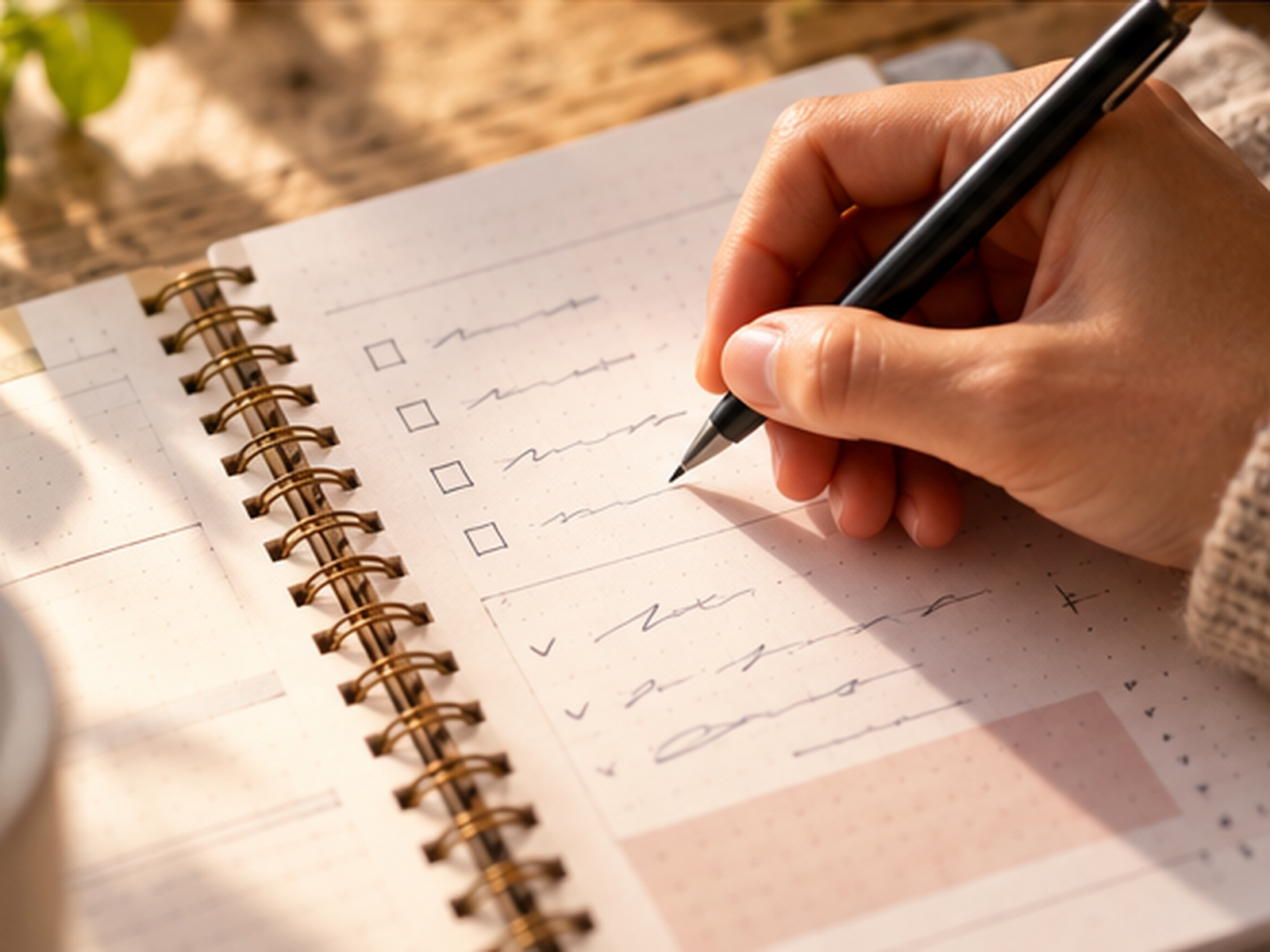
Paper Is Strongest at Daily Focus
A paper planner is naturally biased towards what fits on the page. That can make prioritising easier because unfinished work is visible and space is finite.
It also creates a deliberate pause between seeing a task and committing to it. You can write three important items, keep a short scratch list and close the planner when the day is done.
Paper is weaker for work that depends on precise reminders, recurring schedules or frequent reshuffling. Rewriting the same future task several times is not simplicity; it is manual administration. If that happens often, paper is probably carrying work it is not suited to hold.
An App Is Strongest at Future Commitments
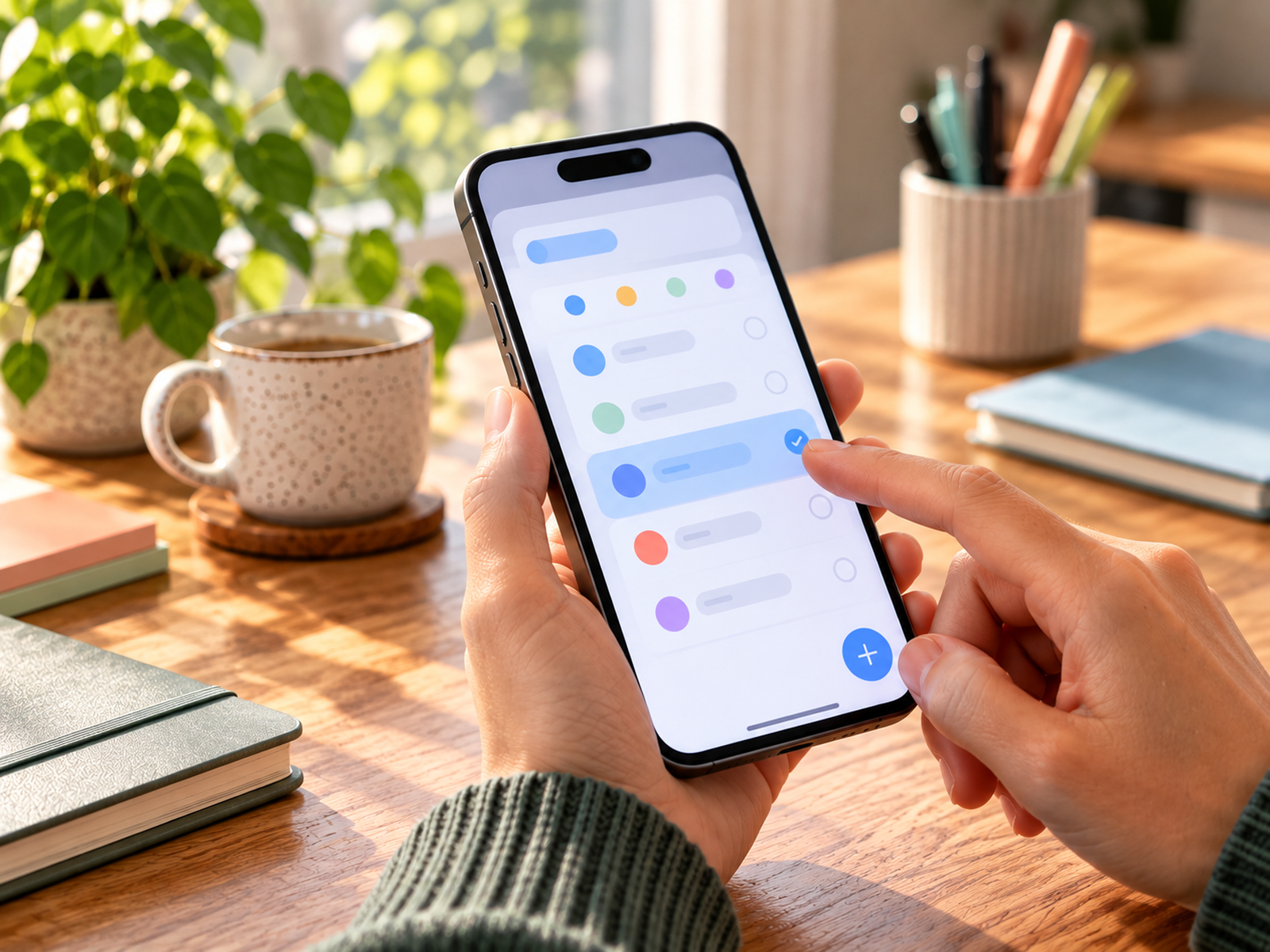
Digital task managers are better at storing work you do not need to see yet. A recurring monthly task can return when required instead of taking space on every daily page. Search also makes old notes and commitments easier to recover.
The danger is false precision. A long list with a due date on everything may look organised while quietly creating dozens of overdue items.
Keep the structure smaller than the software allows. One inbox, a few meaningful lists and selective reminders are usually more useful than an elaborate hierarchy built because the buttons exist.
How Each System Usually Breaks
Paper Breaks When the Plan Changes Too Often
A notebook becomes tiring when you are constantly copying tasks forward. The same thing happens when important commitments live across several pages, sticky notes and a calendar that is checked separately.
The warning sign is not messy handwriting. It is uncertainty about whether something has been captured at all.
If your paper system needs an index, a migration ritual and several colour codes just to survive a normal week, simplify it before buying a more elaborate planner. A plain daily page may be enough - or it may be a sign that the master list belongs somewhere searchable.
Apps Break When Organisation Becomes the Hobby
A task app becomes heavy when every new idea creates another project, label or automation. The system feels productive because there is always something to tidy.
The warning sign is avoidance. If opening the app means facing hundreds of stale tasks, the database is no longer helping you decide what to do next.
Delete or archive aggressively. Stop assigning dates to work that has no real deadline. If the app still feels noisy after that, the problem may not be the app itself but the amount of information you expect one screen to carry.
Choose by the Kind of Day You Actually Have
Paper Is the Better Bet If...
- You plan mainly at one desk or in one notebook.
- Your daily list is short enough to scan at a glance.
- Screen distraction is a bigger problem than missed reminders.
- You like choosing priorities once rather than constantly re-sorting them.
- Most future commitments already live reliably in a separate calendar.
Paper is also a sensible reset if you have spent weeks rebuilding a digital setup. Starting with one page can show which information you genuinely need before you recreate anything in software.
A Task App Is the Better Bet If...
- Tasks arrive while you are away from your desk.
- You rely on recurring admin, reminders or due dates.
- Your work changes enough that rewriting plans would be tedious.
- You need to search old tasks or keep a larger backlog.
- You want one capture point across phone and computer.
If you already know digital is the right format but are choosing between tools, Task Management Apps and the Busy Brain covers that separate decision without turning this comparison into an app roundup.
A Hybrid Can Work - but Only With One Source of Truth
Let the App Hold the Master List
The safest hybrid is asymmetric. Use the app for the things computers are good at: future tasks, recurring work, reminders and the backlog. Treat it as the authoritative list of commitments.
Do not copy the entire database into a notebook each morning. Pull out only what you intend to work on today. If something changes for the future, update the app rather than hoping you will remember which version is current.
This keeps the digital system useful without requiring you to stare at it all day.
Let Paper Hold Today
Use paper as a temporary working surface, not a second archive. Write today's priorities, a few supporting tasks and any notes you need while working.
At the end of the day, anything that still matters goes back to the master system. Then the page can be finished. You do not need to migrate every crossed-out item or preserve a perfect record.
This division works because each format has one job. Hybrid systems fail when both the notebook and the app claim to contain the complete truth.
Three Mistakes That Make Either Choice Feel Worse
Do Not Build for Your Most Organised Day
A system should survive the week when you are busy, interrupted and slightly behind. If it requires a long morning review, perfect categorisation or daily migration to stay trustworthy, it may be too expensive in attention.
Start with the minimum behaviour that keeps the system alive: capture new work, choose what matters today and review future commitments often enough not to be surprised.
A simpler system with a few rough edges is more useful than an elegant one you avoid opening.
Do Not Confuse Capture With Commitment
Writing something down does not mean it deserves a place on your active list. Both notebooks and apps become oppressive when every idea is treated as an obligation.
Keep a parking place for possibilities and a smaller list for actual commitments. Review the parking list occasionally instead of carrying it through every day.
If your planning problem feels broader than choosing paper or digital, Simple Systems That Make Working From Home Feel Lighter covers the wider question of reducing system overhead.
Run a Seven-Day Test Before You Migrate Everything
Do not move an old system into a new one on day one. That creates hours of setup before you know whether the format suits you.
For seven ordinary days, use the candidate system for new tasks and the work you genuinely need to complete. Include at least one busy or disrupted day; a system that works only when the diary is quiet has not proved much. Keep any existing calendar or essential reminder system in place while you test.
At the end of the week, ask four questions:
- Did I know where to capture a new task?
- Could I see what mattered today without hunting?
- Did future commitments reappear when I needed them?
- Did maintaining the system take less effort than the problems it prevented?
If one answer is repeatedly no, change the smallest part that caused it. Do not rebuild the whole system unless the failure is structural.
FAQ
Is a Paper Planner Better Than a Task App for Productivity?
Not automatically. Paper reduces menus, alerts and setup, while an app is better at reminders, recurring tasks and search. The better choice is the one that removes the kind of friction that currently causes you to lose track of work or avoid your planning system.
Should I Use Both a Paper Planner and a Task App?
Yes, if their jobs are different. A clean split is app for the master list and future commitments, paper for today's working plan. Avoid keeping two complete task lists, because you will eventually stop knowing which one is current.
What If I Keep Abandoning Every Planner or App I Try?
Reduce the system before replacing it. Keep one capture place, one daily priority view and only the reminders you genuinely need. Test that smaller version for a week. Repeated abandonment often means the maintenance cost is too high, not that you need more features.
Do I Need a Paid Planner or Premium Task App?
No. This decision can be tested without buying a premium system. A plain notebook can test the paper workflow, and many digital tools offer enough basic task capture to test the format. Decide whether the method fits before paying for extra structure or features.
Final Verdict
Choose paper if the main thing wrecking your planning is digital noise, over-configuration or the temptation to keep reorganising. Choose a task app if the bigger risk is forgetting future work, repeating admin manually or losing tasks across places.
If both problems are real, keep the app as the master list and let paper handle today. Then run the setup for seven normal days before adding features, buying a planner or migrating a backlog. The best system is the one that stays trustworthy when the week is not tidy.



