



Host a Virtual Halloween Party: Audio,…

20 Minimalist Halloween Nail Ideas for…

Can Free Affinity Help You Build…

12 Lower-Sugar Halloween Treat Swaps Worth…

Can Hostinger AI Builder Launch a…

A 5-Step Screen-Free Autumn Reading Ritual…

Plug-In Solar Panels UK: Are They…

15 Last-Minute Zoom Halloween Costumes for…

Meta One Explained: Is the Subscription…

10 Low-Fuss Dog Halloween Ideas: Comfort…

Plaud One Explained: Can AI Earbuds…

9 Gothic Dinner Table Ideas for…

Namecheap vs Dynadot

7 UK Ghost Tours and How…

Convertkit Vs Beehiiv

Do You Really Need a £420…

Bluehost vs Siteground

15 Gentle Spooky Autumn Books to…

Namecheap review

How to Remove Halloween Face Paint…
A busy brain does not need another beautiful dashboard to ignore. It needs one trusted place for the client task, school form, invoice reminder, content idea, grocery note, appointment, follow-up email and “remember that later” thought currently floating around like loose receipts in a windy car park. The best task management apps for busy brains help you stop carrying every open loop in your head without turning organisation into a second job.
Choose Todoist for fast capture
Choose Notion for task context
Choose TickTick for routines and focus
Choose Trello for visual workflows
Automate repeated tasks where possible
Keep reminders meaningful, not noisy
Calm systems beat clever dashboards

Most Relevant Audience
This guide is for remote workers, home workers, freelancers, bloggers, creators, side hustlers, parents, carers and small business owners whose days are full of overlapping work and life admin. If your brain is holding deadlines, errands, ideas, replies, appointments and tiny household responsibilities at the same time, a task app can help.
It is especially useful if your current system involves sticky notes, screenshots, unread emails, open tabs, notes app chaos and brave optimism.
Choose By Problem First
Tasks are leaking everywhere
Choose Todoist if your main problem is fast capture. It suits the moments when a client follow-up, grocery note, school form, bill reminder or content idea appears while you are already doing something else.
The goal is not to organise your whole life immediately. It is to get the task out of your head before it becomes another background worry.
Projects need notes and context
Choose Notion if your tasks need to live beside notes, documents, ideas, content plans, client information or small business planning. It is useful when a task is part of a bigger piece of work.
Avoid starting with Notion if you know you will spend three evenings building the perfect dashboard and then avoid it because it now feels like a second home to maintain.
Routines and focus need support
Choose TickTick if you want tasks, calendar views, habits and focus tools in one place. It can help when your problem is not just remembering what to do, but starting, repeating and protecting blocks of attention.
Avoid it if habits and focus timers make you feel watched by your own phone. A routine tool should support your day, not become another scoreboard.
Work needs visible stages
Choose Trello if you think visually and like seeing tasks move from one stage to another. Boards, lists and cards work well for content pipelines, client projects, launches, household jobs and shared planning.
Avoid Trello if hidden card details become where tasks go to disappear. A visual board should make work clearer, not turn every task into a tiny cupboard.
The best app is the one your brain trusts
A task app only helps if your brain believes it can stop holding everything. The winner is not the one with the longest feature list. It is the one you can open on a messy Tuesday when someone needs a reply, dinner is vague, your inbox is rude and one more tiny task may tip the whole day sideways.
Task Management Apps and the Busy Brain
Start with capture before cleverness
Before boards, templates, automations, widgets or colour-coded categories, ask one question: can I capture a task quickly when I am interrupted? Busy brains need a front door before they need interior design. If adding a task feels slow, the system will fail when real life starts tapping on your shoulder.
Why Busy Brains Need External Systems
Your brain is not a filing cabinet
Your brain is useful for thinking, noticing, deciding and connecting ideas. It is less useful as permanent storage for invoices, school messages, call reminders, content ideas, shopping lists and “reply before Friday.”
A task app gives those thoughts somewhere to land. That reduces the constant background scanning that can make a normal workday feel heavier than it looks.

Remembering is not the same as managing
Many busy people are not disorganised. They are overloaded. They remember the thing, worry about forgetting the thing, remember it again during a meeting, then feel oddly tired before anything has actually been done.
External systems separate remembering from doing. Capture the task once, give it a place or date, then let the app carry the reminder instead of turning your brain into a 24-hour lost property desk.
Life admin needs a home too
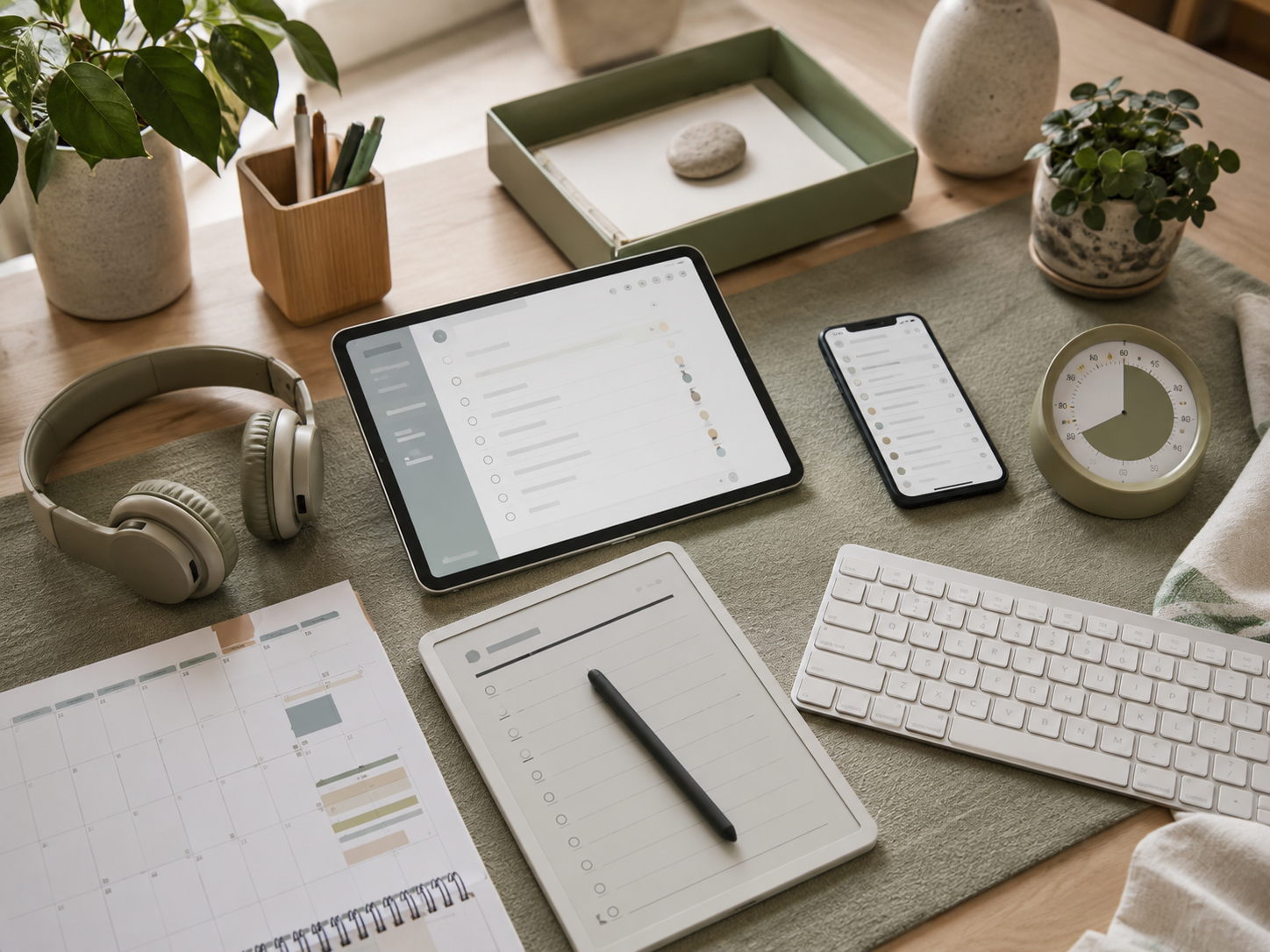
Task management is not just for work. It also helps with prescription pickups, returns, bills, birthdays, meal planning, family logistics, appointment booking, school forms and small household jobs that somehow multiply when nobody is looking directly at them.
When work and home share the same space, life admin can interrupt everything. A trusted task app gives those tasks a proper home.
Tomorrow needs a softer landing
A task app can help you close the laptop with a clearer tomorrow list. Instead of carrying half-finished thoughts into dinner, you can capture the next action, assign a sensible date and leave it where you will find it.
This is especially useful before school weeks, client-heavy days or mornings when your brain usually starts by sprinting through everything it might have forgotten.
The calmer system has fewer hiding places
The more places you store tasks, the more your brain has to remember where remembering happened. That is why a simple trusted system often beats a clever scattered one. Your tasks need one main home, not a property portfolio.
What Makes A Task App Worth Using?
Fast capture
Fast capture matters because busy thoughts rarely arrive at sensible planning times. They appear while switching tabs, answering messages, making lunch, checking a school notification or trying to rest.
Todoist is strong here because the basic action is simple: add the task, give it a date if needed, move on. That speed can stop one loose thought becoming an all-day mental itch.
Clear review
A task app needs a simple way to see what matters today, this week and later. Without review, even the best app becomes a polite graveyard for good intentions.
A weekly review can be ten minutes. Clear overdue tasks, move dates, delete guilt tasks and choose what still matters. This is where the app becomes a calming system rather than another digital pile.
Low friction
A good system should feel lighter than the mess it replaces. If it needs constant tagging, formatting, sorting and emotional negotiation, it may become another source of resistance.
Notion, TickTick and Trello can all work beautifully, but only when the setup matches your real energy. A plain system you use is better than a beautiful one you avoid.
Sensible reminders
Reminders should reduce fear, not make your phone behave like a tiny panicked manager. Use them for tasks that genuinely need timing, such as bills, calls, appointments, school forms, submissions and client follow-ups.
If every task has an urgent reminder, your app becomes another noisy inbox. Due dates should mean something, otherwise your brain will stop trusting them.
Task Capture vs Project Planning
Choose capture when thoughts are leaking everywhere
If your main problem is scattered thoughts, forgotten errands and tasks arriving from every direction, prioritise quick capture. Todoist and TickTick are strong options because they make it easy to add tasks quickly and organise them later.
This suits busy parents, carers, freelancers and home workers who need one reliable place to drop tasks before the day swallows them.
Choose planning when tasks belong to bigger work
If your tasks are attached to articles, launches, clients, product ideas or business systems, project planning matters more. Notion and Trello are stronger when you need context around the task, not just the task itself.
A blogger might use Notion for content notes and publishing plans. A freelancer might use Trello to move client work through simple stages.
Be careful with split systems
Some people use one app for quick capture and another for deeper planning. That can work, but only if the handoff is clear. Otherwise, you create two places to forget things, which is not progress.
If you split systems, decide exactly what goes where. Random duplication is how task apps start quietly arguing with each other.

Visual Boards vs Simple Lists
Simple lists suit fast-moving days
Simple lists work well when you need speed. They are good for errands, reminders, calls, messages, admin and everyday work tasks. Todoist and TickTick both suit this because they help you capture and sort without much visual setup.
A simple list is best when your main question is, “What do I need to do next?” It keeps the system direct.
Visual boards suit visible progress
Visual boards work well when tasks move through stages. Trello is useful for content workflows, client pipelines, launches, household projects and simple team planning.
A board can calm the brain because you can see where things are. It can also overwhelm you if every card contains too many hidden details. Keep boards lean enough to understand at a glance.
Flexible workspaces suit connected thinking
Notion suits people whose tasks live beside notes, research, ideas, calendars, documents and planning pages. It is less of a simple to-do list and more of a flexible workspace.
That flexibility is useful for creators and small business owners, but it needs restraint. Build around the work you actually do, not the imaginary version of you who loves maintaining dashboards.

Capture, Automate Or Drop?
Capture tasks you still need to decide on
Some tasks need a safe holding place before you know what to do with them. A client idea, content topic, school form, invoice question or household job may not need immediate action, but it does need somewhere reliable to live.
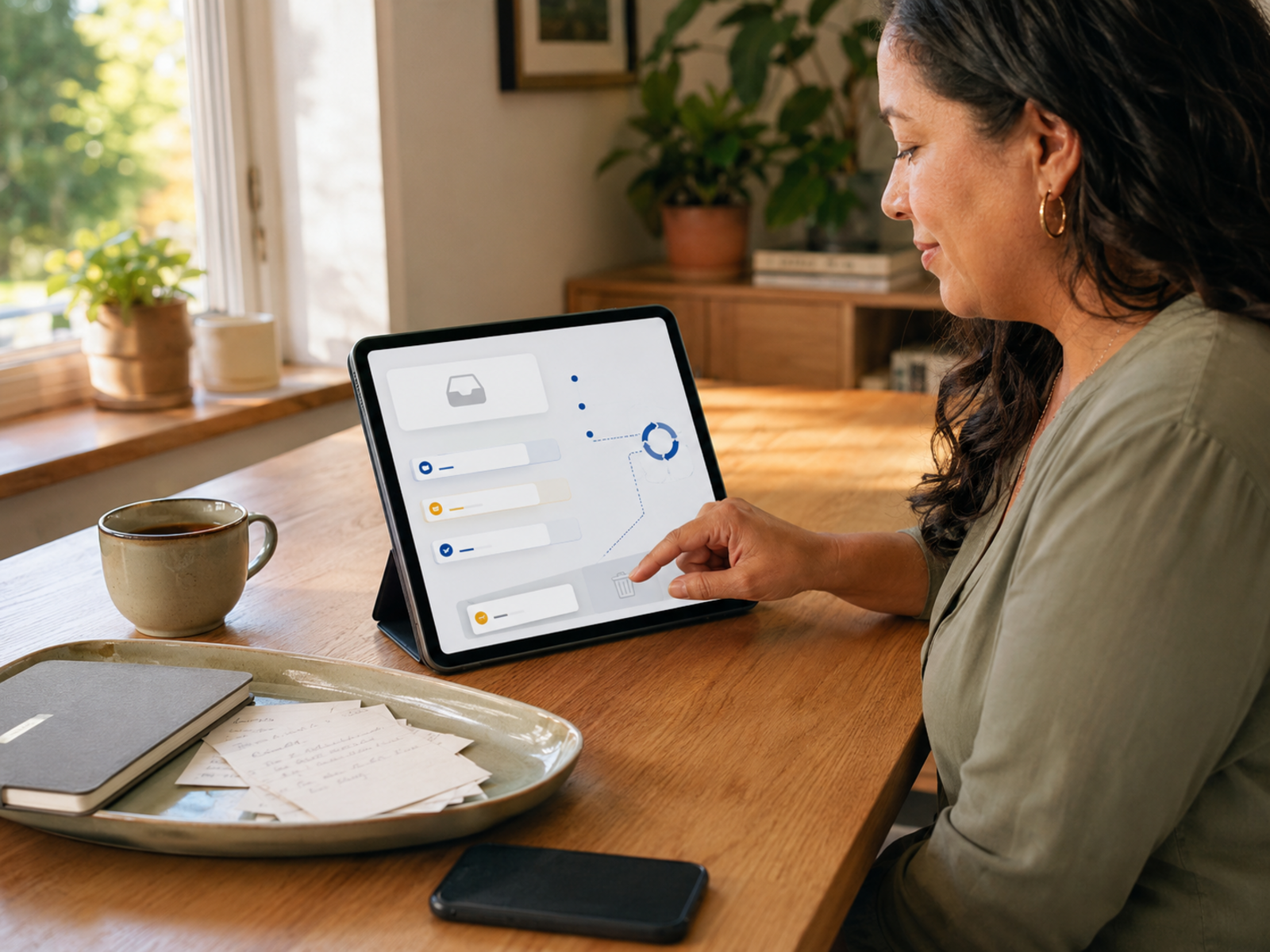
This is where task apps shine. Capture the open loop, add enough context to understand it later and stop making your brain rehearse it every hour.
Automate repeated admin where possible
If the same task keeps coming back, ask whether it should be automated instead of repeatedly tracked. Email replies, invoice reminders, booking links, newsletter steps, file backups and routine follow-ups can sometimes be handled with automation tools or templates.
A task app can remind you to set up the automation. It should not become a shrine to doing the same avoidable admin forever.
Drop tasks that only create noise
Some tasks stay on a list because they feel responsible, not because they still matter. Old ideas, vague improvements, guilt projects and “maybe one day” tasks can quietly make your system feel heavier.
A calmer task app needs deletion as much as capture. If a task has no real owner, deadline or value, it may be mental clutter with a checkbox.
Defer tasks with a real return date
Not every task belongs on today’s list. Some tasks need to come back later, when you have the right information, energy or timing.
Use dates and reminders to defer tasks properly. This is different from ignoring them. You are giving the task a return date so it stops wandering through your head like an unpaid intern.
The best system does not make you do everything
A task app should not trick you into believing every captured task deserves your personal energy. Some things need doing. Some need automating. Some need delegating. Some need deleting. The point is not to become a better machine. The point is to stop treating your brain like one.
Which App Should You Choose?
Choose Todoist if you need quick calm
Choose Todoist if your biggest problem is getting tasks out of your head quickly. It suits daily lists, deadlines, reminders, recurring admin and simple project organisation.
It is a good fit if you want the least dramatic route from “I must remember this” to “it is safely captured.” Avoid it if your tasks need rich notes, project documents and lots of context around each action.
Choose Notion if tasks need context
Choose Notion if your tasks are tangled with notes, content plans, research, business ideas or project documents. It is strong when you need a workspace, not just a checklist.
Keep it simple at first. One useful Notion setup beats twenty impressive pages you stop opening after the initial productivity glow fades. Avoid it if setup easily becomes the hobby.
Choose TickTick if routines matter
Choose TickTick if you want tasks, calendar planning, habits and focus tools in one app. It can help when your issue is not only remembering tasks but starting them and repeating helpful routines.
It suits people who like gentle structure. Avoid it if tracking habits and focus blocks makes your day feel like another performance review.
Choose Trello if you think visually
Choose Trello if lists feel too flat and you prefer seeing work move across stages. It is useful for project flow, content pipelines, client work, household planning and shared tasks.
It works best when boards stay simple. Avoid it if you are likely to hide every action inside cards, checklists, labels and comments that you rarely revisit.
Common Task App Mistakes
Starting too complicated
The fastest way to ruin a task app is to build a full productivity empire before using it for ordinary tasks. Start with one inbox, one today view and one weekly review.
Add more only when a real problem appears. A busy brain needs relief first. It does not need a command centre with twelve categories and a dramatic name.
Using too many apps
Tasks scattered across email, notes, WhatsApp, screenshots, notebooks, calendars and multiple apps create more remembering, not less. Now your brain must remember where it remembered something.
Choose one main place for action items. Other apps can support it, but they should not compete with it. Your brain needs a home address for tasks.
Capturing everything but reviewing nothing
Capture is only half the system. If tasks go in but never get reviewed, your app becomes a digital attic. Useful things may be in there, but nobody wants to open the door.
Use a short weekly reset. Clear old tasks, reschedule what still matters, delete guilt tasks and choose a few priorities. Review turns capture into calm.
Tracking what should be automated
A repeated task is not always a personal responsibility. If you are constantly reminding yourself to send similar emails, chase the same admin, copy the same information or repeat the same setup, the better answer may be automation.
Task apps are useful, but they should not become museums for preventable busywork. Track the task once, then ask whether a system could handle it next time.
Redesigning instead of using
Redesign can feel productive because it gives you the satisfaction of control without the discomfort of doing the actual task. If you are constantly changing templates, colours, tags and views, the app may be absorbing energy instead of protecting it.
Set a boring rule: no redesigning until the system has survived two normal weeks. Not an ideal week. A normal one.
Treating every task equally
Not every task deserves the same space. Some tasks are urgent. Some are useful. Others are emotional clutter wearing a small admin hat.
If “file tax return” and “maybe research nicer pens” sit together with equal weight, your attention suffers. Use sections, labels or boards to separate real deadlines from someday thoughts.
Ignoring personal energy
Task apps often organise time better than energy. A list might say five tasks fit into the afternoon. Your actual body may have one focused task, one easy email and one cup of tea left.
Plan with energy in mind. Use clearer hours for demanding tasks and tired slots for lighter admin. This makes the app feel humane instead of bossy.
FAQ
What is the best task management app for busy brains?
Todoist is a strong choice for simple capture, reminders and daily lists. Notion is better if your tasks need notes, projects and flexible planning space. TickTick suits people who want tasks, calendar, habits and focus tools together. Trello is best for visual boards.
The best app is the one your brain trusts enough to keep using on an ordinary, interrupted day.
Is Todoist better than Notion?
Todoist is usually better for quick task capture and straightforward to-do lists. Notion is better for flexible workspaces, notes, project pages and planning systems.
Choose Todoist if you mainly need to remember and do tasks. Choose Notion if your tasks sit inside bigger projects, content plans, research notes or small business systems.
Is TickTick good for work and personal tasks?
Yes, TickTick can work well for both work and personal tasks because it combines to-do lists with calendar views, reminders, habits and focus features. That makes it useful for people juggling client work, admin, routines and home responsibilities.
Check current app features before relying on a specific setup, especially across different devices or regions.
Is Trello still useful for task management?
Yes, Trello is still useful when tasks benefit from visual movement. Boards, lists and cards make it easy to see stages of work, especially for content calendars, client pipelines, household projects and simple team workflows.
It is less ideal if you only want a fast personal task list. Trello shines when seeing the flow matters more than ticking off a plain list.
How do task management apps reduce mental load?
Task management apps reduce mental load by giving tasks, reminders, ideas and admin a trusted place to live. Instead of repeatedly remembering the same thing, you capture it once and return to it when needed.
This can reduce the fear of forgetting, especially for home workers carrying both work and life admin in the same head all day.
Should I automate tasks instead of tracking them?
Sometimes, yes. If a task repeats often, such as similar email replies, booking links, invoice reminders, newsletter steps or routine follow-ups, it may be better to automate or template it rather than keep adding it to a list.
A task app can help you spot repeated friction. Once you see the pattern, the next step may be a workflow, not another reminder.
What app is best for people who feel overwhelmed?
For overwhelm, start with the simplest app you can trust. Todoist is a good first option if you need quick capture and clear lists. Trello may suit visual thinkers. TickTick works if you want tasks and focus support together. Notion is powerful, but should be kept very simple at first.
Avoid choosing based on features alone. Choose the app that feels easiest to open when you are already tired.
Final Verdict
Task management apps work best when they protect energy, not when they become a new hobby with notifications. Todoist is the cleanest simple capture option, Notion is the most flexible workspace, TickTick is strong for tasks plus routines, and Trello remains the clearest visual board tool.
The real win is not building the prettiest system. It is giving tasks, reminders, ideas and life admin one trusted place to live, then noticing what can be automated, delegated or dropped so your brain can stop pretending it is a filing cabinet with anxiety.


