



Host a Virtual Halloween Party: Audio,…

20 Minimalist Halloween Nail Ideas for…

Can Free Affinity Help You Build…

12 Lower-Sugar Halloween Treat Swaps Worth…

Can Hostinger AI Builder Launch a…

A 5-Step Screen-Free Autumn Reading Ritual…

Plug-In Solar Panels UK: Are They…

15 Last-Minute Zoom Halloween Costumes for…

Meta One Explained: Is the Subscription…

10 Low-Fuss Dog Halloween Ideas: Comfort…

Plaud One Explained: Can AI Earbuds…

9 Gothic Dinner Table Ideas for…

Namecheap vs Dynadot

7 UK Ghost Tours and How…

Convertkit Vs Beehiiv

Do You Really Need a £420…

Bluehost vs Siteground

15 Gentle Spooky Autumn Books to…

Namecheap review

How to Remove Halloween Face Paint…
Calendar blocking for burnout prevention is not about scheduling every minute until your day looks like a cheerful hostage note. It is about giving invisible work, recovery and transitions a visible place before the day eats them. When you work from home, time can become weirdly absorbent. Client work, school runs, admin, invoices, messages and “just one quick thing” all start sharing the same mental sofa unless your calendar protects the human first.
Google Calendar is the simple start
Sunsama suits gentle daily planning
Motion helps with automatic scheduling
Notion Calendar suits visual planning
Todoist works for task-first blocking
Block invisible work early
Protect recovery before work expands

Most Relevant Audience
This guide is for remote workers, home workers, freelancers, bloggers, creators, side hustlers, parents, carers and small business owners whose calendar is full, brain is fuller, and actual recovery time keeps disappearing.
It is especially useful if your day includes client work, admin, school pickups, content ideas, invoices, messages, calls, caregiving, laundry and the strange belief that lunch will somehow happen naturally if you leave it to chance.
Calendar Blocking Is A Boundary System
Block the invisible work
Most calendars show meetings but hide the work that makes meetings survivable. Prep, follow-up, admin, email clearing, forms, school messages, scheduling and decision time all use energy.
Block them because invisible work is still work. If it has no place, it spills into focused time, rest time and the tiny gaps that keep you from becoming emotionally attached to the kettle.

Block recovery before the week fills
Recovery does not magically appear because you were well behaved. If lunch, breaks, walks, shutdown time and quiet gaps are not protected, they are often the first things deleted.
Burnout prevention works better when rest has a place before the week fills up. Your calendar should not treat recovery as whatever is left after everyone else has finished spending you.

Block transitions between roles
Working from home removes natural transitions. You can go from client call to school email to invoice to laundry in six minutes and wonder why your brain feels scrambled.
Short transition blocks help the day breathe. Five or ten minutes between demanding tasks can stop the next thing inheriting the stress, irritation or mental clutter of the last thing.
Block shutdown time
Shutdown time is the block that helps work end. Use it to park unfinished tasks, choose tomorrow’s first priority, send final replies and close the laptop.
This matters when your office is also your home. Without a closing block, work can hover around the evening like a needy tab.
A stressful workday is not always caused by one giant task. It often happens when every hour is treated as equally available, focused and patient. Calendar blocking helps you admit the truth earlier: deep work, admin, family logistics, recovery and shutdown time all need different kinds of space.
Best Calendar Blocking Apps For Busy Workers
Google Calendar
Google Calendar is the best low-friction starting point if you want simple calendar blocking without learning a specialist planning system. It suits work blocks, appointments, shared calendars, reminders, breaks and shutdown routines.
Use it if you want something familiar and free to start with. Avoid overcomplicating it with too many colours, calendars and notifications. Check current sharing, privacy, notification and integration settings before building your routine around it.
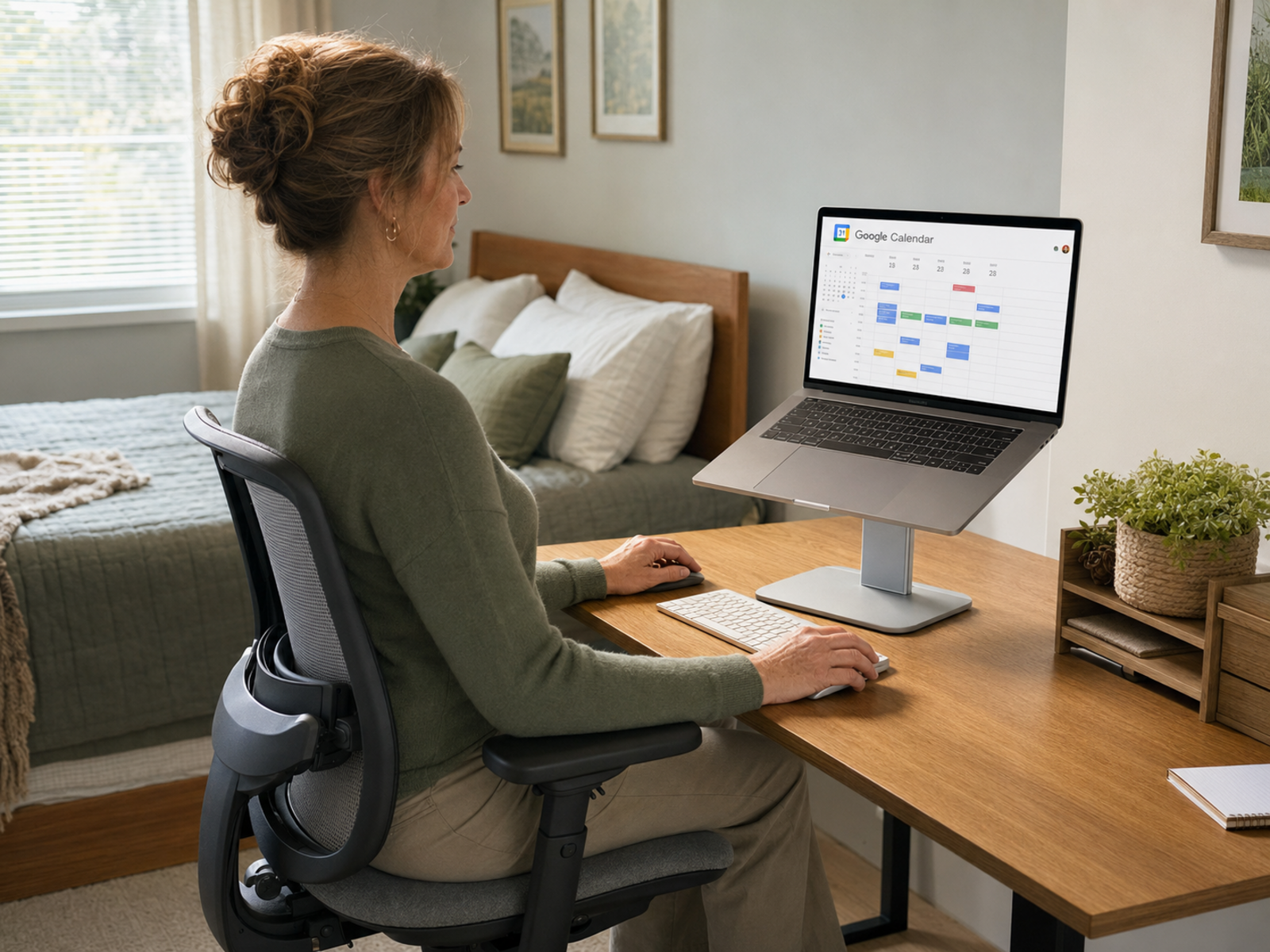
The tool matters less than the rule it helps you keep. Google Calendar, Sunsama, Motion, Notion Calendar and Todoist are useful only if they make time more honest. A prettier calendar is not the goal. A day with visible limits is.
The Five Blocks That Matter Most
Anchor blocks
Anchor blocks are the fixed pieces of the day: school pickup, client calls, appointments, caregiving, lunch, shutdown time or your most important work session.
Put these in first. They show the truth of the day before your task list starts making unrealistic speeches. Once anchors are visible, you stop pretending the whole day is open.
Energy blocks
Energy blocks match demanding work to your stronger hours. Writing, strategy, creative work, client delivery and difficult decisions need better attention than a tired 4:45pm brain with one eye on dinner.
Use your best energy deliberately. Save lighter admin, sorting and simple follow-ups for lower-energy windows where possible.
Admin blocks
Admin needs a container because it loves spreading itself across the whole day. Email, invoices, forms, scheduling, receipts, filing and quick replies can break focus if they keep appearing randomly.
A set admin block stops small tasks nibbling every hour. It also shows how much hidden work your home, job or business is actually producing.
Recovery blocks
Recovery blocks protect lunch, short walks, screen breaks, quiet time and reset gaps. They do not need to look dramatic. They just need to exist.
If your calendar only protects output, it quietly teaches you that rest is optional. That is a fast route to a day that looks productive and feels like being slowly flattened.
Buffer blocks
Buffer blocks are small spaces between tasks. They help with overruns, emotional residue, notes, setup, tea, movement or simply not arriving at the next thing already annoyed.
A five-minute buffer can protect a whole afternoon from becoming one long screen-flavoured soup.

Calendar Blocking vs A To-Do List
A list captures the work
A to-do list tells you what exists. That is useful, especially when your brain is already carrying too much.
But a list can also lie by omission. Twenty tasks on a list may look possible until you realise the day contains calls, errands, lunch, school logistics and a printer choosing violence.
A calendar shows the space
A calendar asks when the work will happen. That is where the truth appears. Tasks need time, attention and energy, not just a neat bullet point.
When you move tasks into blocks, you can see what fits, what needs moving, what should be dropped and what was never realistic in the first place.
The best setup can use both
Use a task app to capture loose work. Use the calendar to protect space for the work that matters.
Todoist can help task-first people capture and organise. Google Calendar, Sunsama, Motion and Notion Calendar can help turn selected tasks into time. The point is not more software. It is fewer loose ends living rent-free in your head.

Common Calendar Blocking Mistakes
Blocking every minute
A calendar with no breathing room is not a plan. It is a pressure cooker with colours. If every minute is assigned, one delay can wreck the whole day.
Leave margin for late calls, school messages, tech issues, low-energy afternoons and the occasional domestic emergency that begins with someone shouting from another room.
Treating blocks as punishment
Calendar blocking should not become a way to scold yourself for being human. If a block moves, that does not mean you failed. It means your plan met reality.
Adjust the block, protect the priority and learn from the pattern. The calendar should help you steer the day, not judge you in pastel.
Forgetting home-life logistics
Home workers often forget to block meals, school runs, deliveries, caregiving, appointments and household admin because those tasks feel obvious. Obvious still takes time.
Put real-life logistics on the calendar where needed. Otherwise, your work blocks will keep crashing into the invisible machinery of home.
Letting email break every block
Email can destroy calendar blocking if it stays open all day. A message arrives, you reply, another arrives, then suddenly your deep-work block has become inbox soup.
Give email its own admin window where possible. If messages are urgent, create a triage block instead of letting the inbox sit beside every task like a demanding toddler.
Making blocks too vague
A block called “work” is often too vague to protect anything. “Client draft,” “invoice admin,” “email replies,” “school forms” or “shutdown review” gives your brain a clearer instruction.
Specific blocks reduce decision fatigue. They stop you opening the calendar and immediately needing another calendar to interpret it.

How To Make Blocks Flexible Without Losing The Point
Use fixed anchors first
Start with what cannot move. Appointments, school pickups, client calls, meals, caregiving and shutdown time should appear before flexible tasks.
This stops your calendar pretending life is an uninterrupted work tunnel. It also makes it easier to see where real work can fit without stealing recovery.
Keep movable work movable
Some blocks need doing but can shift. Admin, planning, low-pressure tasks, errands and non-urgent replies can move when the day changes.
This flexibility matters because real life is not obedient. The aim is a calendar with boundaries, not one that collapses the first time someone gets ill, calls late or needs help finding a shoe.
Review what keeps slipping
If the same block keeps moving, that is useful information. Maybe it is too long, badly timed, emotionally draining, unclear or not important enough.
A short weekly review helps the calendar become more realistic. This is not self-judgement. It is evidence that one person cannot operate like a small department forever.
Protect the block’s purpose
A flexible block can move, but it should not vanish every time something louder appears. Recovery, admin and shutdown time are easy to delete because they rarely shout.
Move the block if needed. Do not quietly erase the need it was protecting.
FAQ
What is calendar blocking?
Calendar blocking is a planning method where you reserve specific blocks of time for tasks, projects, admin, meetings, breaks, recovery or personal responsibilities.
Instead of keeping everything on a list, you give important work and rest a place in the day. This helps you see whether your plan fits your actual time and energy.
Can calendar blocking help prevent burnout?
Calendar blocking can support burnout prevention by protecting recovery, realistic work limits, transitions and hidden admin before the day becomes overloaded.
It cannot prevent burnout by itself. Workload, support, boundaries, rest, health and life pressure still matter. The calendar is a support tool, not a magic wall against exhaustion.
Is time blocking better than a to-do list?
Time blocking and to-do lists solve different problems. A to-do list captures what needs doing. Time blocking helps decide when it will happen.
For many busy workers, the best setup uses both. Capture tasks in a list, then move the important ones into protected calendar blocks.
What is the best app for calendar blocking?
Google Calendar is the simplest starting point. Sunsama is good for gentle daily planning. Motion suits automatic scheduling. Notion Calendar works well for Notion users. Todoist suits task-first people who want to turn lists into scheduled work.
The best app is the one you will keep using when the day changes.
How do I calendar block when my day changes constantly?
Use anchor blocks, movable blocks and buffer blocks. Protect the fixed parts of the day first, then schedule flexible work around them.
Do not block every minute. A changeable day needs more margin, not a stricter fantasy calendar. Review what keeps moving and adjust future blocks around reality.
Should I block breaks and recovery time too?
Yes. Breaks, lunch, shutdown time, transitions and recovery blocks are often the first things to disappear when work gets busy.
Blocking them helps remind you that energy is not unlimited. The goal is not to schedule rest perfectly. It is to stop treating recovery as whatever time is left after everything else has eaten.
Final Verdict
Calendar blocking for burnout prevention works best when it gives invisible work, recovery and transitions a visible place. Google Calendar is the simplest starting point, Sunsama offers gentle daily planning, Motion can help with automatic scheduling, Notion Calendar suits visual Notion users, and Todoist works well for task-first planning.
You do not need a stricter calendar. You need one that protects deep work, admin, breaks, shutdown time and the person expected to hold the whole day together.


