Vinted vs eBay in 2026: Fees,…

Tailwind SmartPin and Pinterest Traffic: What…

Make Review: Can It Take the…

MoneyHQ Review: Can It Make Comparing…

AI Receptionists for UK Small Businesses:…

TikTok Shop Affiliate in the UK:…

Eden Creator Store Explained: Can One…

Domain vs Web Hosting: What Is…

Redbubble vs Printify: Which Print-on-Demand Platform…

Can Free Affinity Help You Build…

Can Hostinger AI Builder Launch a…

Plug-In Solar Panels UK: Are They…
Email marketing automation explained simply: it is a follow-up system, not a robot salesperson. It helps you welcome new subscribers, deliver what they asked for, explain your best ideas and recommend useful next steps without manually remembering every message. Beginners often think automation means setting everything up once and walking away forever. A better view is this: automation saves time, but the emails still need to sound human, useful and worth opening.
Email marketing builds the relationship.
Automation sends planned follow-ups.
Campaigns are usually one-time emails.
Sequences run after a trigger.
Segmentation makes emails more relevant.
Funnels guide readers toward action.
Simple systems beat giant automation mazes.

Most Relevant Audience
This guide is for bloggers, creators, freelancers, side hustlers, small business owners and beginners who know email matters but feel confused by campaigns, sequences, funnels, tags, tools and workflows. It is especially useful if you want a simple follow-up system that saves time without making your emails sound like they were assembled by a sales robot in a windowless room.
Email marketing automation explained
Email marketing vs email automation
Email marketing is the wider way you communicate with subscribers. It includes newsletters, offers, updates, launches, recommendations and relationship-building emails. Automation is one part of that system. It sends specific messages when someone joins your list, downloads a guide, clicks a link or buys a product.
Email campaigns vs email automations
An email campaign is usually a one-time message or planned set of emails sent to a group at a chosen time. An automation runs from a trigger. A campaign might announce a new product, while a welcome automation sends every new subscriber the same helpful sequence after they sign up.
Common types of automations
Common automations include welcome sequences, lead magnet delivery, sales follow-ups, abandoned checkout reminders, course onboarding, customer thank-you emails and re-engagement messages. None of these needs to be complicated at first. A simple welcome sequence can beat a giant workflow with twelve branches and a headache.
Email marketing for bloggers
Bloggers can use email to keep readers connected after they leave the site. A useful setup might welcome subscribers, share best articles, explain the blog’s main topics and recommend relevant resources. Search traffic matters, but email gives you a direct way to bring people back.
Email automation for creators
Creators can use automation to deliver freebies, introduce content, promote offers and guide subscribers toward the next useful step. Relevance matters most. Someone who downloaded a podcast checklist probably needs different emails from someone interested in a course. Good automation remembers what the person wanted.

Keep the system human
The danger is treating automation like a robot salesperson. The opportunity is using it like a helpful assistant that remembers who signed up, what they asked for and what would genuinely help them next. Better automation should make communication calmer, not colder.
Segments, funnels and examples
Email segmentation explained
Segmentation means grouping subscribers based on interests, actions or needs. Tags, forms, links and purchases can show what someone cares about. A creator might tag subscribers interested in blogging, gear, email tools or wellness routines. Relevant emails feel helpful. Random emails feel like marketing confetti thrown at the inbox.
Email funnels explained
An email funnel is a planned path from interest to action. It might start with a free guide, continue with helpful education, then introduce an offer. Funnels do not have to be pushy. The best ones answer questions in the right order, instead of cornering people with countdown timers and emotional jazz hands.
A simple automation example
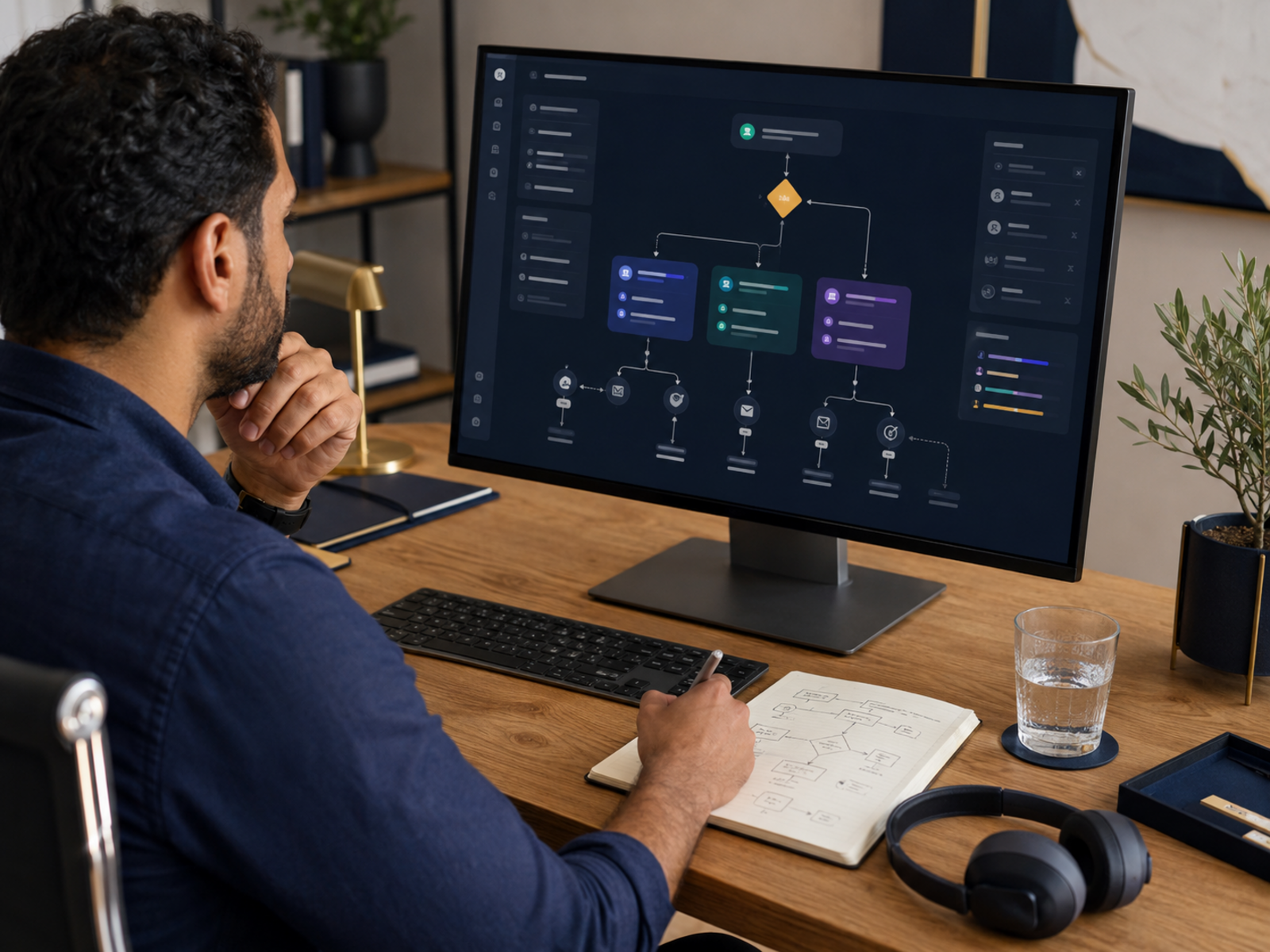
A beginner-friendly automation could have four emails. The first delivers the free resource. Next, explain the main problem it helps solve. After that, share a useful tip or story. Finally, recommend a relevant next step, such as an article, product, service or offer.
How many emails should a sequence include?
Most beginner sequences can start with three to five emails. That gives enough room to welcome, explain, help and recommend without overwhelming people. Longer sequences can work later, especially for launches or courses. Early on, clarity matters more than length.


Best email automation tools to mention

Related wellness note
A simple follow-up system can reduce repetitive manual work, inbox pressure and the feeling that you must remember every subscriber step yourself. Better automation supports growth, but it can also protect attention.
Common email automation mistakes
Building too much too soon
Beginners often build complicated workflows before they understand the basics. Start with one clear welcome sequence and one useful signup offer. Learn what people open, click and reply to. Complexity should grow from evidence, not from one tutorial that makes your email list look like it needs a control room.
Sounding robotic
Automation should not sound automated. Avoid stiff phrases, fake urgency and endless sales pressure. Write like a helpful person who knows why the subscriber joined. Short, clear and useful usually works better than dramatic marketing language from a funnel factory.
Forgetting the reader’s reason
People join for a reason. They want the free guide, article updates, useful tips, product help or a specific answer. Your automation should honour that reason before asking for more attention. Ignoring the signup promise makes the sequence feel disconnected.
Never reviewing the sequence
Automation is not a set-and-forget system forever. Review emails occasionally. Update links, remove weak sections, improve subject lines and check whether the next step still makes sense. A sequence can quietly become outdated after launch day.

Pros and cons
Pros
Email automation saves time, improves consistency and helps subscribers receive useful information without manual follow-up. It can support blogging, creator offers, freelance services, digital products and small business sales.
Cons
Poor automation can feel cold, pushy or confusing. It can also become too complicated if beginners overbuild before they understand their audience. Tools help, but the strategy still needs clear messages.
FAQ
What is email marketing automation?
Email marketing automation is a system that sends planned emails automatically after a subscriber takes an action. That action might be joining your list, downloading a resource, clicking a link or buying a product.
What is the difference between email marketing and email automation?
Email marketing is the wider strategy of communicating with subscribers through email. Email automation sends specific messages based on triggers or timing. Newsletters, campaigns and launch emails are marketing. Welcome sequences and follow-up workflows are automation.
Do beginners need email automation?
Beginners do not need a huge automation system, but a simple welcome sequence is useful. It helps new subscribers understand who you are, what you offer and where to go next.
What is the best email automation tool for creators?
ConvertKit, MailerLite, GetResponse, ActiveCampaign and Systeme.io can all work depending on the creator’s needs. ConvertKit suits creator sequences, while MailerLite is beginner-friendly and Systeme.io combines email with selling tools.
ConvertKit vs Mailchimp
How do you automate emails without sounding robotic?
Automate emails by writing them like helpful follow-ups, not scripts from a sales machine. Use clear language, explain why the email matters and recommend relevant next steps.
Final verdict
Email marketing automation explained properly is not about building a giant maze. It is about creating a simple follow-up system that welcomes subscribers, delivers value, explains your best ideas and recommends useful next steps.
Start with one clear sequence before adding advanced funnels, tags and workflows. Choose a tool that fits your stage, write like a human and review the system as your business grows. Good automation saves time, supports income growth and keeps communication calmer for both you and your subscribers.