Redbubble vs Printify: Which Print-on-Demand Platform…

Can Free Affinity Help You Build…

Can Hostinger AI Builder Launch a…

Plug-In Solar Panels UK: Are They…

Meta One Explained: Is the Subscription…

Plaud One Explained: UK Price, Plans…

Namecheap vs Dynadot

Kit (ConvertKit) vs beehiiv: Which Should…

Bluehost vs Siteground

Namecheap review

Cloudways Vs WP Engine

Dropshipping Explained
If you have bought a domain and your website is still not online, you have run into the most common beginner mix-up. A domain and web hosting are two different things, and a website needs both. The domain is the address people type. Hosting is the place where your pages, images and files are kept.
Quick Overview
- A domain name is your website address, such as yourwebsite.com. You register it for a set period and renew it.
- Web hosting is the server space where your site's files and content are stored, so visitors can load them.
- The domain points to the hosting. The hosting serves the website.
- A domain without hosting is an address with nothing behind it. Hosting without a domain works only at an awkward technical address.
- Many companies sell both together, so they feel like one product. They are not, and you can buy them separately.
| Domain | Web hosting | |
|---|---|---|
| What it is | Your website address | The server space your site lives on |
| Example | yourwebsite.com | Files, pages, images and databases |
| Bought from | A domain registrar | A hosting company |
| Paid | Per year, through registration | Monthly or per year, as a plan |
| Without it | Visitors cannot find you by name | Visitors see nothing at all |
| Analogy | Street address | The house |

How a domain and hosting work together
Step 1: Register a domain
You choose a name, such as yourblog.com, and register it with a domain registrar. This is your identity online.
Step 2: Choose hosting
You rent space on a server from a hosting company. This is where your site's files, content and images are stored.
Step 3: Connect them
You point the domain at your hosting, usually by changing a setting at the registrar or by using the hosting company's setup guide. Connection can take a short while to spread across the internet.
Step 4: Your site goes live
When someone types your domain, the request goes to your hosting, and your website loads.
Terms you will see when you connect them
| Term | What it means | Where you will see it |
|---|---|---|
| Registrar | The company that holds your domain registration | Where you bought the domain |
| Nameservers | Settings that say which company answers for your domain | Domain settings, when you connect to a host |
| DNS records | Instructions that send your domain to your site and email | Domain or host dashboard |
| Renewal price | What you pay to keep the domain after the first period | Checkout and your account |
| Domain privacy | Hides your contact details from the public records, where offered | Domain settings or checkout |
| Control panel | The dashboard where you manage your hosting | Your host's account area |
Where to get each one
Domains
Domains are sold by registrars. Our reviews cover what each one is like to use, so check the current price and renewal cost at the checkout before you pay.
Hosting
Hosting is where your site actually runs, so speed, support and ease of setup matter more here than they do for the domain. Start with the review of the host you are considering.
The biggest beginner mistake
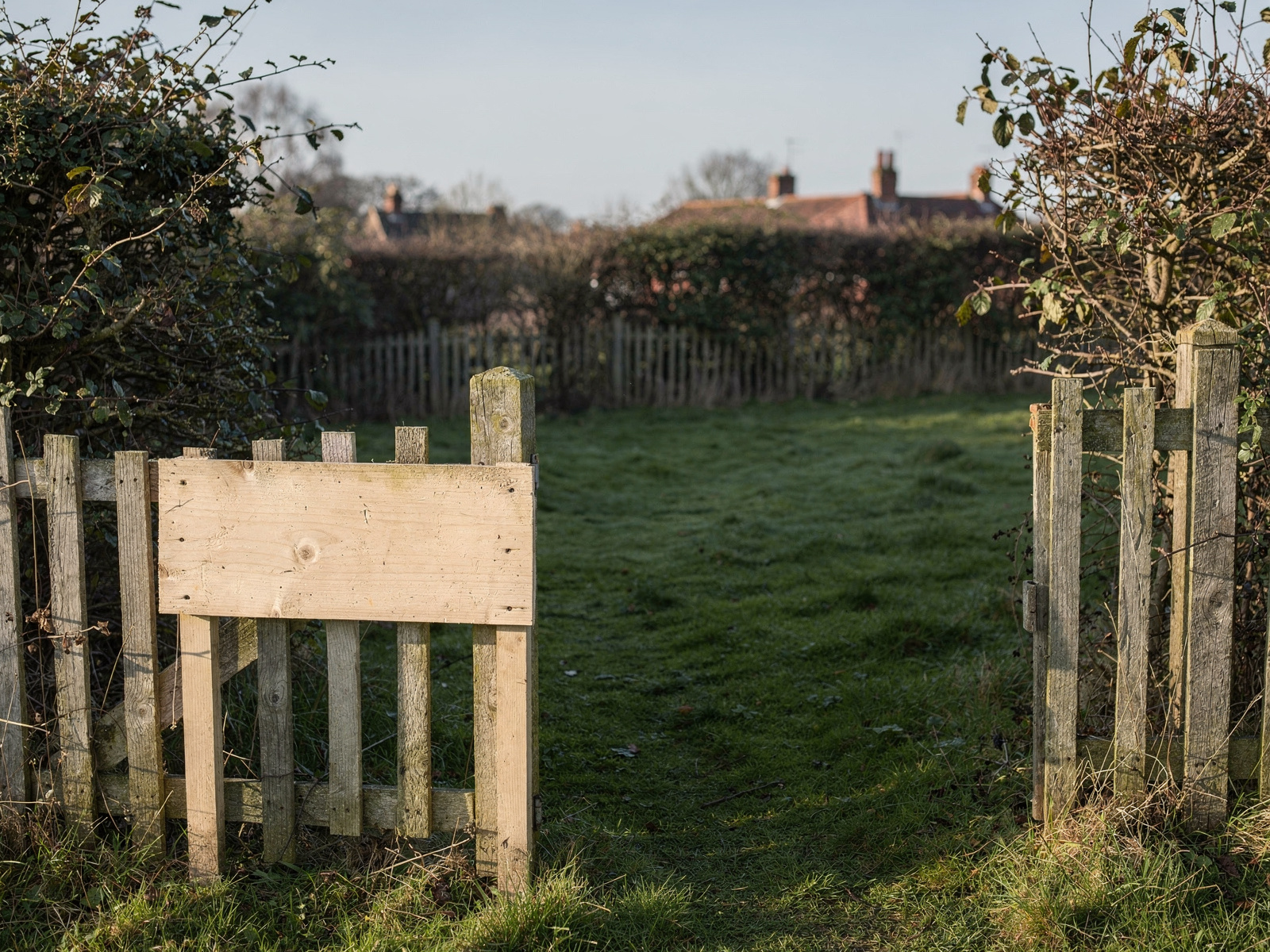
Many people think that buying a domain means they now have a website. It does not. Without hosting there is nowhere for your pages to live, so visitors see an error or a parked page. It is like buying land and expecting a house to appear.
Should you buy a domain and hosting together?
Buying separately
- You keep control of the domain if you change hosts later.
- You can see what each one costs on its own.
- It takes a little more setup, because you connect the two yourself.
Buying together
- Setup is faster and there is less to connect.
- Good if you want the simplest start.
- Check what happens to the domain, and what it costs to renew, if you ever leave the host.

Both routes work. What matters is knowing which company holds your domain and which holds your hosting, so you can always find and move either one.
FAQ
Do I need both a domain and hosting?
Yes, for a normal website. The domain gives people an address, and the hosting stores the site that address shows.
Can I use a domain from one company and hosting from another?
Yes. You point the domain at your host in the domain's settings. Most hosts have a step-by-step guide for this.
Does my domain have to be renewed?
Yes. Domains are registered for a fixed period, and you renew them to keep the name. Check the renewal price before you register, as it can differ from the first-year price.
What happens if my domain expires?
You can lose the name, and your site stops loading at that address. Renew before the date, and turn on automatic renewal if your registrar offers it. What happens in the days after expiry differs between registrars, so check their policy.
Can I move my website to a different host later?
Usually yes. Hosts differ in how much help they give, so ask the new host about migration before you buy. If you hold the domain separately, you only need to point it at the new host once the move is done.
What is the first thing to do after I buy a domain?
Choose hosting and connect the two. Our Blog Setup Checklist walks through the order.

The simple answer
A domain gets people to your site, and hosting makes your site exist. You do not have a working website until you have both and have connected them. Buying them separately gives you more control, and buying them together is quicker to set up. Either way, write down which company holds each one, check the renewal prices, and start with the review of the host you are considering.