Eden Creator Store Explained: Can One…

Domain vs Web Hosting: What Is…

Redbubble vs Printify: Which Print-on-Demand Platform…

Can Hostinger AI Builder Launch a…

Plug-In Solar Panels UK: Are They…

Meta One Explained: Is the Subscription…

Plaud One Explained: UK Price, Plans…

Namecheap vs Dynadot

Kit (ConvertKit) vs beehiiv: Which Should…

Bluehost vs Siteground

Namecheap review

Cloudways Vs WP Engine
Free design software removes a cost. It does not remove the need to make something worth buying. Affinity’s latest update makes this a useful moment to try one small digital product: an original, practical PDF that solves a recognisable problem.
This guide follows a three-page project-enquiry workbook for freelance photographers, from a rough paper draft to a Payhip listing. It is a proposed workflow, not a claim that MyHotips has sold the example or tested these tools hands-on. You can adapt the process to a subject you know well.
Quick Overview
- Design in Affinity; sell through Payhip.
- Start with one useful, small PDF.
- Payhip’s free plan takes 5%, plus processing.
- Test demand, printing and delivery before launch.

Why This Is Worth Looking at Now
A Free Tool With Room to Grow
Affinity’s 15 September 2026 update introduced more than 60 improvements, including a Blend Tool and scripting. The core photo, vector and page-layout tools remain free for individuals. Optional Canva AI Studio features require a Canva premium plan.
You do not need the headline new features to make a useful workbook. The opportunity is access to page-layout tools without first committing to a creative-software subscription. Allow time to learn them: “free” describes the core software price, not the effort involved.
Give This First Product a Narrow Job
For our example, the buyer is a freelance photographer who wants to prepare consistently for a first client conversation. The workbook helps them collect the essentials, prepare questions and record the next action. It does not calculate prices or replace a contract.
That is deliberately narrower than “the ultimate business planner”. One specific task makes it easier to explain the product, test it with the right people and decide what belongs on each page.
Start on Paper, Finish With a Test
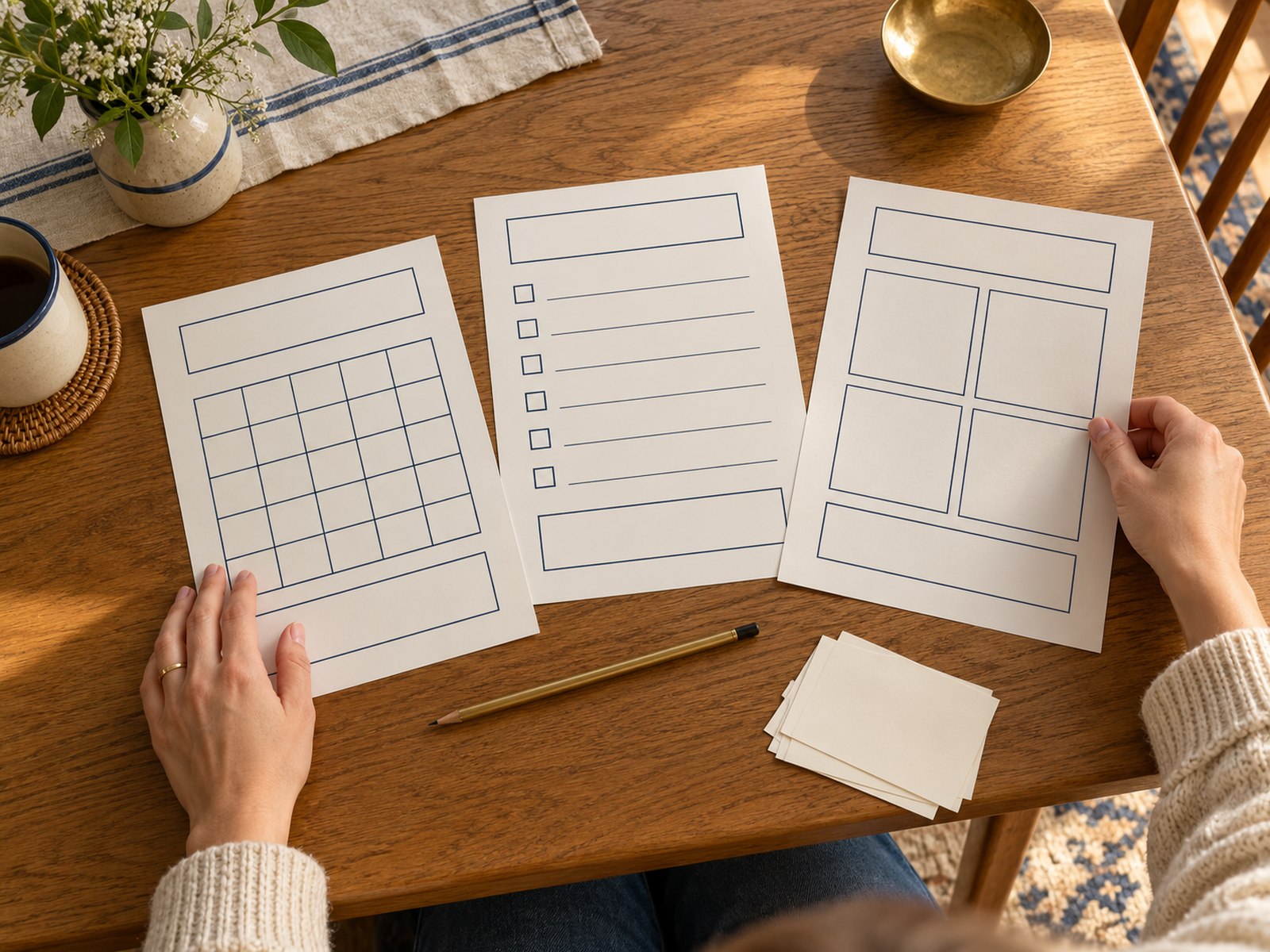
Sketch Three Pages Someone Could Use
Draft an enquiry sheet, a conversation-preparation sheet and a next-steps sheet. Leave generous writing space. Ask a couple of intended buyers to use the draft for a fictional enquiry, then watch where they hesitate or invent their own fields.
A compliment is encouraging; a person completing the task is more informative. Ask what they use now, which part is annoying and what would make this draft worth keeping. Improve the structure before choosing a decorative cover.
Check What Leaves the Printer
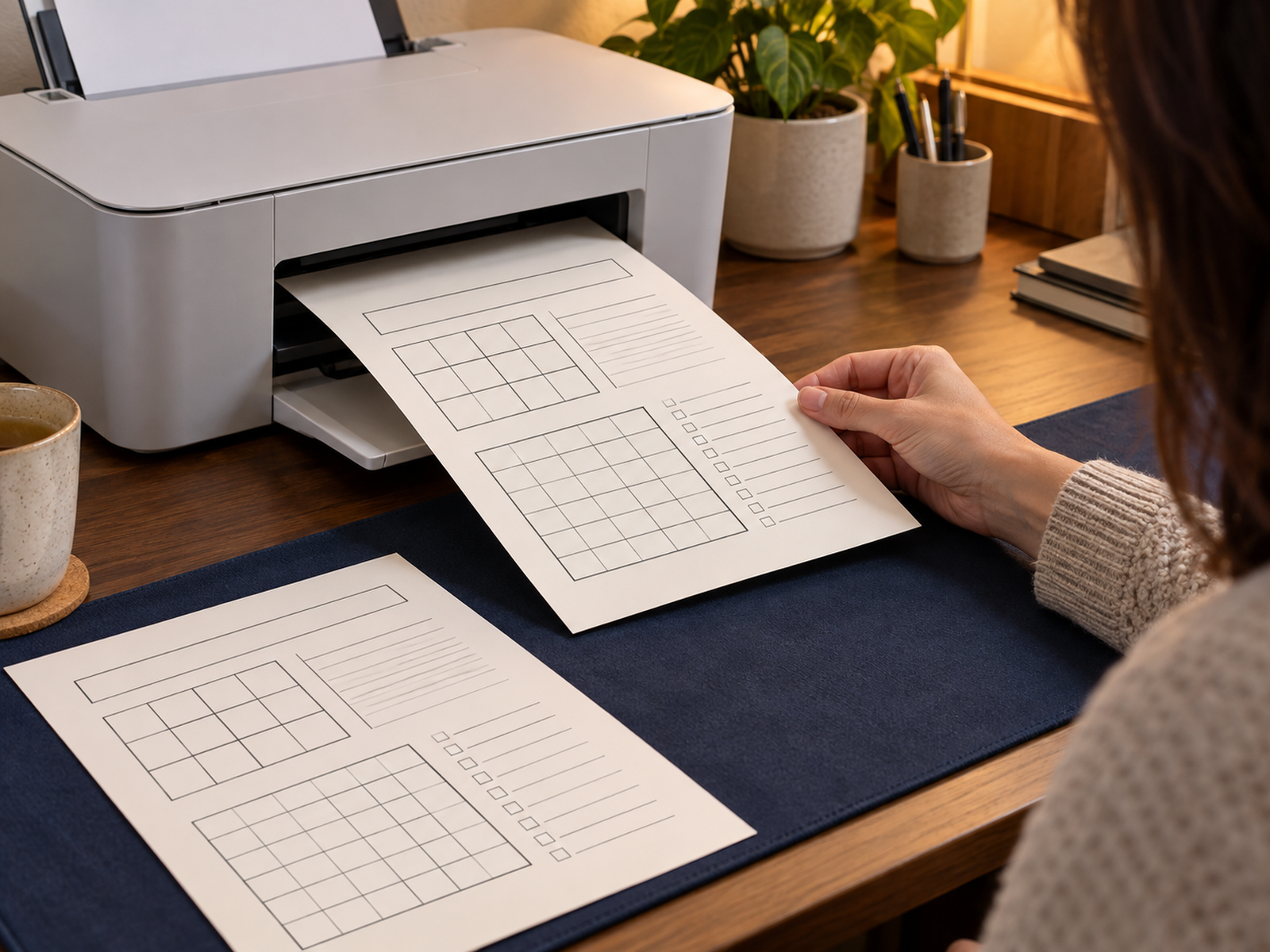
An attractive screen preview is only half the job for a printable. Print the export on an ordinary home printer and try filling it in. Check margins, line contrast and whether the writing areas are large enough.
Also open the PDF on a phone and another computer if available. Look for missing characters, tiny instructions and unexpected page breaks. Fix the source document and export again; do not sell a version you already know needs an explanation for its mistakes.
The Two Tools Have Different Jobs
Affinity: Make the Original File
Affinity combines vector design, photo editing and page layout. For this project, its Layout Studio is the relevant starting point: build the pages, keep their text styling consistent and export a PDF. Installation for Windows or macOS uses a Canva account; a free account is sufficient for the core app.
Keep an editable source copy as well as the exported customer file. You may need to correct a question, improve spacing or add a page later. A flattened picture of a worksheet is a poor substitute for a source document you can maintain.
Check the current system requirements before downloading. This workflow assumes a compatible computer and does not require premium AI features.
Payhip: Present and Deliver the Download
Payhip supplies a storefront and digital-product delivery. Its Free Forever plan has no monthly subscription and takes a 5% transaction fee. Payment-provider charges apply separately. That makes it possible to test a small offer without buying a paid Payhip plan first.
Your listing still needs to explain who the workbook is for, what files are included and what the buyer can do with them. A delivery platform does not supply your original content or make a vague offer persuasive.
After a completed purchase, Payhip provides a download page and an emailed download link. Check that experience yourself before asking customers to rely on it.
Build the First Version in a Sensible Order
Set Up a Small, Consistent Document
Start with A4 portrait pages for a UK printable. Use a readable body size, clear headings and comfortable margins. As a starting design choice, try 12-point body text and 15mm margins, then judge the printed result rather than treating those numbers as a guarantee.
Use one heading style and one body style across all three pages. Keep decorative backgrounds light enough that printing does not consume unnecessary ink. If you promise a US Letter version, create and check that version separately; a renamed A4 file is not a second paper size.
Separate the Product From Its Preview
Export the customer workbook as a PDF and reopen it outside the design app. Confirm page size, page count and text rendering. If you include fonts or images, check their licence allows your intended commercial use and the way they appear in the export.
Create a small preview showing the actual layout, plus a completed example using invented client details. Do not use a real customer’s information. Explain whether the PDF is printable only: a page with empty boxes is not automatically a fillable digital form.
Put the Product on Payhip
Upload a Clear Offer
Payhip’s digital-product instructions start with Products, then Add new product, then Digital Product. Upload the checked files, add a title, price, cover and description. Keep the item invisible while preparing it, or unlisted if you need a direct test link.
A useful description for this example would specify three A4 printable pages, their purpose, the PDF format and whether editable files are excluded. State the intended licence in plain language. Do not promise personalised editing unless you have priced the work involved.
Test the Buyer’s Route
Connect the payment provider you intend to use and review the account setup requirements. Payhip documents using a 100%-off coupon to complete a test order; test orders remain in its customer records.
Check the listing, receipt, download link and files as a buyer. A free test confirms the delivery route, not a live card payment or every tax scenario. Make sure the support contact works, and have someone unfamiliar with the workbook follow its instructions before making it public.
Free to Start Does Not Mean Fee-Free
The Payhip Plans
Payhip displayed these US-dollar monthly prices on 2 October 2026:
- Free Forever: $0, plus 5% transaction fee.
- Plus: $29, plus 2% transaction fee.
- Pro: $99, with no Payhip transaction fee.
Payment processing remains additional on every plan. The subscription figures are not fixed sterling quotes. Check currency conversion and any applicable charges before comparing them with a UK budget.
Payhip says it collects and remits applicable UK and EU VAT. That does not mean every obligation involved in running your business is handled for you.
Use Arithmetic Before Upgrading
On an illustrative £6 sale where the 5% fee applies to £6, the Payhip fee is 30p. The remaining £5.70 is before payment processing, any tax, refunds, other costs and your working time. It is not profit or an earnings forecast.
Using the displayed dollar rates on the same fee base, Plus saves three percentage points over Free. Its $29 subscription is offset at about $966.67 monthly sales. Pro saves two points over Plus for another $70, offset at $3,500. These are simplified fee comparisons, excluding tax, currency effects and other costs; low or uncertain sales favour testing on Free first.
Avoid Making a Large Product Nobody Needs
Sell a Useful Outcome, Not a Page Count
Adding another twenty worksheets can make the file harder to understand. Keep a page only when you can say what it helps the buyer do. A compact workbook that works during a real client call has a clearer purpose than a bundle assembled to look substantial.
Before launch, set a modest limit on time spent polishing. When feedback reveals a missing step, improve it. When you are choosing a fifth cover colour instead of showing anyone the draft, it is probably time to test the offer.
Plan for Questions and Updates
Buyers may need help downloading, printing or understanding what they purchased. Keep a short readme with paper size, printing suggestions, included files and support details. Save each released version so you know what changed.
Promote the workbook where the specific problem is already being discussed, with permission where a community requires it. Show a practical example of use. Then review actual questions and sales before building a second product.
Frequently Asked Questions
Do I need Canva Pro for this workflow?
No premium AI feature is needed for the simple PDF described here. Affinity’s core design tools are free for individuals; optional Canva AI Studio features have separate premium-plan requirements.
Can I sell an editable template instead?
You can plan that as a different deliverable, but check file compatibility and every asset licence. Explain which software and fonts the buyer needs. Selling a finished PDF does not automatically give you permission to redistribute source assets or font files.
Will Payhip find buyers for me?
Do not build your plan around that assumption. Start with a specific audience, a useful offer and a realistic way to reach them. The storefront and download delivery are parts of the business, not proof of demand.
A Useful First Goal
Aim to finish one small product that an intended buyer can use without you standing beside them. Validate the task, build the pages, test the export and check delivery. Affinity and Payhip can support that process at a low starting cost; whether it becomes a worthwhile side business depends on demand, pricing and the work you can sustain.