Eden Creator Store Explained: Can One…

Redbubble vs Printify: Which Print-on-Demand Platform…

Can Free Affinity Help You Build…

Can Hostinger AI Builder Launch a…

Plug-In Solar Panels UK: Are They…

Meta One Explained: Is the Subscription…

Plaud One Explained: UK Price, Plans…

Namecheap vs Dynadot

Kit (ConvertKit) vs beehiiv: Which Should…

Bluehost vs Siteground

Namecheap review

Cloudways Vs WP Engine
Many creators spend hours comparing cameras while ignoring the thing viewers notice first: lighting. A good camera in poor light still looks disappointing, while a decent webcam with proper lighting can suddenly look surprisingly professional. Compact video lights became popular because they help YouTubers, remote workers, coaches, educators, and creators improve video quality quickly without filling a room with bulky studio equipment.
Quick Overview
In this guide you will learn:
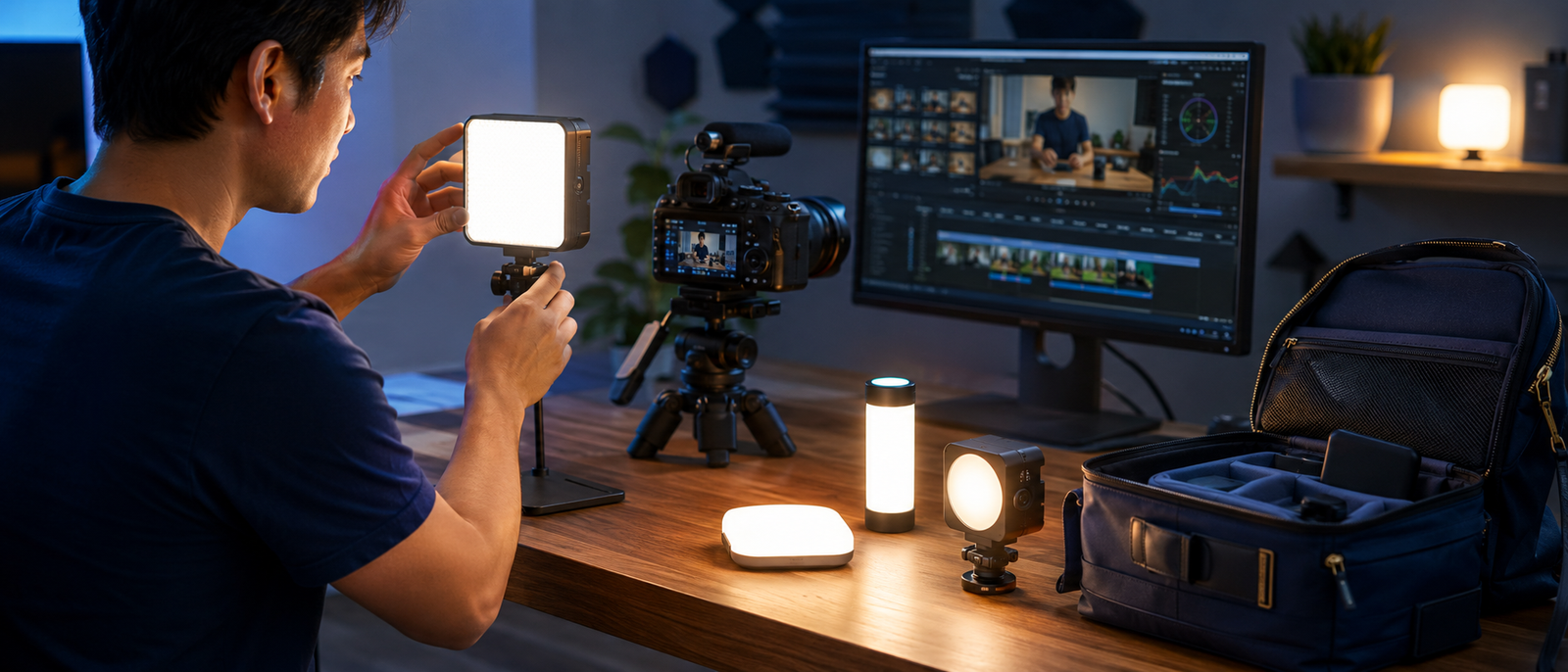
Home office creator setup supporting clearer professional video quality.
Helpful next reads: Ring light vs softbox
Why Lighting Matters More Than Camera Quality
Cameras Cannot Create Missing Light
Even expensive cameras struggle when rooms are dark, unevenly lit, or filled with strong shadows. The sensor still needs light to capture detail, which means poor lighting limits image quality regardless of camera price.
Better Lighting Creates Immediate Improvement
Good lighting improves facial detail, colour accuracy, contrast, and overall image clarity. Most people notice these changes immediately, even if they cannot explain the technical reason.
Viewers Notice Poor Lighting Quickly
People often tolerate average resolution longer than they tolerate dark, grainy video. If viewers struggle to see facial expressions clearly, the content feels less professional almost instantly.
Lighting Usually Costs Less Than Cameras
A £70–£150 light frequently produces a larger visible improvement than spending several hundred pounds upgrading a camera while keeping the same lighting setup.
Best Lighting For Home Offices
For most home offices, the Logitech Litra Glow is usually the easiest recommendation because it clips directly onto a monitor, takes seconds to set up, and was specifically designed for webcam use. People spending hours on Zoom, Teams, Google Meet, coaching calls, or client meetings often benefit more from this type of simple front-facing light than from larger studio equipment. Creators who record longer videos or want greater brightness may prefer the Elgato Key Light Mini, while small LED panel kits make more sense for dedicated workspaces where lights can remain permanently positioned. The best home-office light is usually the one that improves video quality without creating extra setup work before every call.
Explore more insights: Best webcams for bloggers and course creators
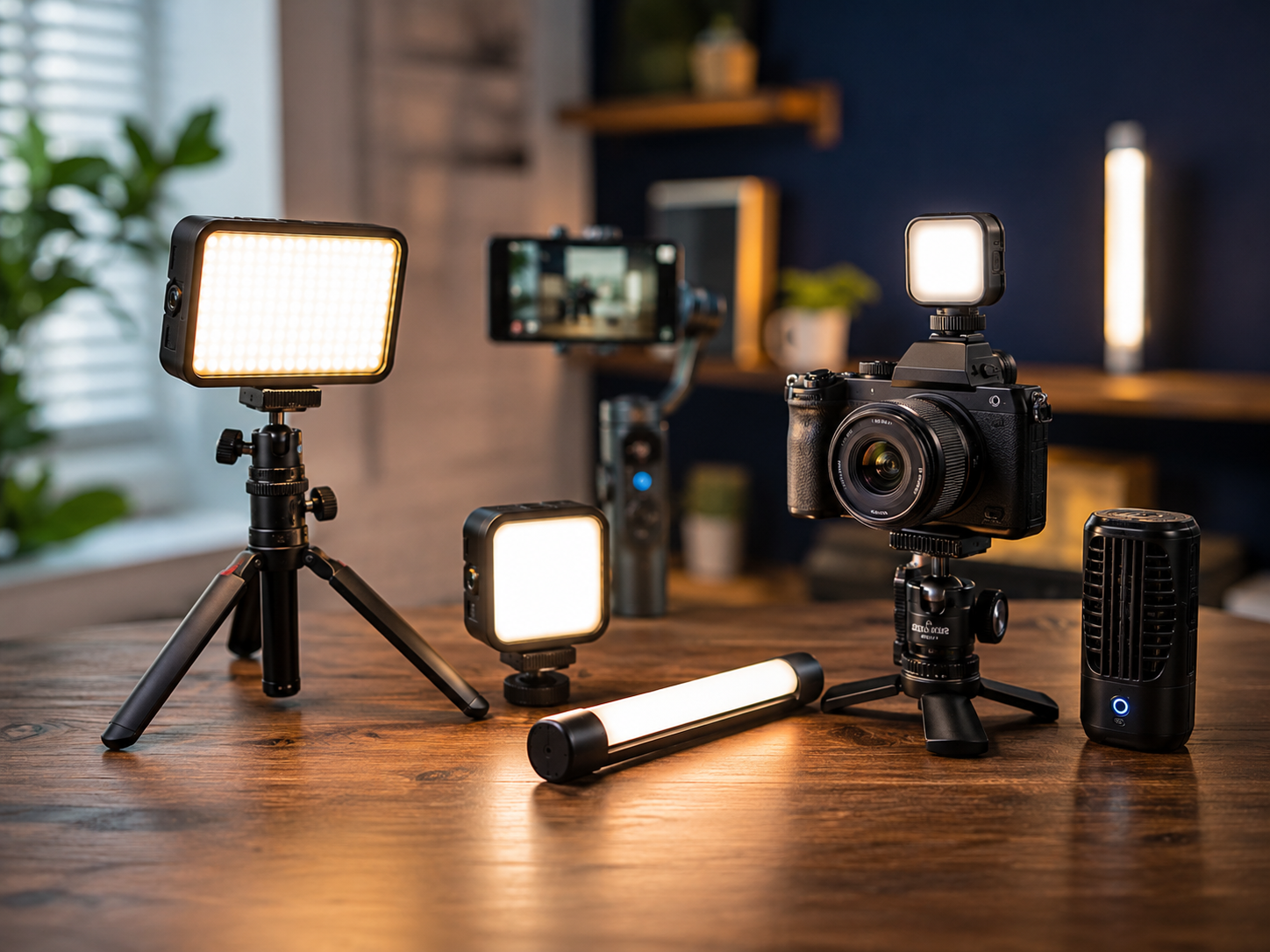
Best Compact Lighting Gear For Video
Elgato Key Light Mini
The Elgato Key Light Mini offers up to 800 lumens of brightness, adjustable colour temperature from 2900K to 7000K, USB-C charging, app control, and an internal battery. At roughly 300g, it is easy to carry between filming locations, making it ideal for creators who regularly work away from a fixed desk.
Limitation
The compact size limits maximum output compared to larger desk-mounted key lights. Creators filming wide shots or larger rooms may eventually want a more powerful primary light.
Logitech Litra Glow
The Logitech Litra Glow clips directly onto a monitor and provides soft front-facing illumination designed specifically for webcams. It offers adjustable brightness, adjustable colour temperature, USB power, and a diffuser designed to reduce harsh shadows during video calls and livestreams.
Limitation
The monitor-mounted design is excellent for desk use but offers less flexibility for creative filming angles, product videos, or larger recording spaces.
Aputure MC
The Aputure MC is a compact RGB light featuring adjustable colour temperature from 3200K to 6500K, full RGB colour control, magnetic mounting, built-in effects, and battery operation. It is popular among YouTubers and filmmakers who want accent lighting, coloured backgrounds, or creative visual effects.
Limitation
Its small size makes it less suitable as a primary key light. Most creators will use it alongside another light rather than as their only source of illumination.
Ulanzi VL49
The Ulanzi VL49 contains 49 LED beads, a built-in 2000mAh rechargeable battery, adjustable brightness, and three cold-shoe mounts allowing multiple units to be connected together. Weighing roughly 90g, it easily fits into a camera bag and works well for beginner creators needing affordable portable lighting.
Limitation
Colour accuracy and light softness are not as strong as premium alternatives. The light can appear harsher on faces unless diffusion or careful positioning is used.
Small LED Panel Kits
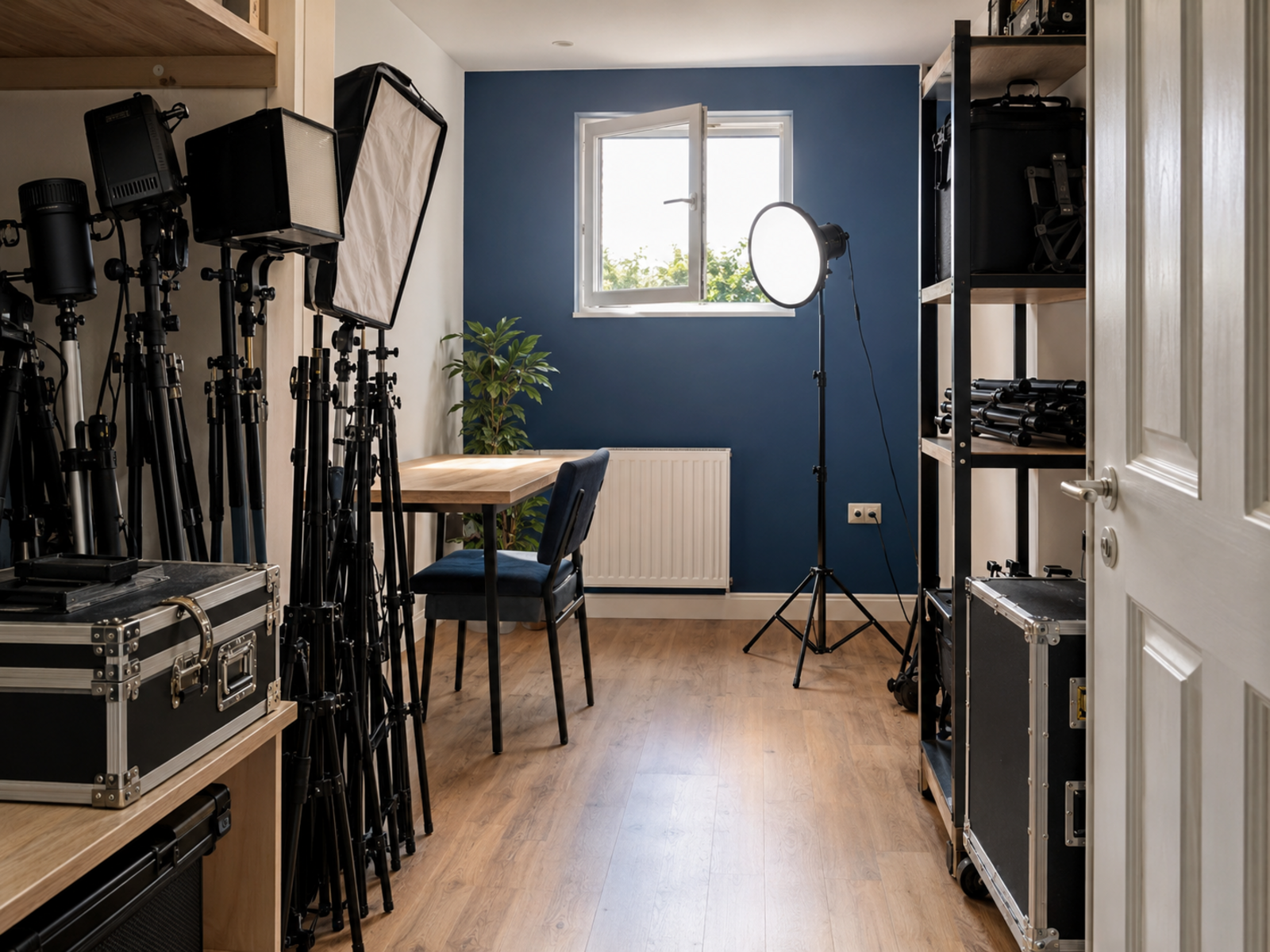
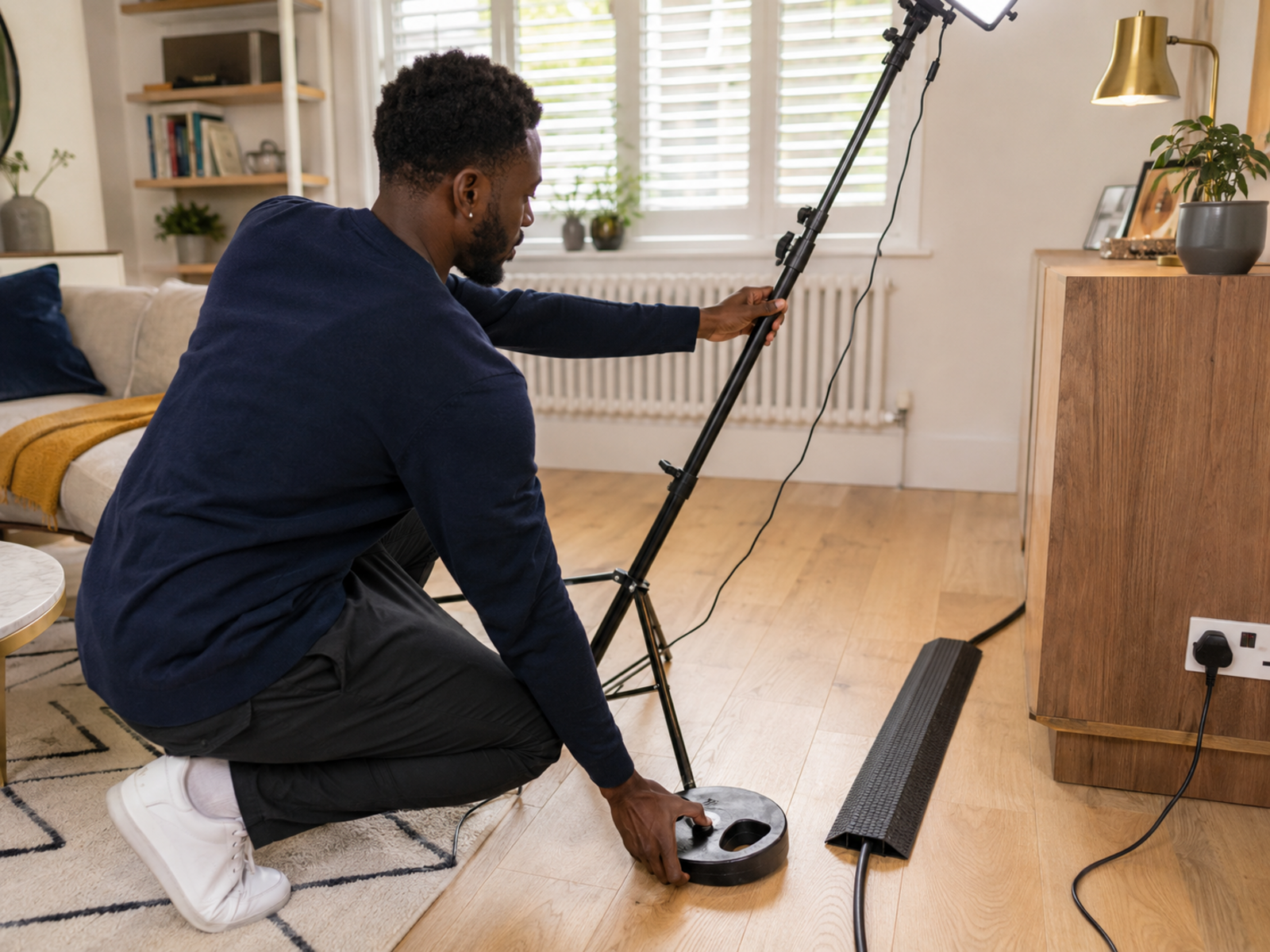
Most compact LED panel kits include two adjustable LED lights, light stands, brightness controls, and colour-temperature adjustment ranging roughly between 3200K and 5600K. They provide broader coverage than a single light and work well for interviews, tutorials, product demonstrations, and home-office recording.
Limitation
They require more space, setup time, cables, and storage than single-light solutions. Convenience is usually lower than monitor-mounted or pocket-sized lights.
Best Lighting For YouTube
YouTube creators usually need more consistency than someone joining occasional video meetings. Recording sessions often last longer, visual quality matters more, and viewers quickly notice changes between uploads. For most creators, a compact key light combined with existing room lighting produces cleaner results than purchasing large studio systems that end up permanently living in a cupboard because setup feels inconvenient.
Frequently read together: Best content creator kits for beginners
Best Lighting For Zoom Calls
Simplicity Usually Wins
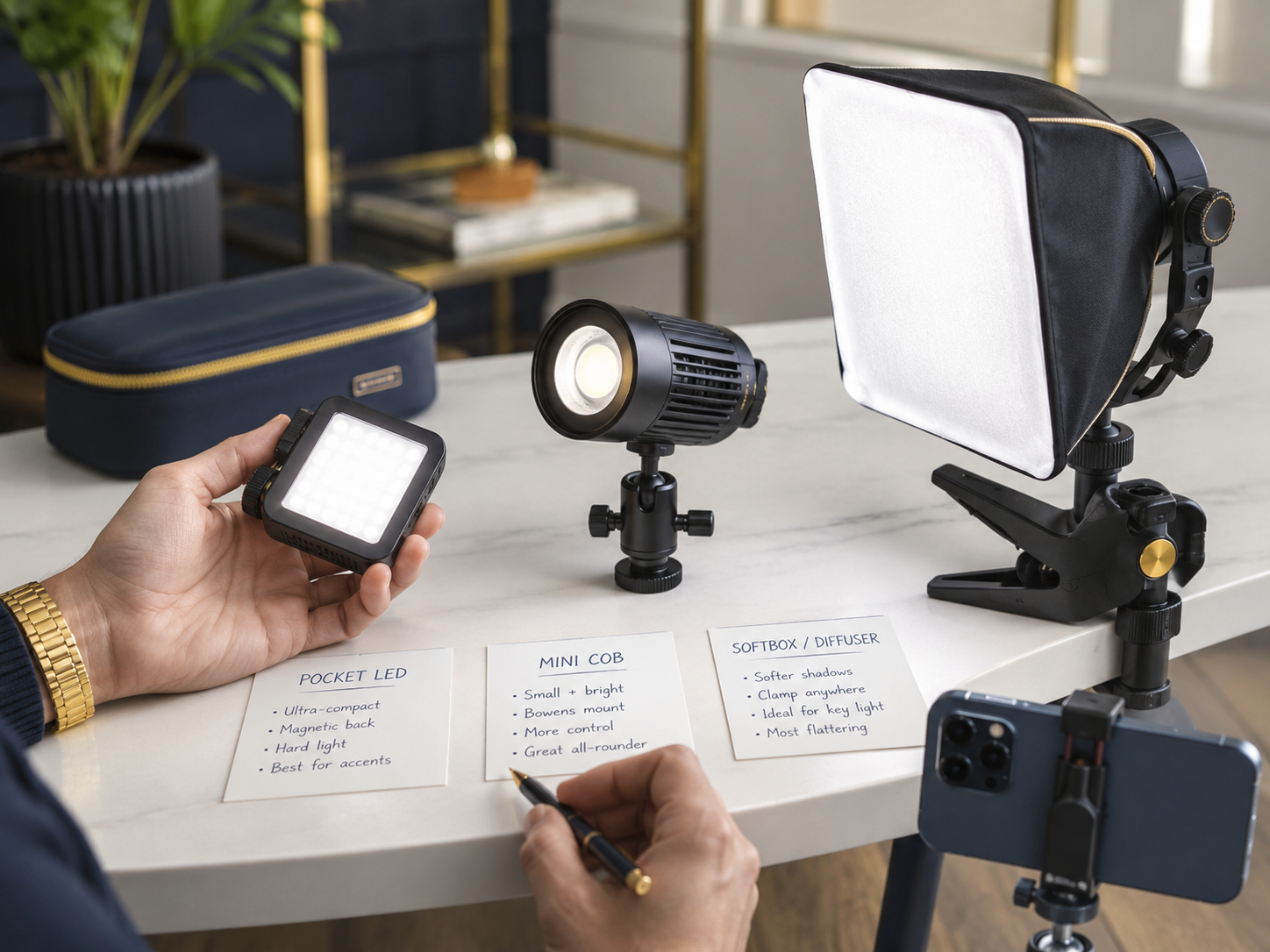
Most professionals do not want lighting that requires stands, batteries, and fifteen minutes of adjustments before every meeting.
Front-Facing Light Helps Most
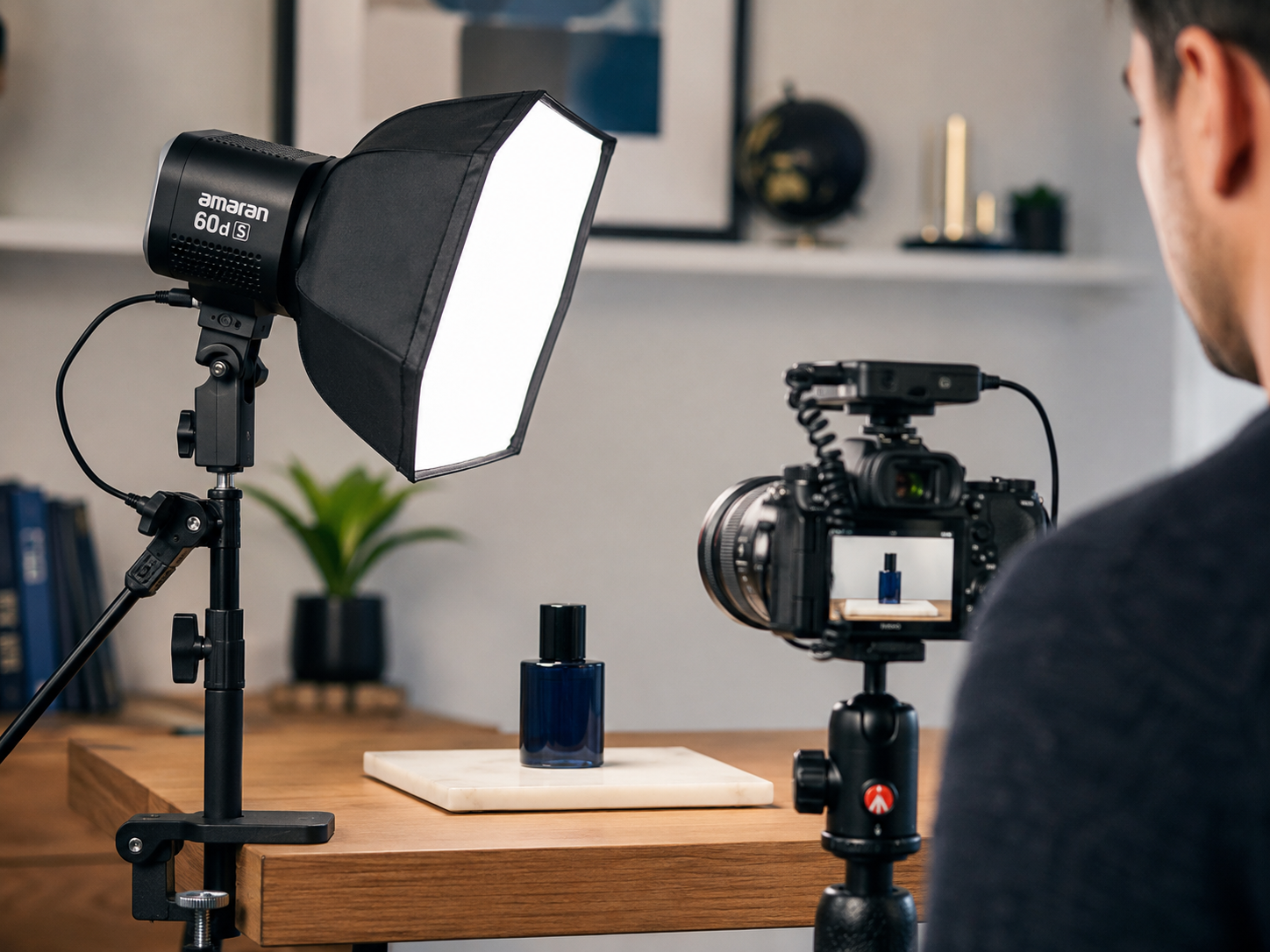
A light positioned near the webcam generally improves appearance more effectively than stronger ceiling lighting because it reduces facial shadows.
Logitech Litra Glow Fits Perfectly
Its monitor-mounted design, USB power, and webcam-focused output make it one of the easiest recommendations for remote workers and consultants.
Consistency Builds Confidence
Knowing your video will look similar during every call removes one more small source of stress before important presentations.
Budget Vs Premium Lighting
Budget Lighting Solves Most Problems
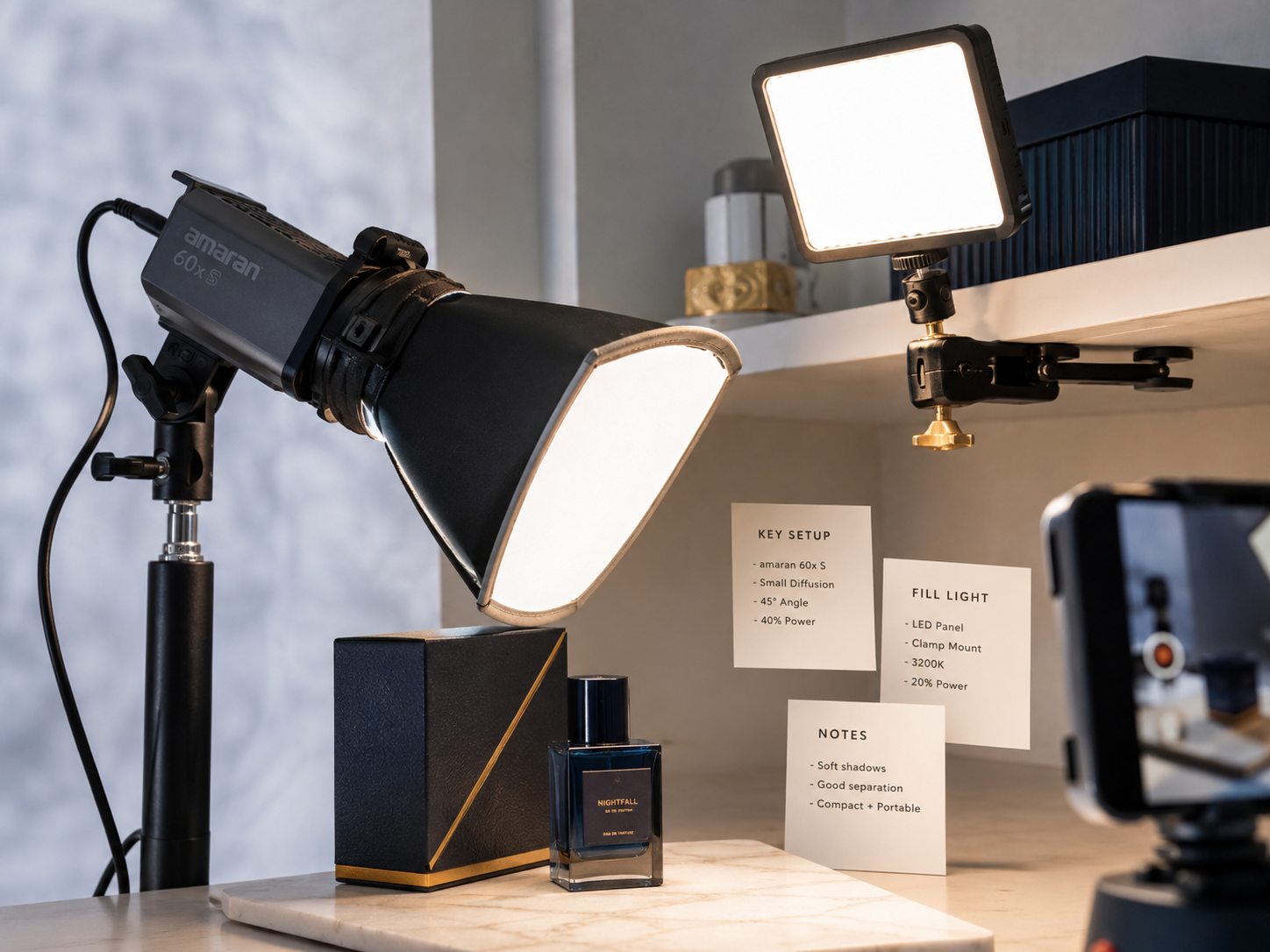
Many creators simply need brighter, cleaner, and more consistent illumination. Affordable options such as the Ulanzi VL49 often solve those problems comfortably.
Premium Lighting Offers More Control
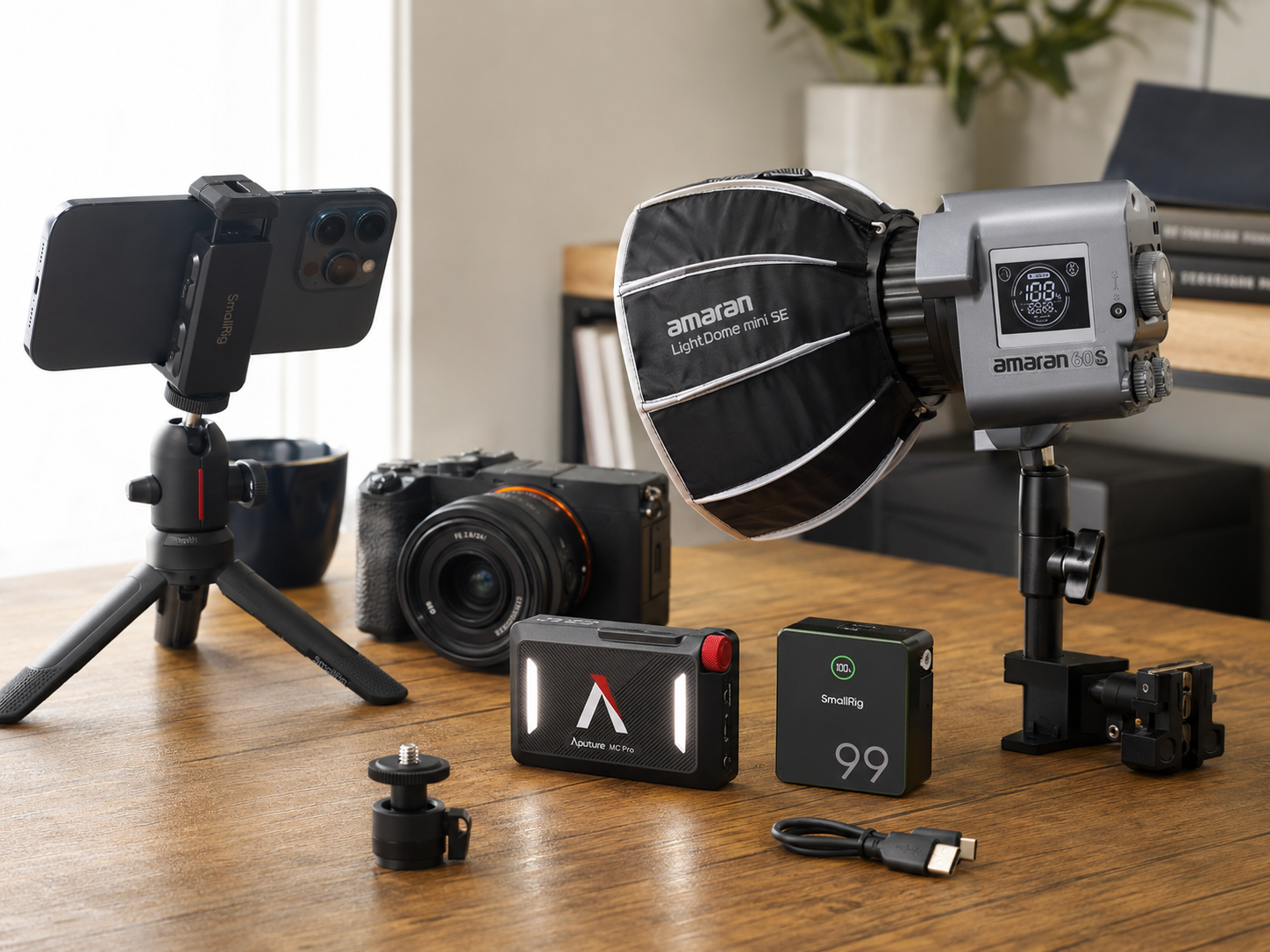
Premium models typically provide better colour accuracy, smoother dimming, wider colour-temperature adjustment, stronger build quality, and better long-term usability.
Workflow Matters More Than Specifications
A light used every day creates far more value than a technically superior light that remains packed away because setup feels inconvenient.
Buy For Your Actual Usage
Remote workers generally benefit most from webcam lighting. Travelling creators often prefer battery-powered lights. Regular content creators can justify investing in higher-end options.
Pros And Cons Of Compact Video Lighting
Pros
Cons
FAQs
What is the best compact lighting gear for video creators?
The Elgato Key Light Mini, Logitech Litra Glow, Aputure MC, Ulanzi VL49, and compact LED panel kits remain popular because they balance portability, usability, and visible improvements in video quality.
Do video lights improve video quality more than cameras?
In many situations, yes. Better lighting often produces a more noticeable visual improvement than upgrading from one camera to another while keeping the same lighting conditions.
Which compact video light is best for Zoom calls?
The Logitech Litra Glow is one of the strongest choices because it mounts directly to a monitor and was specifically designed for webcam and video-call use.
Are battery-powered video lights worth buying?
For creators working in multiple locations, battery-powered lights provide valuable flexibility and portability without requiring access to power outlets.
What lighting setup do beginner content creators need?
Most beginners only need a reliable front-facing key light positioned near the camera. Additional lights can be added later as production requirements grow.
Final Verdict
Better lighting remains one of the fastest and most affordable ways to improve video quality. The Logitech Litra Glow is the easiest recommendation for Zoom calls and home-office use. The Elgato Key Light Mini offers excellent portability for creators working across multiple locations. The Aputure MC provides creative flexibility, while the Ulanzi VL49 delivers strong value for beginners. Small LED panel kits suit creators ready for a slightly more advanced setup. For most people creating video online, lighting will improve results far more noticeably than the next camera upgrade.