



Host a Virtual Halloween Party: Audio,…

20 Minimalist Halloween Nail Ideas for…

Can Free Affinity Help You Build…

12 Lower-Sugar Halloween Treat Swaps Worth…

Can Hostinger AI Builder Launch a…

A 5-Step Screen-Free Autumn Reading Ritual…

Plug-In Solar Panels UK: Are They…

15 Last-Minute Zoom Halloween Costumes for…

Meta One Explained: Is the Subscription…

10 Low-Fuss Dog Halloween Ideas: Comfort…

Plaud One Explained: Can AI Earbuds…

9 Gothic Dinner Table Ideas for…

Namecheap vs Dynadot

7 UK Ghost Tours and How…

Convertkit Vs Beehiiv

Do You Really Need a £420…

Bluehost vs Siteground

15 Gentle Spooky Autumn Books to…

Namecheap review

How to Remove Halloween Face Paint…
Simple systems that make working from home feel lighter are not about building a perfect productivity command centre. They are about removing small bits of friction before they become mental clutter. A capture list, weekly reset, calendar block, admin window, lunch plan or shutdown routine can sound ordinary, but that is the point. The best systems are simple enough to use when the inbox is loud, the house is busy and your brain is already carrying too much.
Capture beats remembering.
Calendar blocks protect energy.
Weekly resets reduce loose ends.
Admin needs a container.
Breaks need simple prompts.
Shutdown routines protect home life.
Tools should match the friction.
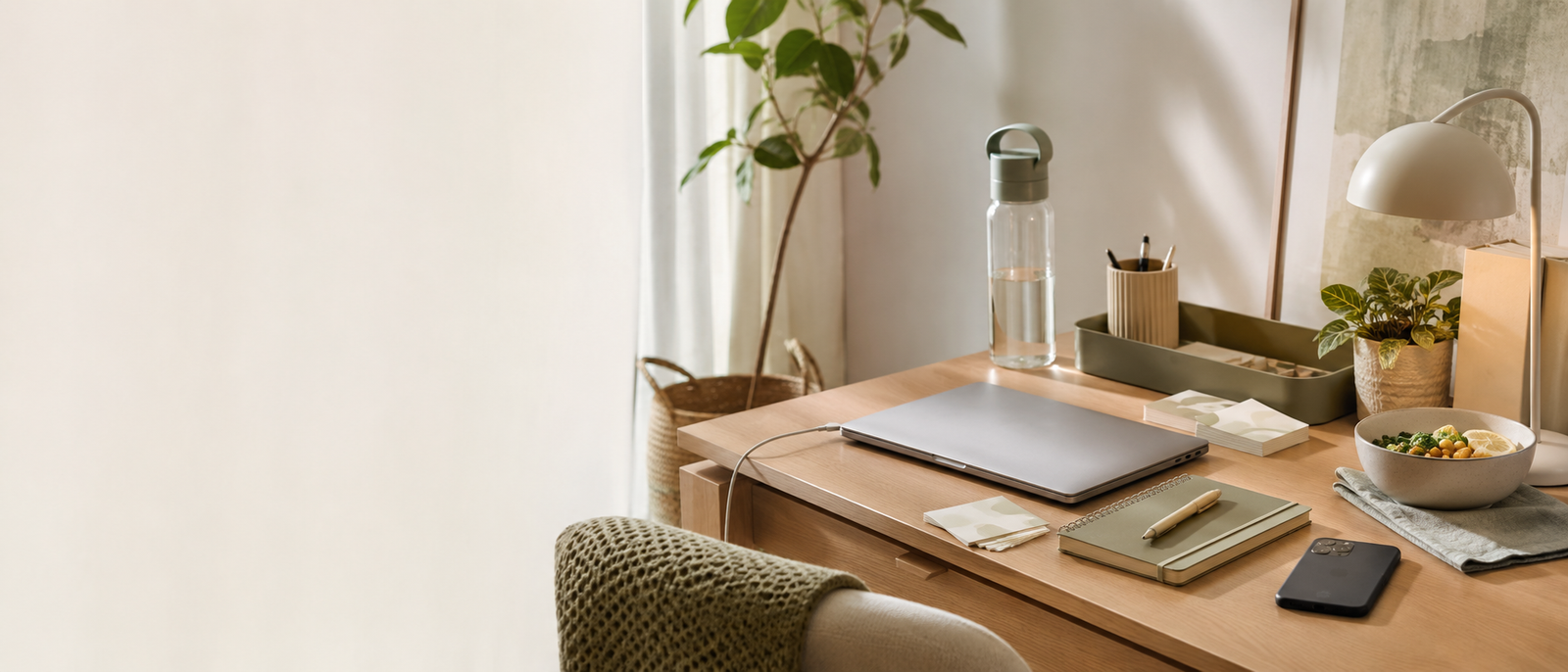
Most Relevant Audience
This guide is for remote workers, home workers, freelancers, bloggers, creators, side hustlers, parents, carers and small business owners who feel weighed down by scattered tasks, messy routines and constant remembering. It is especially useful if your workday feels heavier than it should because tasks live in your head, admin keeps interrupting, home and work blur together, and small decisions keep appearing at the worst possible moment.
Why Working From Home Can Start Feeling Heavy
Everything happens in the same place
Working from home can blur work, rest, food, admin, chores and personal life into one long mental tab. The problem is not always workload alone. It is the lack of separation. Simple systems help give different parts of the day a place, so everything is not competing for attention at once.
Small decisions repeat
What should I do next? When will I reply? What is for lunch? Did I send that invoice? Where did I save that file? Repeated decisions are tiring because they keep asking for attention. A system removes some of those questions before they become part of the background noise.
Tasks stay half-captured
A task in your head is not really stored. It is just waiting to interrupt you later. Loose tasks create mental pressure because you are always trying not to forget them. A capture system gives those thoughts somewhere to land.
Admin leaks into better work
Admin can quietly take time from deeper work, rest and family life. A quick reply becomes file hunting. A calendar check becomes a reschedule. A form becomes a forgotten password search. Systems help admin stay contained instead of roaming freely.
Home routines affect work energy
Food, water, breaks, movement and shutdown habits all affect how home working feels. You do not need a perfect routine. You need a few simple supports that make the normal day easier to move through without constant self-management.
Start here, then go deeper where needed
This guide is the broad starting point: small systems for tasks, admin, food, breaks, planning and shutdown. If one area is causing most of the pressure, you can go deeper later. Start here by finding the repeated friction that makes the day feel heavier than it needs to be.
Simple Systems That Make Working From Home Feel Lighter
The One-Place Capture System
Choose one place where loose tasks go: a notebook, Todoist, Notion, Apple Notes, Google Keep or a simple document. The tool matters less than the rule. If a task appears during work, capture it there instead of letting it interrupt everything. Your brain should not be the storage system.
Calendar Blocks That Protect Energy
Calendar blocks help give important work, admin, breaks and personal commitments visible space. Use blocks for focused work, admin windows, appointments, lunch, school runs or shutdown time. They do not need to be rigid. Their job is to stop the whole day becoming available for everything.
A Simple Weekly Reset
A weekly reset helps you begin the week with fewer loose ends. Check your calendar, list key tasks, clear obvious admin, plan meals lightly, notice deadlines and choose the main priorities. Keep it short. A weekly reset should lower pressure, not become a ceremony with stationery.
Admin Batching Without Overplanning
Admin batching means giving replies, invoices, forms and follow-ups a planned window instead of letting them interrupt all day. Start with one admin block most workdays. Use it for low-focus tasks that keep stealing attention. The aim is containment, not turning admin into another complicated system.
An End-Of-Day Shutdown Routine
A shutdown routine helps work stop following you around the house. Close open loops, capture tomorrow’s first task, check the calendar and tidy one small surface. This creates a clear ending, even if your desk is still in the corner of a shared room.
Simple systems protect both income and wellbeing
For home workers and small business owners, lighter systems are not only about feeling calmer. They also protect money work: follow-ups, invoices, client tasks, content plans and appointments. When fewer details live in your head, you have more room for useful work and more chance of actually switching off afterwards.
Everyday Systems Worth Building
A Start-Work Routine
A start-work routine helps your brain move into work mode without needing a dramatic morning transformation. It can be simple: open the task list, check the calendar, choose the first task, fill your water and clear the desk centre. The routine should take minutes, not become a warm-up event.
A Food, Water And Breaks System
Food, water and breaks are easy to forget when work happens next to the kitchen but never quite pauses for them. Use simple prompts: a filled bottle, a lunch plan, snack options or calendar nudges. This is not about perfect wellness. It is about removing avoidable energy dips.
A Desk Reset That Takes Five Minutes
A five-minute desk reset can make tomorrow feel less messy before it even starts. Clear mugs, papers, cables and obvious clutter. Put tools back where they belong. Do not deep-clean the office. Just make the next work session easier to enter.
A File-Finding System
Create one simple rule for naming and storing files you use often. Client folders, invoice folders, content folders and download cleanup can save a surprising amount of frustration. The test is simple: can you find the file quickly when you are already tired?
A Repeat-Decision System
Notice decisions you keep making again and again. What do you do on Mondays? When do you check invoices? Where do ideas go? Which meals work on busy days? A small default answer can remove repeated thinking from the week.
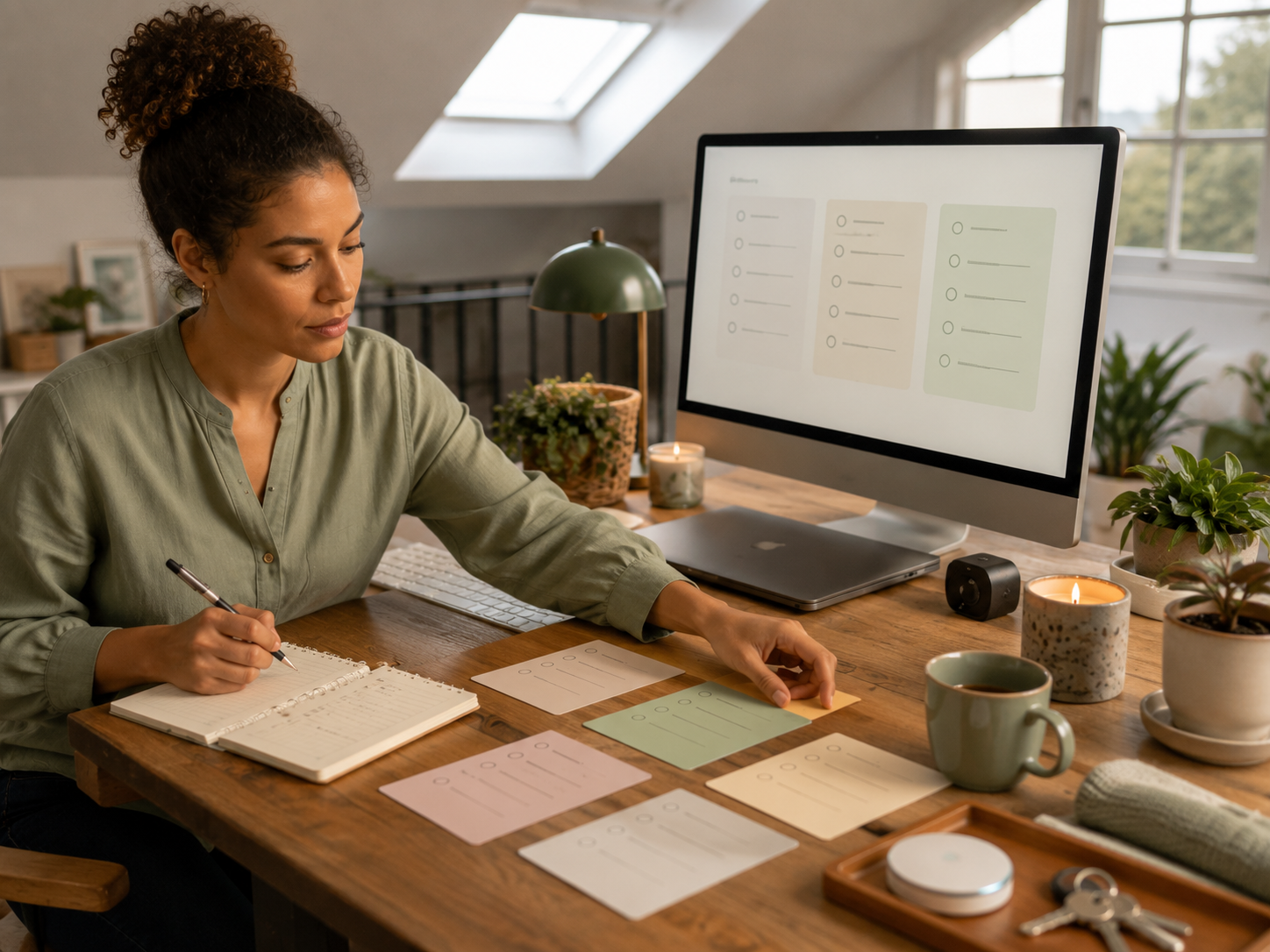
Light Tool Examples For Simple Systems
Notes Apps
A basic notes app can be enough for capture lists, weekly resets and shutdown notes. Use it for loose thoughts and almost no setup. Skip it if you need reminders, recurring tasks or project views. Notes work well when the main goal is getting thoughts out of your head.
Todoist
Todoist can help if you want quick task capture, recurring reminders and simple lists. Use it for loose tasks and small admin. Skip it if you want a full workspace hub. Keep lists short and practical so task management does not become another form of work.
Notion
Notion can work well for weekly resets, project hubs, admin checklists and repeat workflows. Use it if you already like structured pages. Skip it if you keep rebuilding the system instead of using it. A plain Notion setup usually beats a beautiful one you avoid opening.
Google Calendar
Google Calendar is useful for protecting time, breaks, admin blocks, appointments and shutdown cues. Use it for boundaries and recurring rhythms. Skip it if every block becomes unrealistic. Calendar blocks should guide the day, not become a reason to feel behind all day.
Paper Systems
A paper notebook, wall planner or sticky note system can still work. Use paper if you think better away from screens. Skip it if papers disappear or multiply. The best system is the one you trust when the day gets busy.
Match the tool to the friction
Choose the tool based on the problem. Notes apps help with loose thoughts. Todoist helps with recurring tasks. Notion helps with structured hubs. Google Calendar protects time. Paper works well if screens already feel too noisy. The system should solve the friction, not become the new thing you have to manage.
How To Keep Systems Small Enough To Use
Build one system at a time
Do not redesign your whole work-from-home life in one weekend. Start with the heaviest friction point: scattered tasks, messy admin, no shutdown, poor breaks or unclear priorities. A small system that survives a busy week is better than a grand plan that collapses by Tuesday.
Use plain names
Name lists and routines in obvious language: Admin, This Week, Waiting On, Invoices, Tomorrow, Shutdown. Plain names reduce thinking. If you need to remember where something should go, the system is already asking too much.
Keep the steps short
A system should have as few steps as possible. For example: capture task, choose time, do it in batch. That is enough. If every small action needs five tags, three folders and a status update, the system may become the problem.
Review without rebuilding
A weekly review should help you notice what matters, not tempt you into redesigning the entire setup. Ask what is working, what is irritating and what needs removing. Then make one small change. Constant rebuilding can feel productive while avoiding the actual work.
Delete systems that do not earn their place
If a system does not reduce pressure, let it go. You are allowed to stop using an app, list, routine or planner that looked useful but adds stress. The goal is a lighter day, not loyalty to a method.
Common System Mistakes Busy Home Workers Make
Building for an ideal week
Many systems fail because they are designed for a calm week that rarely exists. Build for the messy version of your life. If the system only works when you sleep well, have no interruptions and feel motivated, it is not simple enough yet.
Turning tools into hobbies
Productivity tools can become a comforting distraction from difficult work. Notion pages, labels, dashboards and automations can help, but only if they reduce friction. If you spend more time tending the system than using it, simplify.
Ignoring home-life friction
Working from home is not only work tasks. Meals, laundry, school runs, appointments and household admin all affect the day. A lighter system should include real life. Otherwise, your work plan will keep being ambushed by things that were always part of the day.
Letting everything stay urgent
If every task is urgent, the system cannot help you choose. Separate urgent, important, waiting and later. Even a basic priority split can reduce pressure because your brain stops treating every loose item as equally loud.
Forgetting the ending
A workday with no ending feels heavier tomorrow. A shutdown routine protects the evening and the next morning. It does not have to be perfect. It just needs to close enough loops that work stops hovering.
FAQ
How can I make working from home feel easier?
Make working from home feel easier by reducing repeated decisions and giving tasks a clear place. Start with one capture list, one admin window, one weekly reset and one shutdown routine. Small systems work best when they remove friction from the real day you already have.
What simple systems help remote workers?
Useful systems include a task capture list, calendar blocks, admin batching, a weekly reset, a desk reset and an end-of-day shutdown routine. The best system depends on where your day feels heaviest. Start with the friction point that keeps returning.
How do I reduce mental load when working from home?
Reduce mental load by getting loose tasks, reminders and repeat decisions out of your head. Use one trusted capture place, recurring calendar reminders, simple task lists and planned admin windows. The aim is to stop relying on memory for everything.
What should I include in a weekly reset?
A weekly reset can include checking your calendar, choosing priorities, clearing small admin, reviewing deadlines, planning simple meals and noticing anything that needs attention. Keep it short. The point is to make the week feel clearer, not to build a perfect plan.
How do I stop home and work blurring together?
Use start-work and stop-work cues. Open the day with a simple first-task routine and close it with a shutdown habit. Clear the desk centre, capture loose tasks, check tomorrow’s calendar and physically close the laptop if possible. Small boundaries help when space is shared.
How can I build systems without overcomplicating everything?
Build one small system at a time, use plain names and keep the steps short. Do not add tools, tags or dashboards unless they solve a real problem. A simple system you use on a messy day beats a perfect one you only admire.
Final Verdict
Simple systems that make working from home feel lighter are usually small, repeatable and unglamorous. A capture list, calendar block, weekly reset, admin window, food-and-water prompt, desk reset and shutdown routine can remove a lot of pressure from the day.
The goal is not stricter self-management. It is fewer decisions living in your head, fewer admin tasks interrupting deep work and fewer work reminders leaking into home life. Start with one tiny system that makes tomorrow feel less heavy.


