



Can Hostinger AI Builder Launch a…

Christmas Gifts for Home Workers That…

Plug-In Solar Panels UK: Are They…

Halloween Decorations Worth Buying — and…

Meta One Explained: Is the Subscription…

Anti-Optimisation Wellness: Can a Sunrise Lamp…

Plaud One Explained: Can AI Earbuds…

Sunrise Lamps Explained: What They Actually…

Namecheap vs Dynadot

Lifesum Review UK: Is Premium Worth…

Convertkit Vs Beehiiv

Garmin CIRQA Review: Screen-Free Tracking Without…

Bluehost vs Siteground

Garden Gatherings – Summer Is The…

Namecheap review

Portable Outdoor Speakers for Garden Offices

Cloudways Vs WP Engine

Outdoor WiFi Extenders For Garden Offices

Dropshipping Explained

Portable Pools For Home Workers This…
Most fitness app advice assumes you are waiting around in matching activewear, emotionally ready to become a new person. Charming. Slightly fictional. If your day is calls, client work, school runs, admin, messages and the strange 4pm feeling of having fused with the chair, the best fitness apps for people who work at a desk should answer one simple question: I have ten minutes, my shoulders are stiff, what do I press?
Choose by your main movement blocker.
Find ten-minute sessions quickly.
Stretch what desk work tightens.
Use wearables as reminders, not apps.
Avoid subscriptions that create guilt.
Pick the app you will actually open.
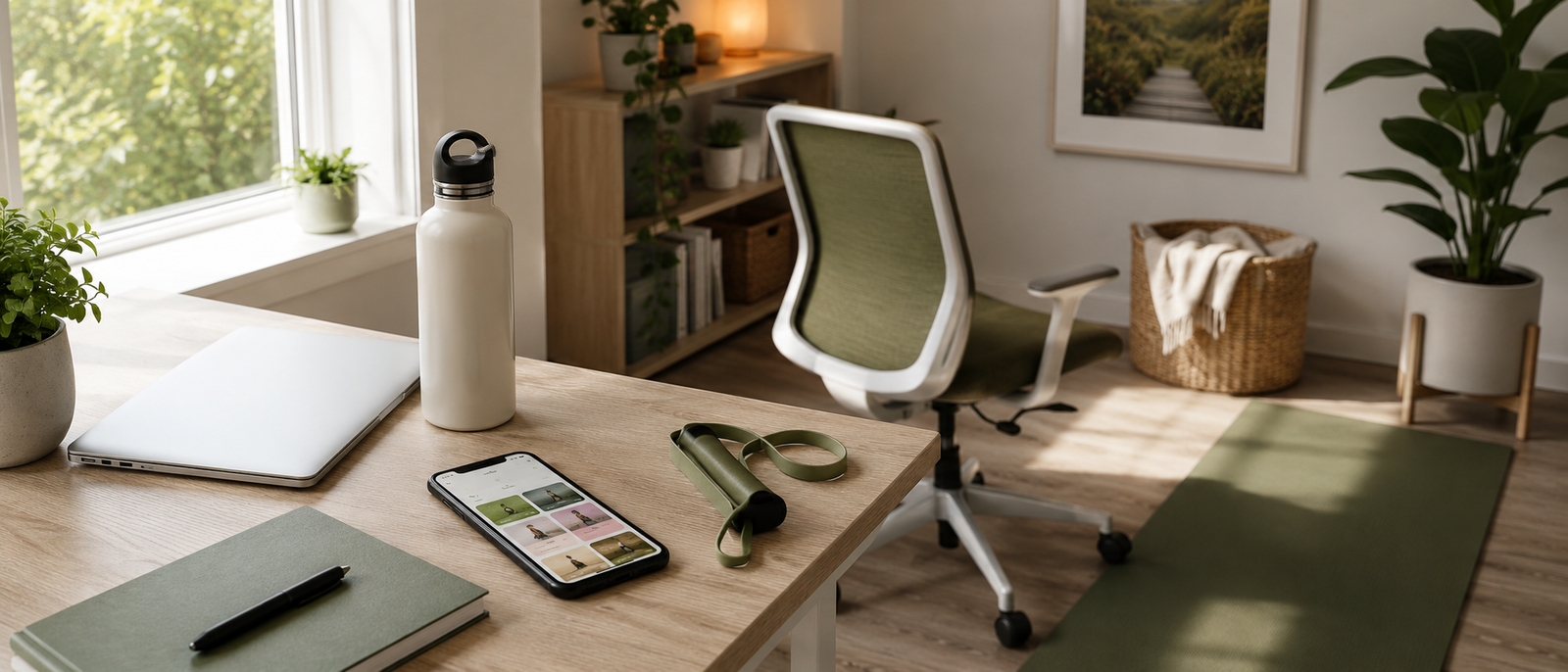
Most Relevant Audience
This article is for desk workers, remote workers, home workers, freelancers, bloggers, creators, side hustlers, parents, carers and small business owners who sit for long periods and want realistic movement support. It is especially useful if you do not need a whole new fitness lifestyle. You just need something that helps you move before your back, hips, shoulders and mood start behaving like separate complaints departments.
What Desk Workers Actually Need From A Fitness App
It should reduce decision-making
A good fitness app should not make you scroll for twelve minutes before doing a ten-minute session. Desk workers need fast choices: stretch, mobility, strength, walk, recovery. The app should make the next step obvious, especially when your brain is already full of emails, tabs and someone asking what is for dinner.
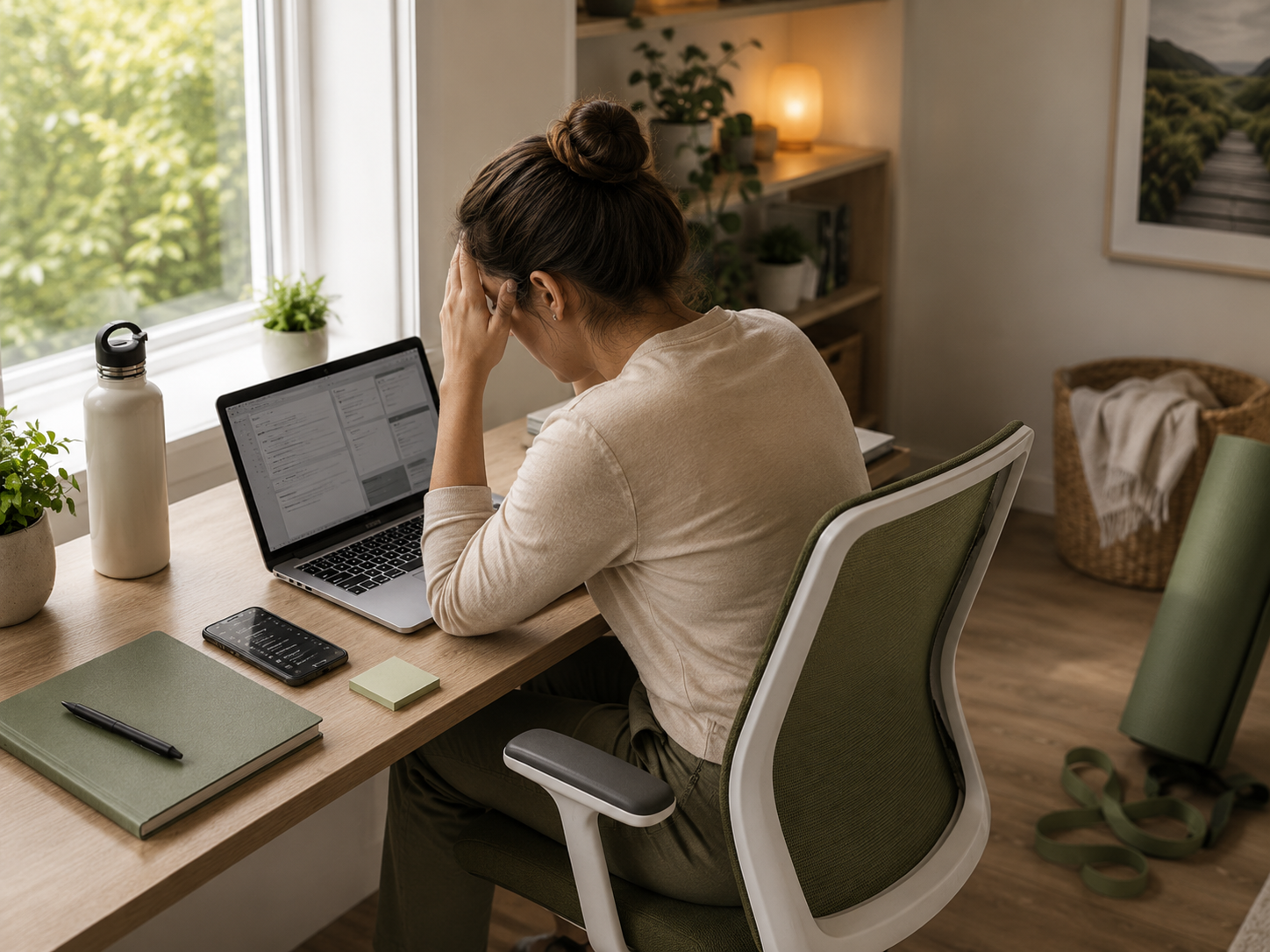
It should work when the house is not quiet
You may need to move after school drop-off, before school pick-up, while dinner cooks or between client messages. A useful app should offer sessions that can survive interruption. If pausing a workout makes the whole thing feel ruined, it may not be built for real home-working life.
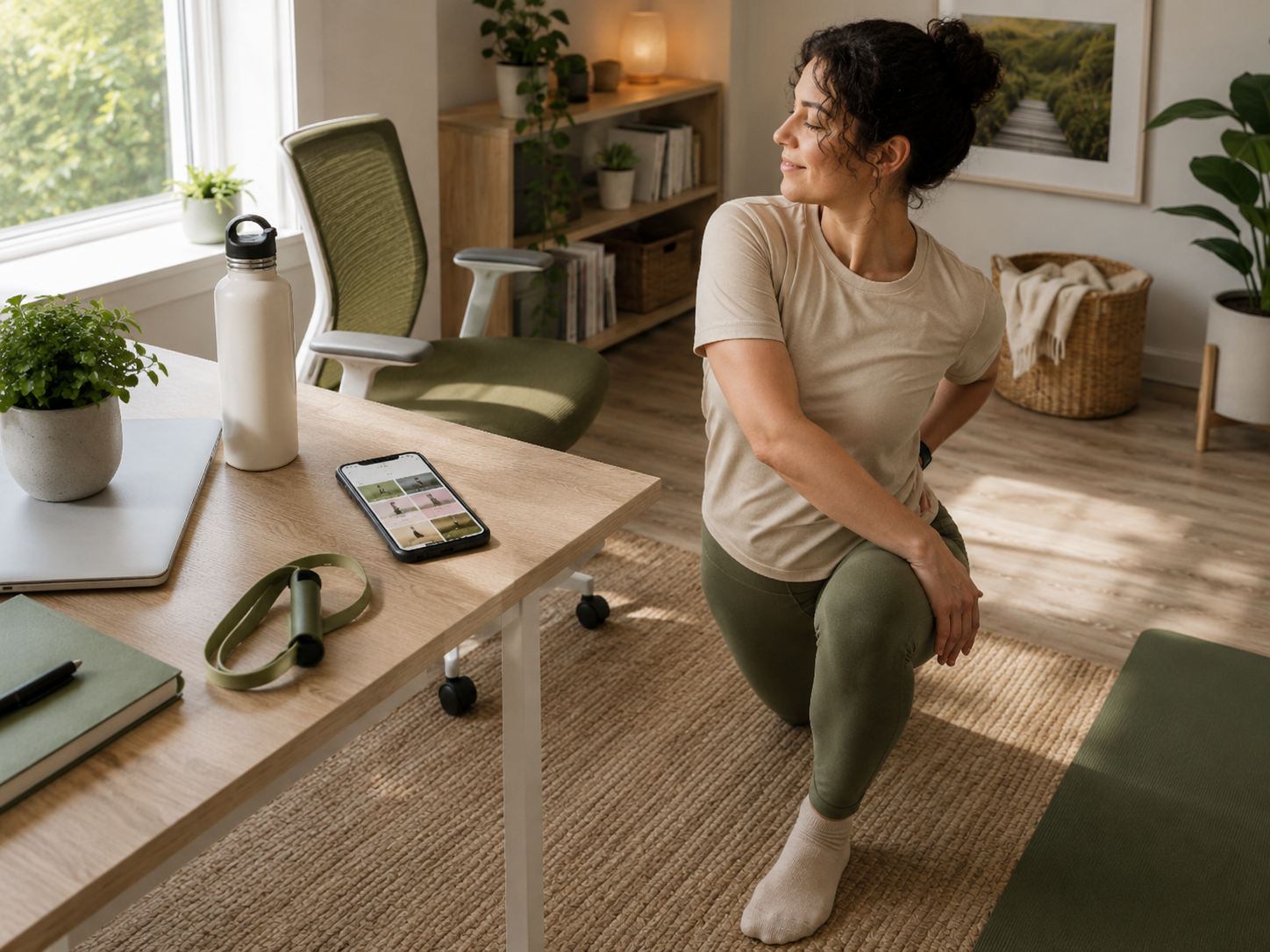
It should support stiffness, not just sweat
Desk workers often need mobility, stretching, posture support, walking prompts and gentle strength before intense workouts. If your shoulders are tight and your hips feel like locked drawers, the first win may be movement quality. Sweat is optional. Unfolding from the chair is the priority.
It should make ten minutes feel worthwhile
Ten minutes is not a fake workout. It can reset your shoulders, wake up your hips, strengthen your back or break up a long seated block. The right app helps you stop treating short movement like a consolation prize.
The Fitness App Test
Before choosing an app, ask this: when I have ten minutes and no patience, will this tell me what to do? That is the difference between a useful fitness app and a shiny library of workouts you save, admire and never open again.
Best Fitness Apps For Desk Workers
Choose By Your Main Blocker
If you never know what to do, start with Nike Training Club. If you need structure, try Apple Fitness+ or Peloton App. If you are stiff, try Down Dog. If you want variety, consider FitOn. If you already use Fitbit, Fitbit Premium may fit. The best choice is the app that removes your biggest excuse fastest.
Wearables That Help You Remember To Move
Apps Tell You What To Do, Wearables Remind You To Do It
Fitness apps and wearables solve different problems. Apps give you the session. Wearables give you the cue. If you struggle to remember movement, a watch can help. If you struggle to know what to do once reminded, the app matters more.
How To Choose The Right Fitness App For Desk Work
If you only have ten minutes
Choose an app with clear short-session filters. Look for ten-minute stretching, mobility, bodyweight strength or walking options. You should be able to open the app, choose quickly and move before the next interruption arrives with a snack request or suspicious silence.
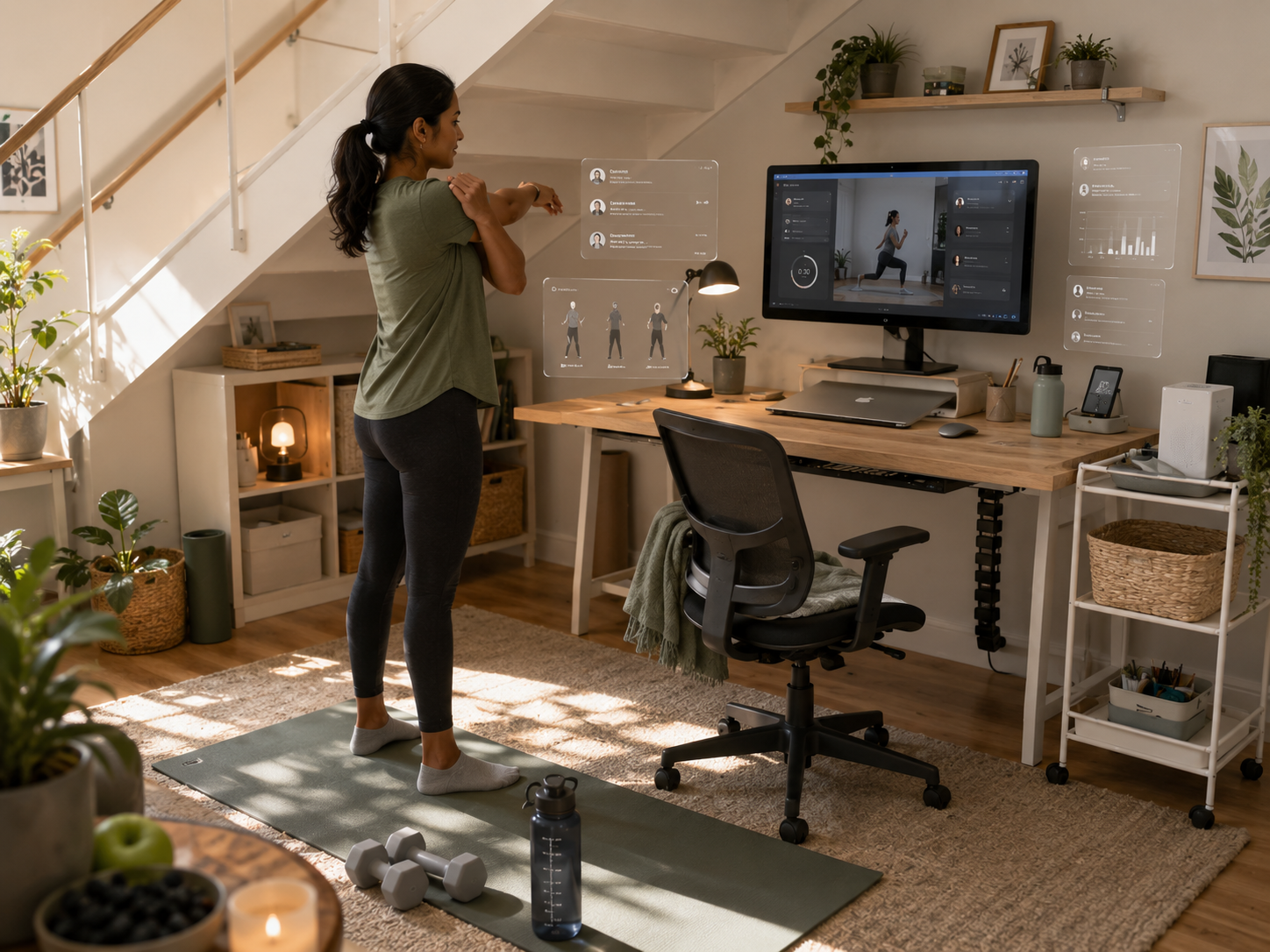
If your shoulders and hips are stiff
Choose stretching, mobility, yoga or gentle strength before high-intensity sessions. Desk stiffness usually needs regular movement, not a punishment workout. A short hip opener, shoulder mobility session or upper-back stretch can make the workday feel less like folding yourself into a laptop.
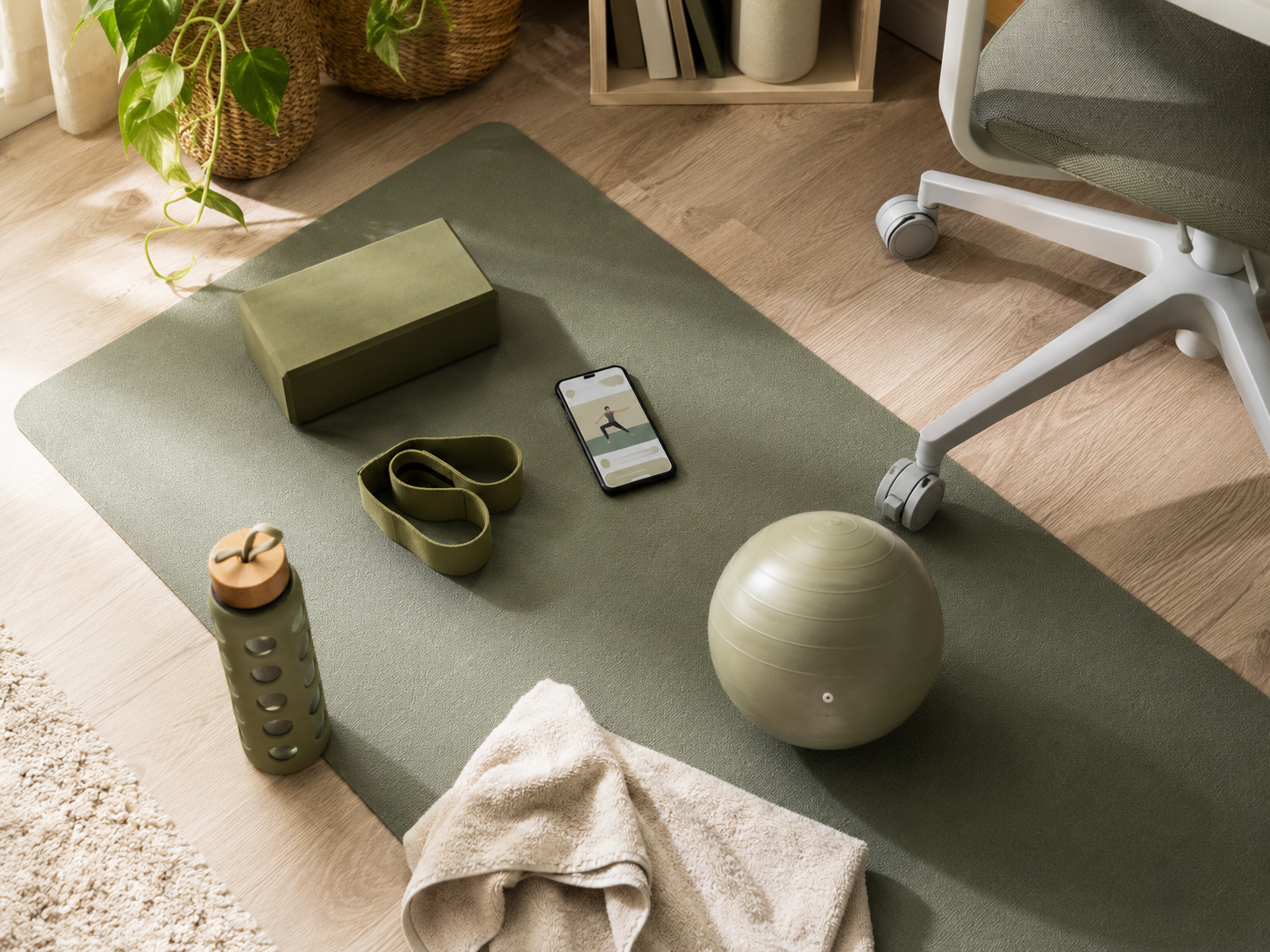
If you need strength without a gym
Look for beginner bodyweight strength, core, glute, back and mobility sessions. Strength matters for desk workers because sitting all day can leave the body underused. You do not need a barbell first. You need repeatable basics that fit around calls, laundry and work that refuses to end.
If your routine always gets interrupted
Choose apps where stopping and restarting does not feel like failure. Short classes, standalone sessions and flexible categories work better than rigid plans. A busy parent or home worker needs movement that survives being paused because someone needs help, dinner is boiling or the doorbell has chosen violence.
Why This Matters If You Work From Home
If your biggest struggle is fitting movement into the day, How To Build Movement Into A Packed Work From Home Day is the natural next step. Smart Watches Step Goals And Desk Worker Motivation also helps if reminders and step cues keep you moving between calls, lunch breaks, kettle moments and task transitions.
Free vs Paid Fitness Apps
Start free if you are testing the habit
Start free if you are not sure you will use a fitness app consistently. Nike Training Club or free trials can help you test whether guided movement fits your day. This protects you from paying for the version of yourself who seemed very committed on Sunday night.
Pay when it removes friction
A paid app can be worth it if it makes movement easier to start. Better search, clear plans, shorter classes, wearable integration or favourite instructors can all reduce decision fatigue. Pay for support you will use, not for a premium dashboard that quietly watches you avoid it.
Watch for subscription overlap
Wearables, fitness apps and wellness subscriptions often overlap. You may already have workouts, readiness tools, reminders or recovery sessions inside Fitbit Premium, Apple Fitness+, Samsung Health, Garmin tools or another app. Check what you already have before adding one more monthly payment to the emotional cupboard.
Cancel if it becomes another guilt tab
A fitness app should help you return to movement. It should not become another place where you feel behind. If opening the app makes you tense, shrink the goal, use shorter sessions or cancel. The app is not the boss of your wellbeing.
Common Fitness App Mistakes
Choosing intensity before usability
The hardest workout is not always the best one. For desk workers, the first question is whether you will actually start. A simple stretching or strength session you do twice a week beats a heroic programme that requires perfect timing, silence and a personality transplant.
Downloading too many apps
Five fitness apps can feel like options, but often become clutter. You end up comparing workouts instead of moving. Pick one main app for the next two weeks. If it does not reduce decision-making, change it. Do not build a tiny app museum.
Ignoring mobility
Desk workers often chase calories, sweat or strength and ignore mobility. That can miss the actual problem. If sitting leaves you stiff, mobility may be the habit that makes everything else easier. Your hips and shoulders have probably been waiting politely to be included.
Saving workouts instead of doing them
It is very easy to build a perfect library of saved workouts and do absolutely none of them. Choose one session and start. The app does not improve your wellbeing because it contains good workouts. It helps when you actually move.
FAQ
What are the best fitness apps for people who work at a desk?
The best fitness apps for people who work at a desk are apps that make short movement easy. Nike Training Club is a strong free option. Apple Fitness+ and Peloton App offer guided classes. Down Dog supports stretching and yoga. FitOn offers broad workout variety.
What fitness app is best for short workouts?
Nike Training Club is a strong free option for short workouts, stretching and mobility. Apple Fitness+ and Peloton App also offer shorter guided sessions. The best choice depends on whether you prefer free workouts, polished classes, instructor energy or simple movement categories.
How can desk workers move more during the day?
Desk workers can move more by using short app sessions, walking during suitable calls, stretching between tasks and pairing movement with existing cues like lunch, kettle breaks or meeting endings. The goal is to move more often, not wait for a perfect workout window.
Are free fitness apps worth using?
Free fitness apps are worth using if they help you start moving without adding pressure. Nike Training Club is a strong example because it offers guided workouts, stretching and mobility sessions without needing a paid subscription first.
What exercises help people who sit all day?
People who sit all day may benefit from hip stretches, shoulder mobility, neck stretches, walking, gentle strength training, yoga, bodyweight exercises and short mobility sessions. Start with movements that reduce stiffness and help you change position more often.
Do fitness apps help with desk worker fatigue?
Fitness apps can help with desk worker fatigue if they encourage regular movement, stretching, strength and recovery. They are most useful when sessions are short and realistic. An app will not fix every cause of fatigue, but it can help break long sitting patterns.
Final Verdict
Fitness apps for people who work at a desk should reduce decision fatigue. The right app tells you what to press when you have ten minutes, stiff shoulders and no interest in becoming a whole new person before the next call.
You do not need a perfect workout plan. You need one app that helps you move more often, stretch what gets stiff and build strength without pretending your workday is magically spacious. Choose the app you will actually open, keep sessions short and let useful movement count.






