



Fitbit Edge vs Fitbit Air vs…

Autumn Comfort Food: How to Eat…

Soup Maker vs Saucepan: Which Suits…

The Best Lighting for Darker Autumn…

Create an Autumn Wind-Down Routine That…

Heated Throw vs Heated Blanket vs…

Autumn Sleep Reset: Light, Temperature and…

Dehumidifiers Explained: When Are They Actually…

A Realistic Autumn Walking Routine for…

Autumn Social Reset: Small Plans for…

Sekonda Smart Ring vs Oura Ring…

Make Your Home Cosier Without Turning…
Home work boundaries rarely fail because you lack discipline. They fail because work is still visible, reachable and easy to reopen. The laptop stays on the table, messages keep arriving and tomorrow’s tasks linger in your head. Boundaries that last need more than a finish time. They need a clear work zone, practical digital limits, a shutdown cue and enough flexibility to survive an ordinary messy day.
Boundaries protect space and energy.
Work needs a clear place.
Time limits need visible cues.
Digital noise needs rules.
Shared homes need expectations.
Side hustles need stop points.
Slipping is part of adjustment.
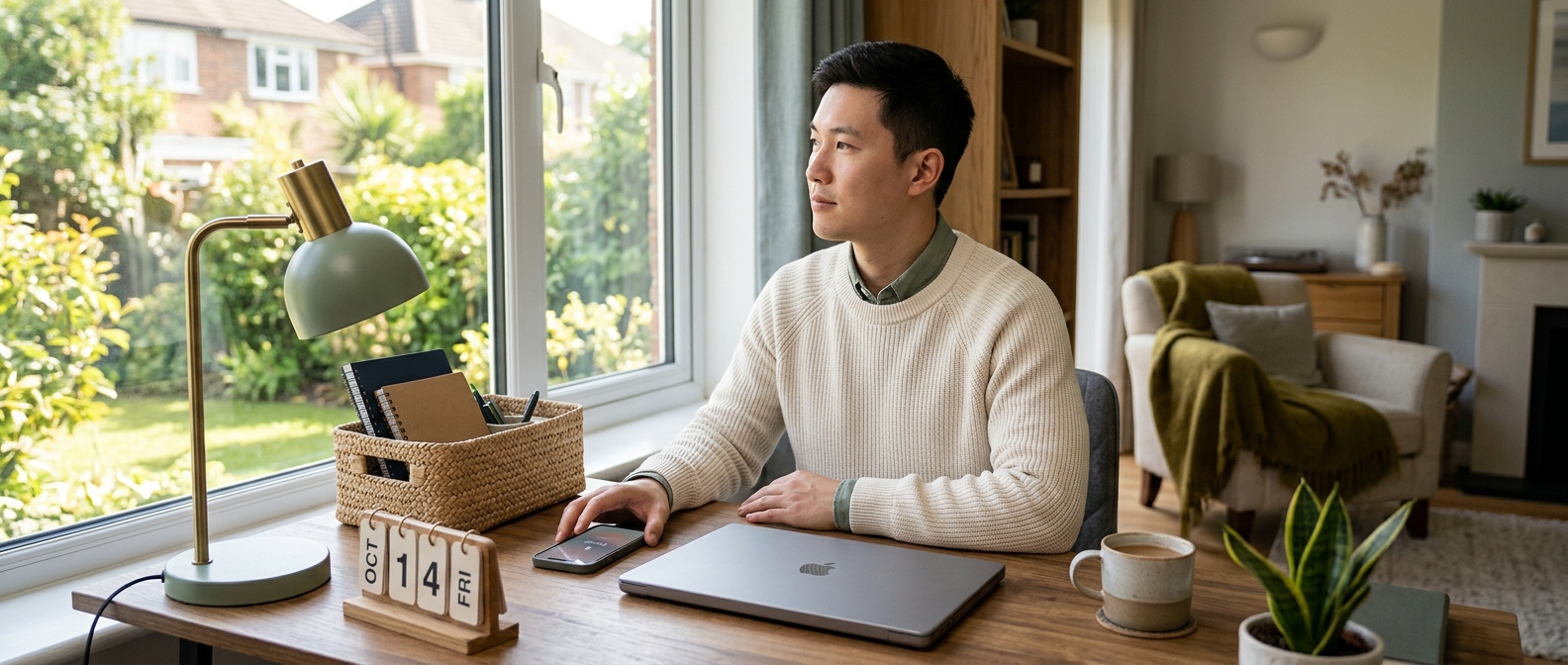
Tips for creating home work boundaries that actually stick
Why home work boundaries are so hard to keep
Home work boundaries are hard because work is always nearby. The laptop might live on the dining table, messages can reopen the day and unfinished notes may sit beside dinner. Without a commute or clear office door, work quietly spreads into rooms, evenings and thoughts.
Boundaries need to be repeatable
A boundary that only works on perfect days will not last. Real home working includes late replies, family noise, side projects, urgent errands and the occasional lunch beside a charger. The best boundaries are small enough to repeat when the day is busy, not just when life behaves beautifully.
Willpower is not enough
Willpower gets tired. If the laptop stays open, notifications keep arriving and work papers cover the sofa, the boundary has to fight the environment all evening. Make the easier choice visible. Close the work surface, silence the noise and create cues that help your brain stop negotiating.
Boundaries protect more than time
Good boundaries protect focus, rest, space and energy. They stop work from becoming the default answer to every quiet moment. A home worker does not need stricter guilt. Better edges are more useful: where work happens, when it stops and which apps can interrupt.
The real question
This article is for remote workers, home workers, freelancers, bloggers, creators, side hustlers and small business owners who know they need better boundaries but struggle to make them last. It is especially useful if work keeps leaking into rooms, evenings, notifications and quiet moments that were supposed to be yours.
The boundaries that matter most
Physical boundaries
The question is not whether you can become perfectly disciplined. Most people cannot, and the laptop has been trained by years of “just one quick thing”. A better question is what makes a boundary easy enough to repeat on a normal day, when the house is busy and the inbox is noisy.

Time boundaries
Physical boundaries decide where work happens. A separate office is helpful, but not required. Use a desk, corner, tray, bag, shelf or table zone if space is limited. Work needs a place to live so it does not colonise every surface like a very ambitious houseplant.

Digital boundaries
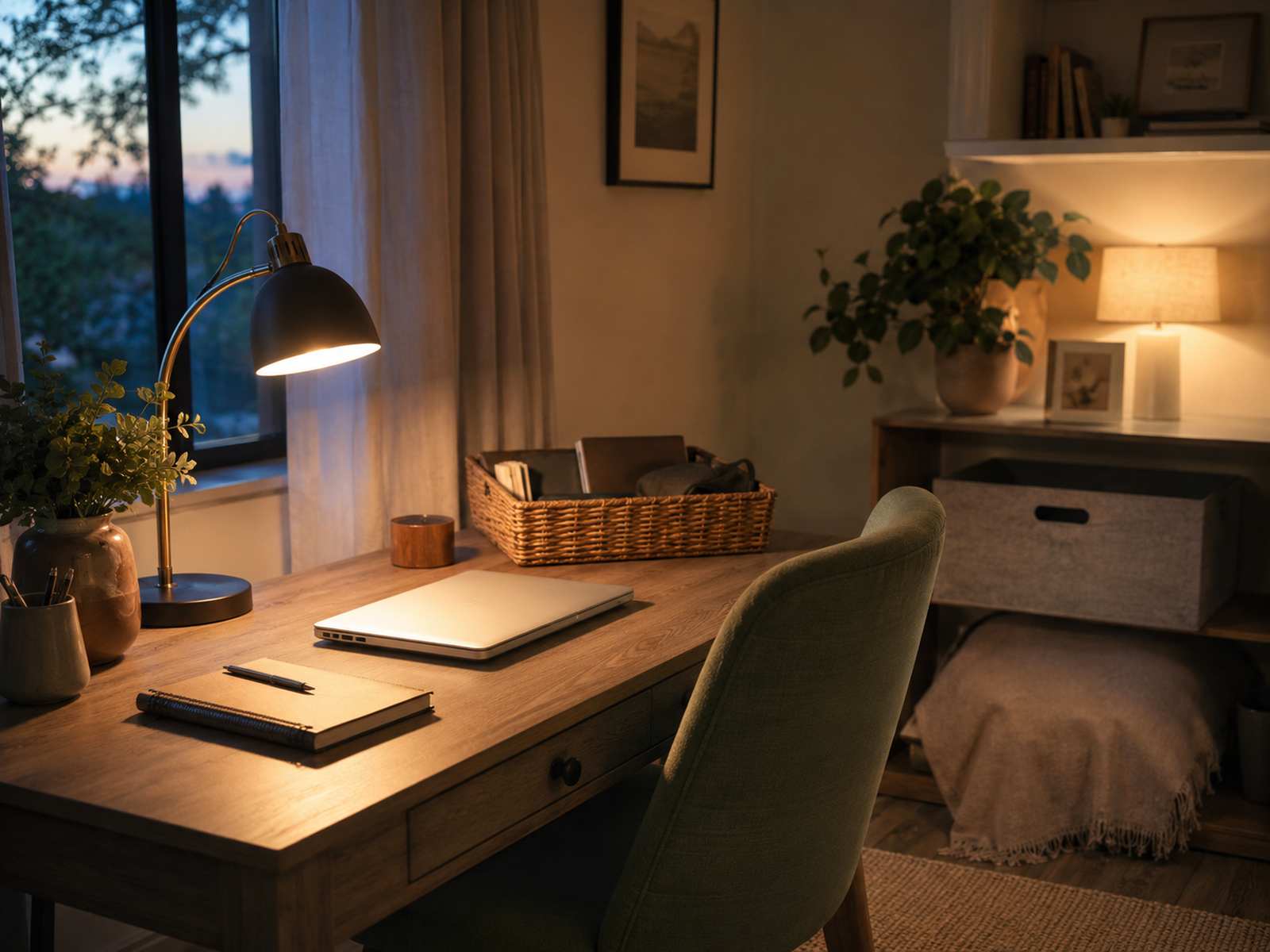
Time boundaries decide when work starts and stops. Choose a realistic start cue and finish cue. That might be opening your planner, turning on a desk lamp, closing the laptop or clearing your work tray. A boundary becomes easier when your day has repeated signals, not vague hopes.
Household boundaries
Digital boundaries decide which apps get access to your attention. Email, chat, social platforms, dashboards and project tools can make home feel like an office with better snacks. Turn off low-value notifications, batch messages where possible and keep work apps away from rest time unless genuinely needed.
Clearer edges make work calmer
Household boundaries matter when other people are home. Explain your work blocks, meeting times and interruption rules where possible. This does not make every interruption disappear, especially with children, caring responsibilities or shared spaces. Still, clearer expectations reduce guessing, resentment and the feeling that your focus is held together with string.
How to make boundaries stick
Create one work-only zone
Boundaries are not about making life rigid. They are about making work less slippery. A clear work zone, a realistic stop time, quieter notifications and better household expectations help your brain understand what mode it is in. That matters when the same home has to hold earning, resting, caring and eating.
Set a realistic stop time
Pick one place where work belongs most of the time. In a small home, that might be a corner, folding desk, tray or laptop bag rather than a full office. Even a tiny work zone helps because it gives the day a physical edge.
Use a shutdown cue
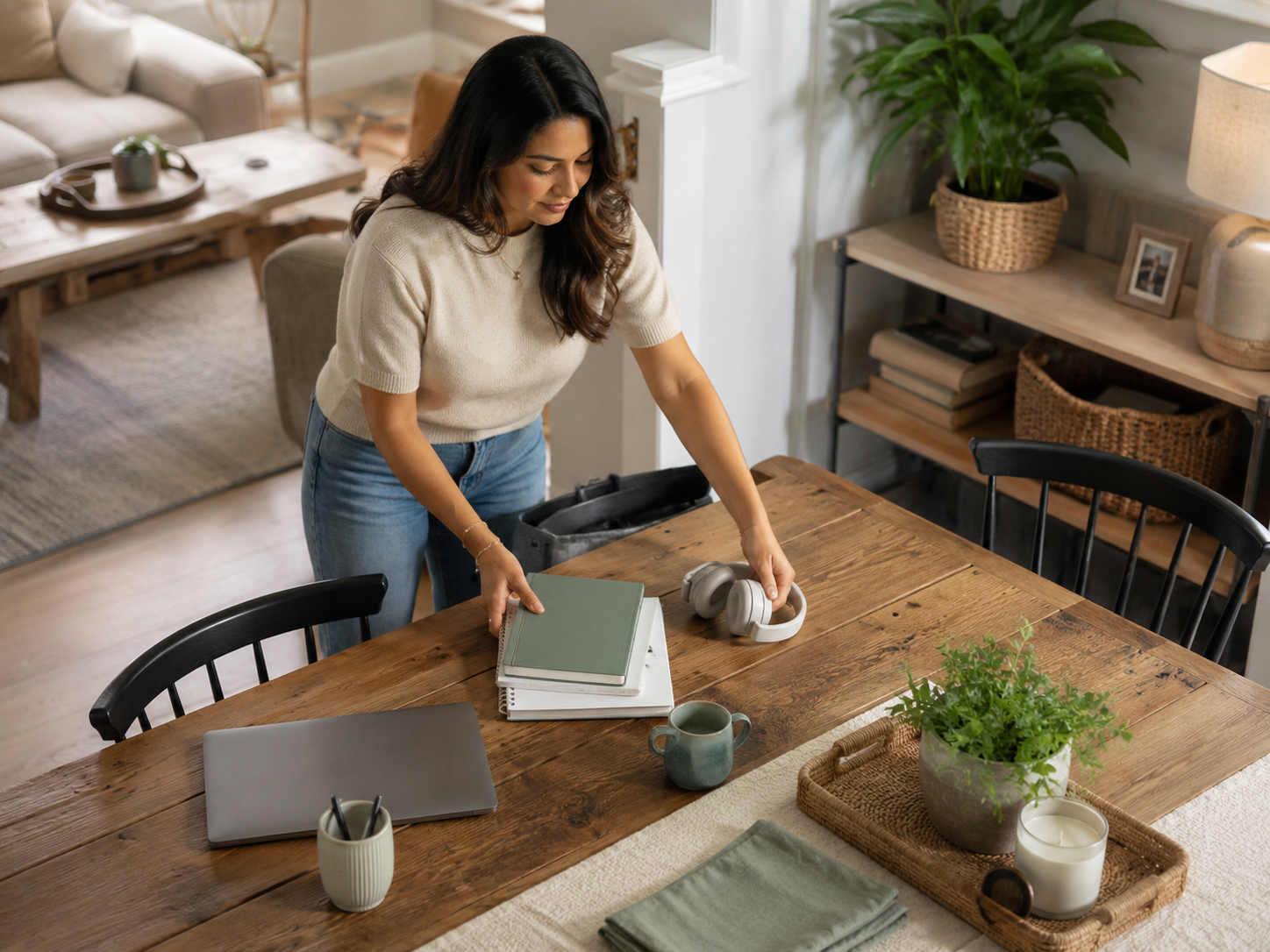
A stop time only works if it matches your actual life. Do not choose an ideal finish you ignore every day. Pick a normal end point, then build a shutdown habit around it: capture tomorrow’s first task, close tabs, clear the surface and physically step away.
Make notification rules visible
A shutdown cue tells your brain the workday has ended. Turn off the lamp, close the laptop, put the notebook away, move the chair back or pack your work tray. Small cues matter because home workers often miss the natural ending a commute provides.
Slipping is part of the system
Decide which notifications are allowed after work. Client emergencies, yes. Random app badges, no. Clear rules reduce the “should I check?” loop. If every ping gets a vote, your evening becomes a committee meeting run by tiny digital doorbells.
Making boundaries too vague
A boundary that slips is not automatically a failed boundary. It may simply need a better cue, clearer rule or more realistic timing. Home life changes. Workloads change. Side projects get loud. Treat boundaries like adjustable supports, not courtroom evidence that you have no discipline.
Common boundary mistakes
Leaving work visible everywhere
“Work less in the evening” is too vague to be useful. A stronger boundary sounds like: “No email after dinner unless a client deadline is at risk.” Specific rules reduce daily negotiation, which is exactly where tired brains tend to let work sneak back in.
Treating every message as urgent
Visible work keeps the brain half-attached. Notes on the table, a laptop on the sofa and documents beside dinner all suggest unfinished business. Put work away where possible. If you cannot hide everything, clear one main surface so home gets some space back.
Setting rules without telling anyone
Most messages are not emergencies. Some matter, but many can wait for the next work block. If you reply instantly to everything, you teach work that every hour is available. Sort messages by real urgency, not by how loudly the notification appears.
Related money note
Boundaries are harder when nobody else knows they exist. If clients, family, collaborators or housemates keep guessing your availability, the boundary will be tested constantly. Share simple expectations where appropriate. Clear communication reduces friction before resentment starts quietly collecting evidence.

Why Home Offices Start Taking Over Your Home
Best Time-Saving Tech for Small Business Owners is the natural Money Growth follow-up here. Better tools can reduce repetitive admin, task switching and late-day catch-up work. Technology cannot create boundaries for you, but smoother systems can make it easier to finish work without leaving loose tasks across the evening.
Related wellness guides
Digital Boundaries For Side Hustlers And Home Workers
Why Home Offices Start Taking Over Your Home is the best next read if work has started spreading across rooms, tables, corners and evening routines. Physical boundaries matter because visible work clutter keeps the day mentally open.
Working From Home Without Wrecking Your Health
Digital Boundaries For Side Hustlers And Home Workers is useful if messages, apps, dashboards and client tasks keep following you after hours. Stronger digital boundaries stop work from reopening every time your phone lights up.
The Best End-of-Day Reset For Desk Workers
Working From Home Without Wrecking Your Health is the broader wellness guide if poor boundaries are affecting movement, posture, screen time, hydration and energy. Boundaries work better when the whole routine supports your health.
What are home work boundaries?
The Best End-of-Day Reset For Desk Workers helps if you struggle to switch off after closing the laptop. A simple reset can clear open loops, ease stiffness and create a proper finish line between work and evening.
FAQ
How do I set boundaries when working from home?
Home work boundaries are practical rules that separate work from home life. They can include where work happens, when it starts and stops, which notifications are allowed, how household interruptions are handled and what shutdown routine ends the day.
How can I stop work taking over my home?
Start with one clear boundary: a work zone, stop time, notification rule or shutdown habit. Keep it specific and realistic. A small rule you repeat daily is more useful than a dramatic plan that collapses after one busy afternoon.
Why are work-from-home boundaries so hard to keep?
Stop work taking over your home by containing work items, clearing shared surfaces, closing the laptop at a set time and reducing after-hours notifications. Use a work tray, bag, corner or desk if you do not have a separate room.
How do I switch off after working from home?
Work-from-home boundaries are hard because the tools, tasks and reminders stay nearby. There is no commute to create a clean break, and digital work can restart instantly through notifications. Boundaries need physical cues, time limits and digital rules.
Final verdict
Switch off after working from home by creating a short shutdown routine. Capture tomorrow’s first task, close tabs, clear your work surface, silence non-essential notifications and move away from the desk. The routine tells your brain that the workday has ended.
Final verdict
Home work boundaries protect focus, rest, space and energy, but they only stick when they are practical. A boundary needs more than willpower. It needs a place, a time, a shutdown cue, digital limits and enough flexibility to handle real home life.
Start small. Contain work to one area, choose a realistic stop point, reduce after-hours notifications and reset when the boundary slips. The goal is not perfect discipline. It is clearer edges, fewer leaks and a home that does not feel permanently open for business.


