



Fitbit Edge vs Fitbit Air vs…

Autumn Comfort Food: How to Eat…

Soup Maker vs Saucepan: Which Suits…

The Best Lighting for Darker Autumn…

Create an Autumn Wind-Down Routine That…

Heated Throw vs Heated Blanket vs…

Autumn Sleep Reset: Light, Temperature and…

Dehumidifiers Explained: When Are They Actually…

A Realistic Autumn Walking Routine for…

Autumn Social Reset: Small Plans for…

Sekonda Smart Ring vs Oura Ring…

Make Your Home Cosier Without Turning…
Most posture corrector marketing makes it look like one strap will turn you into a calm, upright person who has never hunched over a laptop eating crisps. Lovely. Slightly dramatic. For desk workers, the better question is this: is the posture corrector solving the problem, or just reminding you that your laptop, chair, keyboard, mouse and movement habits are quietly pulling you into laptop goblin mode every afternoon?
Use posture correctors as cues, not cures.
Check your laptop height before buying straps.
Fix the setup that keeps pulling you forward.
Make better posture easier with simple supports.
Move before your shoulders stage a protest.
Avoid turning posture into another guilt project.
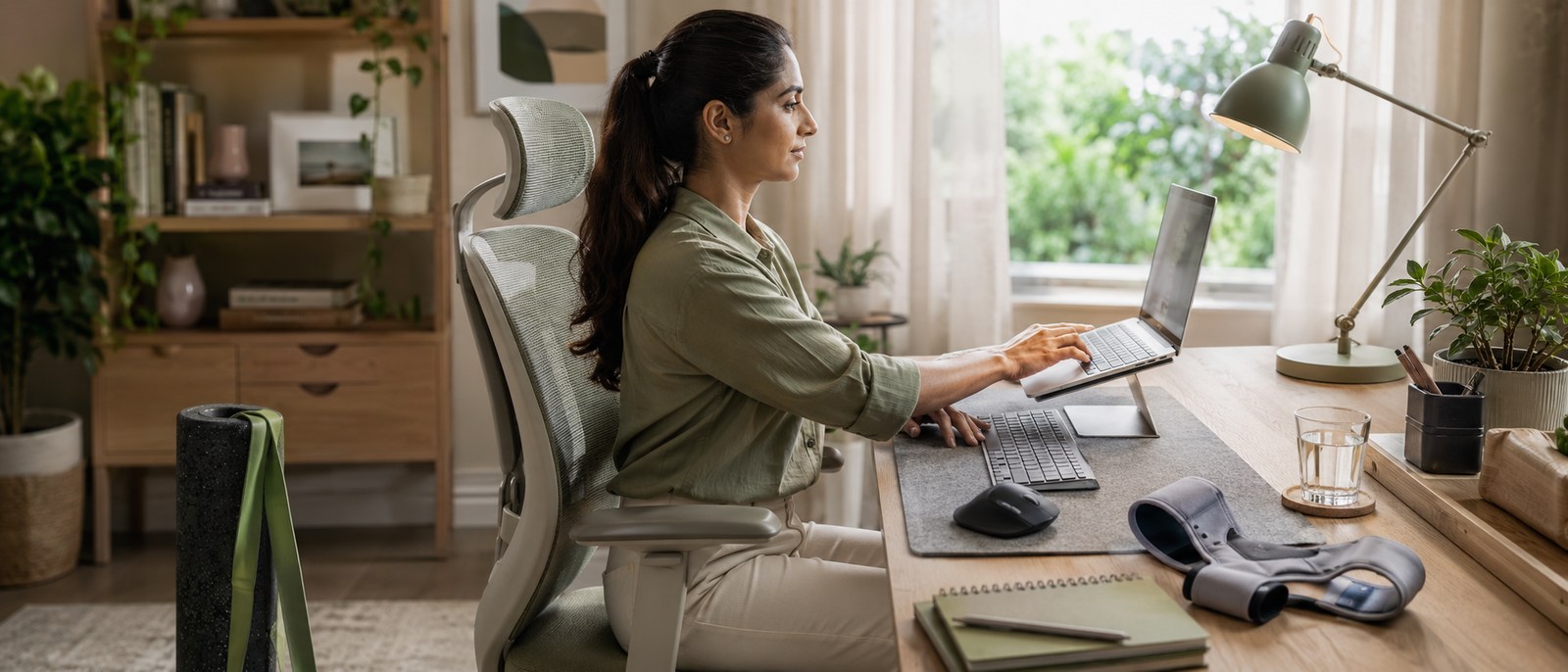
Most Relevant Audience
This article is for desk workers, remote workers, home workers, freelancers, bloggers, creators and side hustlers who catch themselves slouching, rounding their shoulders or folding over a laptop by mid-afternoon. It is especially useful if you work from a dining table, bedroom corner, sofa, small desk or laptop-only setup and end the day with neck tension, shoulder tightness or upper-back stiffness.
What Posture Correctors Actually Do
They mainly create awareness
A posture corrector is usually a cue. It can help you notice when your shoulders round forward or your upper back collapses. That awareness can be useful, especially if you do not realise how often you sink into laptop goblin mode during writing, editing, admin, calls or school-hours work blocks.
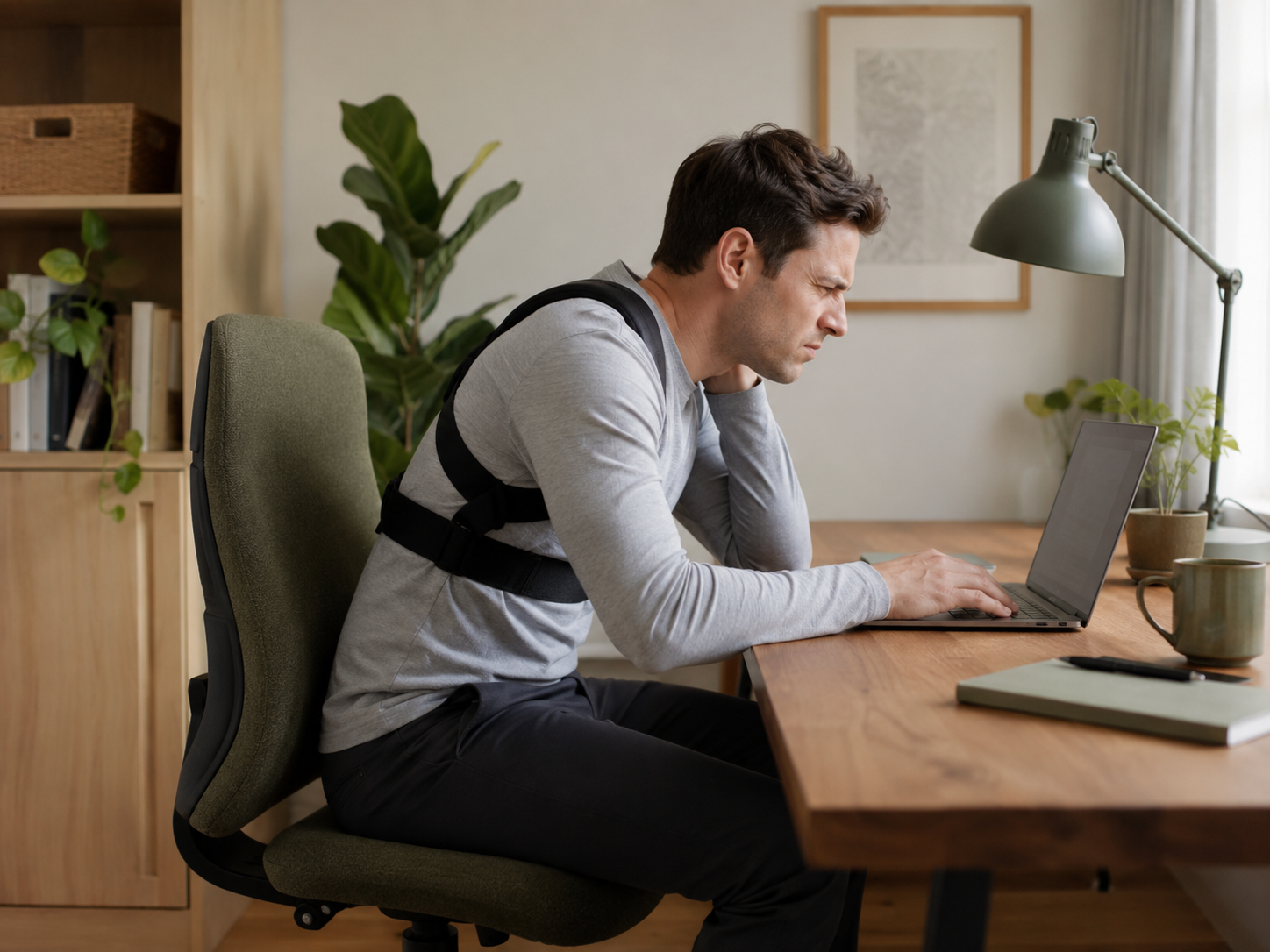
They do not build posture for you
A brace cannot give you stronger back muscles, better desk height or regular movement breaks. If you rely on it completely, your body may not learn to support itself better. Posture improves more reliably when awareness is paired with movement, strength, setup changes and realistic work habits.
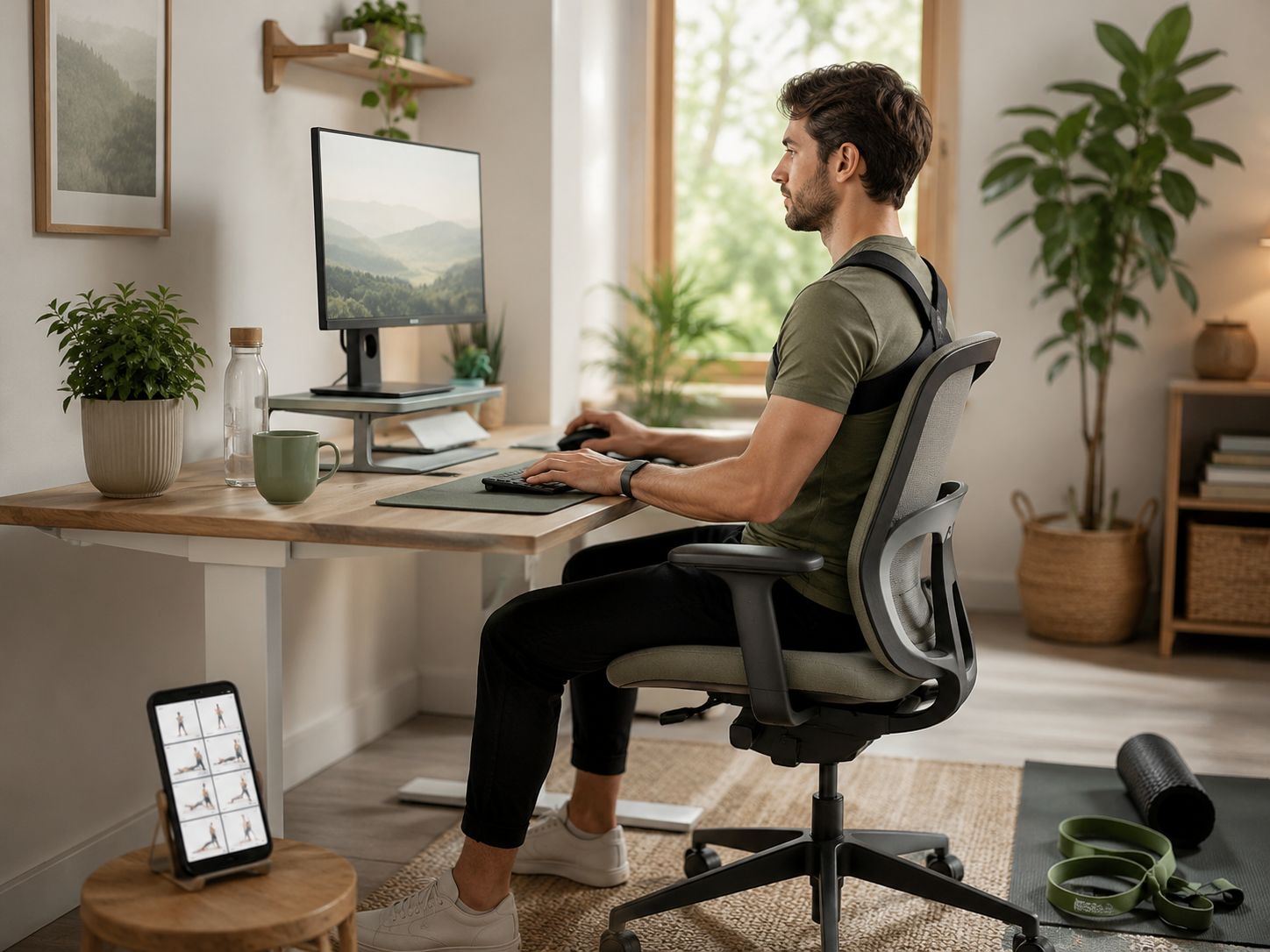
They can help short-term habits
Some desk workers may benefit from wearing a posture corrector briefly while building awareness. Think of it like a reminder, not a permanent uniform. If it helps you notice your shoulders during a focused work block, useful. If it becomes something you depend on all day, be careful.
Safety and comfort matter
A posture corrector that digs, pulls, restricts breathing or irritates skin is not helping. It is creating a new problem with straps. Any posture support should feel adjustable, breathable and easy to remove. Pain, numbness or tingling is a sign to stop and get proper advice.
Cue, Not Cure
Do posture correctors work for desk workers? Sometimes, but mostly as reminders. The stronger promise is this: you do not need to strap yourself into better posture all day. You need a setup that stops dragging your body into bad posture, plus movement cues that make sitting well more realistic.
Before You Buy A Posture Corrector, Check These First
Is your laptop too low?
If your laptop sits flat on the table, your head will usually follow it down. That can pull the neck, shoulders and upper back into a rounded position. A posture corrector may remind you to sit up, but it cannot change the fact that your screen is asking your body to fold.
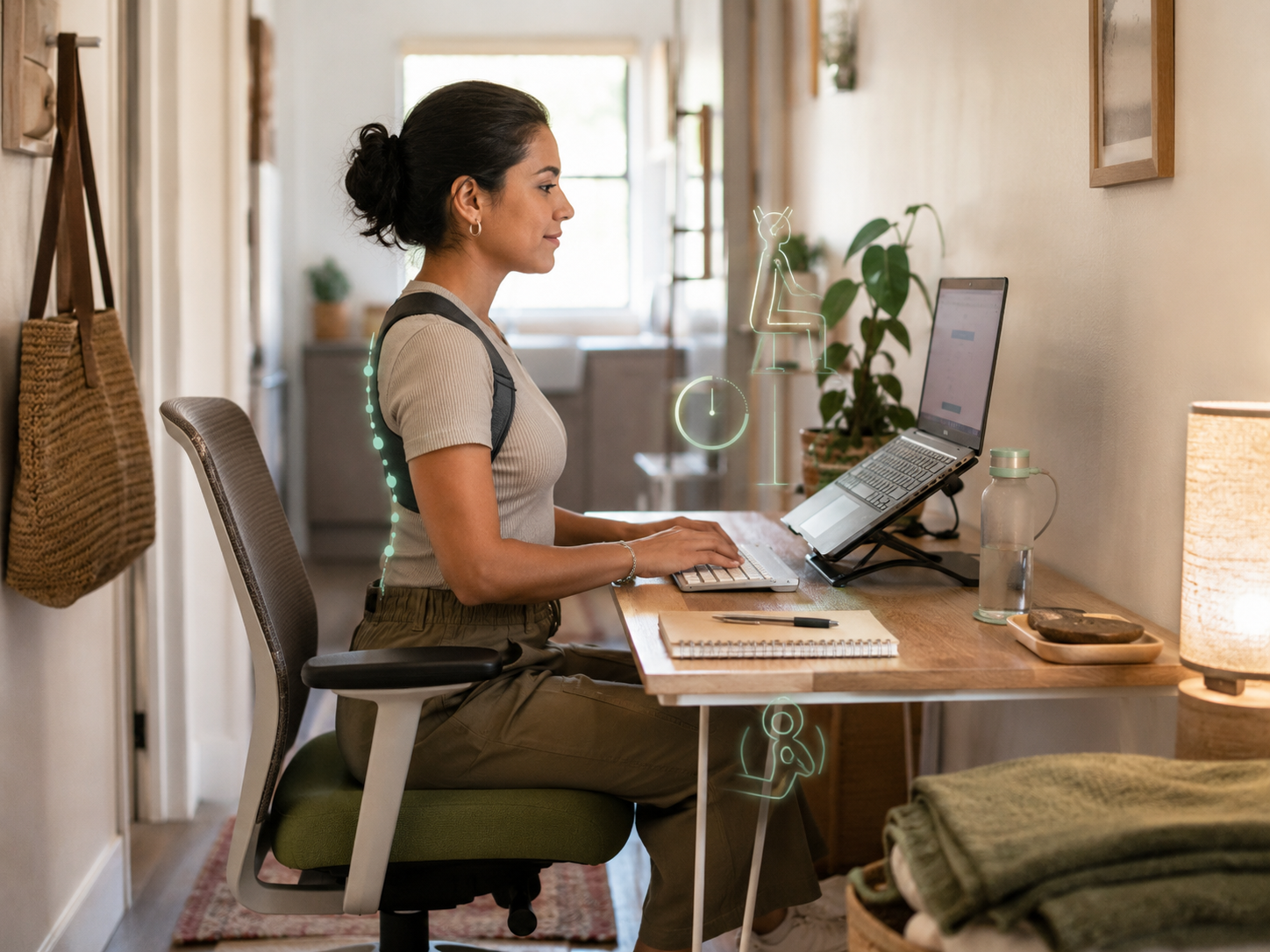
Is your keyboard making you hunch?
Laptop keyboards can force the screen low and the hands close to the body. That is awkward for long work sessions. A separate compact keyboard can let you raise the laptop screen while keeping your hands lower and more relaxed. This often helps more than simply telling yourself to sit properly.
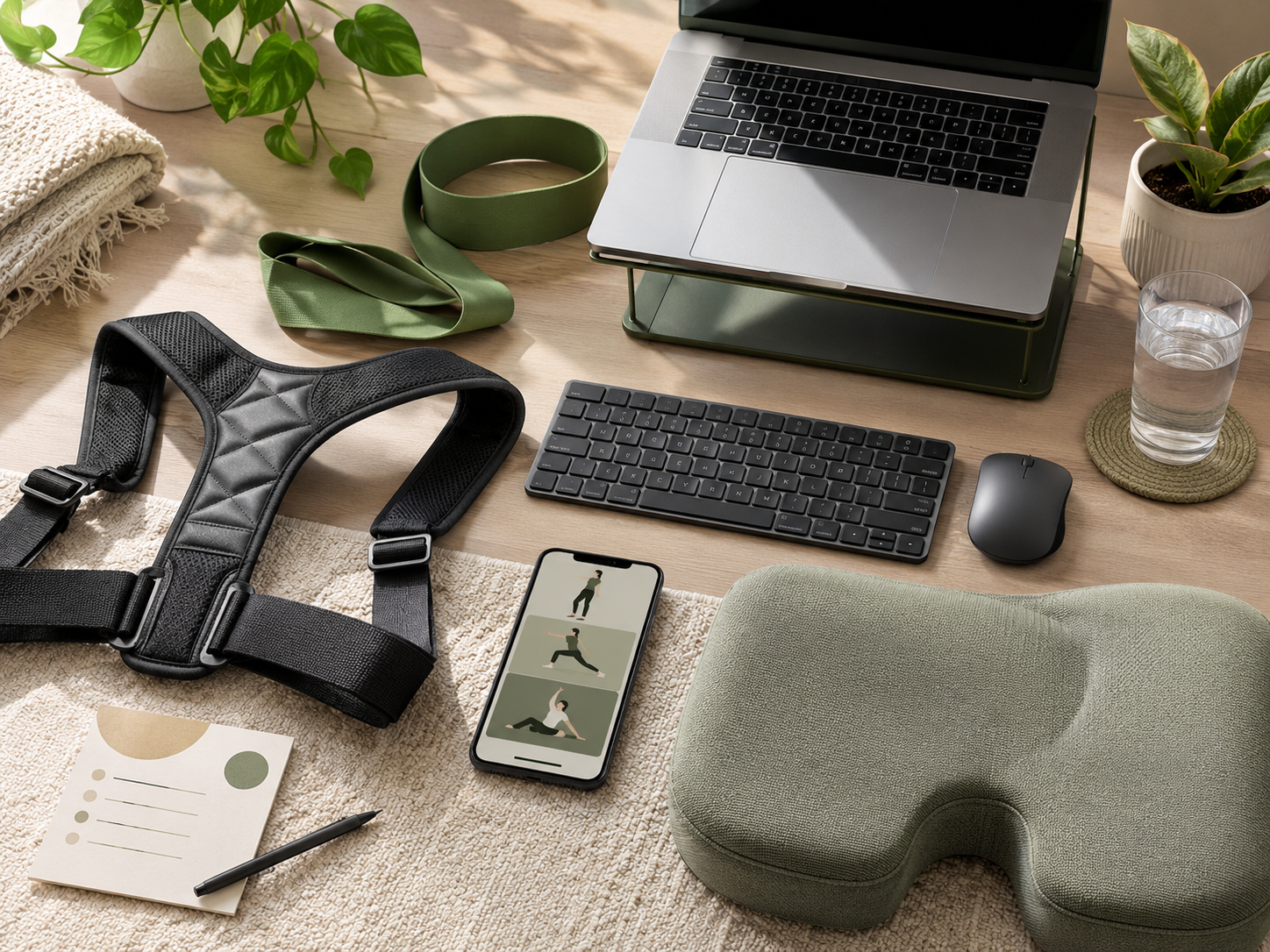
Is your mouse making you reach?
If your mouse is too far away, your shoulder may stay tense without you noticing. Keep the mouse close enough that your upper arm can relax. Reaching across the desk for every click is a small irritation that becomes a big shoulder complaint by the end of the week.
Are you sitting too long without moving?
Nobody holds perfect posture for hours. Your body needs position changes, short walks, stretches and movement breaks. If you sit still all day, even a good chair can only do so much. Better posture is not one fixed position. It is support, movement and variety.
Fix The Setup That Keeps Pulling You Forward
A posture corrector can remind you, but your setup decides how hard sitting well feels. If your laptop is too low, chair unsupported, keyboard cramped, mouse too far away and body barely moving, a strap has to fight the whole room. Start with the environment, then decide whether a corrector is still useful.
Better Posture Supports Than A Strap Alone
The Product Should Make Better Posture Easier
The best posture support is not always the thing that pulls your shoulders back. Sometimes it is the keyboard that lets you raise your screen, the chair that supports you, the desk that lets you move, or the mobility session that stops your body becoming laptop-shaped by Friday.
Strap-Based Correctors And Biofeedback Devices
Strap-based correctors should be short-term cues
Strap-based posture correctors usually pull the shoulders back or make slouching more noticeable. They can be useful for short awareness sessions, but they should not feel like a medieval shoulder harness situation. Look for adjustability, breathable materials, clear sizing and guidance on limited wear time.
Biofeedback devices buzz when you slouch
Biofeedback posture devices are usually small wearable tools that attach to clothing or sit on the upper back and buzz when you start slouching. They can be useful if you want a reminder without shoulder straps. The risk is alert fatigue if the device nags constantly.
Use them with setup changes
Posture devices work best when paired with practical changes. Raise the screen, bring the keyboard closer, use a separate mouse, support the chair and take movement breaks. Awareness is useful only when the workspace gives your body a fair chance.
Think cue, not cure
A posture corrector can cue you. It cannot cure a whole day of bad ergonomics, no movement and a laptop at chest-folding height. Let it remind you, then build the habits and setup that make the reminder less necessary.
Why This Matters If You Work From Home
Home Office Ergonomics Without Spending A Fortune connects naturally here because posture improves when the setup supports the body. Laptop Stands, Keyboards And Mouse Setup For Better Posture also fits because raising the screen and separating the keyboard often does more than simply telling yourself to sit up.
Common Posture Corrector Mistakes
Wearing it all day
Wearing a posture corrector all day can become uncomfortable and may encourage dependency. Use it in short, intentional blocks unless a qualified professional advises otherwise. Your body still needs movement, strength and natural support, not a strap doing all the reminding.
Ignoring laptop height
If your laptop is too low, your neck and shoulders will probably follow it. A posture corrector cannot change the physics of staring downward for hours. Raise the screen and use a separate keyboard and mouse where possible. Your neck will appreciate not being treated like a crane.
Buying before fixing the basics
Before buying a posture corrector, check the basics. Screen height, chair support, keyboard position, mouse reach, lighting and movement breaks all matter. If those are poor, a brace may simply remind you that your setup is still working against you.
Expecting posture to stay perfect
Nobody sits perfectly all day. The goal is not statue posture. It is more movement, better support and fewer long spells in one collapsed position. A healthy desk day includes shifting, standing, stretching and changing position before your shoulders write a complaint.
FAQ
Do posture correctors work for desk workers?
Posture correctors can work as awareness tools for desk workers. They may help you notice slouching, rounded shoulders or upper-back collapse. They are less useful as a complete fix because posture also depends on desk setup, screen height, movement, strength and daily habits.
Are posture correctors bad for your back?
Posture correctors are not automatically bad, but they can be a problem if they are too tight, worn too long or used instead of movement and strengthening. Stop using one if it causes pain, numbness, tingling or discomfort, and seek professional advice if symptoms persist.
How long should you wear a posture corrector?
Many posture correctors are best used for short awareness sessions rather than all-day wear. Follow the product guidance, start gradually and avoid wearing one through discomfort. The aim is to build awareness and better habits, not depend on the corrector permanently.
What is better than a posture corrector?
For many desk workers, a better setup is more useful than a posture corrector. Improve screen height, chair support, keyboard position, mouse placement, movement breaks and upper-back strength. A posture corrector can remind you, but the environment and habits do most of the work.
Can ergonomic chairs improve posture?
Ergonomic chairs can improve posture support by making sitting more adjustable and comfortable. They can help with back support, seat position and working posture. However, even a good chair needs movement breaks, correct screen height and a sensible keyboard and mouse setup.
What helps desk workers stop slouching?
Desk workers can reduce slouching by raising the screen, using a separate keyboard and mouse, improving chair support, taking movement breaks and strengthening the upper back. A posture corrector may help as a reminder, but it should not be the only strategy.
Final Verdict
Do posture correctors work for desk workers? They can, but mostly as reminders. A strap or biofeedback device may help you notice when your shoulders round or your upper back collapses, but it should not be treated like a magic solution for a full day of laptop hunching.
You do not need to buy a strap and hope. You need to fix the setup that keeps pulling you into laptop goblin mode. Raise the screen, support your chair, bring the keyboard and mouse closer, move more often and use posture correctors only as one small awareness cue.