



Paper Planner vs Task App: Which…

Sleep Earplugs: Simpler Sleep, Chosen and…

VYVE Health Explained: Can One £16.99…

Too Good To Go M&S Bakery…

Sunrise Alarm Clocks Compared: Are They…

Fitbit Edge vs Fitbit Air vs…

Autumn Comfort Food: How to Eat…

Soup Maker vs Saucepan: Which Suits…

The Best Lighting for Darker Autumn…

Create an Autumn Wind-Down Routine That…

Heated Throw vs Heated Blanket vs…

Autumn Sleep Reset: Light, Temperature and…
Budget ergonomic office accessories can make a desk feel better without turning your home office into a furniture showroom. If your neck feels tight, your wrists complain, your lower back aches or your shoulders slowly climb toward your ears, the right low-cost upgrade can reduce daily friction. The trick is choosing accessories that solve a real comfort problem, not products that only look ergonomic online.
In this guide, you will learn:
Which affordable ergonomic upgrades offer the biggest relief.
How minor desk adjustments can drastically improve daily comfort.
Which heavily hyped ergonomic products you should skip.
The posture and movement habits that matter more than gear.
Most Relevant Audience
This advice is tailored for remote employees, freelancers, digital creators, and office workers who want to eliminate physical strain on a budget.
Why Small Ergonomic Changes Matter More Than Expected
Posture Problems Build Up Slowly
Many physical issues develop gradually through repetitive, static positioning over long workdays. It is easy to ignore minor discomfort until that subtle tension turns into chronic, distracting pain.
Poor Habits Create Daily Strain
Low laptop screens, unsupported wrists, awkward mouse placement, and unsupportive chairs compound daily strain. Achieving healthier body alignment often does more for your physical health than buying expensive equipment while keeping a bad layout.
Discomfort Drains Your Mental Energy
Physical discomfort quietly saps your concentration, patience, and productivity during a demanding workday. Conversely, a supportive setup allows you to focus naturally on your tasks rather than your aching muscles.
Affordable Improvements Still Deliver Big Results
There is a common misconception that ergonomics requires a premium standing desk or a four-figure office chair. In reality, smaller, highly affordable targeted upgrades can resolve the vast majority of workspace friction points.

Budget Ergonomic Accessories Worth Considering
Instead of chasing expensive premium setups, focus on minimizing everyday friction around your neck, wrists, and back with these highly effective, low-cost tools.
Budget Ergonomic Accessories Worth Considering
Laptop Stands
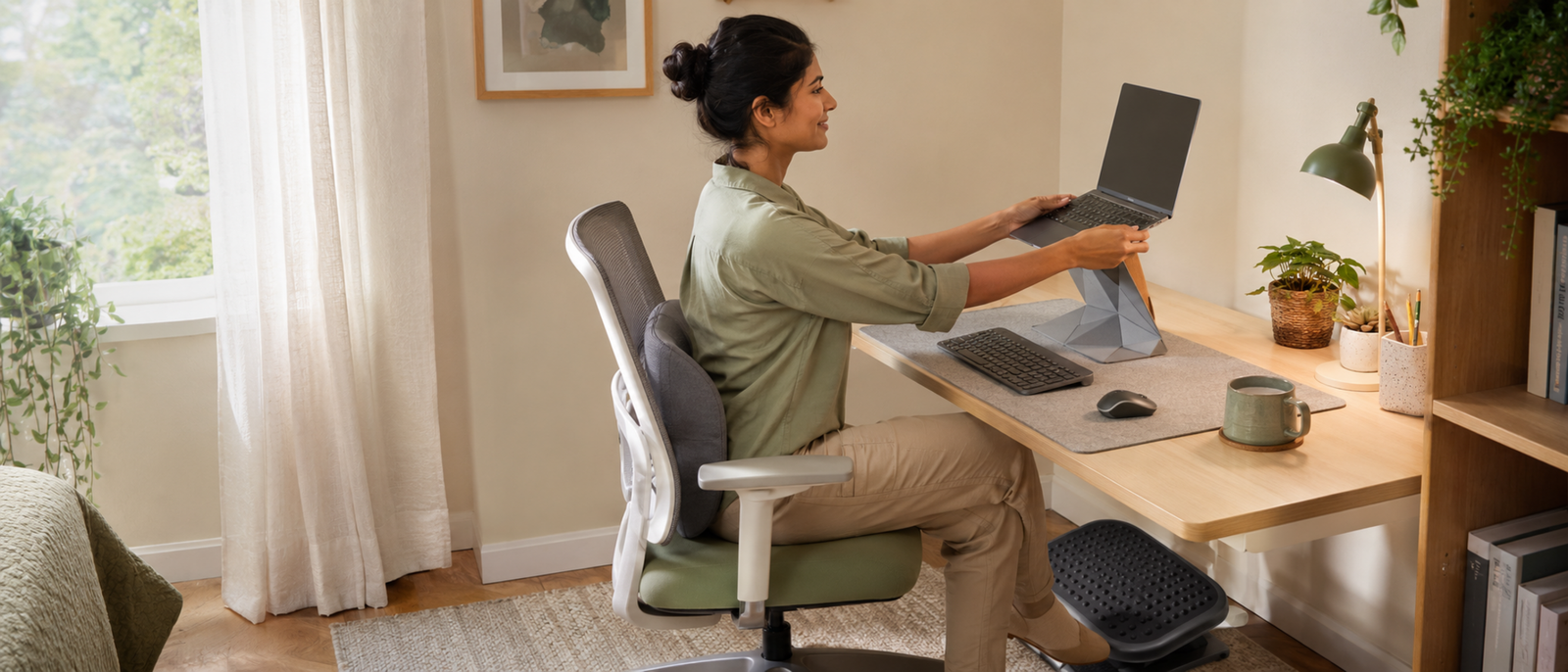
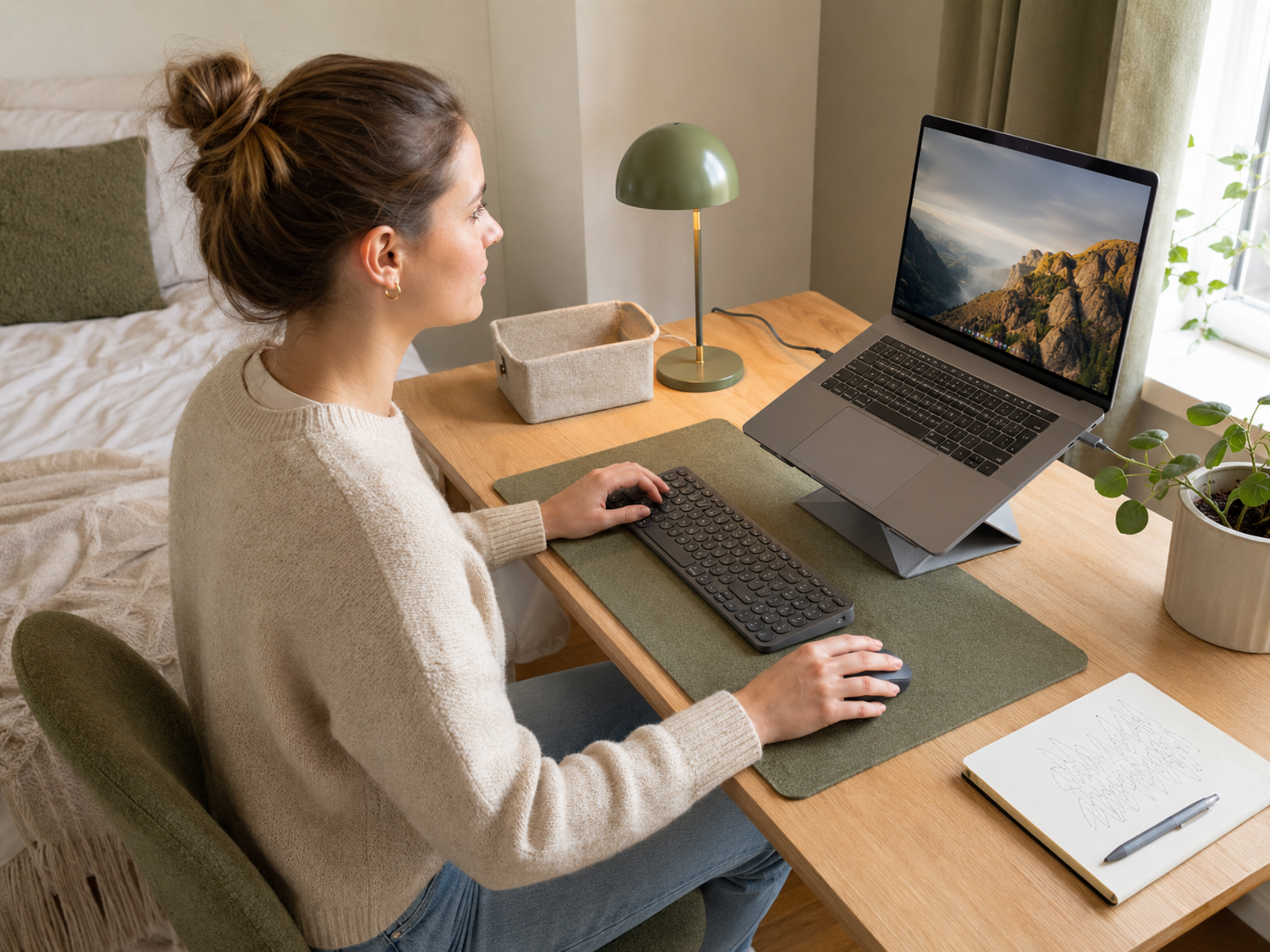
Laptop stands offer one of the highest returns on investment because they raise your screen directly to eye level. Elevating the display prevents you from hunching forward, which immediately reduces strain on your neck and upper back.
Footrests and Lumbar Cushions
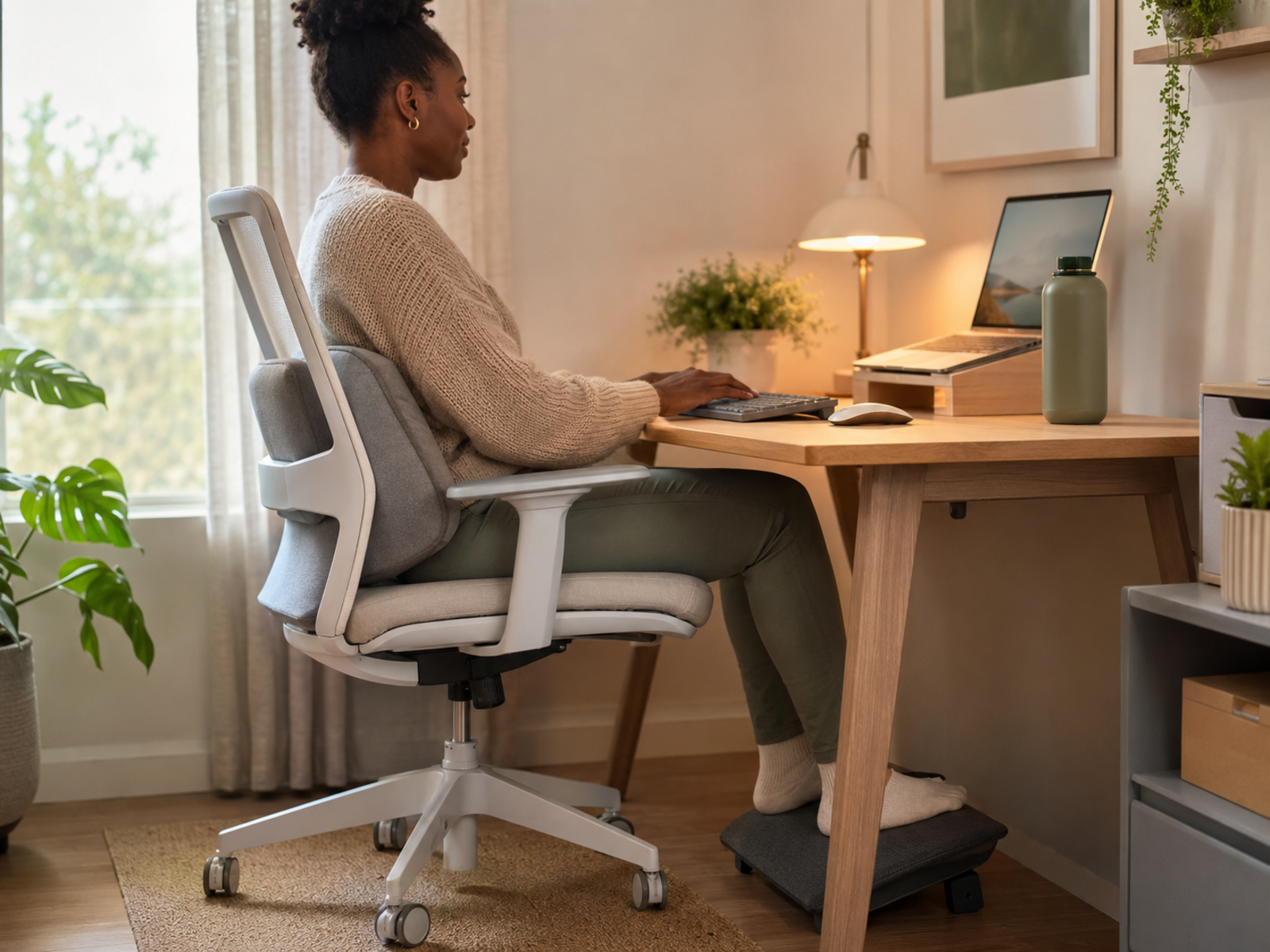
An affordable memory foam lumbar cushion supports the natural curve of your lower back, while a basic footrest keeps your hips aligned and feet flat. Together, they prevent slouching during long sitting blocks.
Wrist Rests and Desk Mats
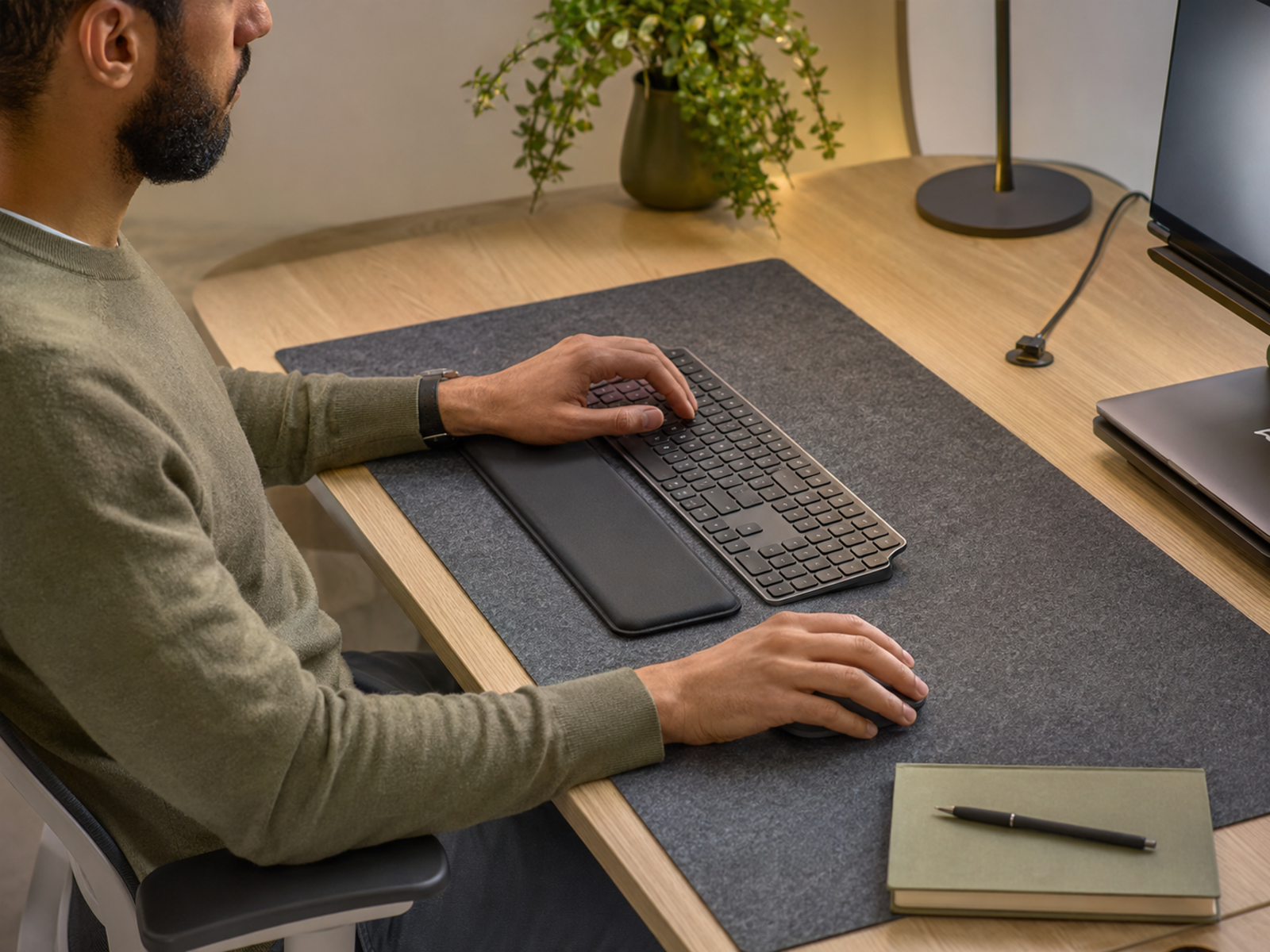
Softer wrist support can alleviate pressure points during repetitive typing and mouse usage. A dedicated desk mat keeps your accessories stable, organized, and at the correct working distance.
Why Upgrades Don't Automatically Solve Ergonomic Problems
A ergonomic tool is only as effective as the environment around it. Accessories are supportive components, not a complete solution.
Sitting Too Long Still Causes Strain: Even the most advanced ergonomic setup cannot offset the physical toll of remaining completely stationary for hours at a time.
Overall Workspace Alignment Matters Most: A laptop stand won't help if your desk is at an awkward height or your main monitor is positioned too far to one side.
Products Work Best Alongside Better Habits: Ergonomic tools support your wellbeing best when combined with movement breaks, proper stretching, and a realistic working pace.
What Many Workers Get Wrong About Ergonomic Gear
Buying Expensive Gear Too Quickly
Many people assume that a high price tag guarantees immediate pain relief. In reality, addressing simple layout geometry with cheap adjustments often provides immediate relief before you ever need to buy high-end furniture.
Ignoring Basic Alignment
It is common to buy accessories but leave the core elements of a desk misaligned. Prioritize setting your screen to eye level and keeping your elbows at a relaxed 90-degree angle before worrying about specialized tools.
Treating Gear as a Substitute for Movement
No product eliminates the biological need for movement. Incorporating simple pacing habits, like standing up every 30 minutes to stretch, is entirely free and completely irreplaceable.
Pros and Cons of Budget Accessories
Pros
Highly affordable entry point into office ergonomics
Targets specific pain points like neck and wrist strain
Easy to implement and adjust inside existing workspaces
Modular approach lets you upgrade your setup over time
Cons
Cheaper manufacturing materials vary in long-term durability
Low-quality or overly gimmicky options offer minimal support
Success still depends heavily on breaking bad posture habits
Adding too many small accessories can clutter minimal desks
How to Build an Affordable Ergonomic Setup Well
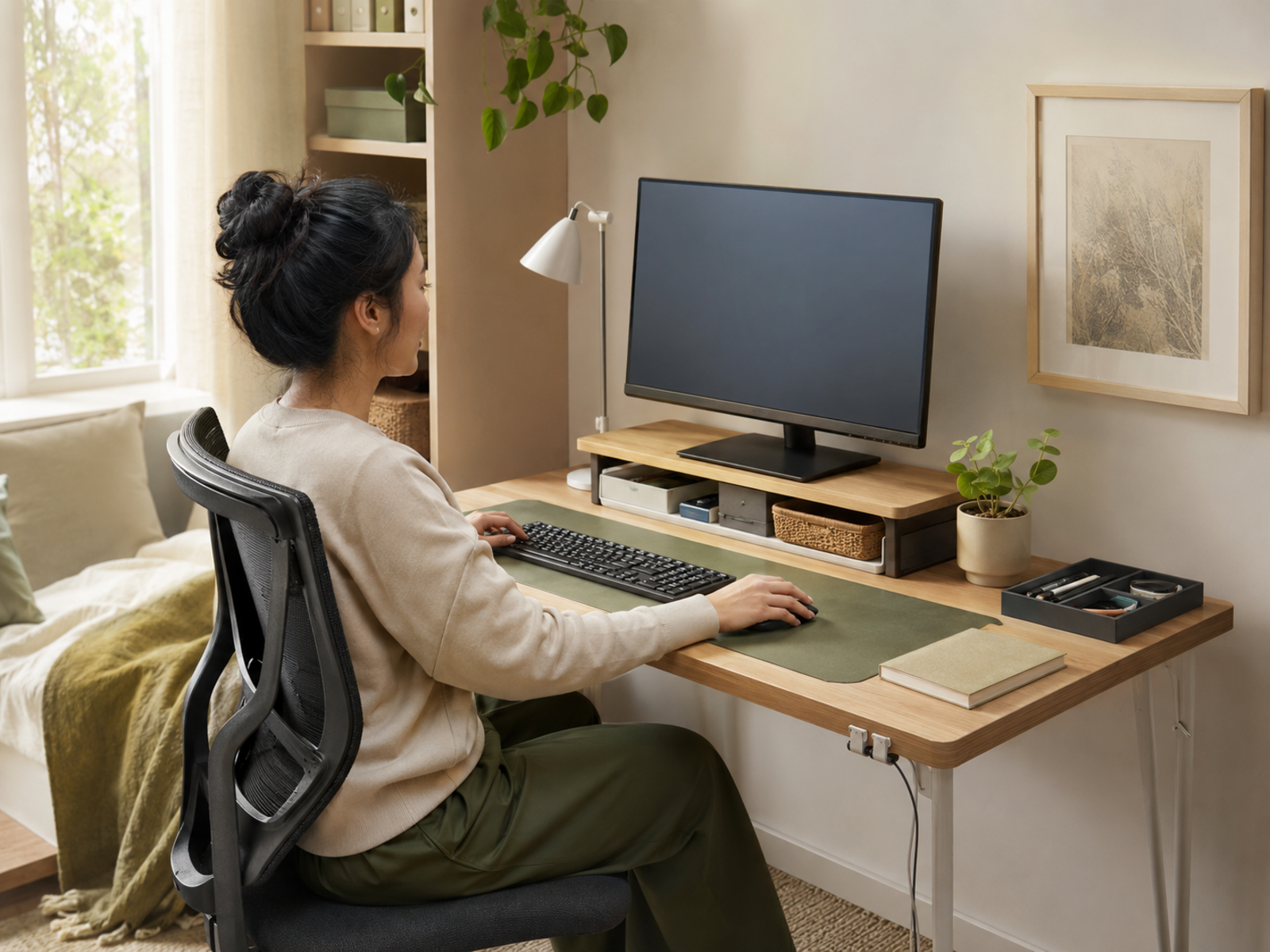
Optimize Screen Height First
Your primary monitor or laptop screen should sit directly at eye level so your gaze hits the top third of the display. This single adjustment prevents the head-forward tilt that causes severe neck fatigue.
Keep Your Wrists Neutral
Position your keyboard and mouse so your wrists do not bend sharply upward or downward. Your forearms should run roughly parallel to the floor, keeping your shoulders dropped and relaxed.
Support Your Lower Back
If your office chair lacks proper lumbar support, place a firm cushion or rolled towel behind your lower back to maintain your spine's natural curve. Ensure your feet rest completely flat on the floor or a footrest to take pressure off your thighs.
FAQ
Which budget ergonomic accessory helps the most?
For most laptop users, a dedicated laptop stand paired with an external keyboard and mouse provides the greatest relief. This setup fixes screen height and wrist angles simultaneously, targeting the root causes of neck and shoulder strain.
Are cheap ergonomic accessories actually worth buying?
Yes, provided you focus on functional basics like high-density foam cushions, stable metal laptop stands, and responsive external peripherals. Avoid over-engineered gimmicks that promise instant cures.
Do I need an expensive standing desk to be healthy?
Not at all. You can achieve an incredibly healthy workspace by using a standard desk correctly. The key is introducing movement throughout the day, which can be done by taking brief walking breaks or stretching.
Can accessories fully solve my posture problems?
Accessories reduce external physical stress on your body, but they cannot force you to move or fix underlying muscle imbalances. True long-term comfort requires a combination of supportive tools and active movement habits.
Final Verdict
Budget ergonomic office accessories are highly effective tools for reducing everyday workspace strain without draining your bank account. Simple items like laptop stands, separate keyboards, and basic lumbar supports correct the vast majority of alignment issues that cause daily fatigue.
However, do not look at these upgrades as magical solutions that completely erase sedentary habits. They function best as the foundation of a thoughtful workspace routine - one that prioritizes natural body alignment, regular movement breaks, and a sustainable approach to a long day at your desk.

