






















Too many tabs open can make digital work feel heavier than it needs to. Every tab becomes a tiny reminder: read this, finish that, compare those, reply later, check prices, fix the draft. Suddenly your browser looks less like a tool and more like a nervous system with bookmarks. The issue is not that tabs are bad. Tabs are useful. Trouble starts when they become a holding pen for every unfinished thought.
Tabs can create mental clutter.
Open pages become open loops.
Digital clutter drains focus.
Research can become avoidance.
Notifications make tabs worse.
Cleaner browser habits reduce stress.
Fewer tabs means fewer decisions.

Too many tabs open: the hidden stress of digital work
Why too many tabs feel productive
A busy browser can look like progress. Research pages, dashboards, documents, inboxes and tools all suggest that something important is happening. Sometimes it is. Other times, the browser becomes a visual performance of productivity. Having twenty tabs open can feel like keeping options alive, even when most of them are just unfinished decisions wearing tiny page titles.
The mental load of unfinished tabs
Each open tab carries a small instruction. Read this. Finish that. Come back later. Compare this option. Check that dashboard. Your brain does not fully ignore those reminders just because they are small. The result is background pressure: not loud enough to stop work immediately, but persistent enough to make the day feel more crowded.
Digital clutter and decision fatigue
Too many tabs create too many micro-decisions. Which one matters now? Should this stay open? Is this useful? Did you already read it? Do you still need that document? Decision fatigue builds when your browser keeps asking tiny questions while you are trying to do real work. The clutter becomes another task.
Why browser tabs make work feel heavier
Tabs make work feel heavier when they turn one task into many visible obligations. You may sit down to write one paragraph, but your browser shows analytics, email, research, social media, invoices and three abandoned ideas. The work has not changed, yet the screen makes it feel like everything needs attention at once.
The link between tabs and notifications
Tabs and notifications are a dangerous little partnership. A tab reminds you something exists. A notification tells you something changed. Together, they pull attention away from the task in front of you. This is how a simple writing session becomes inbox checking, dashboard refreshing and a strange detour into something you definitely did not plan to do.
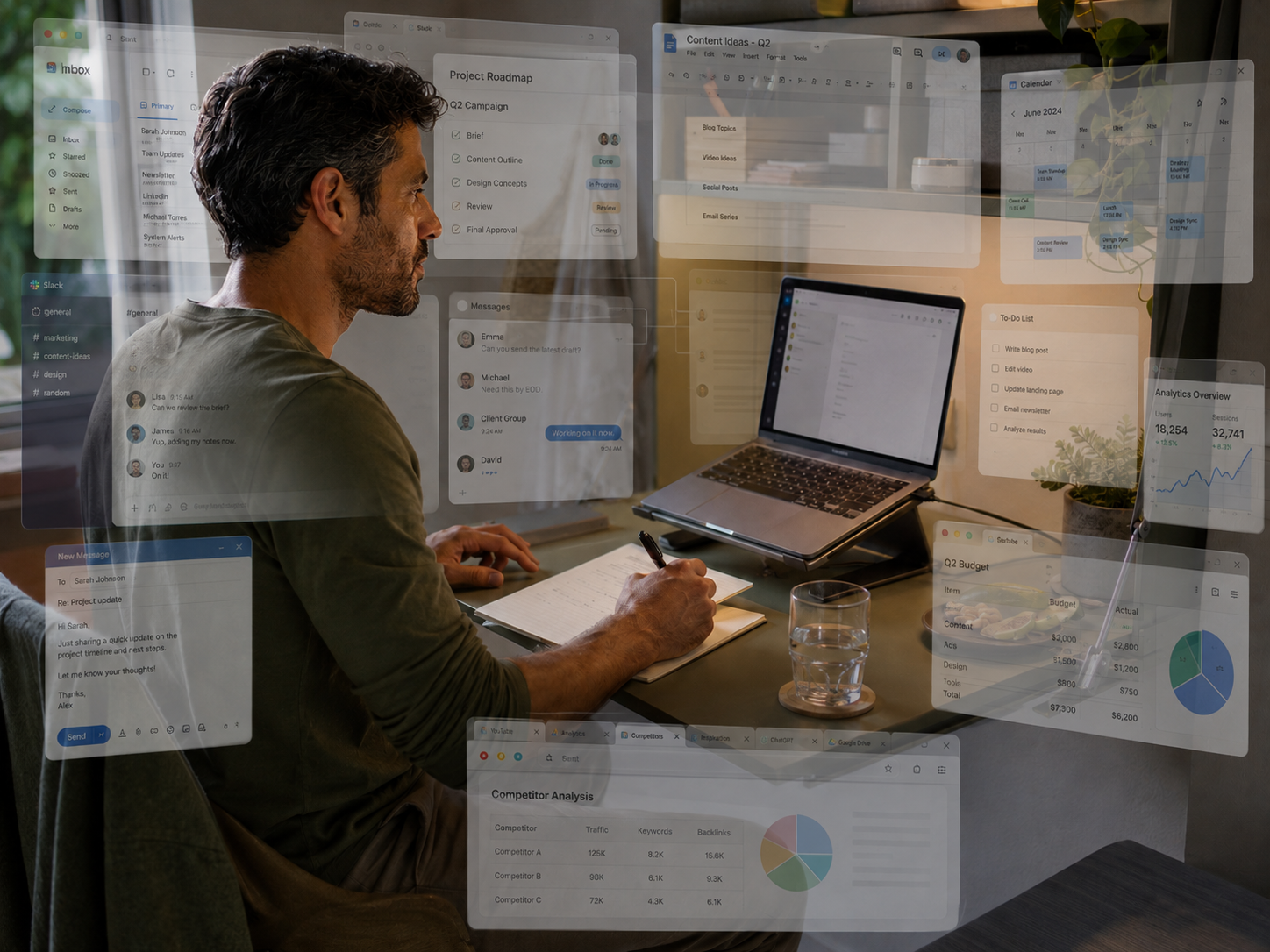
What the browser is really showing you
A crowded browser often shows more than open pages. It shows open loops. Half-decisions, unfinished research, delayed replies and tasks you do not want to lose can all sit there quietly asking for attention. Closing tabs is not just tidying. It is reducing the number of things your brain has to keep emotionally available.
When tabs start hurting focus
Tabs make switching easier
Tabs are useful because they make switching easy. That is also the problem. When another page is one click away, staying with one task takes more effort. The browser keeps offering exits. A difficult paragraph, awkward email or slow piece of research becomes easier to avoid when ten other tabs are waiting politely.
Research can become avoidance
Research is important, especially for bloggers, students, creators and freelancers. But research can turn into avoidance when opening more tabs feels easier than deciding what to do with the information. At some point, another source does not add clarity. It delays the uncomfortable moment where you have to write, choose, publish or move on.
Creativity needs fewer open loops
Creative work needs enough mental space to connect ideas. Too many tabs can crowd that space with reminders, comparisons and half-finished thoughts. This is why a browser full of "useful" pages can make writing or planning feel harder. The ideas may be good, but the workspace around them is noisy.
Digital clutter changes the mood
Digital clutter can make work feel stressful before you begin. A messy browser suggests unfinished business everywhere. That can create guilt, pressure or low-level irritation. It is the digital version of sitting at a desk covered in papers, except the papers can play videos, send alerts and steal your afternoon.

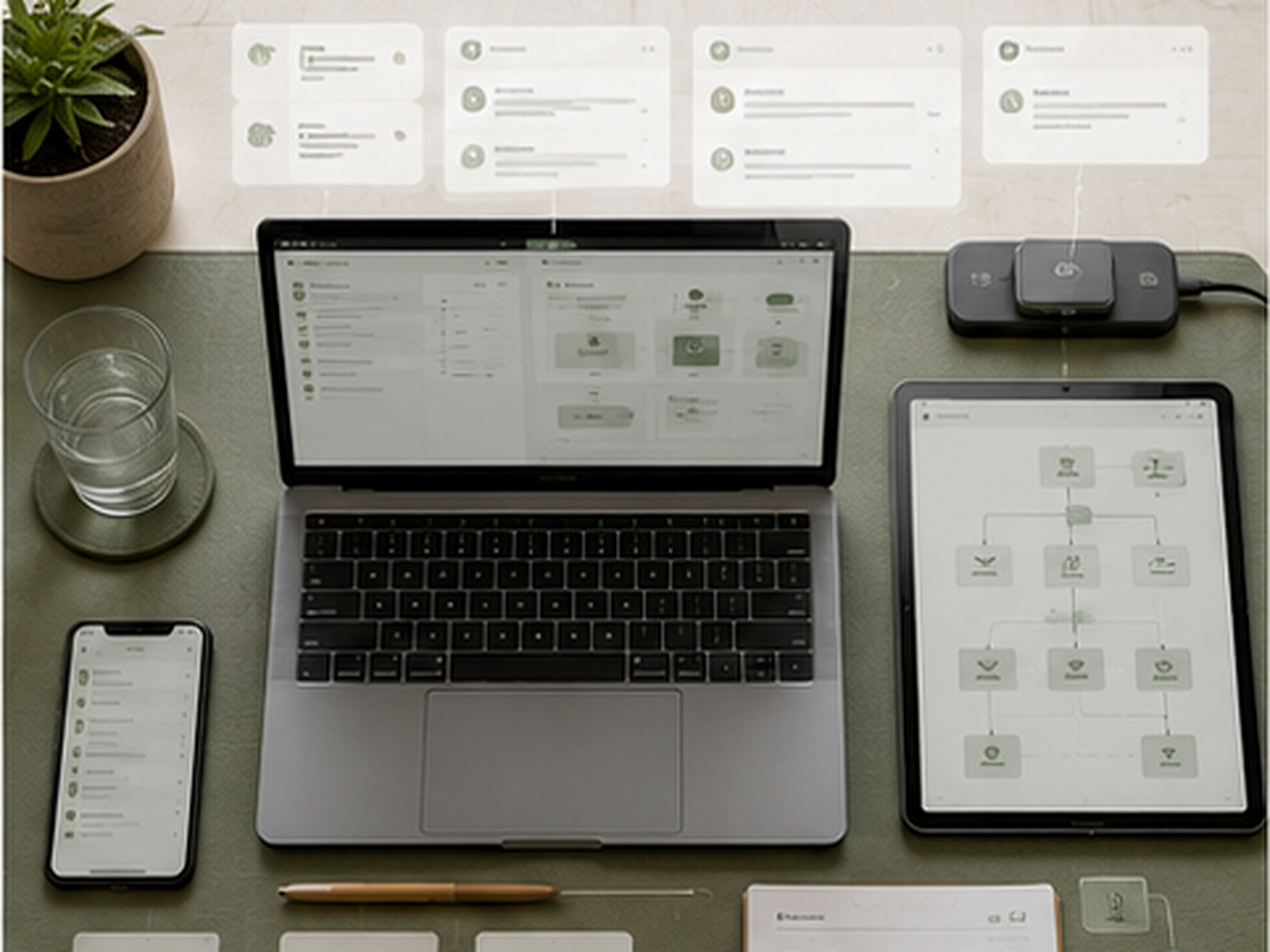
The real focus problem
The problem is not that you lack discipline. Many digital tools are designed to keep work open, searchable and instantly available. That convenience is useful until it becomes clutter. A calmer browser routine gives each task a clearer place, so your attention does not have to fight every unfinished idea at once.
Most Relevant Audience
This article is for home workers, creators, bloggers, freelancers, students, side hustlers and remote workers who spend the day jumping between tabs, tools, dashboards, inboxes, documents and unfinished tasks. It is especially useful if your browser regularly feels like a panic drawer with Wi-Fi.
Simple ways to reduce tab overload
Start with a tab audit
Look at each open tab and ask one question: what job is this doing right now? Keep the tabs needed for the current task. Save useful resources somewhere else. Close pages that are only open because you are afraid to lose them. This simple audit turns vague clutter into actual choices.
Use a read-later place
Many tabs stay open because they are interesting, not urgent. Put those pages in a read-later app, bookmark folder or notes document. That way, useful articles do not need to live on your screen all day. Saving something properly is calmer than letting it hover in the browser like a small digital mosquito.
Keep one task window
Try using one browser window for the task you are doing now. Keep writing, research, editing or admin together instead of mixing everything into one long tab parade. If a tab does not support the current task, move it out. A focused window makes the job feel smaller and more finishable.
Create a daily closing habit
End the day by closing or saving leftover tabs. This does not have to be perfect. Capture the pages you still need, write the next action and close the rest. A browser shutdown helps work feel finished, especially for home workers whose laptop can otherwise stay mentally open all evening.

Reduce the repeated admin behind the clutter
Some tabs stay open because closing them feels like forgetting the job attached to them. Follow-ups, reminders, replies and routine resource sharing can all turn into browser placeholders. Automating the predictable parts will not organise everything for you, but it can remove a few of those nagging open loops before they reach the tab bar.
Make the browser boring again
A calmer browser does not need to be beautiful, minimalist or organised like someone who owns matching storage boxes. It just needs to stop shouting. Fewer open loops, clearer tasks and a simple place to save later items can make digital work feel lighter almost immediately.
Common digital clutter mistakes
Keeping tabs open as reminders
Using tabs as reminders seems convenient, but it quickly becomes stressful. The tab tells you something exists, but not what to do next. A proper task note is clearer. Write the action down, save the link and close the page. Your browser is a workspace, not a memory support animal.
Opening more before deciding
When work feels uncertain, opening another tab can feel safer than choosing. More information can help, but endless information becomes avoidance. Set a limit for research, then decide what happens next. Bloggers, students and creators need enough input to move forward, not endless tabs that postpone the actual work.
Mixing every task together
Email, research, writing, shopping, social media, invoices and dashboards should not all live in the same browser mess. Mixing tasks makes the screen feel louder. Separate work by window, profile, folder or session where possible. Even basic separation can reduce the feeling that everything is happening at once.

Letting tabs follow you all day
Tabs should not automatically follow you from morning to evening. A page that mattered at 10am may not deserve space at 6pm. Review what is still relevant. Close what has expired. Digital clutter feels stressful partly because yesterday’s thoughts keep sitting in today’s workspace.

Move saved resources out of your browser
Other tabs stay open because they contain research, drafts, reference images or files you are afraid to lose. A proper storage system gives that material somewhere safer to live. Your browser can then stop acting like a filing cabinet with twenty tiny doors.
Related guides to read next
Digital Clutter And Mental Load When Working From Home
Digital Clutter And Mental Load When Working From Home is the broader next step if tabs are only one part of the problem. It looks at files, apps, notifications, dashboards and unfinished tasks that make digital work feel heavier than the actual job.
Notification Burnout And How To Take Back Your Focus
Notification Burnout And How To Take Back Your Focus is useful if tabs and alerts keep working together against your concentration. Reducing notifications can make tab control easier because your browser stops being constantly pulled into new interruptions.
Meeting Fatigue And How To Recover Your Day
Meeting Fatigue And How To Recover Your Day is worth reading if video calls leave your browser full of half-open notes, follow-ups and action items. Meeting overload and tab overload often feed each other, especially when there is no recovery time between calls.
Digital Boundaries For Side Hustlers And Home Workers
Digital Boundaries For Side Hustlers And Home Workers can help if tabs stay open because work never really ends. Better digital boundaries make it easier to close the browser, stop checking tools and protect personal time from unfinished online tasks.
FAQ
Why do I always have too many tabs open?
You may keep too many tabs open because they feel like reminders, research, options or unfinished tasks you do not want to lose. The problem is that open tabs create mental clutter. Saving links properly and writing next actions can help you close tabs without losing useful information.
Can too many browser tabs affect focus?
Yes, too many browser tabs can affect focus because they create visible reminders and easy distractions. Every tab offers another direction for attention. This can make it harder to stay with one task, especially when the work is difficult, boring or unclear.
How do I stop opening so many tabs?
Start by keeping only the tabs needed for your current task. Save useful pages into a read-later folder, bookmark system or notes document. Before opening a new tab, ask what job it will do. If it does not support the current task, save it for later instead.
Why does digital clutter feel stressful?
Digital clutter feels stressful because it creates open loops. Tabs, files, apps and notifications all remind you of things that may need attention. Even when nothing is urgent, your brain has to filter the clutter. That filtering uses energy and makes digital work feel heavier.
What is a healthy browser workflow for remote work?
A healthier browser workflow uses fewer active tabs, clearer task windows and a daily closing routine. Keep current work visible, save later items properly and close tabs that no longer have a job. The aim is not perfection. It is a browser that supports focus instead of scattering it.
Final verdict
Too many tabs open can quietly turn digital work into mental clutter. The browser starts as a tool, then becomes a holding pen for unfinished research, half-decisions, delayed replies, dashboards and ideas you are afraid to lose.
You do not need a perfect productivity system to fix it. Start with fewer open loops, a read-later place, clearer task windows and a small shutdown habit. A calmer browser will not solve every work problem, but it can stop behaving like a panic drawer with Wi-Fi.






