




Host a Virtual Halloween Party: Audio,…

The Calm Autumn Reset: 10 Small…

Can Free Affinity Help You Build…

The Best Lighting for Darker Autumn…

Can Hostinger AI Builder Launch a…

Create an Autumn Wind-Down Routine That…

Plug-In Solar Panels UK: Are They…

Heated Throw vs Heated Blanket vs…

Meta One Explained: Is the Subscription…

Autumn Sleep Reset: Light, Temperature and…

Plaud One Explained: Can AI Earbuds…

The Best Ways to Dry Washing…

Namecheap vs Dynadot

Dehumidifiers Explained: When Are They Actually…

Convertkit Vs Beehiiv

A Realistic Autumn Walking Routine for…

Bluehost vs Siteground

Autumn Social Reset: Small Plans for…

Namecheap review

Sekonda Smart Ring vs Oura Ring…
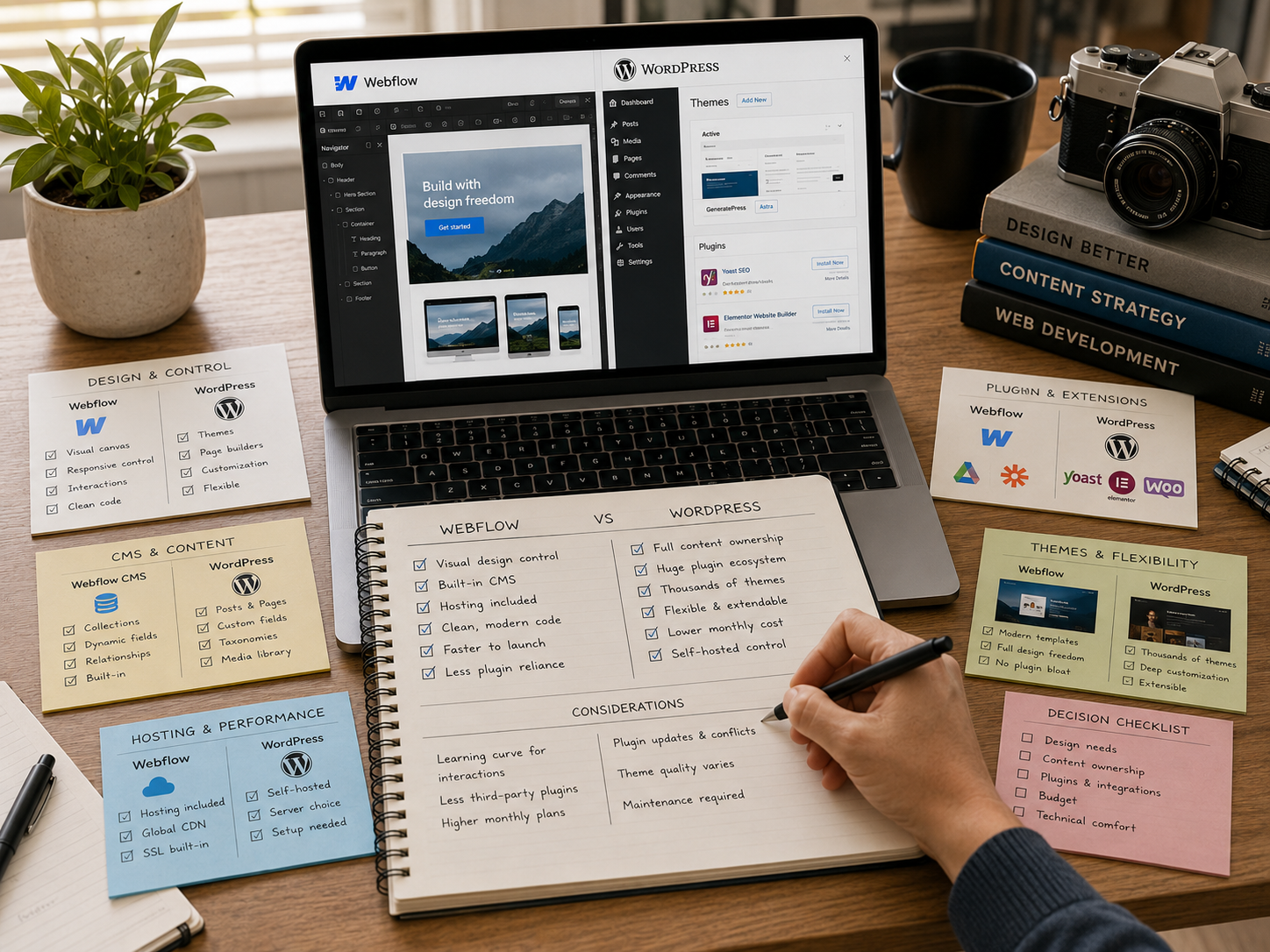
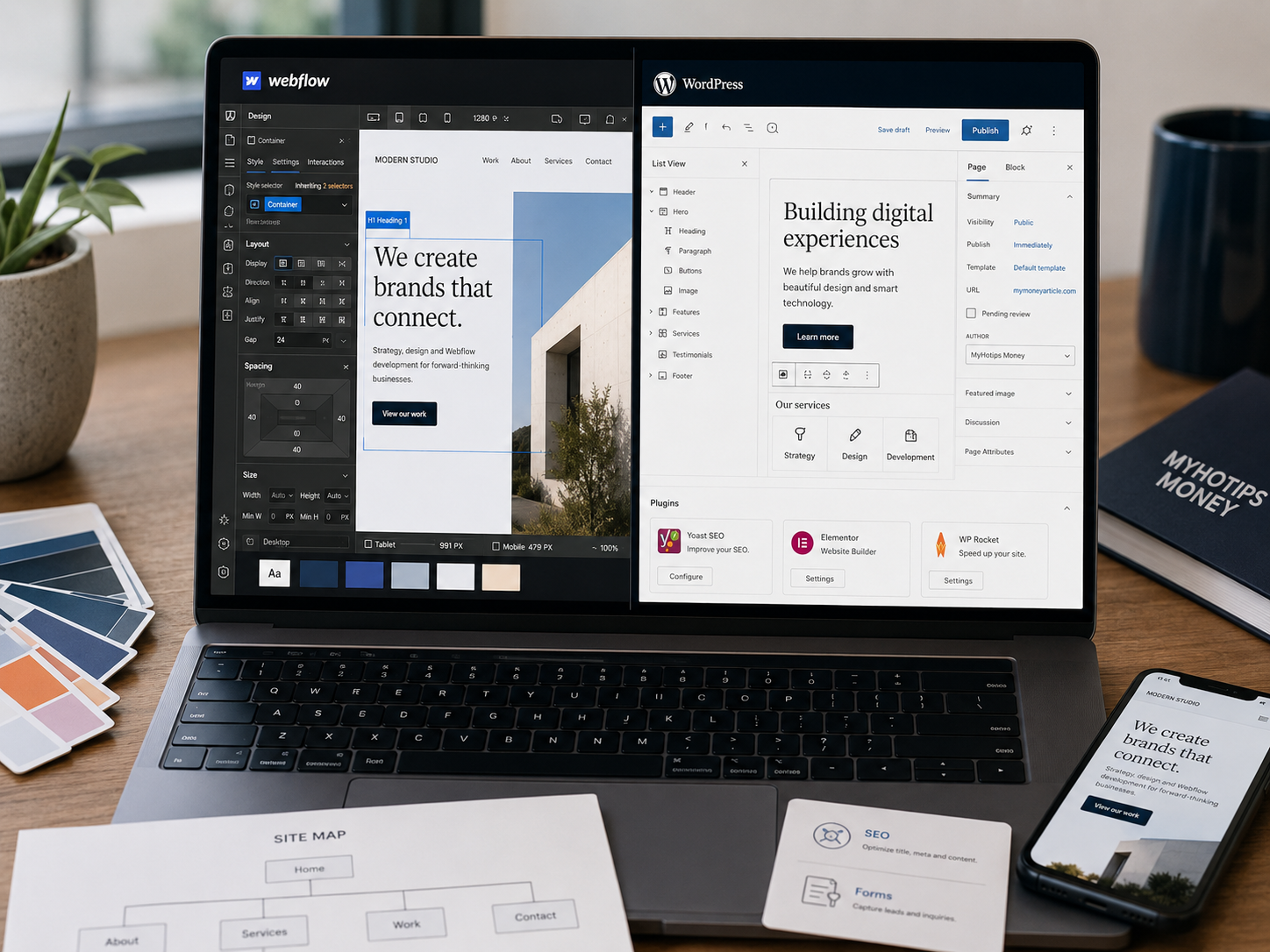
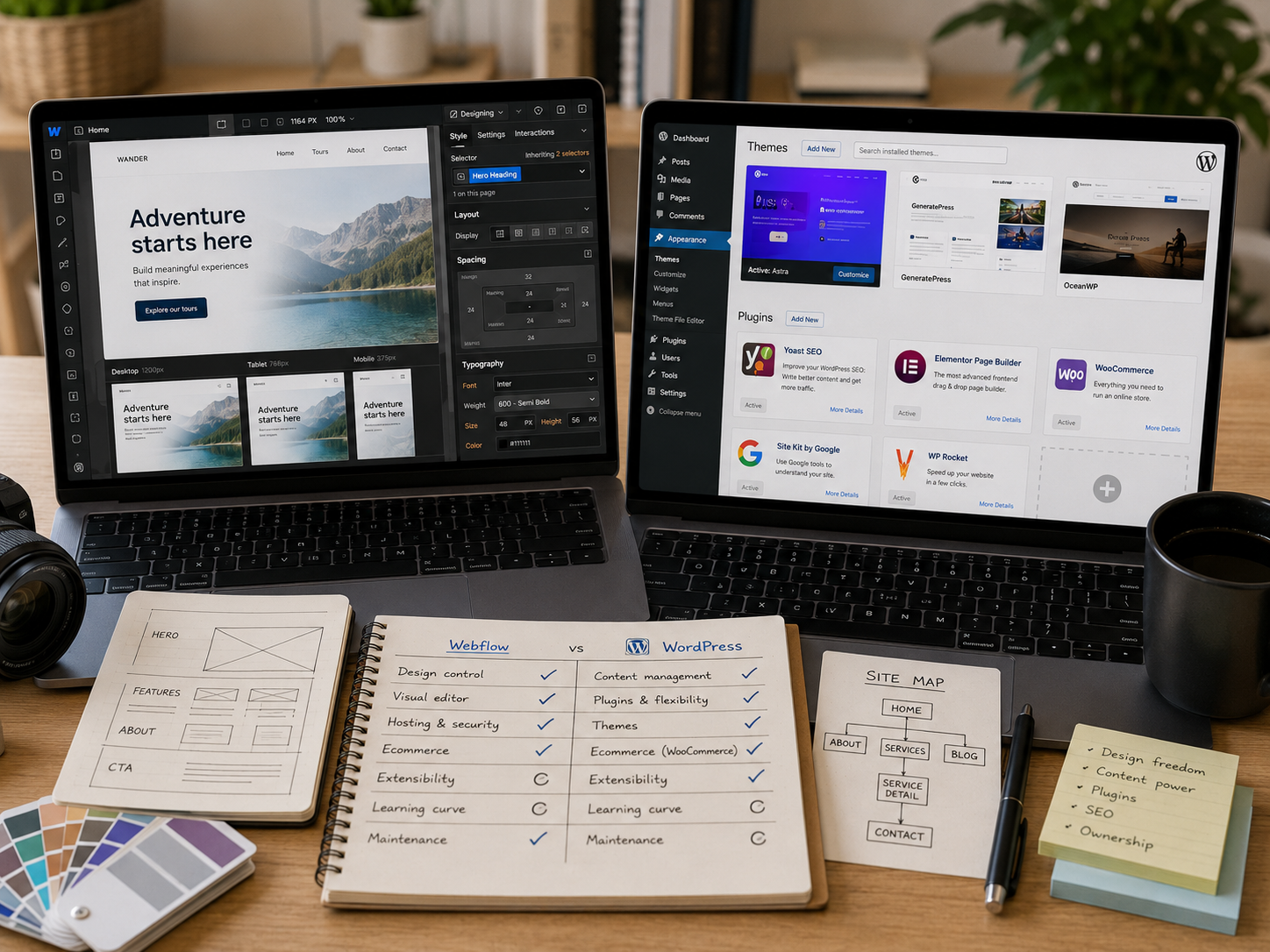
Webflow and WordPress both support serious business websites, although the daily experience feels completely different once content, SEO, updates, plugins, pages, and maintenance start piling up. Webflow focuses on cleaner visual control with less technical clutter. WordPress focuses on flexibility, scalability, and publishing depth through a massive ecosystem of themes and plugins. The better choice usually depends less on features alone and more on which workflow feels easier maintaining long term.
Quick Overview
In this comparison you will learn:
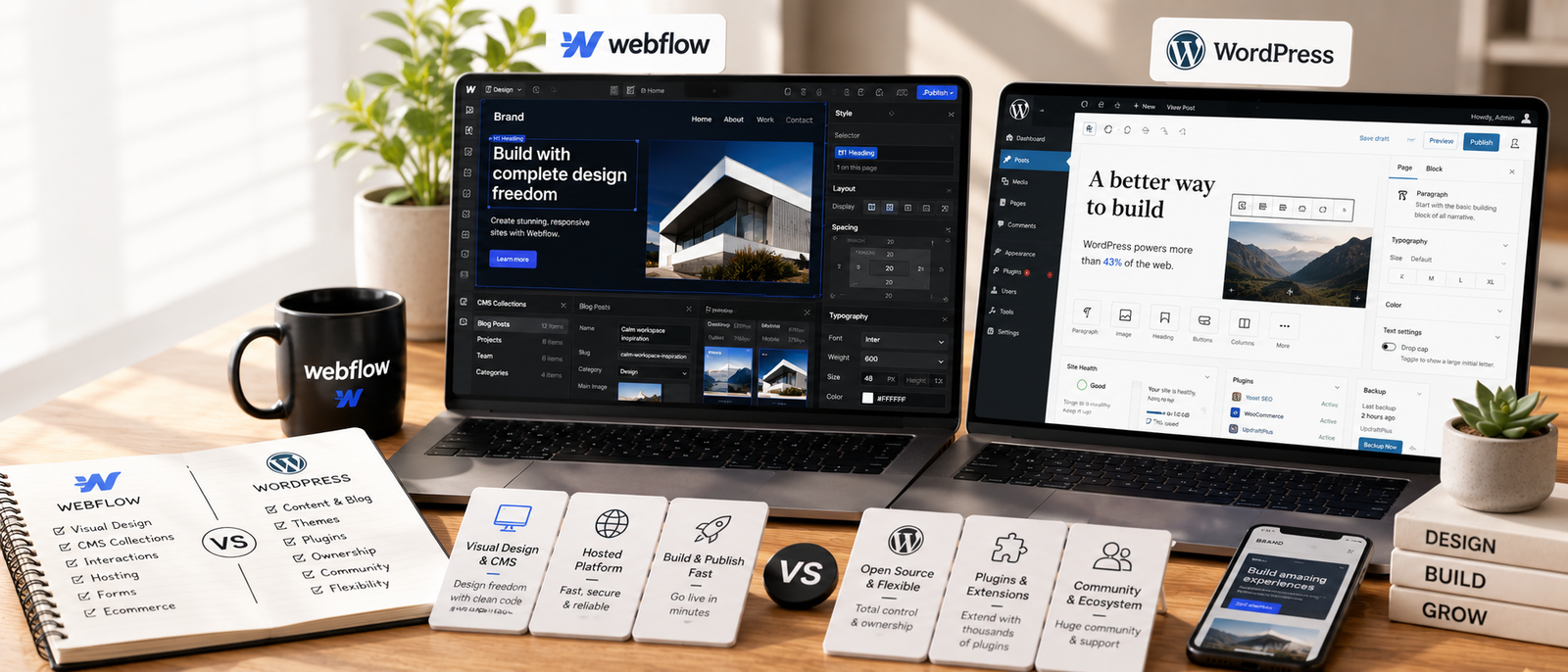
Website platform comparison supporting creators and online businesses.
Helpful next reads: Webflow review
The Biggest Difference Between Webflow And WordPress
Webflow Feels More Controlled
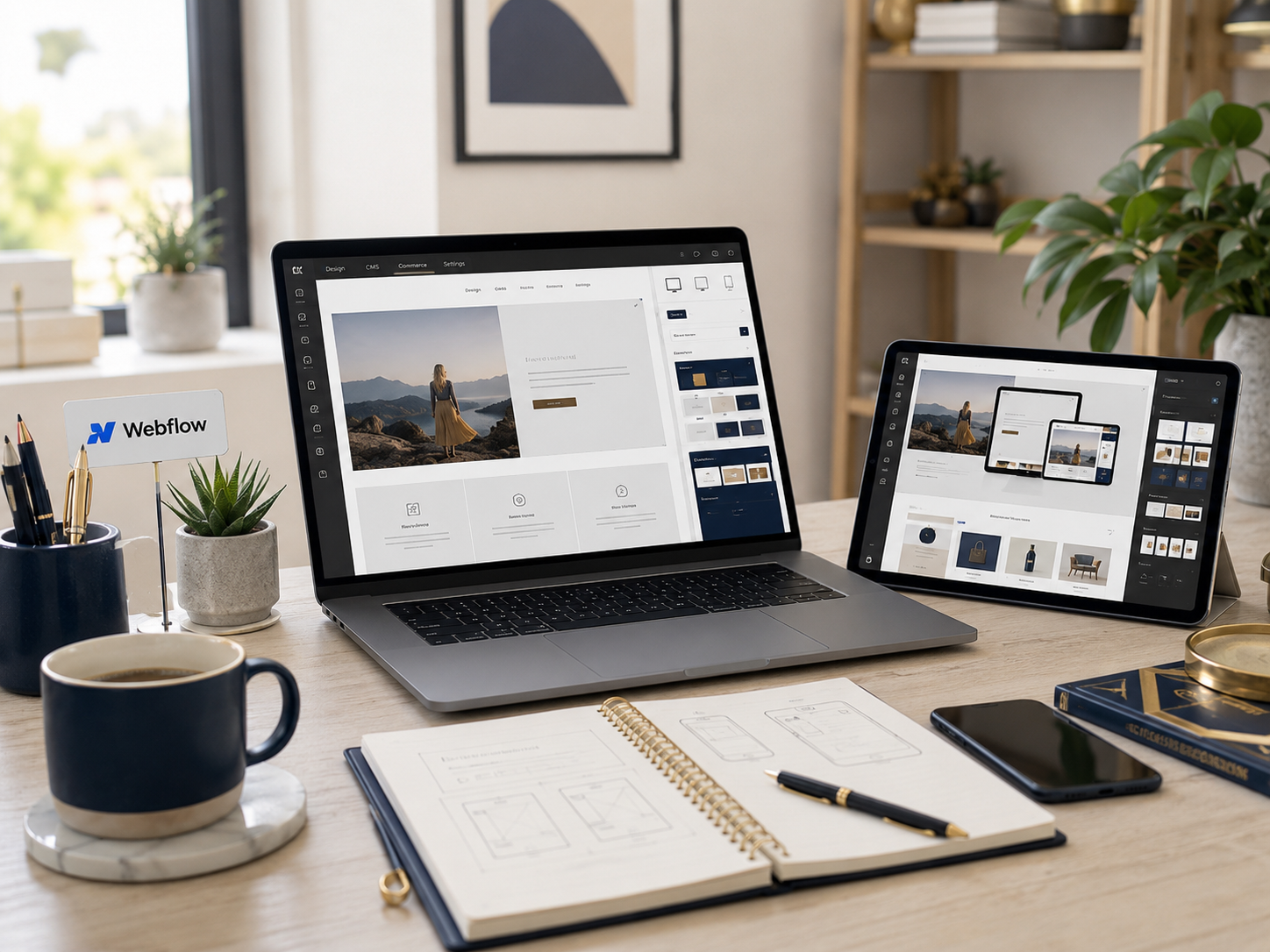
Webflow combines hosting, CMS features, responsive design, visual editing, and infrastructure inside one managed environment. That setup reduces plugin clutter and simplifies maintenance for many users.
WordPress Feels More Expandable
WordPress supports ecommerce, memberships, advanced SEO plugins, directories, learning platforms, forums, and almost every website model imaginable through its massive ecosystem.
Webflow Reduces Technical Maintenance
Users do not need managing plugin conflicts, manual updates, or hosting infrastructure in the same way many self-hosted WordPress sites require.
WordPress Gives More Long-Term Flexibility
Webflow vs WordPress becomes clearer once businesses decide whether they value cleaner infrastructure or maximum expansion potential more heavily.
Website Maintenance Usually Matters More Than Features
A beautiful website still needs useful content, organised navigation, SEO structure, mobile responsiveness, updates, and a realistic publishing system. Webflow reduces some technical workload by handling more infrastructure internally. WordPress gives businesses deeper control over how the website grows over time. Neither platform removes the need for strong copy, clear pages, and a website visitors can actually understand quickly.
Explore more insights: SEO for blogs explained
Webflow Strengths
Design Control Feels Stronger
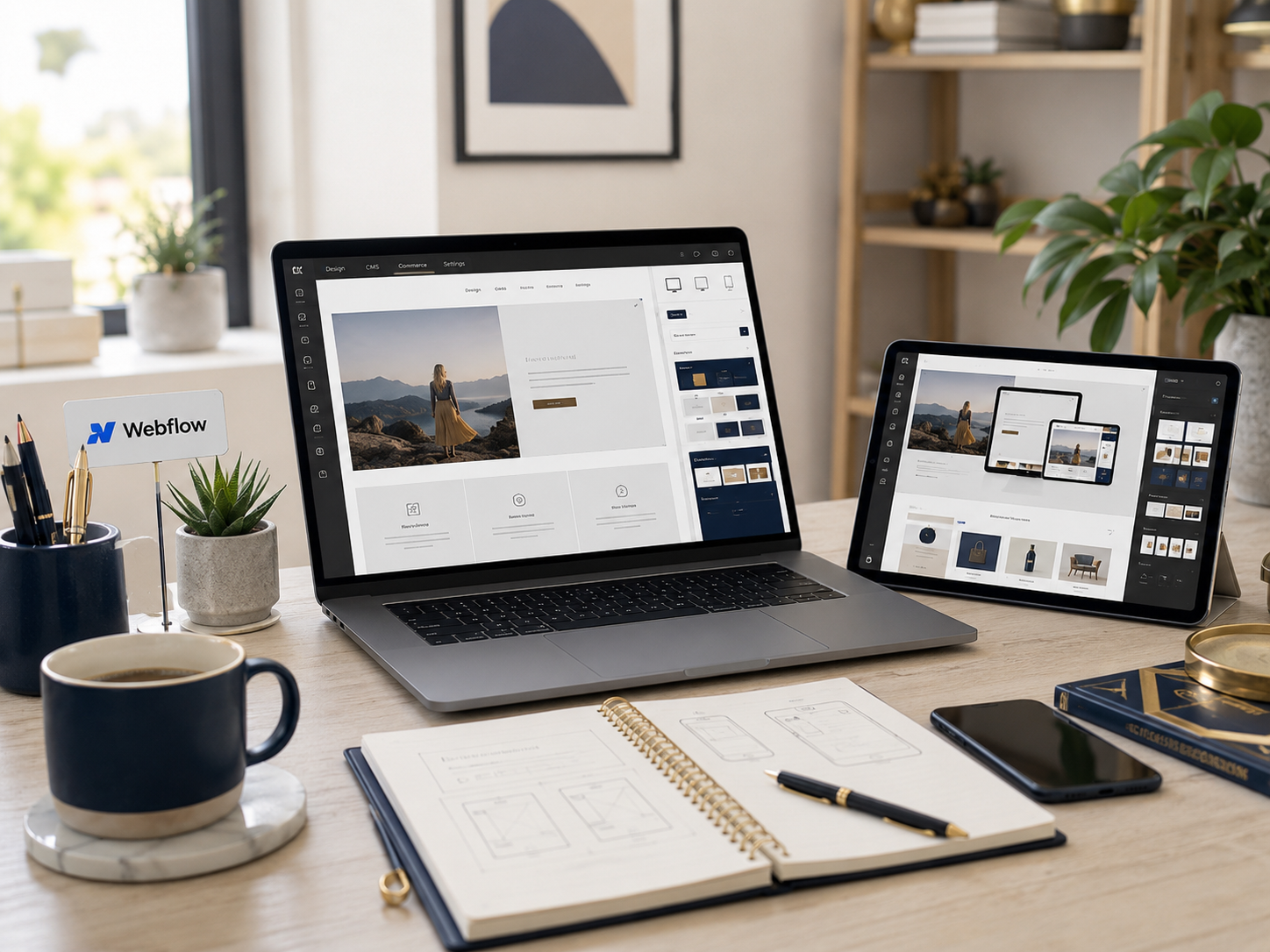
Webflow gives creators detailed control over layouts, animations, typography, responsiveness, spacing, and visual branding without requiring advanced coding knowledge.
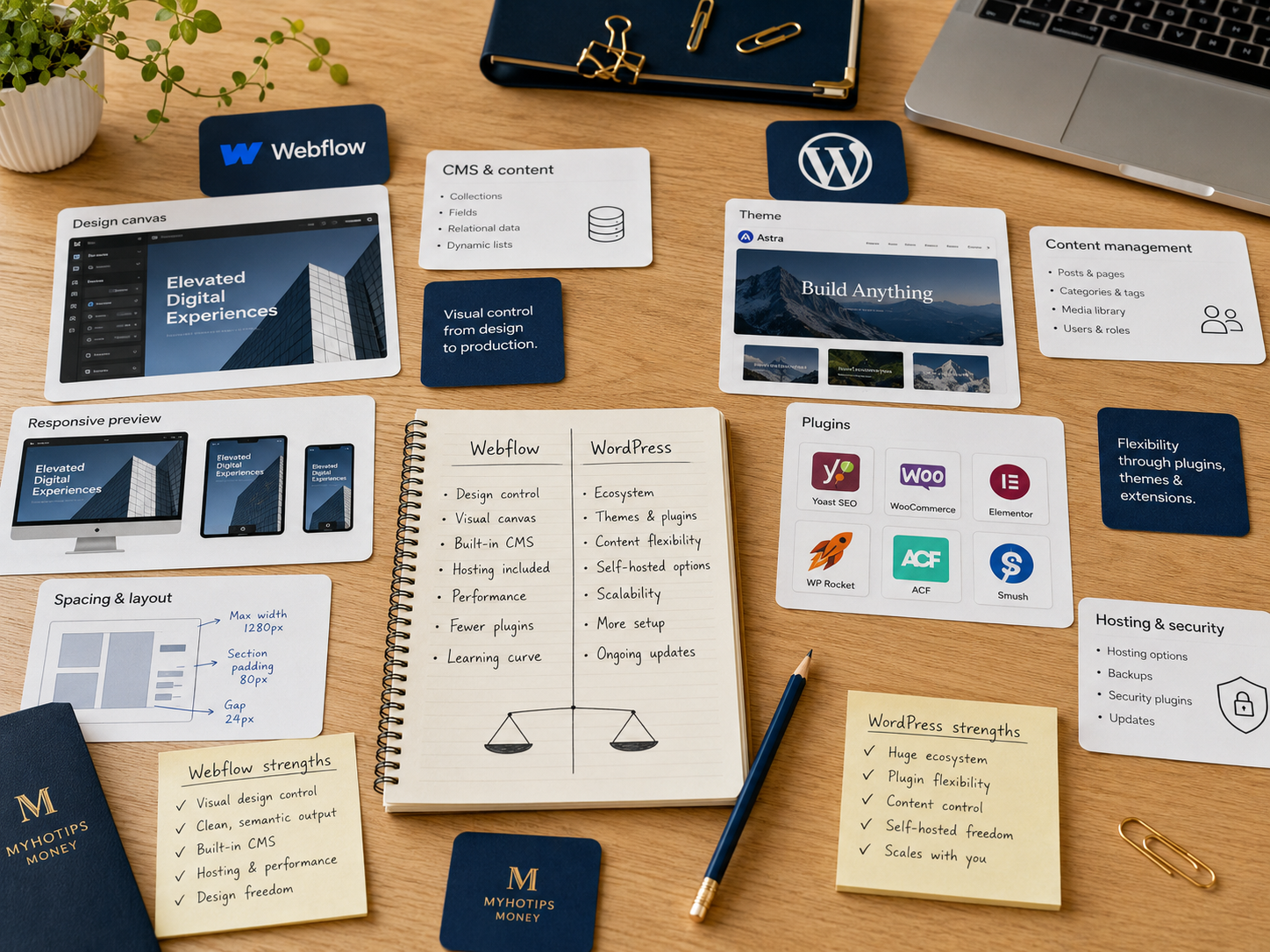
Visual website builder supporting modern brand websites.
Websites Often Look More Polished
Creative businesses, consultants, agencies, and portfolio brands frequently choose Webflow because the final presentation can feel cleaner and more custom.
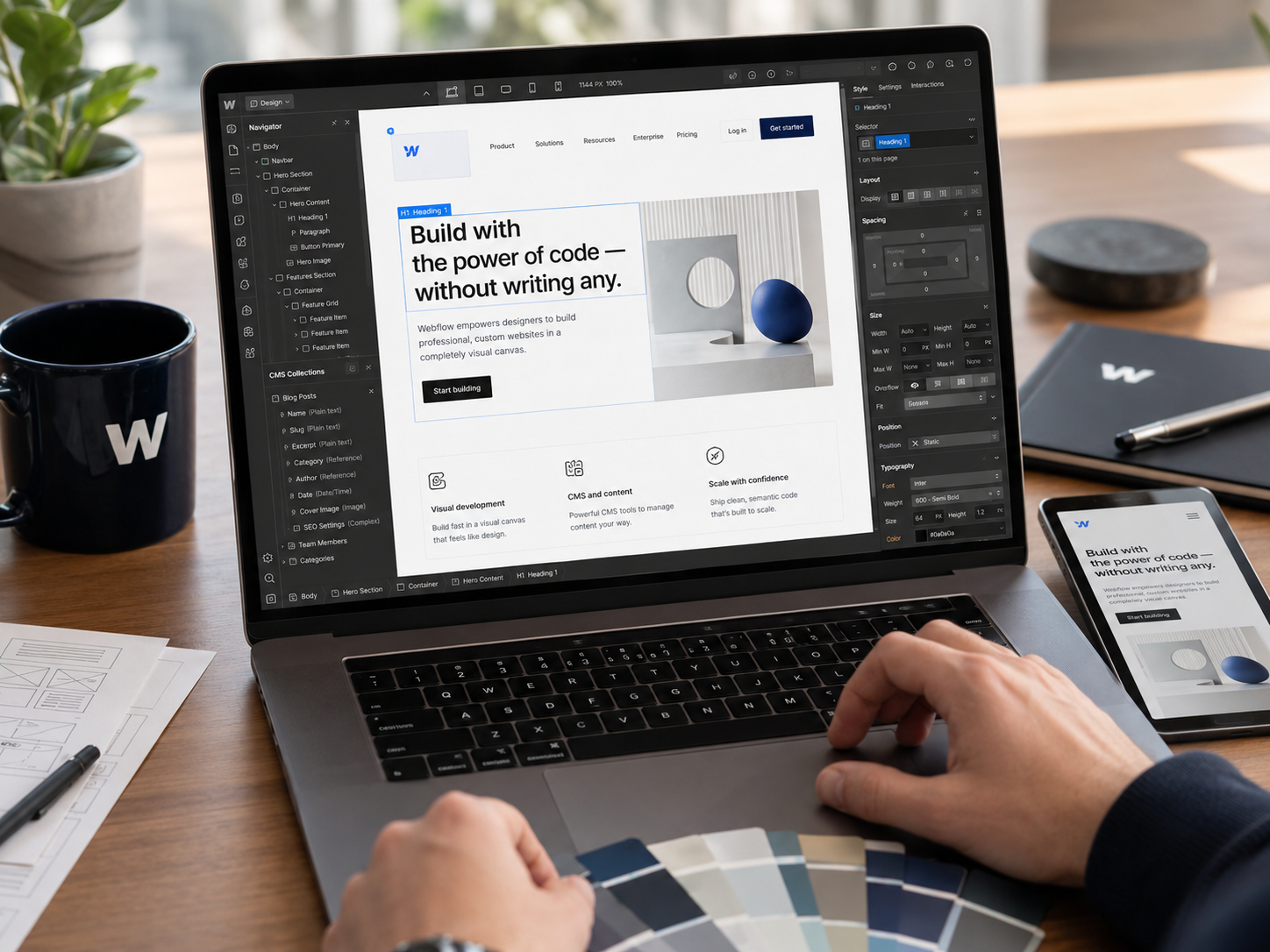
CMS Features Stay Organised
Webflow CMS handles blogs, portfolios, resource hubs, landing pages, and case studies neatly without rebuilding layouts repeatedly.
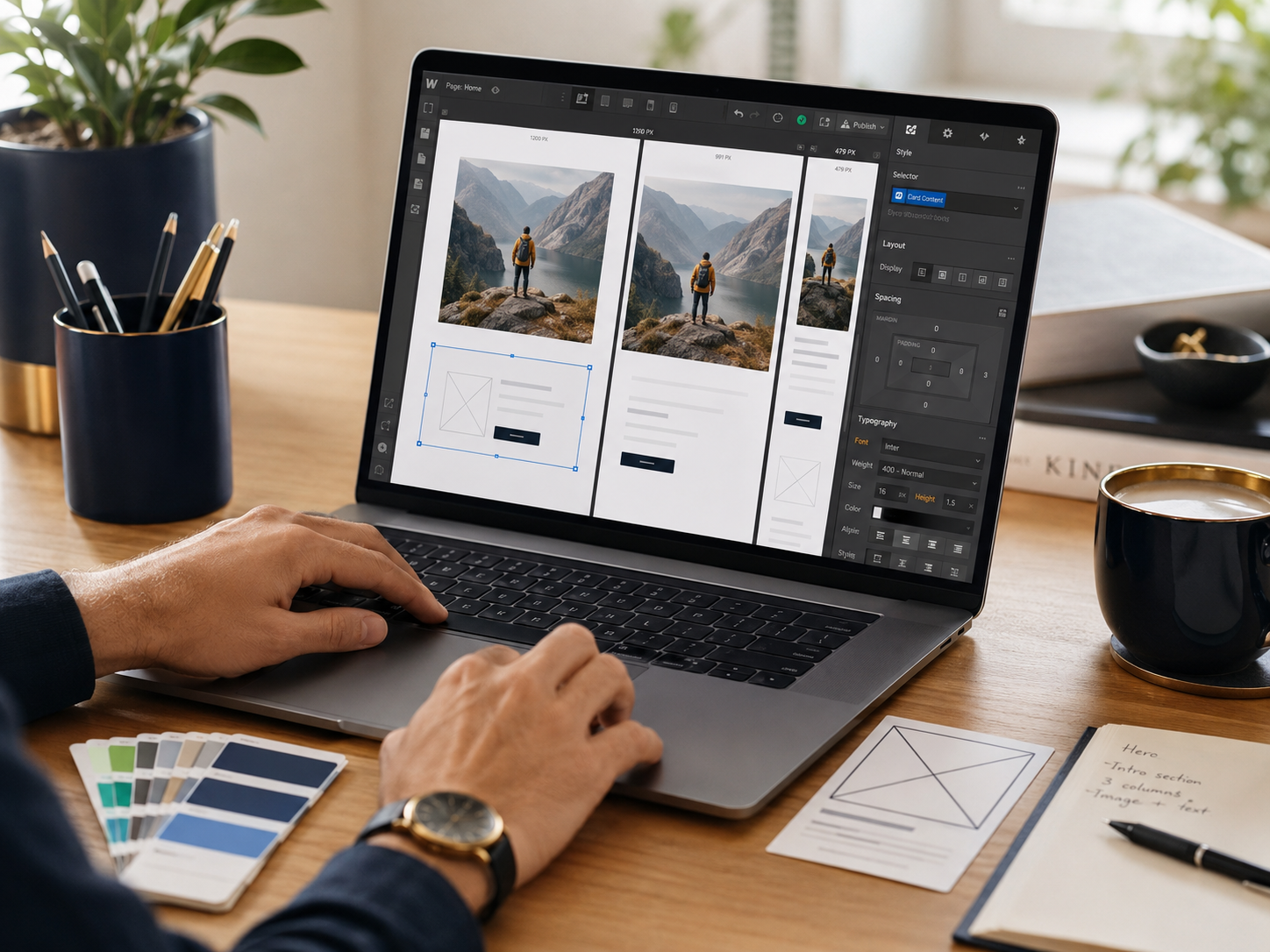
Hosting Feels Simpler
The platform removes much of the hosting stress and plugin management that can eventually frustrate WordPress users.
Website management system supporting content and brand pages.
Frequently Read Together: Web Hosting Explained
WordPress Strengths
The Ecosystem Is Massive
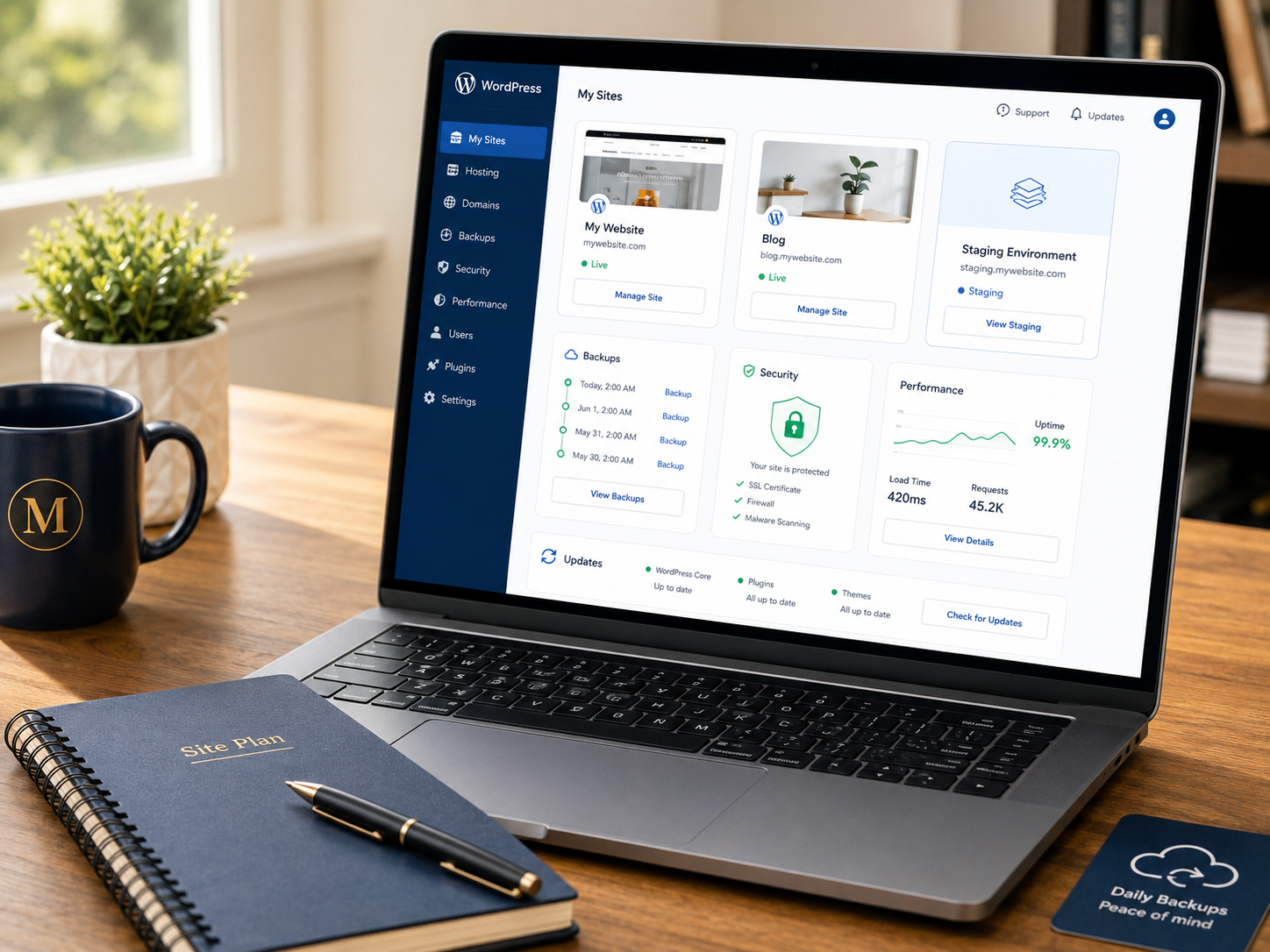
WordPress powers blogs, affiliate sites, ecommerce stores, membership platforms, online courses, directories, media businesses, and almost every website type online.
Flexible publishing platform supporting content and business websites.
SEO Flexibility Feels Mature
Plugins like Rank Math and Yoast give publishers strong control over metadata, schema, sitemaps, redirects, internal linking, and broader SEO workflows.
Ecommerce Possibilities Feel Broader
WooCommerce allows businesses to customise products, memberships, subscriptions, checkout systems, payment flows, and advanced ecommerce functionality deeply.

Publishing Scales Extremely Well
Large blogs, niche websites, affiliate publishers, and content-heavy businesses often still prefer WordPress because the publishing ecosystem feels more mature.
Blogging system supporting SEO and content growth.
Publishing systems explained: Webflow review
Clarity Usually Matters More Than Fancy Website Tweaks
Many website owners quietly spend hours adjusting layouts, plugins, colours, typography, and tiny spacing details while publishing less useful content overall. Visitors usually care far more about clarity. They want fast answers about what the business offers, who the service helps, why it matters, and what should happen next. Strong navigation and useful information usually outperform endless visual tweaking.
Frequently read together: Notion review
Which Platform Fits Different Businesses Best?
Choose Webflow For Stronger Visual Branding
Webflow fits agencies, designers, consultants, studios, and service businesses wanting polished presentation without heavy plugin maintenance.
Choose WordPress For Publishing Power
WordPress strongly suits bloggers, affiliate publishers, SEO-focused websites, ecommerce businesses, and brands expecting large content growth.
Choose Webflow For Cleaner Infrastructure
Businesses wanting hosting, CMS tools, and design workflows inside one environment often prefer Webflow operationally.
Choose WordPress For Maximum Expansion
Businesses planning memberships, advanced ecommerce, learning systems, forums, or larger monetisation ecosystems usually benefit more from WordPress flexibility.
Website platform choice supporting creators and businesses.
Pros And Cons Of Webflow And WordPress
Webflow Pros
Webflow Cons
WordPress Pros
WordPress Cons
FAQs
Is Webflow better than WordPress?
Neither platform is universally better. Webflow feels cleaner for design-focused websites while WordPress feels stronger for publishing and expansion flexibility.
Which platform feels easier managing daily?
Webflow usually feels easier because hosting and infrastructure stay integrated. WordPress offers more control but requires more maintenance.
Is WordPress better for SEO?
WordPress often provides deeper SEO flexibility because of its mature plugin ecosystem and publishing-focused structure.
Does Webflow require coding?
Most projects do not require heavy coding, although understanding responsive layouts and structure helps significantly.
Which platform suits bloggers best?
WordPress usually fits serious bloggers better because content publishing, SEO plugins, internal linking, and scalability feel stronger long term.
Final Verdict
Webflow vs WordPress ultimately comes down to workflow preference and maintenance style. Webflow feels stronger for creators and businesses prioritising polished design, responsive layouts, cleaner infrastructure, and less plugin management. WordPress remains stronger for publishers, ecommerce brands, affiliate websites, and businesses needing maximum flexibility and long-term expansion possibilities.
Neither platform automatically guarantees a better website. Webflow feels calmer and more controlled for design-focused brands. WordPress feels more powerful for content-heavy and highly custom projects. The smarter decision is usually the platform a business can maintain consistently without turning website management into another exhausting operational task.


