




Host a Virtual Halloween Party: Audio,…

The Calm Autumn Reset: 10 Small…

Can Free Affinity Help You Build…

The Best Lighting for Darker Autumn…

Can Hostinger AI Builder Launch a…

Create an Autumn Wind-Down Routine That…

Plug-In Solar Panels UK: Are They…

Heated Throw vs Heated Blanket vs…

Meta One Explained: Is the Subscription…

Autumn Sleep Reset: Light, Temperature and…

Plaud One Explained: Can AI Earbuds…

The Best Ways to Dry Washing…

Namecheap vs Dynadot

Dehumidifiers Explained: When Are They Actually…

Convertkit Vs Beehiiv

A Realistic Autumn Walking Routine for…

Bluehost vs Siteground

Autumn Social Reset: Small Plans for…

Namecheap review

Sekonda Smart Ring vs Oura Ring…
Many creators delay launching websites because coding feels intimidating, expensive, or painfully technical. No-code website builders remove much of that pressure by helping people publish portfolios, blogs, stores, landing pages, and brand sites without traditional development skills. The real challenge is choosing a platform that still feels easy to update once content, SEO, products, pages, and business tasks begin growing.
Quick Overview
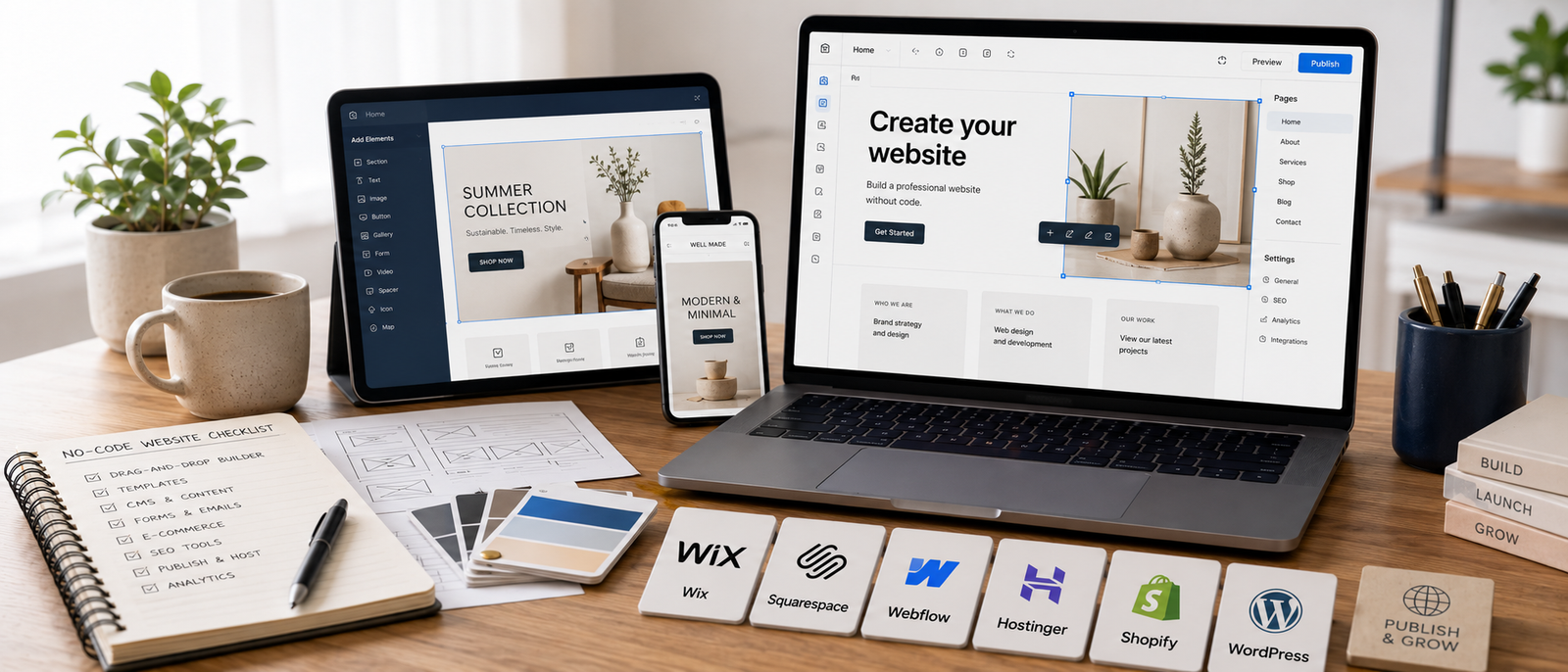
In this guide, you will learn which no-code website builders stand out, which platforms suit different creators, where certain tools feel limiting later, how long-term value changes as a site grows, and why simple publishing usually beats overbuilding.
Website creation setup for creators and online businesses.
Helpful next reads: Webflow review
The Biggest Mistake Beginners Make
Many beginners spend weeks comparing templates, plugins, hosting plans, developers, colours, and tutorials before publishing anything useful. That delay can feel productive, but it often hides fear of launching. A clean website with clear navigation usually beats a complicated site that never goes live. Visitors want to understand what you offer, why it matters, where to click next, and whether the business feels credible enough to trust.
Related comparison: Webflow vs WordPress
Webflow
Why Creators Love Webflow
Webflow suits creators wanting clean branding, modern layouts, responsive control, and professional presentation without manually coding every section.
Modern creator website setup supporting online branding.
Where Webflow Feels Frustrating

Webflow still requires learning spacing, layout structure, responsive behaviour, and design hierarchy. The biggest risk is spending hours tweaking sections instead of publishing pages, offers, articles, or case studies.
Related review: Webflow review
Wix
Why Wix Appeals To Beginners
Wix works well for creators who want a website live quickly with minimal technical stress. The editor feels approachable, templates are easy to adjust, and smaller businesses can publish useful pages without much setup pressure.
Beginner website setup for small businesses and creators.
Where Wix Eventually Feels Limiting
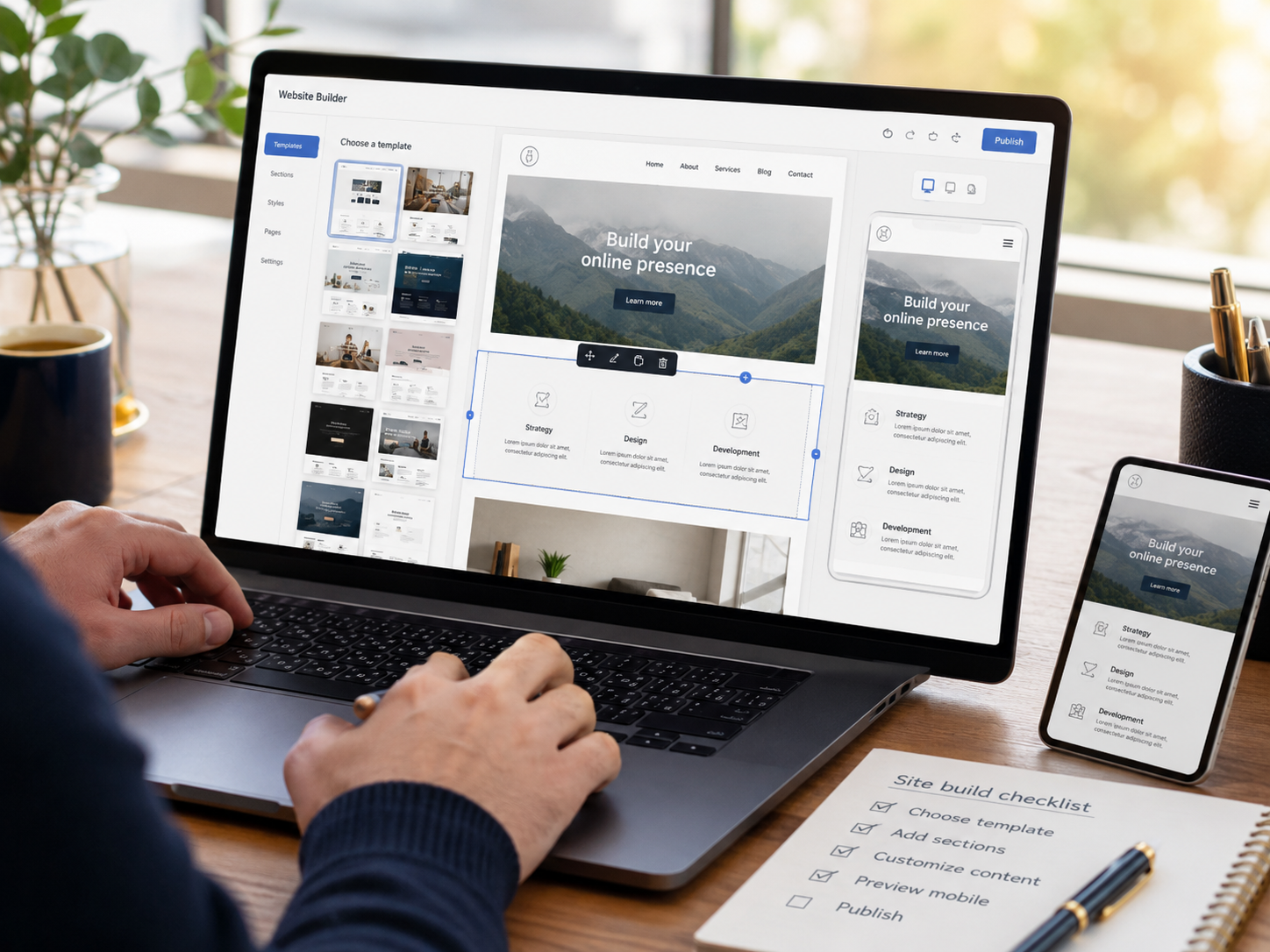
Wix can feel restrictive once SEO needs grow, content systems expand, branding becomes more refined, or ecommerce requirements become more complex. Still, it remains a practical starting point for simple service pages, contact forms, and basic online presence.
Squarespace
Why Creative Businesses Prefer Squarespace
Squarespace suits creators who care about polished design without wanting deep technical control. Photographers, coaches, consultants, writers, and service businesses often like how quickly a site can look clean and credible.
Polished website setup for creative businesses.
Where Squarespace Feels Restrictive

Squarespace is less flexible than WordPress or Webflow for advanced customisation. That trade-off is not always bad because the platform works best when the goal is simple editing, strong presentation, easy maintenance, and fewer technical decisions.
Shopify
Why Shopify Dominates Ecommerce
Shopify is one of the strongest no-code website builders for ecommerce because product management, payments, checkout, inventory, and store operations already connect inside one platform.
Ecommerce platform supporting online store management.
Where Shopify Gets Expensive

Shopify costs can rise once apps, premium themes, email tools, advanced features, and ecommerce growth start stacking together. Many store owners still value it because the platform reduces technical store stress better than cheaper setups.
Ecommerce guide: Shopify review
Systeme.io
Why Creators Like Systeme.io
Systeme.io suits creators who want landing pages, funnels, email marketing, digital products, and automation inside one simpler environment.
Creator platform for funnels and digital products.
Where Systeme.io Feels Limited

Systeme.io is not the strongest choice for advanced design control, large ecommerce stores, complex brand websites, or deep customisation. It works best when the website supports a selling system rather than acting as a highly designed publishing hub.
Related comparison: Systeme.io vs ClickFunnels
WordPress With Elementor Pro
Why WordPress Still Matters
WordPress with Elementor Pro remains powerful for bloggers, affiliate websites, publishers, and SEO-focused businesses that need long-term flexibility without heavy coding.
WordPress visual editing setup for creators and businesses.
Why Elementor Pro Beats The Free Version

The free version helps with basic design, but Elementor Pro adds theme building, forms, popups, landing page flexibility, and stronger marketing control. That extra flexibility becomes useful once a website grows beyond a few simple pages.
Related comparison: Webflow vs WordPress
Which Website Builder Fits Different Creators Best?

Wix and Squarespace fit beginners who want quick setup and low technical stress. Webflow fits creators who care deeply about branding and modern design. Shopify fits ecommerce stores that need reliable checkout and product management. Systeme.io fits creators selling digital products through funnels and email automation. WordPress with Elementor Pro fits publishers, bloggers, affiliate sites, and SEO-focused creators who want more control as the website grows.
Frequently read together: Web hosting explained
Pros And Cons Of No-Code Website Builders
Pros
Cons
FAQs
What is a no-code website builder?
A no-code website builder helps users create websites visually without traditional coding knowledge.
Which no-code website builder suits beginners best?
Wix and Squarespace usually suit beginners best because setup and editing feel simpler.
Is Elementor Pro worth paying for?
Elementor Pro is often worth it for WordPress users who need stronger design control, forms, popups, and flexible landing pages.
Which website builder suits ecommerce businesses best?
Shopify is usually the strongest choice for ecommerce because store operations, payments, checkout, and product management connect smoothly.
What matters most when choosing a website builder?
Editing comfort, scalability, pricing, design control, and long-term maintenance matter more than feature quantity alone.
Final Verdict
The best no-code website builders reduce technical friction while helping creators launch and manage websites more comfortably. Webflow suits modern branding and design control. Wix and Squarespace suit easier setup. Shopify remains one of the strongest ecommerce options. Systeme.io works well for funnels, automations, and digital products. WordPress with Elementor Pro remains powerful for SEO-focused creators and publishers. The smartest choice is the platform you can update consistently without turning your website into another complicated system.


