




Host a Virtual Halloween Party: Audio,…

The Calm Autumn Reset: 10 Small…

Can Free Affinity Help You Build…

The Best Lighting for Darker Autumn…

Can Hostinger AI Builder Launch a…

Create an Autumn Wind-Down Routine That…

Plug-In Solar Panels UK: Are They…

Heated Throw vs Heated Blanket vs…

Meta One Explained: Is the Subscription…

Autumn Sleep Reset: Light, Temperature and…

Plaud One Explained: Can AI Earbuds…

The Best Ways to Dry Washing…

Namecheap vs Dynadot

Dehumidifiers Explained: When Are They Actually…

Convertkit Vs Beehiiv

A Realistic Autumn Walking Routine for…

Bluehost vs Siteground

Autumn Social Reset: Small Plans for…

Namecheap review

Sekonda Smart Ring vs Oura Ring…
Webflow became popular because many website builders feel restrictive while custom development feels expensive and difficult maintaining. Creators, agencies, and service businesses often want websites that look polished without hiring developers for every small layout change. Webflow sits between those two worlds. The platform gives users far more visual control than basic builders, although it still requires patience, structure, and a realistic understanding of how strong websites actually work.
Quick Overview
In this review you will learn:
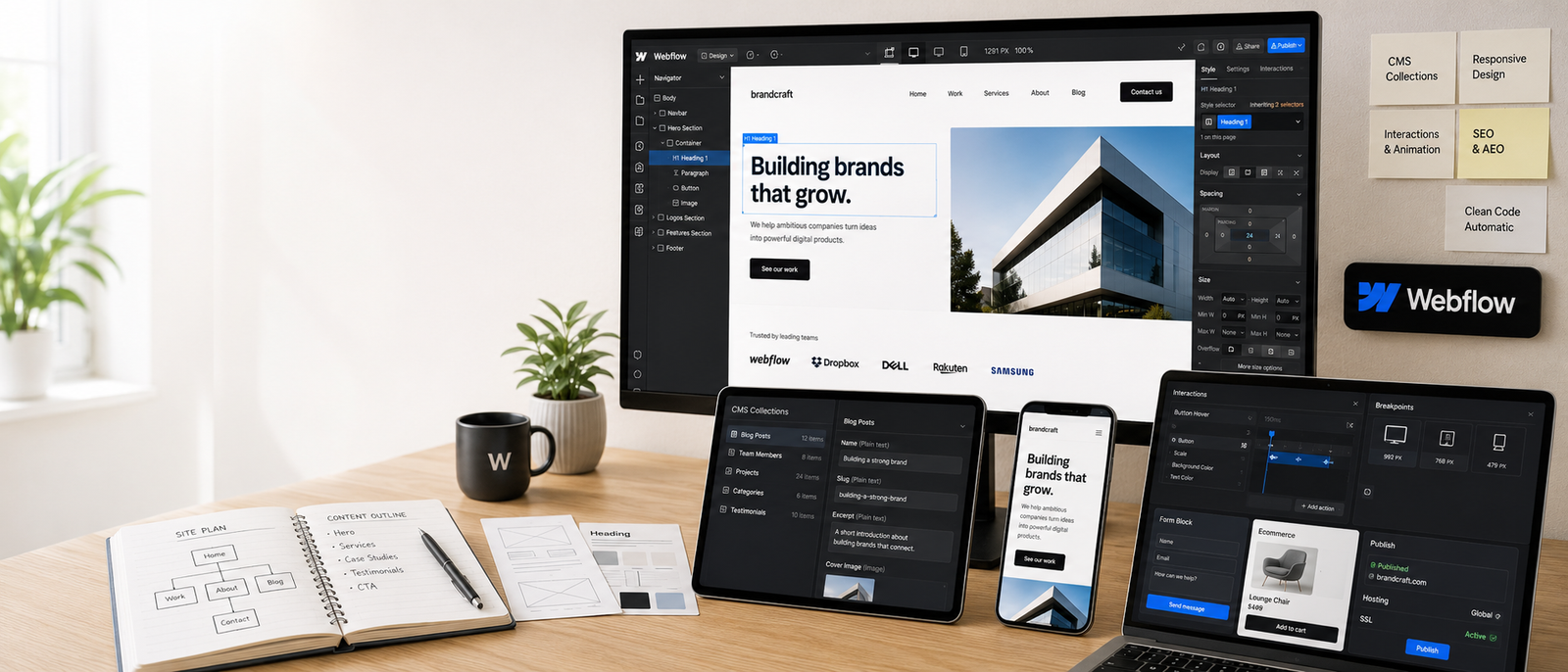
Modern website design setup for creators and businesses.
Helpful next reads: Notion review
Why Creators Became Interested In Webflow
Basic Website Builders Feel Restrictive
Simple website builders work well for quick pages, although layouts can eventually feel boxed in. Webflow gives users more control over spacing, responsiveness, animations, sections, and visual branding.
Custom Development Gets Expensive
Hiring developers for every landing page adjustment or design change quickly increases costs. Webflow allows businesses to manage more updates independently after setup.
Visual Branding Matters More Online
A website often shapes trust before visitors read the offer itself. Cleaner design can make services, portfolios, products, and case studies feel more professional immediately.
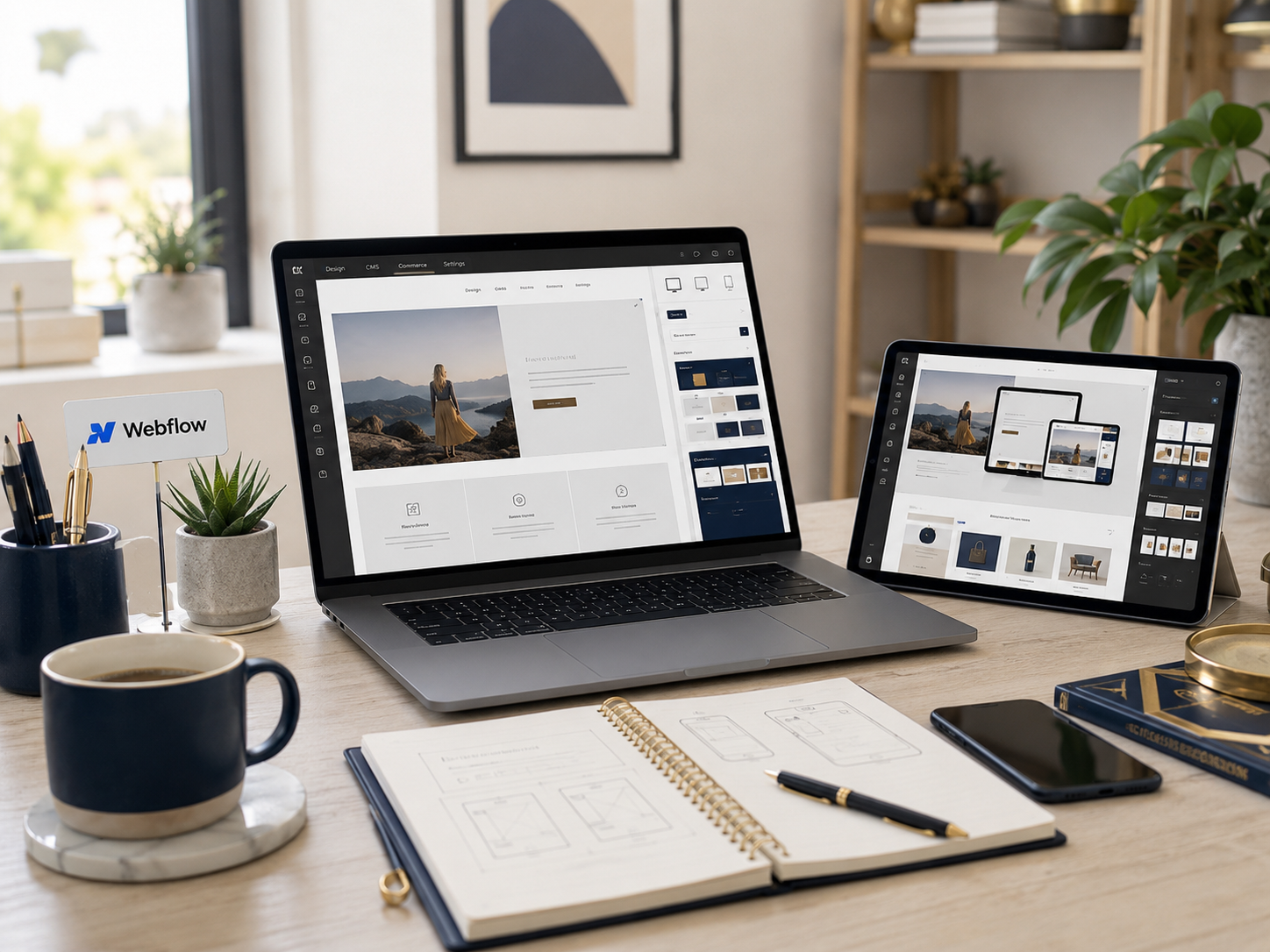
Design Freedom Feels Empowering
Webflow allows users to build visually while still controlling deeper layout structure underneath. That flexibility feels powerful once the workflow starts making sense.
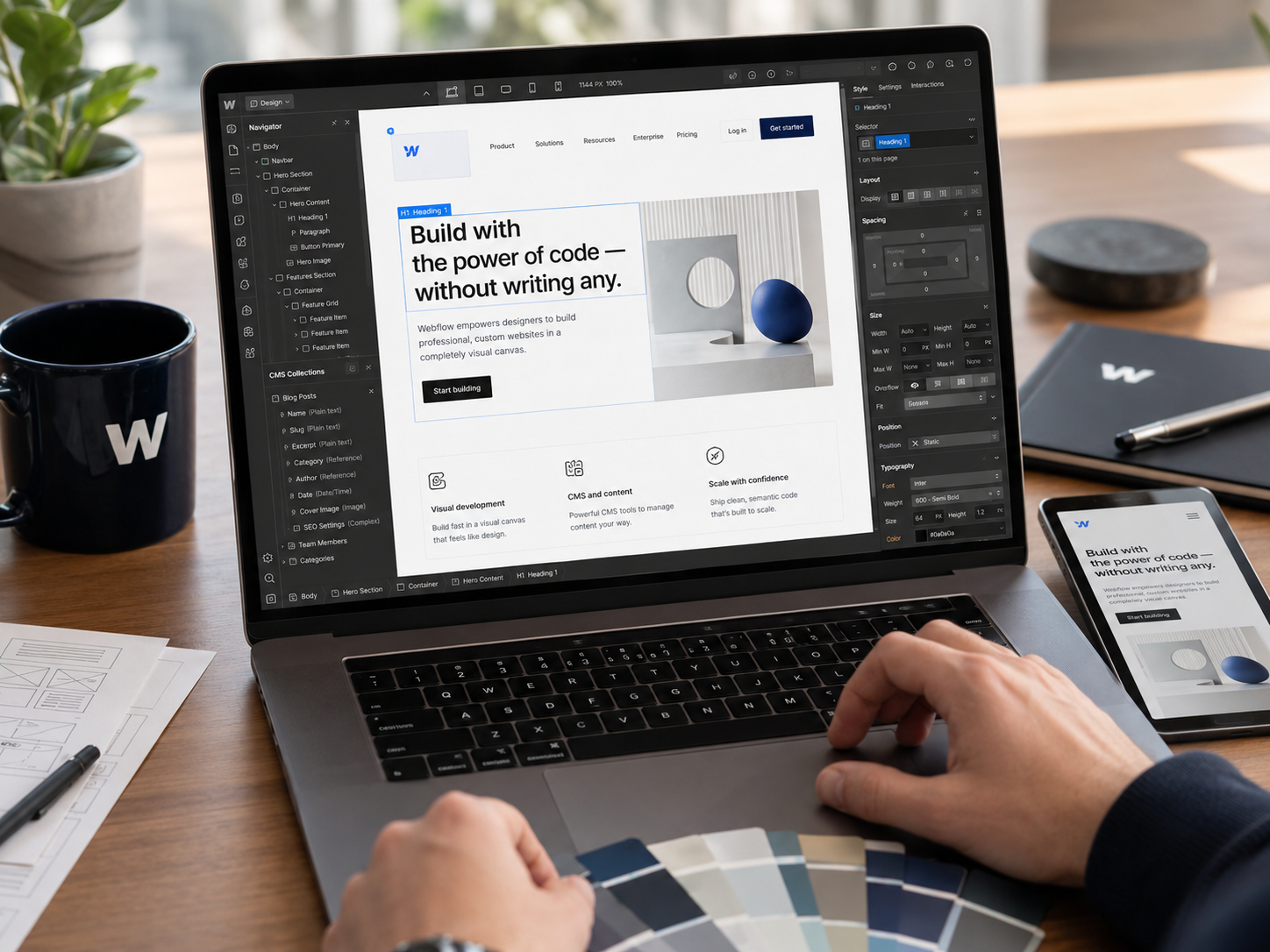
Brand website layout supporting creators and online businesses.
Webflow Is Not A Shortcut To Better Websites
A strong Webflow review should acknowledge something many promotional videos ignore. The platform improves design flexibility, but it does not replace strategy. Visitors still need clear navigation, useful copy, obvious calls to action, mobile-friendly layouts, and logical page structure. A visually impressive website can still perform badly when users cannot quickly understand what the business offers or where they should click next.
Explore more insights: Creator tech stack explained
What Webflow Does Well
Strong Visual Design Control
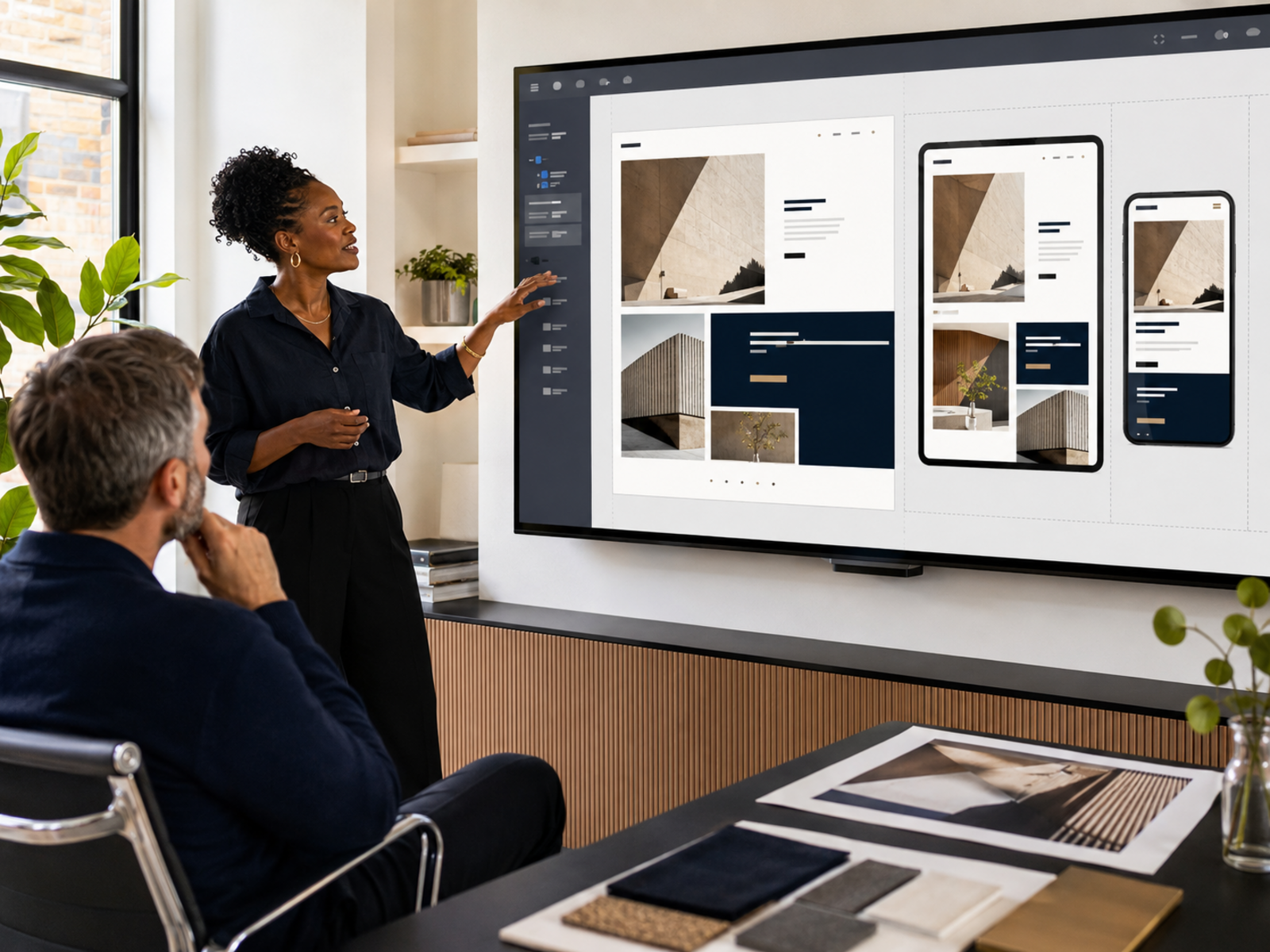
Webflow gives users impressive control over typography, spacing, layouts, responsiveness, animations, and overall presentation compared with many beginner-focused website builders.
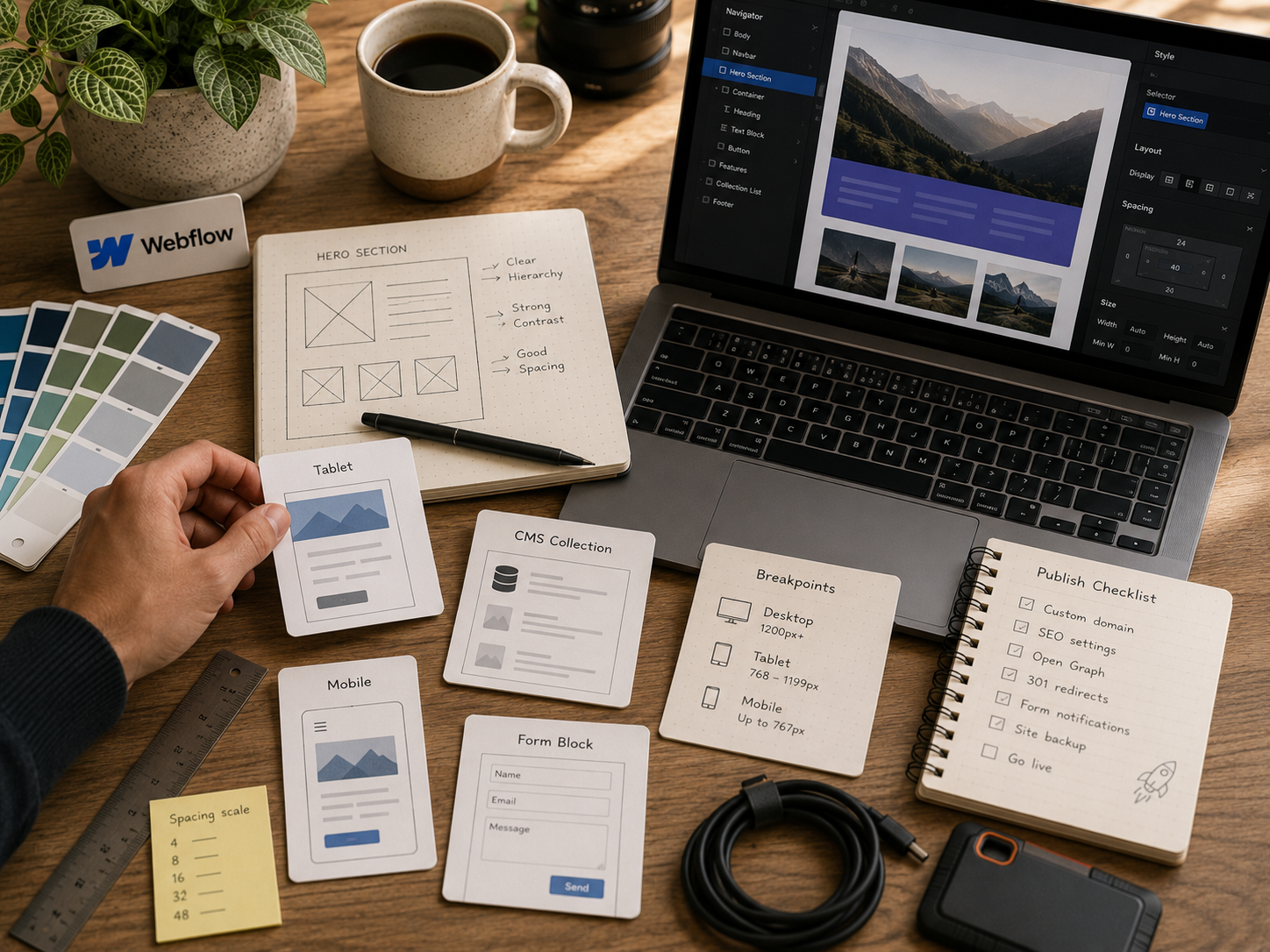
Visual website builder supporting modern brand pages.
Professional Website Presentation
Well-built Webflow sites often look polished and custom instead of feeling obviously template-based. That presentation matters for agencies, consultants, studios, and portfolio businesses.
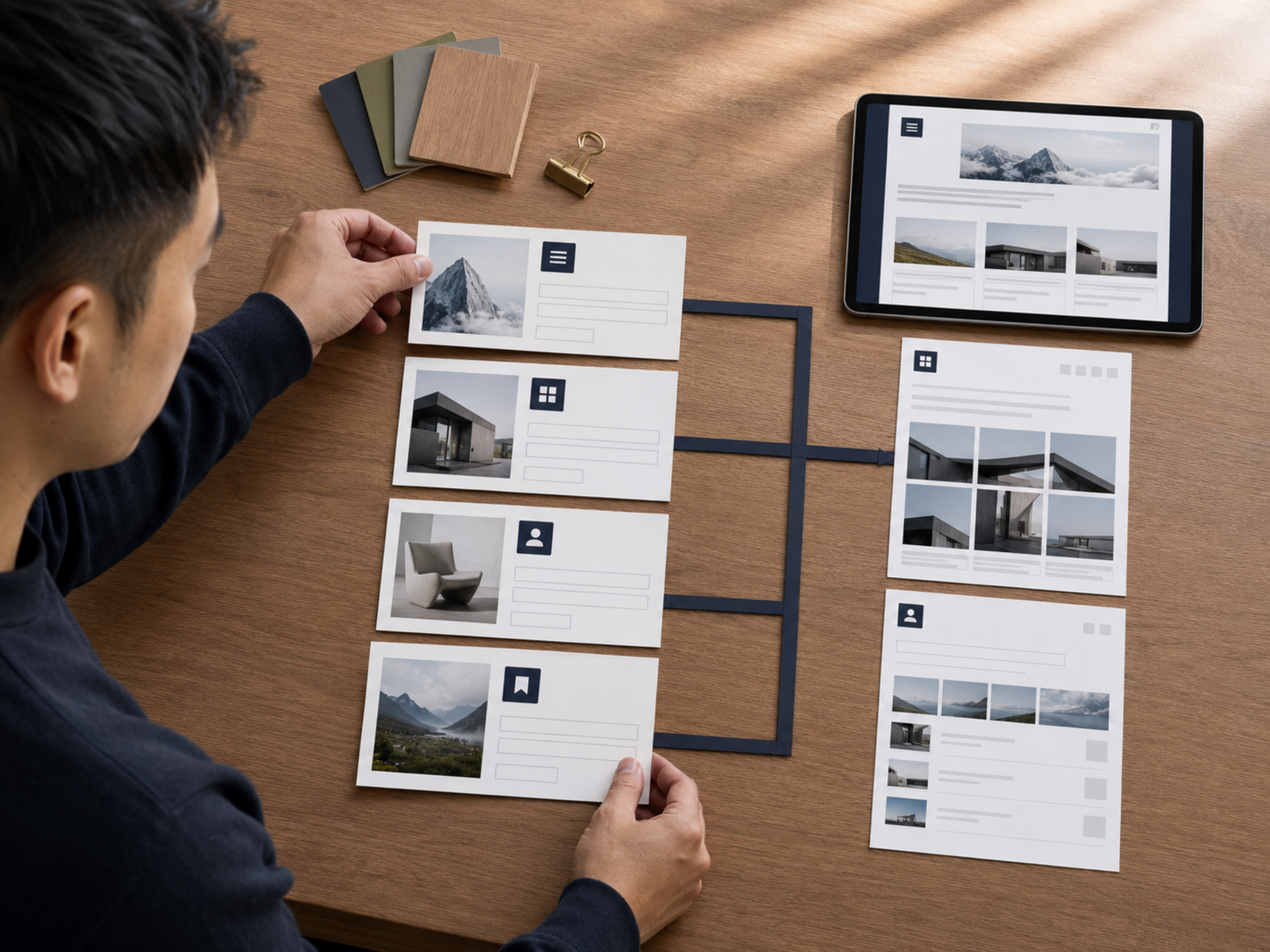
CMS Features Improve Structured Content
Webflow CMS supports blogs, portfolios, directories, resources, and repeatable content systems without rebuilding pages manually every time new content gets added.
Responsive Design Control Feels Excellent
Mobile responsiveness matters enormously today. Webflow gives users more control over how layouts behave across desktop, tablet, and phone screens.
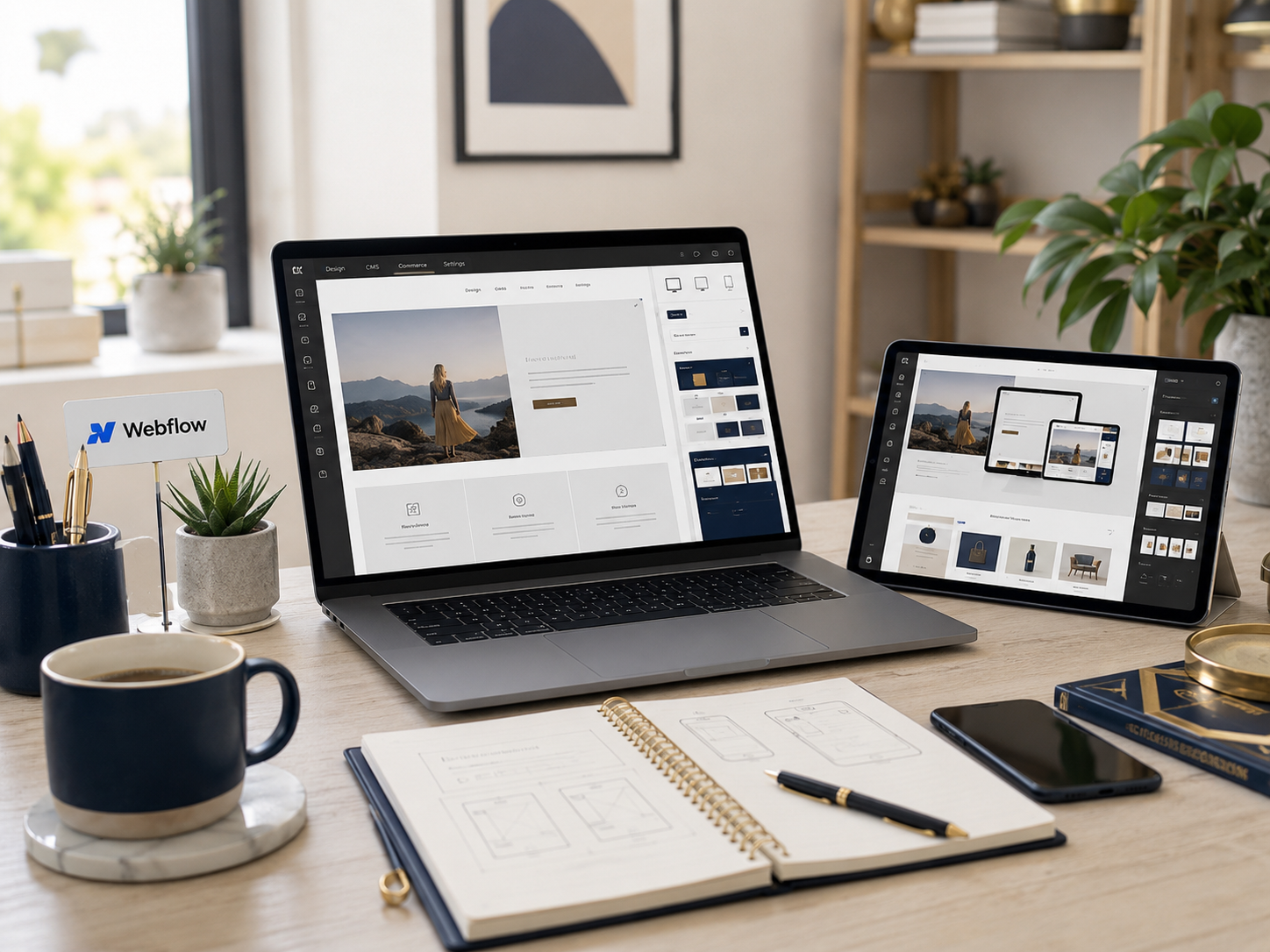
Mobile friendly creator website layout.
Related reading: SEO for blogs explained
Where Webflow Gets Frustrating
The Learning Curve Feels Real
Users expecting extremely simple drag-and-drop editing often feel surprised initially. Webflow works better once people understand spacing, containers, classes, breakpoints, and page structure.
Design Tweaking Can Waste Hours
It becomes very easy adjusting animations, fonts, spacing, and layouts endlessly instead of improving offers, publishing content, or writing stronger copy.
Pricing Can Grow Quickly
Webflow pricing may feel expensive once hosting, CMS requirements, advanced site needs, and workspace features start expanding.

Smaller Projects May Not Need This Depth
A very basic business page or simple portfolio may work perfectly well using lighter and easier website builders instead.
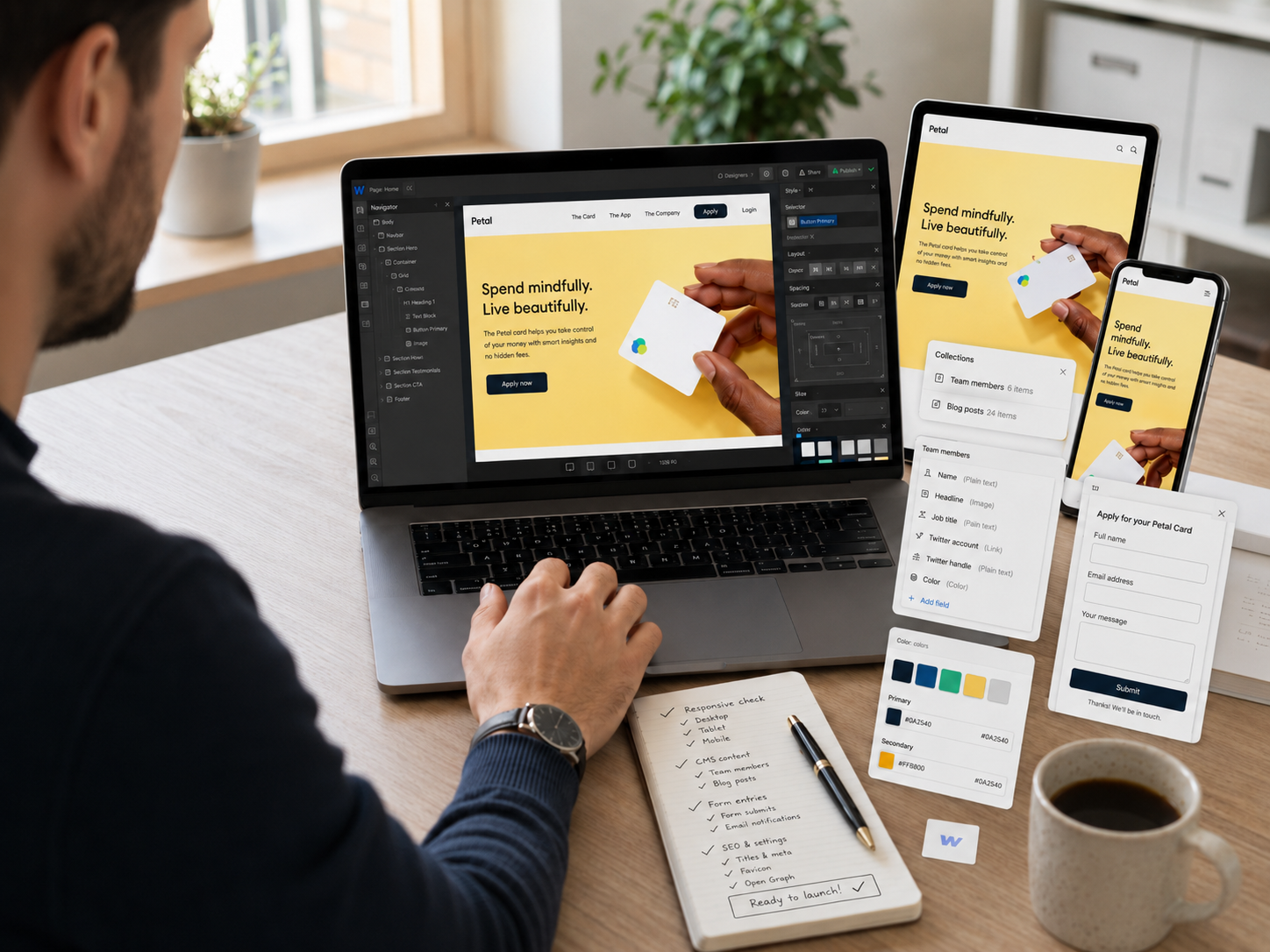
Creator workspace supporting brand website management.
Clear Messaging Usually Matters More Than Fancy Design
Webflow makes impressive visuals easier creating, although clarity still matters far more than dramatic animations or complex layouts. Visitors usually want fast answers first. They need to understand what the business offers, who the service helps, why it matters, and what action should happen next. Strong copy, clean navigation, and obvious structure often outperform visually overloaded websites trying too hard to look creative.
Frequently read together: SEO for blogs explained
Who Webflow Fits Best
Designers And Creative Businesses
Webflow strongly suits designers, agencies, photographers, consultants, and visual brands caring deeply about presentation quality.
Service-Based Businesses
Coaches, marketers, consultants, and boutique agencies often use Webflow for polished lead-generation websites supporting trust and authority.
Portfolio And Case Study Websites
The platform works especially well when businesses need strong project showcases, visual storytelling, and structured portfolio pages.
Content Sites Wanting Better Design Control
Blogs and resource hubs can benefit from stronger layout flexibility than many standard publishing systems provide.
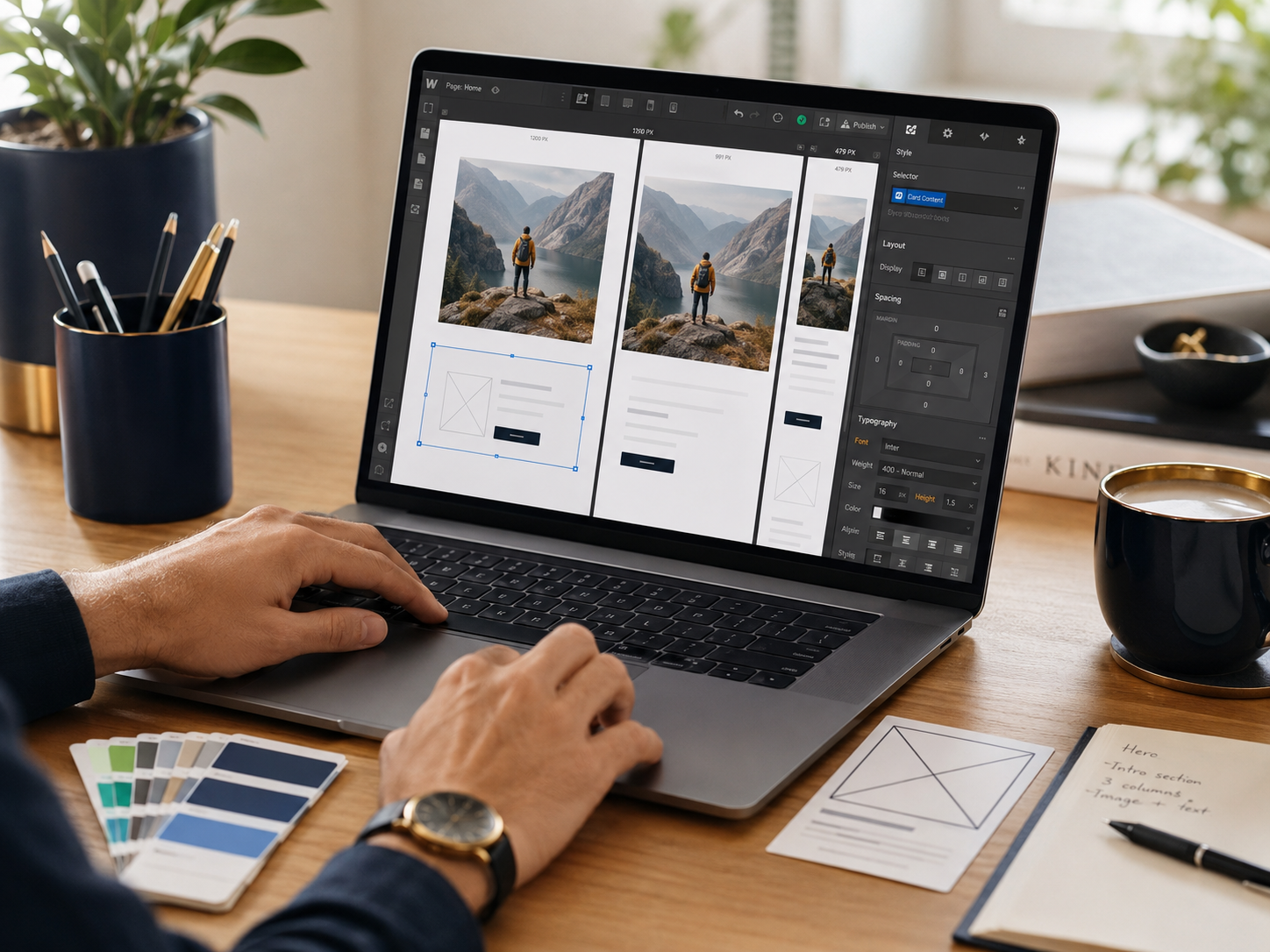
Online brand website supporting services, content, and portfolios.
Website workflow systems: Notion review
Webflow Works Best For People Who Care About Presentation
Some businesses only need a basic online presence. Others depend heavily on branding, credibility, visual storytelling, and polished customer experience. Webflow becomes far more valuable for the second group. The platform rewards people willing to invest time understanding layout structure, responsive design, and clean presentation instead of expecting instant beginner simplicity.
Readers also enjoyed: Creator gear essentials
Pros And Cons Of Webflow
Pros
Cons
FAQs
Is Webflow beginner-friendly?
Webflow can work for beginners, although it is not the simplest website builder available. Learning layout structure helps significantly.
Does Webflow require coding?
Most projects do not require heavy coding knowledge, although understanding basic website structure improves the experience considerably.
Who should use Webflow?
Designers, agencies, consultants, portfolio creators, and businesses prioritising visual presentation usually benefit most from Webflow.
Is Webflow better than simpler website builders?
For design flexibility and branding control, usually yes. For very quick beginner setup, simpler builders may feel easier managing.
Is Webflow worth the price?
Webflow feels worth paying for when professional design quality and layout flexibility matter strongly to the business.
Final Verdict
Webflow remains one of the strongest website builders available for creators and businesses wanting professional presentation without depending completely on custom development. The platform offers impressive design flexibility, responsive control, structured CMS features, and stronger branding potential than many beginner-focused builders.
The trade-off is complexity. Webflow still requires learning, planning, content clarity, and regular maintenance. Users expecting effortless drag-and-drop simplicity may feel frustrated initially.
For businesses caring deeply about design quality, polished presentation, and creative flexibility, Webflow can become an extremely powerful long-term platform once the workflow clicks.


