




Can Free Affinity Help You Build…

15 Last-Minute Zoom Halloween Costumes for…

Can Hostinger AI Builder Launch a…

10 Low-Fuss Dog Halloween Ideas: Comfort…

Plug-In Solar Panels UK: Are They…

9 Gothic Dinner Table Ideas for…

Meta One Explained: Is the Subscription…

7 UK Ghost Tours and How…

Plaud One Explained: Can AI Earbuds…

Do You Really Need a £420…

Namecheap vs Dynadot

15 Gentle Spooky Autumn Books to…

Convertkit Vs Beehiiv

How to Remove Halloween Face Paint…

Bluehost vs Siteground

Halloween Lighting Ideas That Do More…

Namecheap review

Halloween Decorations Worth Buying – and…

Cloudways Vs WP Engine

Anti-Optimisation Wellness: Can a Sunrise Lamp…
A virtual Halloween party needs one easy joining link, clear sound and a few games that get people talking. Start with trivia, add a ridiculous drawing or scavenger round, and finish while everyone still wants another turn. You can host the whole thing with a laptop, headphones and a lamp you already own.
Think less livestream production, more friends comparing questionable pumpkins from their sofas. The plan below gives you five activity options and a flexible one-hour running order. Costumes, cameras and extra spending are all optional.
Quick Overview
- Choose a call platform your guests can use and test its joining process.
- Send the date, time zone, expected finish and any game requirements together.
- Pick two or three activities instead of filling every minute with something new.
- Make room for spoken, typed and camera-off participation.
- Test voice audio and screen sharing before buying equipment.
- Check the platform's call limit before using the 60-minute example.

Your Party Plan in Seven Steps
Get the essentials in place
- Choose the guests: a small friendship group and a work team need different invitations.
- Pick the platform: check accounts, browser access, captions and the host's call limit.
- Set a finish: tell people whether they are joining for half an hour or a full evening.
- Choose the games: start with something nobody needs to buy or install.
- Send one clear invitation: include the link, time zone, joining help and optional theme.
- Rehearse the fiddly bits: test your microphone, shared slides and any paid game.
- Welcome people as they are: camera off, ordinary jumper and tea are perfectly good party choices.
Test the Setup You Already Have
Make your voice easy to hear
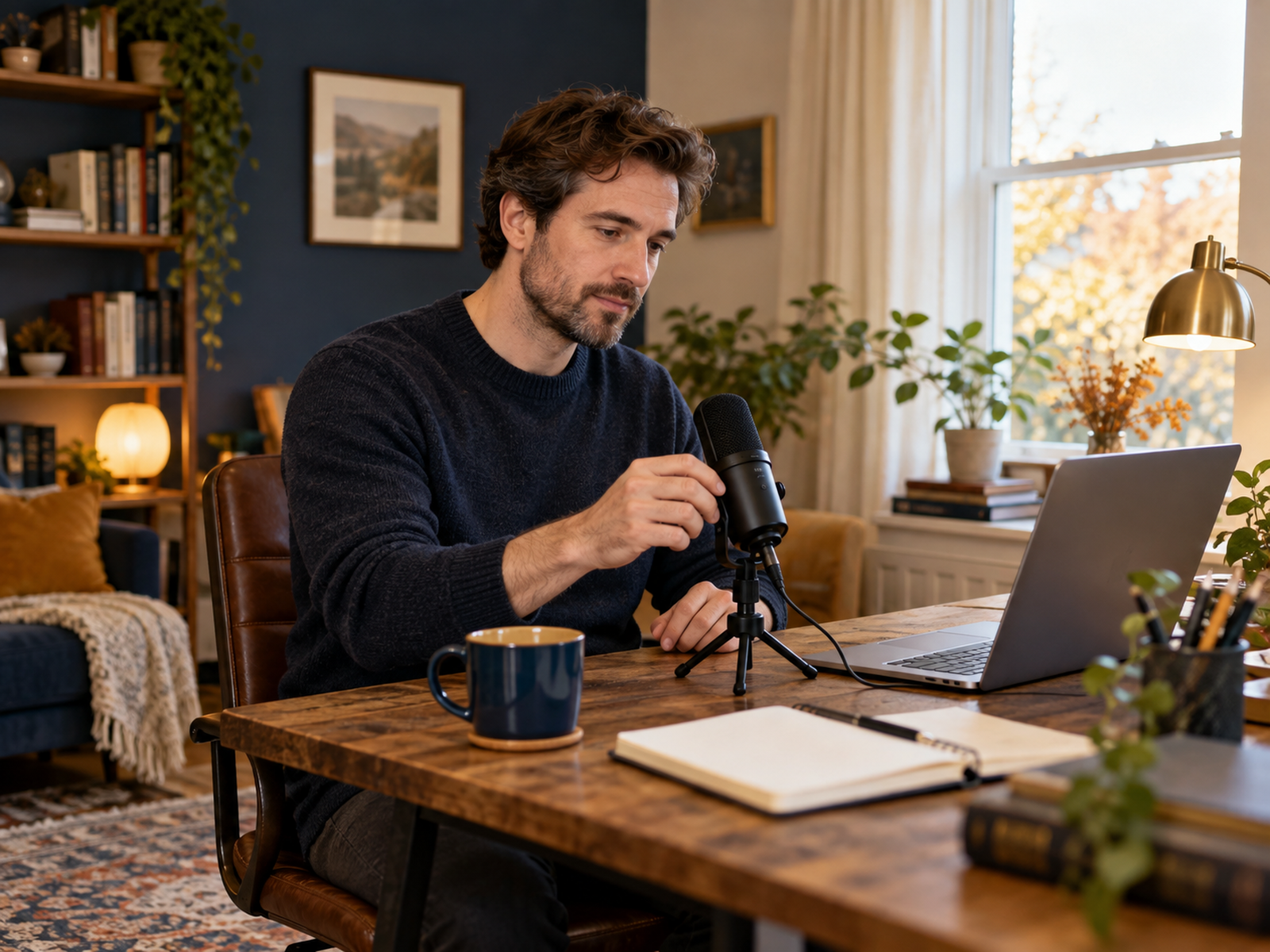
Call one friend from the room you will use. Try headphones, move closer to the microphone and reduce background noise. Ask them to listen while you speak and type. A better position may solve the problem without a purchase; a separate microphone is useful only if your existing sound is still unclear.
Keep background music off during questions if it competes with speech. If you also record regularly, use our USB microphone guide for the buying decision.
Put the running order beside the laptop
Write the rounds, answers and finish time on a page you can glance at. Keep a simple backup round ready in case a game will not load. Ten homemade questions and a drawing prompt can rescue an evening more effectively than troubleshooting while everyone waits.
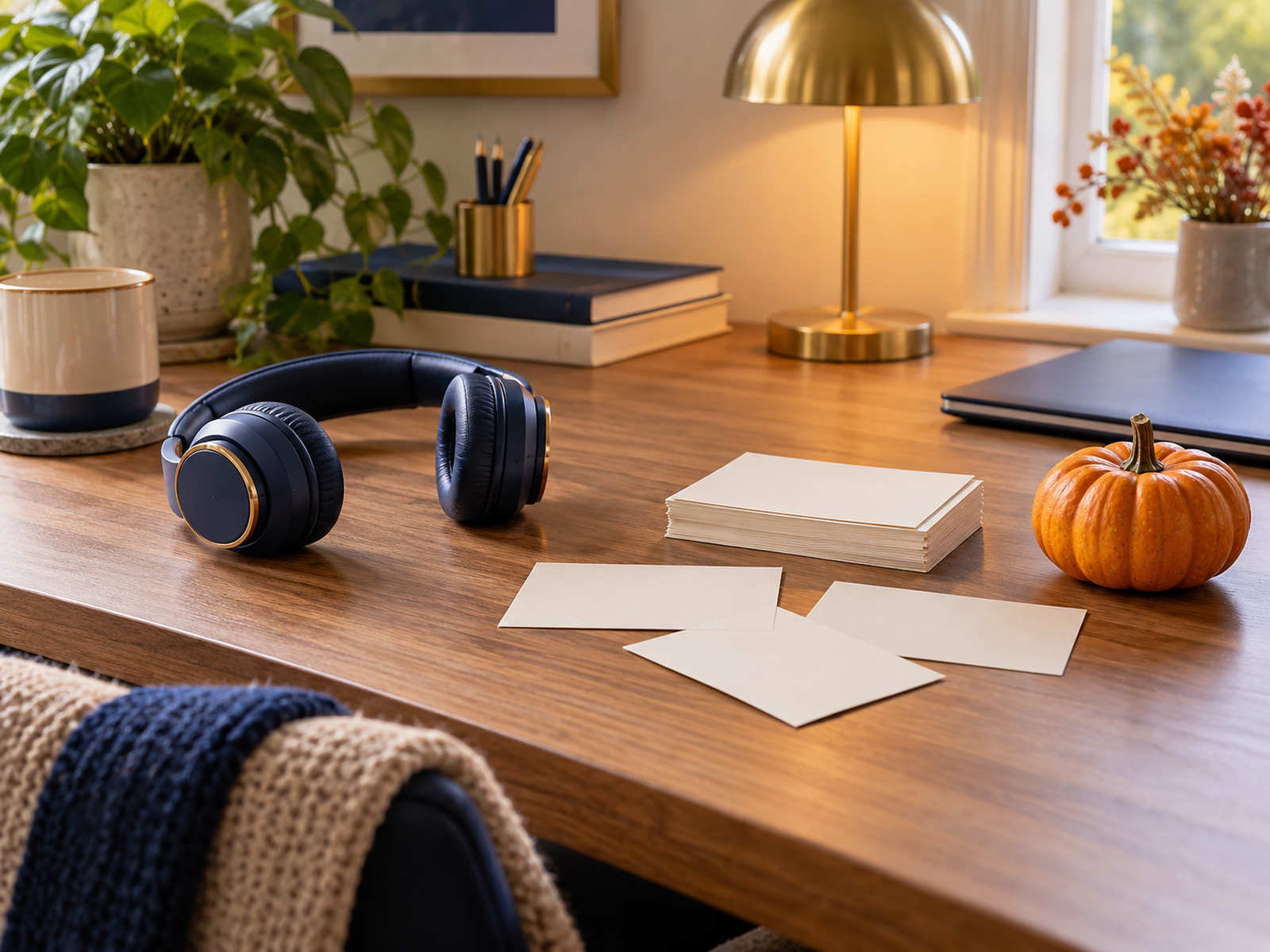
Use a comfortable light in front of your face, then add a small pumpkin or autumn colour behind you. Our Halloween lighting ideas can help with the background once the practical setup works.
Choose the Call Before the Games
Check the guest experience
Use the platform people already know where possible. Confirm whether guests need an account or an app, whether browser joining is enabled, and who can share a screen. Test captions, chat, host controls and the plan's meeting-length limit.
For example, Zoom's guest joining guidance explains that account requirements and browser access depend on the host's settings. “It worked on my laptop” is a useful start, but ask someone else to test the actual invitation too.
Match the invitation to the group
For friends or family, ask about ages, time zones and how spooky people want the evening to be. A friendly ghost quiz is a different invitation from a horror game. Mention purchases or downloads before anyone agrees to join.
For remote colleagues, keep participation, costumes and alcohol optional. Halloween falls on Saturday 31 October in 2026. A short event during agreed working hours on Friday 30 October may fit better than asking a team to surrender its weekend.
A Flexible 60-Minute Running Order
Leave room for conversation
- 0 to 10 minutes: welcome everyone, check sound and explain how to answer.
- 10 to 25 minutes: play two short trivia rounds and reveal the answers together.
- 25 to 35 minutes: try a costume, background or scavenger round, with a pass option.
- 35 to 50 minutes: play a drawing game or a short co-operative puzzle.
- 50 to 60 minutes: announce the scores, share a favourite moment and finish.
These are suggested timings, not a required schedule. If your call plan ends sooner, run trivia and one short activity within that limit. Do not make guests discover a paid upgrade or a second joining link halfway through the party.
Five Activities That Get People Involved
1. Halloween trivia without the horror homework
Mix familiar films, autumn food, folklore and easy picture descriptions. Read each question aloud and show it in large text. Let people answer privately to the host, in chat or verbally, depending on the group and how competitive you want it to feel.
Ten questions are enough to begin. Include a few that invite a funny guess, then explain the answers. You are hosting a social evening, not testing who has watched the most obscure slasher films.

2. A no-rush scavenger round
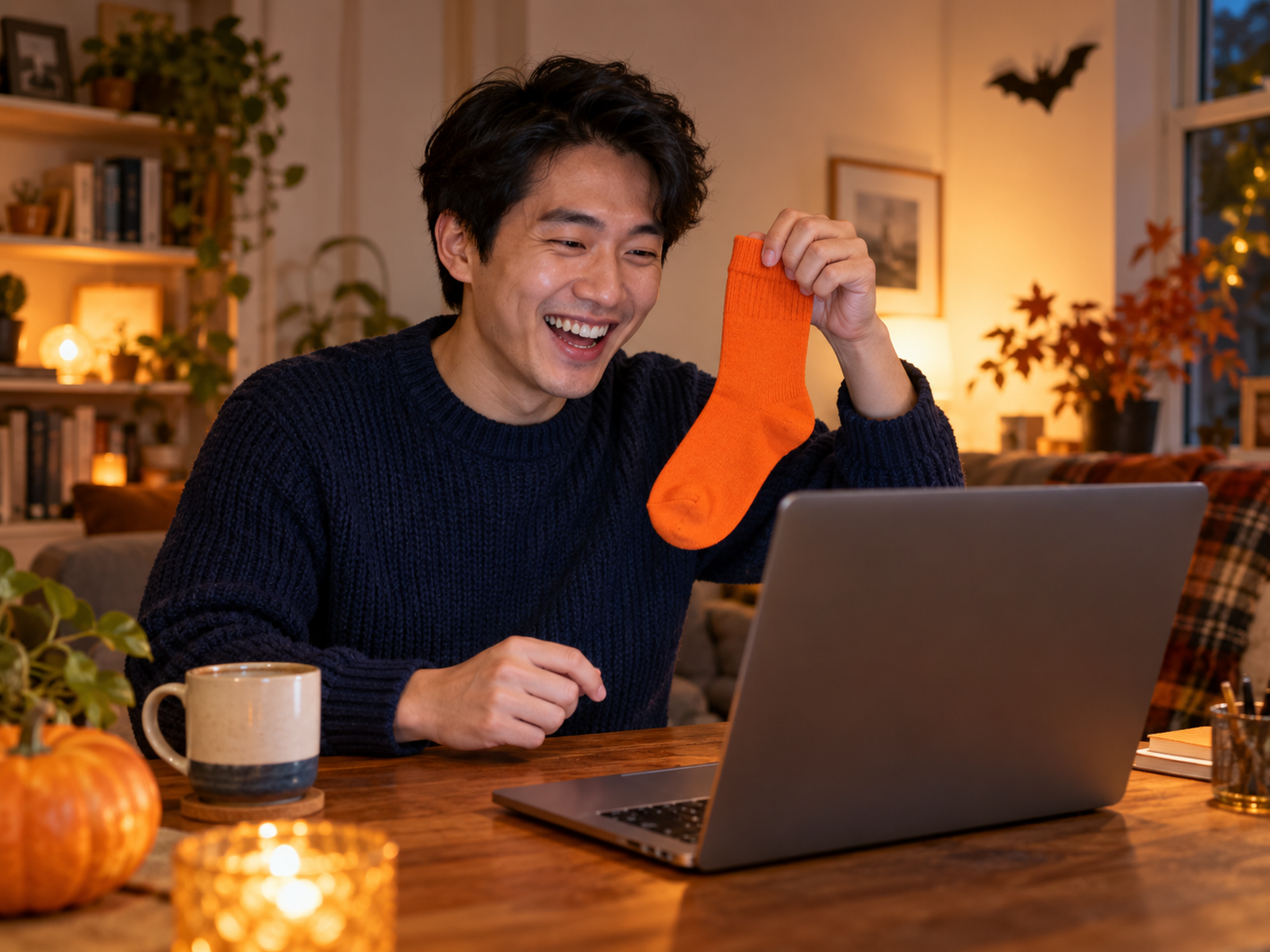
Ask for something orange, something that makes a strange shadow or an object that could belong to a friendly witch. Give people a minute, then let them show or describe their choice. An orange sock is every bit as eligible as a carved pumpkin.
Keep the prompts ordinary and the movement optional. People can name an object within reach, type an answer or pass. Nobody needs to race upstairs, reveal a private room or buy a prop to take part.
3. Terrible drawings, excellent entertainment
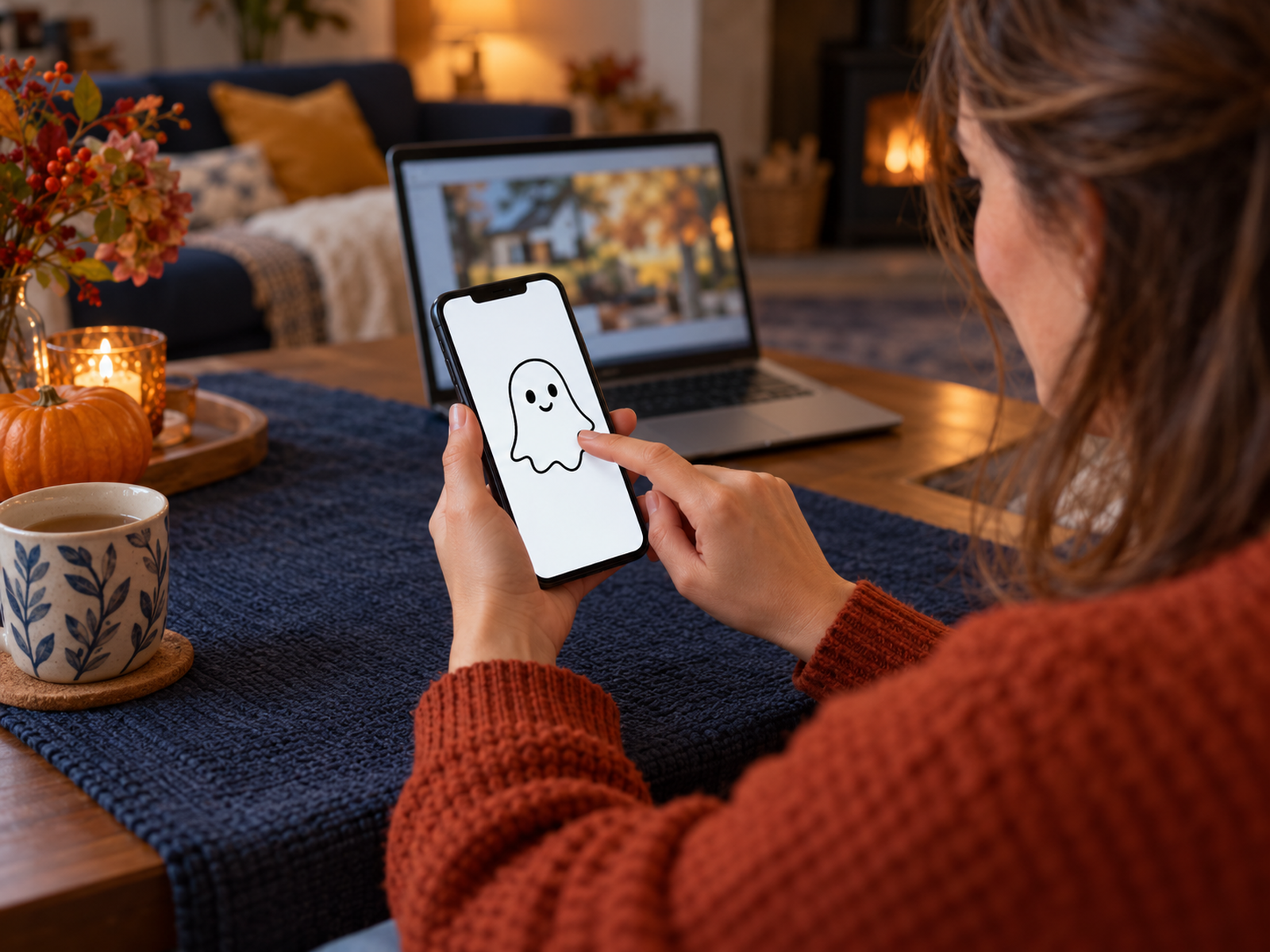
Give everyone the same prompt, such as “a ghost who has lost its glasses”. Draw on paper or use a tool the group already knows, then guess the results. Art skills are unnecessary and the least polished drawing may be the highlight.
A dedicated game can handle prompts and voting if you want it to. Drawful 2 supports three to eight players. The host buys and runs the game; guests use a phone or another browser-enabled device as a controller and need to see the shared game screen.
4. Costume or background voting, with a camera-off route
Offer playful categories such as best household prop, best invented character name or most mysterious background story. Guests can join by describing their idea or typing it into chat. Nobody needs to switch on a camera to prove they made an effort.
Avoid recording, screenshots or public sharing unless everyone involved has agreed. Keep the joining link within the invited group and know how to remove an uninvited participant. Private messages and notifications should stay out of a shared screen.
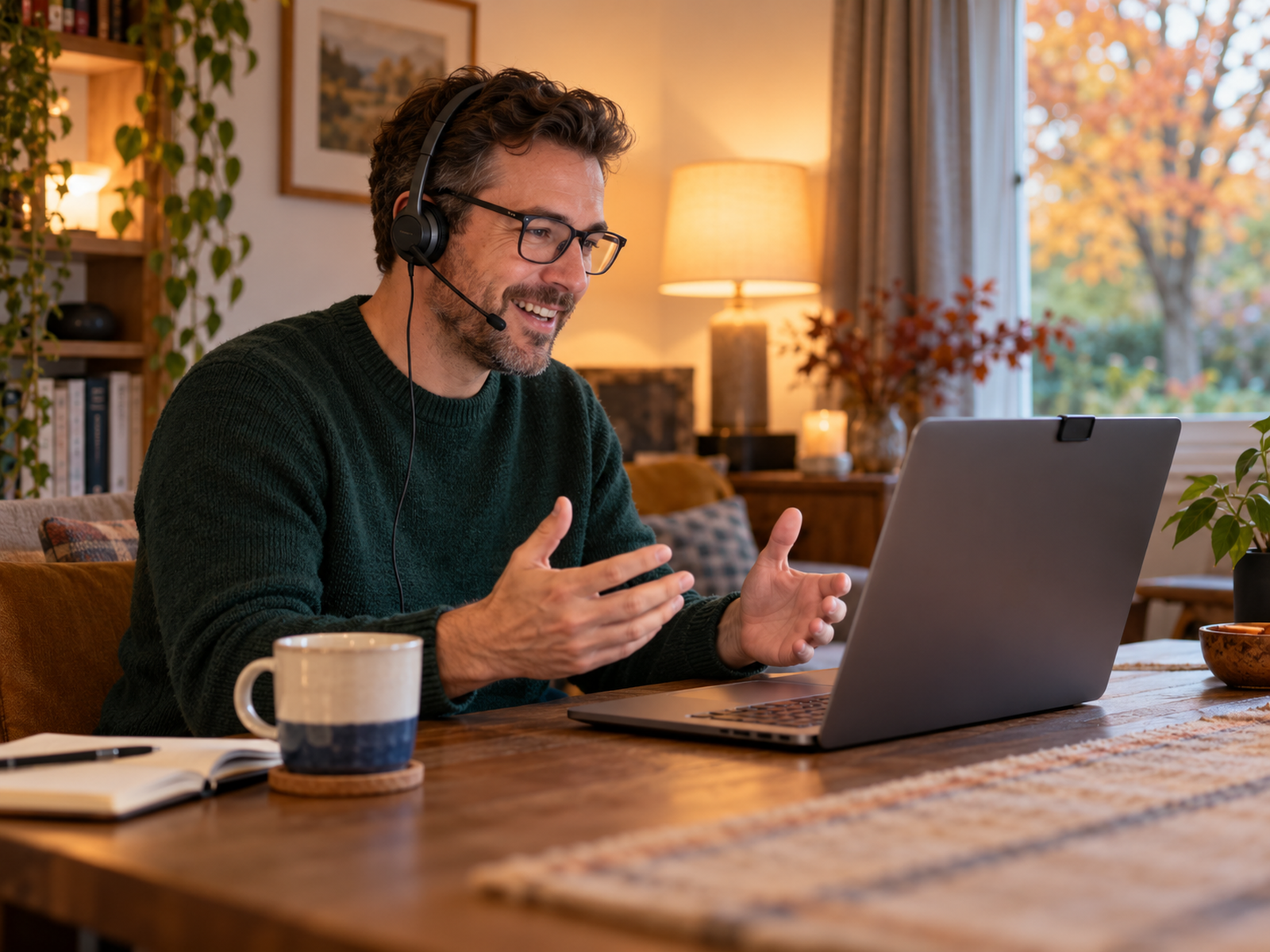
5. A co-operative puzzle for a smaller group
Try a short riddle together or choose a game built around talking. Keep Talking and Nobody Explodes uses a fictional timed bomb puzzle: one person operates the game while others interpret a separate manual. The publisher recommends two to four players for remote play.
The defuser needs the installed game; the other players can use its free manual. It is a pressure-based activity, so skip it if timers or the theme will spoil the fun. Guests do not need to see the defuser's screen.
Choose for the number of people
For two to four people, conversation and a co-operative puzzle can fill the evening. For five to ten, try trivia, scavenger prompts or a drawing format with a suitable player limit. Drawful 2's eight-player limit still applies; choose another format if everyone needs a player slot.
For more than ten, a host-led quiz with clear answer instructions may be simpler. Give people time to respond and avoid a running order that requires every guest to speak in every round.
Two Optional Games to Build a Round Around
Drawful 2
Choose this for a group that enjoys drawing and guessing. Check the platform version, player limit and content settings before buying. Jackbox's joining instructions distinguish the host's installed game from guests joining through a browser. For remote play, test screen sharing and sound in advance.
Keep Talking and Nobody Explodes
Choose this for a small group that enjoys focused teamwork. Read the publisher's remote-play instructions before assigning roles. If people want to take turns as the defuser on their own computers, each needs the game installed. A normal voice call connects the players; the game does not replace your call platform.
Keep the Evening Easy to Join
Give people more than one way to play
Read important text aloud, allow enough answer time and enable captions where available. Share instructions before each round. Keep camera use optional and offer a spoken or typed alternative to visual tasks. Ask privately about anything that would make participation easier.
Avoid flashing effects and sudden loud sounds. Check game content rather than assuming a colourful drawing game is automatically suitable for children. Leave room for a break, a late arrival or someone who simply wants to watch.
Finish before the energy disappears
Call the last round clearly and finish at the promised time. A good short party is easier to repeat than an evening that drifts on because nobody wants to leave first. Send scores or a follow-up message only where useful, and ask before sharing anyone's image.
For a work group, respect the same digital boundaries that protect ordinary evenings. Social time should feel like an invitation, not another availability test.
Optional Tools, Only When They Solve a Problem
Samson Q2U
If people still struggle to hear you after a setup test, a USB microphone is one possible upgrade. The Q2U offers USB and XLR connections, but check the exact kit and your computer before buying. A headset you already own may be enough for this party. Keep any new purchase useful beyond October.
OBS Studio
OBS is free software for combining sources, setting up scenes, recording and streaming. It is optional and adds another setup to learn. Use it only if a normal call and screen share cannot do what you need. Install from the official site and test any virtual-camera workflow with your call platform beforehand.
More Ideas
Keep the room and snacks low effort
A comfortable seat and something easy to eat are enough. Use the household guide if your on-screen party is one part of a bigger evening at home.
Buy lighting for regular use
If face lighting remains a problem and you also create content, compare suitable lights separately. Test an existing lamp first and watch for reflections in glasses.
Frequently Asked Questions
How do I host a virtual Halloween party for free?
Use a call platform and equipment you already have, then run homemade trivia, a household scavenger round or paper drawing prompts. Check the platform's current call limit and guest requirements before choosing the schedule.
What is the best platform for a virtual Halloween party?
Choose the one your guests can access comfortably. Check browser joining, account requirements, captions, chat, screen sharing, host controls and meeting length. Familiarity matters more than a long list of unused features.
How long should the party last?
The one-hour plan above is a useful starting point. A 30-minute quiz may suit a busy work team better. Put the expected finish in the invitation and adapt to the group and the platform plan.
Can guests take part without a camera?
Yes. Trivia, spoken riddles, typed answers and described scavenger finds all offer camera-off routes. Say so in the invitation, and avoid making guests explain their choice.
Does everyone need to buy Drawful 2?
No. The host owns and runs the game, while players join through a browser on their controller device. Remote players also need to see the shared game screen. Check the supported host platform and the game's three-to-eight-player limit.
Can Keep Talking and Nobody Explodes work remotely?
Yes, through voice chat and the publisher's remote-play arrangement. The defuser needs the game; experts use the manual. Rotating the defuser role between separate computers means those players need their own installed copies.
Do I need OBS, a webcam or a ring light?
No. A normal video call, laptop camera and existing lamp are enough for many groups. Add equipment or software only after a test identifies a specific problem or feature you need.
How do I make it suitable for a remote team?
Keep attendance and costumes optional, offer camera-off participation and choose an agreed time. Avoid making alcohol, purchases or private household details part of the games. Set a clear finish and respect it.






