



Host a Virtual Halloween Party: Audio,…

20 Minimalist Halloween Nail Ideas for…

Can Free Affinity Help You Build…

12 Lower-Sugar Halloween Treat Swaps Worth…

Can Hostinger AI Builder Launch a…

A 5-Step Screen-Free Autumn Reading Ritual…

Plug-In Solar Panels UK: Are They…

15 Last-Minute Zoom Halloween Costumes for…

Meta One Explained: Is the Subscription…

10 Low-Fuss Dog Halloween Ideas: Comfort…

Plaud One Explained: Can AI Earbuds…

9 Gothic Dinner Table Ideas for…

Namecheap vs Dynadot

7 UK Ghost Tours and How…

Convertkit Vs Beehiiv

Do You Really Need a £420…

Bluehost vs Siteground

15 Gentle Spooky Autumn Books to…

Namecheap review

How to Remove Halloween Face Paint…
Most aspiring podcasters think they need better equipment before they can start. The reality is simpler. Most podcasts fail because the creator stops publishing, not because the microphone was not expensive enough. The best podcast setup is not the one with the most gear. It is the one simple enough to use every week without excuses. Consistency builds audiences. Equipment merely supports it.
Quick Overview
In this guide you will learn:
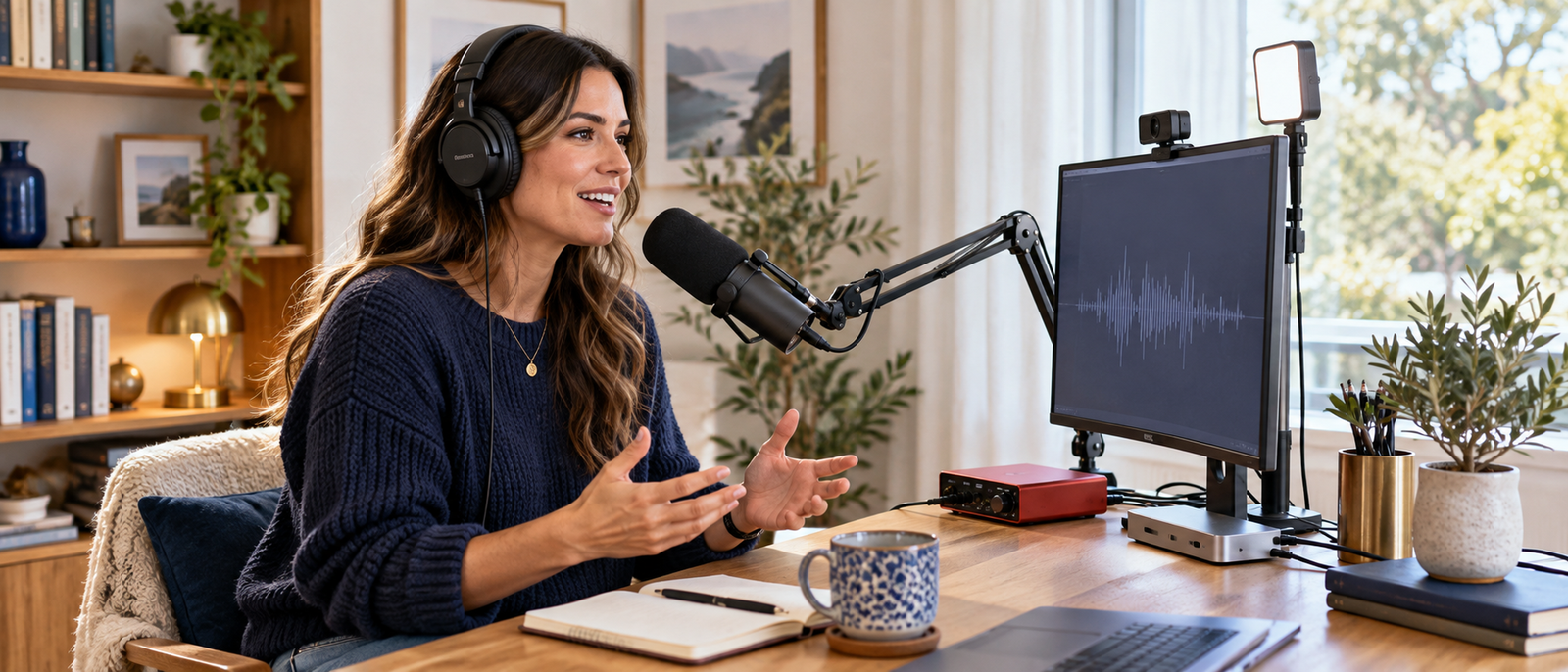
Home podcasting workspace supporting consistent content creation and recording.
Start here: Best Microphones For Bloggers
What A Practical Podcast Setup Actually Needs
A practical podcast setup needs clear audio, comfortable monitoring, reliable recording software, and a quiet enough space to capture consistent episodes. It does not need to look like a radio studio built by someone with a worrying cable budget. Bloggers and creators usually benefit most from equipment that reduces friction. If the microphone is easy to use, the headphones are comfortable, and the recording process feels repeatable, publishing becomes far more realistic.
Related setup guide: Best Content Creator Kits For Beginners
Recommended Podcast Equipment
Shure MV7+
The Shure MV7+ is best for creators who want strong podcast audio with room to grow. It supports both USB-C and XLR, so beginners can plug directly into a computer while more advanced users can later connect through an audio interface.
Best For
Bloggers, interview hosts, solo creators, and podcasters wanting upgrade flexibility.
Limitation
It costs more than beginner microphones, so casual podcasters may not need it immediately.
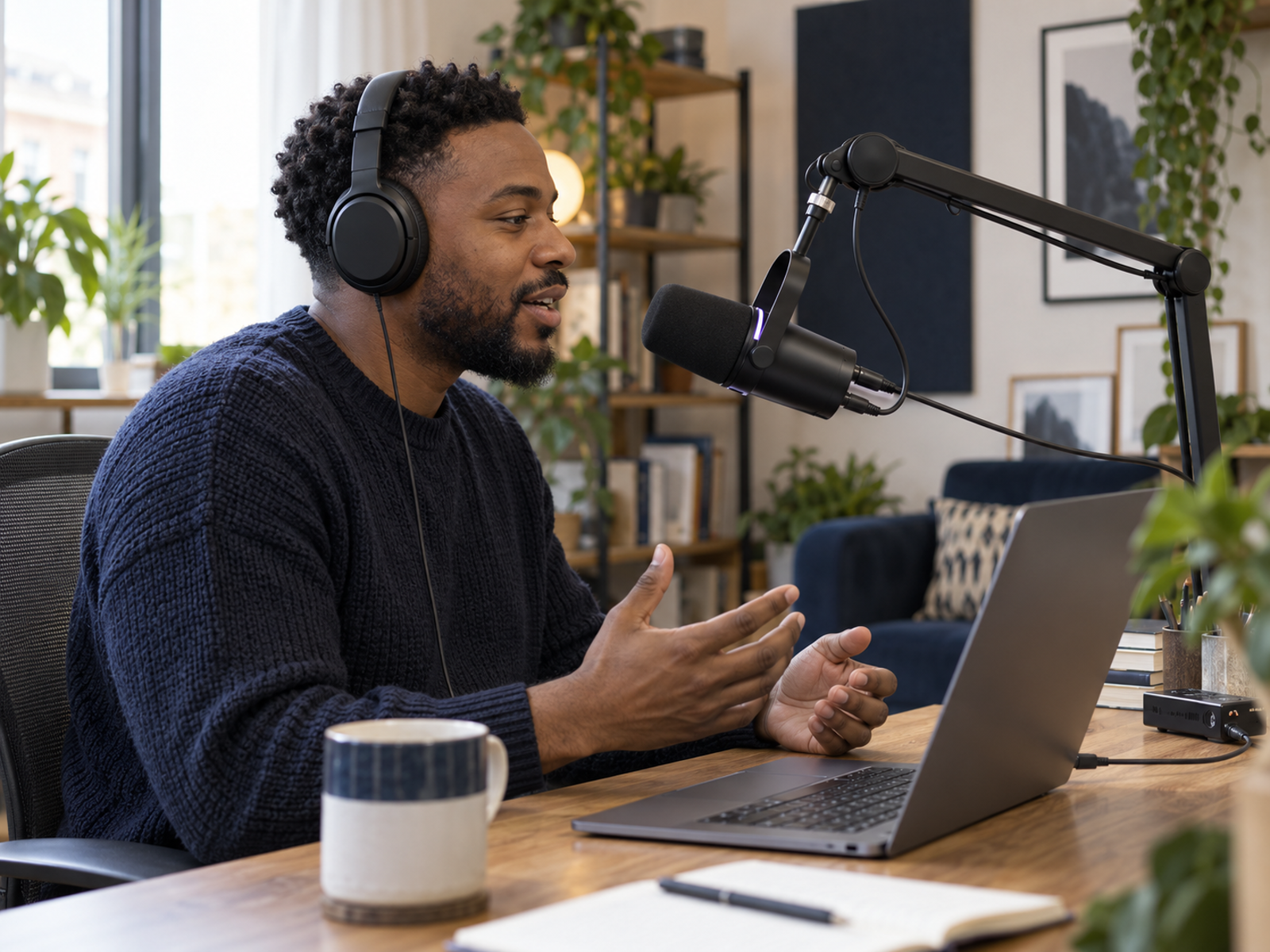
Professional podcast microphone supporting creators and bloggers.
Rode PodMic USB
The Rode PodMic USB suits creators who want strong voice recording without building a complicated setup. It offers USB convenience, XLR flexibility, and a broadcast-style design that works well for desk-based podcasting.
Best For
Creators wanting a reliable microphone for podcasts, interviews, and video content.
Limitation
It still needs good positioning and a stable stand to perform at its best.
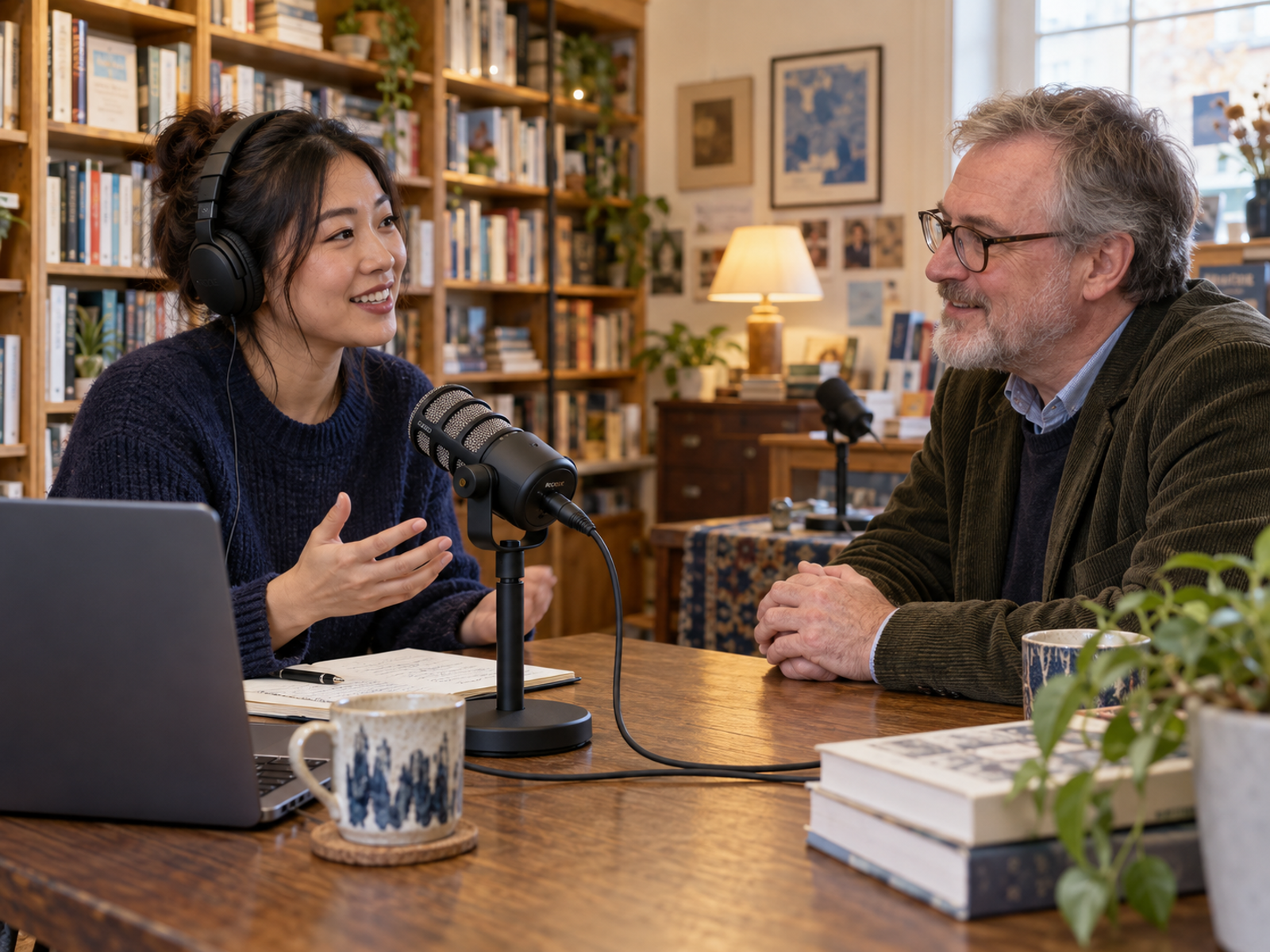
Podcast microphone supporting flexible recording workflows.
Samson Q2U
The Samson Q2U remains one of the strongest beginner podcast microphones because it supports USB and XLR while keeping costs relatively low. It gives new creators a sensible way to start without committing to expensive studio equipment.
Best For
Beginners, students, hobby podcasters, and bloggers testing podcasting seriously.
Limitation
It sounds better with careful microphone placement and basic room control.
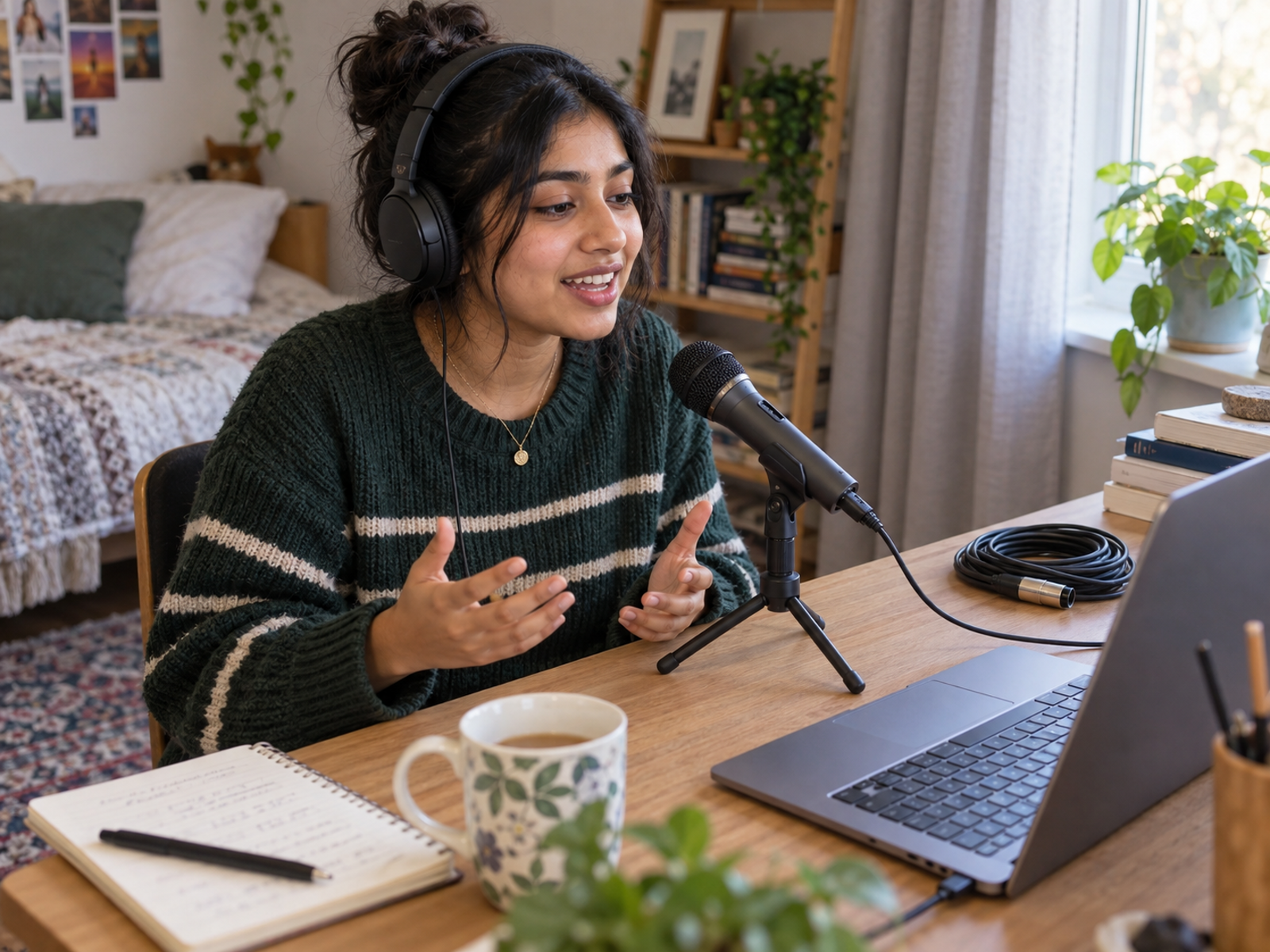
Beginner podcast microphone supporting affordable content creation.
Focusrite Scarlett Solo
The Focusrite Scarlett Solo is best for creators moving into XLR microphones. It provides a cleaner connection between microphone and computer, gives more control over recording levels, and supports a more traditional podcast workflow.
Best For
Creators upgrading from USB recording to XLR audio.
Limitation
It adds another device to manage, so complete beginners may prefer USB first.
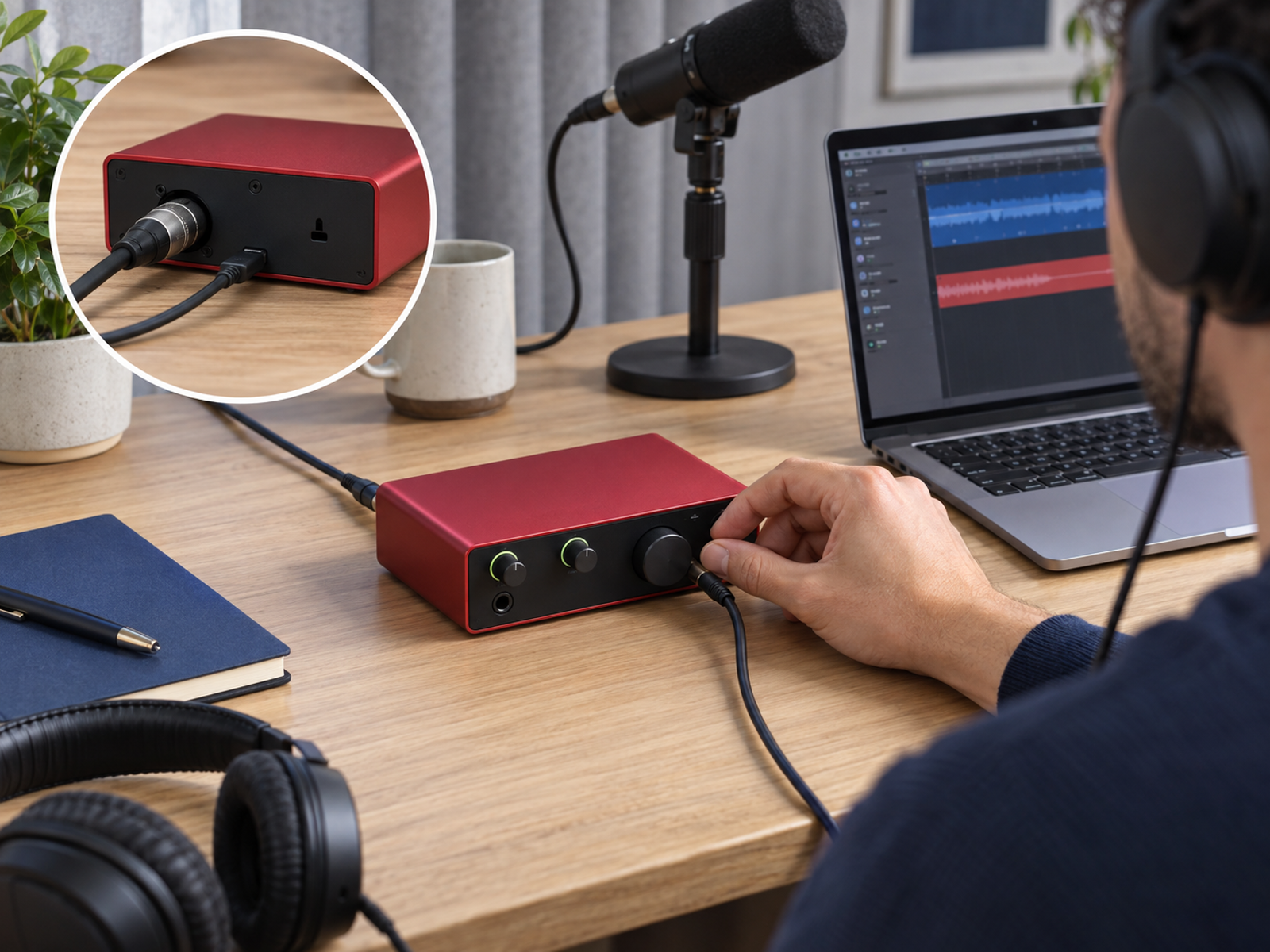
Audio interface supporting podcast recording workflows.
Audio-Technica ATH-M50x
The Audio-Technica ATH-M50x helps creators monitor recordings accurately. Good headphones make it easier to catch background noise, clipping, echo, awkward volume changes, and little audio gremlins before the episode reaches listeners.
Best For
Editing, monitoring, recording checks, and long production sessions.
Limitation
They are wired headphones, which may not suit creators wanting wireless convenience.
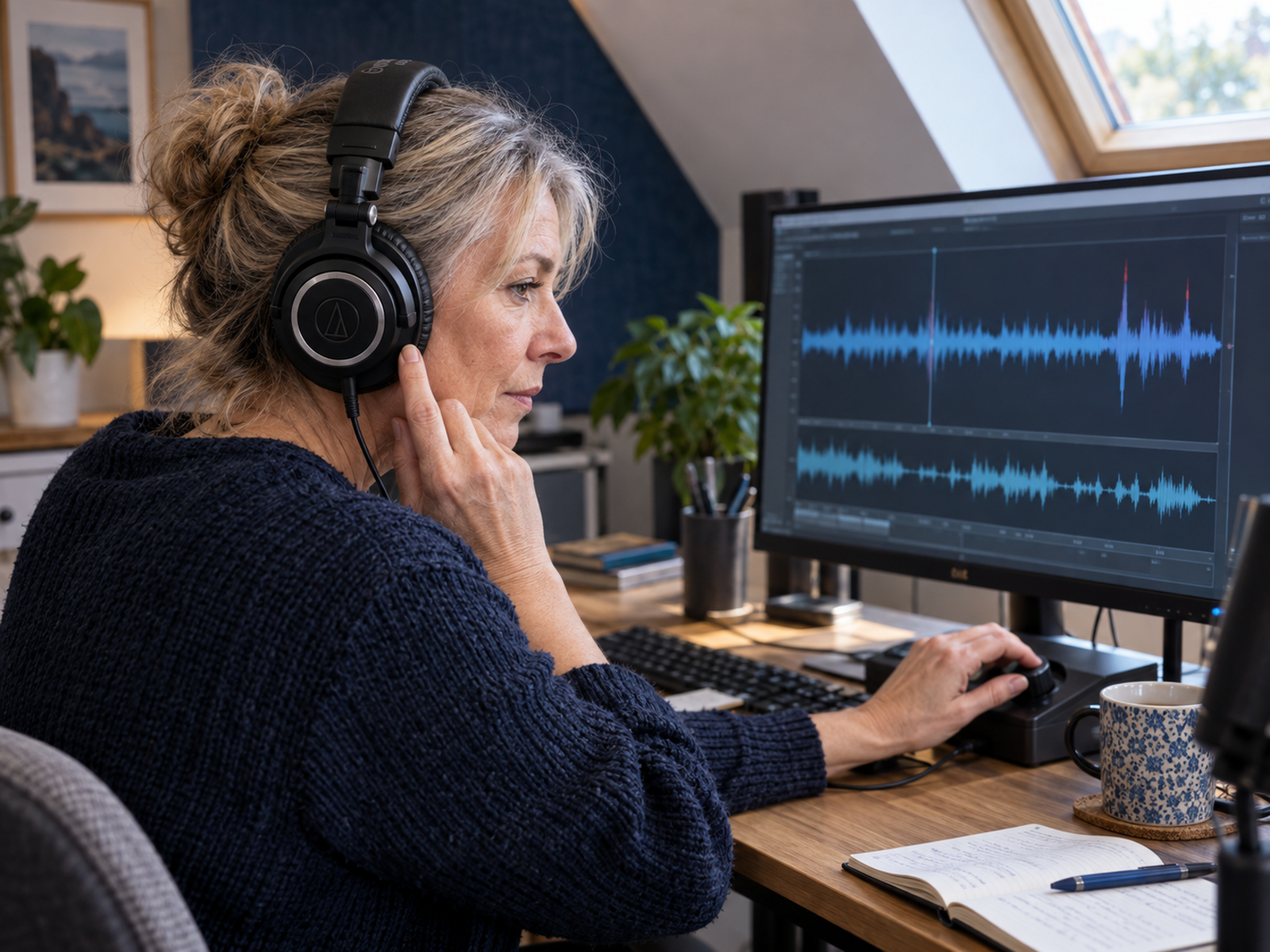
Monitoring headphones supporting podcast production.
Logitech Brio 4K
The Logitech Brio 4K is useful for creators adding video to podcasts. It improves webcam quality for interviews, YouTube episodes, remote conversations, and repurposed podcast clips.
Best For
Video podcasts, remote interviews, webinars, and YouTube repurposing.
Limitation
Lighting still matters; a 4K webcam cannot rescue a dim room on its own.
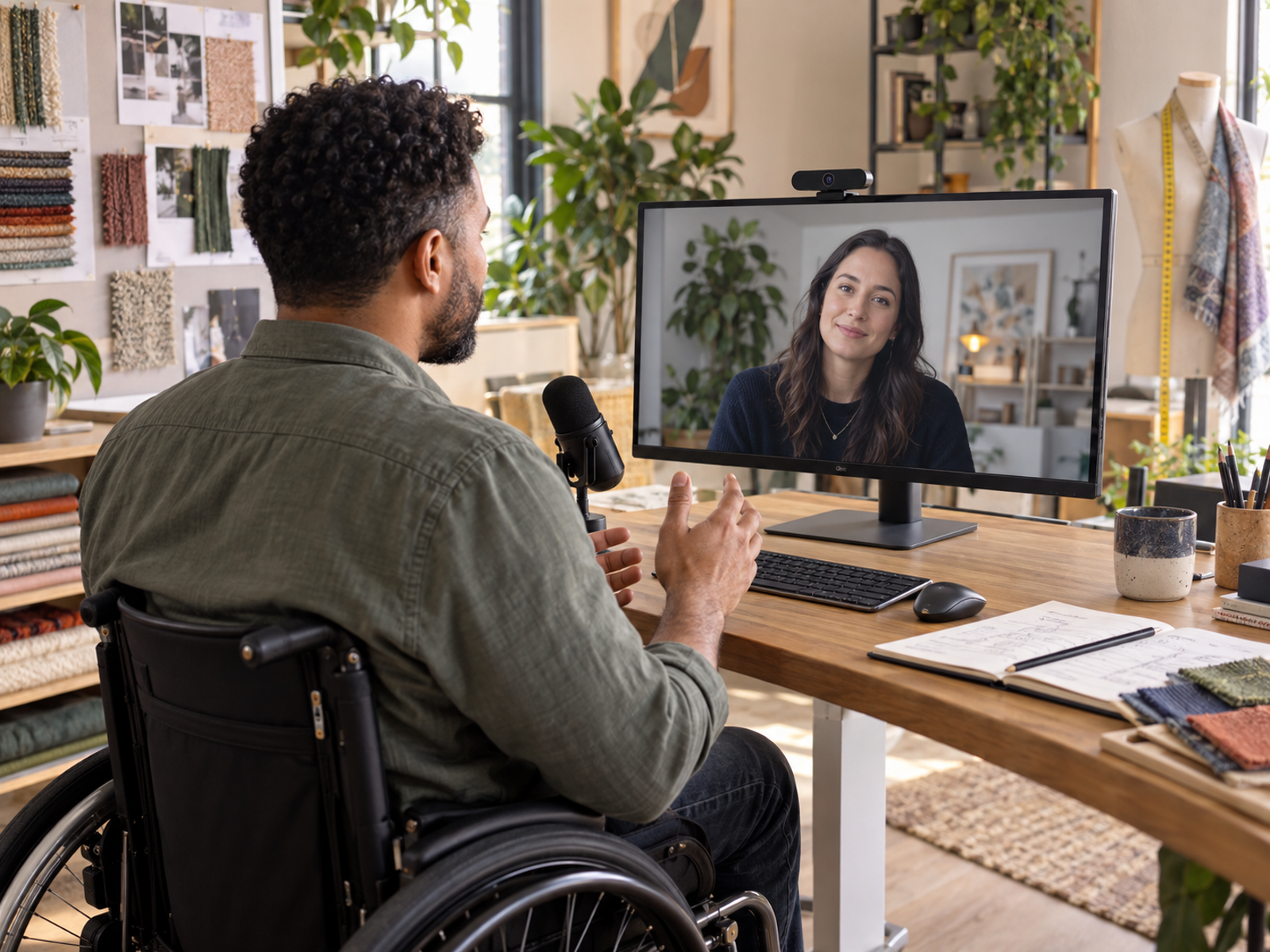
Webcam supporting video podcast production and recording.
Elgato Key Light Mini
The Elgato Key Light Mini helps video podcasters look clearer without building a full studio. Good lighting improves facial detail, colour, and overall presentation faster than many camera upgrades.
Best For
Video podcasts, livestreams, interviews, and creator desk setups.
Limitation
One compact light may not fully replace a larger multi-light setup.
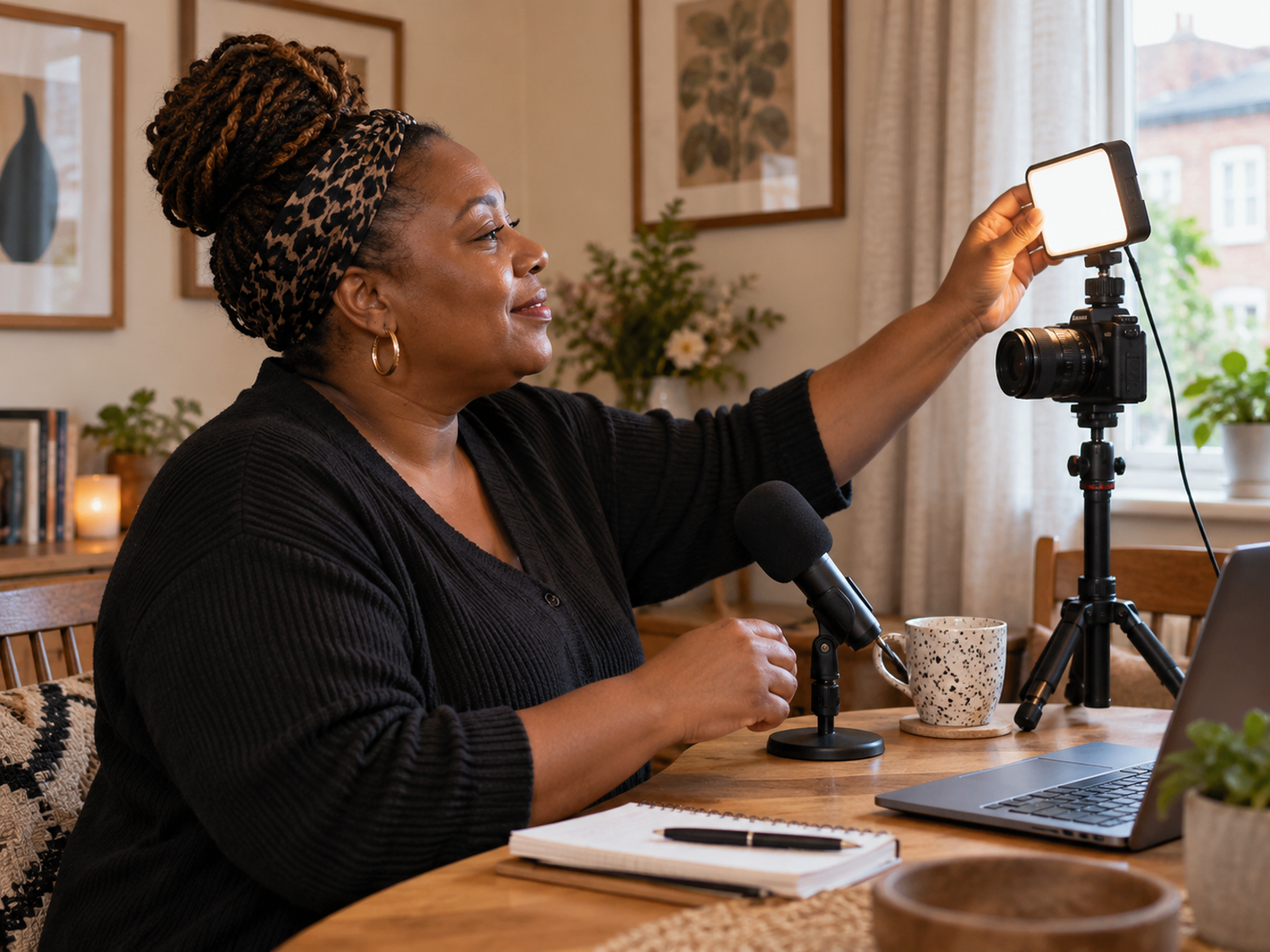
Portable creator lighting supporting video podcasts.
CalDigit TS4
The CalDigit TS4 helps creators connect microphones, cameras, monitors, storage devices, card readers, and accessories through one dock. It reduces workstation friction when podcasting becomes part of a larger content workflow.
Best For
Desk-based creators managing several devices.
Limitation
It is premium-priced and unnecessary for very simple audio-only setups.
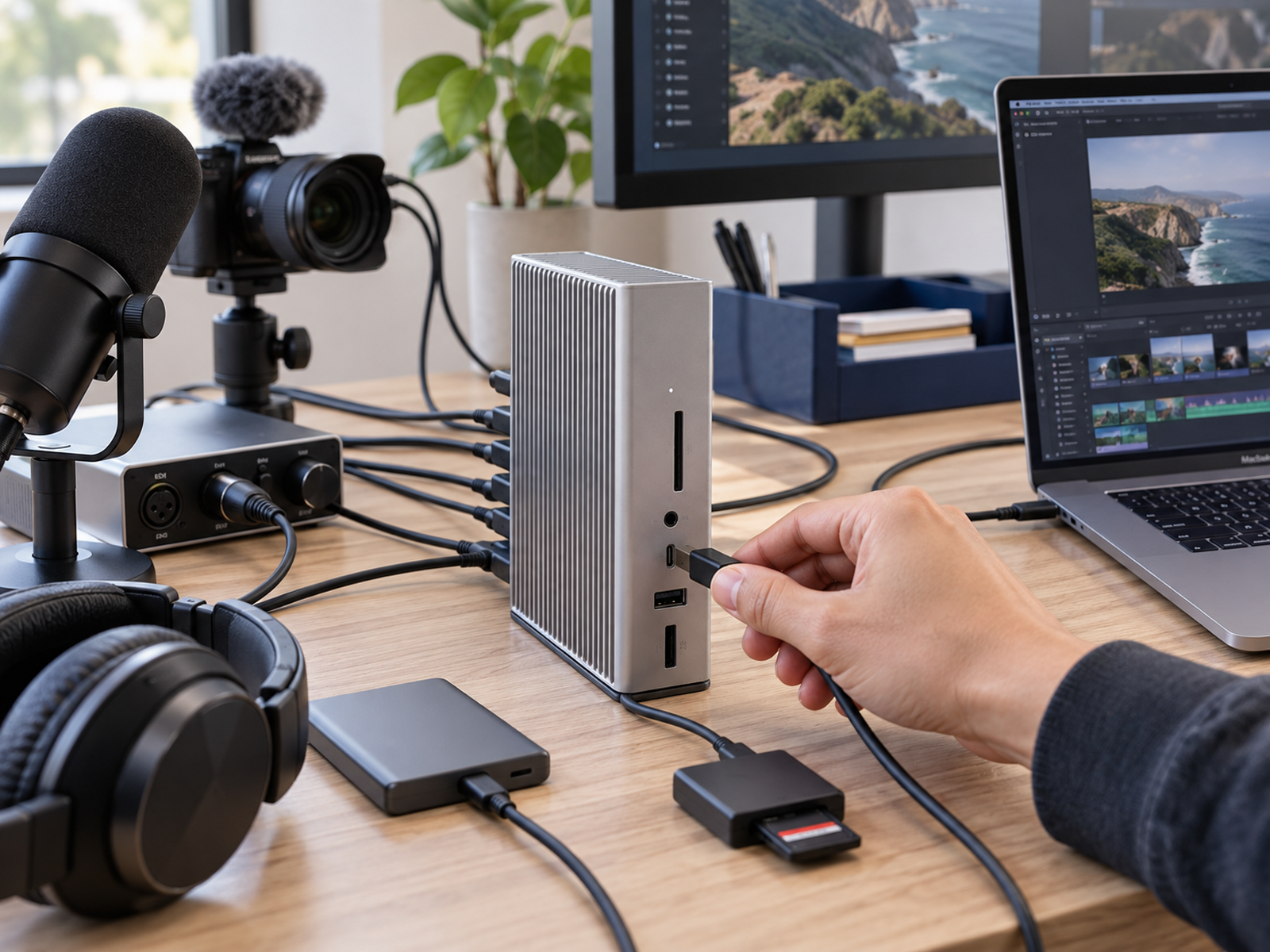
Docking station supporting podcast production workstations.
USB vs XLR Microphones
USB microphones are usually better for beginners because they connect directly to a computer and remove extra setup decisions. XLR microphones offer more flexibility, cleaner upgrade paths, and better control when paired with an audio interface. The smartest choice depends on consistency. A USB microphone used every week beats an impressive XLR setup that feels too annoying to switch on.
Microphone comparison: Best USB Microphones For Content Creators
Building A Practical Podcast Setup
Recording Software
Beginners can start with simple tools such as GarageBand, Audacity, Riverside, Descript, or built-in platform recorders. The best software is usually the one that makes recording feel less intimidating.
Podcast Hosting
Podcast hosting platforms store audio files, generate RSS feeds, and distribute episodes to listening apps. Creators should choose hosting that feels reliable, clear, and easy to manage.
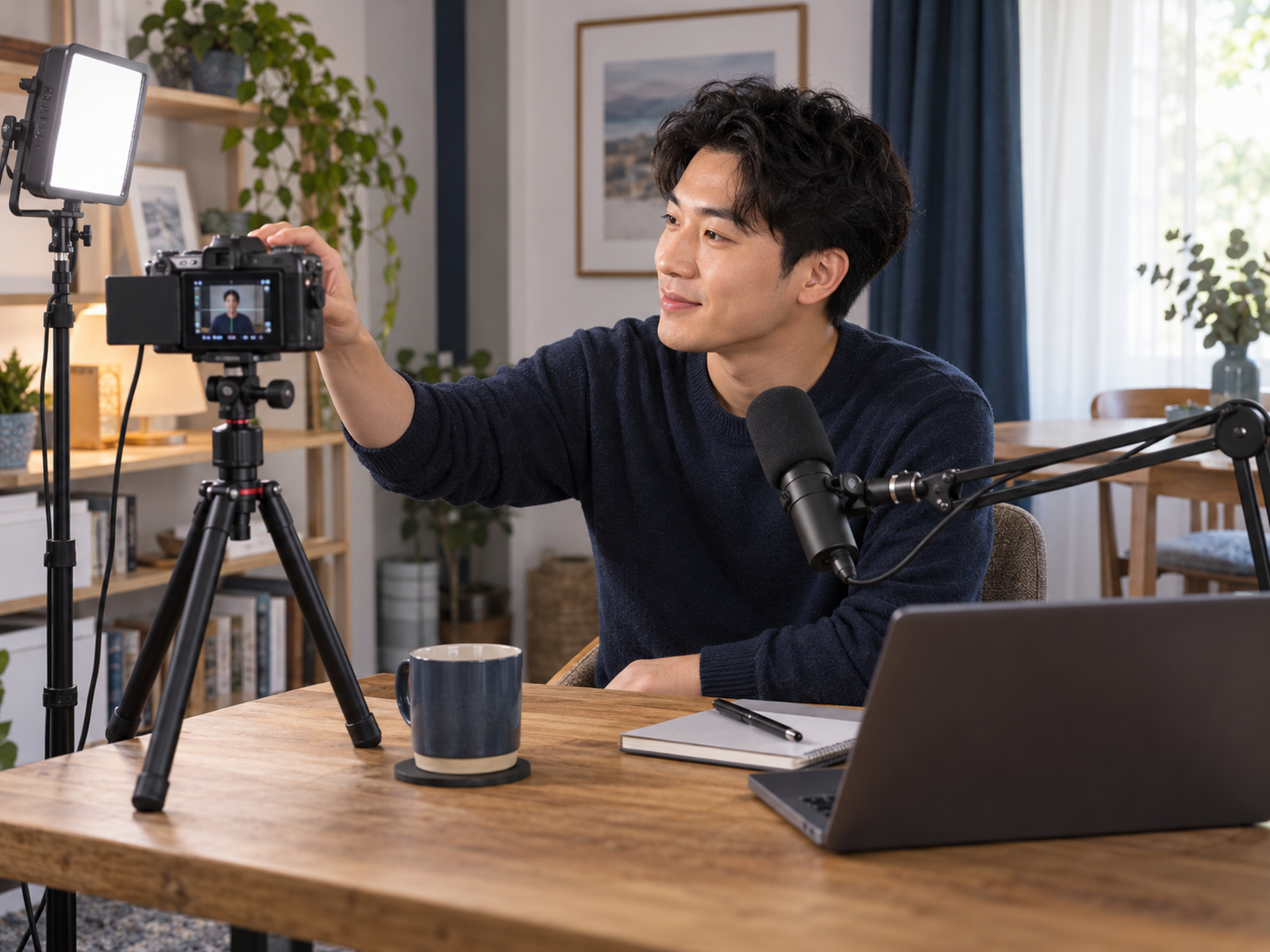
Video Podcast Setup
Video podcasting needs decent lighting, stable framing, clean audio, and a background that does not look like a laundry-based emergency.
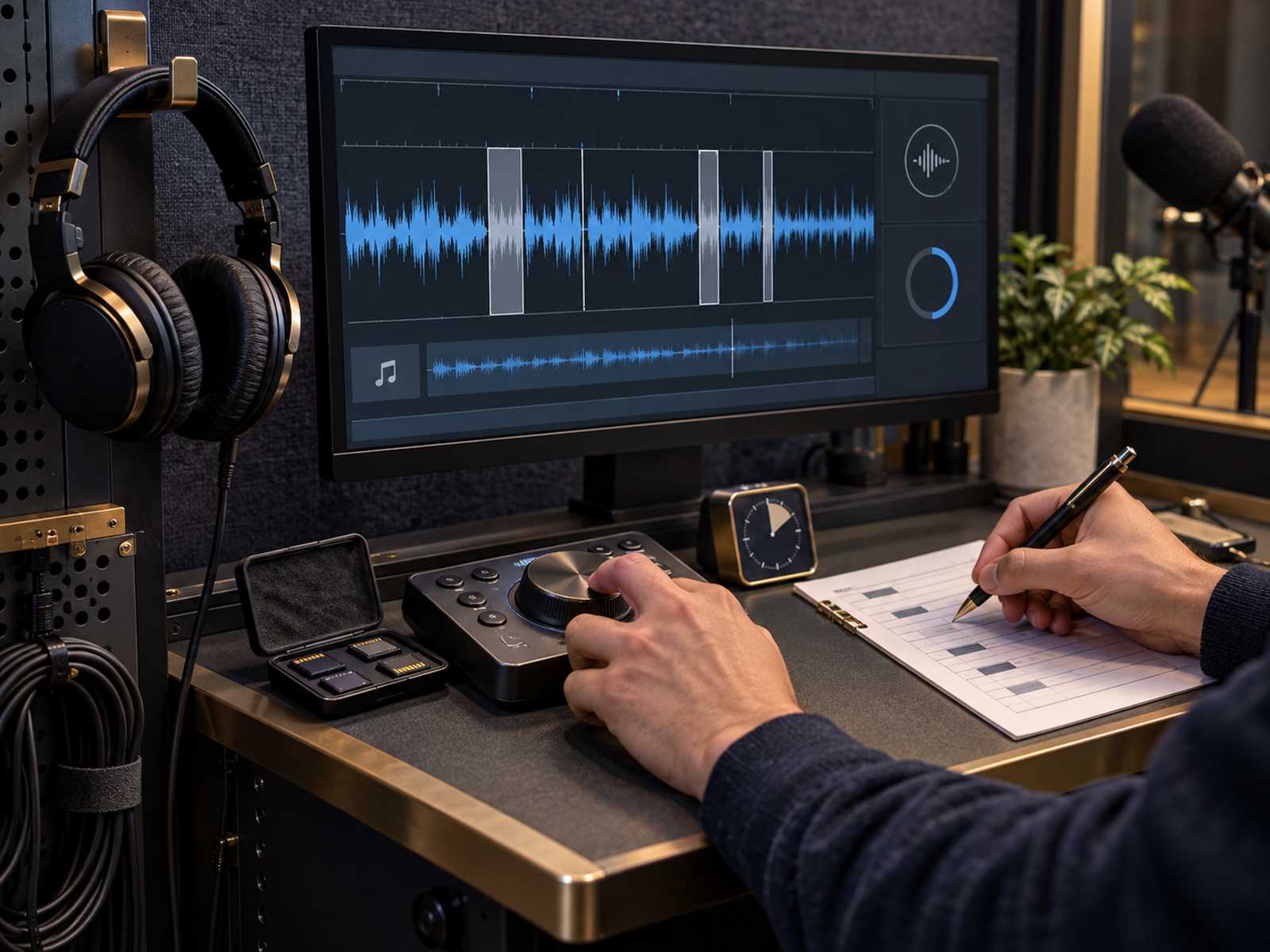
Editing Workflow
Editing should improve clarity without becoming a weekly punishment. Templates, intro music, basic noise control, and repeatable export settings help keep publishing manageable.
Home Office Podcast Setup Ideas
A good home office podcast setup starts with a quiet corner, soft furnishings, simple lighting, and a microphone placed close enough to capture the voice clearly. Rugs, curtains, bookshelves, and fabric furniture can reduce echo without expensive acoustic treatment. For creators already making video content, the same desk can often support podcasts, tutorials, interviews, and short-form clips with only small adjustments.
Video setup guide: Video Content Setup For Small Business Owners
Acoustic Treatment Basics
Reduce Echo First
Echo damages podcast quality quickly. Soft surfaces help absorb reflections and make recordings sound less hollow.
Control Background Noise
Fans, traffic, appliances, neighbours, and keyboard noise can appear more clearly in recordings than expected.
Microphone Positioning Matters
A well-positioned affordable microphone often beats an expensive microphone placed too far away.
Consistency Beats Perfection
Listeners usually prefer useful weekly episodes over technically perfect recordings that never get published.
Common Podcasting Mistakes
Many aspiring podcasters spend months researching equipment before recording a single episode. Others buy complex setups that make podcasting feel like preparing a small aircraft for departure. Some focus entirely on microphones while ignoring episode planning, listener value, editing habits, and publishing rhythm. The strongest podcasts usually win because they solve listener problems consistently. Equipment helps, but publishing is what builds the relationship.
Wellness perspective: Outsource Automate Or Rest How To Protect Your Energy
Pros And Cons Of Podcast Equipment Upgrades
Pros
Cons
FAQs
What equipment do I need to start a podcast?
A microphone, recording software, headphones, and a reasonably quiet recording space are usually enough to begin. A simple repeatable setup matters more than a studio full of gear.
Is a USB microphone good enough for podcasting?
Yes. Several strong podcasts use USB microphones because they are simple, affordable, and easy to operate. USB is often the better starting point for beginners.
How much does a beginner podcast setup cost?
Costs vary, but many creators can begin with a modest microphone, headphones, free or affordable recording software, and a quiet room before upgrading gradually.
What is the best microphone for bloggers starting a podcast?
The Shure MV7+, Rode PodMic USB, and Samson Q2U are strong options depending on budget, audio expectations, and whether future XLR upgrades matter.
Can I record a professional podcast from home?
Yes. Many successful podcasts are recorded in home offices, spare rooms, and small creator workspaces using good microphone placement, basic sound control, and consistent publishing habits.
Final Verdict
Most aspiring podcasters do not need more equipment. They need a setup simple enough to use consistently. Clear audio, reliable recording software, comfortable headphones, and a quiet recording space matter more than owning every shiny accessory on the internet. The Shure MV7+ is the strongest upgrade-friendly microphone, the Rode PodMic USB offers excellent flexibility, and the Samson Q2U remains a sensible beginner choice. Add monitoring headphones, simple lighting for video, and a practical desk workflow only when they solve a real problem. The best podcast setup is not the one with the most gear. It is the one that keeps new episodes appearing regularly.


