Vinted vs eBay in 2026: Fees,…

Tailwind SmartPin and Pinterest Traffic: What…

Make Review: Can It Take the…

MoneyHQ Review: Can It Make Comparing…

AI Receptionists for UK Small Businesses:…

TikTok Shop Affiliate in the UK:…

Eden Creator Store Explained: Can One…

Domain vs Web Hosting: What Is…

Redbubble vs Printify: Which Print-on-Demand Platform…

Can Free Affinity Help You Build…

Can Hostinger AI Builder Launch a…

Plug-In Solar Panels UK: Are They…
Most business owners think they need to become more productive. The better question is which tasks they should stop doing altogether. The biggest productivity gains rarely come from working harder. They come from removing repetitive tasks that never needed your attention in the first place. Technology cannot create extra hours in the day, but it can remove admin, scheduling, organisation, follow-up, fulfilment, and busywork that quietly steals attention from growth.
Quick Overview
In this guide you will learn:
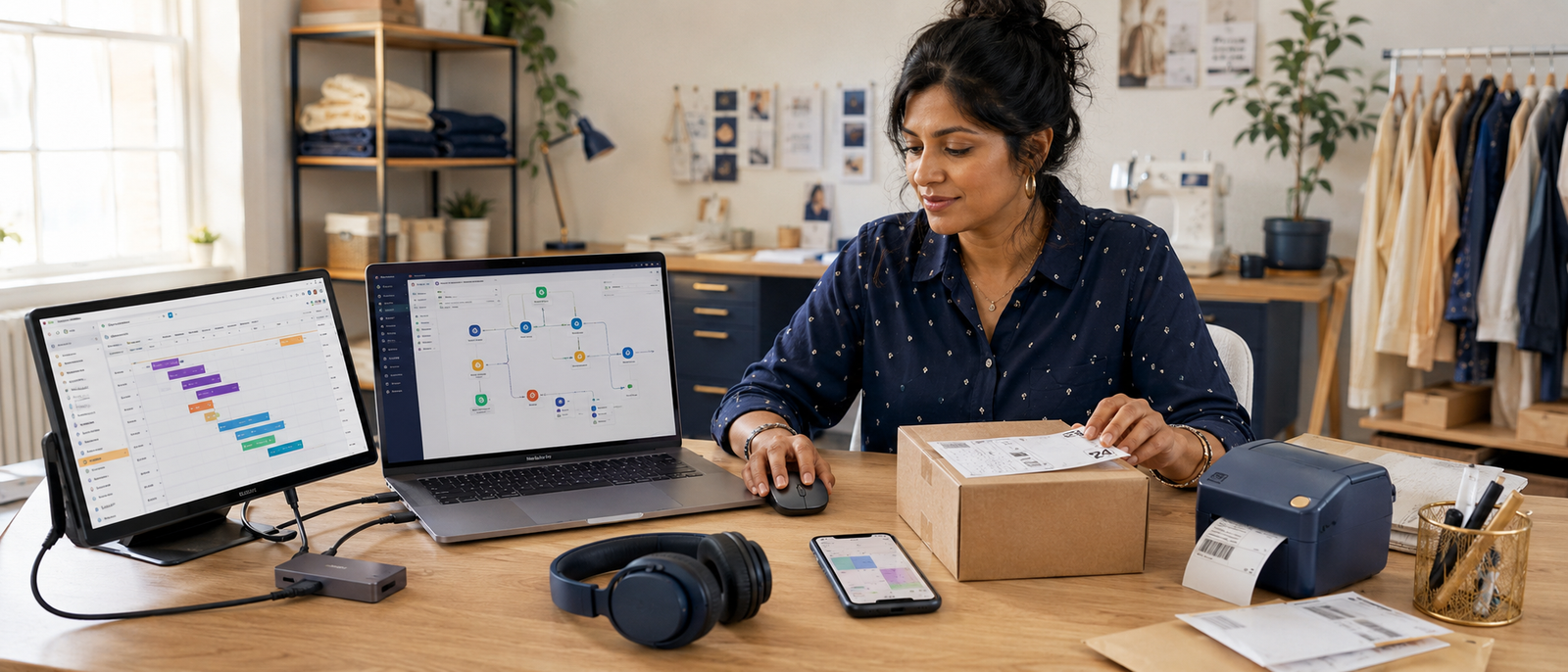
Modern workspace supporting automation and productivity.
Start here: Best Marketing Automation Platforms
Time-Saving Systems
The fastest productivity gains usually come from systems rather than gadgets. A better monitor helps you work faster. A better system removes work entirely. Marketing automation, project management, scheduling software, cloud storage, and AI-assisted planning can eliminate repetitive tasks that would otherwise consume hours every week. The goal is not becoming busier. The goal is creating leverage so the business continues moving even when your attention is elsewhere.
Build stronger workflows: Creator Tech Stack Explained
Best Time-Saving Systems
Systeme.io
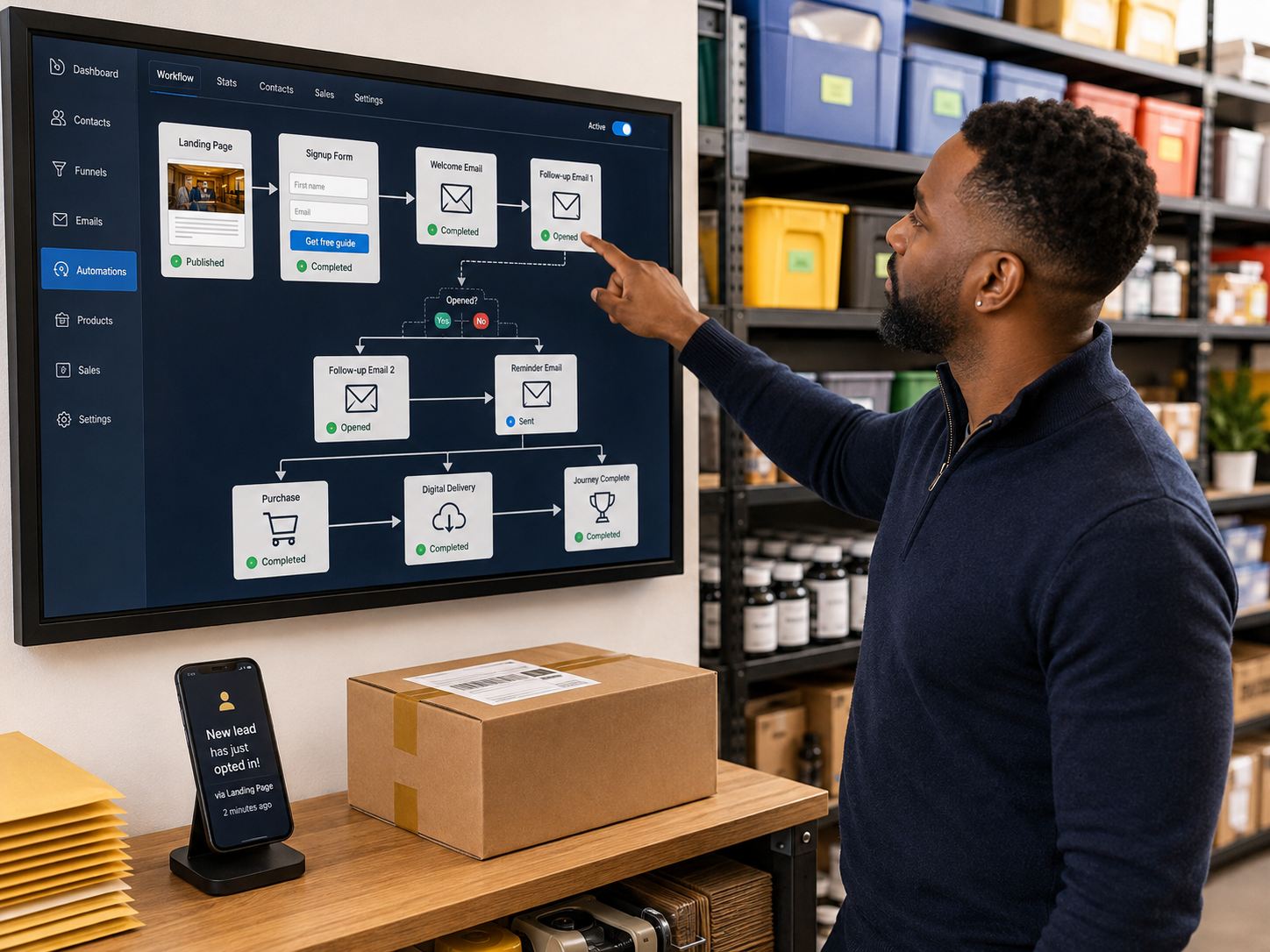
Systeme.io combines email marketing, funnels, automation, websites, affiliate management, digital products, and customer journeys inside one platform. Many small businesses save time simply by reducing the number of tools they maintain and connect together.
Best For
Lead generation, follow-up automation, customer nurturing, and digital businesses.
Limitation
Design flexibility is more limited than some specialist platforms.
All-in-one marketing platform supporting lead generation and customer journeys.
Detailed review: Systeme.io Review
Monday.com
Monday.com helps businesses manage projects, approvals, workloads, deadlines, and communication from one central dashboard. It reduces the amount of work hidden inside emails, spreadsheets, and people's memories.
Best For
Team visibility and workflow management.
Limitation
May feel excessive for very small businesses.
Project management software supporting organised business operations.
ClickUp
ClickUp combines tasks, dashboards, calendars, documents, goals, and workflows in one environment. Businesses managing multiple projects simultaneously often benefit most from having everything visible in one place.
Best For
All-in-one project management.
Limitation
Feature depth can create a learning curve.
Productivity software supporting structured business workflows.
Taskade
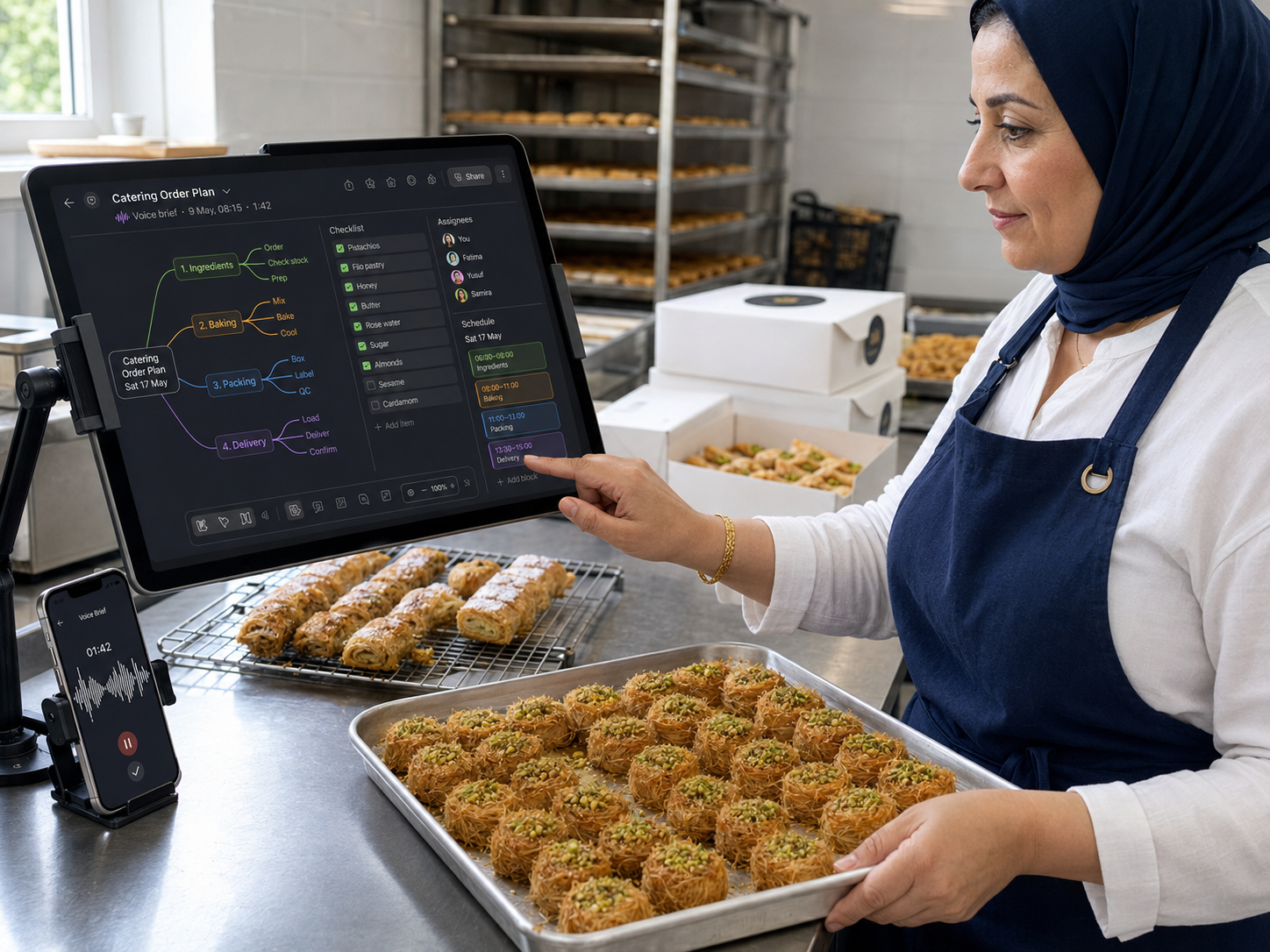
Taskade combines AI assistance with planning, note-taking, task management, and collaboration. It helps turn rough ideas into structured action plans without requiring complex setup.
Best For
AI-assisted planning and organisation.
Limitation
Less suitable for highly complex operations.
AI-assisted planning platform supporting small business productivity.
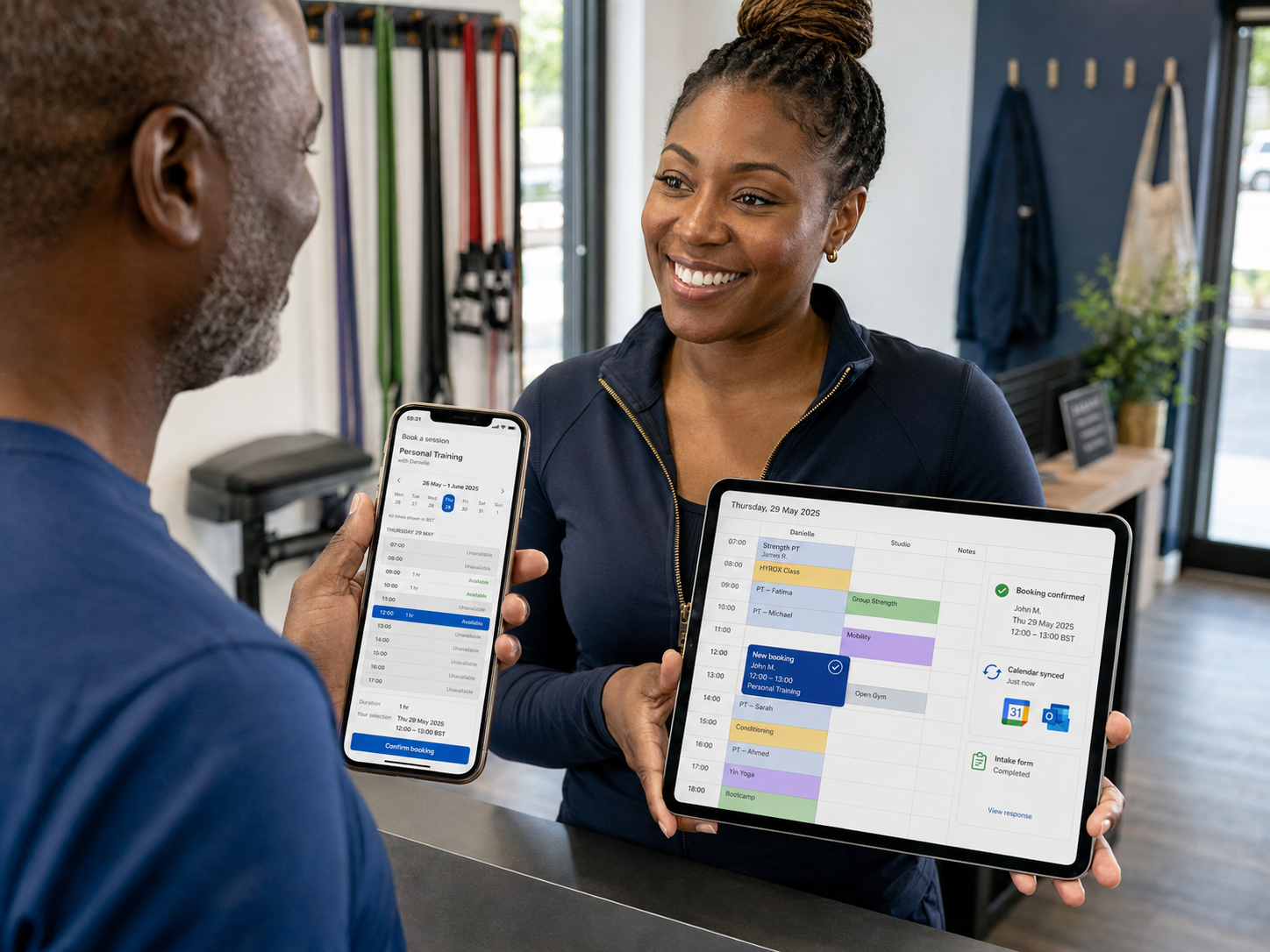
Calendly
Calendly removes one of the most repetitive forms of admin. Instead of exchanging several emails to arrange one meeting, clients simply choose an available time slot.
Best For
Meetings, consultations, appointments, and discovery calls.
Limitation
Advanced requirements may require premium plans.
Time-Saving Gadgets
Software removes repetitive decisions. Hardware removes physical friction. Better gadgets rarely transform a business overnight, but they remove small frustrations that happen dozens of times every day. Over months, those small improvements accumulate into meaningful time savings.
Workspace upgrade: Creator Desk Setup Shopping List
Best Time-Saving Gadgets
ASUS ZenScreen MB16ACV
The ASUS ZenScreen MB16ACV provides a 15.6-inch Full HD portable display with USB-C connectivity and an integrated kickstand. Extra screen space often reduces window switching immediately.
Best For
Multitasking, travel, and laptop-based businesses.
Limitation
Less useful for permanent dual-monitor users.
Portable monitor supporting productivity and multitasking.
Related guide: Best Portable Monitors For Home Business
CalDigit TS4
The CalDigit TS4 transforms a laptop into a workstation through one connection. Displays, networking, charging, storage devices, and accessories can remain connected permanently.
Best For
Desk-based workstations and multi-device setups.
Limitation
Premium pricing exceeds many basic requirements.
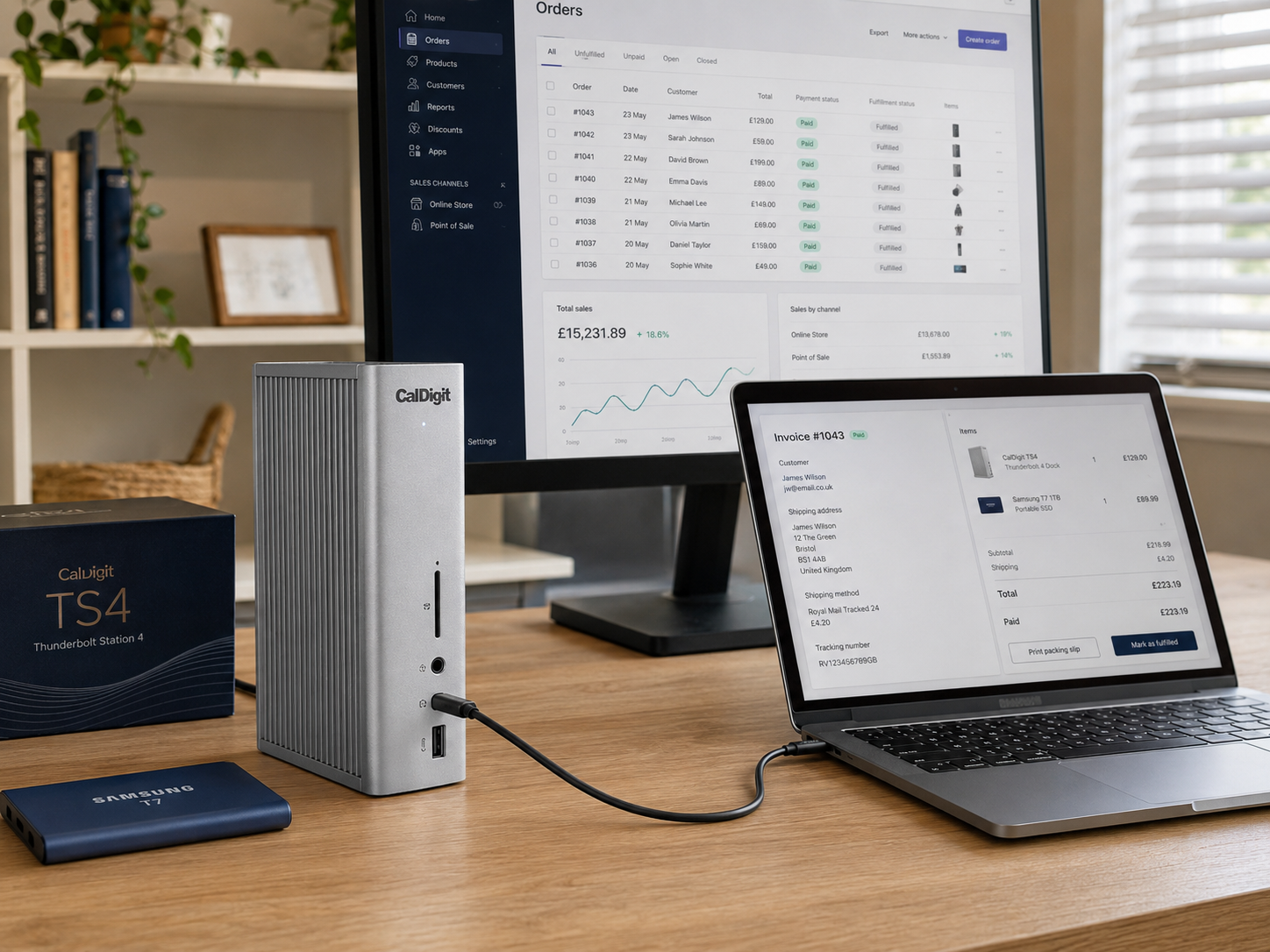
Connectivity hub supporting efficient workstation setups.
Setup guide: Best Docking Stations For Home Business
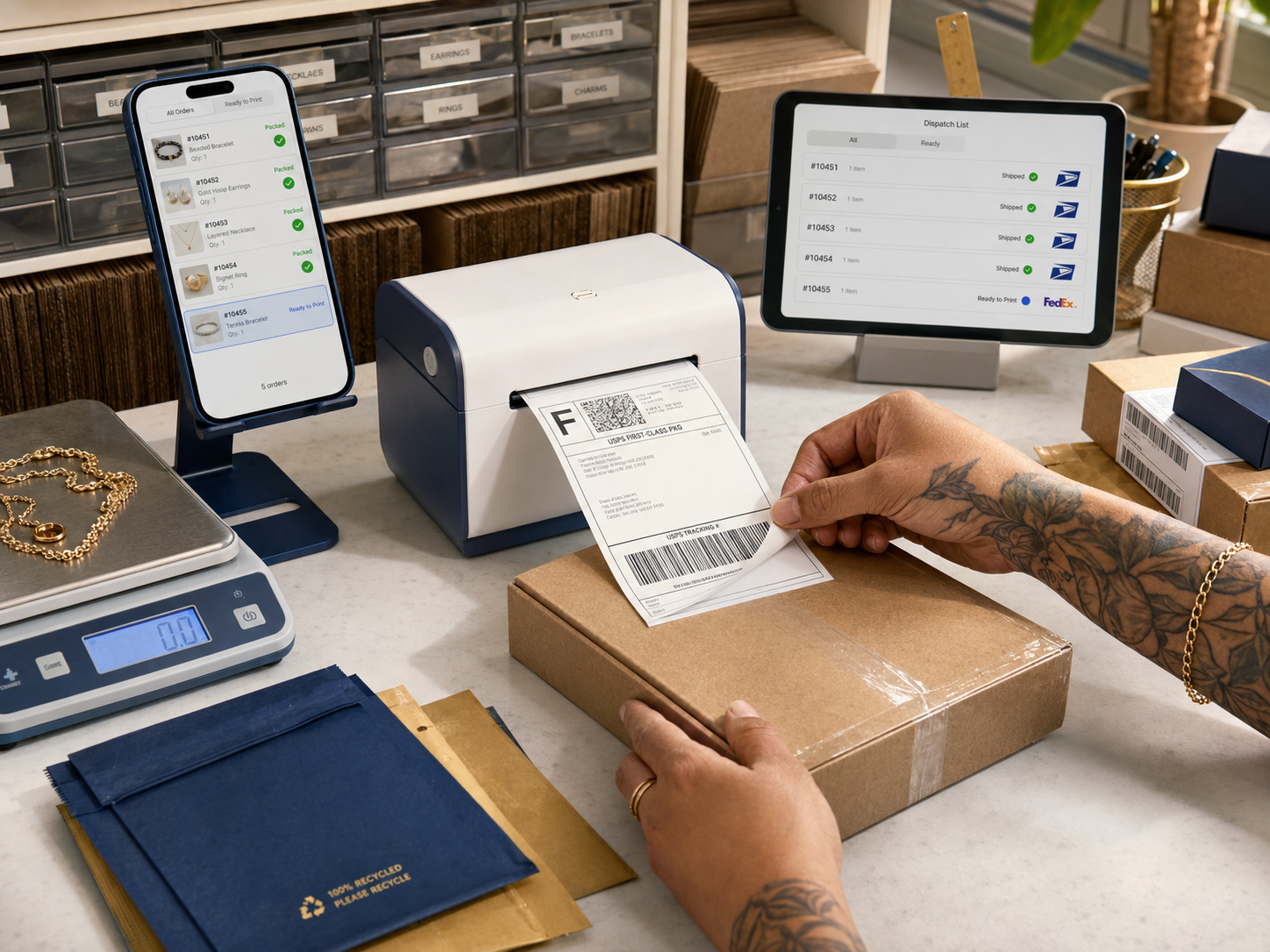
Rollo Wireless Label Printer
The Rollo Wireless Label Printer produces shipping labels quickly without ink. Ecommerce businesses frequently save significant fulfilment time once order volumes begin increasing.
Best For
Growing ecommerce businesses.
Limitation
Low-volume sellers may not yet need one.
Ecommerce fulfilment tool supporting faster shipping workflows.
Fulfilment guide: Best Shipping Label Printers For Ecommerce
Sony WH-1000XM6
The Sony WH-1000XM6 combines premium noise cancellation, strong call quality, long battery life, and multipoint connectivity. For many business owners, removing distractions is often easier than trying to force more concentration.
Best For
Home offices, travel, meetings, and focused work.
Limitation
Premium pricing may not fit every budget.
Noise-cancelling headphones supporting focus and concentration.
Focus and wellbeing: Notification Burnout And How To Take Back Your Focus
Logitech MX Master 3S
The Logitech MX Master 3S improves daily computer work through custom controls, ergonomic comfort, quiet clicks, and faster navigation. Small efficiency gains repeated hundreds of times become surprisingly valuable.
Best For
Desk workers spending several hours daily at a computer.
Limitation
Primarily designed for right-handed users.
Where Technology Saves The Most Time
Lead Follow-Up
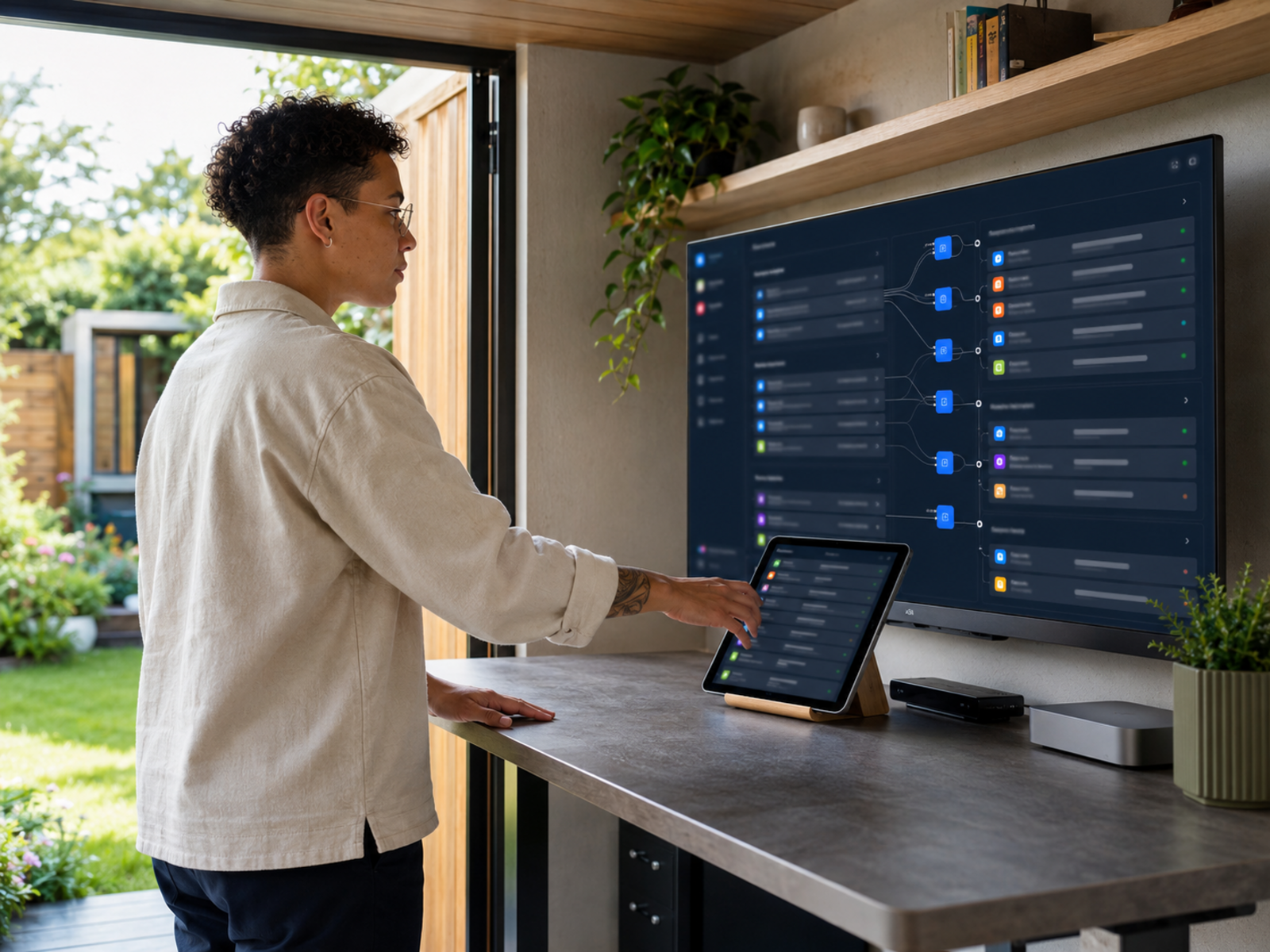
Automated email sequences prevent opportunities disappearing after initial contact.
Project Coordination
Project management systems reduce confusion around responsibilities and deadlines.
Scheduling
Booking software removes appointment administration and calendar juggling.
Fulfilment
Automation and specialist hardware reduce repetitive operational work.
Which Tasks Should Be Automated First?
Lead follow-up usually deserves attention first because missed opportunities are expensive. Scheduling often comes next because appointment administration consumes more time than many people realise. Customer onboarding is another strong candidate because welcome emails, instructions, reminders, and updates are repeated continuously. Any task repeated daily, weekly, or after every customer interaction deserves investigation before hiring someone to perform it manually.
Wellness perspective: Automation For Busy Home Workers And Mental Load
Productivity Mistakes
Buying Tools Before Defining Problems
Technology should solve bottlenecks rather than create new ones.
Automating Broken Processes
Bad workflows rarely improve simply because software is added.
Paying For Unused Features
Many businesses purchase software they never fully use.
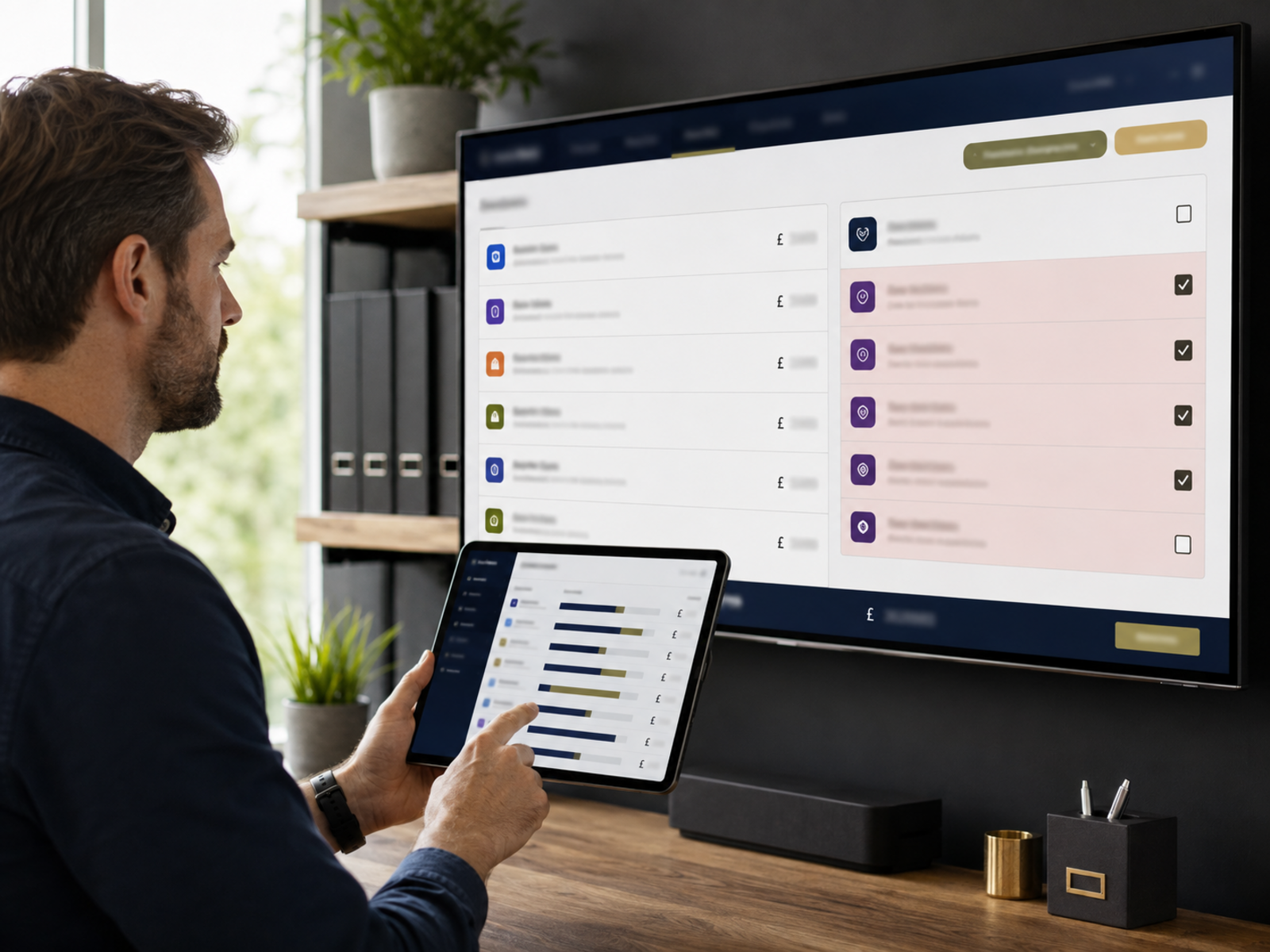
Tool Overload
Too many systems can create complexity instead of efficiency.
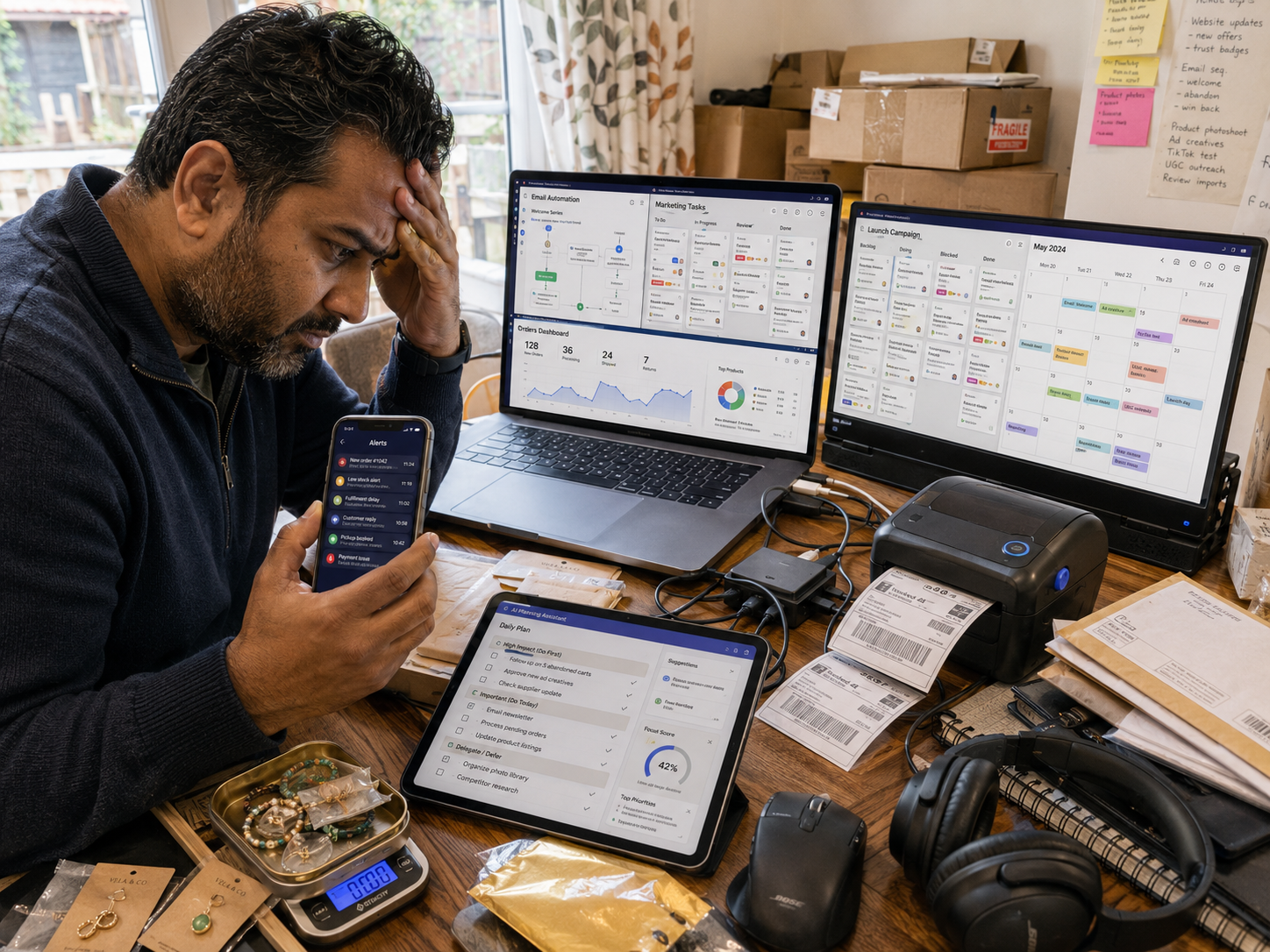
Productivity Mistakes Most Business Owners Make
One of the most common mistakes is buying software before identifying the problem. Businesses do not need automation because it sounds impressive. They need it when opportunities are being missed. They do not need project management software because everyone else uses it. They need it when work is falling through the cracks.
Technology should remove friction. If a tool creates more complexity than the problem it solves, it has become another job.
Burnout perspective: The Wellness Cost Of Trying To Do Everything Yourself
Pros And Cons Of Time-Saving Tech
Pros
Cons
FAQs
What is the best time-saving technology for small business owners?
Marketing automation platforms, scheduling software, project management tools, cloud storage, portable monitors, and workflow automation systems usually provide the greatest time savings.
Which business tasks should be automated first?
Lead follow-up, appointment scheduling, customer onboarding, reminders, and repetitive administration typically deliver the fastest return on investment.
Are AI tools worth using in a small business?
Yes. AI tools can reduce research, drafting, planning, and organisational workloads when used appropriately.
What software saves the most time for entrepreneurs?
Systeme.io, Monday.com, ClickUp, Taskade, and Calendly are among the strongest options depending on workflow requirements.
How do I choose the right productivity tools for my business?
Identify repetitive tasks consuming time regularly. The best tools solve existing bottlenecks rather than introducing new complexity.
Final Verdict
Most business owners do not need to become more productive. They need fewer tasks requiring their attention.
The strongest systems automate follow-up, organisation, scheduling, and communication. The strongest gadgets reduce workspace friction, distractions, fulfilment delays, and daily inefficiencies. Combined correctly, they create leverage that allows businesses to grow without requiring the owner to work longer hours.The biggest productivity gains rarely come from working harder. They come from removing tasks that never needed your attention in the first place.