



Can Hostinger AI Builder Launch a…

Christmas Gifts for Home Workers That…

Plug-In Solar Panels UK: Are They…

Halloween Decorations Worth Buying — and…

Meta One Explained: Is the Subscription…

Anti-Optimisation Wellness: Can a Sunrise Lamp…

Plaud One Explained: Can AI Earbuds…

Sunrise Lamps Explained: What They Actually…

Namecheap vs Dynadot

Lifesum Review UK: Is Premium Worth…

Convertkit Vs Beehiiv

Garmin CIRQA Review: Screen-Free Tracking Without…

Bluehost vs Siteground

Garden Gatherings – Summer Is The…

Namecheap review

Portable Outdoor Speakers for Garden Offices

Cloudways Vs WP Engine

Outdoor WiFi Extenders For Garden Offices

Dropshipping Explained

Portable Pools For Home Workers This…
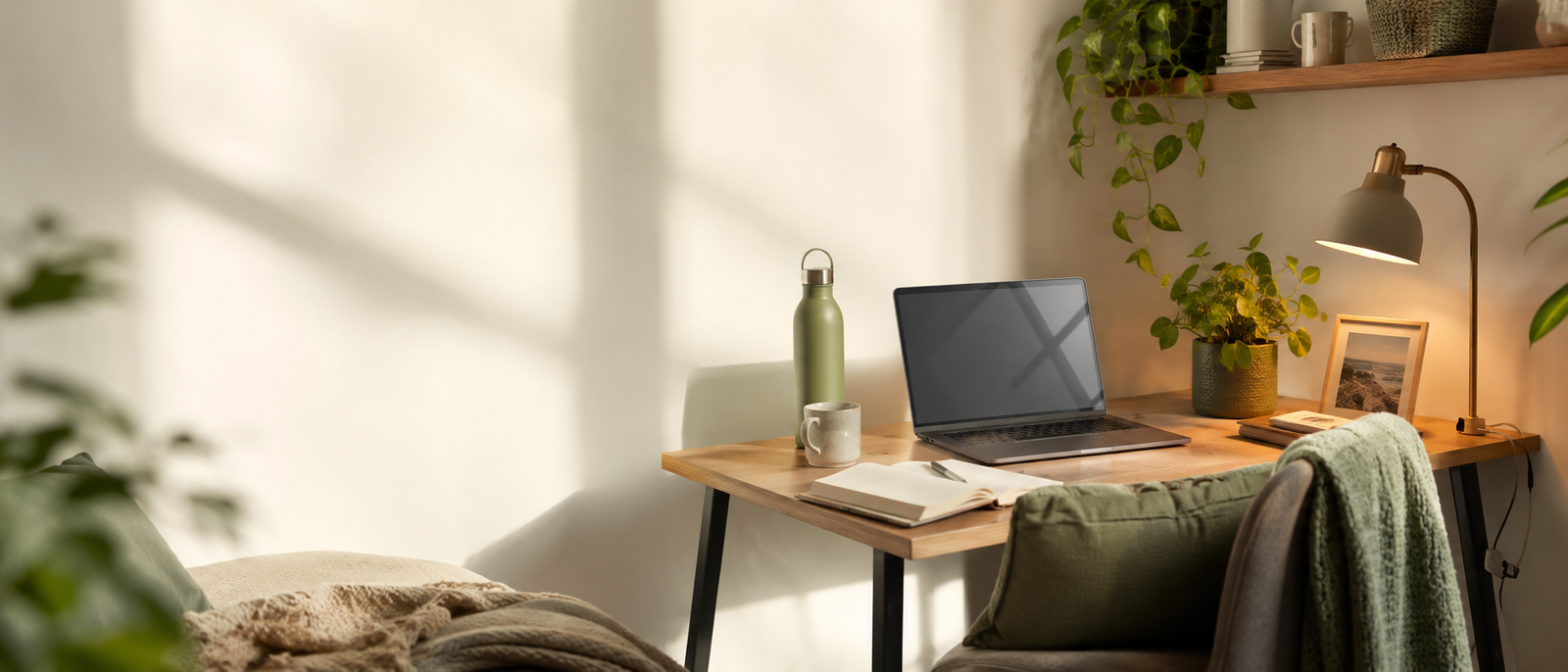
Most workspace advice focuses on looking productive. The better question is whether your desk still feels like a place for an actual human being. A home workspace can slowly become a command centre of obligation: laptop, charger, notes, cables, mug, tabs, task list, receipts and one random object you keep ignoring because apparently it now lives there. You do not need a perfect Pinterest office. You need a desk that feels less like a cold little obligation zone.
Soften harsh light first.
Clear visual demands from your eye line.
Add one human cue, not twenty.
Use texture, plants and warmth carefully.
Support sound, silence and airflow.
Keep calm usable, not staged.
Most Relevant Audience
This article is for remote workers, home workers, desk workers, freelancers, bloggers, creators, side hustlers, parents, carers and small business owners whose workspace feels cold, functional, cluttered, overly digital or emotionally disconnected from real life. It is especially useful if your desk technically works, but makes you feel like you have reported for duty inside a tiny office-shaped spreadsheet.
Why Workspaces Start Feeling Cold
The desk becomes task storage
A workspace starts feeling cold when every object is a demand. Notes, cables, school forms, receipts, half-finished ideas and abandoned mugs all become tiny visual jobs. Nothing is terrible by itself, but together they create a desk that speaks only in reminders.
The room becomes too digital
Laptop screens, phone screens, second monitors, notifications and charging cables can make a workspace feel more like a control panel than a human corner. Digital tools are useful, but they can dominate the room if there is no softness, texture or real-world cue to balance them.
Function takes over feeling
Many home offices are built from urgency. A desk appears, a chair is found and the laptop moves in. Then the space stays that way for months because it technically works. Over time, purely functional spaces can start to feel emotionally blank, even when the Wi-Fi is behaving.
Home and work blur together
When you work from home, the desk can collect both work pressure and household clutter. School forms, unopened post, snack plates and client notes all share the same surface. The result is not cosy flexibility. It is a small mixed-use zone of responsibility with a keyboard.
Keep This Article About Human Warmth
A less overwhelming workspace usually starts with mental load and task clutter. This article is about the next layer: making the space feel warmer, softer and easier to enter. Light, texture, sound, airflow and one personal cue can remind you that you are not just a productivity machine with Wi-Fi.
Choose By What Feels Wrong
Too harsh
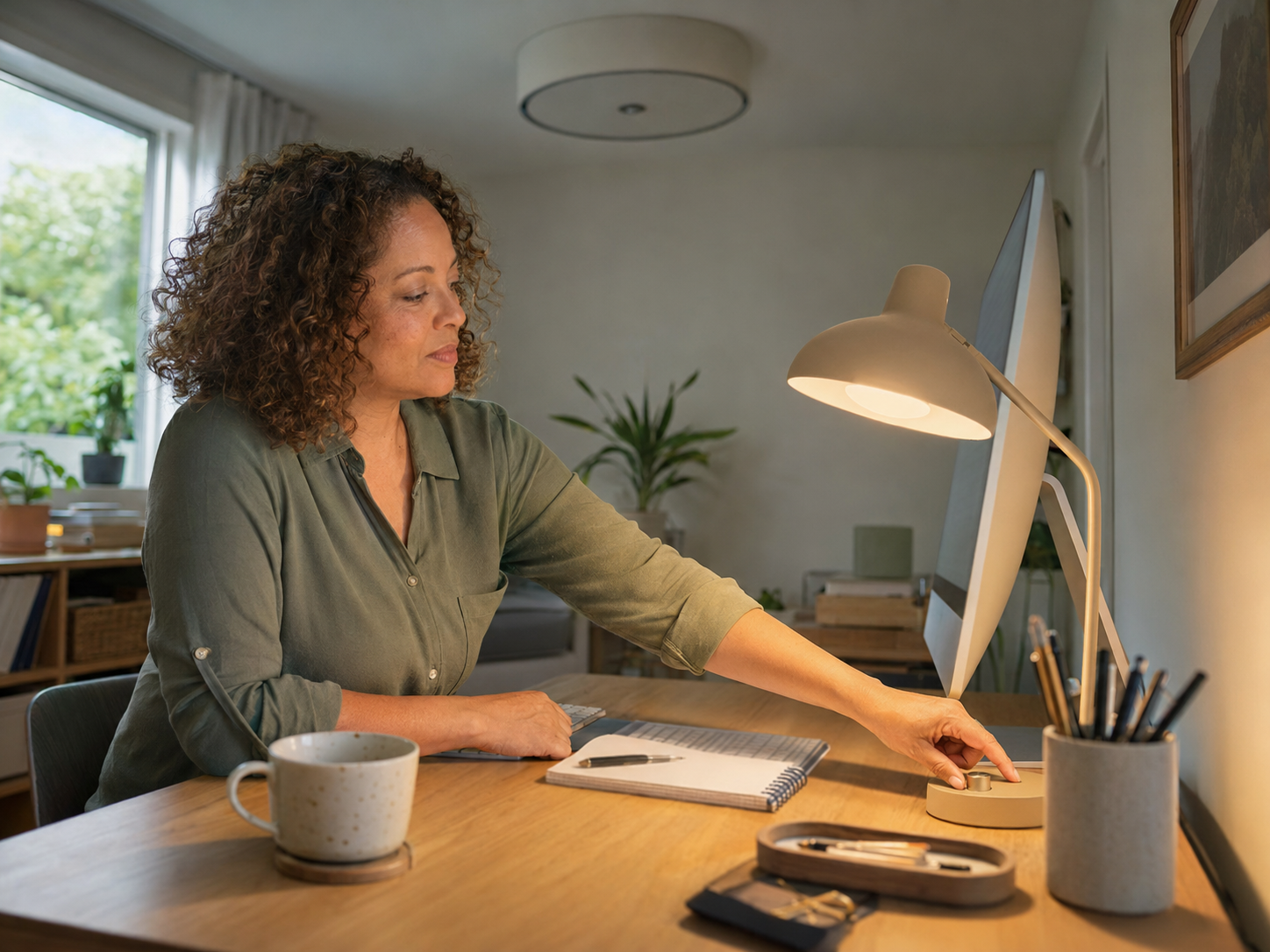
If the room feels harsh, start with lighting. Overhead light, cold bulbs and screen glare can make a workspace feel clinical. A warmer lamp, softer desk light or gentle background glow can change the mood faster than buying decorative objects.

Too cluttered
If the desk feels cluttered, clear the eye line first. Move school forms, receipts and old notes away from the laptop before work starts. A separate family or admin landing spot can stop home tasks from sitting directly beside your main work screen.
Too digital
If the space feels too digital, add one physical texture or natural cue. A plant, ceramic mug, cork mat, fabric texture or small wooden object can soften the screen-heavy feeling without crowding the desk. The aim is warmth, not a decorative landslide.
Too noisy or stale
If the room feels noisy, stale or physically uncomfortable, look at sound, silence and airflow. Gentle background sound may help some people, while others need fewer alerts and more quiet. A small fan can help if the room feels stuffy during long work blocks.
Start With The Room’s Actual Problem
Do not decorate before diagnosing. Ask whether the space feels cold, cluttered, digital, noisy, stale, uncomfortable or impersonal. The right calming change depends on the feeling you are trying to soften, not on what looked peaceful in someone else’s suspiciously spotless home office.
The Difference Between Calm And Overdecorated
Calm reduces friction
A calm workspace makes it easier to begin, focus and reset. It gives your eyes fewer demands, your body more comfort and your brain clearer cues. Calm is not a style. It is the feeling that the space is helping rather than quietly adding another layer of work.
Overdecorated spaces create maintenance
Too many candles, frames, ornaments, trays, plants, baskets and “inspiring” objects can become another thing to manage. If decor makes dusting, clearing or working harder, it is not calming. It is clutter wearing a nicer outfit.
Personal does not mean crowded
One meaningful photo, small object, plant, print or texture can make a desk feel human. Twenty meaningful things can make it feel like your life is holding a meeting beside your laptop. Choose a few items that warm the space without taking over the surface.
Usability matters more than aesthetics
A workspace can look beautiful and still feel annoying if the lighting is harsh, the chair is uncomfortable or the desk is too full. Calm has to survive ordinary workdays. If the space only works when nobody touches it, it is not a workspace. It is a set.
Calm Should Survive Shared Rooms
A calming workspace still has to handle children, pets, shared rooms and school-hour work blocks. Choose changes you can reset quickly. If a calming setup takes twenty minutes to rebuild after life walks through it, the space may look soft but behave like another chore.
How To Make Your Workspace Feel More Human And Calming
Human Does Not Mean More Stuff
A more human workspace is not built by adding everything soft, cosy or personal at once. It comes from choosing a few cues that make the space easier to work in and easier to return from. Light, sound, texture, airflow and one meaningful object can do more than a shopping basket of decor.
Plants, Texture And Natural Materials
Plants add life without much noise
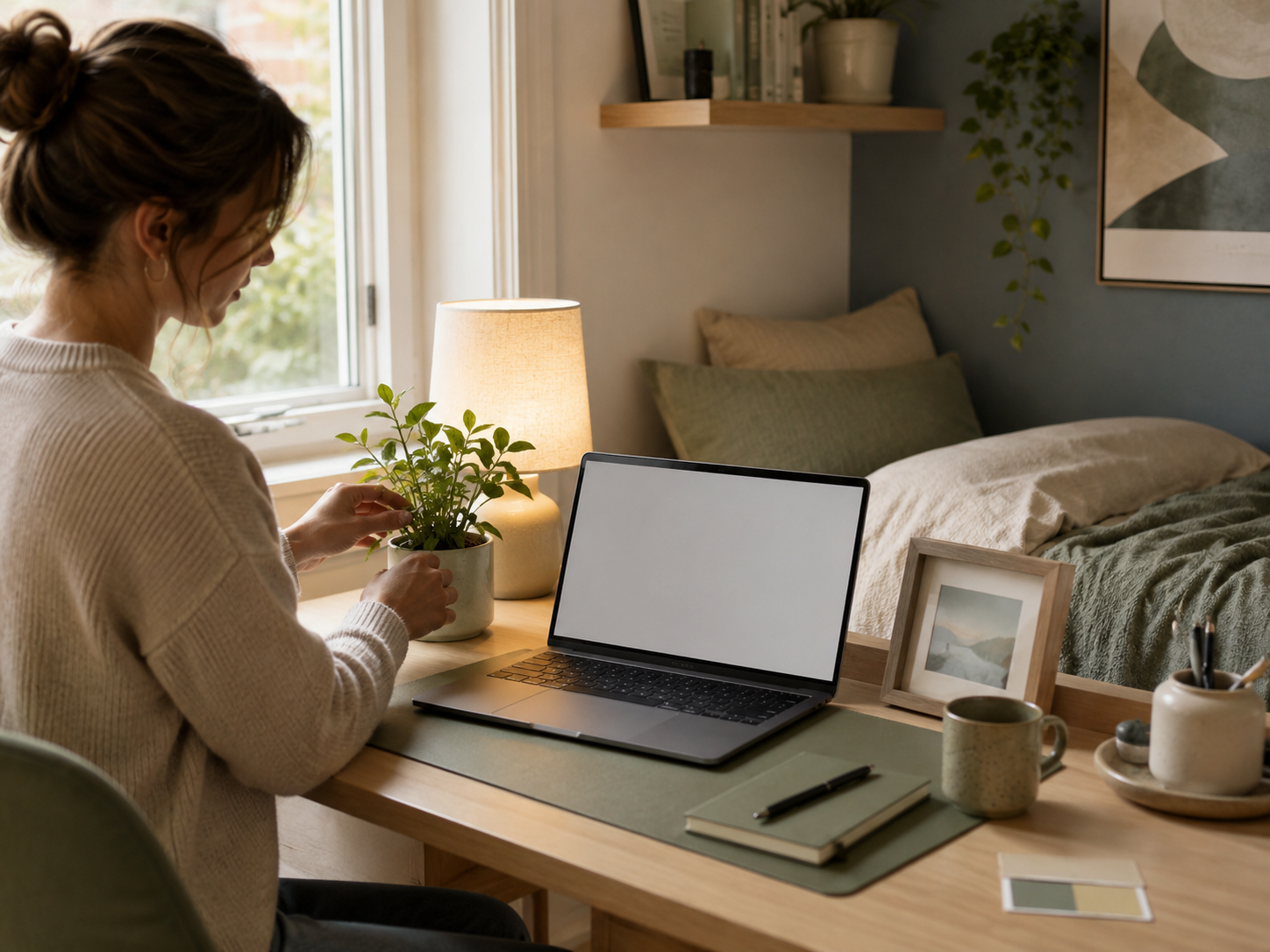
A small plant can make a workspace feel more alive without adding another screen, task or notification. Choose easy-care plants if your current plant record suggests optimism has sometimes exceeded watering consistency. One healthy plant is usually calmer than five struggling ones asking silent questions.
Texture softens digital edges
Texture helps a screen-heavy desk feel less clinical. A cork mat, woven basket, wooden tray, ceramic mug or fabric coaster can soften the room without adding much clutter. The trick is choosing one or two textures, not building a tiny lifestyle showroom beside your keyboard.
Natural materials add warmth
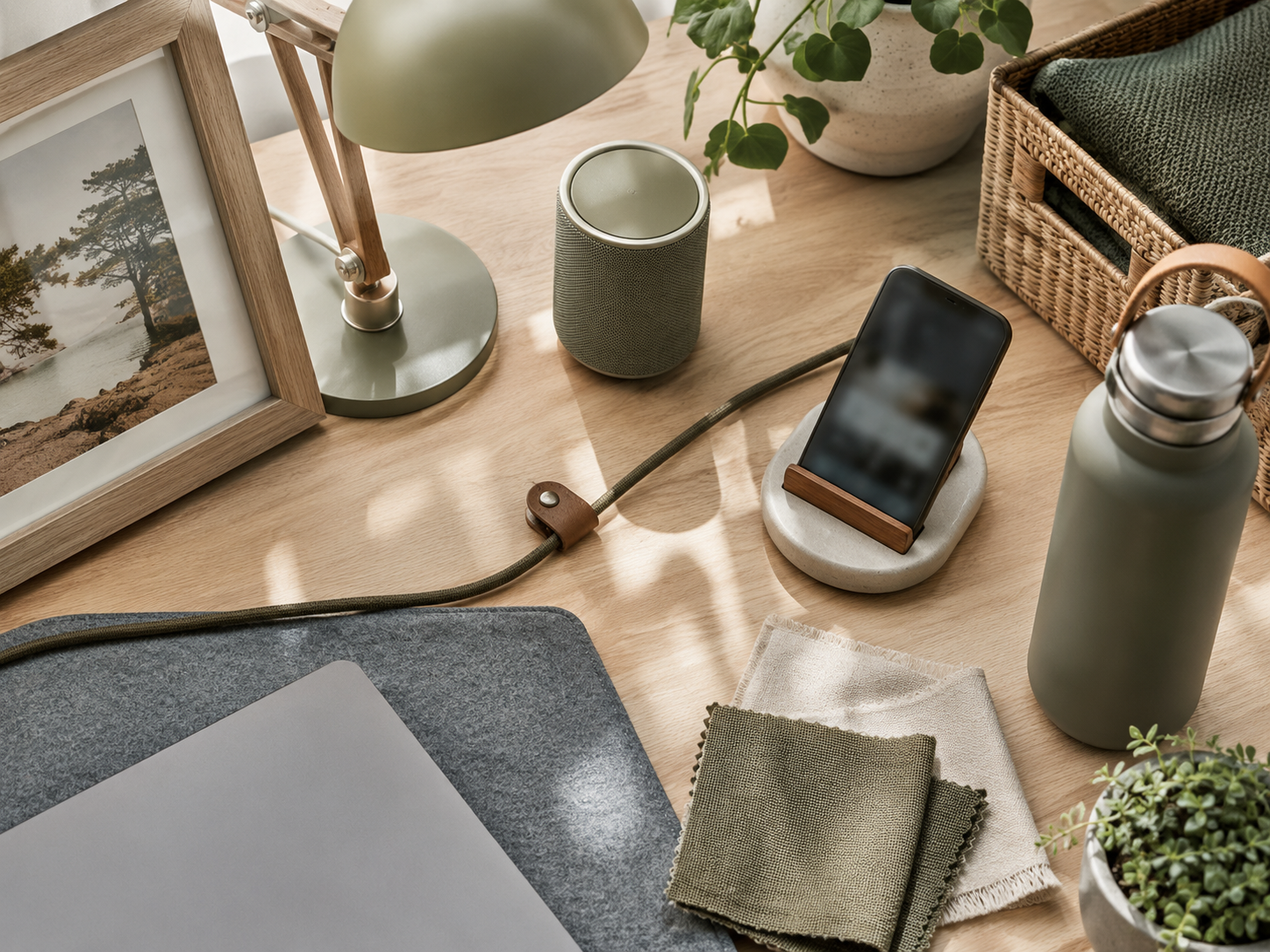
Wood, cork, ceramic, linen, cotton and paper can make a desk feel warmer than plastic, glass and metal alone. You do not need a full redesign. A natural material in the right place can remind the space that a human body works here, not just a laptop.
Personal objects should earn their place
A personal object should ground you, not crowd you. A photo, postcard, small print or meaningful item can help the workspace feel more human. Keep it away from the main task zone if it starts competing with your notebook, mouse or current work.
This Is Not About Staging A Desk
A human workspace should still look like work happens there. The goal is not a perfect corner nobody is allowed to breathe in. It is a desk you can use, reset and return to without feeling like the room is scolding you.
Sound, Silence And Scent
Gentle sound can soften the room
Low background sound can help some workspaces feel warmer and less sharp. Calm music, rain sounds or quiet instrumental playlists may work well during admin, planning or low-stress tasks. Keep it gentle. The sound should support focus, not become another tab for your brain to manage.
Silence may be the better choice
Some people work better with less sound, especially during writing, numbers, calls or emotionally loaded tasks. If music makes your brain work harder, choose silence, headphones or fewer alerts instead. Calm is personal. It is not always a playlist.
Scent should stay subtle
Scent can be calming, but strong candles, sprays or diffusers may become distracting in small rooms. If scent helps, keep it light and occasional. Your workspace should not smell like it is trying to emotionally overpower you into productivity.
Alerts are part of the soundscape
Notifications, pings and vibrations affect how the room feels. A silent workspace can still feel noisy if every app is demanding attention. Reducing digital sound can make the whole space feel calmer before you change any decor at all.
Comfort Is Part Of Calm
A calming workspace is not only visual. Temperature, airflow, sound, seat comfort, lighting and reach all affect how the space feels. Your body is part of the room. If it is tense, hot, squinting or uncomfortable, no amount of tasteful decor will make the desk feel peaceful.
Reducing Digital And Visual Noise
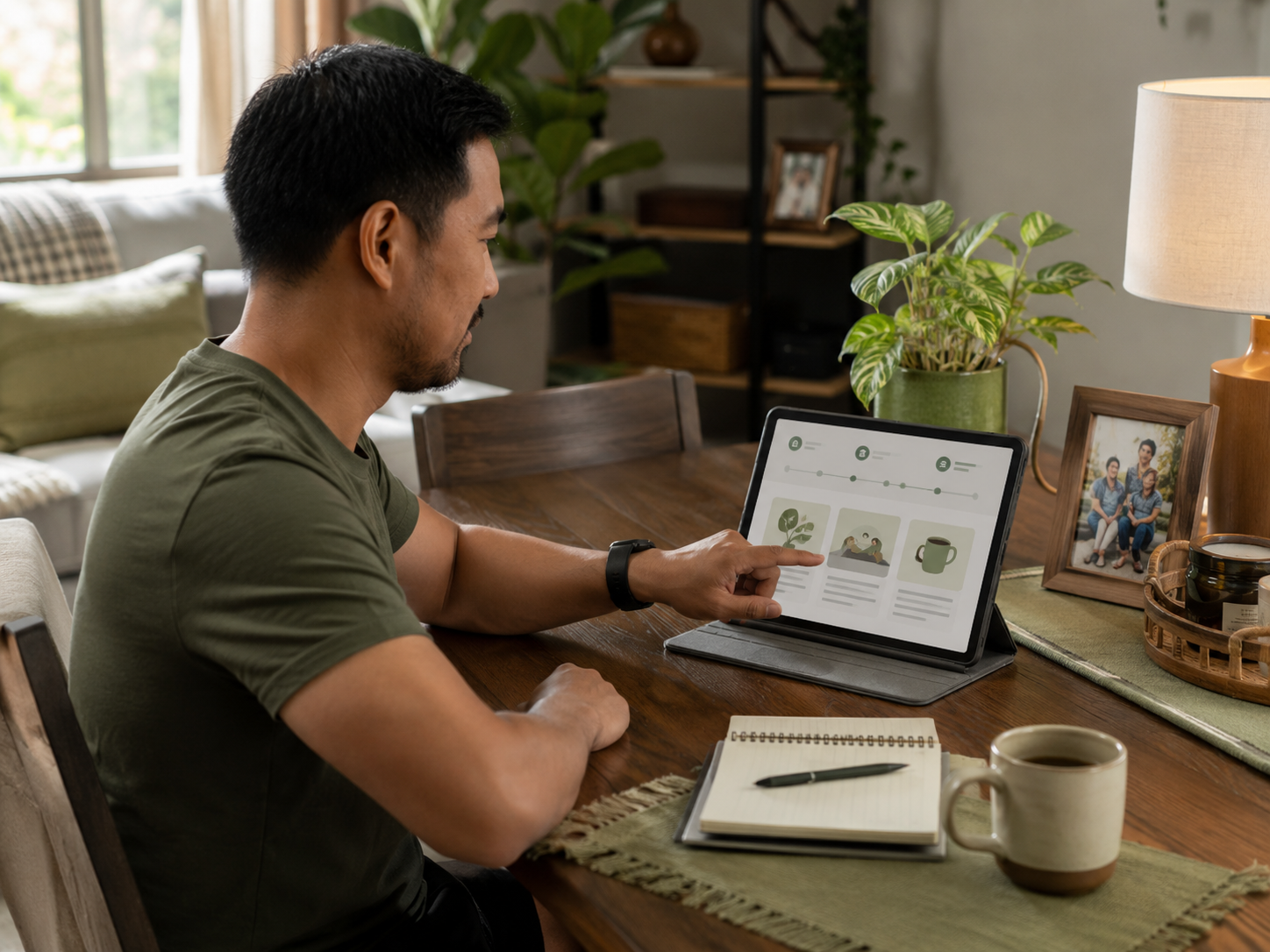
Clear the eye line first
Start with what you see most often. Remove old notes, extra cables, empty cups and random objects directly around your screen. Your eye line should not be a museum of unfinished tasks. Clearing this area can make the whole workspace feel calmer before you buy anything.
Tame cables and chargers
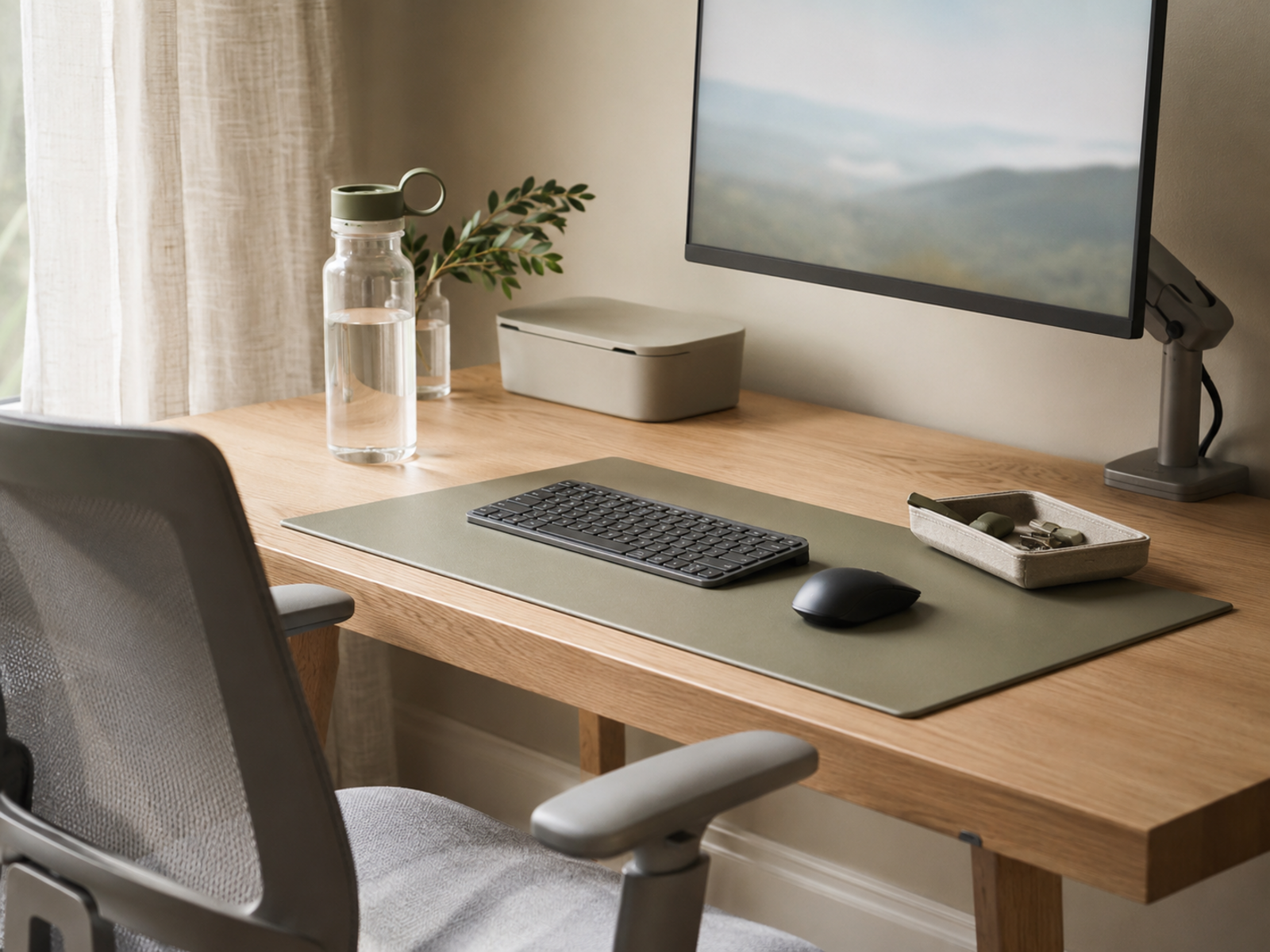
Cables make a desk feel busier than it is. Use clips, sleeves, ties or simple routing to stop chargers spreading across the surface. You do not need a perfect cable-management system. Fewer wires behaving like desk spaghetti with ambition is enough.
Create a family admin landing spot
If school forms, post and household notes keep landing beside the laptop, give them a separate place. A tray, folder or shelf away from your main screen can help. Family admin still exists, unfortunately, but it does not need to sit in your eye line all day.
Reduce notification visibility
A calming workspace also needs fewer digital interruptions. Hide your phone, close unused tabs and keep only essential apps visible during focus work. Visual noise is not only physical. A screen full of badges can make the room feel louder even when it is silent.
Why This Matters If You Work From Home
If your home office keeps feeling overwhelming, the problem may not be your motivation. It may be that the space is carrying too many visual, digital and physical demands at once. A calmer workspace gives you fewer things to process before you even start working.
Small Calming Changes By Situation
If the room feels clinical
Soften the lighting, add a plant or include one natural texture. A cold workspace often needs warmth rather than more storage. Try a warmer lamp, a fabric mat, a small print or softer background lighting before buying decorative objects you will later have to dust around.
If the desk feels cluttered
Remove anything that is not used daily, then return only what earns its place. Keep one pen, one notebook, one drink and one current task nearby. This is not minimalism for sport. It is giving your brain fewer objects to negotiate with before work starts.
If the space feels noisy
Noise can come from the room, the house or the laptop itself. Try calmer background sound, headphones, fewer notifications or a quieter work block. A small speaker can help if gentle audio makes the room feel less sharp, but silence may be better for deep work.
If the workspace feels disconnected
Add one human cue that links the space back to real life. A family photo, small artwork, plant, favourite mug or texture can help. The key is choosing something grounding, not adding ten objects because the desk suddenly needs a personality makeover.
Common Workspace Calm Mistakes
Adding too many decorative objects
Avoid filling the desk with objects that look calming but need constant moving, cleaning or arranging. Small spaces become crowded quickly. Choose fewer pieces with more purpose. Calm should create breathing room, not a themed obstacle course around your keyboard.
Decorating before decluttering
Adding softness before removing visual noise can make the space feel busier. Clear the desk, eye line and obvious clutter first. Then add one or two calming cues. Otherwise the room becomes clutter plus a plant, which is not always the transformation promised.
Copying someone else’s aesthetic
A calm workspace should match your work, home and energy. Someone else’s pale wooden desk, perfect lamp and suspiciously empty notebook may not suit your life. Choose what helps you feel steady, focused and comfortable in the space you actually have.
Buying storage before removing clutter
Storage can help, but too many organisers can encourage more stuff. Do not buy trays, boxes and baskets before removing what does not belong. Otherwise you may simply give your clutter better accommodation and a false sense of career progression.
Ignoring the body
A workspace can look calm while still making your body tense. Check chair comfort, screen height, lighting, airflow and reach. If your shoulders are up by your ears, the room is not calming yet. It is just photogenic discomfort.
Creating fake calm that blocks work
Some “calm” upgrades make the desk less usable. Oversized lamps, plants that block the screen, trays that steal writing space or speakers in the way of your mouse can all become irritating. The space still has to work when life is busy.
FAQ
How do I make my workspace feel more calming?
Start by reducing visual noise, softening the lighting and keeping only useful items near your screen. Add one personal object, a plant, a softer texture or gentle background sound if it helps. Calm comes from fewer demands, not more decoration.
How can I make my home office feel more human?
Make your home office feel more human by adding small cues of real life: a photo, plant, favourite mug, artwork, texture or warmer light. Keep the touches limited so the space feels personal without becoming cluttered.
What makes a workspace feel cold or stressful?
A workspace can feel cold or stressful when it is too digital, cluttered, harshly lit, uncomfortable or full of unfinished tasks. Cables, papers, notifications and blank functional furniture can make the space feel more like an obligation zone than a human room.
Do plants help make a workspace calmer?
Plants can help make a workspace feel calmer by adding life, softness and natural texture. They work best when they are easy to care for and do not crowd the desk. One healthy plant is usually better than several struggling ones.
How can I make my desk feel less clinical?
Make your desk feel less clinical by softening the light, adding texture, reducing harsh clutter and including one personal object. A small plant, warmer lamp, fabric mat, ceramic mug or gentle sound cue can make the space feel less cold.
What should I remove from an overwhelming workspace?
Remove old notes, unused objects, excess papers, visible cables, empty cups, random household items and anything near your screen that keeps pulling attention. Start with your eye line first because that is what your brain has to process all day.
Final Verdict
To make your workspace feel more human and calming, do not start by copying a perfect office aesthetic. Start by noticing what feels harsh, cold, cluttered, noisy, stale or overly digital. Then soften one layer at a time.
You do not need a staged Pinterest corner nobody is allowed to breathe in. A calmer workspace can be as simple as better light, fewer visual demands, one personal object, a plant, gentle sound, quiet airflow and a desk that feels usable. The goal is a space that supports an actual human being, not a productivity machine with Wi-Fi.






