



Host a Virtual Halloween Party: Audio,…

20 Minimalist Halloween Nail Ideas for…

Can Free Affinity Help You Build…

12 Lower-Sugar Halloween Treat Swaps Worth…

Can Hostinger AI Builder Launch a…

A 5-Step Screen-Free Autumn Reading Ritual…

Plug-In Solar Panels UK: Are They…

15 Last-Minute Zoom Halloween Costumes for…

Meta One Explained: Is the Subscription…

10 Low-Fuss Dog Halloween Ideas: Comfort…

Plaud One Explained: Can AI Earbuds…

9 Gothic Dinner Table Ideas for…

Namecheap vs Dynadot

7 UK Ghost Tours and How…

Convertkit Vs Beehiiv

Do You Really Need a £420…

Bluehost vs Siteground

15 Gentle Spooky Autumn Books to…

Namecheap review

How to Remove Halloween Face Paint…
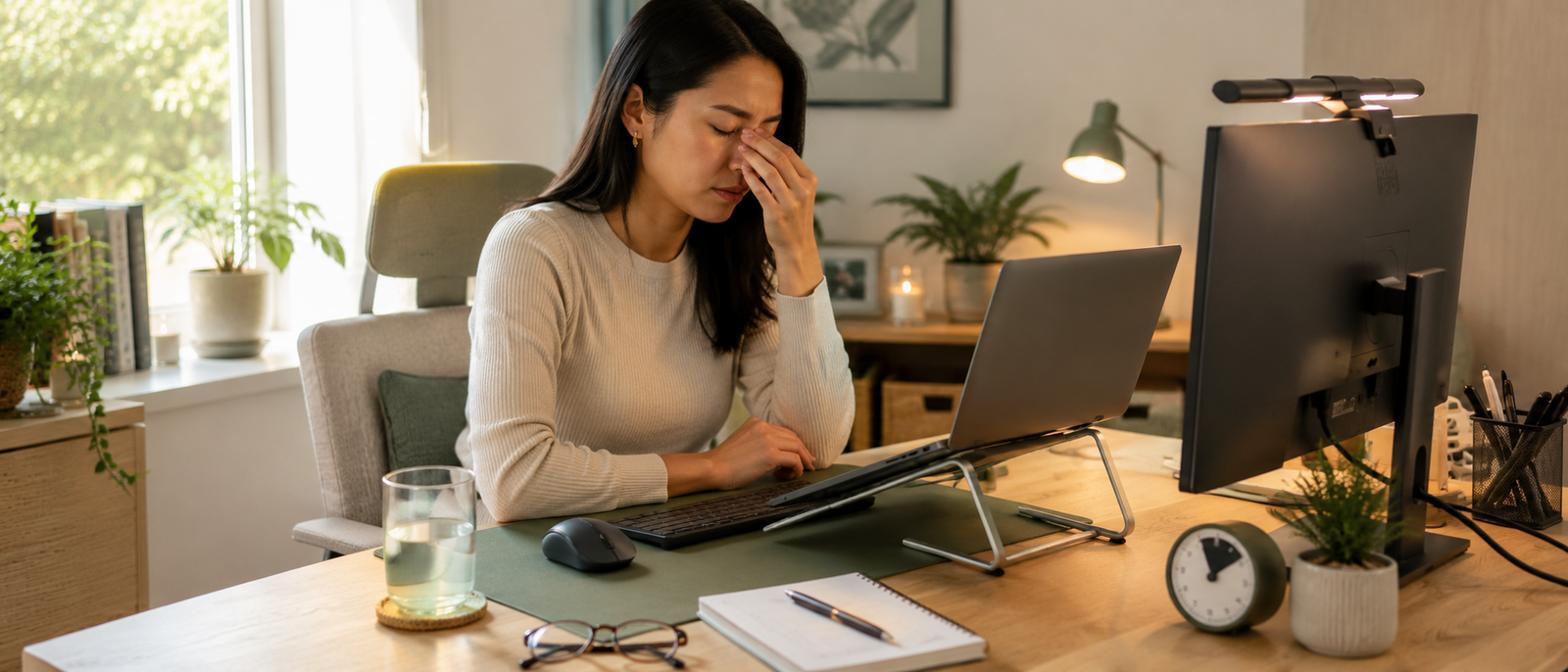
Many desk workers spend their days trapped in an endless loop of emails, meetings, and notifications, completely unaware of how deeply prolonged screen exposure drains them. By mid-afternoon, that digital overload manifests as dry eyes, blurred vision, and a distinct mental fog. While blue light glasses are heavily marketed as a silver bullet for screen fatigue, they rarely solve the root problem. True visual relief requires auditing your entire digital environment, starting with lighting and pacing.
In this guide, you will learn:
What screen fatigue actually does to your eyes and cognitive energy.
Highly effective, budget-friendly workspace gear that eliminates eye strain.
The scientific reality behind blue light glasses and whether they work.
A sustainable screen routine that prevents late-day mental burnout.
Most Relevant Audience
This guide is tailored specifically for remote professionals, software developers, writers, and digital creators who clock more than six hours of continuous screen time per day.
Why Screens Fuel Daily Visual Fatigue
1. The Dynamic Contrast Trap
Your eyes are highly adaptive, but they struggle when forced to look at a harsh, glowing rectangle inside a poorly lit room. This massive contrast discrepancy causes your pupils to constantly dilate and constrict, creating rapid muscle fatigue that triggers tension headaches by the end of the day.
2. The Blinking Deficit
When staring intently at a digital screen, your blink rate plummets by up to 50%. This involuntary freeze prevents your eyes from maintaining their natural moisture barrier, leading to that familiar gritty, burning sensation and temporary blurred vision.
3. Constant Focal Lock
Human eyes evolved to dynamically scan environments at varying distances. Staring at a static plane precisely 20 inches from your face for hours on end locks your ciliary muscles into a state of continuous contraction, draining your cognitive stamina.

Recommended Items Worth Your Money
Instead of relying on a single accessory, focus on reducing environmental and physical friction. These specific, highly effective budget products fix the root mechanical causes of eye strain:

The 20-20-20 Break Hack
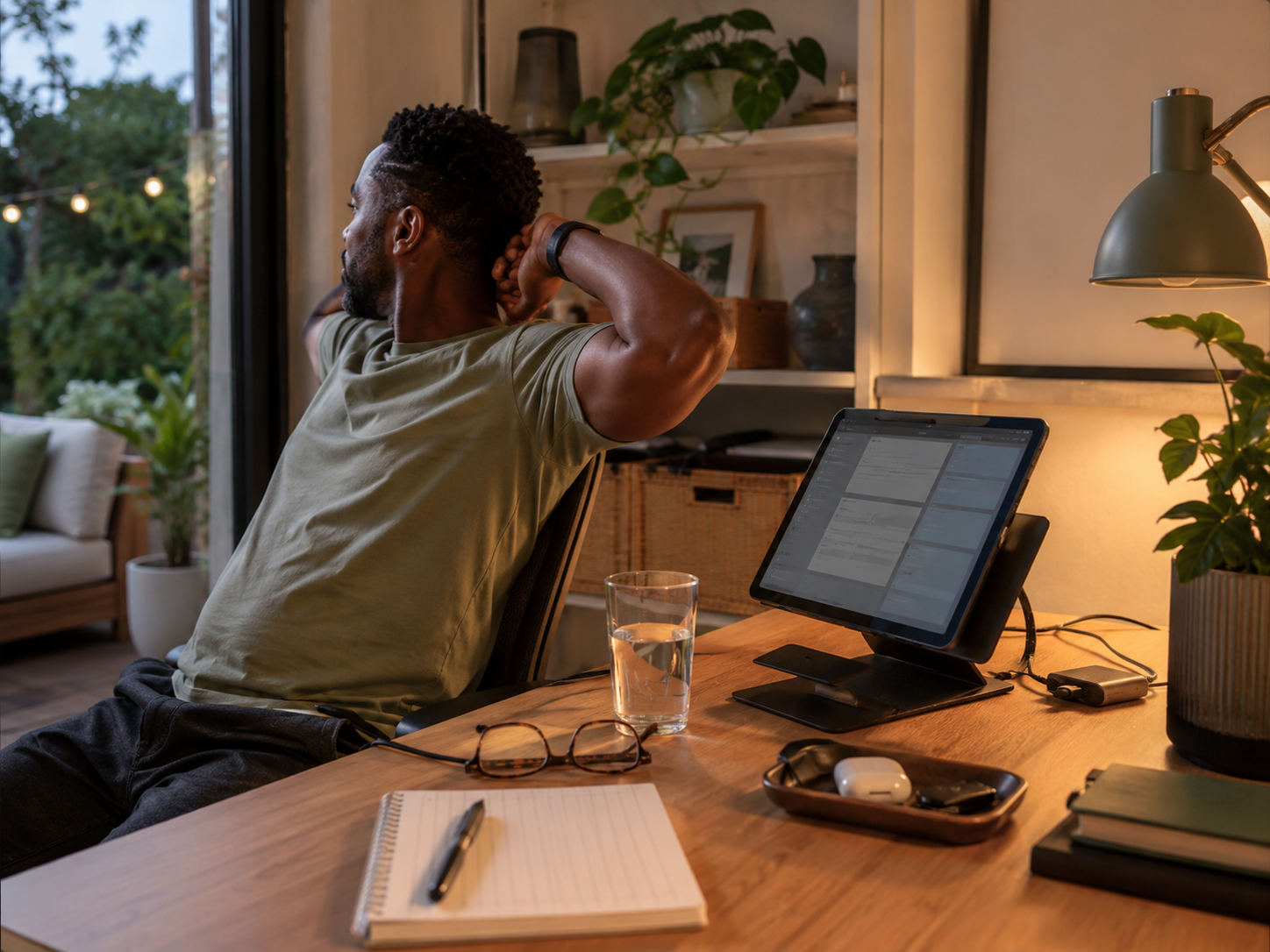
To prevent focal lock without disrupting your productivity, practice the 20-20-20 rule. Every 20 minutes, pause and look at an object at least 20 feet away for a full 20 seconds. This free habit completely resets your eye-tracking muscles and prevents cumulative strain.
What Many Workers Get Wrong About Screen Fatigue
Expecting a Product to Fix a Habit
Slipping on a pair of glasses won't stop eye strain if you still sit in a pitch-black room staring at a max-brightness monitor for six hours straight. Your habits dictate your comfort, not your accessories.
Overcomplicating the Upgrades
You don't need a medical-grade, three-figure solution. A basic, high-quality desk lamp paired with a conscious break routine solves the vast majority of workspace geometric alignment issues.
Pros and Cons of Blue Light Glasses
Pros
Provides immediate, subjective glare reduction for sensitive eyes.
Protects melatonin production and sleep quality during late-night sessions.
Serves as a helpful psychological prompt to practice better screen awareness.
Incredibly easy to test and integrate into an existing workflow.
Cons
Does absolutely nothing to fix dry eyes caused by a low blink rate.
Varied manufacturing quality means cheap pairs often introduce distortion.
Can create a false sense of security that leads to skipping crucial screen breaks.
How to Optimize Your Workspace for Digital Wellbeing
The Arm's Length Rule
Position your monitor roughly 20 to 30 inches away from your face - about the distance of a comfortable arm reach. If you have to lean forward to read, increase your system font size rather than moving closer.
The Match-the-Room Rule
Adjust your screen brightness so it perfectly matches the ambient light around you. If your monitor looks like a glowing lantern in your room, it is too bright; if it looks dull or gray, turn it up.
The Window Angle Target
Never set up your desk directly facing a bright window, or with a window directly behind you. This placement causes intense glare and competing light sources. Position your desk at a 90-degree angle to windows whenever possible.
FAQ
Do blue light glasses actually cure eye strain?
No. Clinical studies show that blue light from screens isn't intense enough to cause physical eye damage. The strain comes from staring too long without blinking and dealing with poor room lighting. The glasses simply help reduce glare.
Should I wear blue light glasses all day?
There is no harm in doing so, but they are most effective during the late afternoon and evening when artificial blue light actively disrupts your natural circadian rhythm.
What is the fastest way to get rid of a screen headache?
Step away from all screens immediately, dim your room lights, drink a large glass of water, and look out a window into the distance for several minutes to let your ciliary muscles completely unlock.
Are cheap blue light glasses worth buying?
Only if they have a certified anti-reflective coating. Many ultra-cheap options are just tinted plastic lenses that can actually increase eye strain by distorting your vision.
Final Verdict
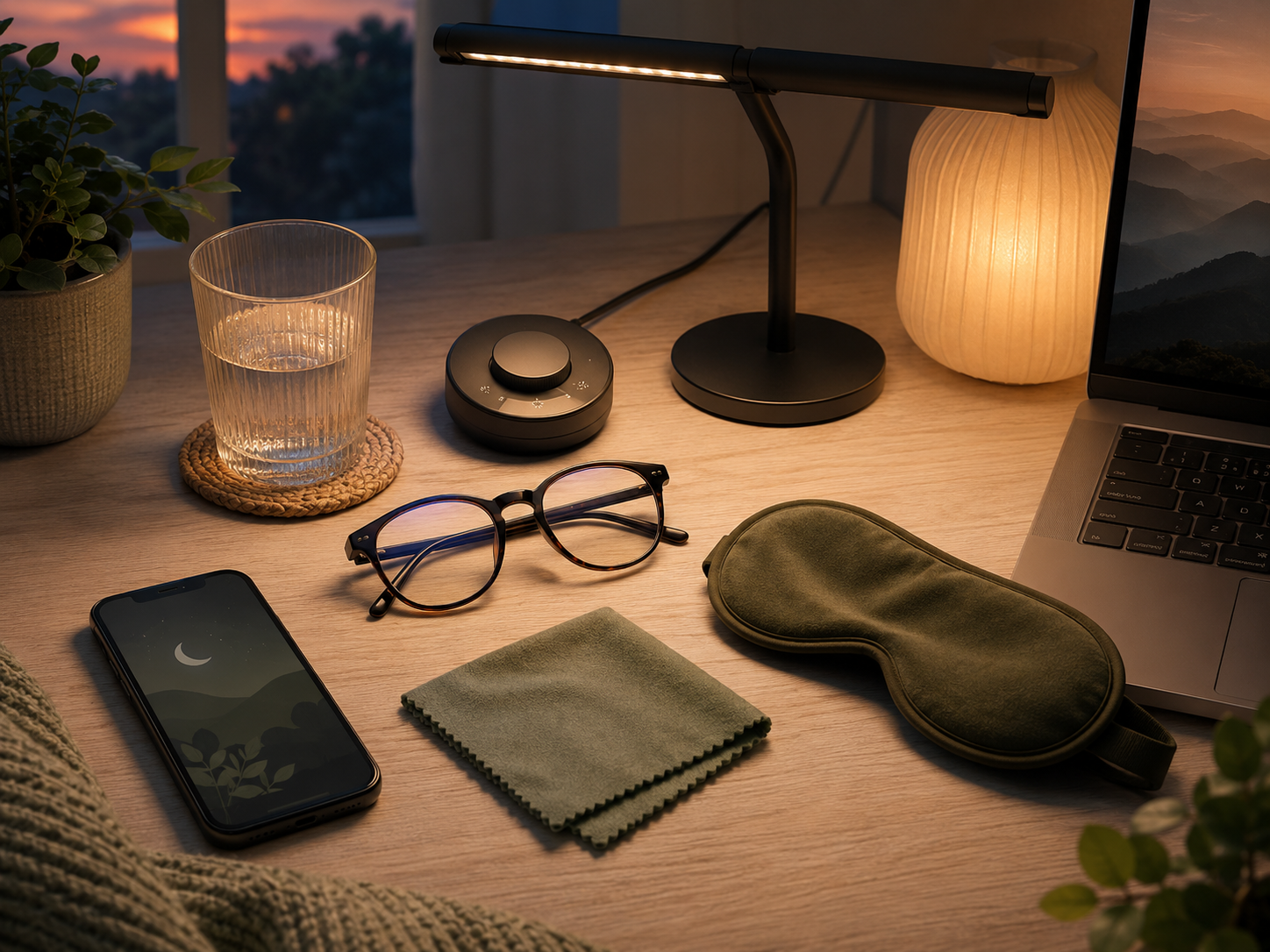
Blue light glasses can be a helpful tool for cutting down minor screen glare and protecting your sleep cycle during late-night work sessions. They are a low-cost upgrade that offers subjective comfort to a lot of desk workers.
However, a pair of glasses will never be a substitute for clean workspace geometry and healthy digital habits. Real relief from screen fatigue requires a balanced environment - one that prioritizes glare reduction, ambient lighting, regular micro-breaks, and a conscious effort to look away from the digital world throughout the day.


