



Too Good To Go M&S Bakery…

Sunrise Alarm Clocks Compared: Are They…

Fitbit Edge vs Fitbit Air vs…

Autumn Comfort Food: How to Eat…

Soup Maker vs Saucepan: Which Suits…

The Best Lighting for Darker Autumn…

Create an Autumn Wind-Down Routine That…

Heated Throw vs Heated Blanket vs…

Autumn Sleep Reset: Light, Temperature and…

Dehumidifiers Explained: When Are They Actually…

A Realistic Autumn Walking Routine for…

Autumn Social Reset: Small Plans for…
Most sleep advice says “avoid screens before bed,” which is lovely if your life is a brochure. Desk workers often spend all day staring at screens, then try to recover by staring at different screens in softer trousers. You finally get the house quiet, check one thing, and suddenly your brain is comparing emails, school messages, shopping baskets and tomorrow’s tasks. Desk worker sleep problems are often about screens reopening the workday when your brain should be winding down.
Stop treating screens as harmless rest.
Understand why tired does not mean sleepy.
Reduce pings, glare and late work checks.
Use tools without creating more pressure.
Build one realistic evening boundary.
Keep work out of bed where possible.
Most Relevant Audience
This article is for desk workers, remote workers, home workers, freelancers, creators, bloggers, side hustlers and busy parents who finish the day tired but still struggle to switch off. It is especially useful if your evenings involve late emails, phone checking, scrolling, notifications, bright screens, work thoughts, poor shutdown habits and the classic bedtime lie of “I will only check one thing.”
Stop Letting Screens Reopen The Workday
Tired does not always mean sleepy
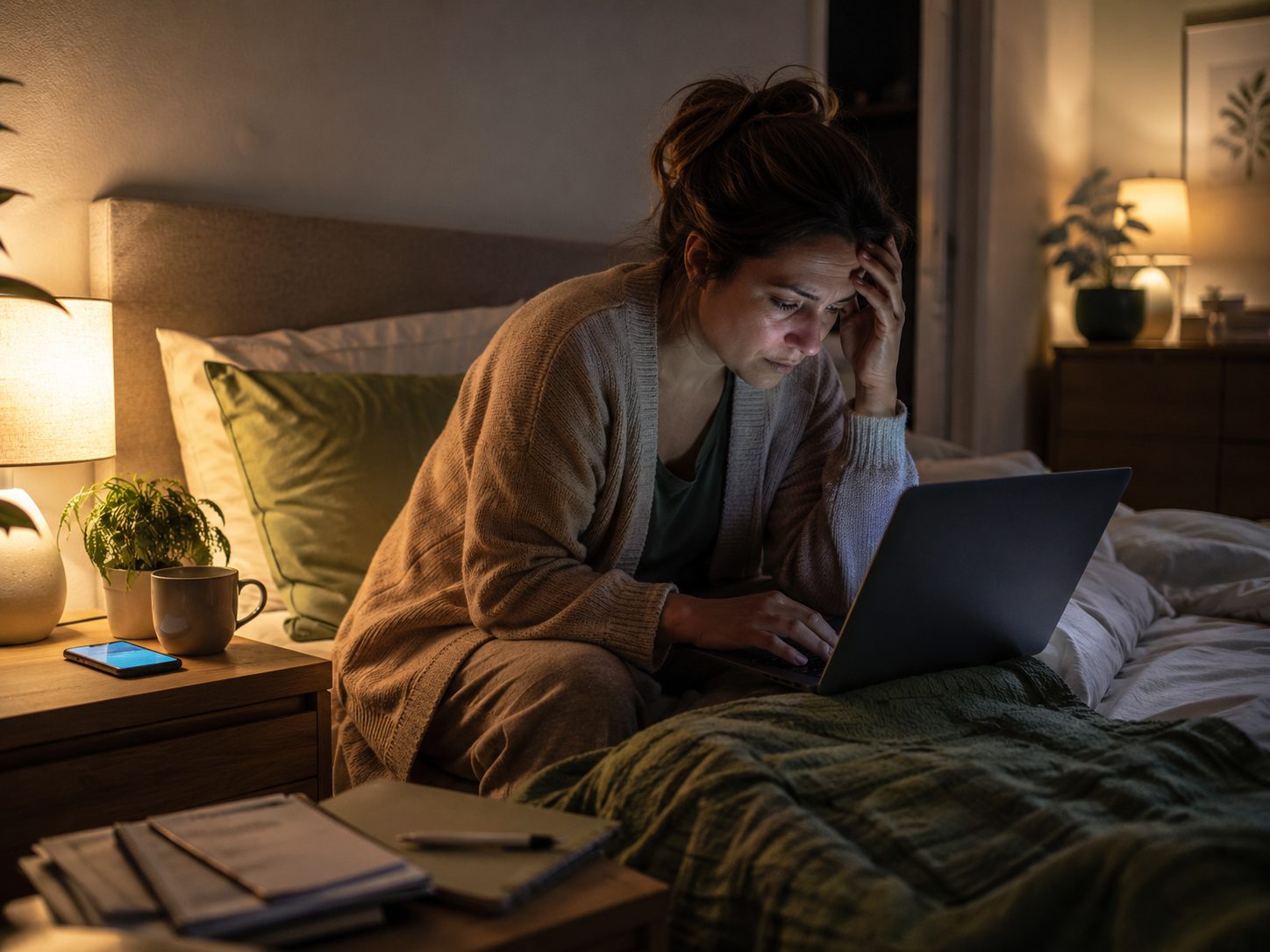
You can be exhausted and still feel mentally switched on. Your body wants rest, but your brain is reviewing messages, tomorrow’s list, that thing you forgot and whether you replied properly. This is one of the great desk-worker betrayals: you are too tired to do anything useful, but somehow not tired enough to sleep.
Your phone becomes the door back into work
The laptop may be closed, but the phone keeps everything nearby. Email, messages, analytics, comments, client replies and side-hustle tasks are all one tap away. That is why evening phone checks can feel so disruptive. The screen is not just glowing. It is quietly holding the office door open.
Scrolling can pretend to be rest
Scrolling often feels like a break because it is not work. But fast content, comments, shopping, news and endless videos still ask your brain to react, compare and decide. If your “rest” leaves you wired, irritated or wide awake, it may not be rest. It may be mental snacking in pyjamas.
The quiet house can wake your brain up
Busy days do not always process themselves while they are happening. Sometimes the house finally gets quiet and your brain decides bedtime is the perfect moment to review every task, worry and half-finished thought. That is why a calmer evening routine needs fewer digital triggers, not more decisions.
The evening question
Do not only ask, “Did I use screens tonight?” Ask, “What did my screens ask my brain to do?” Watching something calm is different from replying to a client message. Reading quietly is different from checking analytics. The issue is not always screen use itself. It is whether the screen asks you to reply, plan, worry, shop, compare or reopen work.
Desk Worker Sleep Problems And Evening Screen Habits
Blue light is only part of the story
Blue light reduction can help screen comfort, especially if your display feels harsh at night. But blue light is not the whole problem. Notifications, work stress, scrolling loops, late decisions and unfinished tasks can keep the brain alert too. A warmer screen helps most when the routine around it is calmer.
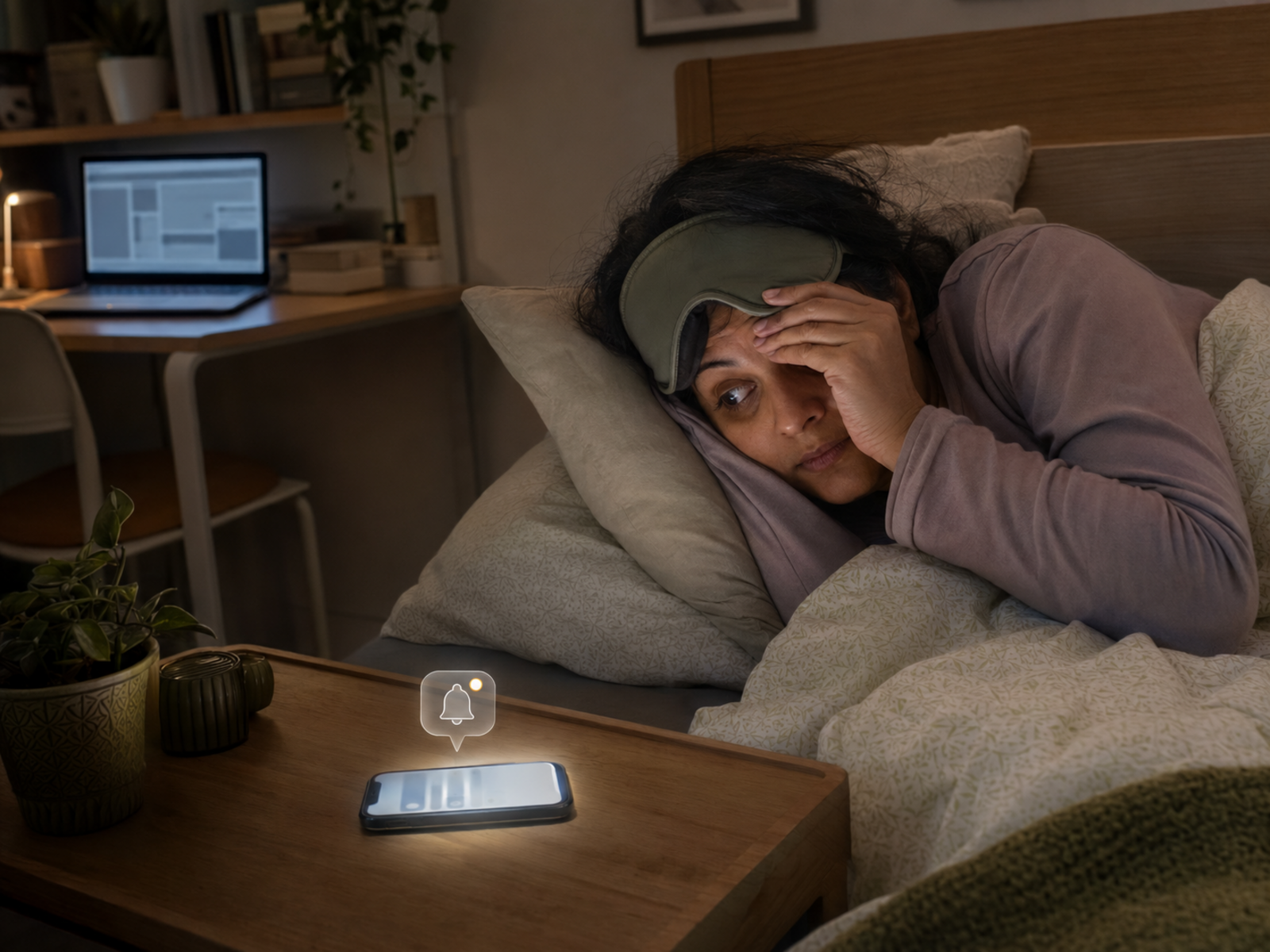
Notifications restart the day
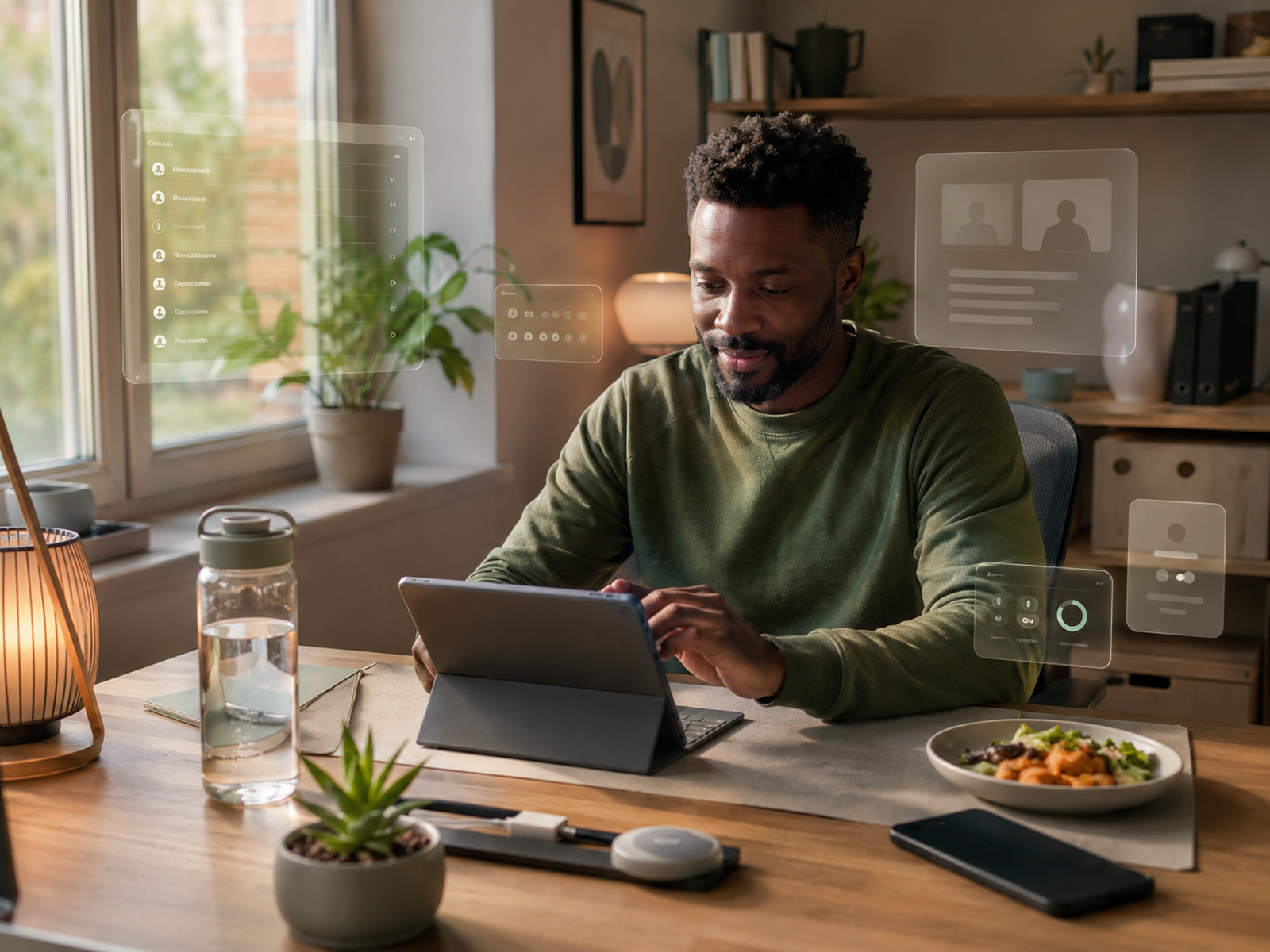
A late ping can undo a whole wind-down. Even if you do not reply, your brain may start thinking about what it means, what you forgot and whether tomorrow is already annoyed with you. Notifications are not neutral. Some of them drag the workday straight into bed wearing a tiny badge.
Work thoughts need somewhere to land
Sometimes sleep feels harder because your brain does not trust you to remember tomorrow’s tasks. Write down the first thing you need to do the next day. That small note can help work feel parked rather than loose, which is kinder than asking your brain to guard the task all night.
Bed should not become a second desk
Doing work admin in bed teaches your brain that bed is another place for decisions. Emails, invoices, analytics, comments and “quick checks” belong somewhere else if possible. Even moving late checks to the sofa or a chair can help protect the bed from becoming a very soft office extension.
You do not need a perfect no-screen routine
A realistic evening routine does not have to ban every device. It needs to stop screens from pulling your brain back into work, stress and unfinished decisions. Start with one boundary: no work messages in bed, fewer pings after a set time, warmer lighting or one written task for tomorrow.
Tools That Can Help Without Adding Pressure
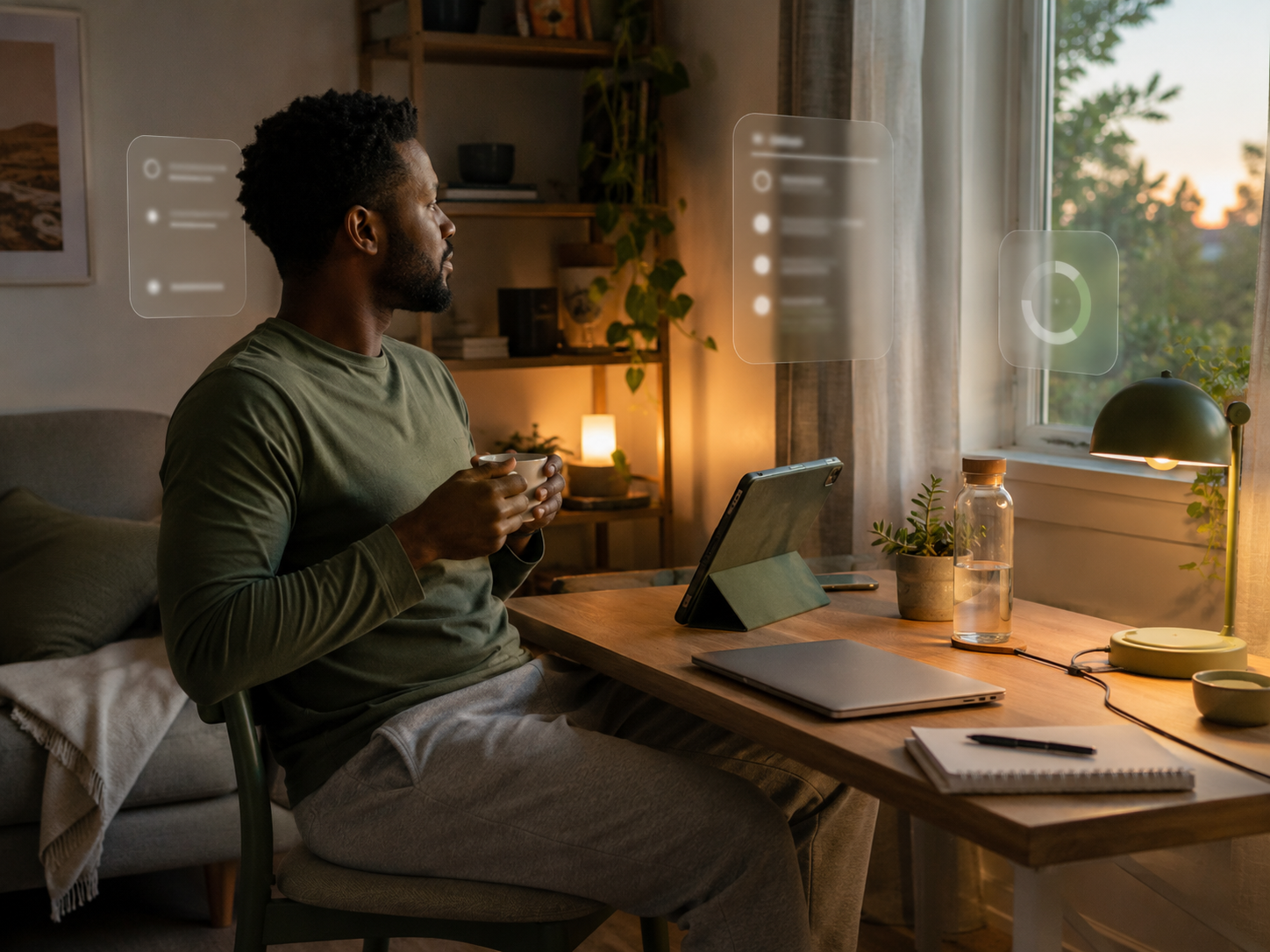
Choose one category, not a sleep-tech command centre
The goal is not to build a bedside dashboard. If glare is the problem, start with screen comfort. If the room feels too alert, start with warmer light. If work thoughts keep circling, try a breathing app or written shutdown cue. If tracking makes you anxious, the tracker is not helping.
A Calmer Evening Screen Routine
Create a work-message cut-off
Choose a realistic time when work messages stop. It does not need to be perfect. It just needs to exist. If you must check something late, do it away from bed and keep it specific. “Check one client reply” is safer than “open everything and see what happens.”
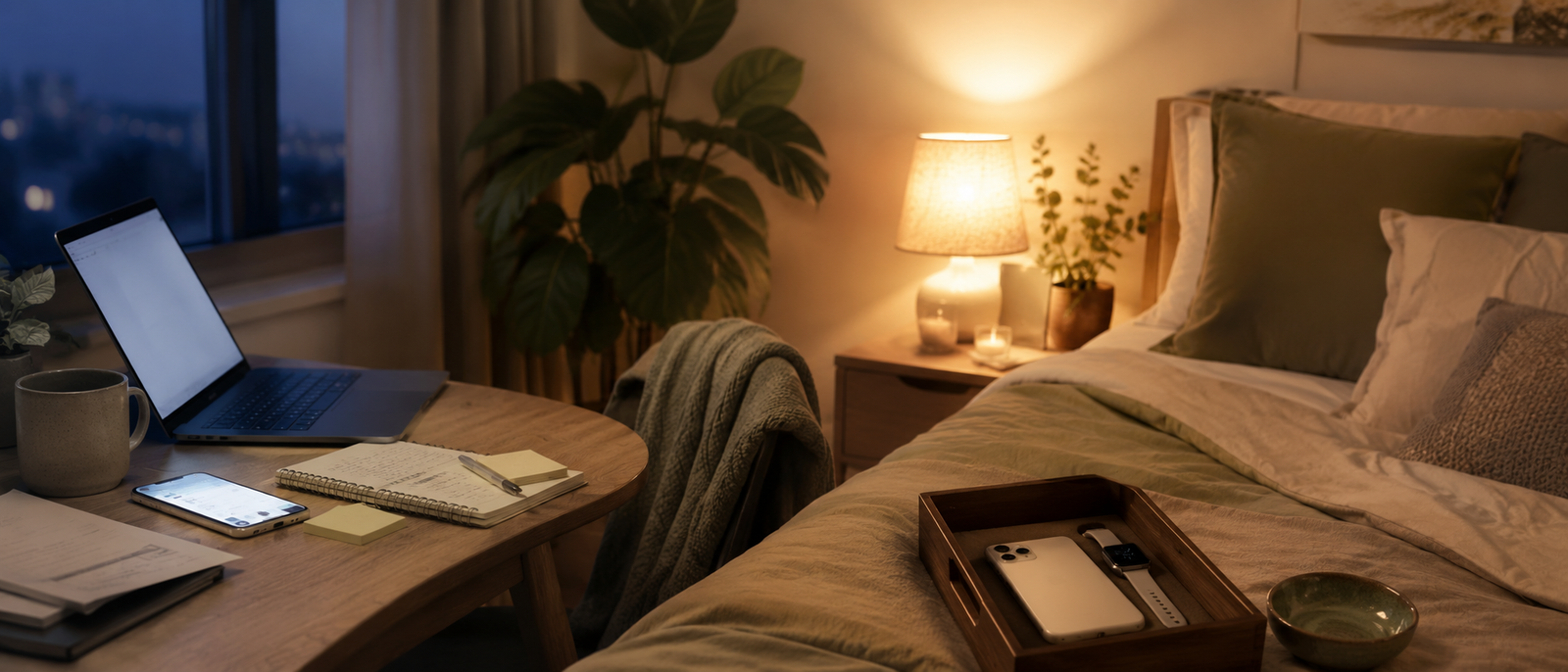
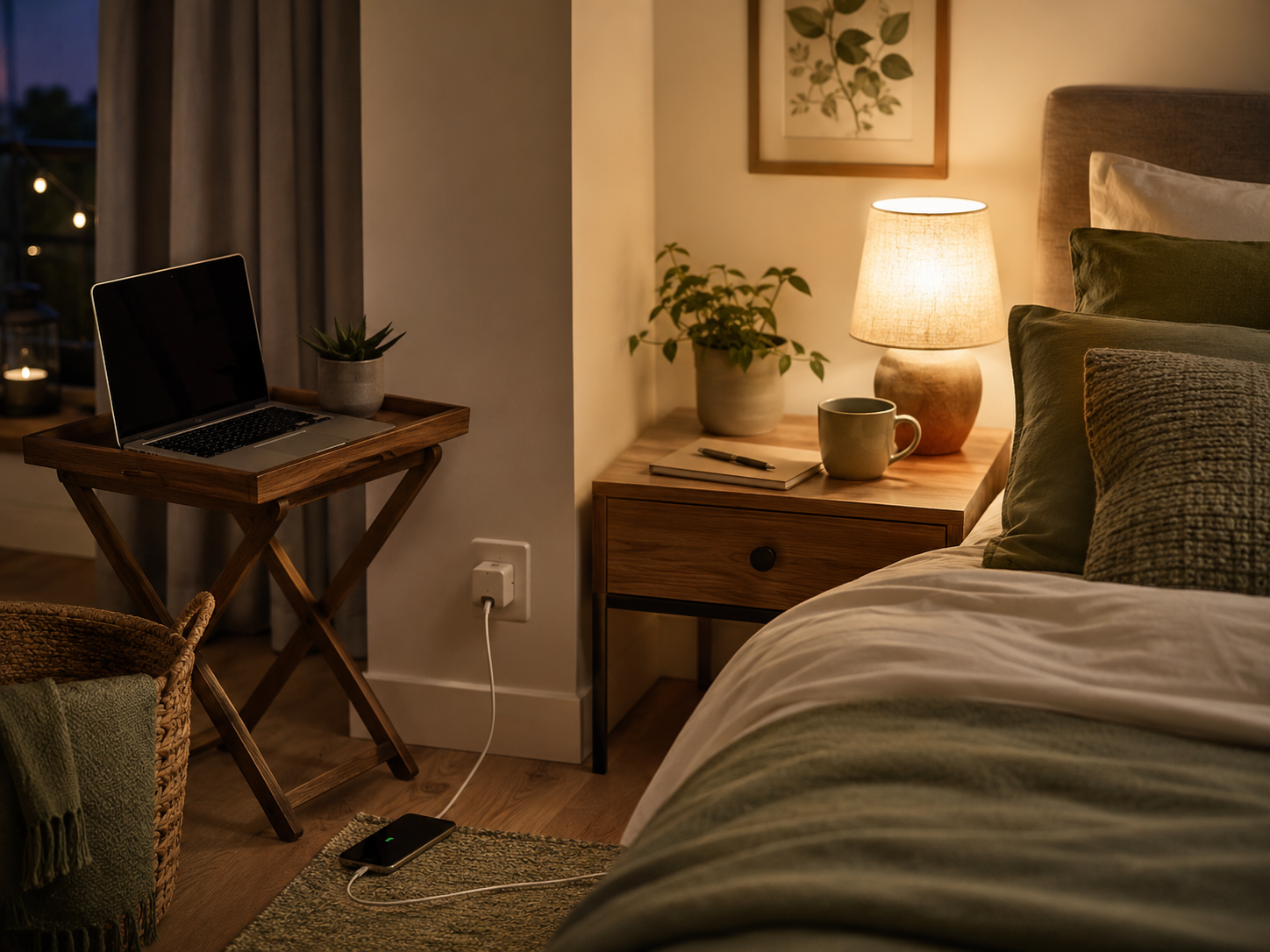
Move the phone away from the pillow
Phones near pillows are chaos with a charging cable. Move the phone across the room, onto a dresser or outside the bedroom if possible. If that feels too much, start by turning off work notifications. Sleep should not have to share a bedside table with your task list.
Make the last screen less demanding
Not all screen time asks the same thing from your brain. Choose lower-stimulation content later in the evening. Avoid work admin, shopping decisions, heated comment sections, analytics checks and anything that makes you plan, compare, react or spiral. The screen should not assign homework at bedtime.
Write tomorrow’s first task
Work thoughts often keep circling because the brain does not trust you to remember them. Write tomorrow’s first task before closing the laptop. This can help work feel parked rather than abandoned in a panic. Your brain needs a receipt that the task has been handled.
Why this matters if you work from home
If you are building a blog, managing clients, creating content or growing a side hustle from home, sleep affects the next workday. The Best End-Of-Day Reset For Desk Workers connects naturally here because work needs a clear ending. Notification Burnout And How To Take Back Your Focus also fits because evening pings are not harmless if they keep reopening the day.
Common Desk Worker Sleep Mistakes
Doing work admin in bed
Bed is not the place for invoices, emails, analytics or “quick” task checks. Your brain learns from location. If bed becomes another desk, switching off gets harder. Keep work admin out of bed where possible, even if the sofa becomes the awkward compromise.
Letting notifications decide bedtime
Notifications can restart work thoughts, emotional reactions and decision loops. Turn off non-urgent alerts, use focus modes or move work apps away from the home screen. Your phone should not be allowed to manage bedtime like a tiny unpaid supervisor.
Using trackers as another pressure source
Sleep trackers can be useful, but they can also become another thing to worry about. Use the data as a pattern guide, not a nightly verdict on your worth as a sleeper. If tracking makes you more anxious, simplify or stop checking it so often.
Replacing wind-down with scrolling
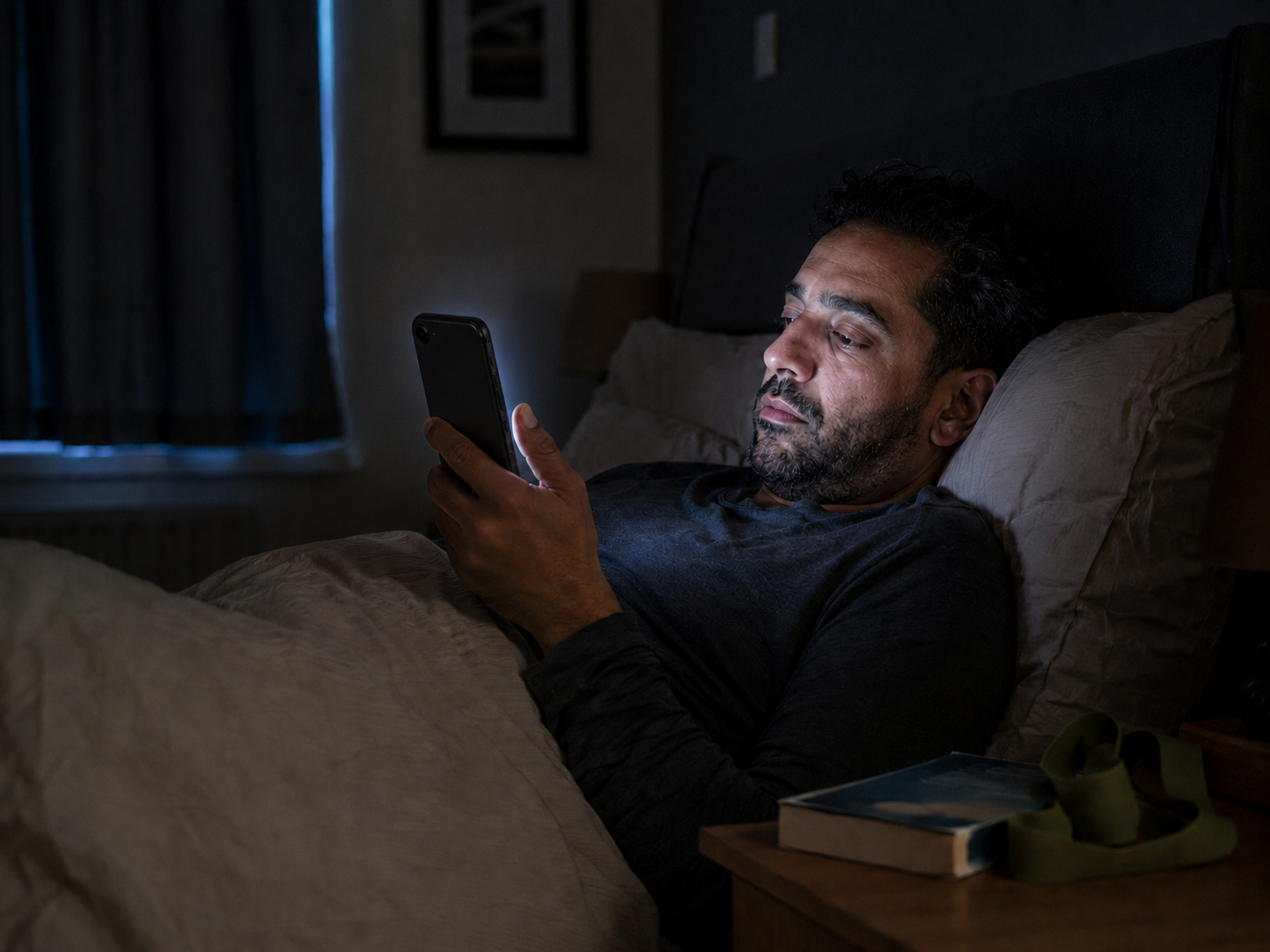
Scrolling can feel like rest, but it often keeps the brain busy. Try a lower-stimulation option first: breathing, reading, audio, stretching or writing tomorrow’s task. If you still scroll, make it intentional rather than falling into the endless thumb tunnel.
FAQ
Why do desk workers struggle to sleep?
Desk workers may struggle to sleep because long screen time, work stress, late notifications, poor shutdown habits and evening scrolling keep the brain alert. Working from home can also blur the line between work time and rest time.
Can evening screen time affect sleep?
Evening screen time can affect sleep if it keeps your brain stimulated, exposes you to bright light, restarts work thoughts or delays your wind-down routine. The content, timing, brightness and notifications all matter.
Do blue light reduction tools actually help?
Blue light reduction tools may help screen comfort and make evening device use feel less harsh. They work best alongside other habits, such as dimmer screens, fewer notifications, warmer room lighting and clearer work boundaries.
What are the best sleep tracking tools for desk workers?
Good sleep tracking tools for desk workers include WHOOP 5.0, Fitbit Charge 6, Apple Watch Series 9 and Garmin Venu 3. The best choice depends on whether you want deeper recovery data, simple health insights, smartwatch features or longer battery life.
How can I stop checking work messages at night?
Stop checking work messages at night by setting a clear cut-off time, turning off work notifications, moving work apps away from your home screen and writing tomorrow’s first task before shutdown. Keep the phone away from the bed if possible.
What is a good evening screen routine?
A good evening screen routine reduces stimulation gradually. Set a work-message cut-off, dim screens, use warmer lighting, avoid work admin in bed and choose calmer content. The aim is not perfection. It is helping your brain stop treating bedtime like another work session.
Final Verdict
Desk worker sleep problems are not always solved by simply “avoiding screens.” Real life is messier than that. The better question is whether your evening screens are helping you wind down or quietly dragging work, stress and decisions into bed.
You do not need a perfect no-screen routine. You need to stop letting your phone turn bedtime into another work session. Start with fewer pings, warmer light, no work admin in bed, a written task for tomorrow or one calmer wind-down cue your real life can actually manage.

