



Host a Virtual Halloween Party: Audio,…

20 Minimalist Halloween Nail Ideas for…

Can Free Affinity Help You Build…

12 Lower-Sugar Halloween Treat Swaps Worth…

Can Hostinger AI Builder Launch a…

A 5-Step Screen-Free Autumn Reading Ritual…

Plug-In Solar Panels UK: Are They…

15 Last-Minute Zoom Halloween Costumes for…

Meta One Explained: Is the Subscription…

10 Low-Fuss Dog Halloween Ideas: Comfort…

Plaud One Explained: Can AI Earbuds…

9 Gothic Dinner Table Ideas for…

Namecheap vs Dynadot

7 UK Ghost Tours and How…

Convertkit Vs Beehiiv

Do You Really Need a £420…

Bluehost vs Siteground

15 Gentle Spooky Autumn Books to…

Namecheap review

How to Remove Halloween Face Paint…
Notification burnout happens when your attention keeps getting pulled away before it has properly settled. A message arrives. An app badge appears. An email lands. A platform wants something. Suddenly your workday feels less like a plan and more like being gently attacked by tiny digital doorbells. The problem is not that every notification is bad. Some are useful. Trouble starts when everything is allowed to behave like it is urgent.
Notification burnout fragments focus.
Constant alerts create mental load.
Not every ping is urgent.
Remote workers need clearer rules.
Side hustlers need protected rest.
Fewer alerts improve deep work.
Calmer routines beat willpower.
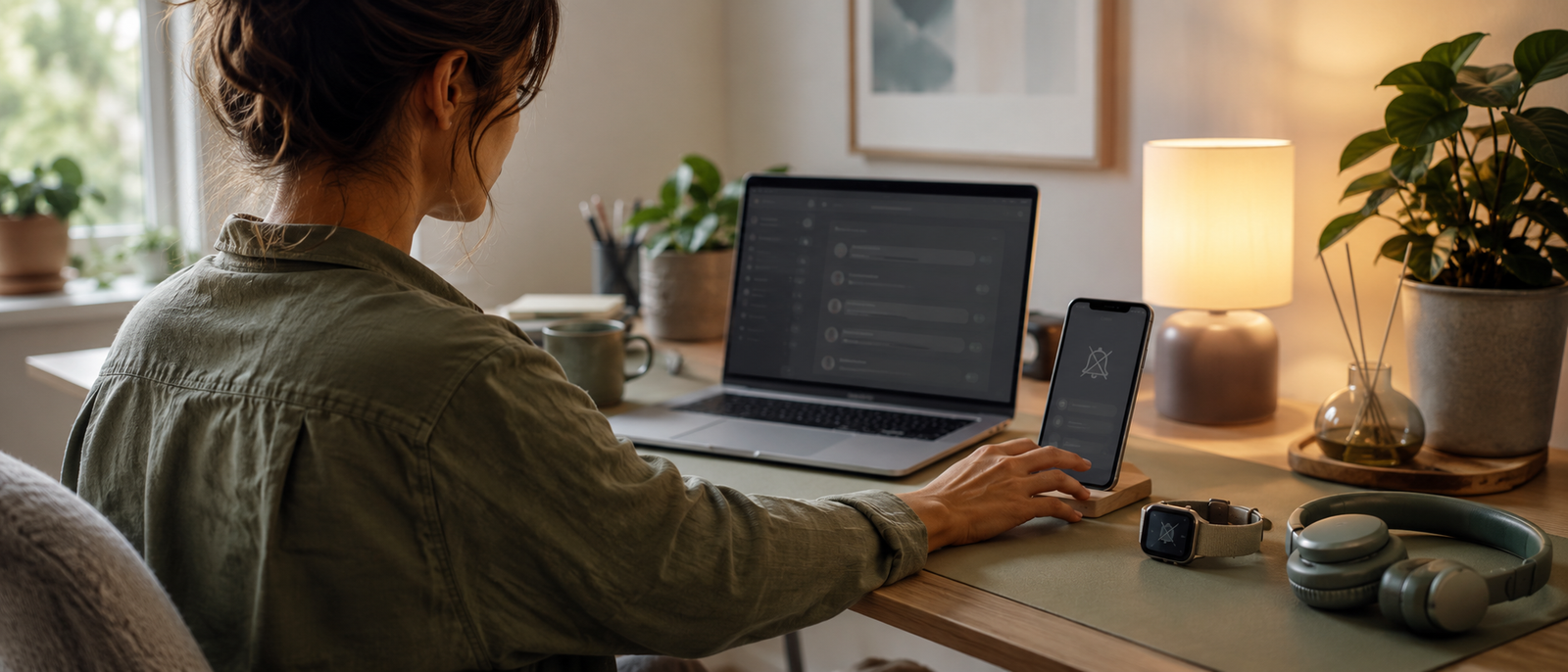
Notification burnout and how to take back your focus
What notification burnout feels like
Notification burnout can feel like being busy before the real work has begun. You sit down to focus, then messages, emails, comments, reminders and app badges start pulling at your attention. Nothing major may be happening, yet your mind feels crowded. Over time, even small pings can make the day feel louder than it should.
Why every ping feels urgent
Notifications feel urgent because they interrupt you on their schedule, not yours. A badge does not explain whether something truly matters. It simply appears and asks for attention. Your brain then has to decide whether to check, ignore, reply, delay or remember it. That tiny decision is the hidden cost of every ping.
The mental load of constant alerts
Constant alerts create mental load because they keep adding small decisions to the day. Even ignored notifications can sit in the background as unfinished business. You may be writing, editing, planning or resting, but part of your attention is still aware that something is waiting. That background awareness slowly drains focus.
Notifications and task switching
Every notification invites task switching. You leave the article, call, spreadsheet, lesson plan or client task, then return slightly colder than before. Restarting takes effort. After enough switches, the day can feel strangely tiring even if you technically did not do anything dramatic. Focus gets broken into little pieces.
Why remote workers feel it more
Remote workers often depend on digital tools to stay connected, which makes notifications harder to avoid. Email, chat, calendars, project apps, video calls and shared documents all compete for space. Without office boundaries, the laptop and phone can keep work feeling open all day. The home becomes quieter, but the digital noise gets louder.
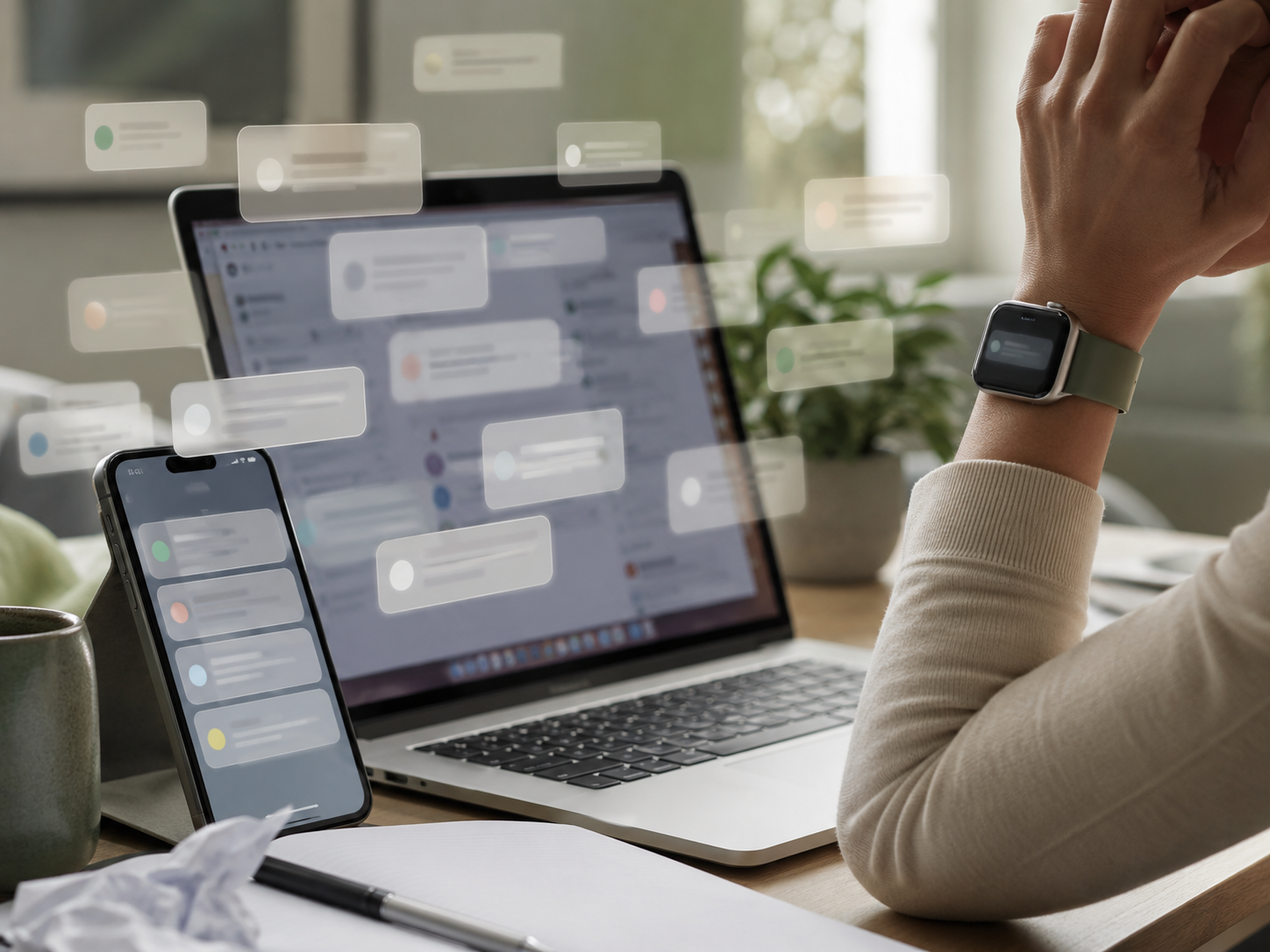
The real focus problem
Most productivity advice tells people to focus harder. That sounds tidy, but it ignores the obvious question: how are you supposed to focus when everything keeps interrupting you? Better attention does not always come from stronger willpower. Sometimes it comes from giving fewer apps permission to tap you on the shoulder.
Which notifications actually deserve attention?
Urgent people
Some people deserve faster access to you. That might include family, key clients, your manager, important collaborators or urgent business contacts. Keep these channels clear. The point is not to disappear from the internet. It is to separate genuinely important messages from the noisy pile of updates, likes, reminders and “you may also enjoy” nonsense.
Time-sensitive work
Calendar reminders, meeting changes, payment issues, delivery problems and client deadlines may deserve attention. These notifications help prevent real problems. Keep them if they protect your day. Remove alerts that only satisfy curiosity, such as constant analytics changes, social updates or platform nudges that do not require action.
Useful system alerts
Some system alerts are worth keeping. Security warnings, payment confirmations, booking updates and important account messages can matter. The test is simple: would missing this create a real problem today? If the answer is no, it probably does not need to interrupt you instantly.
Low-value noise
Low-value notifications include promotional emails, social likes, app suggestions, random reminders, unnecessary badges and platform updates that do not change your next action. These alerts create urgency without responsibility. Turn them off first. Your attention should not be rented out to every app with a marketing department.
The attention test
A notification should earn the right to interrupt you. If it does not protect your work, safety, money, schedule or relationships, it probably belongs in a batch check, not on your lock screen. The goal is not silence for the sake of silence. The goal is fewer interruptions that actually matter.
Simple ways to reduce notification overload
Most Relevant Audience
This article is for remote workers, home workers, freelancers, creators, bloggers, side hustlers and small business owners who feel constantly pulled around by alerts, emails, comments, messages, reminders and app pings. It is especially useful if your day feels urgent even when nothing genuinely urgent is happening.
Turn off non-essential badges
App badges are tiny stress buttons. They sit there quietly saying something is waiting, even when the thing is not important. Turn off badges for apps that do not need immediate attention. Email, social platforms, shopping apps, analytics tools and content apps are often good places to start.
Batch-check messages
Instead of checking messages all day, choose a few check-in windows. This works especially well for email, social messages, comments, dashboards and low-priority apps. Batching reduces the number of times your attention has to switch. It also makes replies more deliberate because you are not responding from a state of constant interruption.
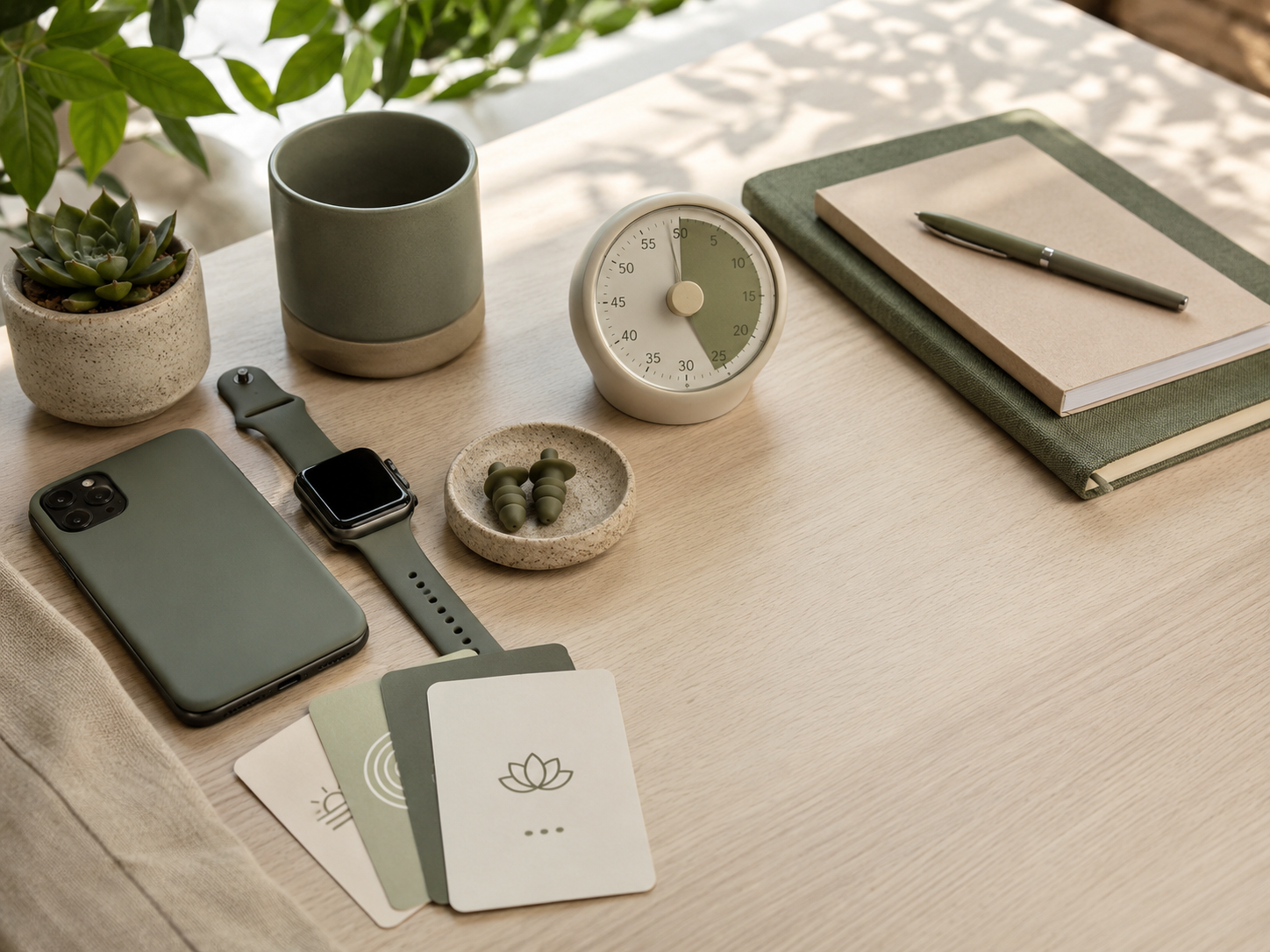
Use focus modes properly
Focus modes are useful when they match real work blocks. Create settings for deep work, meetings, rest, evenings or weekends. Let important people through if needed, but block everything else. A focus mode should protect attention, not become another decorative setting you switch on once and forget.
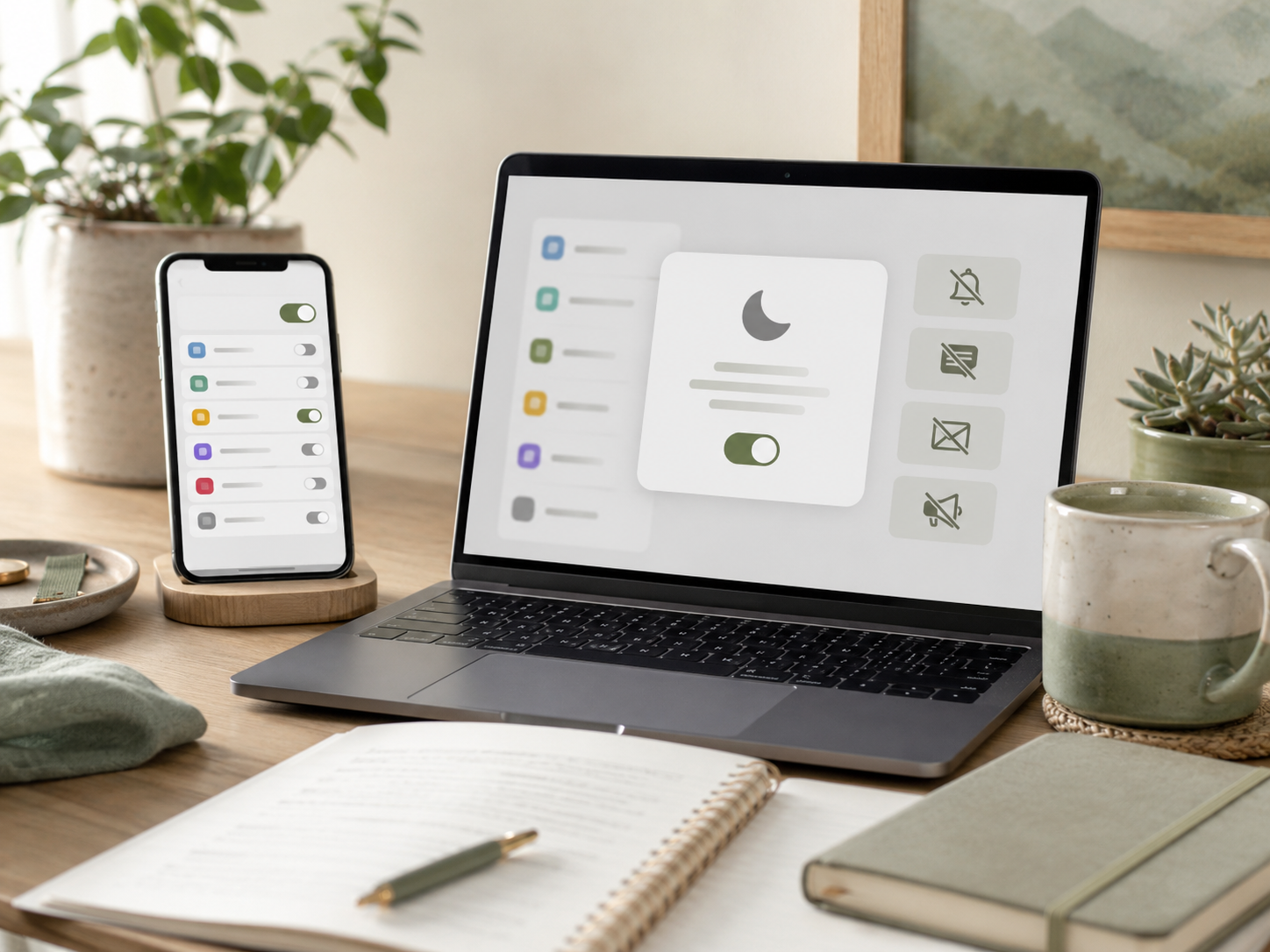
Separate work and personal alerts
Work and personal notifications can blend together quickly, especially at home. Separate them where possible using different apps, profiles, inboxes, devices or notification rules. This helps your brain understand what mode you are in. One mixed stream makes everything feel urgent, even when most of it can wait.
Create a notification review habit
Once a week, review which apps interrupted you most. Keep what helped. Remove what added noise. Notification settings should not be permanent decisions from three years ago when you installed an app in a hurry. Your work has changed. Your alerts should change with it.
Build a calmer notification routine
A calmer routine does not need to be strict. Start by removing the loudest low-value alerts, then batch-check the rest. Keep urgent people and time-sensitive work visible. Move everything else into planned windows. This simple split helps your day feel less like a live broadcast of everyone else’s priorities.
Common notification boundary mistakes
Turning everything off at once
Switching everything off can feel powerful for one day, then become impractical. Important messages may get missed, and the system collapses. A better approach is to sort notifications by value. Keep genuinely useful alerts, reduce noisy ones and create rules you can actually live with.
Treating all apps equally
Not every app deserves the same access to your attention. A calendar alert is not the same as a social media like. A client message is not the same as a platform reminder. Decide which apps support your work and which ones mainly interrupt it. Equal access creates unequal stress.
Checking after every ping
Checking after every ping trains your brain to expect interruption. The phone buzzes, and your hand moves before a real decision happens. Pause first. Ask whether the alert needs action now. That tiny delay helps rebuild control, especially if your device has been behaving like a needy desk pet.
Letting evenings stay open
Evening notifications can make rest feel unfinished. Side hustlers and small business owners are especially vulnerable because work often happens around normal life. Set evening limits where possible. A message can usually wait until the next work block. Rest needs protection, not just leftover time.
Related money note
Email Automation as a Wellness Tool is the natural Money Growth follow-up here. Some notification pressure comes from too much manual follow-up: reminders, resource delivery, replies, client nudges and subscriber tasks. Better automation can reduce the number of tiny checks your business demands, so growth does not depend on constant interruption.
Related guides to read next
Too Many Tabs Open: The Hidden Stress of Digital Work
Too Many Tabs Open: The Hidden Stress of Digital Work is useful if notifications keep pulling you into browser clutter. Alerts often lead to extra tabs, half-decisions and unfinished research. Reducing tab overload can make notification control feel easier.
Digital Clutter And Mental Load When Working From Home
Digital Clutter And Mental Load When Working From Home is the broader next step if alerts are only one part of the problem. Files, folders, apps, dashboards and open loops can all add to the same overloaded feeling.
Meeting Fatigue And How To Recover Your Day
Meeting Fatigue And How To Recover Your Day is worth reading if video calls and alerts keep draining the same attention. Meetings can leave you scattered, then notifications finish the job. Better recovery time helps protect the rest of the day.
Digital Boundaries For Side Hustlers And Home Workers
Digital Boundaries For Side Hustlers And Home Workers helps if notifications are leaking into evenings, weekends and personal time. Clearer boundaries make it easier to build a side project without being permanently available to every app and platform.
FAQ
What is notification burnout?
Notification burnout is the drained, scattered feeling that comes from constant alerts, messages, app badges, emails and reminders. It happens when your attention keeps getting interrupted before it can settle. Over time, even small notifications can make work feel urgent and mentally noisy.
Why do notifications make me feel stressed?
Notifications feel stressful because they create immediate decisions. Should you check, reply, ignore, remember or delay? Even when the alert is small, your brain still has to process it. Frequent alerts increase mental load and make it harder to stay focused on one task.
How do I stop checking notifications all day?
Start by turning off non-essential badges and setting specific times to check messages. Use focus modes during deep work and rest. Keep urgent people or time-sensitive alerts available, but move low-value updates into batch checks. The aim is fewer interruptions, not disappearing completely.
How can remote workers reduce notification overload?
Remote workers can reduce notification overload by separating urgent alerts from routine updates, muting noisy apps, batching email and using focus modes during important work. Calendar reminders and key work messages may stay on, but social updates, app suggestions and non-essential badges should be limited.
What notifications should I turn off first?
Turn off low-value notifications first: social likes, promotional alerts, shopping updates, app suggestions, unnecessary badges and platform nudges. Keep alerts that protect your schedule, money, security, relationships or urgent work. If a notification does not need action today, it probably should not interrupt you instantly.
Final verdict
Notification burnout quietly fragments focus and makes work feel urgent even when nothing truly urgent is happening. Remote workers, creators, freelancers, side hustlers and small business owners often feel this most because their work depends on digital tools that never stop asking for attention.
You do not need to disappear from the internet to take back your focus. Start with fewer low-value alerts, clearer check-in windows, better focus modes and stronger evening boundaries. The aim is simple: let important messages reach you without letting every ping run the day.


