Vinted vs eBay in 2026: Fees,…

Tailwind SmartPin and Pinterest Traffic: What…

Make Review: Can It Take the…

MoneyHQ Review: Can It Make Comparing…

AI Receptionists for UK Small Businesses:…

TikTok Shop Affiliate in the UK:…

Eden Creator Store Explained: Can One…

Domain vs Web Hosting: What Is…

Redbubble vs Printify: Which Print-on-Demand Platform…

Can Free Affinity Help You Build…

Can Hostinger AI Builder Launch a…

Plug-In Solar Panels UK: Are They…
Kinsta vs WP Engine is a choice between two specialist managed WordPress hosts, with different approaches to everyday management and development workflows. Kinsta is worth shortlisting if you want hosting controls and performance troubleshooting gathered in MyKinsta. WP Engine deserves a close look if your team values structured development environments and its wider WordPress tool ecosystem.
Both serve growing businesses, agencies and demanding websites. The better choice depends on the plan, the work your team does and the support you need when something goes wrong.
Shortlist Kinsta for centralised site management and performance diagnostics.
Shortlist WP Engine for structured development and deployment workflows.
Both cater for agencies, online stores and larger businesses.
Neither is automatically faster for every WordPress site.
Compare ongoing costs, resource allowances and paid extras.
Choose around your website and team, rather than the longest feature list.
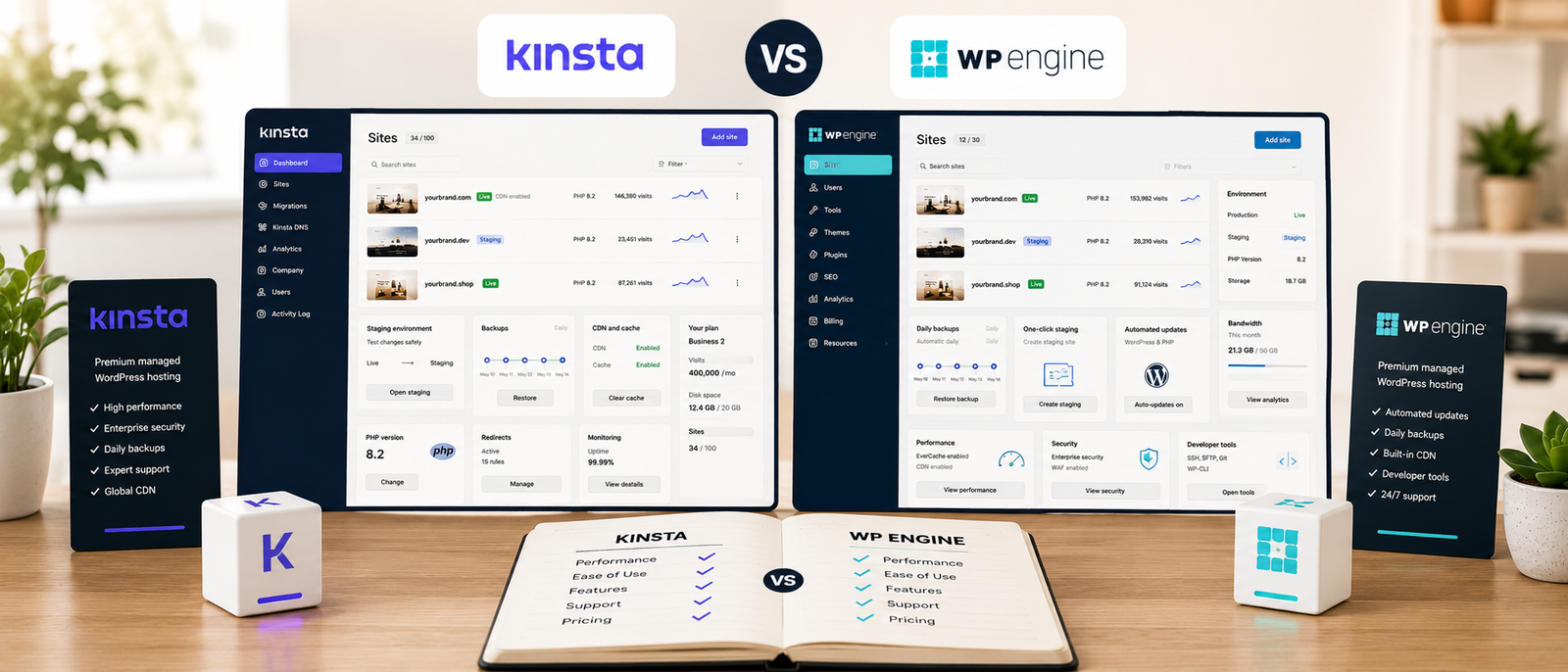
Key Differences
Kinsta Brings Hosting Controls Together
MyKinsta combines tools for caching, backups, redirects, staging and performance monitoring. That makes Kinsta a useful candidate for owners who want to investigate problems and manage routine hosting tasks in one place. Whether its dashboard feels easier is a preference to check, rather than a universal advantage.
WP Engine Gives Development Work A Clear Structure
WP Engine supports separate production, staging and development environments. This can suit teams that distinguish everyday update testing from larger development projects. Its environment structure is a concrete reason to consider it, rather than assuming it is simply more powerful because it targets enterprise customers.
Both Go Beyond Small Business Hosting
Kinsta also offers agency and enterprise services, while WP Engine serves smaller businesses as well as large organisations. The useful distinction is how each proposal fits your workload, permissions, support requirements and budget.
Feature references: Kinsta managed WordPress hosting and WP Engine environments.
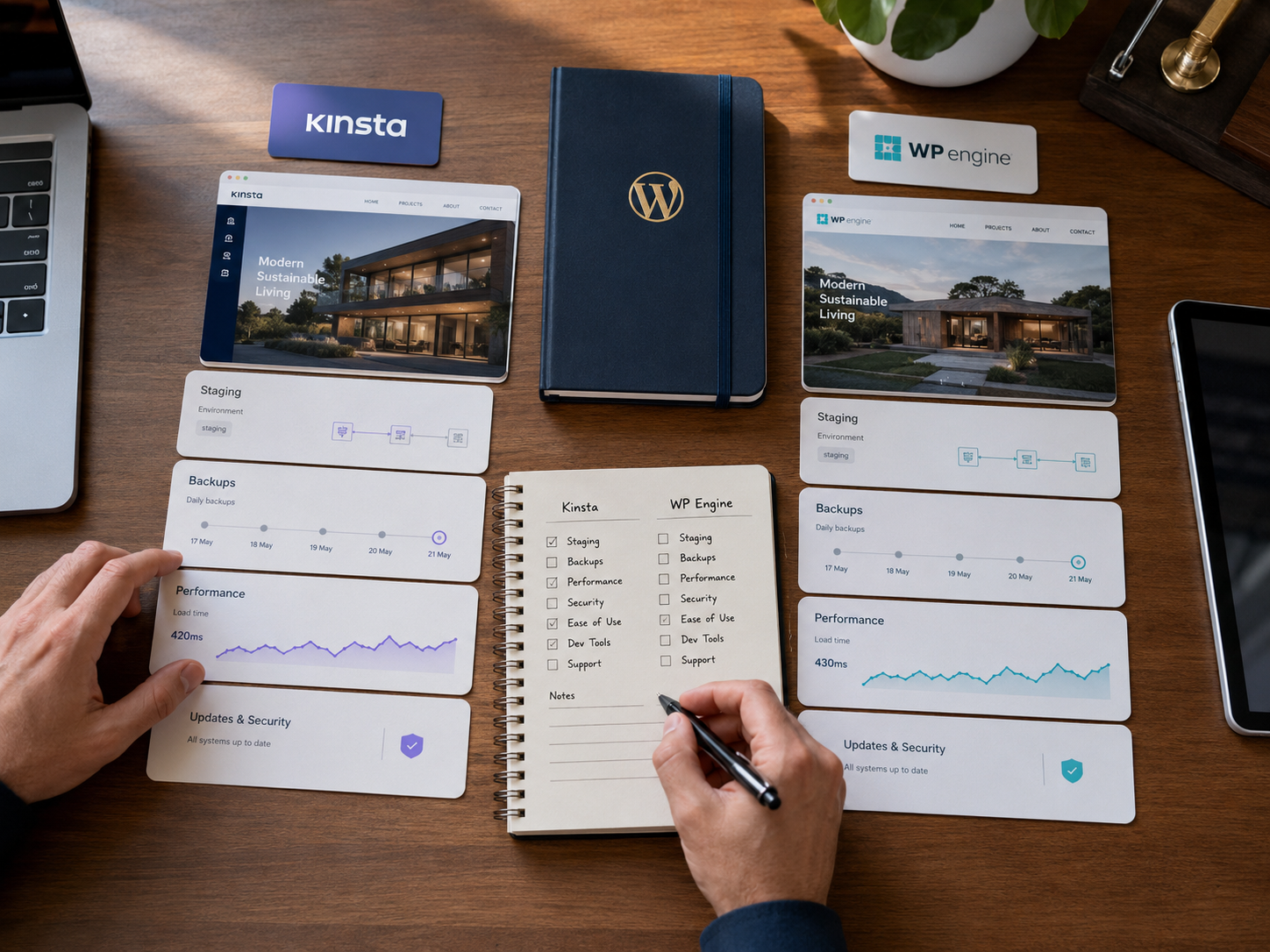
Most Relevant Audience
This comparison is for publishers, creators, ecommerce businesses, agencies and WordPress teams deciding whether specialist managed hosting is worth the expense. It is particularly relevant when a website generates leads, sales or client income, and hosting problems take time away from running the business.
A new project with little traffic may not need either provider yet. An established site should compare the cost of hosting alongside the time spent maintaining it, investigating faults and recovering from problems.
Kinsta Overview
Kinsta centres its hosting experience on MyKinsta, with built-in tools for monitoring and managing WordPress sites. Its appeal is a connected management workflow: see resource usage, adjust hosting settings and investigate performance without assembling every tool separately.
It should not be dismissed as a simplified platform for nontechnical owners. Kinsta provides developer tools and agency services too. If your business manages client sites, include it in the shortlist rather than assuming WP Engine is the only suitable option.
See Kinsta developer tools and Kinsta agency hosting for the relevant capabilities.

WP Engine Overview
WP Engine combines managed hosting with a wider WordPress development ecosystem. Its developer offering includes tools and workflows around local development, Git, SSH and staging, which can be useful when several people contribute to a website.
The benefit depends on whether your team actually uses those capabilities. A publisher making occasional content updates has different needs from an agency building and maintaining many client sites. Check which tools are included in the hosting proposal and which require a separate purchase.
See WP Engine developer hosting for its workflow features.

Pricing And Ongoing Costs
Compare equivalent configurations, rather than an introductory offer from one provider against a standard rate from the other. The bill can change with the number of websites, resource allowances, billing term and optional services.
Kinsta Costs To Check
Kinsta currently presents configurations using visits or server bandwidth, so check which billing model applies to your quote. Storage, CDN allowances, additional sites and paid extras also deserve attention. A plan that suits a small content site may not suit a busy store with frequent uncached requests.
WP Engine Costs To Check
WP Engine distinguishes between Essential, Core and Enterprise offerings. Its pricing page also separates ecosystem products from the hosting offer. Confirm the infrastructure, support level and extras included in your chosen configuration, together with any introductory discount and subsequent price.
Compare The Full Annual Bill
For a UK business, check billing currency, applicable VAT and any currency conversion charges. Ask both providers what your current workload would cost and what changes if demand rises. Visitor allowances alone do not tell you whether two plans provide equivalent capacity.
Check the current Kinsta plans and WP Engine pricing before buying.
Ease Of Use And Daily Management
The best dashboard is the one that makes your regular tasks straightforward. Before choosing, work through the same checklist with both hosts: find a backup, locate an error log, clear the cache, add a colleague and prepare a safe test of a plugin update.
Kinsta is a sensible starting point if a consolidated hosting interface is your priority. WP Engine is worth evaluating if your team wants distinct stages for building, testing and releasing changes. Neither preference proves that the other platform is difficult to use.

Support And Troubleshooting
Kinsta advertises round-the-clock support from engineers, and WP Engine lists 24/7 technical support for its Essential offering, with differentiated support on higher tiers. These are service features, rather than evidence that one provider will resolve every issue faster.
Ask each host about a realistic problem: a slow checkout, an intermittent plugin error or a failed deployment. Establish what it will investigate, which channels your plan includes and when you would need your own developer. Hosting support and custom code maintenance are different responsibilities.
Service references: Kinsta support and WP Engine plan support.

Performance And Speed
There is no defensible universal speed winner here without testing comparable plans with the same website. A fast cached homepage says little about a busy checkout, a membership area or a slow WordPress admin screen.
Test the pages that matter to your business. Include mobile browsing, uncached requests and periods when several visitors use the site together. Keep the theme, plugins and content consistent so that the comparison is useful.
Better hosting can remove infrastructure bottlenecks, but it cannot guarantee higher search rankings or compensate for every heavy script and inefficient database query. Diagnose the actual problem before paying for a larger plan.
Staging, Backups And Safe Updates
WP Engine's production, staging and development structure lets a team keep different types of work separate. Kinsta also provides staging, so staging itself is not an exclusive WP Engine advantage.
On either platform, check backup retention, restore options, staging resources and what happens when changes are copied to the live site. For an online store, copying an old test database over production can overwrite newer orders. Agree on a deployment process that protects live customer data.
Environment reference: WP Engine site and environment documentation.
Ecommerce And Business-Critical Websites
Choose around the workload rather than the label on the plan. Stores, membership sites and booking systems need attention to logged-in sessions, payment flows, background tasks and database activity.
Give both providers the same description of your site, including busy periods and essential plugins. Ask what resources and recovery arrangements they recommend. A useful proposal should explain how the configuration suits your site, rather than simply promising premium performance.
Which Hosting Platform Should You Choose?
Choose Kinsta For A Centralised Management Workflow
Kinsta belongs on your shortlist if you want a connected place to manage hosting and investigate performance. Publishers, creators and businesses with a small technical team should evaluate whether MyKinsta makes their recurring tasks easier.

Choose WP Engine For A Structured Development Workflow
WP Engine belongs on your shortlist if your team regularly builds, tests and deploys changes. Its separate environments and developer ecosystem may fit an established release process particularly well.

Compare Both For Agency And Enterprise Work
Ask both providers about client access, portfolio management, migration assistance and contractual requirements. Kinsta explicitly offers agency hosting, so agency suitability should be judged through the proposal and workflow rather than brand positioning alone.
Choose By Workload For Ecommerce
For a revenue-generating store, prioritise a suitable configuration, safe deployments and a clear recovery process. A dashboard preference matters, but so does knowing what happens during a busy sale or an unsuccessful update.
Kinsta vs WP Engine Pros And Cons
Pros
Kinsta brings hosting controls and performance diagnostics together in MyKinsta.
Kinsta offers options for individual site owners and agencies.
WP Engine provides separate production, staging and development environments.
WP Engine offers a wider WordPress developer ecosystem and multiple infrastructure tiers.
Both are worth considering when their workflows and resources match the business.
Cons
Kinsta’s cost may be hard to justify for an unproven website.
Kinsta’s resource allowances and paid extras need careful comparison.
WP Engine’s additional tools can complicate the buying decision.
WP Engine’s advanced infrastructure requirements may need a higher-tier quote.
Neither a preferred dashboard nor more tools guarantees better performance or value.
Common Hosting Comparison Mistakes
Assuming One Host Always Has Better Support
Provider promises and review scores are not a guarantee of your own experience. Compare support scope, access and escalation arrangements for the exact plans you are considering.
Treating Visitor Limits As Performance Guarantees
Two websites with similar traffic can place very different demands on a server. Describe what visitors do, not just how many arrive each month.
Comparing Only The Starting Price
Include the ongoing rate, necessary extras and the likely cost of growth. A discount is useful only if the plan still fits after the offer ends.
Expecting Hosting To Fix Every WordPress Problem
A host change may help an overloaded server, but it will not necessarily resolve inefficient plugins, oversized images or slow third-party services. Investigate before migrating.
FAQ
Is Kinsta Better Than WP Engine?
Neither is better for every business. Kinsta is worth evaluating for centralised management; WP Engine is worth evaluating for its development workflow. Compare the actual configuration and recurring tasks before choosing.
Which Is Easier To Manage Daily?
That depends on your team. Try the same maintenance tasks in a demonstration of each dashboard. An individual publisher and an agency developer may prefer different approaches.
Is WP Engine Only For Enterprise Businesses?
No. Its offerings cover different sizes of website and business. Equally, Kinsta is not limited to smaller sites: both providers should be considered where their plans match the requirements.
Which Is Faster For WooCommerce?
There is no reliable blanket answer. Compare equivalent plans using realistic browsing, cart and checkout activity. A cached page test alone cannot establish how a store will perform.
Is Premium Managed Hosting Worth The Cost?
It can be when it saves maintenance time or addresses a genuine infrastructure need. For a small experimental site, a lower-cost host may be sufficient. Paying more is useful when you can identify what the extra spend delivers.
Final Verdict
Kinsta vs WP Engine is best decided through your daily work and the needs of your website. Start with Kinsta if centralised management and performance troubleshooting are your priorities. Start with WP Engine if its development environments and wider tool ecosystem fit the way your team builds websites.
For agencies, stores and larger organisations, get comparable proposals from both. Choose the plan that meets the workload, gives your team a workable support route and remains affordable as the site grows. That is a stronger basis for a long-term decision than assuming one host is always simpler, faster or more enterprise-ready.