



Too Good To Go M&S Bakery…

Sunrise Alarm Clocks Compared: Are They…

Fitbit Edge vs Fitbit Air vs…

Autumn Comfort Food: How to Eat…

Soup Maker vs Saucepan: Which Suits…

The Best Lighting for Darker Autumn…

Create an Autumn Wind-Down Routine That…

Heated Throw vs Heated Blanket vs…

Autumn Sleep Reset: Light, Temperature and…

Dehumidifiers Explained: When Are They Actually…

A Realistic Autumn Walking Routine for…

Autumn Social Reset: Small Plans for…
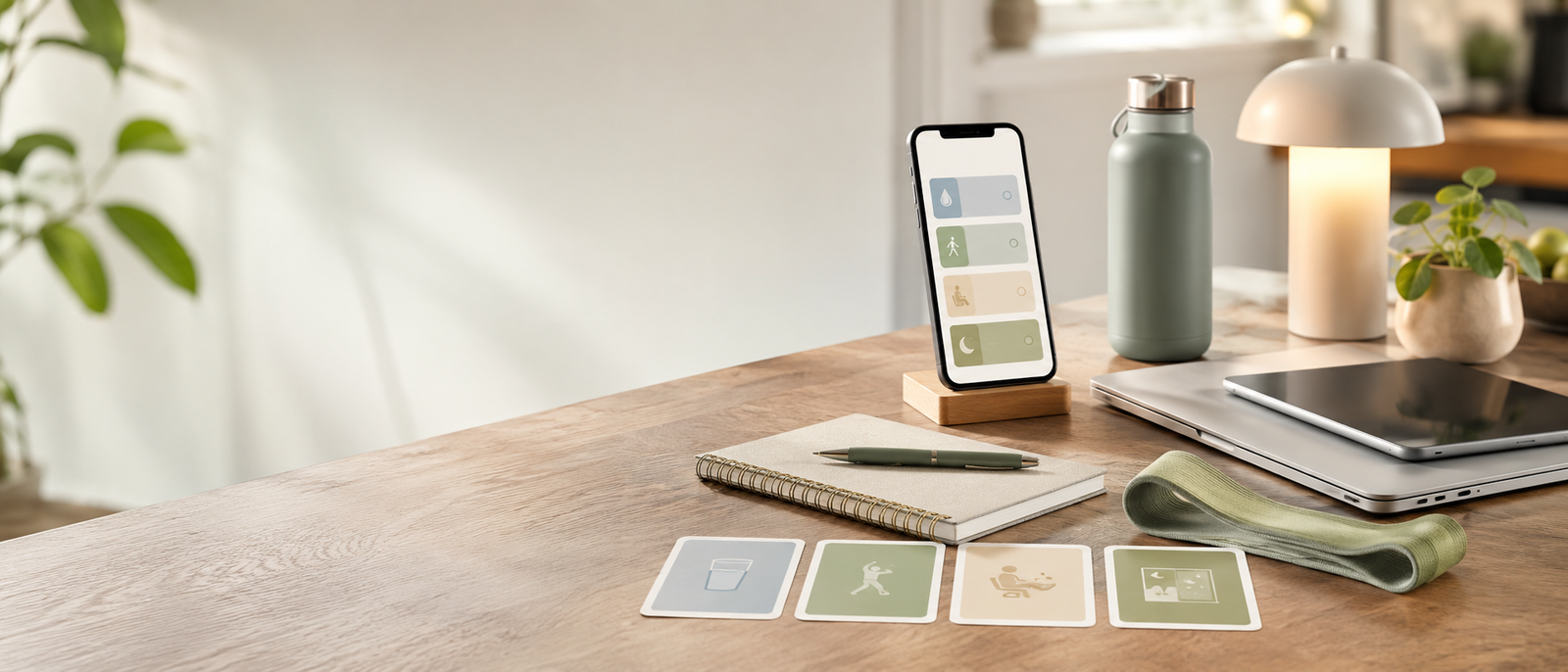
Habit tracking apps for healthier workdays should make small habits easier to repeat, not turn your day into another scoreboard. This is not about tracking every wellness goal you could possibly improve. It is about choosing one or two habits that would make your desk day feel less draining: drinking water, taking lunch, moving after long sitting, pausing between tasks, winding down or checking in with yourself before work takes over the whole rhythm.
Track workday habits, not everything
Start with one or two habits
Finch suits gentle self-care
Waterllama suits hydration reminders
Streaks suits simple repeat habits
TickTick blends tasks and habits
Habitica suits playful motivation
Most Relevant Audience
This guide is for remote workers, home workers, freelancers, bloggers, creators, side hustlers, parents, carers and small business owners who want healthier workdays without building a strict wellness system.
It is especially useful if you forget water, breaks, lunch, movement, rest or end-of-day boundaries because work and home keep blending into one long list of things asking for attention.
What Makes A Workday Habit Worth Tracking?
It would make the desk day easier
A useful tracked habit should improve your real workday. Drink water. Stand up. Eat lunch. Stretch. Pause between tasks. Close work properly.
If the habit only looks impressive in an app but does not reduce daily friction, leave it alone. The app should be lighter than the thing it is helping you do.
It solves a repeat workday problem
Good workday habits usually answer a specific problem. You keep skipping lunch. You sit too long. You forget water. You work into the evening. You never pause after stressful messages.
Start with the pattern that drains you most often. A habit tracker works better when the habit has a clear reason.
It needs a reminder, not a lecture
Some habits fail because you forget them, not because you do not care. Hydration, stretching, breaks and wind-down routines often disappear when the day gets busy.
A good app gives a useful prompt at the right moment. It should make the next action easier, not make a missed habit feel bigger than it is.
It does not need constant data
Not every healthier habit needs graphs, reports or detailed tracking. Sometimes a simple tick is enough.
If tracking becomes too detailed, the habit can turn into admin. Keep the record smaller than the behaviour. The goal is a healthier workday, not a second dashboard to maintain.
It fits your work style
Some people like streaks. Some need gentle self-care nudges. Some prefer tasks and habits in one place. Others respond to rewards, levels and game-style progress.
The best app is not the most powerful one. It is the one you can open without feeling tired before you begin.
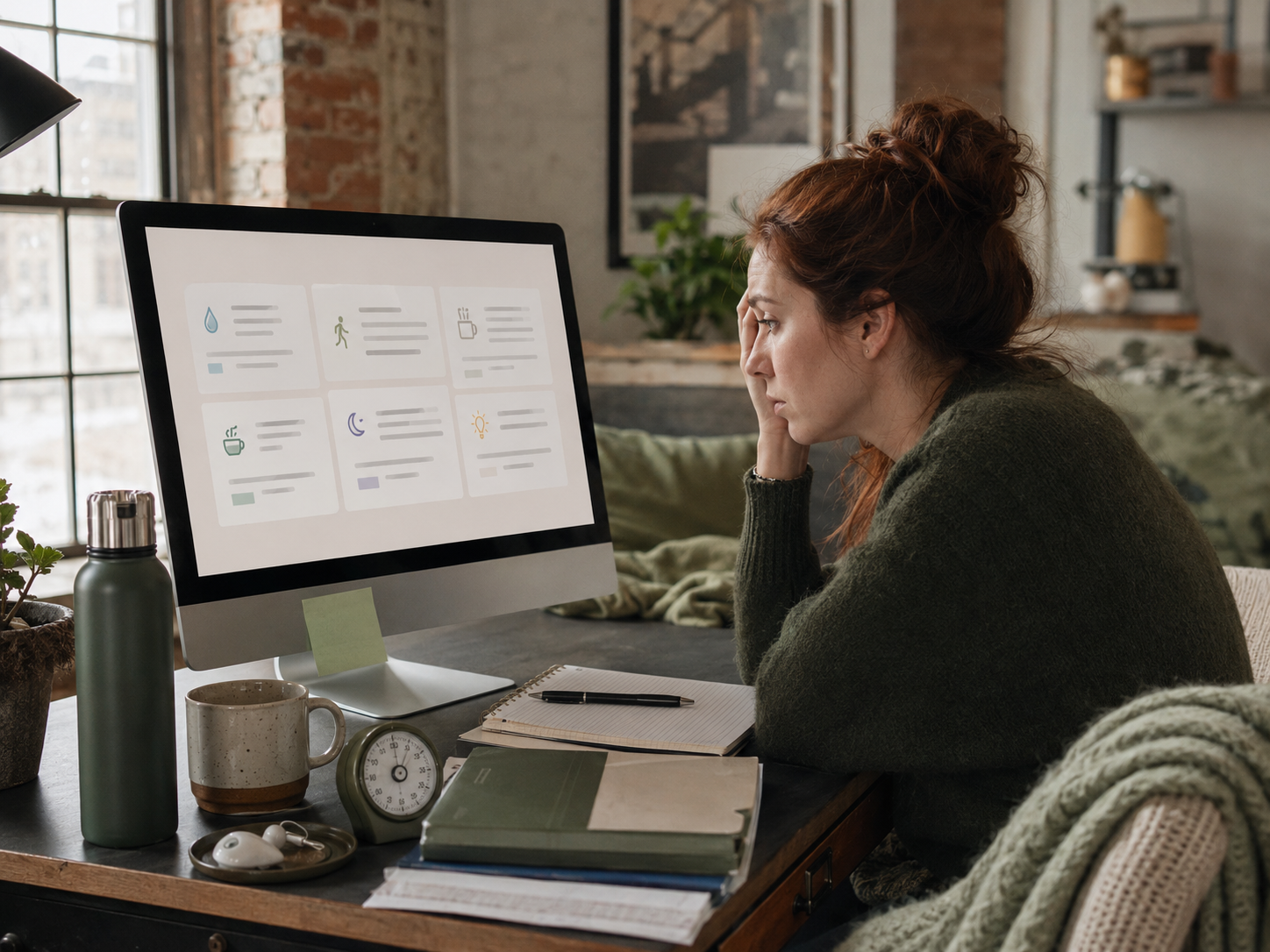
This guide focuses on workday habits, not every wellness goal you could track. The useful starting point is simple: choose the habit that would make your desk day feel easier, then choose the app style that supports it without adding more digital clutter.
Habit Tracking Apps Reviewed
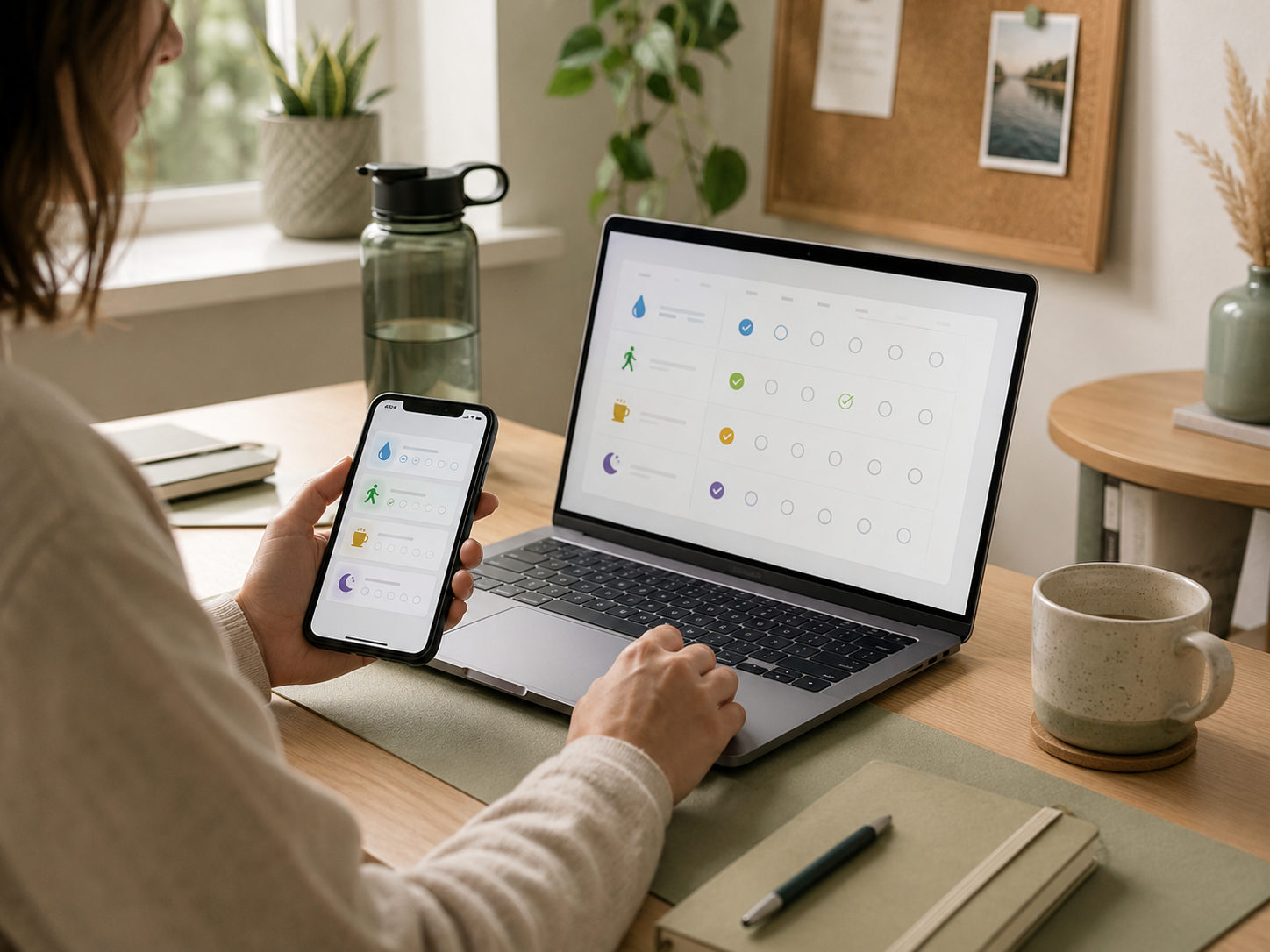
Which App Fits Which Workday Habit?
Best for self-checks
Finch is the strongest fit for emotional check-ins, softer routines and habits that need encouragement rather than pressure.
It may suit readers who feel overwhelmed, tired or resistant to strict tracking. Use it for small self-care moments during the day, not as another standard to live up to.
Best for hydration
Waterllama or a dedicated hydration app is the clearest choice if the main habit is drinking water during work.
Track water, set useful reminders and keep the habit easy. Hydration tracking should help you remember a basic need, not turn the day into a measurement project.
Best for lunch and breaks
Streaks works well when the habit is clear and repeatable: take lunch, stretch once, walk after long sitting or pause between tasks.
Use it for a few habits only. Streaks are helpful when they reduce decisions. They become pressure when they start running the day.
Best for tasks plus wellness prompts
TickTick is the best fit when healthier routines sit beside work tasks. For example, “send proposal,” “take lunch,” “walk after call” and “close laptop by 6” can all live in one system.
This is useful if one app reduces mental load. It is less useful if combining everything makes the list feel heavier.
Best for playful motivation
Habitica works for people who enjoy turning small routines into a game. It can make ordinary workday habits feel more rewarding and visible.
It may not suit people who want calm, minimal tracking. If the game becomes more interesting than the habit, choose something simpler.
Best Habits To Track During Desk-Heavy Days
Hydration
Hydration is a good first habit because it is small, practical and easy to forget during long focus blocks.
Track it lightly. A reminder before lunch, mid-afternoon and late afternoon may be enough. The aim is to drink more consistently, not track every sip.
Movement breaks
Movement breaks are useful if long sitting makes the day feel stiff or heavy. Track a short walk, stretch, standing reset or two-minute break.
Keep the habit tiny. “Move once between work blocks” is easier to repeat than “complete a full exercise routine.”
Lunch
Lunch is worth tracking if you often skip it, delay it or eat randomly while still working.
A simple lunch habit can protect the afternoon. The tracker does not need to judge the meal. It just needs to remind you that food belongs in the workday too.
Wind-down
A wind-down habit can help if work keeps leaking into the evening. Track closing tabs, writing tomorrow’s top task, putting the laptop away or taking a short screen break.
This is where habit tracking can support boundaries. The end of the day needs a cue, not just exhaustion.
Self-checks
A self-check habit can be as simple as asking, “How am I doing?” once or twice a day.
This suits gentler tracking especially well. It can help you notice stress, tiredness or overload before the day becomes one long push-through session.
When Streaks Help, And When To Choose A Gentler App
Streaks help when they reduce decisions
A streak can help when it removes debate. You see the habit, do the small action and move on.
This works well for water, stretching, lunch, walking and wind-down habits. The streak is useful because it makes the behaviour more visible.
Choose gentler tracking if streaks create guilt
A broken streak should not make the habit feel ruined. Missing one day does not mean the habit has failed.
If streaks make you avoid the app, lower the target, reduce the habit or choose a softer tracker. Healthier workdays should not depend on perfect attendance.
Keep streak habits small
Track habits that can survive normal workdays. A five-minute reset is better than a daily ideal that collapses after one busy afternoon.
Make the habit easy enough to restart. The real win is returning, not never missing.
Common Habit Tracking Mistakes
Tracking too many habits
Tracking ten habits usually sounds better than it feels. It can turn wellness into a checklist that follows you around all day.
Start with one or two habits. Add more only when the first ones feel natural. Healthier workdays are built by repetition, not app ambition.
Choosing the wrong tracking style
A playful app can annoy someone who wants calm. A strict streak app can stress someone who needs flexibility. A task-heavy app can feel too work-like for self-care.
Match the app to your brain and workday, not someone else’s routine. The right style should make the habit easier to approach.
Confusing tracking with change
Logging a habit is not the same as improving the day. The useful part is what the tracking helps you do differently.
If the app records everything but changes nothing, simplify. Pick one habit with a clear workday benefit and make that easier to repeat.
Letting reminders become noise
Reminders can help, but too many alerts become another source of background pressure.
Use fewer prompts at better times. A reminder after calls, before lunch or near the end of the day may be more useful than constant buzzing.
Turning wellness into another system
If tracking takes more energy than the habit, the system is too heavy.
Keep the setup light. Tick the habit, learn from the pattern and move on with the day. The tracker should support healthier work, not become another thing to manage.
FAQ
What are the best habit tracking apps for healthier workdays?
Good options include Finch for gentle self-care, Waterllama or hydration apps for water reminders, Streaks for simple consistency, TickTick for tasks plus habits and Habitica for gamified motivation.
The best choice depends on which workday habit you want to repeat and what kind of tracking feels supportive rather than stressful.
Can habit tracking help remote workers?
Habit tracking can help remote workers because home working often removes natural cues for breaks, lunch, movement and wind-down time.
A simple app can remind you to do small things before the day becomes one long laptop session. Keep the habits realistic and workday-specific.
What habits should desk workers track?
Useful habits include drinking water, taking lunch, stretching, walking after long sitting, pausing between tasks, closing work properly and doing a short self-check.
Start with one or two. Track the habits that would make your workday feel healthier, not the ones that look impressive.
Is Finch good for self-care habits?
Finch can be good for self-care habits if you want gentle prompts, emotional check-ins and a softer habit-tracking style.
It may suit people who dislike strict productivity systems. If you prefer minimal tracking, a simpler habit app may feel better.
Is TickTick good for habit tracking?
TickTick can be good for habit tracking if you want tasks and habits in one place.
It is useful when work reminders and healthier routines overlap. Keep it simple, though. Too many lists and habits can make the system feel heavier than the problem.
How do I stop habit tracking becoming stressful?
Track fewer habits, lower the difficulty and avoid treating streaks as proof of success or failure.
Use the app as a prompt, not a judgement system. If tracking makes you feel worse, simplify the habit or choose a gentler app.
Final Verdict
Habit tracking apps for healthier workdays are useful when they support small habits that actually improve the desk day. Finch, Waterllama, Streaks, TickTick and Habitica all suit different workday needs, from self-checks and hydration to lunch, movement, task-linked routines and playful motivation.
You do not need to track everything. Choose one or two habits that would make work feel less draining, then pick the app that helps without turning wellness into another system to manage.
