



Too Good To Go M&S Bakery…

Sunrise Alarm Clocks Compared: Are They…

Fitbit Edge vs Fitbit Air vs…

Autumn Comfort Food: How to Eat…

Soup Maker vs Saucepan: Which Suits…

The Best Lighting for Darker Autumn…

Create an Autumn Wind-Down Routine That…

Heated Throw vs Heated Blanket vs…

Autumn Sleep Reset: Light, Temperature and…

Dehumidifiers Explained: When Are They Actually…

A Realistic Autumn Walking Routine for…

Autumn Social Reset: Small Plans for…
Most sleep tracking advice focuses on data, as if the real problem is that tired people simply have not been judged by enough graphs. The better question is whether the app will help you sleep better, or just give you another number to worry about at 6:42am. The best sleep tracking apps should help busy workers spot patterns, improve evenings and understand rest without turning bedtime into a performance review with pillows.
Choose insight over sleep-score panic.
Use Pillow for Apple users.
Pick Sleep Cycle for smart alarms.
Choose Fitbit if you use the wearable.
Use RISE for sleep debt planning.
Protect one evening boundary first.
Most Relevant Audience
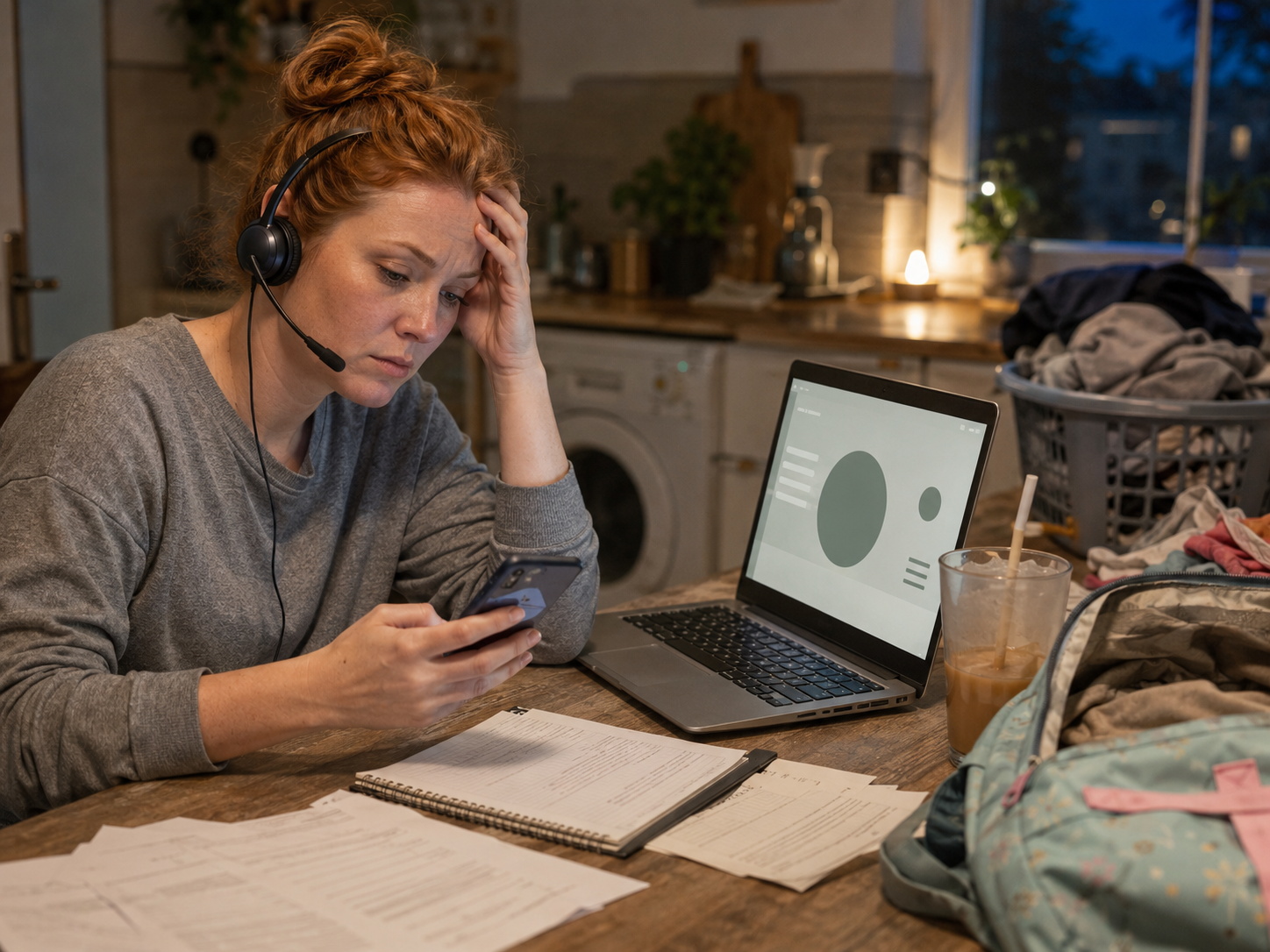
This article is for desk workers, remote workers, home workers, freelancers, bloggers, creators, side hustlers, parents, carers and busy people who want to understand their sleep patterns without turning bedtime into another data project. It is especially useful if late screens, evening laptop catch-up, school forms, client messages, caffeine timing or one “quick email check” keep making tomorrow harder than it needed to be.
What Makes A Sleep Tracking App Worth Using?
It should show useful patterns
A good sleep tracking app should help you notice patterns, not just admire charts. Late screens, inconsistent bedtimes, restless nights, caffeine timing and stressful evenings may show up over time. The app is useful when it helps you ask what keeps affecting your rest, not whether you are somehow bad at sleeping.
It should reduce morning confusion
Busy workers often wake up tired and move straight into demands. A useful app can explain whether sleep was short, broken, delayed or affected by routine. That clarity can help you plan the day more gently, instead of assuming your personality has simply become fog with a password.
It should support better evenings
Sleep tracking works best when it leads to one calmer evening choice. That might mean closing the laptop earlier, moving school forms out of bedtime, reducing late scrolling or setting a softer wind-down cue. The point is not overhauling your whole life before Thursday.
It should not make sleep stressful
If checking your sleep score makes you tense, the app is not helping. Sleep tracking should support calm curiosity, not create bedtime anxiety. The best sleep app gives useful feedback without making you lie awake wondering what tomorrow’s graph will say about your character.
The Real Buying Question
Do not choose the app with the fanciest chart first. Choose the one that fits how you sleep, what device you already use and what problem you want to understand. The right app should help you spot what is wrecking your rest, then make one small evening change.
Choose By Sleep Problem
Apple Watch or iPhone user
Choose Pillow Sleep Tracker if you want sleep tracking built around Apple Watch and iPhone use. It makes the most sense for readers already in the Apple ecosystem. This is useful if you wear an Apple Watch overnight or want an iPhone-friendly sleep app.
Hate brutal alarms
Choose Sleep Cycle if your biggest issue is waking during the wrong part of sleep. Its smart alarm approach is designed around sleep-pattern tracking and gentler wake-up timing. It suits busy workers who want mornings to feel slightly less like being dragged out of a cave by responsibilities.
Already use Fitbit
Choose Fitbit Sleep Tracking if you already use, or plan to buy, a Fitbit device. Treat it as a wearable-based sleep tracking ecosystem, not a normal standalone app. It is best for readers who want sleep data connected to activity, heart trends and everyday wellness habits.
Afternoon energy crashes
Choose RISE Sleep App if daytime energy is the problem. RISE is less about sleep stages and more about sleep debt, circadian rhythm and predicting energy dips across the day. It can help if your afternoon slump keeps arriving just in time for school pickup.
Sleep scores make you anxious
Choose simpler tracking if detailed sleep scores make you tense. You may need bedtime consistency, wake-up patterns and routine clues more than stage graphs. A sleep app should help you rest better, not become a tiny bedside examiner with excellent branding.
Start With Your Existing Device
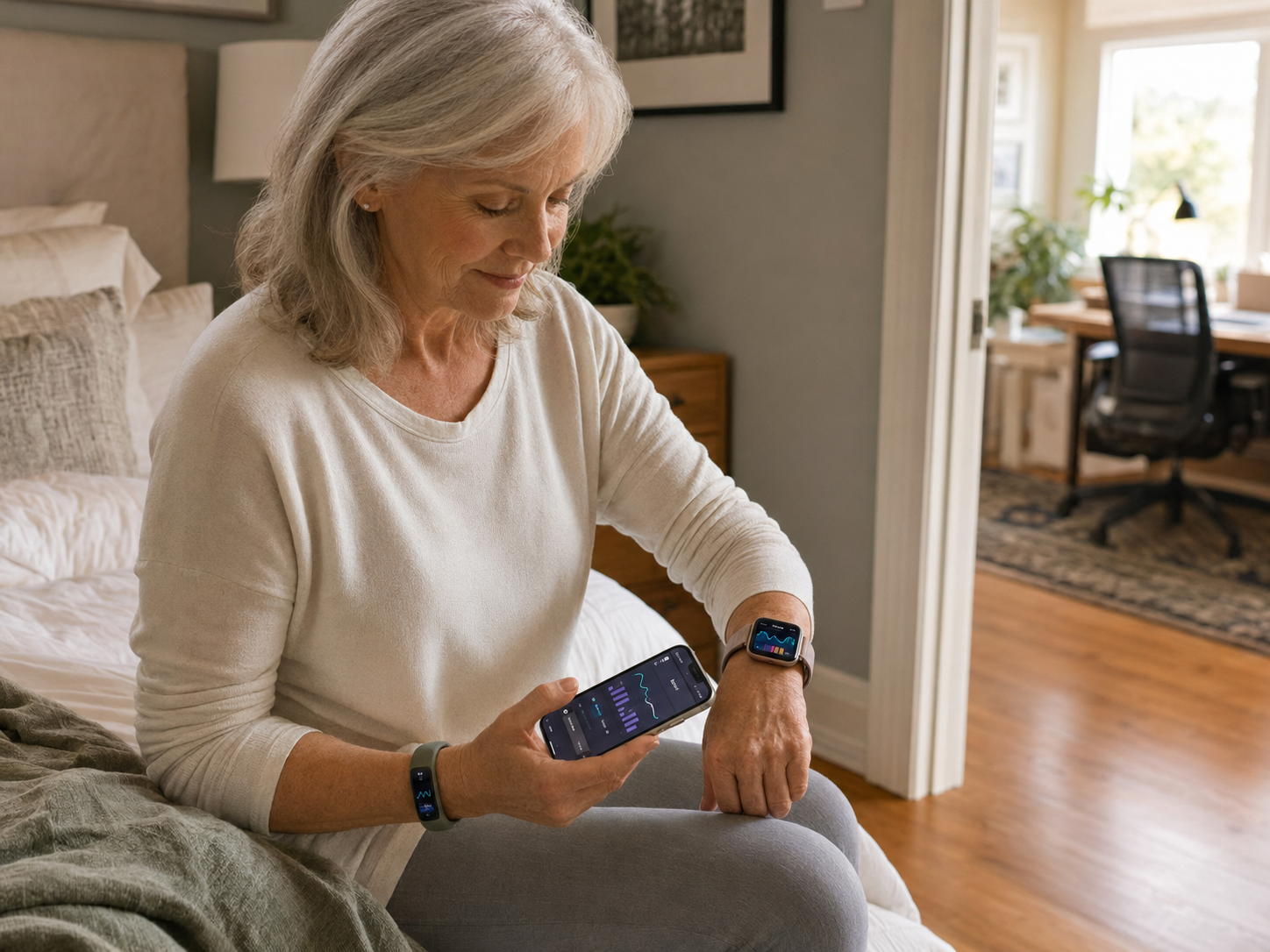
Before paying for another app, check what you already use. Apple users may prefer Pillow. Fitbit users may get more value from Fitbit Sleep Tracking. Phone-only users may prefer Sleep Cycle. If your real concern is sleep debt and energy timing, RISE may be the sharper fit.
Best Sleep Tracking Apps Review
Best for Apple Watch and iPhone users: Pillow Sleep Tracker
Pillow Sleep Tracker is a strong option for Apple Watch and iPhone users who want detailed sleep insight within the Apple ecosystem. It suits people who already wear an Apple Watch overnight or want an iPhone-friendly sleep app. Choose Pillow if device fit matters and you want sleep tracking without switching platforms.
Best smart alarm and sleep-pattern app: Sleep Cycle
Sleep Cycle is a good choice if you want sleep-pattern tracking plus a smart alarm. It suits people who want help waking at a better point in their sleep cycle rather than being jolted awake at the worst possible moment. Choose it if mornings feel rough and you want phone-based tracking.
Best wearable-based sleep tracking ecosystem: Fitbit Sleep Tracking
Fitbit Sleep Tracking is best for readers who already use, or plan to buy, a Fitbit device. It is not a normal standalone sleep app in the same way as Pillow or Sleep Cycle. Choose it if you want sleep data connected to a broader wearable ecosystem, including movement and daily wellness patterns.
Best sleep debt and energy planning app: RISE Sleep App
RISE Sleep App is best if you care about sleep debt, circadian rhythm and how rest affects your day. It suits busy workers who want to understand why certain parts of the day feel harder. Choose RISE if you want practical sleep insight that connects bedtime habits to daytime energy.
Check The Practical Details Before Paying
Sleep apps change pricing, trials, free features, subscriptions, device requirements and content access often. Before paying, check current iPhone or Android availability, wearable requirements, offline access, alarm settings and whether the useful features sit behind a paid plan. Good sleep should not begin with surprise subscription admin.
Sleep Scores, Sleep Debt And Smart Alarms
Sleep scores are summaries
Sleep scores can be useful, but they are only summaries. They may help you spot repeated poor sleep, short nights or disrupted patterns. Treat the score as a signal, not a verdict. One low score does not mean your entire day has been formally rejected by the sleep authorities.
Sleep debt explains build-up
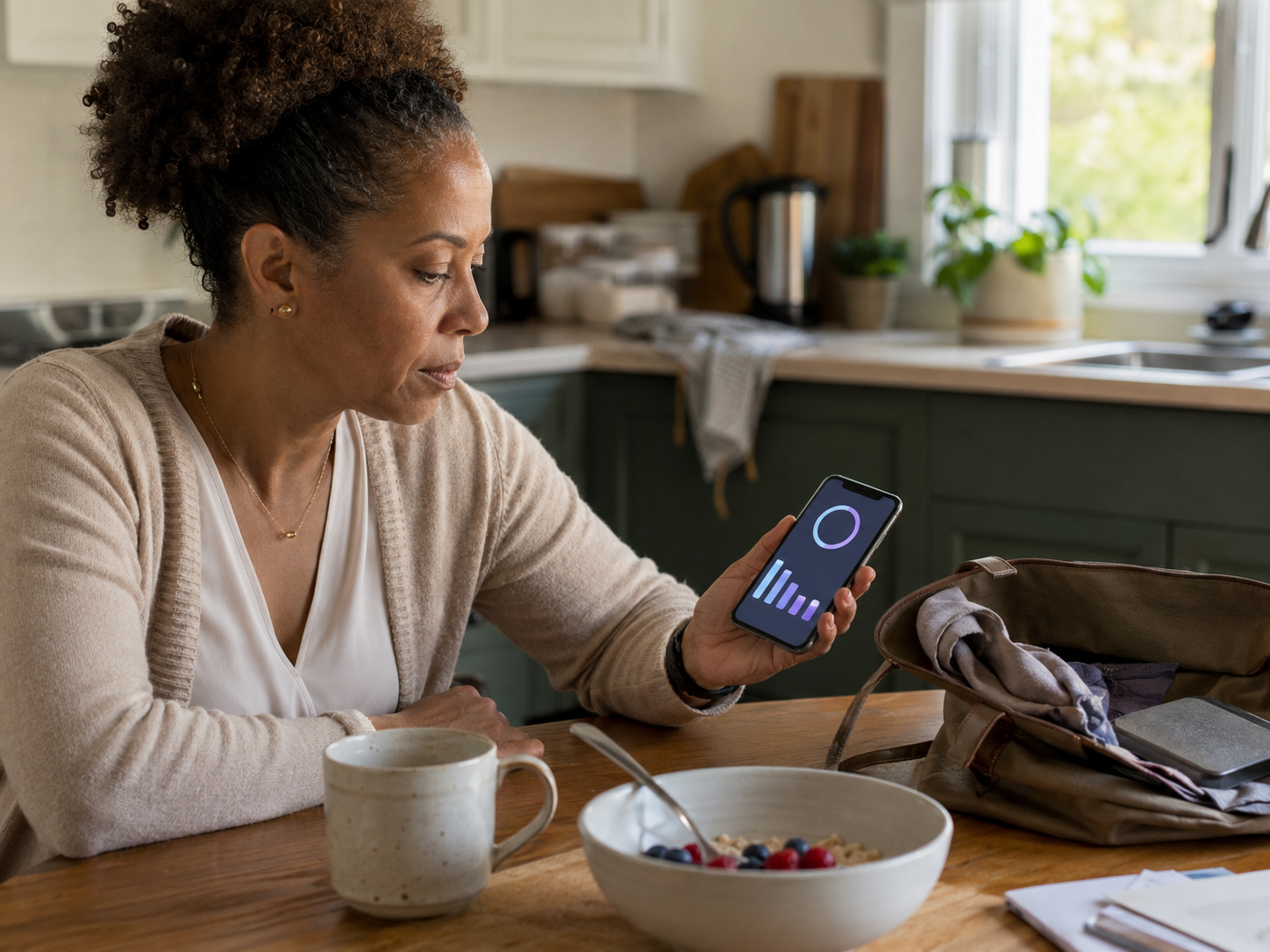
Sleep debt is the gap between the sleep your body needs and the sleep you actually get. RISE focuses strongly on this idea. For busy workers, this can be helpful because tiredness often builds across several nights, then appears as low patience, low focus and suspicious snack decisions.
Smart alarms aim for gentler waking
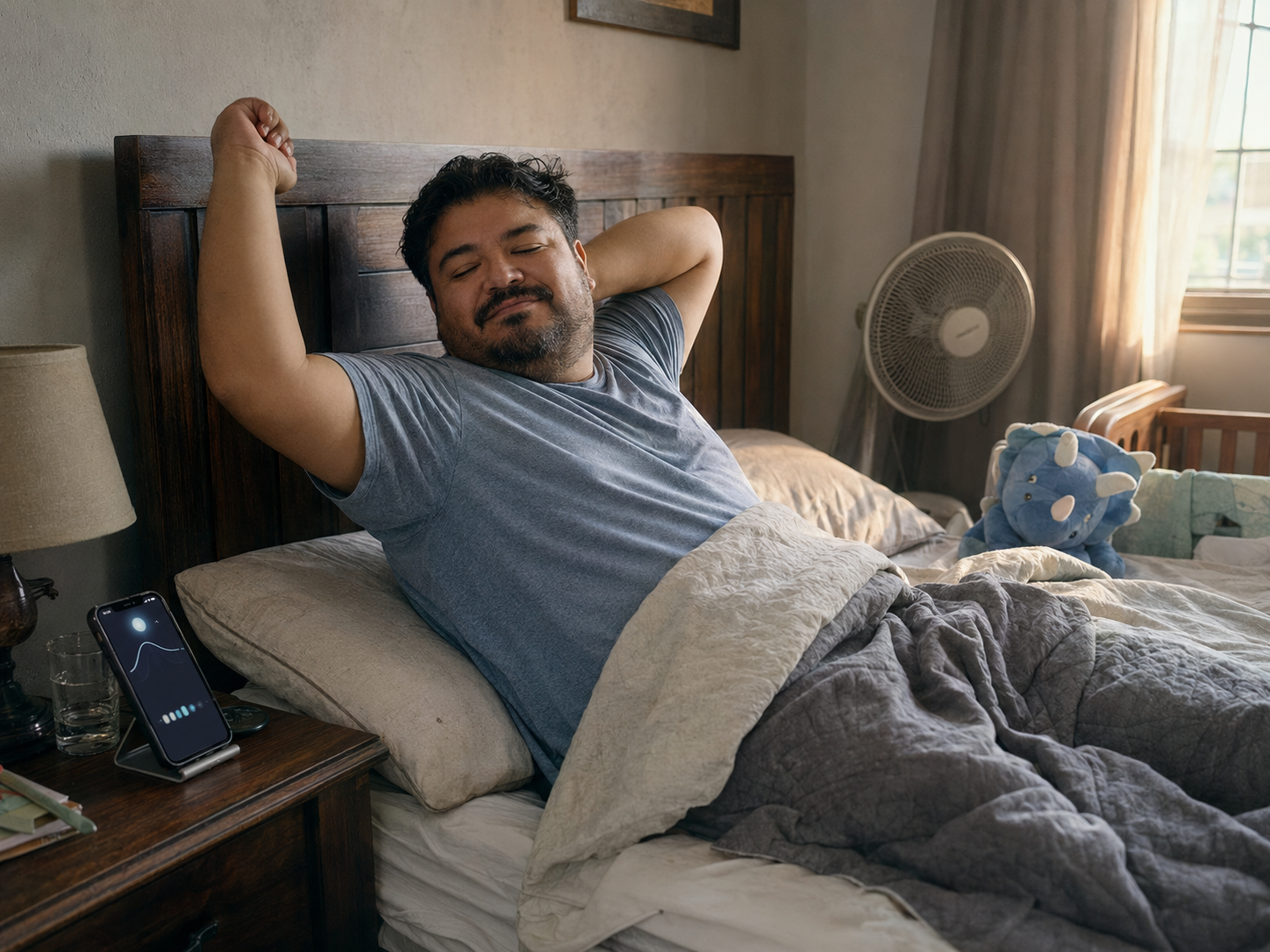
Smart alarms try to wake you during a lighter sleep phase within a chosen window. Sleep Cycle is the clearest app in this guide for that use case. It may not make mornings magical, but it can help if traditional alarms feel like being attacked by time itself.
Trends matter more than one night
Sleep tracking is most useful over several nights or weeks. A single restless night can happen because of stress, noise, children, heat, late food or life being life. Repeated patterns are more useful because they show what your routine keeps doing to your rest.
Do Not Let One Score Run The Day
A poor sleep score should not ruin breakfast before the kettle has even tried. Use sleep data to make sensible adjustments, not to catastrophise. The goal is calmer insight: fewer late screens, better wind-down habits and a clearer understanding of why tomorrow-you keeps filing complaints.
Wearable vs Phone-Based Sleep Tracking
Wearables can track more body signals
Wearables like Fitbit can use overnight body signals as part of sleep tracking. This can be useful if you want sleep data connected to movement, recovery and daily wellness. The trade-off is comfort. If wearing a watch overnight feels irritating, phone-based tracking may suit you better.
Phone-based apps are easier to start
Phone-based apps like Sleep Cycle can be easier to try because you may not need a wearable. That makes them useful for beginners who want sleep-pattern insight without buying another device. The trade-off is that phone placement, setup and app method matter.
Apple Watch users may prefer Pillow
Pillow makes most sense for people already using Apple Watch or iPhone. If you are comfortable wearing your watch overnight, it can fit naturally into your existing routine. If you hate sleeping with anything on your wrist, do not force it for the sake of a prettier graph.
Fitbit works best as an ecosystem
Fitbit Sleep Tracking is strongest when you want sleep insight as part of a broader wearable habit. It is not just about bedtime. It connects sleep with daily movement and general wellness patterns, which can suit desk workers who want to understand rest as part of the whole day.
Comfort Decides Consistency
The most accurate-looking sleep system is useless if you stop using it. Think about whether you will wear a device overnight, charge it regularly, place your phone correctly or open the app in the morning without dread. Sleep tracking should fit your routine, not become bedtime admin.
Free vs Paid Sleep Tracking Apps
Free features can be enough to start
Many busy workers should start with free or basic features first. You may only need bedtime consistency, wake-up patterns or simple sleep duration insight. Try the app long enough to see whether it changes your evening behaviour before paying for deeper analytics.
Paid features should solve a real problem
Paid sleep app features are only worth it if they help you act. More charts, recordings or reports do not automatically improve sleep. Pay for better guidance, useful trends or a clearer routine, not because the app has successfully made you feel underqualified at resting.
Fitbit value depends on the device
Fitbit Sleep Tracking makes most sense if you already own a Fitbit or genuinely want the wearable ecosystem. Do not buy into a device just because you want one sleep chart. The value is stronger when you will also use the broader wellness and activity features.
RISE value depends on energy planning
RISE is most useful if sleep debt and daytime energy are your main concerns. If you want to understand when your energy may dip and how sleep affects the workday, it may be worth considering. If you only want a simple alarm, it may be more than you need.
Try Before You Subscribe
Sleep apps can change pricing, trials and feature access, so check current details before paying. Test whether the app actually helps you make one better evening decision. If it only gives you more data to stare at while tired, it may not be the right tool.
What Sleep Apps Can And Cannot Tell You
They can show routine patterns
Sleep apps can help reveal bedtime inconsistency, short sleep windows, restless nights and rough wake-up patterns. This can be helpful if your evenings have become a blur of screens, snacks, admin, late-night school forms and accidental scrolling.

They can support better wind-down habits
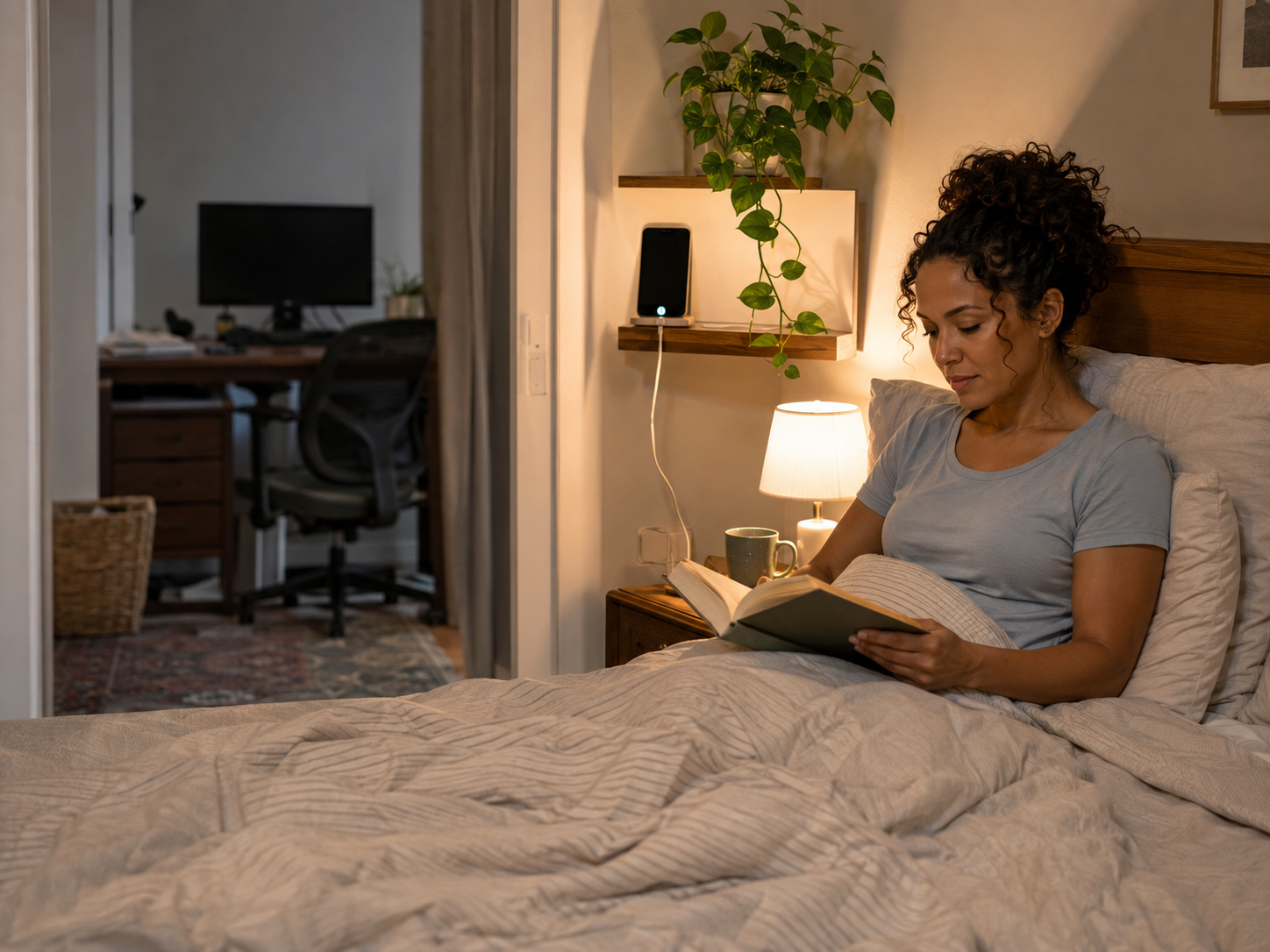
A sleep app can remind you that late work, blue-light-heavy evenings or bedtime email checks may be affecting rest. That insight can support a calmer wind-down routine. It does not need to be dramatic. Even closing the laptop earlier can be a major plot development.
They cannot diagnose sleep problems
Sleep apps are not medical tools for diagnosing sleep disorders. They can offer useful signals, but they are not a replacement for professional advice. If sleep problems are severe, persistent or affecting your health, speak to a qualified health professional.
They cannot fix an overloaded life
An app cannot remove stress, reduce workload, make children sleep, shorten meetings or stop clients using “quick question” dishonestly. It can support better choices around rest, but it cannot make an unsustainable routine sustainable by adding a graph.
Sleep Tracking Should Lead Somewhere
Useful sleep tracking should point toward a calmer evening, not just a prettier chart. If the app shows late screens hurt your rest, change one screen habit. If inconsistent bedtimes keep appearing, try one steady cue. Protect one evening boundary first before trying to redesign your whole life.
Common Sleep Tracking Mistakes
Letting scores create anxiety
If checking your sleep score makes you worried, tense or more focused on sleep performance, step back. Sleep tracking should not make bedtime feel like an exam. Use the app less often, hide scores or switch to simpler routine tracking if the data starts making rest harder.
Tracking too many details
Audio clips, movement graphs, scores, stages, trends and notes can become too much. You do not need to analyse every night like a board report. Busy workers need practical clues, not a full investigation into why Tuesday felt haunted.
Ignoring how your body feels
Sleep data can be useful, but your body still matters. If you feel exhausted despite a good score, listen to that. If you feel fine after an imperfect night, do not let the app argue you into feeling worse. Your lived experience counts.
Expecting perfect accuracy
Sleep tracking apps estimate patterns. They can be useful, but they are not perfect. Do not treat sleep stages, scores or wake times as absolute truth. Use the data as a helpful guide, not as a courtroom transcript of your night.
Never changing the routine
Tracking sleep without changing habits can become frustrating. If the same pattern keeps appearing, choose one adjustment: earlier screen cut-off, calmer wind-down, caffeine timing, consistent bedtime or better morning light. The app should support change, not become a nightly complaint archive.
FAQ
What is the best sleep tracking app?
The best sleep tracking app depends on your device and goal. Pillow Sleep Tracker suits Apple Watch and iPhone users, Sleep Cycle is strong for smart alarms and phone-based tracking, Fitbit Sleep Tracking suits Fitbit wearable users, and RISE Sleep App is best for sleep debt and daytime energy planning.
Are sleep tracking apps accurate?
Sleep tracking apps can be useful for spotting patterns, but they are not perfectly accurate. They estimate sleep based on available signals from a phone, wearable or app method. Use them for trends and routine clues, not exact medical conclusions.
Is Pillow better than Sleep Cycle?
Pillow may be better if you use Apple Watch or iPhone and want Apple-friendly sleep tracking. Sleep Cycle may be better if you want a phone-based smart alarm and sleep-pattern tracking. The better choice depends on your device and main sleep problem.
Is Fitbit good for sleep tracking?
Fitbit can be good for sleep tracking if you already use, or plan to buy, a Fitbit device. It works best as part of a wearable ecosystem, connecting sleep with broader wellness and activity patterns. It is not the same as a standalone phone app.
What app tracks sleep debt?
RISE Sleep App is the best option in this guide for sleep debt and daytime energy planning. It suits people who want to understand how sleep patterns affect energy across the day, not only what happened overnight.
Can sleep tracking make sleep anxiety worse?
Sleep tracking can make sleep anxiety worse if scores, charts or nightly analysis make you worry more about sleeping. If that happens, reduce tracking, hide detailed scores or focus on simple routines instead. Sleep data should support rest, not make bedtime stressful.
Final Verdict
The best sleep tracking apps are not the ones that turn bedtime into a data project. They are the ones that help you understand what is affecting your rest without making you feel judged by a graph before breakfast.
Choose Pillow Sleep Tracker if you use Apple Watch or iPhone, Sleep Cycle if you want a smart alarm and phone-based patterns, Fitbit Sleep Tracking if you already use the wearable ecosystem, and RISE if sleep debt and daytime energy matter most. You do not need perfect sleep data. You need simple insight that helps you protect the evening before tomorrow starts complaining.

