



Host a Virtual Halloween Party: Audio,…

20 Minimalist Halloween Nail Ideas for…

Can Free Affinity Help You Build…

12 Lower-Sugar Halloween Treat Swaps Worth…

Can Hostinger AI Builder Launch a…

A 5-Step Screen-Free Autumn Reading Ritual…

Plug-In Solar Panels UK: Are They…

15 Last-Minute Zoom Halloween Costumes for…

Meta One Explained: Is the Subscription…

10 Low-Fuss Dog Halloween Ideas: Comfort…

Plaud One Explained: Can AI Earbuds…

9 Gothic Dinner Table Ideas for…

Namecheap vs Dynadot

7 UK Ghost Tours and How…

Convertkit Vs Beehiiv

Do You Really Need a £420…

Bluehost vs Siteground

15 Gentle Spooky Autumn Books to…

Namecheap review

How to Remove Halloween Face Paint…
Digital boundaries for side hustlers and home workers matter because “whenever you can” can quietly become “always”. The laptop moves rooms. The phone follows you everywhere. A harmless notification at 9:43pm becomes “I’ll just reply quickly,” which is how rest gets mugged by admin in soft trousers. The goal is not to become unreachable. It is to stop every app, client message and unfinished idea from having unlimited access to your attention.
Side hustles blur work and rest.
Notifications create hidden mental load.
Always reachable is not sustainable.
Work hours still matter at home.
Phone boundaries protect recovery.
Evening shutdowns reduce spillover.
Better boundaries support better growth.
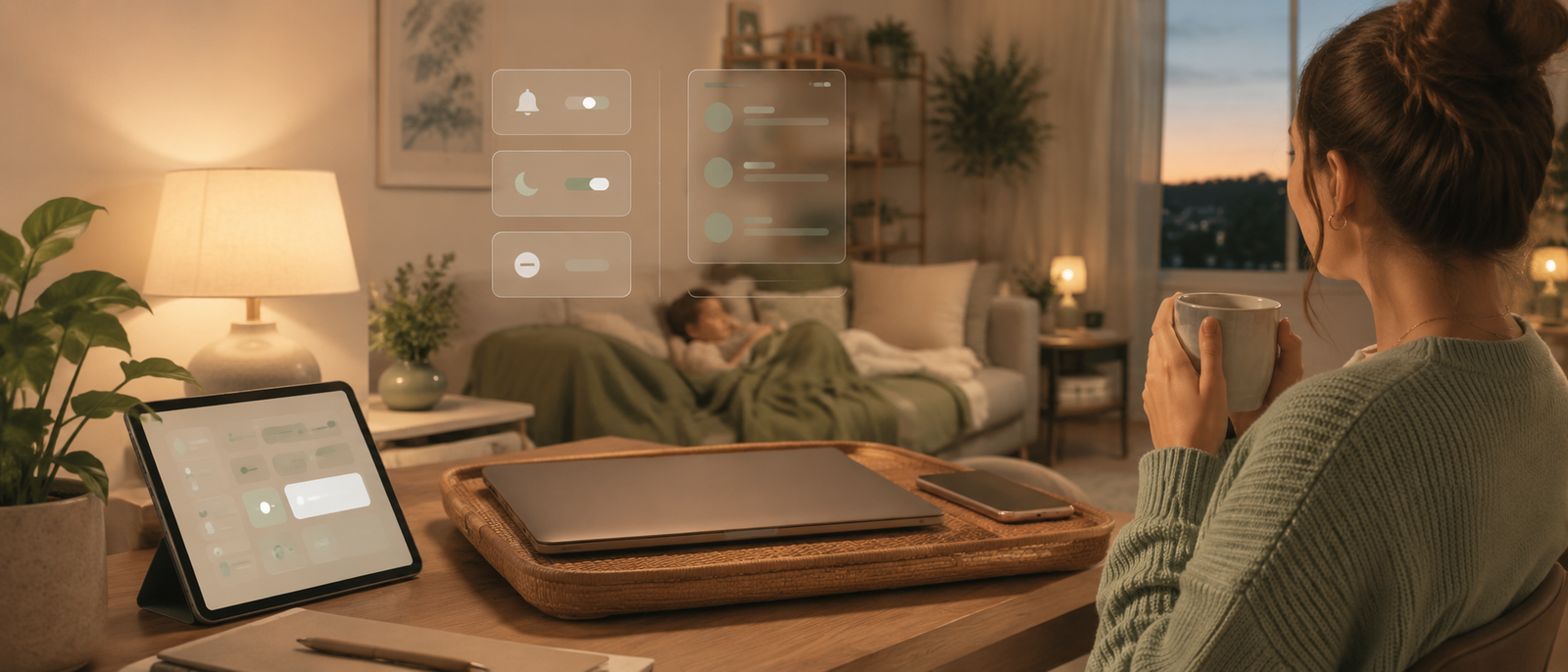
Digital boundaries for side hustlers and home workers
Why side hustles blur work and rest
Side hustles often happen in the gaps: before work, after dinner, during lunch breaks and at weekends. That makes boundaries harder because the work has no fixed container. You are not always “at work”, but you are never fully away from it either. The project follows your phone, laptop and thoughts into every spare minute.
The problem with always being reachable
Being reachable sounds professional until it becomes exhausting. If clients, apps, platforms and messages can interrupt any moment, your attention never properly lands. You may feel busy even when nothing major is happening because your brain is waiting for the next ping. Availability can become a habit long after it stops being useful.
Notifications create invisible pressure
A notification is not just a sound. It is a tiny decision arriving without permission. Should you reply? Is it urgent? Can it wait? Did you forget something? Multiply that across email, social media, client messages, payment alerts and project apps, and the day becomes crowded before you have properly started.
Digital boundaries protect creativity
Creative work needs space. Writing, planning, editing, designing and problem-solving all suffer when attention is constantly interrupted. Digital boundaries give your brain longer stretches without being dragged into small admin. That matters for side hustlers because the little time you have needs to be protected, not sliced into nervous fragments.
The real boundary problem
The issue is not ambition. Wanting to build something from home is not unhealthy by itself. The problem starts when the project gets unlimited access to your day. A side hustle should have space to grow, but it should not quietly take over dinner, bed, weekends and every peaceful gap that was still minding its own business.
The hidden cost of weak digital boundaries
Lost focus
Weak boundaries make focus harder because every app can interrupt the task in front of you. You may sit down to write, plan or build, then lose twenty minutes to messages that were not urgent. The cost is not only time. It is the energy needed to restart the original task again and again.
Poor rest
Rest becomes weaker when work is always nearby. If your phone keeps showing business messages, ideas, alerts and reminders, your mind stays partly open for work. You might be on the sofa, but your attention is still clocked in. That makes recovery feel shallow, even when you are technically not working.
Decision fatigue
Side hustlers already make plenty of decisions: what to build, post, sell, price, write, fix and improve. Notifications add more decisions all day. Reply now or later? Check analytics or ignore them? Open the app or stay focused? Digital boundaries reduce unnecessary decisions so the important ones get more energy.
Relationship spillover
When side hustle messages follow you everywhere, personal time gets interrupted. Dinner, family time, rest and sleep can all become negotiable. That does not mean you never work outside normal hours. It means you decide deliberately, instead of letting every message vote on how your evening should go.
Why this affects growth too
Digital boundaries are not just a wellness issue. They affect Money Growth because tired, scattered people make worse business decisions. A calmer routine helps you write better, follow up more clearly, serve customers properly and avoid building a business that depends on you being permanently available.
Who needs digital boundaries most?
Most Relevant Audience
This article is for side hustlers, home workers, freelancers, creators, bloggers, coaches, consultants and small business owners building income from home. It is especially useful if your phone never feels fully off, your laptop keeps reopening after dinner or your “quick task” regularly becomes a surprise second workday.
Side hustlers with full-time jobs
Side hustlers with full-time jobs need boundaries because their energy is already split. The side project may matter, but it cannot consume every leftover hour without consequences. Clear windows for side-hustle work help protect rest, relationships and focus, while still giving the project a real place in the week.
Freelancers and client workers
Freelancers often feel pressure to reply quickly because client relationships matter. But instant replies can create unrealistic expectations. Setting response windows, using clear availability and keeping messages out of personal time helps protect your work quality. Professional does not have to mean permanently reachable.
Bloggers and creators
Bloggers and creators deal with ideas, comments, analytics, emails, content drafts, platforms and social apps. The work is dangerously portable. A boundary might mean checking analytics once a day, batching replies or keeping content planning away from bedtime. Creativity needs input, but it also needs quiet.
Home workers
Home workers need boundaries because the workday can lose its physical ending. Without a commute, office door or visible shift change, the laptop can stay mentally open all evening. A shutdown routine helps tell your brain that work has ended, even if your desk is three steps from the sofa.
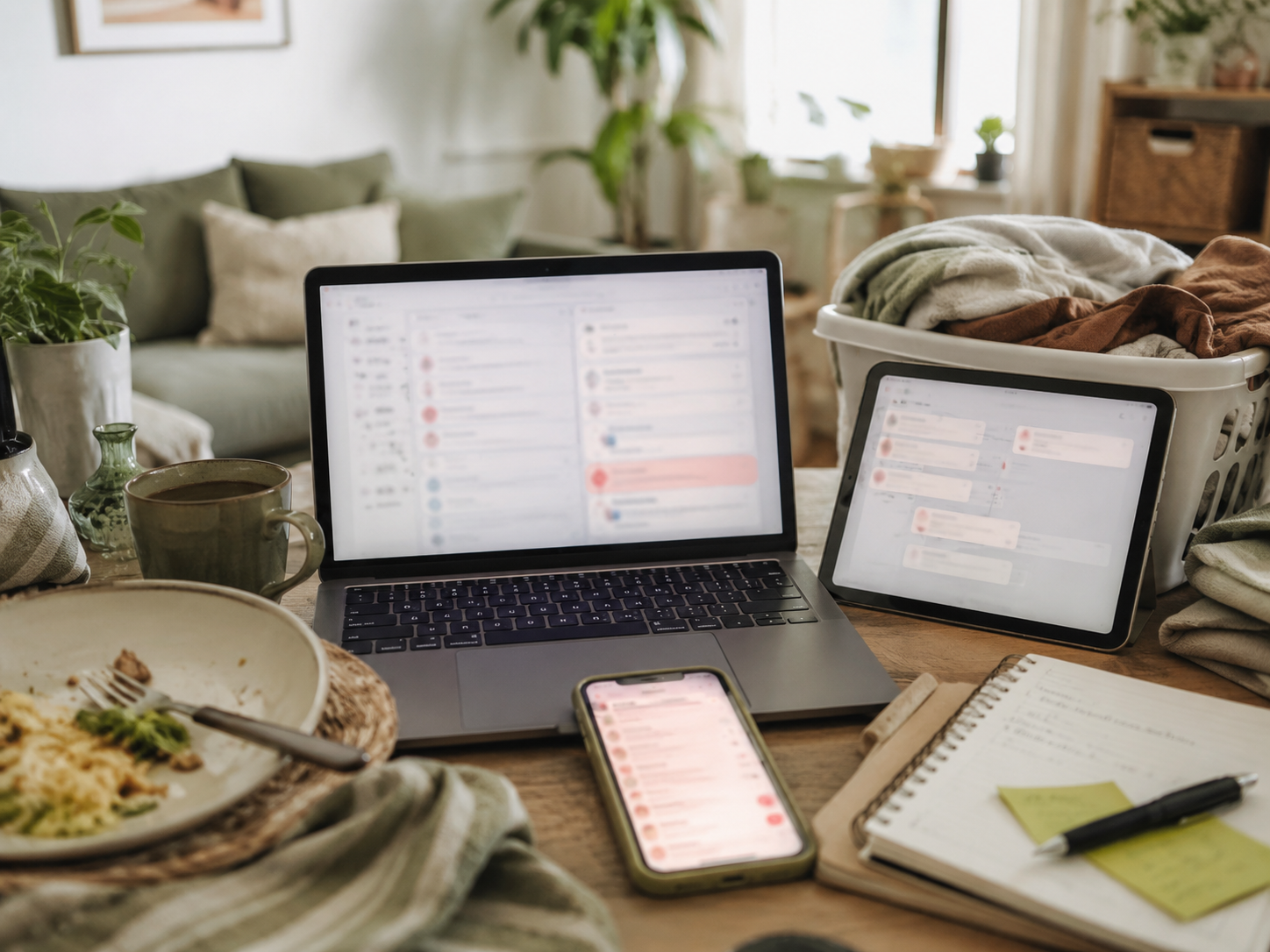
Boundaries should fit real life
A good digital boundary is not dramatic. It is repeatable. You do not need to delete every app, abandon ambition or become impossible to contact. You need small rules that protect attention: when messages get checked, where work happens, what can interrupt you and when the day is allowed to end.
Practical boundaries that actually help
Set work windows
Give your side hustle clear work windows, even if they are small. For example, two evenings a week and one weekend block is clearer than “whenever I have time”. Work windows reduce guilt because you know when the project will get attention. They also make rest easier because not every free minute is automatically available.
Create phone rules
Phone boundaries are powerful because the phone follows you everywhere. Turn off non-essential notifications, move distracting apps away from the home screen and use focus modes during writing, rest or family time. The goal is not to hide from work. It is to stop work from tapping your shoulder every few minutes.
Batch email and messages
Checking messages all day makes the day feel busier than it is. Try batching email, client messages and platform notifications into set windows. This helps you respond with more attention and less panic. It also stops the inbox from becoming a revolving door that keeps stealing your focus mid-task.
Separate work accounts where possible
Separate accounts, inboxes or browser profiles can help keep main job, side hustle and personal life from blending into one digital soup. Even small separation helps. Different bookmarks, folders or app layouts can reduce accidental checking and make it clearer which mode you are in.
Build an evening shutdown
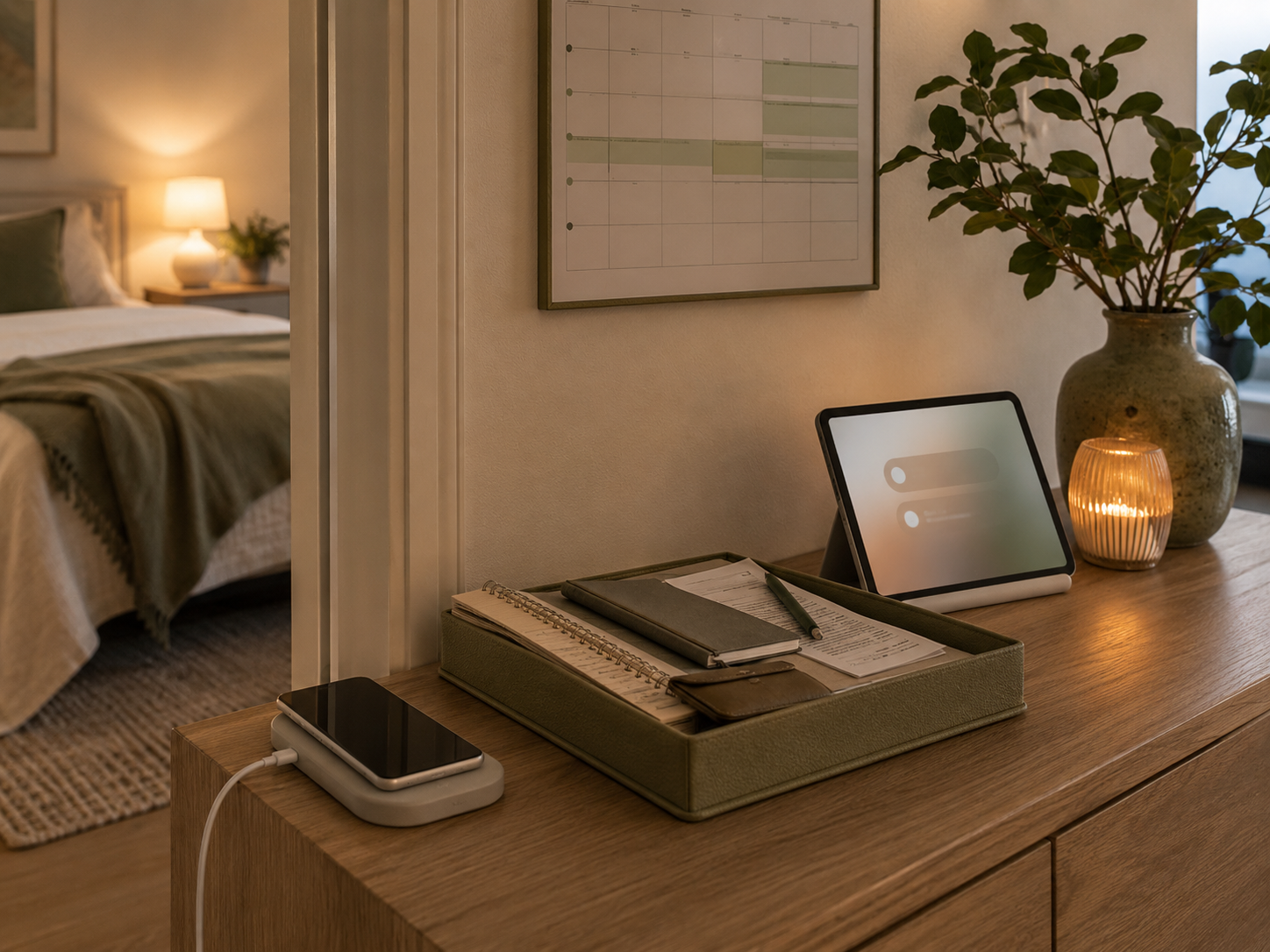
A simple shutdown routine can protect rest. Close the laptop, write tomorrow’s first task, clear the work surface and stop checking messages after a chosen time. This does not need to be perfect. It just needs to give the day an ending, because “I might do one more thing” is how evenings disappear.
Related money note
Better automation can reduce manual follow-up, welcome subscribers, deliver resources and send reminders without making you personally carry every tiny business nudge. The aim is not to automate your personality. It is to stop growth from depending on constant checking.
Common boundary mistakes
Making rules too strict
The best boundary is one you can actually keep. If your rule is unrealistic, you will break it quickly and feel worse. Start smaller: no email after a certain time, one daily analytics check or two focused side-hustle blocks per week. A modest boundary used consistently beats a perfect one used twice.
Treating every message as urgent
Most messages are not urgent. They only feel urgent because they arrived loudly. Decide what genuinely needs fast attention and what can wait for your next check-in window. When everything gets treated like an emergency, your nervous system stops believing in normal business admin.
Mixing every digital space
If personal, main job and side hustle accounts all live in the same places, boundaries become harder. You may open your phone for one personal message and leave with three business tasks. Use folders, profiles, separate inboxes or app limits where possible. Small separations reduce accidental work.
Forgetting recovery time
Side hustlers often schedule work but not recovery. That creates a week where every spare hour has a job. Rest is not laziness. It is what keeps the project sustainable. If the side hustle depends on you being tired all the time, the system needs changing before your motivation files a complaint.
Pros and cons
Pros
Protects focus for deeper work.
Reduces notification stress.
Helps separate work and rest.
Supports better creative thinking.
Makes side hustles more sustainable.
Improves response quality.
Reduces guilt during downtime.
Cons
Boundaries can feel awkward at first.
Some clients may need clearer expectations.
You may need to change app habits.
Urgent work still needs flexibility.
It takes practice to stop checking.
Poor systems can weaken boundaries.
Over-strict rules may fail quickly.
FAQ
What are digital boundaries?
Digital boundaries are rules that protect your attention from constant apps, messages, notifications and online tasks. They help decide when you check work, where work happens, what can interrupt you and when the day ends. They are especially useful when your work lives on your phone or laptop.
How do side hustlers set better work boundaries?
Side hustlers can set better boundaries by creating work windows, batching messages, turning off non-essential notifications and using an evening shutdown routine. The goal is to give the side hustle a clear place in the week, instead of letting it spread into every spare moment.
How can home workers stop checking messages all day?
Home workers can stop checking messages all day by setting specific inbox windows, using focus modes and removing non-essential alerts. It helps to separate urgent messages from routine updates. If every message arrives with the same level of importance, your attention will keep getting pulled away.
Why do notifications make working from home more stressful?
Notifications make working from home more stressful because they create constant small decisions. Each alert asks whether you should stop, reply, check, ignore or remember something. Over time, that creates mental load. Even when the task is tiny, the interruption can make the whole day feel noisier.
How do I separate my side hustle from personal time?
Separate your side hustle from personal time by choosing clear work blocks, closing work apps after those blocks and creating a shutdown routine. Keep work tools out of rest spaces where possible. If you use the same phone for everything, focus modes and notification limits can help create separation.
Final verdict
Digital boundaries for side hustlers and home workers help protect focus, rest and energy while you build something from home. The goal is not to become unreachable or less ambitious. It is to stop every notification, app, client message and quick task from having unlimited access to your day.
Start with small boundaries: work windows, fewer notifications, message batching and an evening shutdown routine. You can grow a side hustle without letting it follow you into dinner, bed, weekends and every quiet gap. Sustainable work needs space to happen, and rest needs space to recover.


