



Host a Virtual Halloween Party: Audio,…

20 Minimalist Halloween Nail Ideas for…

Can Free Affinity Help You Build…

12 Lower-Sugar Halloween Treat Swaps Worth…

Can Hostinger AI Builder Launch a…

A 5-Step Screen-Free Autumn Reading Ritual…

Plug-In Solar Panels UK: Are They…

15 Last-Minute Zoom Halloween Costumes for…

Meta One Explained: Is the Subscription…

10 Low-Fuss Dog Halloween Ideas: Comfort…

Plaud One Explained: Can AI Earbuds…

9 Gothic Dinner Table Ideas for…

Namecheap vs Dynadot

7 UK Ghost Tours and How…

Convertkit Vs Beehiiv

Do You Really Need a £420…

Bluehost vs Siteground

15 Gentle Spooky Autumn Books to…

Namecheap review

How to Remove Halloween Face Paint…
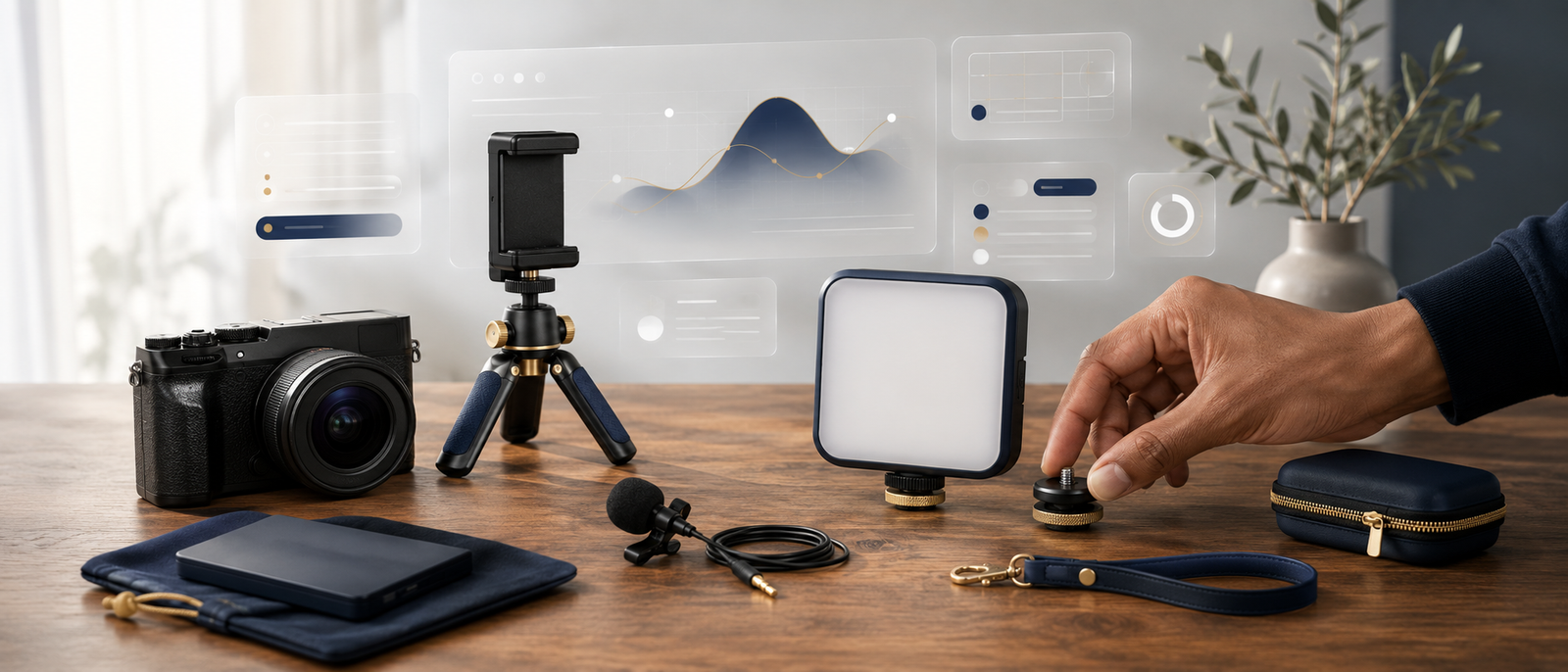
Most beginners do not need a fake studio. They need gear that removes the biggest obstacle between them and publishing. That usually means clearer audio, better lighting, stable framing and a simple setup that does not take 45 minutes, three cables and a small emotional collapse. The best content creator kit for beginners should make recording easier, not turn every video into a production meeting with yourself.
Start with audio, lighting and stability.
Do not buy everything immediately.
Samson Q2U is the beginner mic pick.
Logitech StreamCam improves webcam quality.
Logitech Litra Glow fixes harsh lighting.
Ulanzi MT-44 helps phone creators.
RODE Wireless ME suits mobile recording.
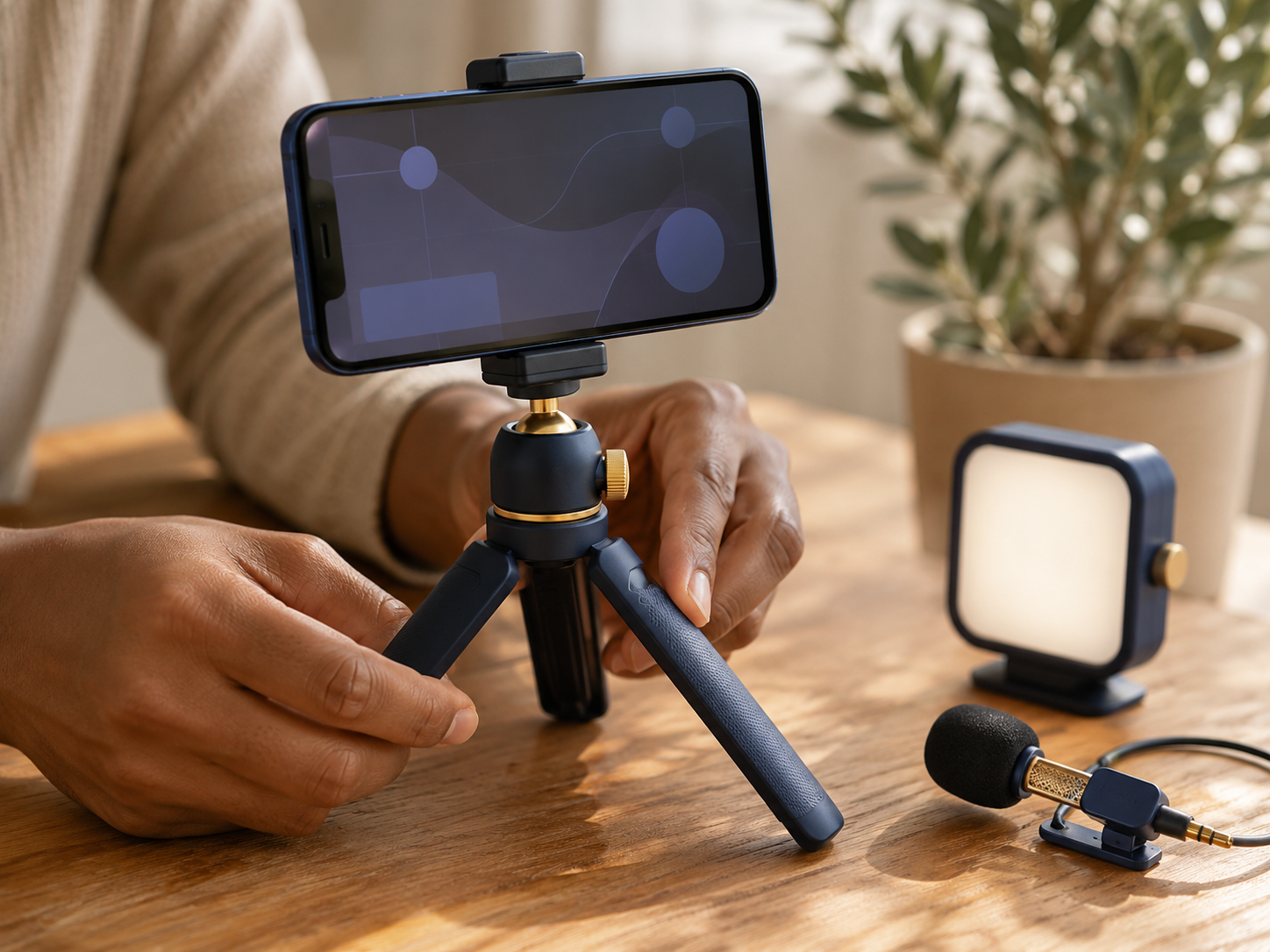
RODE Wireless ME Microphone System
RODE Wireless ME Microphone System is the best mobile audio add-on for creators filming away from a desk. It works with cameras, computers, iPhones and Android phones, with over 100m range and up to 7 hours of battery life. It is especially useful for walk-and-talk videos, outdoor clips, interviews and mobile content where your voice needs to stay close.
What beginners actually need first
A beginner creator kit should solve obvious problems, not decorate your desk with equipment you are scared to touch. Start with the thing ruining your content most: muffled sound, bad lighting, shaky framing or awkward mobile audio. Fix that first, publish more, then upgrade only when the next problem becomes obvious.
Buy based on the biggest problem
Do not buy a full creator kit just because a guide says it looks complete. If your voice sounds distant, start with the Samson Q2U USB/XLR Microphone. If your video looks blurry, consider the Logitech StreamCam Webcam. If the image is dark or harsh, fix lighting first. The best purchase is the one that removes the biggest publishing blocker.
Start smaller than your ambition
Your first setup does not need to look like a podcast studio pretending to be a spaceship. Beginners often make more progress with one microphone, one light and one stable filming position than with ten accessories they barely understand. Spend enough to remove friction, not enough to create setup guilt.
Upgrade when content proves the need
The best time to upgrade is after you know what kind of content you actually make. A YouTube beginner may need webcam and lighting first. A mobile creator may need a tripod and wireless audio. A course creator may need microphone clarity before anything else. Let your real workflow choose the kit.
The smart spending rule
Beginner creator gear should earn its place by making publishing easier. If a purchase does not improve sound, light, framing, stability or speed, it can wait. The goal is not to look like a creator before you have created anything. The goal is to remove enough friction that recording feels doable again tomorrow.
All-in-one kits
All-in-one creator kits can be convenient, especially if you want everything in one box. The problem is that the included items may not match your real needs. You might get a weak mic, a flimsy tripod or a light you stop using after two videos. Convenient does not always mean well chosen.
Building your own kit
Building your own kit is usually better for beginners who want value and control. You can choose one strong product for each job: mic, webcam, light, tripod and mobile audio. This avoids buying a bundle where half the items quietly move into a drawer and begin their new life as cable neighbours.
What to buy first
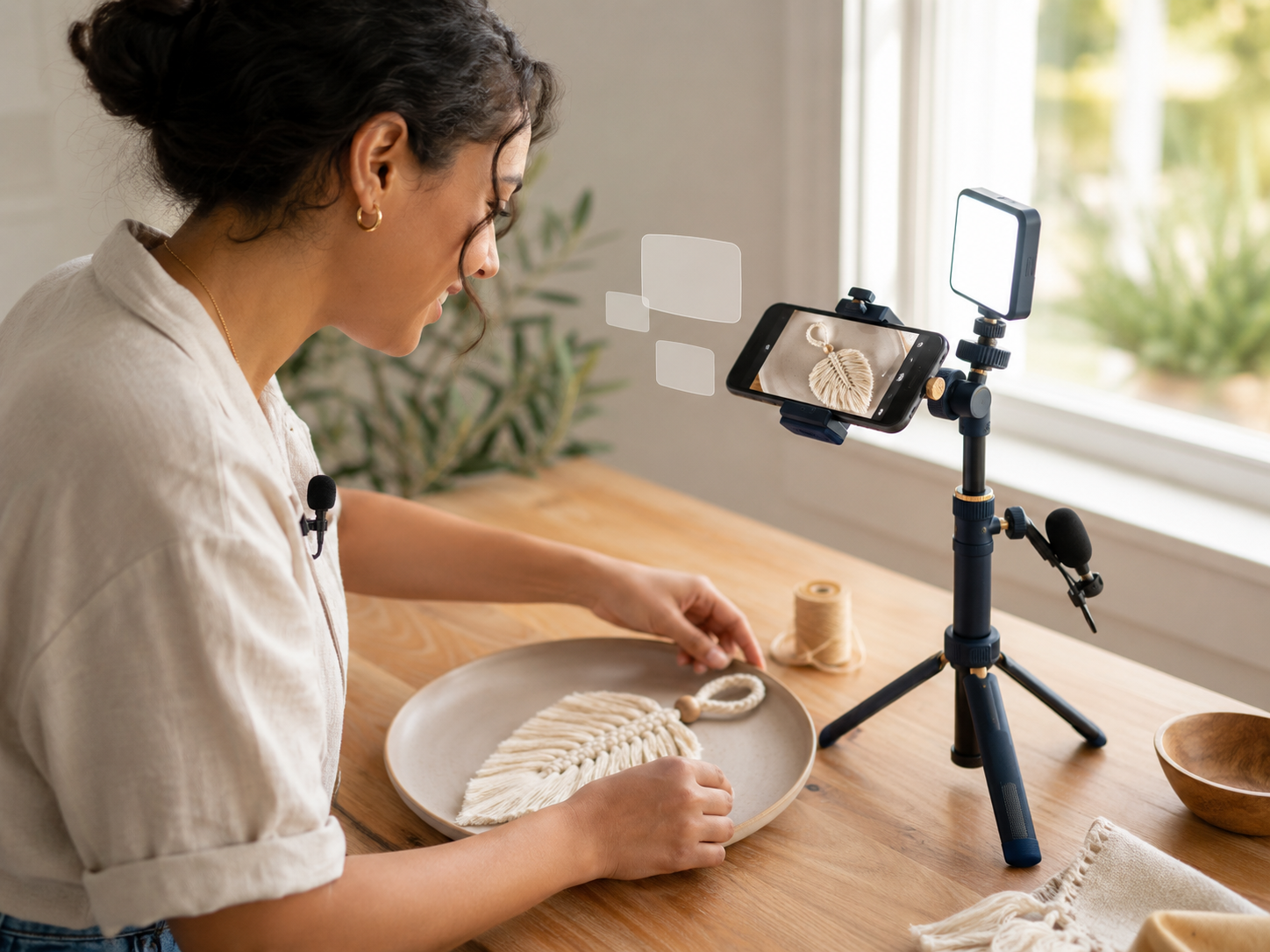
Most beginners should prioritise sound, then lighting, then stability, then camera quality. Clear audio makes content easier to watch. Good lighting improves almost every camera. Stable framing makes videos feel less chaotic. Camera upgrades matter, but they are rarely the first fix unless your current camera is genuinely holding you back.
The real kit decision
All-in-one kits look tidy, but building your own setup usually gives beginners better control. Start with the weakest part of your current videos and choose one reliable fix. A kit should fit your content style, not force you into a setup that makes every recording feel like assembling flat-pack furniture with a deadline.
Best kit for Reels, Shorts and TikTok
For Reels, Shorts and TikTok, start with Ulanzi MT-44 Extendable Tripod and RODE Wireless ME Microphone System. Phone content needs stable framing and clear voice capture more than a complicated desk setup. Add Logitech Litra Glow Streaming Light if you film indoors and your lighting keeps making you look mildly haunted.
Best kit for YouTube beginners
For YouTube beginners, Samson Q2U USB/XLR Microphone, Logitech StreamCam Webcam and Logitech Litra Glow Streaming Light make the strongest starter trio. This improves the three things viewers notice quickly: sound, picture and lighting. You can add a tripod later if phone or second-angle filming becomes part of your workflow.
Best kit for courses and tutorials
For courses, tutorials and screen-led content, start with Samson Q2U USB/XLR Microphone and Logitech StreamCam Webcam. Voice clarity matters because people may listen while watching slides, screens or demonstrations. Lighting helps too, but bad audio is usually harder to forgive than average video.
Best kit for mobile creators
Mobile creators should look first at Ulanzi MT-44 Extendable Tripod and RODE Wireless ME Microphone System. This setup works well for walk-and-talk clips, outdoor filming, interviews and phone-based content. It keeps filming simple, portable and less dependent on rearranging your entire room every time inspiration appears.
Match the kit to the content
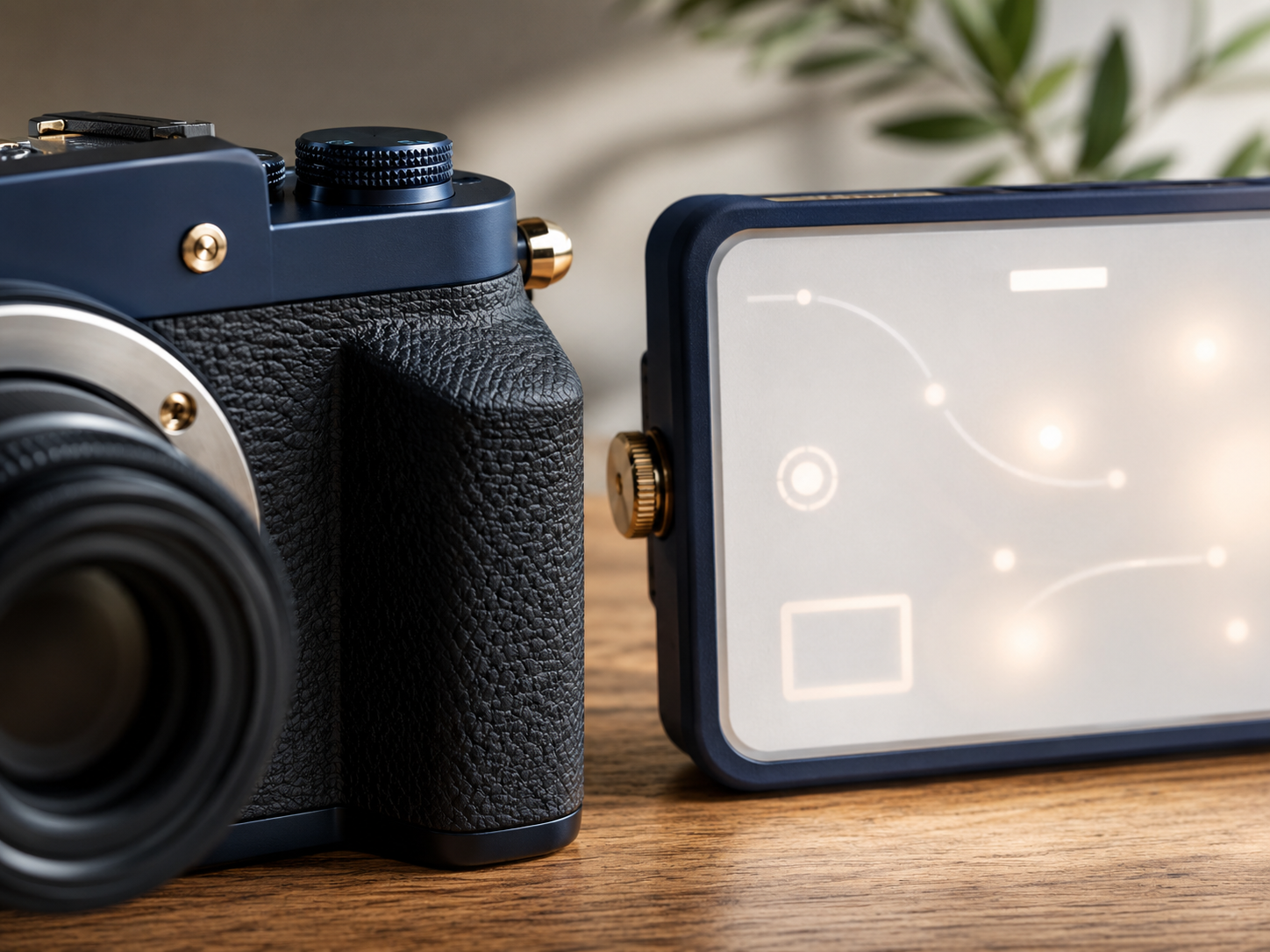
The best beginner kit depends on where you actually record. Desk creators need sound, light and webcam quality. Phone creators need stability and mobile audio. Course creators need clear voice capture. Do not copy someone else’s setup just because it looks impressive. Copy the logic, not the pile of equipment.
Match the kit to the content
Buying the camera first
A better camera will not fix bad audio, poor light or shaky framing. Many beginners spend too much on camera quality while still recording in a dark room with distant sound. Fix the basics first. A clear voice, decent light and stable shot can make simple content feel much more watchable.
Building a studio before building a habit
Gear cannot replace the habit of publishing. A perfect setup is useless if it makes recording feel intimidating. Beginners should choose equipment that feels easy to use often. The best kit is the one you actually set up, not the one that looks impressive while quietly judging you from the shelf.
Buying duplicate accessories
Creator gear can multiply quickly: spare mounts, extra cables, adapters, cases, mini lights and mysterious clips with no clear purpose. Before buying extras, check what problem they solve. If the answer is “I saw someone on YouTube use it,” pause. That is how drawers become tiny tech museums.
Ignoring the room
Your room matters. Echo, clutter, harsh backlight and awkward framing can make good gear perform badly. A beginner microphone helps, but it still works better when you are not recording in a bare echo chamber. A creator light helps, but only if it is placed thoughtfully, not aimed like an interrogation lamp.
The easiest mistake to avoid
The biggest beginner mistake is buying gear for a version of content you do not actually make yet. Choose tools for your next ten videos, not your imaginary future studio tour. If a product makes recording simpler this week, it is more useful than an impressive accessory waiting for a perfect setup day.
The easiest mistake to avoid
Best USB Microphones for Content Creators
If audio is your biggest problem, Best USB Microphones for Content Creators is the natural next guide. A dedicated microphone can make videos, podcasts, tutorials and courses feel much more professional. Start there if people can see you fine but your voice sounds distant, hollow or trapped inside a cupboard.
Best Webcams for Bloggers and Course Creators
If your camera quality is holding you back, Best Webcams for Bloggers and Course Creators is worth comparing next. A better webcam can help with YouTube videos, online lessons, calls, webinars and livestreams. It is especially useful if your laptop webcam keeps making soft focus look like a lifestyle choice.
Best Ring Lights for Content Creators
If lighting is the main issue, Best Ring Lights for Content Creators can help you choose a more focused setup. Lighting is one of the quickest upgrades for video quality. It can make skin tones, background clarity and overall image quality feel cleaner without changing your camera.
Best Phone Tripods for Reels and Shorts
If you mostly create phone videos, Best Phone Tripods for Reels and Shorts is the better next step. Phone creators need stability, flexible height and easy framing. A good tripod can make filming faster, cleaner and less dependent on balancing your phone against mugs, books and blind optimism.
Related wellness note
A creator kit should make filming feel calmer, not turn your room into a cable-based stress test. If lighting is part of your setup, Best Lighting Ideas for a Calmer Home Office is the natural wellness follow-up. Better light can support both video quality and a workspace that feels less harsh during long editing days.
Related wellness note
What should a beginner content creator kit include?
A beginner content creator kit should include tools for clear audio, better lighting, stable framing and simple recording. For many beginners, that means a microphone, webcam or phone setup, creator light and tripod. Mobile creators may also benefit from a wireless microphone system.
Is an all-in-one creator kit worth buying?
An all-in-one creator kit can be worth buying if the included items are genuinely useful. However, beginners often get better value by building their own kit around specific problems. Choose gear that improves your content, not a bundle that looks complete but includes weak pieces.
What equipment do I need to start creating content?
You can start with a phone, natural light and a simple filming position. To improve quality, add a better microphone, a stable tripod and a creator light. A webcam is useful for desk videos, YouTube, livestreams, online lessons and creator content filmed from a computer.
Should beginners buy a microphone, light, or camera first?
Most beginners should buy a microphone first if their audio is unclear. After that, improve lighting and stability. Camera upgrades come later unless your current camera is genuinely poor. Clear sound and good lighting usually improve beginner content faster than buying a more expensive camera.
How much should a beginner spend on creator gear?
A beginner should spend enough to fix the biggest content problem, not enough to build a studio they feel scared to use. Start with one or two upgrades, publish more content, then add gear when your workflow proves you need it. Avoid buying everything at once.
What is the best content creator kit for beginners?
The best beginner kit depends on how you create. For desk videos, start with Samson Q2U USB/XLR Microphone, Logitech StreamCam Webcam and Logitech Litra Glow Streaming Light. For mobile content, start with Ulanzi MT-44 Extendable Tripod and RODE Wireless ME Microphone System.
Final verdict
The best content creator kit for beginners is the one that removes your biggest publishing blocker. Choose Samson Q2U USB/XLR Microphone for voice quality, Logitech StreamCam Webcam for better video, Logitech Litra Glow Streaming Light for cleaner lighting, Ulanzi MT-44 Extendable Tripod for phone stability and RODE Wireless ME Microphone System for mobile audio.
Do not build a fake studio before you build a filming habit. Start with the gear that makes your next video easier to record, publish and repeat. A beginner kit should reduce friction, not create a 45-minute setup ritual involving panic, tripods and one suspiciously missing cable.


