Eden Creator Store Explained: Can One…

Redbubble vs Printify: Which Print-on-Demand Platform…

Can Free Affinity Help You Build…

Can Hostinger AI Builder Launch a…

Plug-In Solar Panels UK: Are They…

Meta One Explained: Is the Subscription…

Plaud One Explained: UK Price, Plans…

Namecheap vs Dynadot

Kit (ConvertKit) vs beehiiv: Which Should…

Bluehost vs Siteground

Namecheap review

Cloudways Vs WP Engine
Good video quality cannot fully rescue frustrating audio.
Many creators discover this after filming strong content that still feels awkward watching because the voices sound distant, echoey, or inconsistent. That problem becomes even more obvious during interviews, tutorials, walking videos, reels, and mobile filming workflows where creators move constantly. Lavalier microphones became popular because they solve a very specific creator frustration. They allow voices to stay clearer and more consistent without forcing creators to remain trapped behind large desk microphones throughout the filming process.
Quick Overview
- In this guide you will learn:
- Which lavalier microphones creators use most often.
- Which setups suit mobile creators best.
- Why wireless audio became so popular.
- Which microphones suit beginner workflows.
- Where creators overspend unnecessarily.
Why Lavalier Microphones Became So Popular
Built-In Camera Audio Usually Sounds Weak
Most cameras and phones capture:
- Room echo.
- Traffic sounds.
- Hollow vocals.
- Inconsistent voice levels.
That difference becomes extremely noticeable once creators start editing videos seriously.
Creators Need Mobility During Filming
Many creators film:
- Tutorials.
- Interviews.
- Walking videos.
- Fitness content.
- Product demonstrations.
Desk microphones become restrictive during those workflows.
Cleaner Audio Improves Retention
Viewers tolerate average visuals surprisingly well.
Consistent Voice Levels Reduce Editing Stress
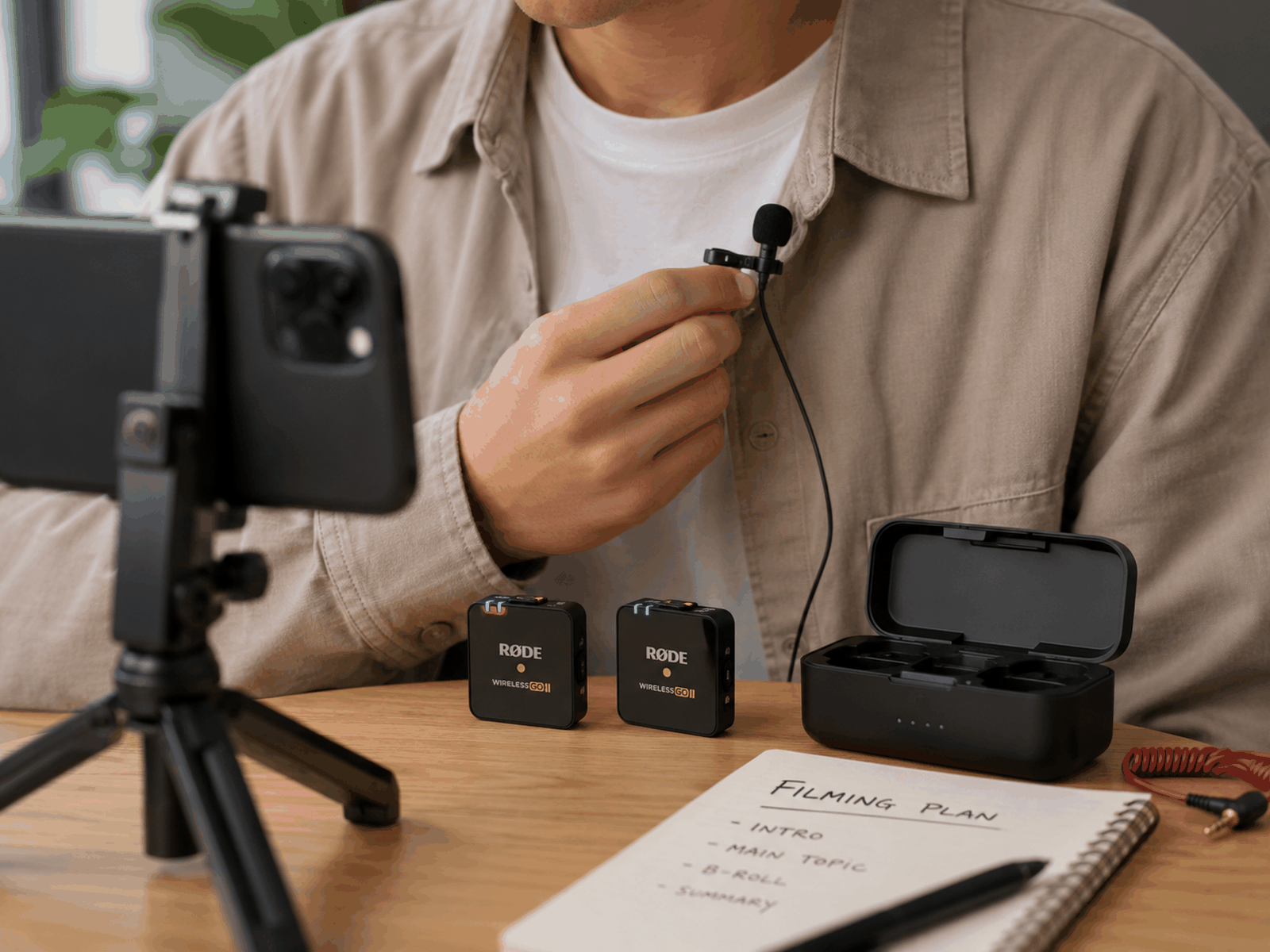
Lavalier microphones usually create more stable voice recordings while creators move naturally during filming.
That consistency simplifies editing considerably.
Many Creators Underestimate How Distracting Weak Audio Feels
This becomes obvious during editing.
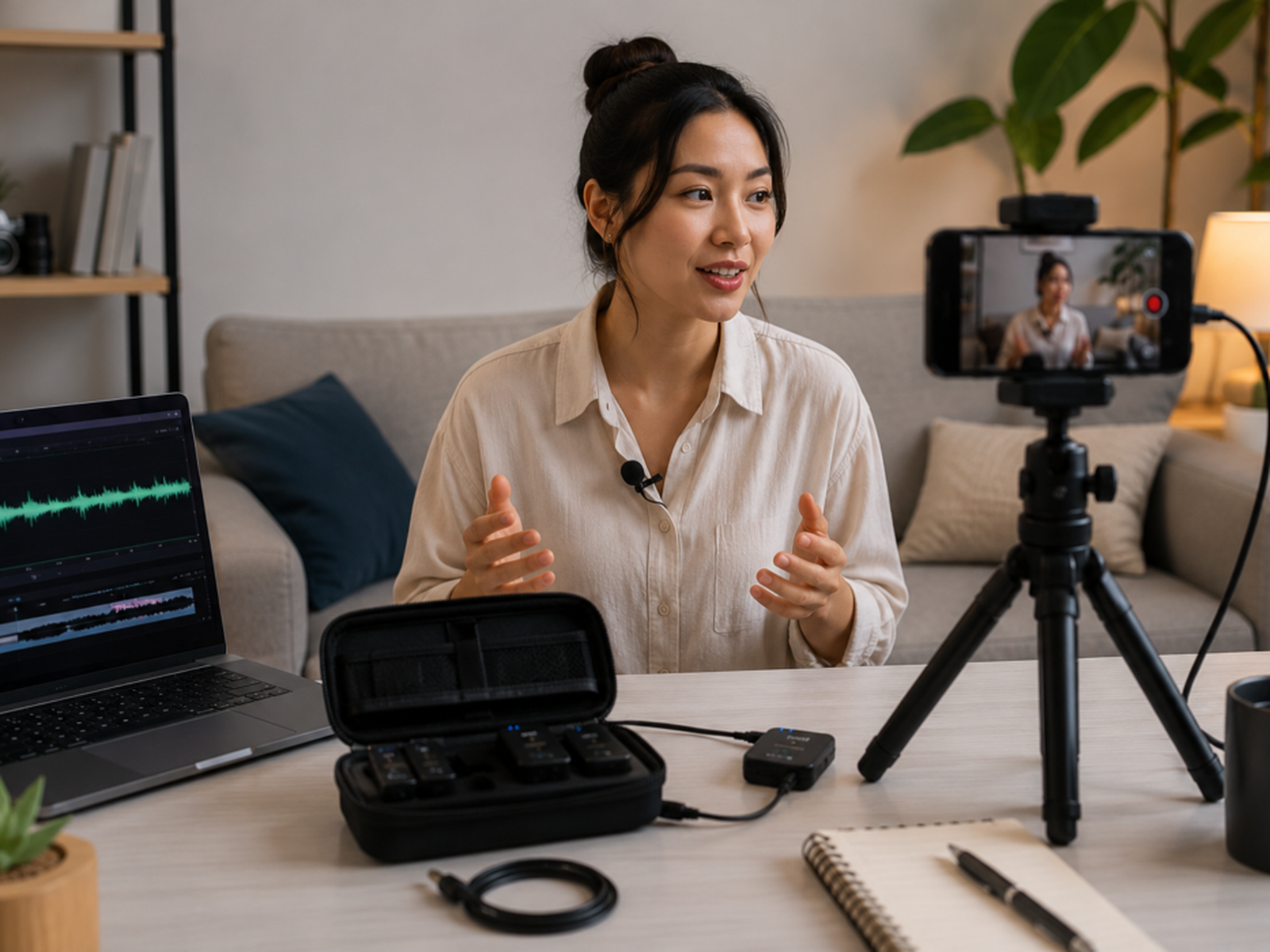
The footage may look beautiful, but the audio feels distant and hollow because the microphone remained too far away from the speaker. Viewers rarely explain this problem directly in comments. They simply stop watching earlier. That behavioural drop frustrates creators because the content itself may actually be strong. Lavalier microphones solve that issue by placing the microphone much closer to the speaker’s voice without requiring bulky studio equipment constantly visible inside the frame.
Best Lavalier Microphones Creators Use Most Often
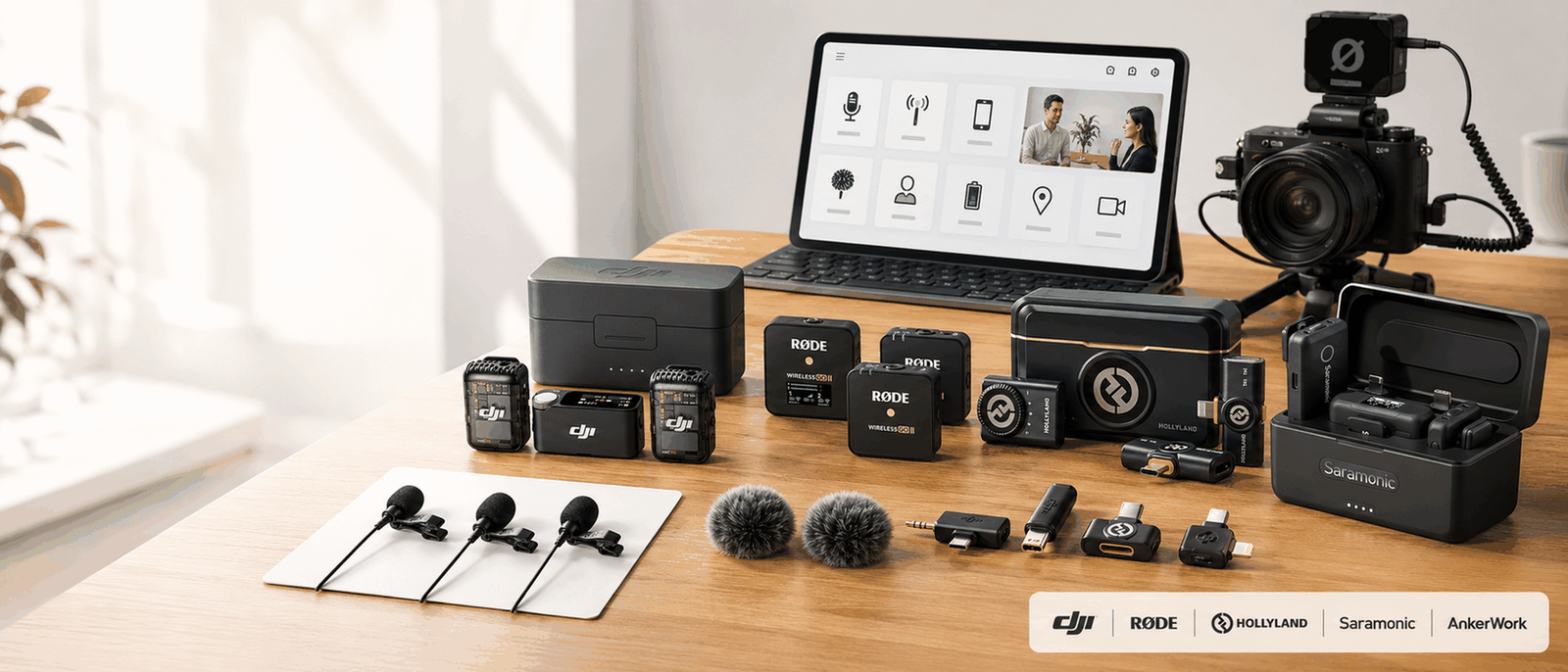
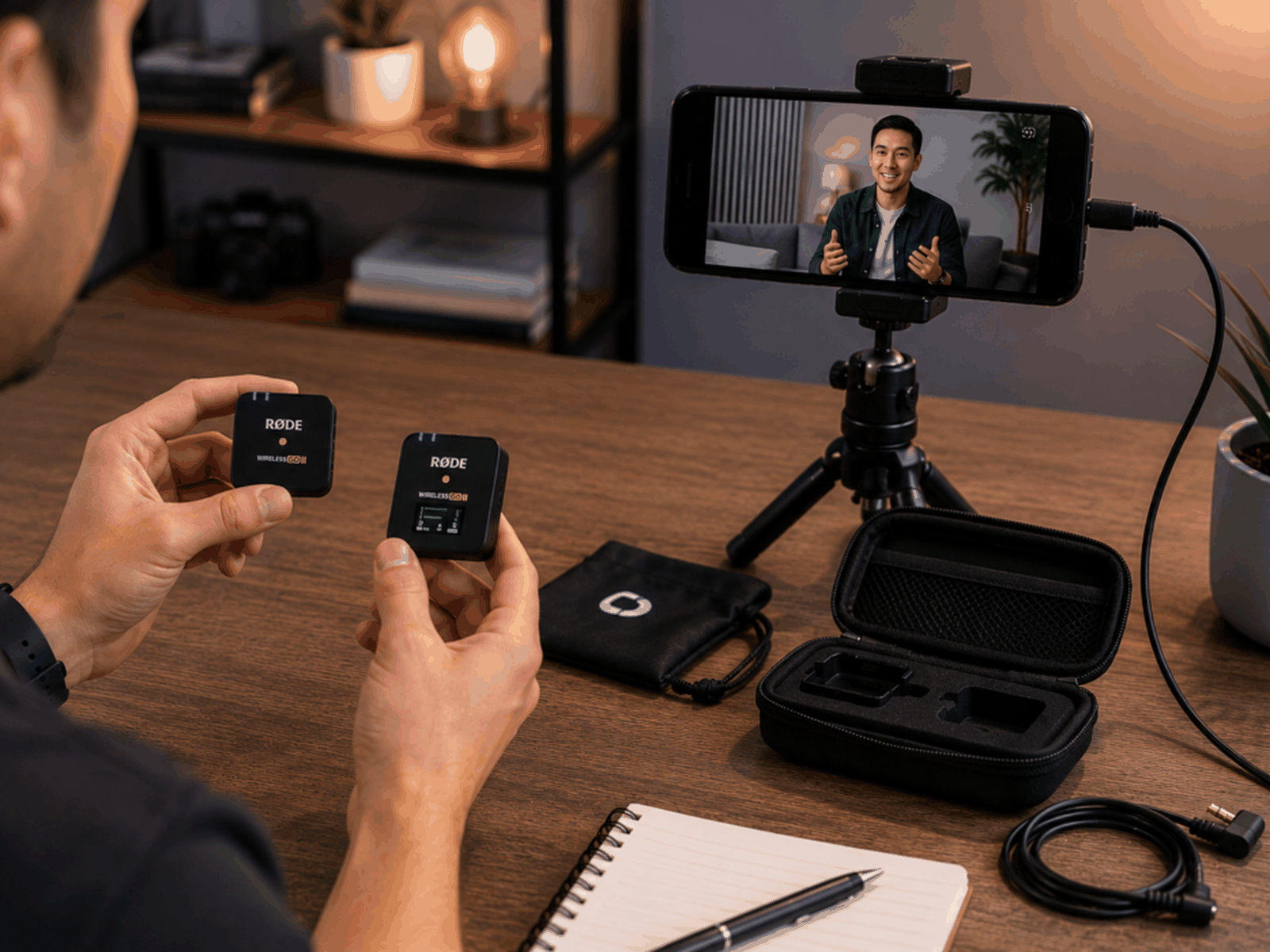
Rode Wireless GO II
The Rode Wireless GO II became extremely popular because it balances:
- Wireless convenience.
- Strong audio quality.
- Portable size.
- Beginner-friendly setup.
That combination works especially well for creators filming reels, interviews, tutorials, and mobile content.
DJI Mic
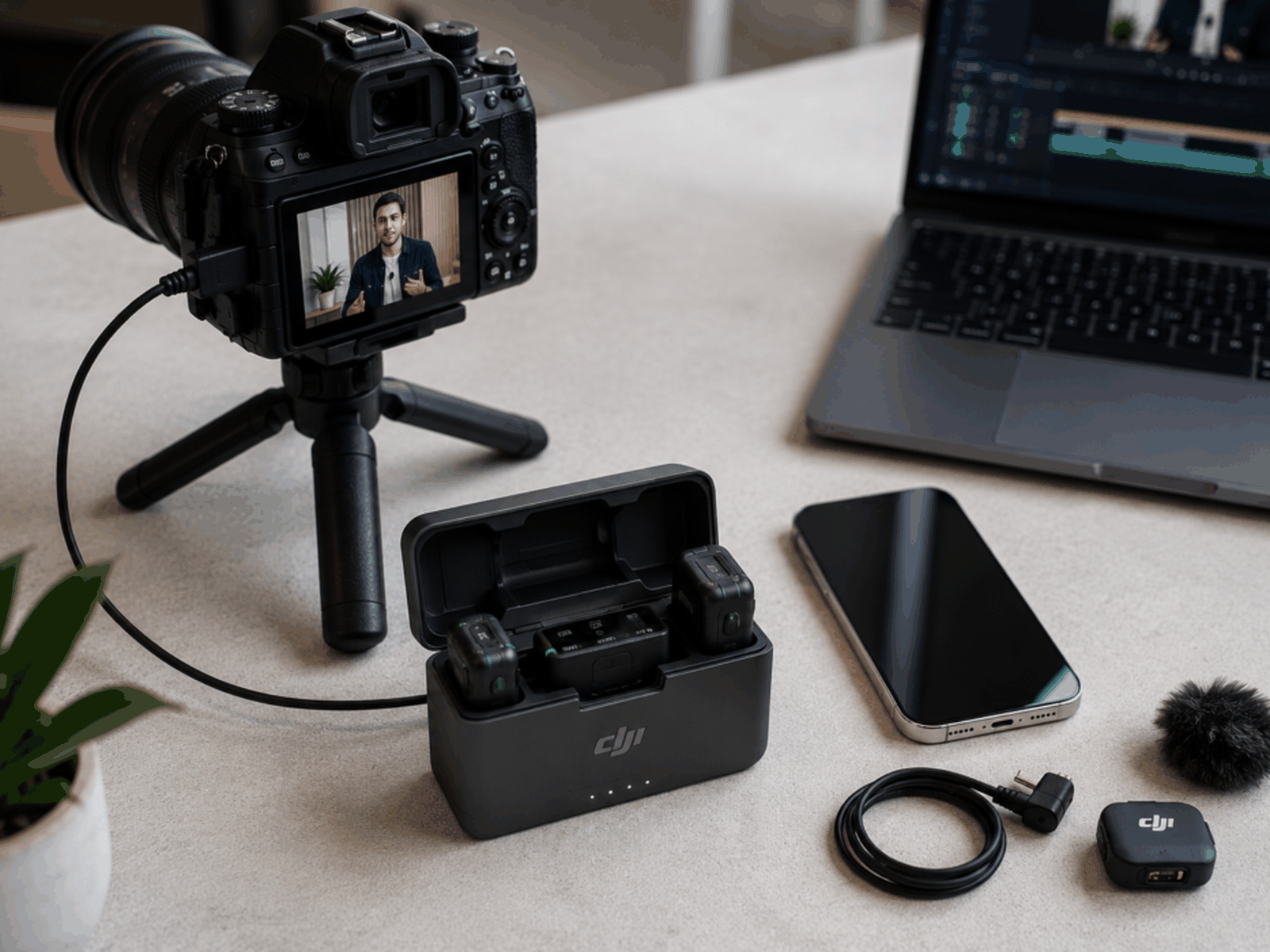
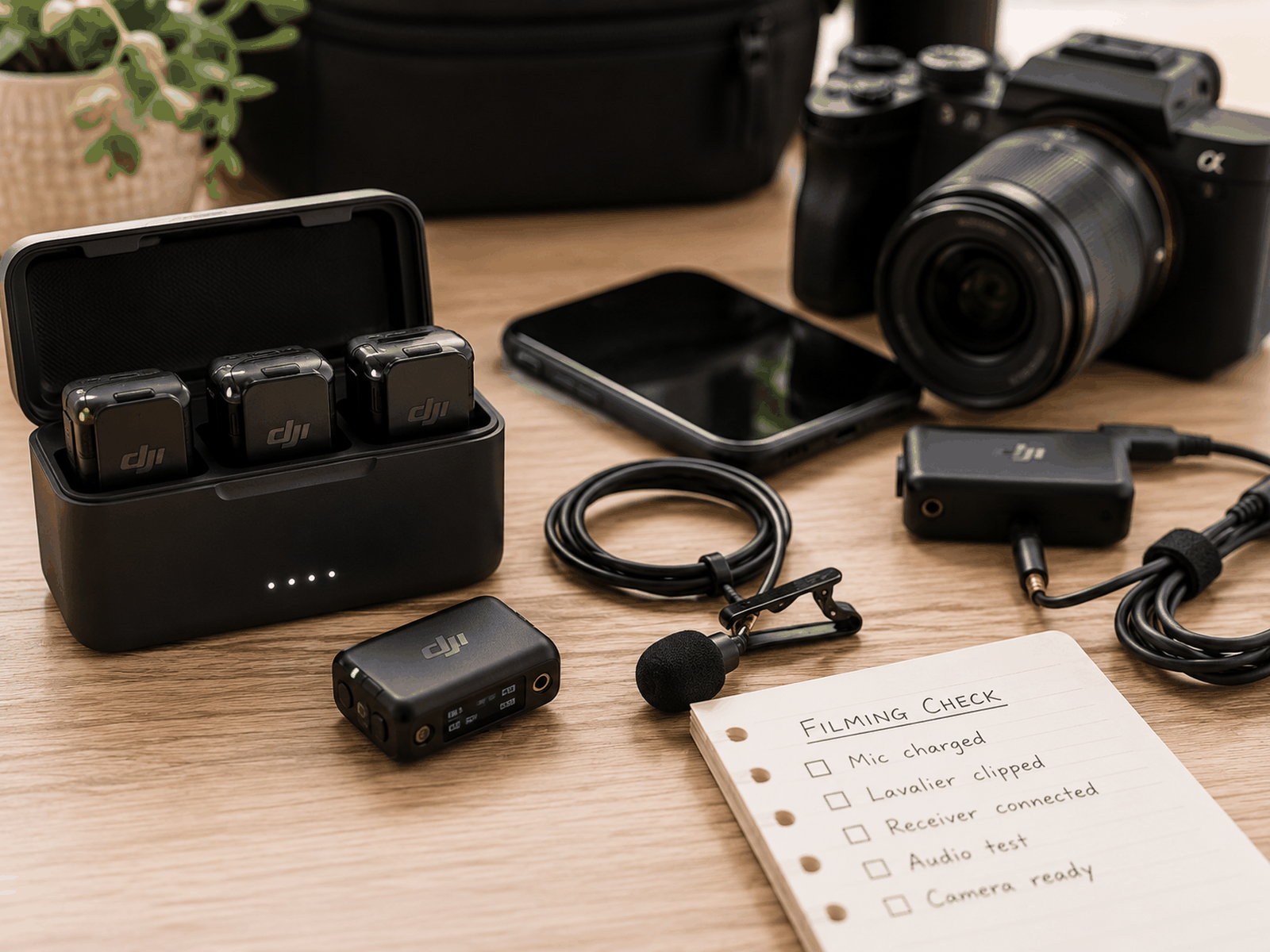
The DJI Mic gained popularity partly because the charging case and setup workflow feel extremely convenient for mobile creators filming regularly.
Many creators also like:
- The compact design.
- Backup recording features.
- Simple wireless setup.
Hollyland Lark M2
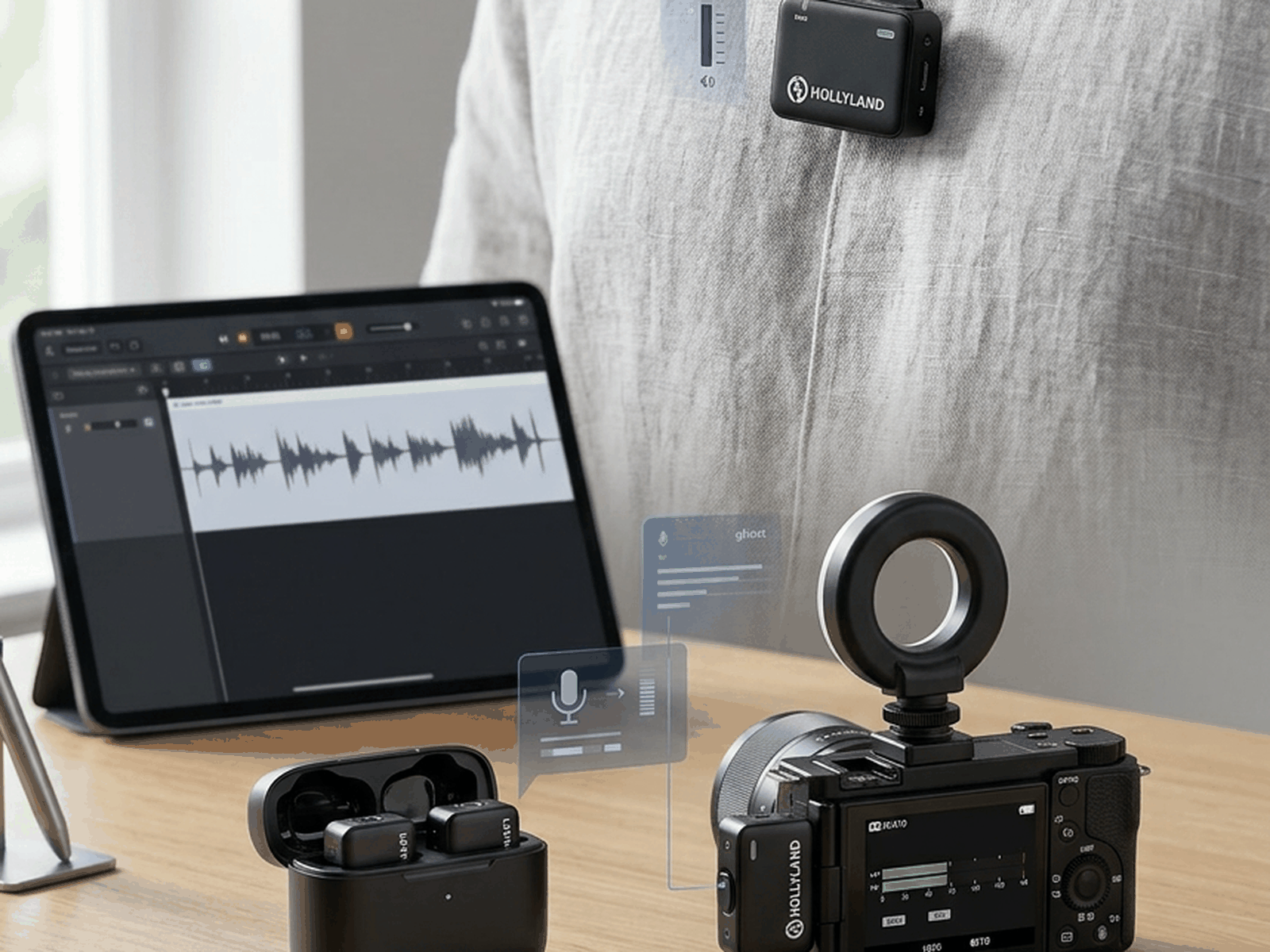
The Hollyland Lark M2 appeals strongly to creators wanting smaller lightweight transmitters that feel less visually distracting on clothing during filming.
That subtle design matters more than many creators expect.
Rode SmartLav+
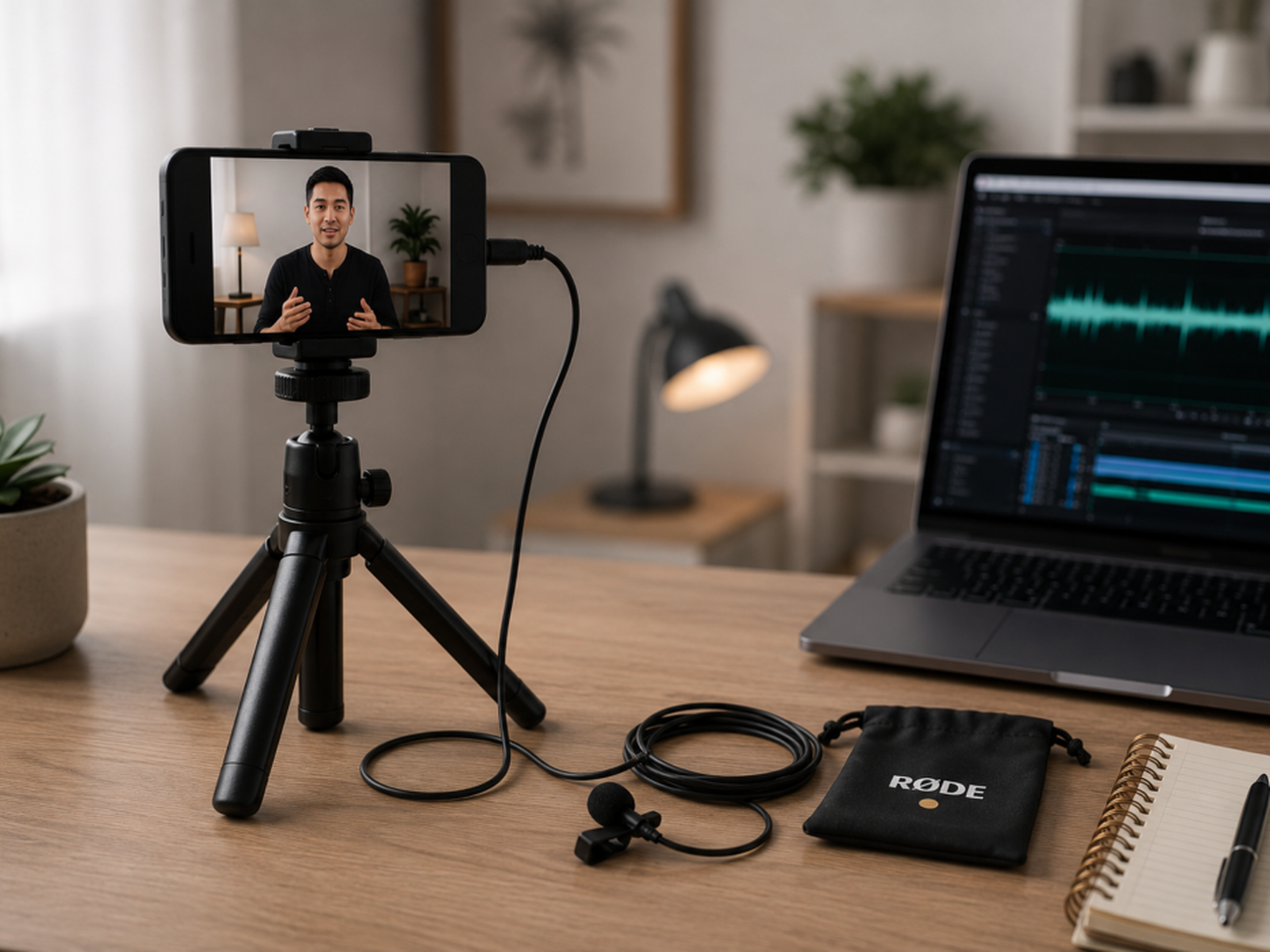
The Rode SmartLav+ became popular partly because creators could plug it directly into phones and begin recording quickly without building complicated setups.
That simplicity matters heavily for beginners.
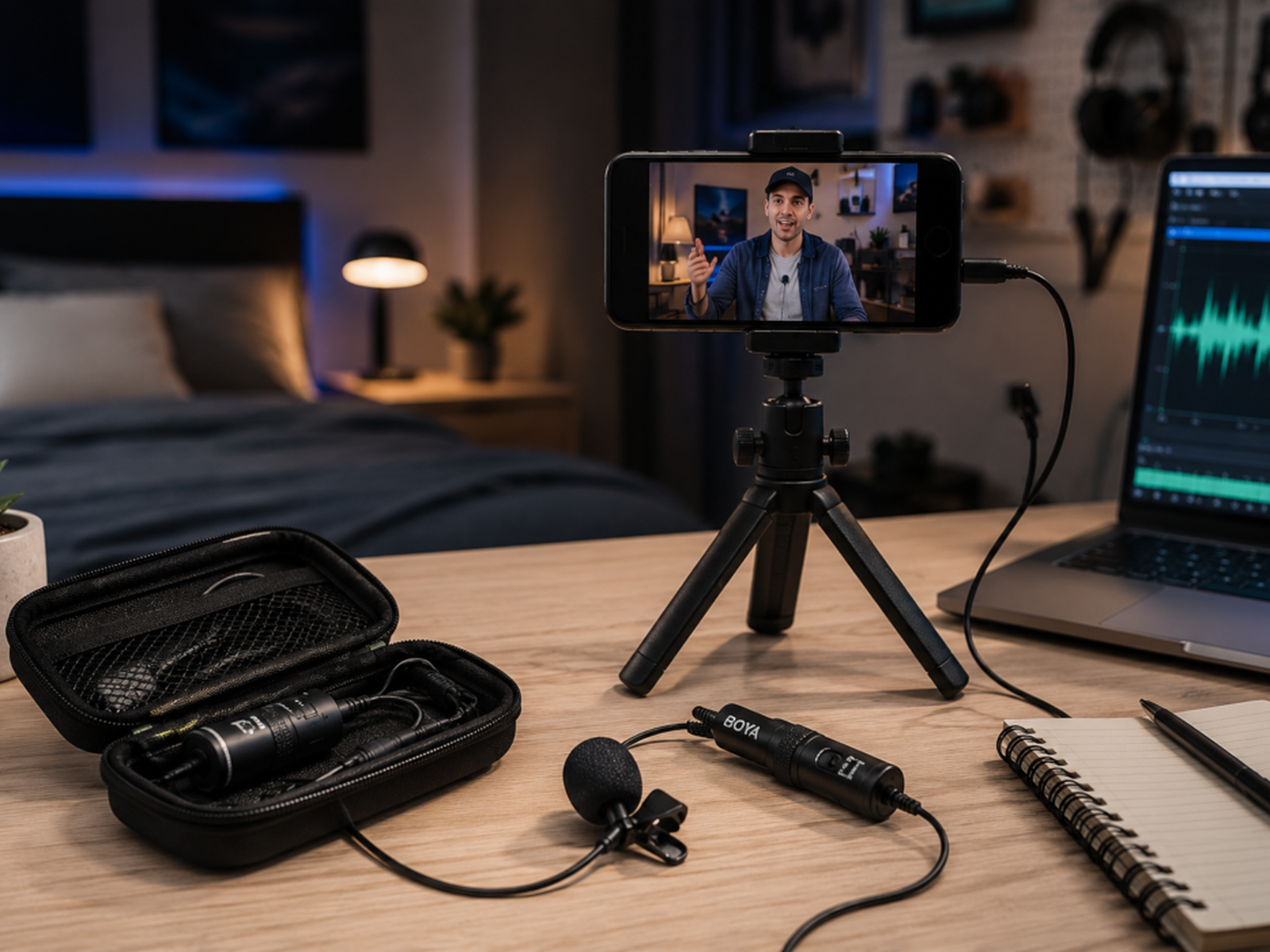
Boya BY-M1
The Boya BY-M1 often gets recommended for budget creators because it improves audio dramatically compared to built-in phone microphones while remaining relatively affordable.
That accessibility attracts newer creators strongly.
Sennheiser XS Lav
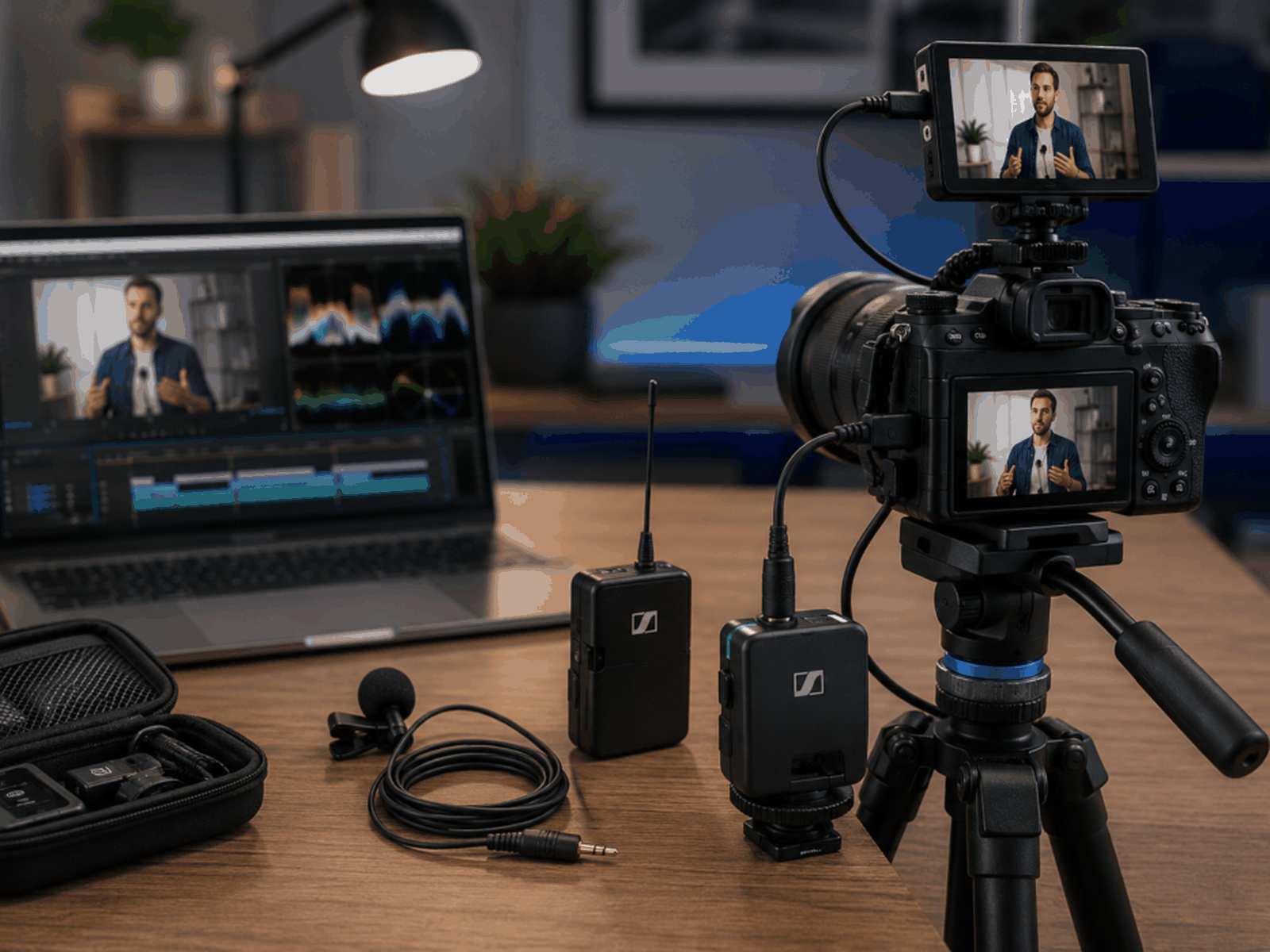
The Sennheiser XS Lav appeals more toward creators prioritising stronger vocal clarity and cleaner professional-style recordings during interviews and video production workflows.
What Video Creators Should Actually Prioritise
Reliable Audio Usually Matters More Than Perfect Audio
Many creators obsess over tiny sound differences while ignoring:
- Connection stability.
- Battery life.
- Ease of setup.
- Recording reliability.
Operational simplicity matters heavily for real-world filming.
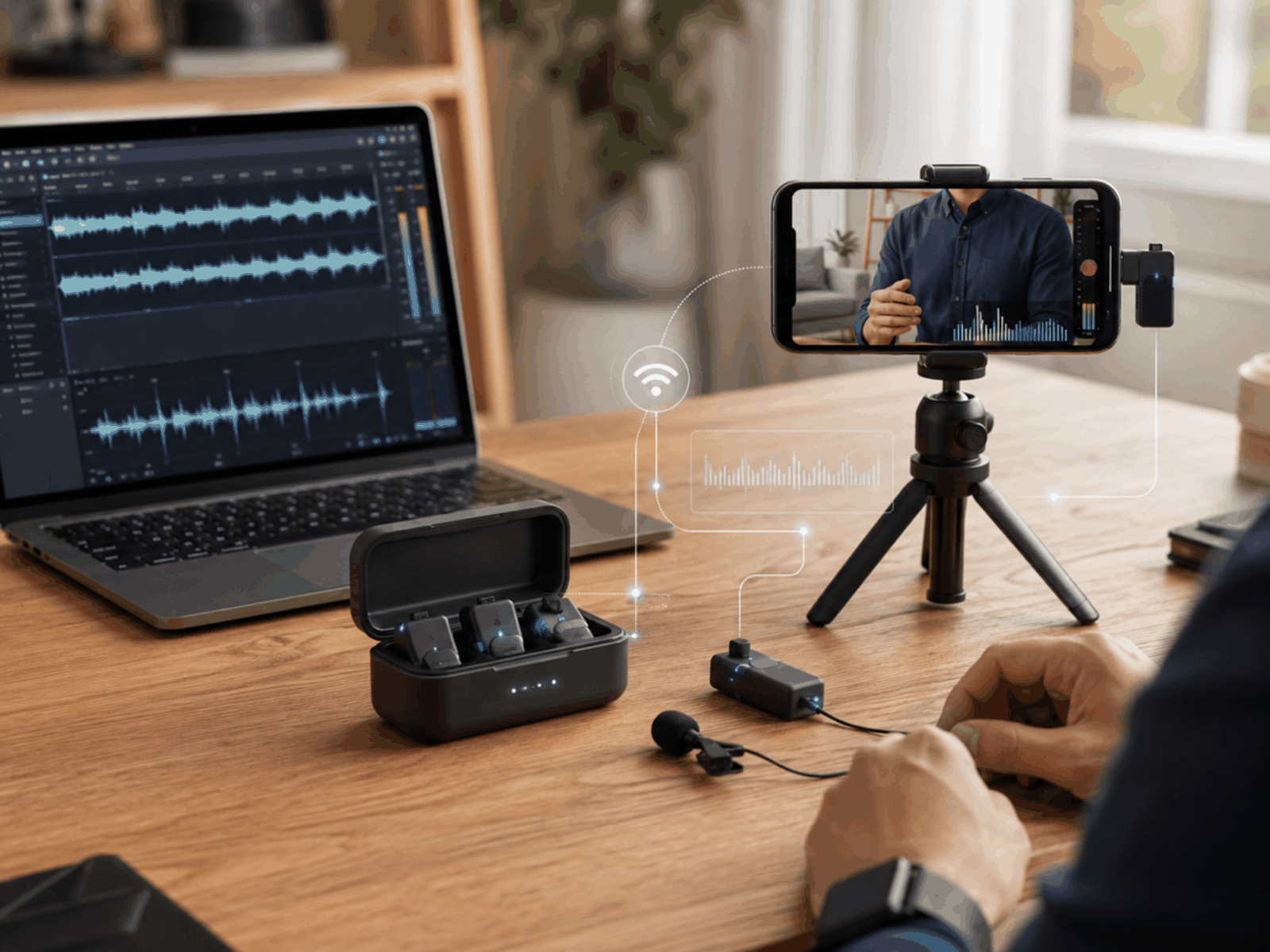
Wireless Convenience Changes Filming Workflows Completely
Wireless systems allow creators to:
- Move naturally.
- Film farther away.
- Capture walking footage.
- Record interviews more comfortably.
That freedom changes content possibilities significantly.
Tiny Setup Friction Quietly Kills Momentum
Many creators stop filming consistently because setup feels mentally exhausting before recording even starts.
Simpler audio workflows often improve publishing consistency dramatically.
Viewers Mainly Want Clear Speech
Many Creators Quietly Overcomplicate Mobile Audio
This usually begins after watching highly technical creator setup videos online.
Suddenly the creator feels pressured buying:
- External recorders.
- Premium transmitters.
- Complex adapters.
- Audio mixers.
- Backup recording systems.
Meanwhile, a simpler wireless lavalier microphone would already improve the content dramatically. Cleaner workflows usually outperform technically bloated setups that create unnecessary friction before every filming session. Many creators quietly post less content once production starts feeling operationally exhausting instead of creatively enjoyable.
After You Record: Turning Footage Into Clips
Agent Opus And OpusClip
Once your audio is sorted, the next problem is often what to do with the footage. Agent Opus and OpusClip are two tools from the same company aimed at that job. By the makers’ own description, OpusClip turns a long video into short clips, and Agent Opus turns an idea, article link, voiceover or document into a video.
If you already record tutorials, interviews or walking videos with a lavalier microphone, a clip tool is a way to reuse one recording across several platforms. It is not a reason to buy more gear.
Pros And Cons Of Lavalier Microphones
Pros
- Voices sound clearer during mobile filming.
- Wireless systems improve filming flexibility.
- Audio consistency usually improves dramatically.
- Editing becomes less frustrating.
- Compact setups simplify creator workflows.
Cons
- Wireless systems become expensive quickly.
- Batteries create extra workflow management.
- Clothing rustle can affect recordings.
- Cheap lavaliers often sound thin.
- Signal interference occasionally creates recording problems.
FAQs
Why use a lavalier microphone for video?
Lavalier microphones keep voices clearer and more consistent while creators move during filming, without needing a large desk microphone.
Do I need a wireless lavalier microphone?
Not always. Wireless systems give more freedom to move, film farther away and capture walking footage, but they can become expensive, and batteries add extra workflow management.
Which lavalier microphone suits beginners?
The Rode SmartLav+ plugs directly into phones for quick recording, and the Boya BY-M1 is often recommended for budget creators.
What matters most when choosing one?
Connection stability, battery life, ease of setup and recording reliability usually matter more than tiny sound differences.
Final Verdict
Final Verdict
The best lavalier microphones for video creators improve far more than audio quality alone. They create cleaner mobile workflows, stronger voice consistency, better audience retention, and less editing stress during real-world filming. That flexibility matters heavily for creators recording tutorials, interviews, reels, and mobile-first content regularly. The smartest setup is usually the one creators actually enjoy using consistently rather than technically impressive systems creating unnecessary operational friction before every recording session.