



Host a Virtual Halloween Party: Audio,…

20 Minimalist Halloween Nail Ideas for…

Can Free Affinity Help You Build…

12 Lower-Sugar Halloween Treat Swaps Worth…

Can Hostinger AI Builder Launch a…

A 5-Step Screen-Free Autumn Reading Ritual…

Plug-In Solar Panels UK: Are They…

15 Last-Minute Zoom Halloween Costumes for…

Meta One Explained: Is the Subscription…

10 Low-Fuss Dog Halloween Ideas: Comfort…

Plaud One Explained: Can AI Earbuds…

9 Gothic Dinner Table Ideas for…

Namecheap vs Dynadot

7 UK Ghost Tours and How…

Convertkit Vs Beehiiv

Do You Really Need a £420…

Bluehost vs Siteground

15 Gentle Spooky Autumn Books to…

Namecheap review

How to Remove Halloween Face Paint…
Admin work can quietly take over a home-working day without ever looking dramatic. One reply, one invoice, one calendar change, one missing file, one form, one “quick follow-up” and suddenly your best work time has disappeared into tiny tasks. Learning how to stop admin work eating your whole day is not about becoming perfectly organised. It is about giving admin clear boundaries, so it stops wandering through every spare minute like it owns the place.
Admin needs containment.
Capture tasks before chasing them.
Batch replies and follow-ups.
Templates reduce repeat thinking.
Calendar blocks protect deep work.
Automation helps repeated admin.
Some admin should be outsourced.

Most Relevant Audience
This guide is for remote workers, home workers, freelancers, bloggers, creators, side hustlers, parents, carers and small business owners who lose valuable time to small admin tasks. It is especially useful if email replies, invoices, calendar juggling, file hunting, forms, client follow-ups and tiny workday interruptions keep spreading into time that should belong to focused work, business growth or actual rest.
Why Admin Work Expands So Easily
It looks harmless
Admin rarely arrives looking like the main problem. It usually appears as something quick: reply to this, move that, send this file, check that date. The issue is not one small task. It is the switching. Every tiny admin job asks your brain to stop, change track and restart.
It hides inside real work
A project can quickly turn into admin. You open a document, then hunt for a file, answer a related email, check a deadline and update a task. That makes admin feel unavoidable. The answer is not to ignore it, but to separate support tasks from the work they keep interrupting.
It follows you around the house
Home workers often carry admin between rooms, devices and roles. A client reminder appears while making lunch. A bill sits beside a work deadline. A school email interrupts a proposal. Admin feels heavier when it has no container. Without boundaries, it becomes background noise.
It rewards immediate reaction
Admin often feels urgent because it is easy to start. Replying to an email can feel more achievable than doing deep work. That can create a false sense of productivity. You stay busy, but the important work keeps being pushed into the tired part of the day.
It multiplies when unclear
Unclear systems create repeat admin. If files are hard to find, templates do not exist and next steps are scattered, every task takes longer. The goal is not a beautiful system. It is a simple one that stops the same problems from returning every week.

Treat admin as a workday leak
Think of admin as a workday leak. It does not always look urgent, but it quietly drains focus through email replies, invoices, file searches, forms, calendar changes and small follow-ups. The fix is not to chase every task faster. It is to capture admin, give it a time, then automate, outsource or remove the repeat parts.
What Counts As Admin Work
Email replies
Email admin includes client replies, follow-ups, confirmations, scheduling messages, invoice nudges and repeated answers. Not every email deserves immediate attention. Some need a template, some need a batch window and some need to stop arriving in the wrong place.
Calendar juggling
Calendar admin includes booking calls, moving appointments, confirming availability and remembering recurring commitments. It can drain more energy than expected because every change involves decisions. Time blocks and booking links can reduce the back-and-forth.
Invoices and payments
Money admin includes invoices, receipts, subscriptions, payment reminders, bookkeeping notes and chasing unpaid work. This matters for both income and stress. When payment admin lives in your head, it becomes a wellness issue as well as a business issue.
File and form admin
File hunting, naming documents, filling forms and finding old attachments can quietly waste focused hours. A simple folder habit or admin hub can save time because the task no longer begins with a search party.
Task updating
Task admin includes moving cards, updating lists, rewriting reminders and deciding where a loose task belongs. A task system should make work easier. If maintaining it becomes the work, it needs simplifying.
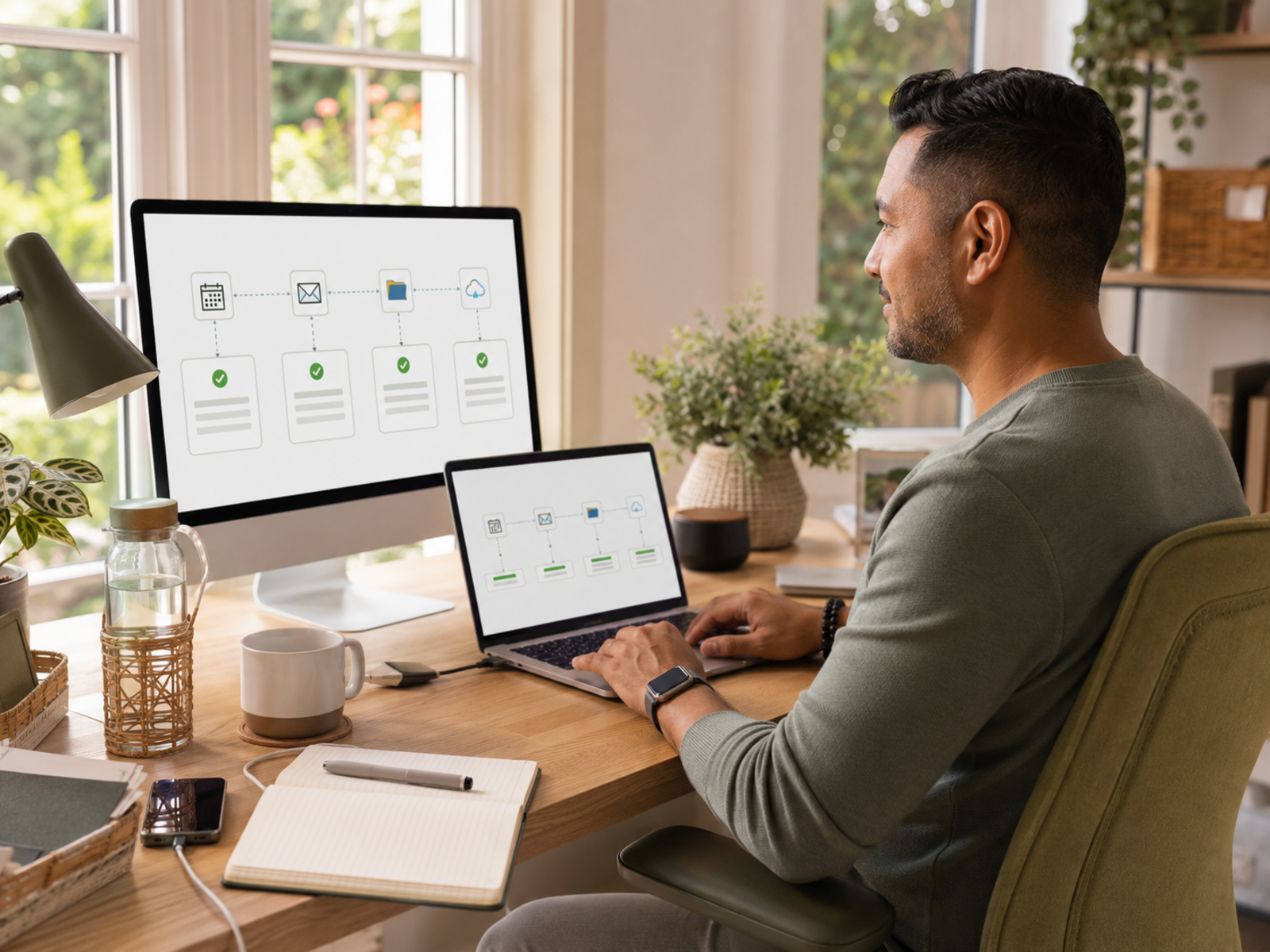
Admin is where money and wellbeing meet
For home workers and small business owners, admin is not just background paperwork. It can affect payment, client trust, deadlines, rest and how calm the day feels. A better admin system protects both sides: the money work that keeps the business moving and the wellbeing that stops every tiny task living in your head.
Useful Admin Containers
Google Calendar
Google Calendar works best as a time container for admin batching, recurring reminders and protected work blocks. Use it for admin windows, appointment reminders, payment dates, recurring routines and shutdown cues. Skip it as your main fix if you only use it as a passive calendar. The value comes from giving admin a clear place in the day.
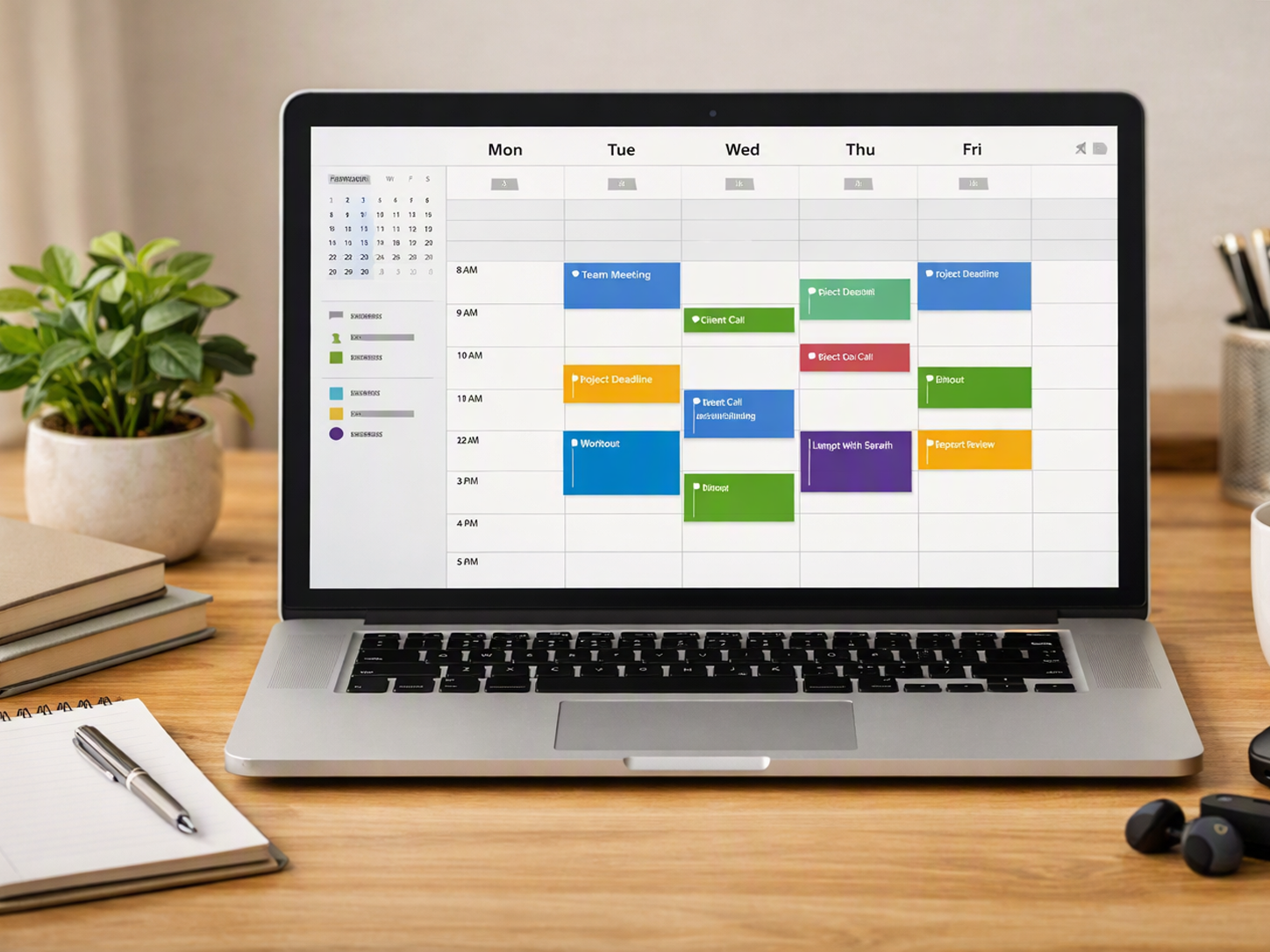

Give admin a place, then give it a time
Admin becomes harder to manage when it lives everywhere: inbox, notebook, browser tabs, memory, calendar and random sticky notes. Start by catching it in one trusted place. Then give it a time block. Capture first, batch second, automate only when the pattern keeps repeating.
Admin Systems That Protect The Day
The Admin Capture List
Keep one admin capture list for small tasks that appear during focused work. This can live in Todoist, Notion, a notebook or a simple document. The rule is simple: capture the admin task, then return to the main work unless it is genuinely urgent.
Batching Admin Instead Of Chasing It
Batching means doing admin in planned windows instead of reacting all day. Try one short admin block in the morning and one later in the day. Use those blocks for replies, invoice checks, form filling, calendar changes and low-focus admin.
Email, Replies And Follow-Up Templates
Templates reduce the thinking required for repeated replies. Create simple templates for client follow-ups, booking confirmations, invoice nudges, common questions and delivery messages. Keep them human enough to edit quickly. The goal is less blank-page admin, not robotic communication.
Calendar Blocks For Admin Tasks
Calendar blocks help admin stop leaking into deep work. Block time for invoices, weekly planning, file cleanup, appointment booking and business admin. Treat those blocks like real work. If admin has no scheduled space, it will borrow time from everything else.
Invoice, Payment And File Organisation
Create one clear system for invoices, receipts, contracts, client files and payment notes. Use consistent names, simple folders and recurring reminders. Money admin should be easy to find, because financial stress grows quickly when documents are scattered.

What To Automate, Outsource Or Delete
Automate repeated admin
Automate tasks that follow the same pattern every time: form to task, booking confirmation, invoice reminder, email delivery or file notification. Google Calendar, Zapier, systeme.io and Notion can all help here. Keep automations simple and review them occasionally.
Outsource specialised admin
Some admin may be worth outsourcing if it is sensitive, technical, time-consuming or outside your skill set. Bookkeeping, complex forms, design admin, website fixes or recurring assistant tasks may deserve help. Outsourcing is not failure. It is choosing where your time matters most.
Delay low-value admin
Not every small task deserves the best part of your day. Move low-value admin into a later batch window. This protects deep work and stops your morning energy being spent on tasks that could wait.
Delete unnecessary admin
Some admin exists only because an old system, habit or tool created it. Cancel duplicate reminders, remove unused forms, simplify file structures and stop tracking things you never use. Less admin is better than perfectly managed admin.
Keep judgement human
Do not automate or outsource anything that needs careful tone, sensitive judgement or personal context without review. Templates and systems can help, but important client, money and personal decisions still need a human checkpoint.

How To Protect Deep Work From Admin Creep
Start deep work before admin
If you start the day with admin, it can easily expand into the best part of your morning. Try beginning with one meaningful work block before opening the admin list. Even 45 focused minutes can change the shape of the day.
Keep inbox checks contained
Constant inbox checking turns admin into a permanent background task. Set specific email windows where possible. If something needs action, move it to your admin list or task system instead of keeping it open in your head.
Use a shutdown sweep
A short end-of-day sweep helps admin stop following you into the evening. Capture loose tasks, check tomorrow’s calendar, close open admin loops and choose the first task for the next day. Keep it short enough to actually do.
Separate urgent from noisy
Noisy admin feels urgent because it interrupts you. Real urgency has consequences if ignored. Before reacting, ask whether this needs action now or simply needs capturing. That one pause can protect a surprising amount of focused time.
Protect rest from admin leftovers
Home workers often use evenings to “just finish admin.” That can quietly turn rest into unpaid recovery time for a badly contained workday. If admin regularly spills into rest, the system needs stronger boundaries during work hours.

Common Admin Mistakes Busy Workers Make
Keeping admin in memory
Trying to remember admin is exhausting and unreliable. Use a capture list, calendar reminder or task system. Your brain is better used for judgement and creativity than holding invoice dates and tiny follow-ups.
Creating too many folders
A folder system can help, but too many categories can make filing harder. Use names you will understand later. If you cannot find something quickly, the system is too clever.
Treating every reply as custom
Some replies genuinely need care. Many repeat the same basic shape. Templates save energy while still leaving room to personalise. You do not need to rewrite the same polite follow-up from scratch every week.
Automating chaos
Automation should come after the admin pattern is clear. If your process is messy, automation may simply move the mess faster. Simplify the task first, then automate the repeated parts.
Letting admin define the day
Admin is necessary, but it should not automatically get the best energy, the longest hours or the most attention. Plan around the work that matters most. Admin supports the day. It should not spend the whole day for you.

FAQ
How do I stop admin work taking over my day?
Start by capturing admin tasks in one place instead of reacting immediately. Then batch them into planned admin windows, use templates for repeat replies and automate only the tasks that repeat clearly. Admin needs boundaries, not constant access to your attention.
What counts as admin work?
Admin work includes emails, invoices, forms, calendar changes, file organisation, follow-ups, task updates, payment reminders and small operational jobs. It is the work around the work. Some admin is necessary, but it becomes a problem when it interrupts everything else.
How often should I batch admin tasks?
Many home workers do well with one or two admin blocks per day. For example, use a short morning block for urgent checks and a later block for replies, invoices and follow-ups. The right rhythm depends on your clients, workload and personal responsibilities.
What admin tasks should I automate first?
Automate repeated admin that follows the same pattern every time. Good starting points include appointment reminders, booking links, invoice prompts, lead delivery emails, form-to-task workflows and recurring admin checklists. Do not automate unclear or sensitive tasks too early.
How do I manage admin as a freelancer or small business owner?
Create a simple system for clients, invoices, payments, files, follow-ups and appointments. Use calendar blocks for admin, templates for repeat messages and reminders for money tasks. Keep business admin visible enough to manage, but contained enough that it does not take over the whole day.
When should I outsource admin work?
Consider outsourcing admin when it is specialised, recurring, stressful or taking time away from higher-value work. Bookkeeping, technical fixes, design admin, inbox sorting or recurring assistant tasks may be worth delegating. Outsource carefully, with clear instructions and a review process.
Final Verdict
To stop admin work eating your whole day, stop treating it as something to handle whenever it appears. Capture it, batch it, template it, automate the repeat parts and remove what no longer deserves your time. Google Calendar, Todoist, Notion, Zapier and systeme.io can all help when each tool has a clear job.
Admin does not need to disappear. It needs boundaries. The aim is to protect your best work, your income and your rest from a hundred tiny tasks quietly spending the day for you.


