


£3,000 Trading Allowance: What It Means…

Email Deliverability Tools for Bloggers: Free…

Redbubble vs Printify: Which Print-on-Demand Platform…

TikTok Shop Affiliate in the UK:…

How to Spot a Good Black…

Top 10 Best SEO Tools for…

YouTube Shopping Affiliate in the UK:…

Shopify Canvas Explained: Can UK Beginners…

Vinted vs eBay in 2026: Fees,…

Top 10 Best Email Tools for…

Top 10 Website Builders in the…

Top 10 Scheduling and Productivity Tools…
This list is for UK bloggers who write, run WordPress, use Canva, edit photos lightly and sometimes make short video. It gives you a quick verdict, named picks from a Chromebook up to a Mac mini, and the extra costs that catch people out.
Prices move often. Every price below was rechecked on 20 Nov 2026 on the maker's or retailer's UK page, so check current prices before you buy. Everything here comes from published information, not hands-on use.
Quick Overview
- Buy the lowest-cost machine whose exact configuration fits your workflow.
- Aim for 16GB of memory and 512GB of storage. Treat 8GB and 256GB as the budget tier.
- Cheapest 16GB/512GB picks on 20 Nov 2026: HP Laptop 14 at £599 and Surface Laptop 13-inch (1st Edition) at £799, charger extra on the Surface.
- At a desk, the Mac mini M6 starts at £899. The older M4 is a value option while stock lasts.
- MacBook Neo is the £699 budget Mac, with fixed 8GB, two ports and one external display.
- In the UK, every MacBook, both Surface Laptop 13-inch editions and some HP laptops come without a charger, so add one to the price.

Comparison Table: The 10 Best Computers for Bloggers
UK prices rechecked on 20 November 2026. Offers change fast, so check the exact configuration and price on the day you buy.
| # | Computer | Best for | UK price from |
|---|---|---|---|
| 1 | HP Laptop 14 | Budget Windows laptop | £599, RRP £899 (16GB, 512GB) |
| 2 | HP OmniBook X Flip 14 | Step-up Windows laptop | £949, RRP £1,299 |
| 3 | Surface Laptop 13-inch (1st Edition) | Windows on Arm value | £799 on offer for 16GB, 512GB (usually £1,199), charger extra |
| 4 | Surface Laptop 13-inch (2nd Edition) | Newer Surface | £1,129, charger extra |
| 5 | HP OmniBook Ultra 14 | Windows on Arm with an OLED screen | From £1,199 at Very (16GB, 512GB), charger extra |
| 6 | MacBook Neo | Budget Mac | £699, charger extra |
| 7 | MacBook Air M5 13-inch | Mac laptop | £1,299, charger extra |
| 8 | MacBook Air M5 15-inch | Large-screen Mac laptop | £1,499, charger extra |
| 9 | Mac mini M6 | Fixed-desk Mac | £899 |
| 10 | Mac mini M4 | Previous-generation value | From £603.49 via PriceSpy, while stock lasts |
What specs does a blogger actually need?
The short answer
For most bloggers in 2026, 16GB of memory and 512GB of storage is the sensible default where the budget allows. That is not because 8GB is unusable. It is because a browser full of tabs, WordPress, Canva, cloud-sync tools, video calls and AI apps all share the same memory, and a laptop you keep for several years needs headroom.
| Spec | Budget tier | Better default | Only if you need it |
|---|---|---|---|
| Memory | 8GB for simple writing and browser-first work | 16GB for tabs, Canva, photo editing and AI apps | 24GB or more for a specific heavy workflow |
| Storage | 256GB if files live in the cloud or on an external drive | 512GB if you keep photos or video locally | 1TB or more for large local libraries |
| Processor | A modern mainstream chip is enough for WordPress, writing and Canva | Same | Heavier chips only for video work |
| Graphics | Integrated graphics are normally enough | Same | A dedicated GPU for 3D or heavy video |
| Screen | 13 to 14 inches for portability | 15 to 16 inches if it is your only screen | An external monitor for a fixed desk |
Keyboard, screen and webcam
You spend hours typing, reading and editing images, so these matter as much as the processor. Comfort and layout count if this is your main writing machine. A cheap low-resolution display can annoy you every day more than a slightly slower chip. Check the webcam and microphone if you also take client calls or interviews.
Years of support
Check how long the operating system will keep getting updates. Microsoft says support for Windows 10 ended on 14 October 2025, so those PCs still run but get no updates or support. On a Chromebook, find the Auto Update Expiration date for that exact model and ask whether it outlasts how long you plan to keep the machine.
Do not pay extra for an AI PC label
Many current laptops are sold as Copilot+ PCs or AI PCs, and Apple markets Apple Intelligence. For most bloggers, everyday AI work still happens in web apps such as ChatGPT, Claude, Gemini and Canva. Pay extra only if you know which on-device AI feature you need. Otherwise memory, battery, screen, keyboard and software compatibility matter more.

Best computers for bloggers at a glance
Pick by need
| Need | Best type to start with | Watch out for |
|---|---|---|
| Browser-only and cheapest | A current Chromebook with a long update date | Check that exact model's Auto Update Expiration date |
| Budget Windows | A 16GB/512GB Intel or AMD laptop, such as the 14-inch HP Laptop with Intel Core 7 150U at £599 (HP UK, checked on 20 Nov 2026) | Offers change fast; confirm the exact spec |
| Windows on Arm | Surface Laptop 13-inch, exact edition named | Confirm your apps and peripherals run on Arm |
| Budget Mac | MacBook Neo from £699 | Fixed 8GB, two ports, one external display, charger sold separately |
| Balanced Mac laptop | MacBook Air M5 from £1,299 (13-inch) | Much higher price, charger sold separately |
| Fixed Mac desk | Mac mini M6 from £899 | You supply screen, keyboard and mouse |
| Lots of local photos | Choose 512GB or more, or plan cloud and external storage | 256GB fills quickly |
| Heavy 4K video | Use the content creator computer guide | Needs 32GB and a stronger chip |
Best budget route: Chromebook
Judge the update date, not the label
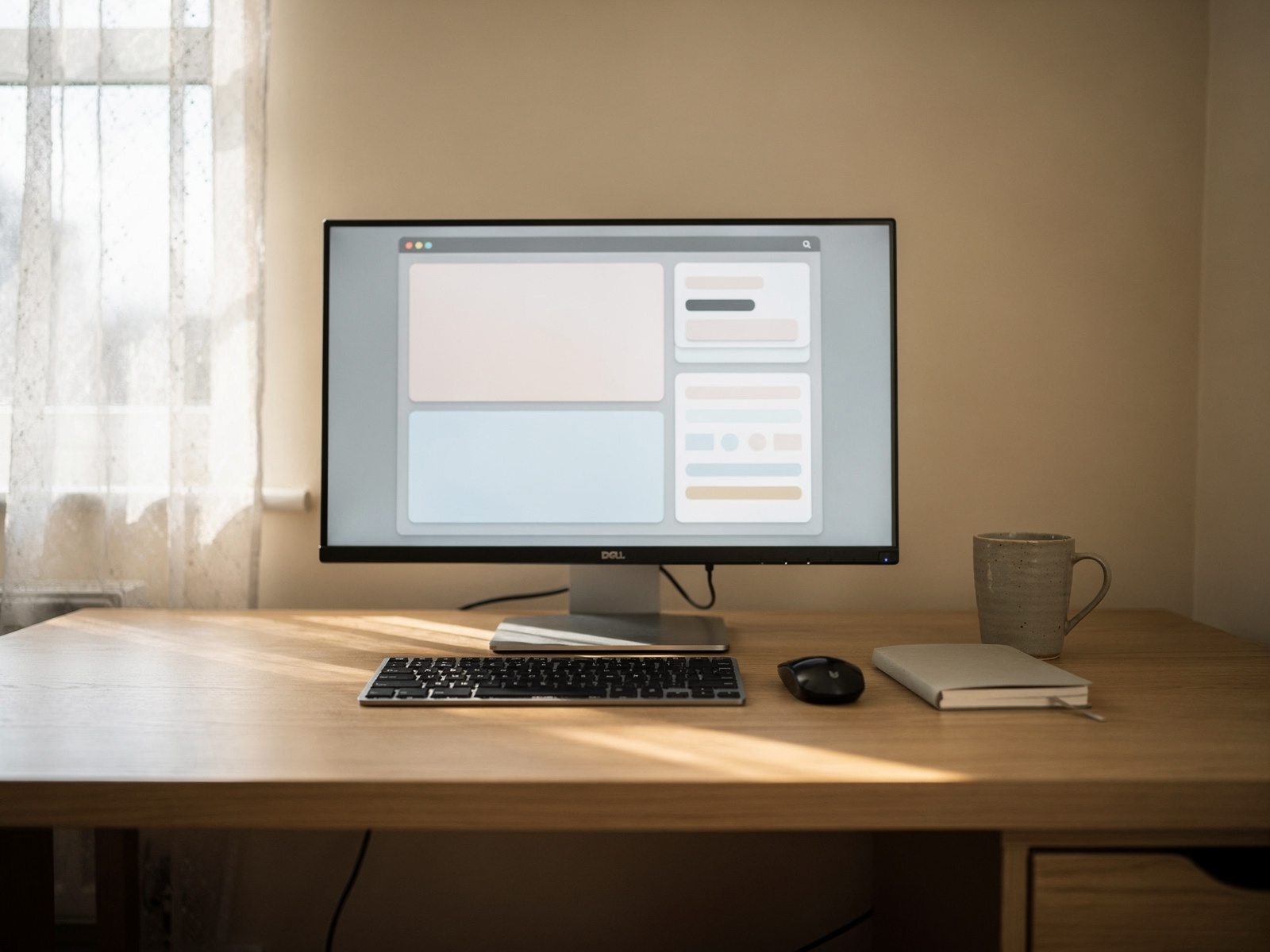
Google's Auto Update policy says ChromeOS devices receive 10 years of updates from the platform release, but each model has its own end date, so never assume a full 10 years for any particular laptop. Google's policy table shows the spread: one older model is listed to August 2027, while newer models are listed to June 2035.
No specific Chromebook model or price is named here, because none has been sourced with its verified update date for this guide. Before buying, look up the exact model's date in Google's table and compare current UK prices yourself.
The rule to apply
Compare the expiry date with how long you want to keep the laptop. If the date comes sooner, look at another model. Chromebooks suit browser-based writing and WordPress; check that any desktop app you rely on has a web version.
The picks
1. HP Laptop 14
Best budget Windows laptop. HP UK lists the 14-inch HP Laptop with an Intel Core 7 150U, 16GB of memory and a 512GB SSD (model 14-ep1014nax) at £599 including VAT, against an RRP of £899, in stock when checked on 20 Nov 2026. It is a plain 16GB/512GB Intel laptop with broad software compatibility, which makes it a sensible baseline for browser, WordPress and Canva work. The 16GB/512GB spec is the default this guide recommends, and at £599 it is the cheapest 16GB/512GB laptop here, but the price is an offer, so check it again on the day you buy.
2. HP OmniBook X Flip 14
Best step-up Windows laptop. HP UK lists the HP OmniBook X Flip 14-inch with a 2K touchscreen, Intel Core Ultra 5 325, 16GB and 512GB (model 14-kb0017nax) at £949 including VAT, against an RRP of £1,299, checked on 20 Nov 2026. Choose it over the HP Laptop 14 if you want a convertible touchscreen, a more premium build and a better screen. Some UK retailers sell this model without a power adapter, so check the box contents. It has the same 16GB of memory and 512GB of storage as the cheaper HP, so the extra £350 buys the chip, build and screen rather than headroom.
3. Surface Laptop 13-inch (1st Edition)
Best Windows on Arm value. Microsoft Store UK listed the Surface Laptop 13-inch (1st Edition) with Snapdragon X Plus on 20 Nov 2026 at £799 for 16GB and 512GB in Platinum, down from £1,199, while the 8GB and 256GB version stayed at £899. The offer applies to specific colours, so the 16GB model is currently the cheaper buy. UK listings say the charger is sold separately, so add about £50 for Microsoft's 45W charger if you do not own a suitable USB-C one. Confirm your apps run on Windows on Arm. At £799 it is the lowest-priced 16GB/512GB Windows on Arm laptop in this guide while the offer lasts.
4. Surface Laptop 13-inch (2nd Edition)
Best newer Surface. The 2nd Edition uses Snapdragon X2 Plus and starts at £1,129 at Microsoft Store UK, rechecked on 20 Nov 2026. Microsoft says it does not include a power supply; a 45W charger is sold separately. Always name the exact edition, because "Surface Laptop 13-inch" alone is now ambiguous. It costs £330 more than the 1st Edition's 16GB/512GB offer at £799, so choose it only if the newer chip and battery life are worth that to you.
5. HP OmniBook Ultra 14
Best alternative Windows on Arm laptop. Very lists the HP OmniBook Ultra 14-inch with Snapdragon X2 Plus, 16GB, 512GB and an OLED touchscreen (model 14-kg0002nax) from £1,199, previously from £1,299, with no power adaptor included, checked on 20 Nov 2026. Very says from because the page also offers a Microsoft 365 bundle. It suits readers who want Arm battery life and portability, again only after confirming their apps and peripherals work on Windows on Arm. At £1,199 it costs £100 less than the 13-inch MacBook Air M5 and £250 more than the OmniBook X Flip 14 at £949, so you are paying for battery life and the OLED screen, not extra storage.
6. MacBook Neo
Best budget Mac. Apple UK lists MacBook Neo from £699, rechecked on 20 Nov 2026, with the A18 Pro chip, 8GB of unified memory, 256GB or 512GB of storage and a 13-inch display. Apple's specs list one USB 3 and one USB 2 USB-C port and one external display up to 4K at 60Hz, and the power adapter is sold separately. If you run dozens of tabs, Canva, photo editing and AI apps together, 16GB is the safer choice.
7. MacBook Air M5 13-inch
Best Mac laptop. Apple UK lists the 13-inch MacBook Air M5 from £1,299, rechecked on 20 Nov 2026, with 16GB of unified memory and 512GB of storage. In the UK the power adapter is sold separately, and it needs a USB-C charger of 30W or more. Against the MacBook Neo you pay much more for twice the memory, twice the starting storage and more performance headroom. Choose it if portability matters most. It is the lowest-priced Air, and the table above lists it as the balanced Mac laptop for bloggers who keep a machine for years. Its higher price is the main drawback.
8. MacBook Air M5 15-inch
Best large-screen Mac laptop. Apple UK lists the 15-inch MacBook Air M5 from £1,499, rechecked on 20 Nov 2026, also with 16GB and 512GB. Choose it if it will be your only screen and you want more workspace than the 13-inch. As with the 13-inch, UK models come without a power adapter. At £1,499 it is the dearest laptop in this list, so make sure the extra screen space is worth the £200 over the 13-inch. It has the same 16GB of memory and 512GB of storage as the smaller Air, so the extra money buys screen size, not specification.
9. Mac mini M6
Best fixed-desk Mac. Apple announced the Mac mini with M6 in August 2026, with availability from September. The UK starting price is £899, rechecked on 20 Nov 2026, with 16GB of unified memory, Wi-Fi 7, Bluetooth 6 and 2.5Gb Ethernet. A higher model uses the M5 Pro. You supply the screen, keyboard and mouse, so add that cost before comparing it with a laptop. It is the pick for a fixed desk with one screen, and it is cheaper to start than the MacBook Air M5 at £1,299 once you already own a monitor, keyboard and mouse.
10. Mac mini M4
Previous-generation value pick, while stock lasts. Apple launched it in the UK from £599 in October 2024. On 20 Nov 2026, PriceSpy UK's lowest displayed offer for the 16GB/256GB model was £603.49 at A1 Tech Deals, shown in stock. If you can find remaining stock cheaply it can be a sensible value pick, but compare the exact retailer price with the current M6 rather than assuming £599. The M6 costs about £296 more at £899 but is the current model.
Choose Arm or Intel/AMD?
Choose an Arm laptop if your workflow is mainly modern browser, Office and cloud apps, you value battery life, and you have checked your must-have software. Choose Intel or AMD Windows if you want the broadest compatibility and do not want to investigate Arm support.

When to move up to a creator computer
Where this guide stops
This guide stops at light media work. Once you reach regular 4K editing, long timelines, GPU-heavy effects, 32GB of memory or dedicated graphics, you need a different machine. Our content creator computer guide covers those.
Total cost beyond the computer
Costs that change the real price
A £699 laptop plus a charger and a dock can be a different deal from another £699 laptop with everything in the box. Battery claims are the maker's own test, so treat battery life as a comparison point, not a promise.
| Extra cost | Why it matters |
|---|---|
| Charger | Many current laptops are sold without one in the UK, including every MacBook (Neo, Air and Pro), both Surface Laptop 13-inch editions and some HP models |
| Monitor | Required for a Mac mini or other desktop |
| Keyboard and mouse | Required for desktop setups |
| USB hub or dock | Important on low-port laptops such as MacBook Neo |
| External storage | Can offset a small internal SSD |
| Warranty or cover | Relevant for a work machine |
| Cloud storage | Can reduce local storage needs |
| Cables and adapters | Needed for external displays and peripherals |
Ports and displays
Think about what you plug in: a monitor, microphone, external drive, camera, card reader, keyboard, mouse, phone or Ethernet adapter. Count USB-C and USB-A ports, check for HDMI, check how many external displays are supported, and decide whether a hub is likely. MacBook Neo supports one external display, which suits a single-monitor desk but not two.
Refurbished is worth a thought
A quality refurbished machine can beat a weak new budget laptop. Check the remaining operating system support, battery health, warranty, seller reputation, keyboard layout, charger, memory and storage, and whether parts can be replaced. This is an option, not a recommendation to buy used.
Black Friday: three checks

Black Friday is already running
UK retailers are already using Black Friday labels: by 20 Nov 2026 HP UK had the HP Laptop 14 at £599 against an £899 RRP, and Microsoft had cut a 16GB Surface Laptop to £799. The main sale day is 27 November, but do not wait if the label is all you have to go on. Before you pay, check three things: the same model, the same memory and storage, and the price history for that exact spec on PriceSpy or a similar tracker.
Why a sale label proves little
Prices already differ between shops before any sale starts, as the Mac mini M4 listings show. A Black Friday label proves nothing alone, and no saving is guaranteed.
FAQs
What is the best computer for blogging in 2026?
There is no single best. For most UK bloggers a 16GB/512GB laptop is the safest default, such as an Intel or AMD Windows laptop, a Surface Laptop or a MacBook Air. If your work is simple and browser-based, a MacBook Neo or a Chromebook with a long update date can cover it for less.
How much RAM does a blogger need, and is 8GB enough?
8GB is enough for simple writing, WordPress and cloud-first work. 16GB is the better default for lots of tabs, Canva, photo editing, AI apps and keeping the computer for several years. 24GB and above is only worth it for a specific heavy workflow.
Is 256GB enough for a blogger?
It can be if your files live in the cloud or on an external drive. If you keep photos or video locally, choose 512GB or more.
Is MacBook Neo good for blogging, and how does it compare with the Air?
It is good for simple, browser-first blogging and light editing. It has fixed 8GB of memory, two ports and one external display, and the charger is sold separately. The MacBook Air M5 starts with 16GB and 512GB and costs much more, so the choice is about headroom against price.
Should I buy the old Mac mini M4 or the current M6?
The current M6 starts at £899 and is Apple's current baseline. The M4 is the previous generation, so it only makes sense if you find remaining stock at a clearly lower price for the same 16GB spec.
Is a Chromebook good enough for WordPress, and how long do updates last?
Yes, for browser-based writing and WordPress. Google's policy is 10 years of updates for ChromeOS devices, but the clock runs per model, so look up the exact model's Auto Update Expiration date.
What is Windows on Arm, and should I choose Surface or an Intel/AMD laptop?
Windows on Arm runs on Snapdragon chips such as those in Surface Laptop. Most modern browser and Office apps work, but older utilities and drivers may not. Choose Intel or AMD if you want the broadest compatibility.
Do bloggers need a dedicated graphics card or an AI PC?
No. Integrated graphics handle blogging, Canva and light photo work. An AI PC label is not a reason to spend more unless you know which on-device feature you need.
Laptop or desktop, and do current laptops include a charger?
Pick a laptop if you write away from a desk, and a Mac mini or desktop if you work at a fixed desk and already own a screen. Not all current laptops include a charger. In the UK, MacBook Neo, MacBook Air M5, both Surface Laptop 13-inch editions and some HP models come without one, so add a USB-C charger to the price if you do not already own a suitable one.
What is the best computer for blogging under £700 or under £1,000?
Under £700, the HP Laptop 14 with 16GB and 512GB was £599 at HP UK on 20 Nov, or a MacBook Neo at £699 if you accept 8GB. Under £1,000, the Surface Laptop 13-inch (1st Edition) with 16GB and 512GB was £799 on offer, the HP OmniBook X Flip 14 £949, and the Mac mini M6 at £899 suits a desk. Confirm every price live.
Verdict
Buy the lowest-cost machine whose exact configuration fits your workflow. Start from 16GB and 512GB where the budget allows: a 16GB Windows laptop for compatibility, a Surface for Arm battery life, a MacBook Neo only if you accept 8GB and few ports, a MacBook Air for headroom, a Mac mini M6 for a fixed desk, and a Chromebook only with a distant update date. The biggest reservation is that prices move and differ by retailer. Next step: choose the exact configuration, confirm its support date and charger, then check price history before paying.