Eden Creator Store Explained: Can One…

Redbubble vs Printify: Which Print-on-Demand Platform…

Can Free Affinity Help You Build…

Can Hostinger AI Builder Launch a…

Plug-In Solar Panels UK: Are They…

Meta One Explained: Is the Subscription…

Plaud One Explained: UK Price, Plans…

Namecheap vs Dynadot

Kit (ConvertKit) vs beehiiv: Which Should…

Bluehost vs Siteground

Namecheap review

Cloudways Vs WP Engine
Most USB microphone guides assume you record in a quiet room with flattering acoustics and nobody choosing that exact moment to attack a wall with a drill. Real content creation is messier. You may be recording beside a keyboard, laptop fan, bare wall or shared hallway. The best USB microphone is not simply the one with the richest studio sound. It is the one that suits the room where you actually create.
Quick Overview
In this guide you will learn:
What buying mistakes make good microphones sound worse.
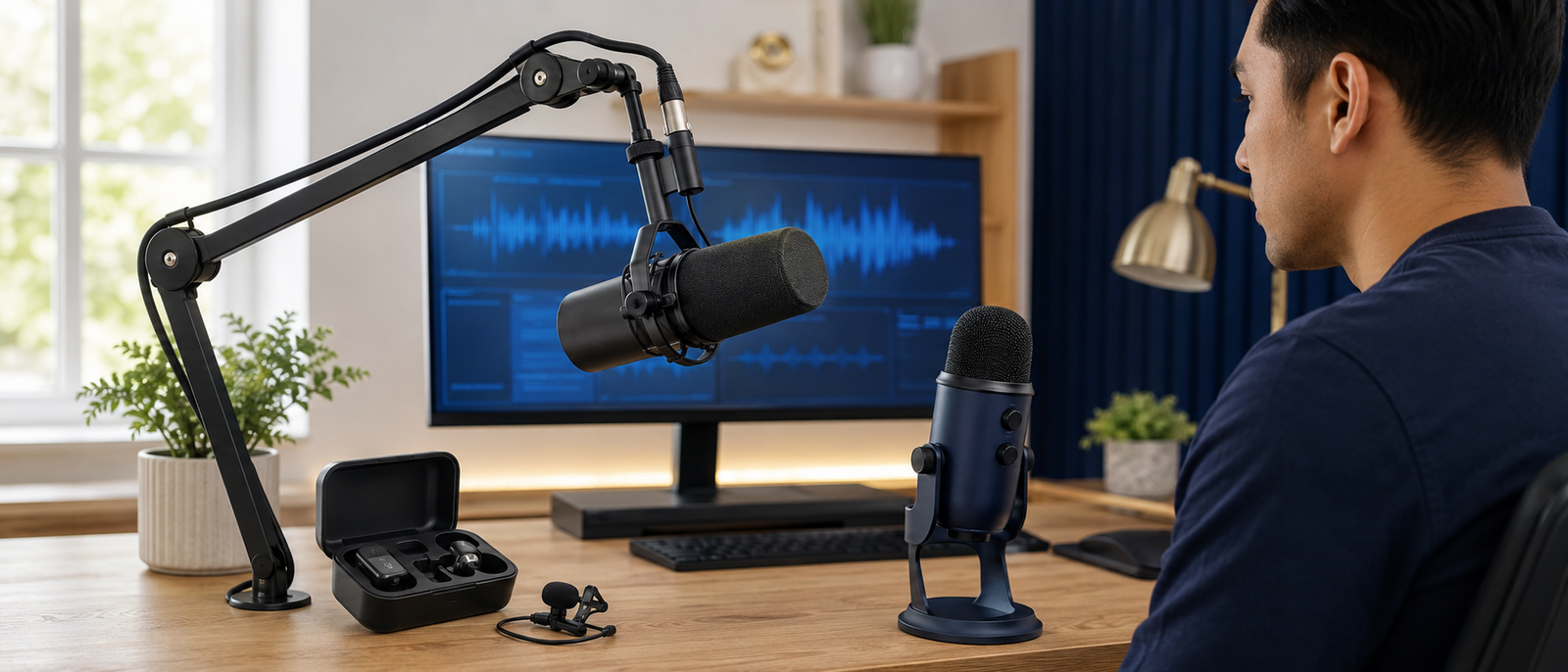
The best USB microphone is the one that matches your real recording space.
Parent guide: Best Microphones For Bloggers
Podcast setup: Podcast Setup For Bloggers And Creators
Featured USB Microphones
Shure MV7+ — Best Overall
The Shure MV7+ is the strongest all-round USB microphone here because it combines USB-C simplicity with XLR expansion. Its dynamic capsule suits podcasts, tutorials, livestreams and voiceovers recorded in ordinary home offices.
It is best for creators who want one desk microphone that can grow with them. The main drawback is price, especially if you only record occasional short voiceovers.
RØDE NT-USB+ — Best For Voiceovers
The RØDE NT-USB+ is a condenser USB microphone for detailed narration, courses and scripted voiceovers. It works best in quiet rooms with soft furnishings, curtains or basic acoustic treatment.
Its strength is vocal clarity. Its weakness is sensitivity. In a noisy room, it may capture keyboard taps, fan noise and wall reflections more clearly than you wanted.
Samson Q2U — Best Budget Dynamic Option
The Samson Q2U is a practical budget choice because it offers both USB and XLR connections at a lower price. Its dynamic design makes it more forgiving in untreated rooms than many condenser USB microphones.
It is best for beginners recording podcasts, online lessons or sit-down videos. It is not the most polished option, but it solves the main problem: clear speech without an interface.
Blue Yeti — Most Flexible Pickup Patterns
The Blue Yeti is useful when you genuinely need multiple pickup patterns for solo recording, interviews or small group discussions. That flexibility is the reason it still appears in many creator setups.
It needs careful placement. Because it is a condenser microphone, it can make untreated rooms sound bigger and noisier if it sits too far from the speaker.
USB vs XLR Microphones
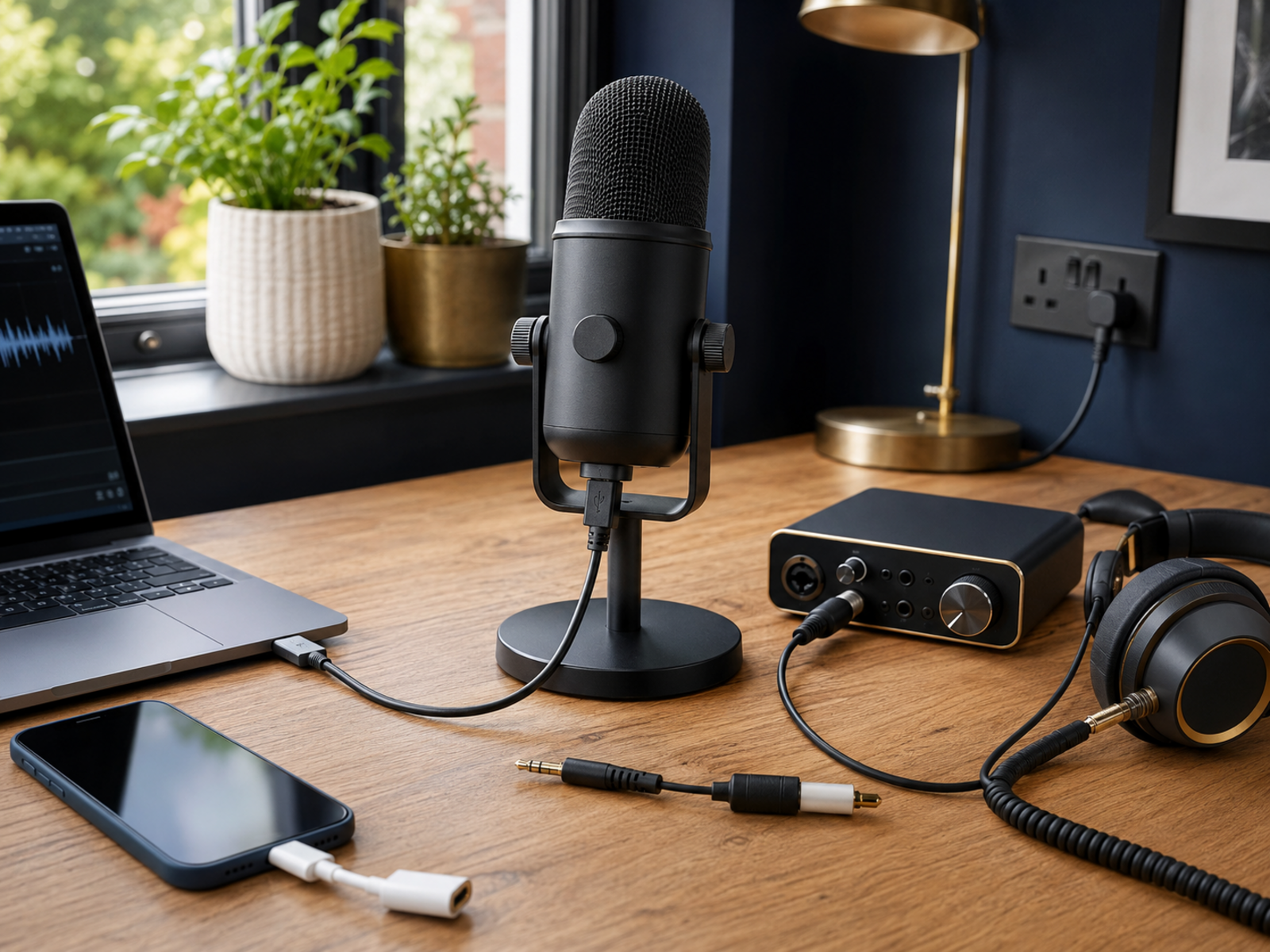
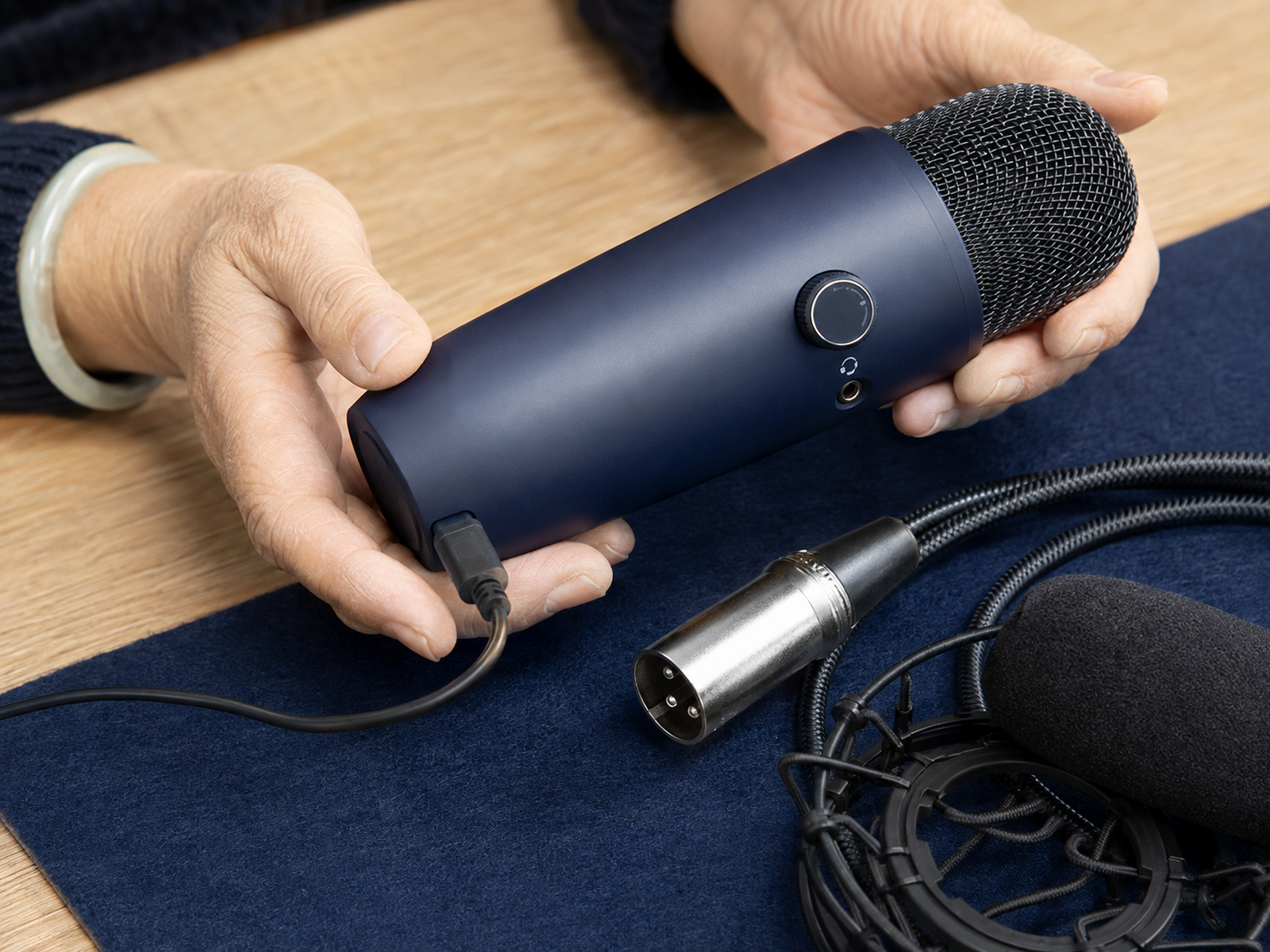
USB microphones connect directly to a computer or compatible mobile device. They are ideal for solo creators who want fewer cables, faster setup and no audio interface. This is the easiest route for podcasts, tutorials, livestreams and voiceovers.
XLR microphones need an interface, mixer or recorder, but they give you more room to expand. Hybrid models such as the Shure MV7+ and Samson Q2U are useful because you can start with USB, then move to XLR when interviews or a bigger setup make sense.
Dynamic vs Condenser USB Microphones
Dynamic USB Microphones
Dynamic USB microphones suit speech in normal homes. They work best close to the mouth and make distant sounds less obvious.
Choose this type for podcasts, livestreams and tutorials in spare bedrooms, shared offices or rooms with echo. The Shure MV7+ and Samson Q2U are the safer choices when the room is not controlled.
Condenser USB Microphones
Condenser USB microphones capture more detail and high-frequency clarity. That can make voiceovers sound cleaner and more polished when the room is quiet.
Choose this type for narration, courses and scripted recordings in softened spaces. Avoid it beside loud fans, hard walls or busy roads unless you enjoy editing the room as much as your voice.
Best USB Microphone By Use Case
Best For Podcasting
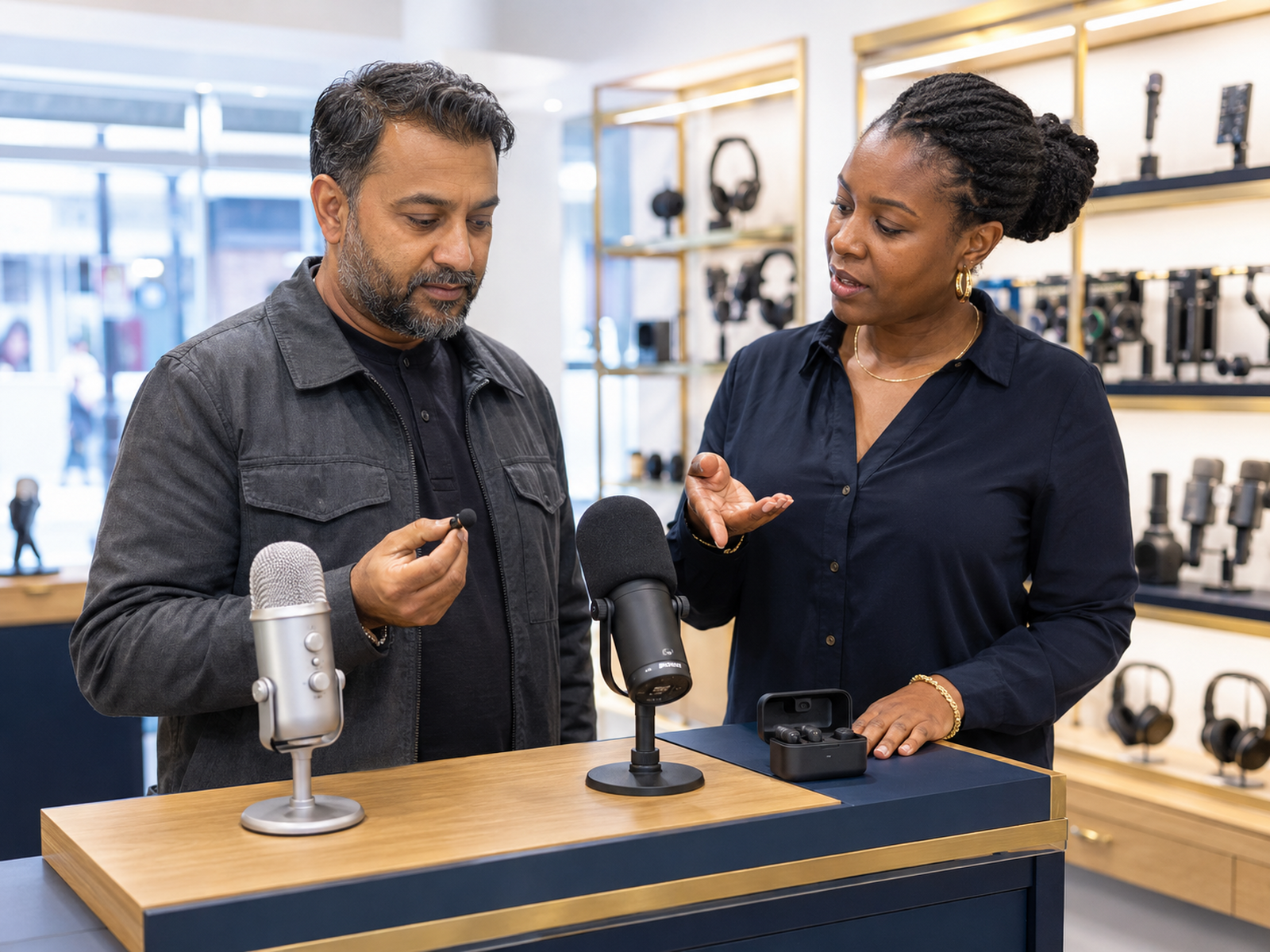
Choose the Shure MV7+ for the strongest overall podcast setup. It keeps speech focused, offers direct monitoring and leaves room for an XLR upgrade later.
Choose the Samson Q2U if budget matters more than polish. It still gives beginners a dynamic USB microphone that handles ordinary rooms sensibly.
Best For Streaming
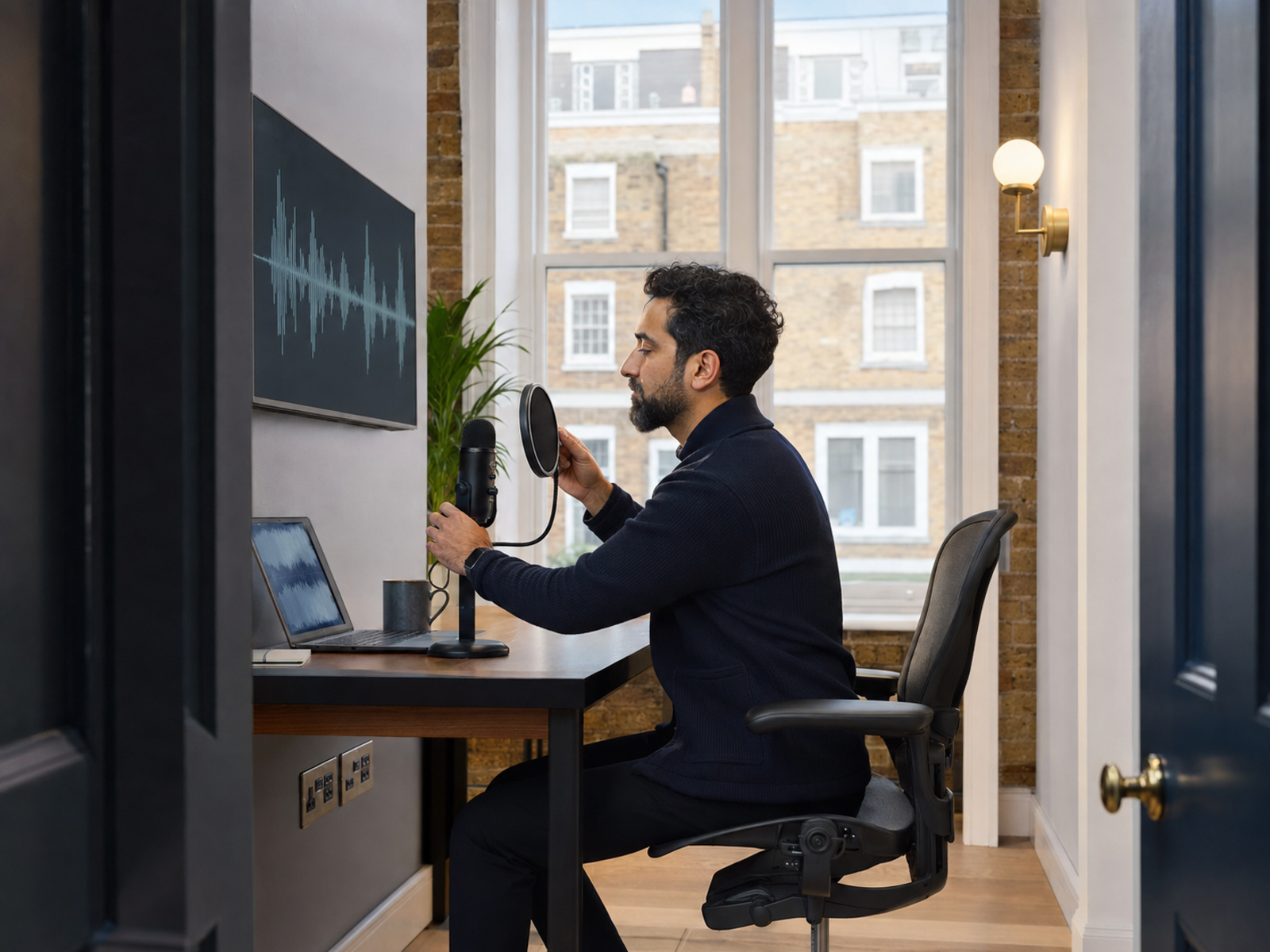
The Shure MV7+ is the safest streaming choice because it focuses on your voice and handles imperfect rooms better than condenser options.
The Blue Yeti can work well in a controlled room, especially if you want different pickup patterns. In noisy spaces, it needs more careful positioning.
Best For YouTube Videos
For sit-down YouTube videos, the Shure MV7+ or Samson Q2U gives better speech control than placing a microphone across the desk.
For mobile or moving videos, a USB desk microphone is not always the right tool. Readers may be better served by a wireless or lavalier option.
Best For Voiceovers
The RØDE NT-USB+ is the strongest voiceover choice when the room is quiet. It captures more vocal detail, which helps with narration, courses and scripted videos.
Avoid it in echoey rooms unless you are willing to improve the space first. A detailed microphone also captures detailed problems.
Best USB Microphone For Untreated Rooms
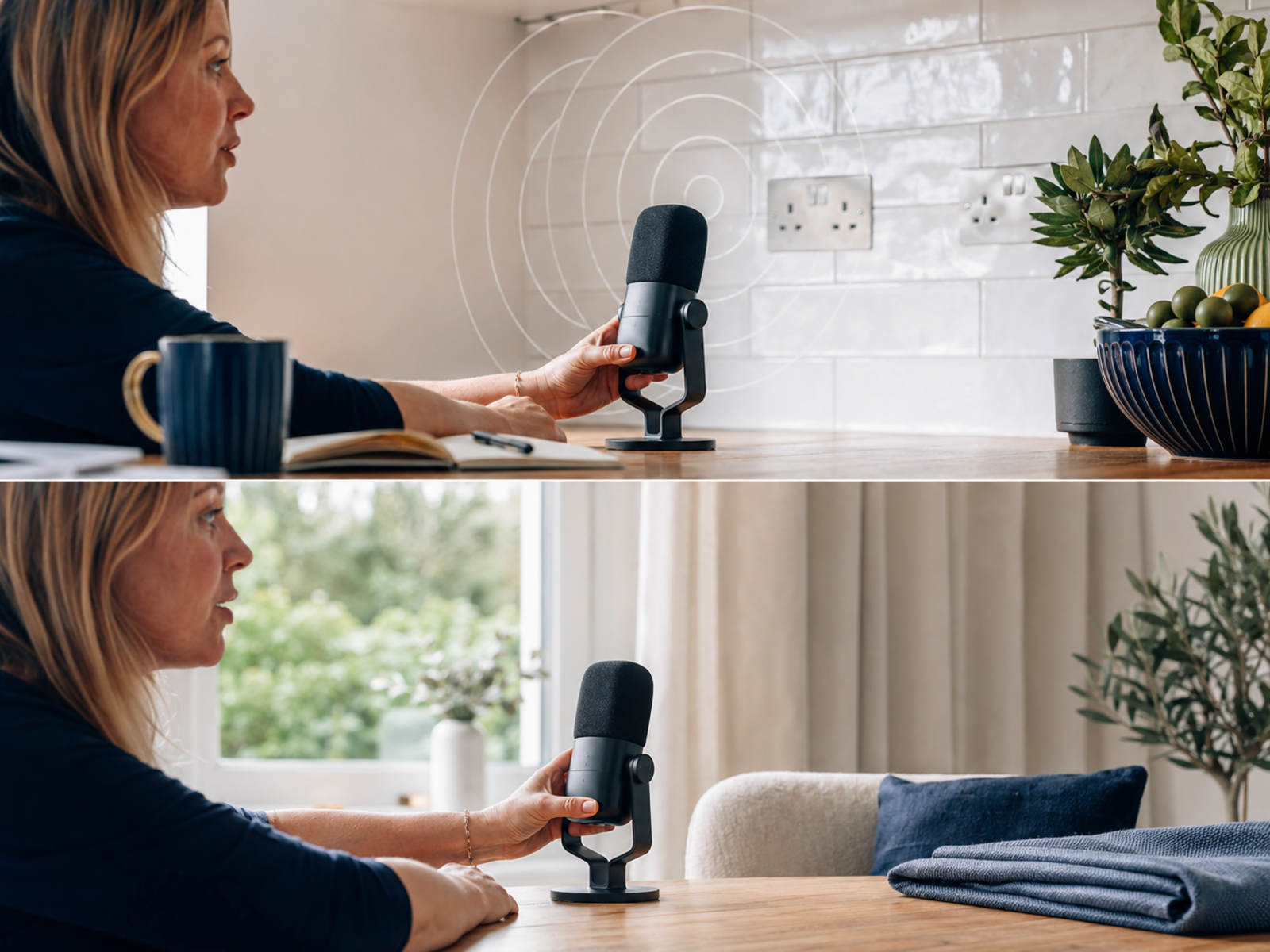
In rooms with echo, keyboard noise or street traffic, dynamic microphones usually beat condenser microphones. The Shure MV7+ and Samson Q2U are the most practical options because they work close to the mouth and reduce the amount of room sound in the recording.
If your workspace has hard walls or shared areas, prioritise noise control over maximum vocal detail. Clear, close speech is usually more useful than a rich recording full of room reflections.
Buying Based On Your Setup
Recording Environment
Untreated rooms favour dynamic microphones because they make distant noise less prominent. The Shure MV7+ and Samson Q2U are safer choices for spare bedrooms and shared home offices.
Quiet rooms can take advantage of condenser clarity. That is where the RØDE NT-USB+ and Blue Yeti make more sense.
Content Format
Podcasts and livestreams usually need focused speech and reliable monitoring. Dynamic microphones are easier to manage during long sessions.
Voiceovers and scripted narration can benefit from condenser detail when the room is quiet. The best choice depends on whether control or nuance matters more.
Desk Space
Large microphones need stable stands and enough room for comfortable positioning. The Blue Yeti can crowd small desks if it sits between the keyboard and screen.
Boom arms help, but they also need clamp space. Check your desk before buying a microphone that looks compact in product photos.
Portability
The Samson Q2U is easier to move between rooms than heavier desk microphones. It is a sensible option for creators who record in different spaces.
The Shure MV7+ is portable enough, but it works best as part of a more settled desk setup with a strong arm and monitoring headphones.
Software Requirements
Some USB microphones include companion apps for EQ, compression or noise control. These tools can help, but they should support good placement rather than rescue bad placement.
If the microphone is too far away, software can only do so much before the voice starts sounding processed.
Upgrade Plans
Choose a hybrid USB/XLR microphone if you may add an interface later. The Shure MV7+ and Samson Q2U both protect that path.
Choose a pure USB microphone when simplicity matters more than expansion and you are unlikely to record multiple people through separate channels.
Budget
A budget microphone can be the right purchase when it solves the room problem. The Samson Q2U is strong because it gives beginners dynamic USB recording without a large spend.
Higher-priced models should justify themselves through better controls, build, monitoring or upgrade flexibility. Paying more only helps when those extras get used.
Essential Microphone Accessories
Boom Arm Or Stand
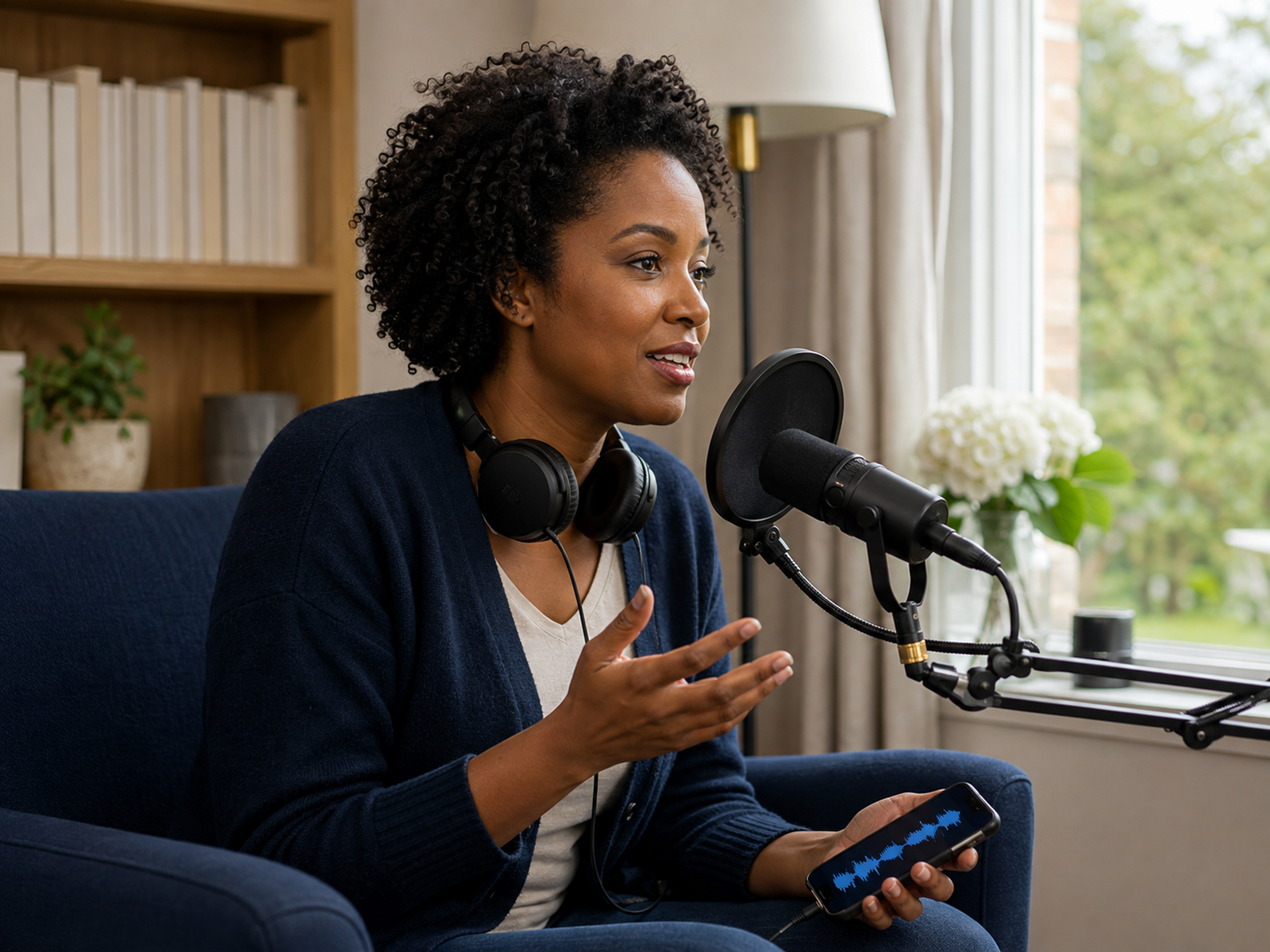
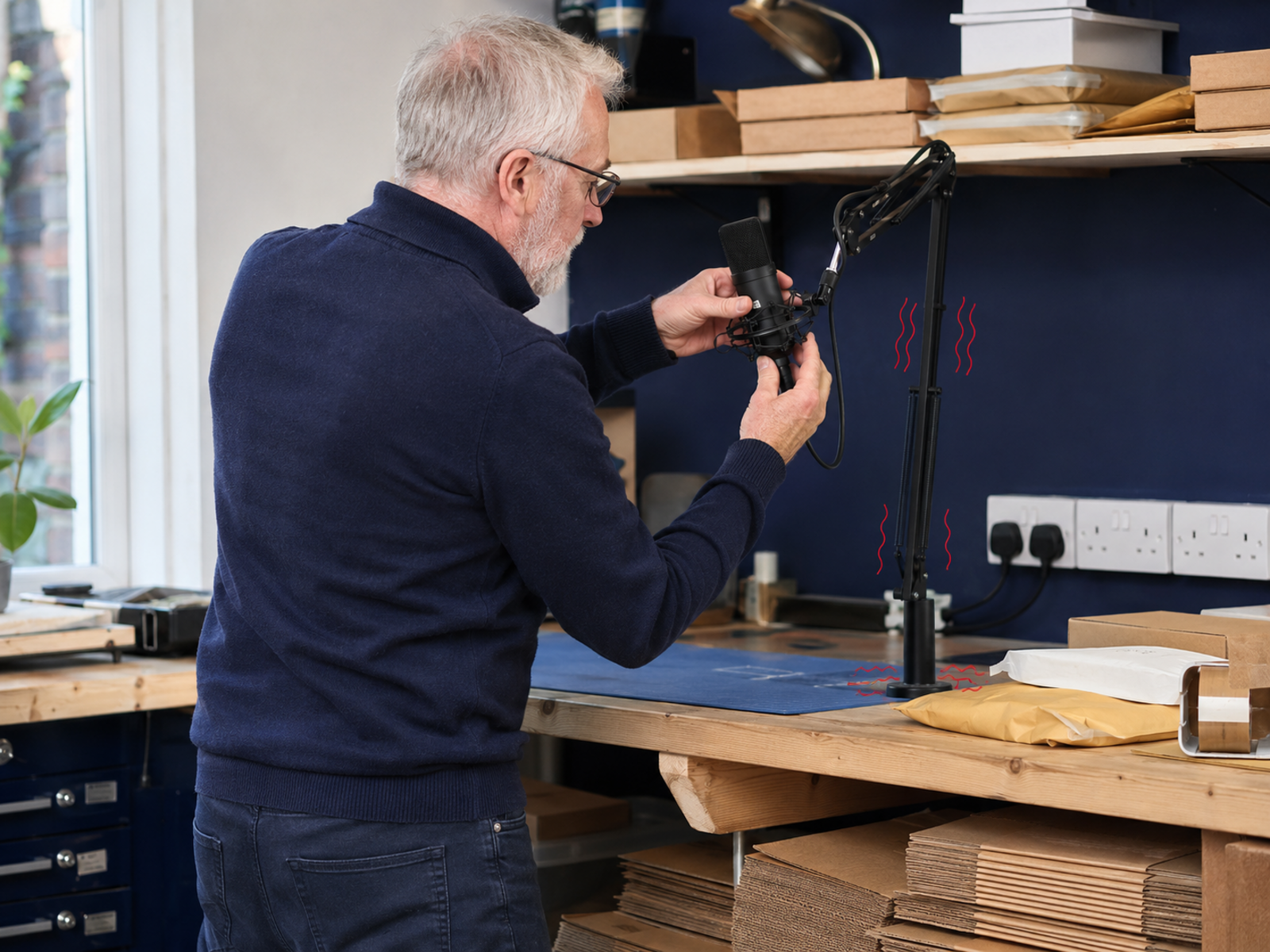
A stable stand keeps the microphone close to your mouth. That matters more than most beginners expect.
If the microphone sits too far away, it records more room and less voice. A boom arm also frees desk space and reduces the temptation to push the microphone beside the monitor.
Pop Filter
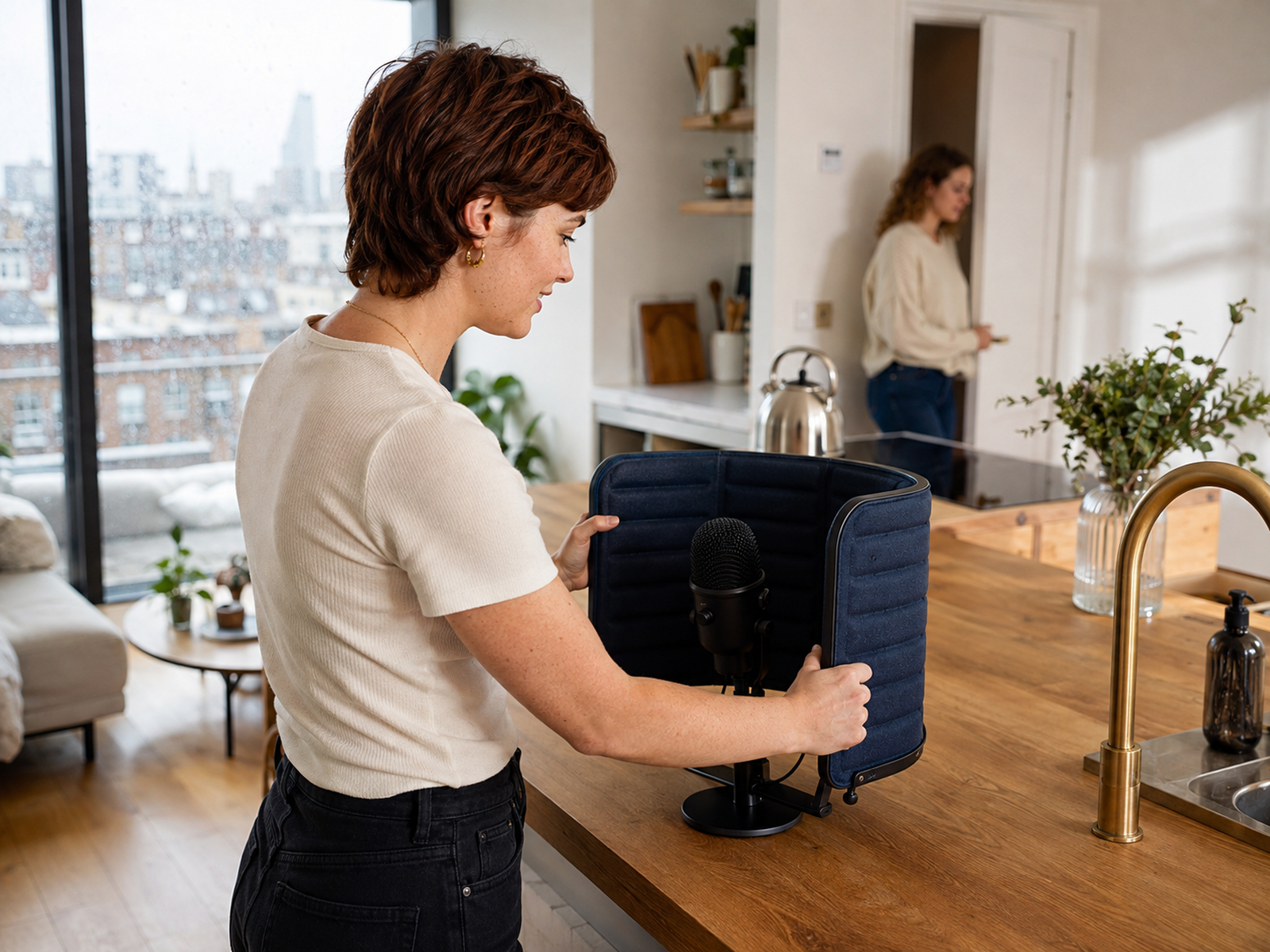
A pop filter or windscreen reduces harsh bursts of air from words beginning with “p” and “b”. Built-in filters help, but close speech often needs extra protection.
This is a cheap fix for a common problem. It is much easier than trying to repair plosive thumps after recording.
Closed-Back Headphones
Closed-back headphones help you hear clipping, hum, mouth noise and changes in distance while recording. They also prevent audio from leaking back into the microphone.
Monitoring matters because it catches problems early. Re-recording five seconds is better than discovering the issue after a full tutorial.
Acoustic Treatment
You do not need to turn the room into a studio. Curtains, rugs, bookshelves and soft furniture can reduce the reflections that make speech sound hollow.
Start with the room before buying expensive repair software. Reducing echo before it reaches the microphone usually sounds more natural.
Lighting and setup: Best Compact Lighting Gear For Video
Common Buying Mistakes
Choosing Based Only On Popularity
A popular microphone may still be wrong for your room. The Blue Yeti is flexible, but it is not the easiest choice for a noisy bedroom.
Use popularity as a starting point, not the final decision. Your recording space gets the final vote.
Ignoring Room Noise
Condenser microphones can make untreated rooms sound worse by capturing more reflections and background detail.
If the room has echo, traffic or household noise, choose a dynamic microphone first. Cleaner source audio beats dramatic repair work later.
Skipping Monitoring
Without monitoring, you may not notice clipping, hum or background noise until the recording is finished.
A microphone with headphone monitoring helps you catch problems while they are still easy to fix. This is especially useful for long podcasts and tutorials.
Overbuying Too Early
A beginner does not need every possible feature. Buying an expensive microphone before understanding your recording habits can slow everything down.
Buy for the next realistic stage. A simple setup used weekly is better than a complicated setup you avoid because it feels like preparing for a small broadcast emergency.
Desk Setup And Workflow Considerations
Your microphone is only one part of the setup. Camera position, lighting, desk layout and cable placement all affect how easy it feels to record. If the microphone blocks your screen or makes typing awkward, you will quietly start avoiding it.
Aim for a setup that stays ready. A stable arm, reachable headphones and a clear recording space make it easier to create without rebuilding the desk every time.
Related gear: Best Webcams For Bloggers And Course Creators
Full checklist: Creator Desk Setup Shopping List
Creating A Calmer Recording Space
Sound quality improves when the space feels controlled. Close doors, mute notifications, move noisy devices away from the microphone and record short tests before important sessions.
A calmer room also makes recording less awkward. You are more likely to speak naturally when you are not listening for the washing machine, hallway footsteps or the laptop fan preparing for take-off.
Cross-category guide: Scents, Sound And Light For A Calmer Workday
FAQs
What is the best USB microphone for content creators?
The Shure MV7+ is the best overall option for creators who record podcasts, livestreams, tutorials and voiceovers from one desk. It combines USB-C connection, dynamic voice pickup and XLR expansion.
The Samson Q2U is better for beginners on a tighter budget. The RØDE NT-USB+ is better for voiceovers in quiet rooms.
Are USB microphones good enough for professional content?
Yes. A good USB microphone can produce clear audio for podcasts, YouTube videos, courses and livestreams.
Professional results depend heavily on microphone placement, monitoring and the room. A well-positioned USB microphone often sounds better than an expensive XLR microphone used badly.
Should creators choose a dynamic or condenser USB microphone?
Choose a dynamic USB microphone for untreated rooms, podcasts and speech recorded near a desk. It is usually easier to manage around echo and household noise.
Choose a condenser USB microphone for quiet spaces, detailed narration and voiceovers. It captures more nuance, but also more unwanted sound.
What USB microphone works best in a noisy room?
The Shure MV7+ is the strongest premium option for noisy or untreated rooms. The Samson Q2U is the better budget choice.
Both are dynamic microphones, so they work best close to the mouth and make distant sounds less prominent.
Do USB microphones require an audio interface?
No. USB microphones connect directly to a compatible computer or mobile device.
An audio interface is only needed for XLR microphones, or when using the XLR output on a hybrid microphone.