



Host a Virtual Halloween Party: Audio,…

20 Minimalist Halloween Nail Ideas for…

Can Free Affinity Help You Build…

12 Lower-Sugar Halloween Treat Swaps Worth…

Can Hostinger AI Builder Launch a…

A 5-Step Screen-Free Autumn Reading Ritual…

Plug-In Solar Panels UK: Are They…

15 Last-Minute Zoom Halloween Costumes for…

Meta One Explained: Is the Subscription…

10 Low-Fuss Dog Halloween Ideas: Comfort…

Plaud One Explained: Can AI Earbuds…

9 Gothic Dinner Table Ideas for…

Namecheap vs Dynadot

7 UK Ghost Tours and How…

Convertkit Vs Beehiiv

Do You Really Need a £420…

Bluehost vs Siteground

15 Gentle Spooky Autumn Books to…

Namecheap review

How to Remove Halloween Face Paint…
Most business owners think they need a better camera before they can start making videos. The reality is simpler. Customers rarely stop watching because your camera was not expensive enough. They stop watching because they cannot hear you clearly, cannot see you properly, or do not find the content useful. The best video setup is not the most impressive one. It is the setup you will actually use every week.
Quick Overview
In this guide you will learn:
Professional home office video creation workspace supporting content marketing and customer communication.
Start here: Best Content Creator Kits For Beginners
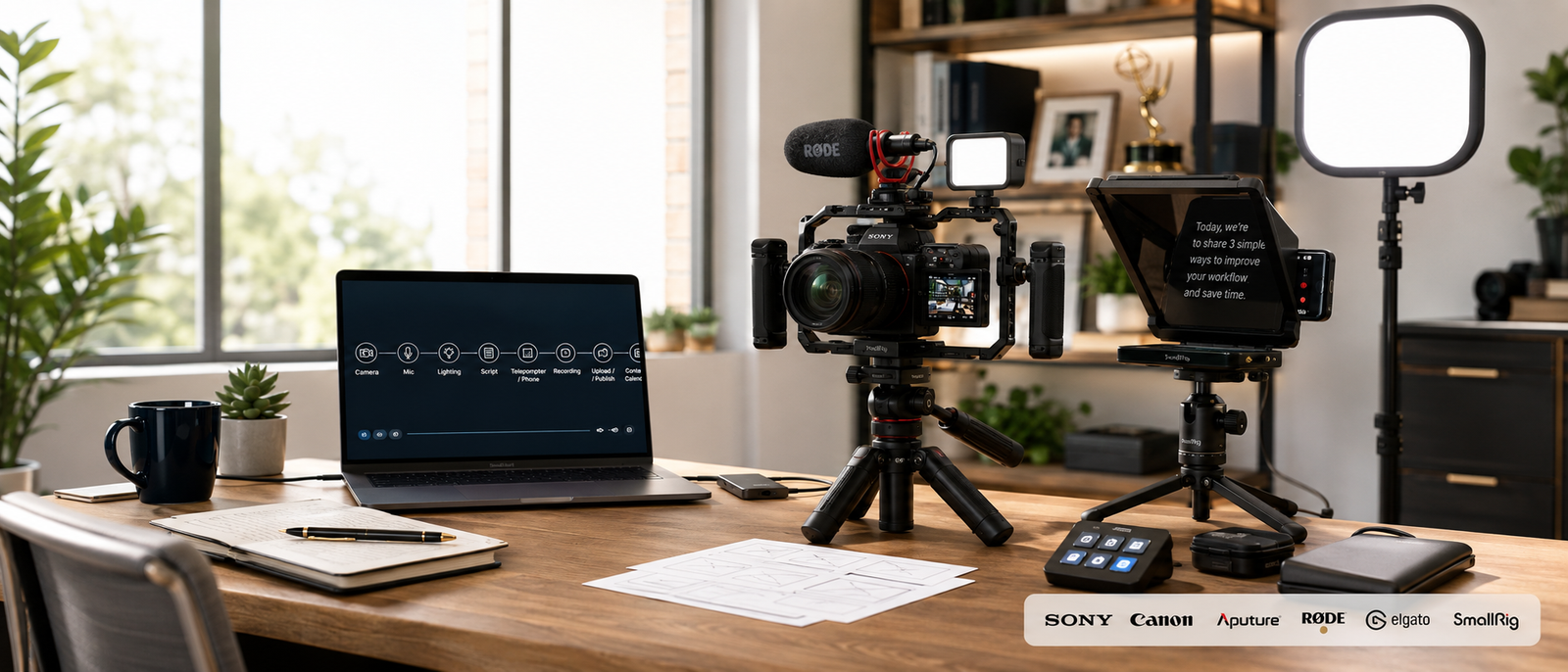
Recommended Equipment For Business Video Content
Shure MV7+
The Shure MV7+ is best for business owners who want clear voice audio for tutorials, interviews, webinars, podcasts, and talking-head videos. It supports USB-C and XLR connections, which means beginners can start simply and upgrade into a more advanced audio setup later.
Best For
Desk-based business videos, podcasts, webinars, and voice-led content.
Limitation
It is more expensive than basic USB microphones, so casual users may not need it immediately.
Professional microphone supporting clearer business videos and content creation.
Audio guide: Best Microphones For Bloggers
Rode Wireless ME
The Rode Wireless ME is best for business owners recording demonstrations, interviews, behind-the-scenes content, and mobile videos. Wireless audio helps when you need to move around instead of staying glued to a desk like the office furniture finally won.
Best For
Product demonstrations, mobile videos, interviews, and tutorials.
Limitation
Wireless systems require charging and careful setup before recording.
Wireless microphone system supporting mobile video recording workflows.
Elgato Key Light Mini
The Elgato Key Light Mini is best for creators needing flexible lighting without a large studio setup. Good lighting often improves video quality faster than a camera upgrade because faces look clearer, colours appear cleaner, and footage feels more professional.
Best For
Home office recording, travel creators, webinars, and flexible video setups.
Limitation
One compact light may not fully replace a larger multi-light setup.
Portable creator lighting supporting professional-looking business videos.
Lighting guide: Best Compact Lighting Gear For Video
Logitech Litra Glow
The Logitech Litra Glow is best for simple desk-based video. It clips neatly onto a monitor and gives softer front-facing light for calls, tutorials, livestreams, webinars, and customer-facing content.
Best For
Zoom calls, livestreams, tutorials, webinars, and small desk setups.
Limitation
It is designed for close desk use rather than larger filming spaces.
Compact video light supporting clearer on-camera presentation.
JOBY GorillaPod 3K Kit
The JOBY GorillaPod 3K Kit is best for creators who need flexible positioning. Its bendable legs work on desks, shelves, rails, and awkward filming spots where traditional tripods struggle.
Best For
Flexible filming locations, product shots, desk recording, and travel content.
Limitation
Flexible legs are useful, but they are not as stable as a full-size tripod for heavier setups.
Flexible tripod supporting business video creation in varied locations.
Tripod guide: Best Tripods For Content Creators
Ulanzi MT-44
The Ulanzi MT-44 is best for smartphone creators who need a compact tripod and handheld grip in one. It works well for Reels, Shorts, desk videos, quick product clips, and simple business content.
Best For
Smartphone filming, short-form video, desk recording, and quick setup.
Limitation
It is better for lightweight phones and compact cameras than heavy production setups.
Compact tripod supporting smartphone and creator video workflows.
ASUS ZenScreen MB16ACV
The ASUS ZenScreen MB16ACV gives business owners a 15.6-inch portable second screen for scripts, notes, editing timelines, research, and call management. Extra screen space reduces the constant tab shuffle that somehow turns a five-minute edit into an archaeological dig.
Best For
Editing, research, scripts, webinars, and mobile workstations.
Limitation
It is less useful if you already have a permanent dual-monitor setup.
Portable monitor supporting content creation and video editing workflows.
Monitor guide: Best Portable Monitors For Home Business
CalDigit TS4
The CalDigit TS4 is best for turning a laptop into a proper video workstation. It connects monitors, storage drives, microphones, cameras, card readers, and accessories through one Thunderbolt 4 dock.
Best For
Desk-based video production, multi-device setups, and cleaner workstations.
Limitation
It is premium-priced and unnecessary for very simple recording setups.
Docking station supporting efficient video production workstations.
Workstation guide: Best Docking Stations For Home Business
Best Cameras
Many business owners already own a capable camera inside their smartphone. Modern phones can produce excellent results when paired with good lighting, clear audio, and stable positioning. Before investing heavily in cameras, fix the basics first. A well-lit smartphone with a decent microphone often looks more professional than an expensive camera pointed at a dim face with echoing audio and suspiciously dramatic ceiling shadows.
Camera alternatives: Best Webcams For Bloggers And Course Creators
What Matters Most In Video Production
Audio Quality
Audio quality affects whether viewers stay comfortable. Clear speech helps customers focus on the message instead of battling echo, hiss, background noise, or inconsistent volume.
Lighting
Good lighting improves clarity, colour, trust, and presentation. It helps a simple camera look dramatically better without requiring a bigger production budget.
Stability
Stable footage almost always looks more professional than shaky footage. A tripod or mount gives videos cleaner framing and reduces distracting movement.
Editing Workflow
Editing software helps remove mistakes, improve pacing, add captions, tighten intros, and turn raw footage into something people can actually finish watching.
Audio Quality Vs Camera Quality
Audio usually deserves priority because poor sound damages videos faster than average visuals. Viewers may tolerate a slightly soft image for several minutes, but harsh audio, background noise, echo, or inconsistent volume can make them leave quickly. For small businesses, this matters because video is often about trust. If customers cannot hear the explanation clearly, the message fails before the camera quality even gets a chance to impress anyone.
Related guide: Best USB Microphones For Content Creators
Home Office Video Setup Ideas
Simple Desk Recording Setup
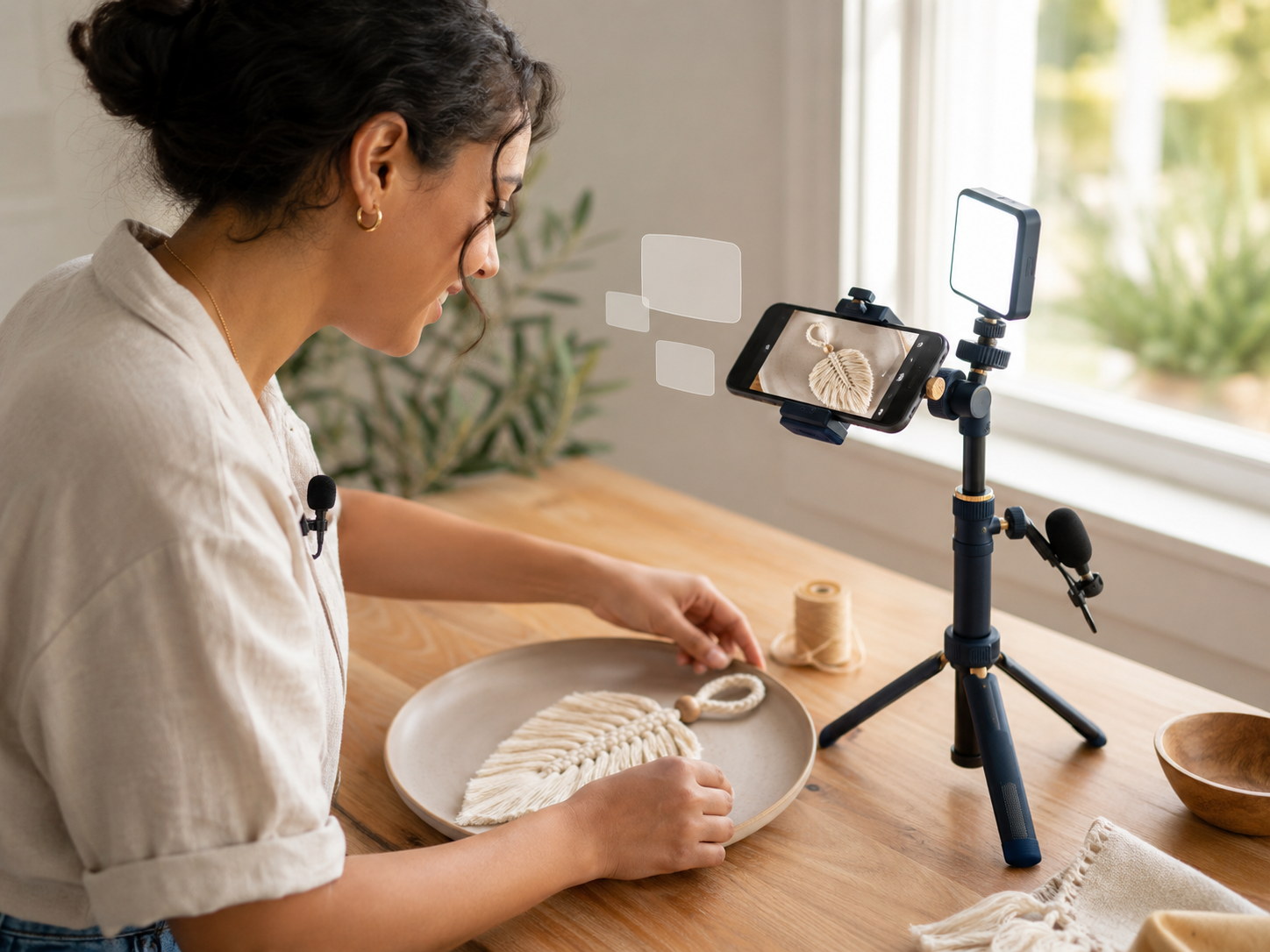
A smartphone or webcam, USB microphone, monitor-mounted light, and compact tripod can produce strong business videos without turning the spare room into a pretend film studio.
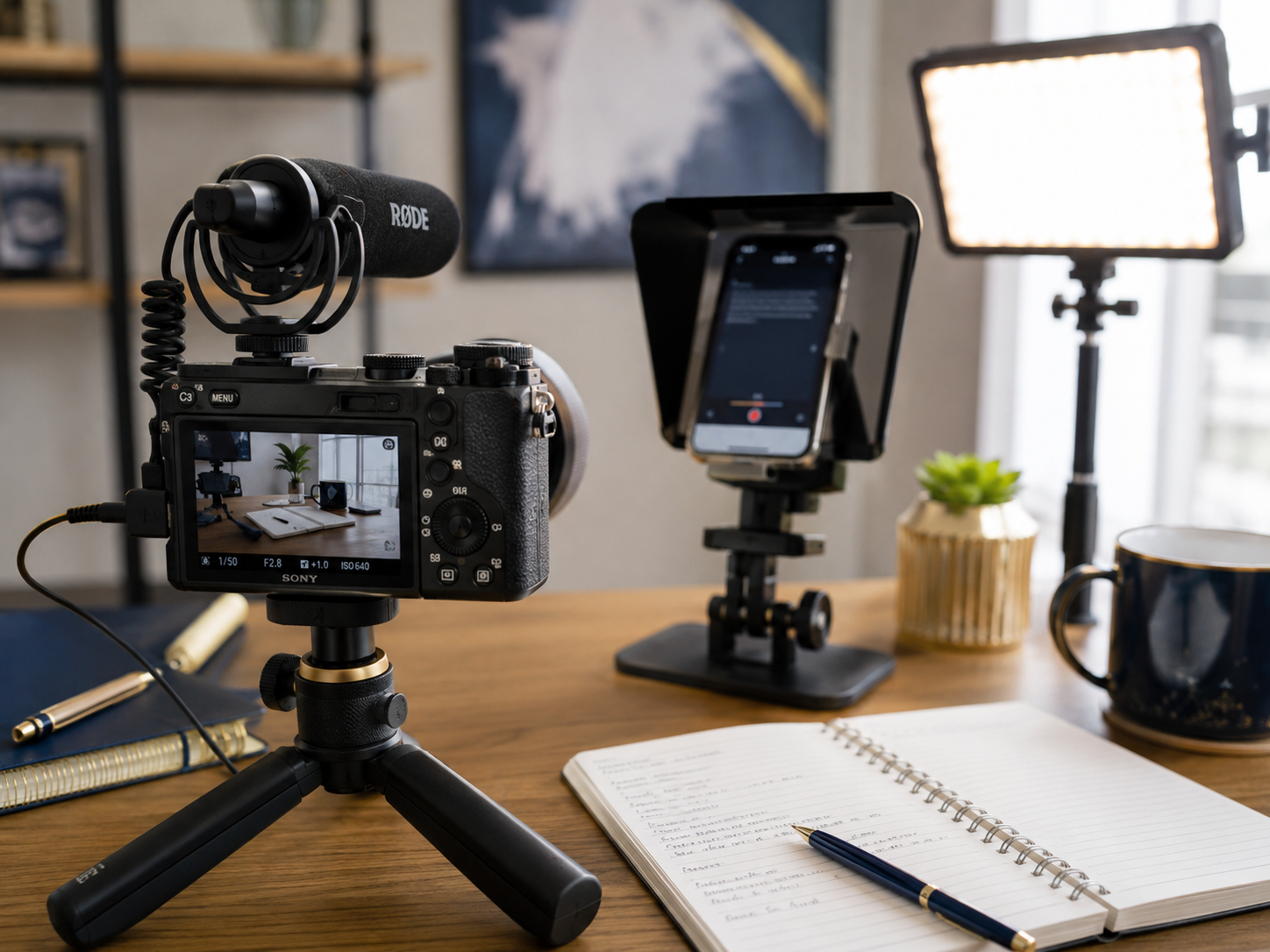
Educational Content Setup
A second screen helps manage scripts, slides, notes, research, demonstrations, and lesson outlines while recording tutorials or explainer videos.
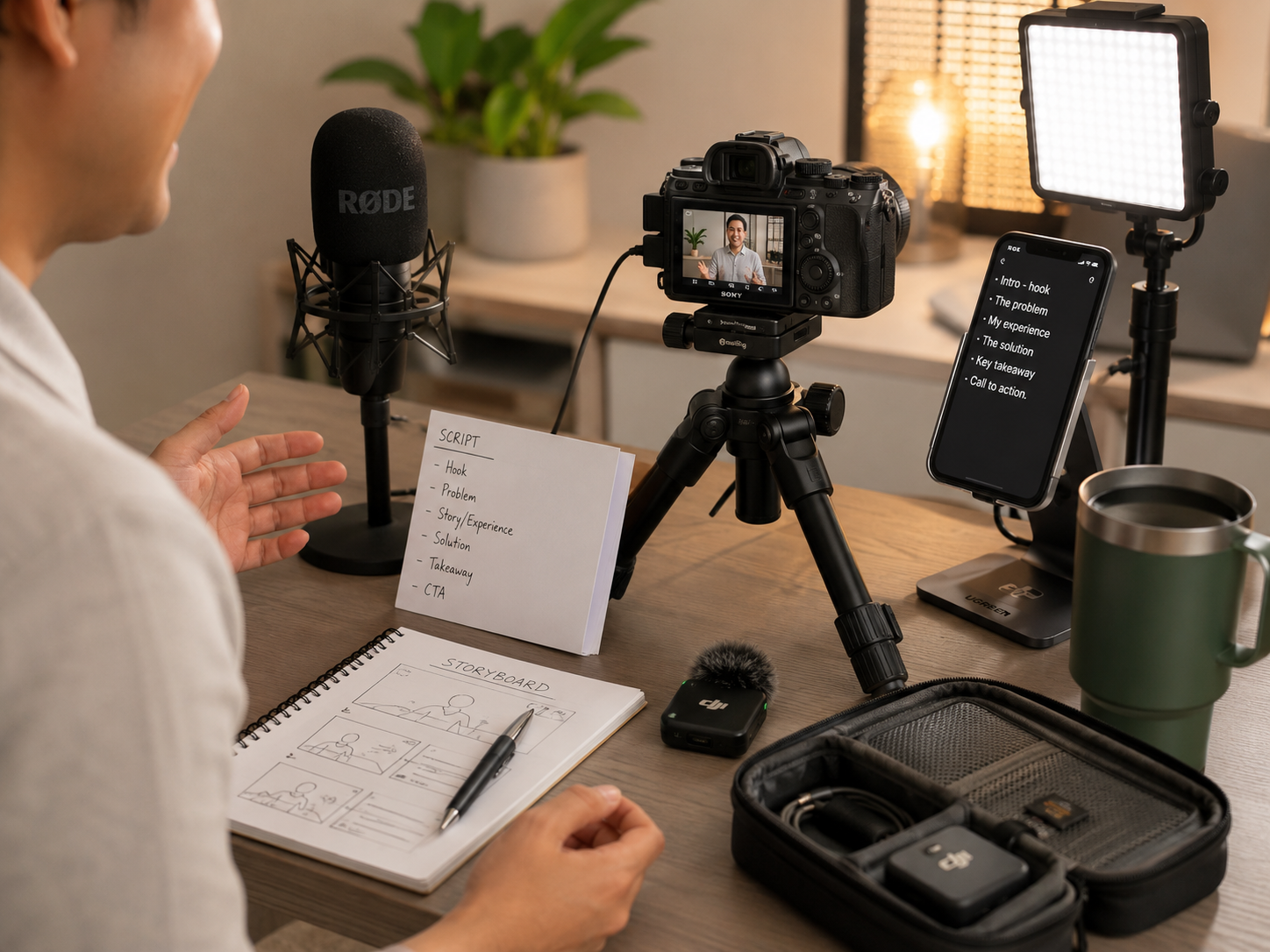
Video Call Setup
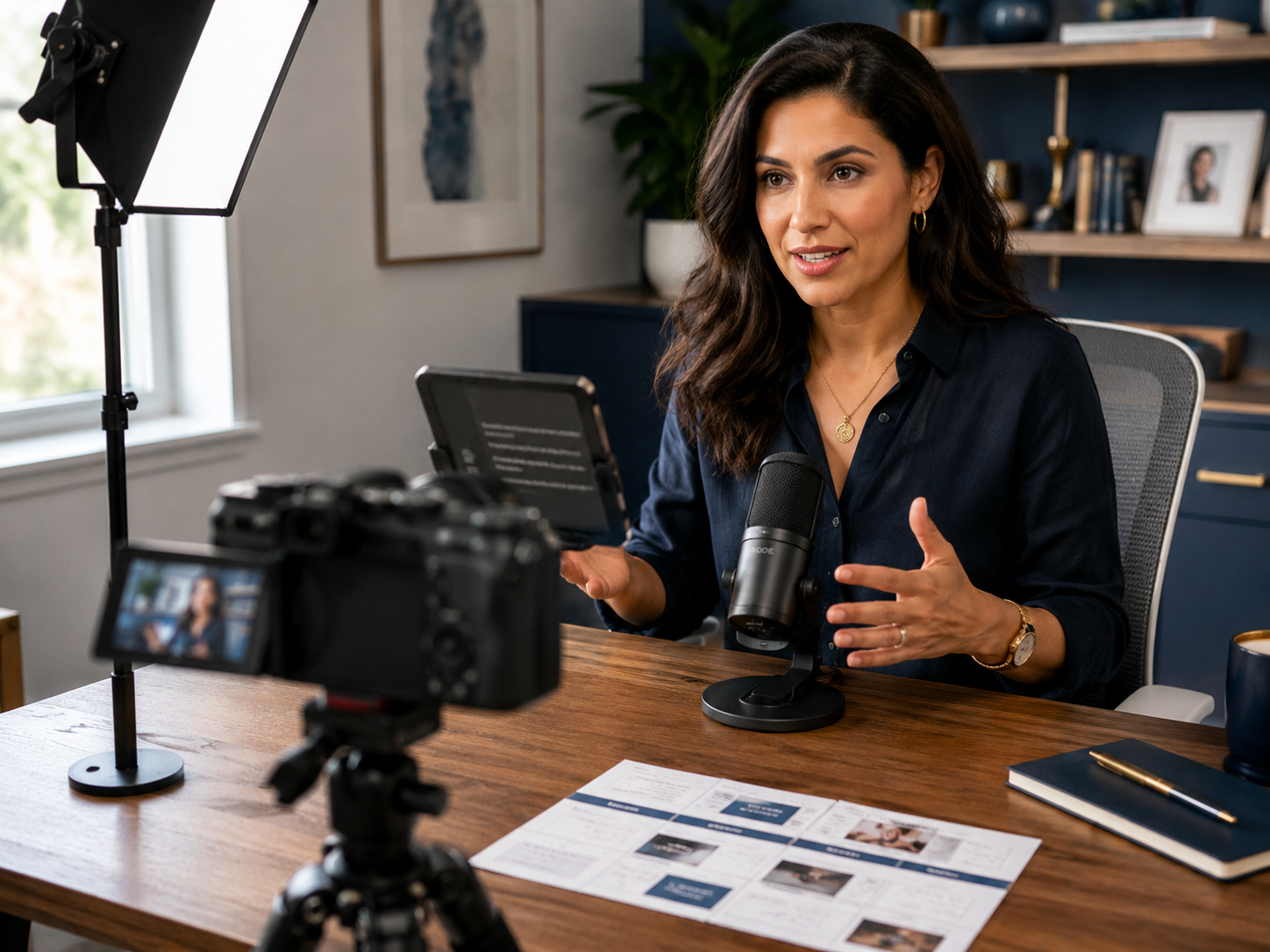
Good lighting, clear audio, and a tidy background improve webinars, consultations, livestreams, sales calls, and client meetings more than most camera upgrades.
Product Demonstration Setup
Flexible tripods and wireless microphones make product demonstrations easier because the camera can capture hands, details, movement, and explanation without awkward repositioning.
Common Mistakes
Many business owners spend too much on cameras and too little on lighting, sound, and consistency. Others buy expensive equipment before developing a realistic filming habit. Some spend weeks researching gear while producing no content at all, which is technically preparation but emotionally very close to procrastination in a branded hoodie. The strongest setup is usually the one that removes friction. If recording feels easy, content gets made. If the setup feels complicated, even excellent equipment sits unused.
Wellness perspective: Outsource Automate Or Rest How To Protect Your Energy
Pros And Cons Of Business Video Setups
Pros
Cons
FAQs
What equipment do small businesses need to create videos?
Most businesses can create strong content using a smartphone or webcam, quality microphone, basic lighting, stable tripod, and simple editing software.
Is a smartphone good enough for business video content?
Yes. Modern smartphones frequently produce excellent results when paired with good audio, lighting, and stable positioning.
What is more important for videos, audio or camera quality?
Audio quality is often more important because viewers tolerate average visuals longer than poor sound.
How much does a basic video content setup cost?
A practical setup can be built gradually. Many businesses begin with a smartphone, microphone, lighting, and tripod before upgrading further.
What lighting works best for business videos?
Consistent front-facing lighting generally produces the most professional results for educational videos, calls, presentations, and customer content.
Final Verdict
Your business videos do not need Hollywood budgets to look professional. They need clear audio, good lighting, stable footage, and useful information. Most viewers never ask what camera you used. They care whether they can hear you, understand you, and learn something useful. A simple setup used consistently will almost always outperform an expensive setup that rarely gets switched on. The best video setup is not the most impressive one. It is the one you will actually use every week.


