



Host a Virtual Halloween Party: Audio,…

20 Minimalist Halloween Nail Ideas for…

Can Free Affinity Help You Build…

12 Lower-Sugar Halloween Treat Swaps Worth…

Can Hostinger AI Builder Launch a…

A 5-Step Screen-Free Autumn Reading Ritual…

Plug-In Solar Panels UK: Are They…

15 Last-Minute Zoom Halloween Costumes for…

Meta One Explained: Is the Subscription…

10 Low-Fuss Dog Halloween Ideas: Comfort…

Plaud One Explained: Can AI Earbuds…

9 Gothic Dinner Table Ideas for…

Namecheap vs Dynadot

7 UK Ghost Tours and How…

Convertkit Vs Beehiiv

Do You Really Need a £420…

Bluehost vs Siteground

15 Gentle Spooky Autumn Books to…

Namecheap review

How to Remove Halloween Face Paint…
The best tablet for bloggers is not the one that looks most expensive in a desk photo. It is the one that makes a real part of your workflow lighter. A tablet can be brilliant for outlining posts, reading research, planning videos, reviewing visuals, sketching ideas and working away from the desk. It is less brilliant for plugin chaos, bulk uploads and twelve-tab SEO sessions that start asking questions your patience did not consent to.
Best premium Android tablet: Samsung Galaxy Tab S11 Ultra.
Best overall tablet: Apple iPad Air M4.
Best Android value tablet: OnePlus Pad 3.
Best laptop-style tablet: Microsoft Surface Pro 11.
Best distraction-free writing tablet: ReMarkable Paper Pro.
Best lightweight Android alternative: Honor MagicPad 4.
Choose based on workflow, not specs.
Honor MagicPad 4
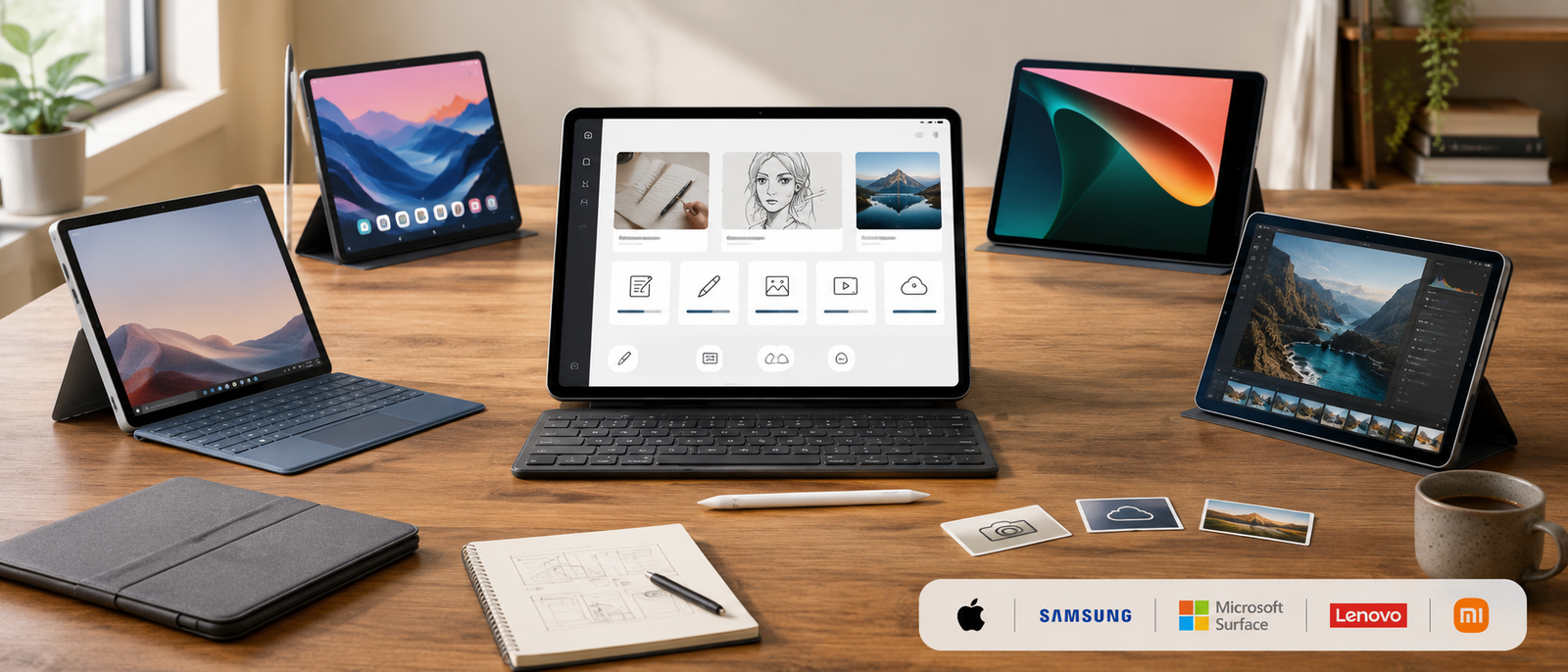
Honor MagicPad 4 is the best lightweight Android alternative for creators who want a large-screen tablet with strong productivity potential at a more accessible price than some premium rivals. It suits planning, note-taking, reading, writing, content review and portable work. It is a strong option if you want Android flexibility without automatically defaulting to Samsung or OnePlus.
What a tablet should actually fix
A tablet should make one part of your blogging or creator workflow easier. Maybe that is writing away from your desk, sketching ideas, reading research, reviewing images or planning content on the sofa without opening the full laptop circus. If it does not reduce friction somewhere specific, it is just another screen asking to be charged.
Best premium Android value
Samsung Galaxy Tab S11 Ultra is best value only if you will use the large-screen Android workflow properly. It suits creators who want multitasking, visual planning, note-taking and media review on a bigger canvas. If you only need light writing and reading, it may be more tablet than you need. Premium value has to earn its place.
Best overall value
Apple iPad Air M4 is the best overall value for many bloggers because it offers strong performance, excellent app support and useful accessories without jumping into the most premium tablet tier. It is ideal if you want a device that can handle writing, planning, research and creative review without feeling underpowered after six months.
Best Android value
OnePlus Pad 3 is the best value choice if you want a capable Android tablet with a large screen and good multitasking potential. It makes sense for creators who want strong everyday performance without paying for the most premium ecosystem. It is especially useful if your workflow is mainly planning, drafting, reading, reviewing and light editing.
Best laptop-style value
Microsoft Surface Pro 11 is better value if you want one device that can behave more like a laptop. Bloggers who spend time in WordPress, documents, spreadsheets, SEO tools, dashboards and file folders may get more practical value from Surface Pro 11 than from a traditional tablet. It is less relaxed, but more business-ready.
Best focus value
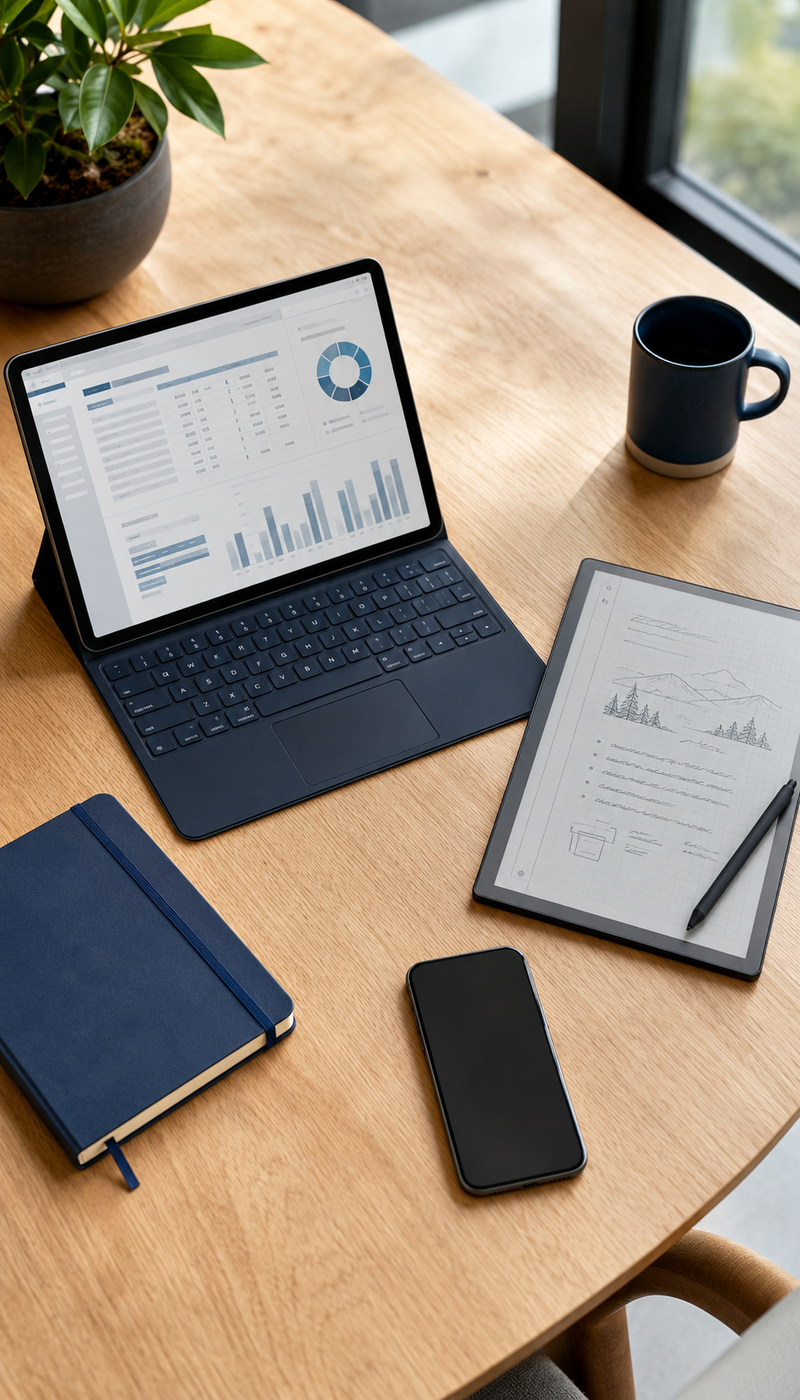
ReMarkable Paper Pro is valuable if distraction-free thinking is the main problem. It will not replace a laptop, but it can improve outlining, note-taking, reading and planning. If your best ideas get buried under notifications, browser tabs and app noise, a focused writing tablet can be worth more than another feature-packed screen.
The spending rule
Do not pay for the tablet that looks best in someone else’s desk photo. Pay for the one that solves your actual workflow problem. Bloggers need writing comfort, research access, readable screens, keyboard options and enough flexibility to publish without fighting the device. Creators may need display quality, stylus support, multitasking or portability more than raw benchmark bragging rights.
Where tablets work well
Tablets are brilliant for lighter blogging tasks: outlining posts, reading research, planning content calendars, reviewing images, marking up drafts, watching tutorials and writing in focused sessions. They can feel less heavy than a laptop, both physically and mentally. That makes them useful when you want to work without recreating your full desk setup.
Where laptops still win
Laptops still win for heavier publishing work. WordPress management, SEO tools, affiliate dashboards, plugin updates, bulk image handling and multi-tab research are usually easier on a proper laptop. A tablet can support your blogging workflow, but it may not replace the machine you use when things get messy and the browser tabs start forming a small government.
Accessories matter
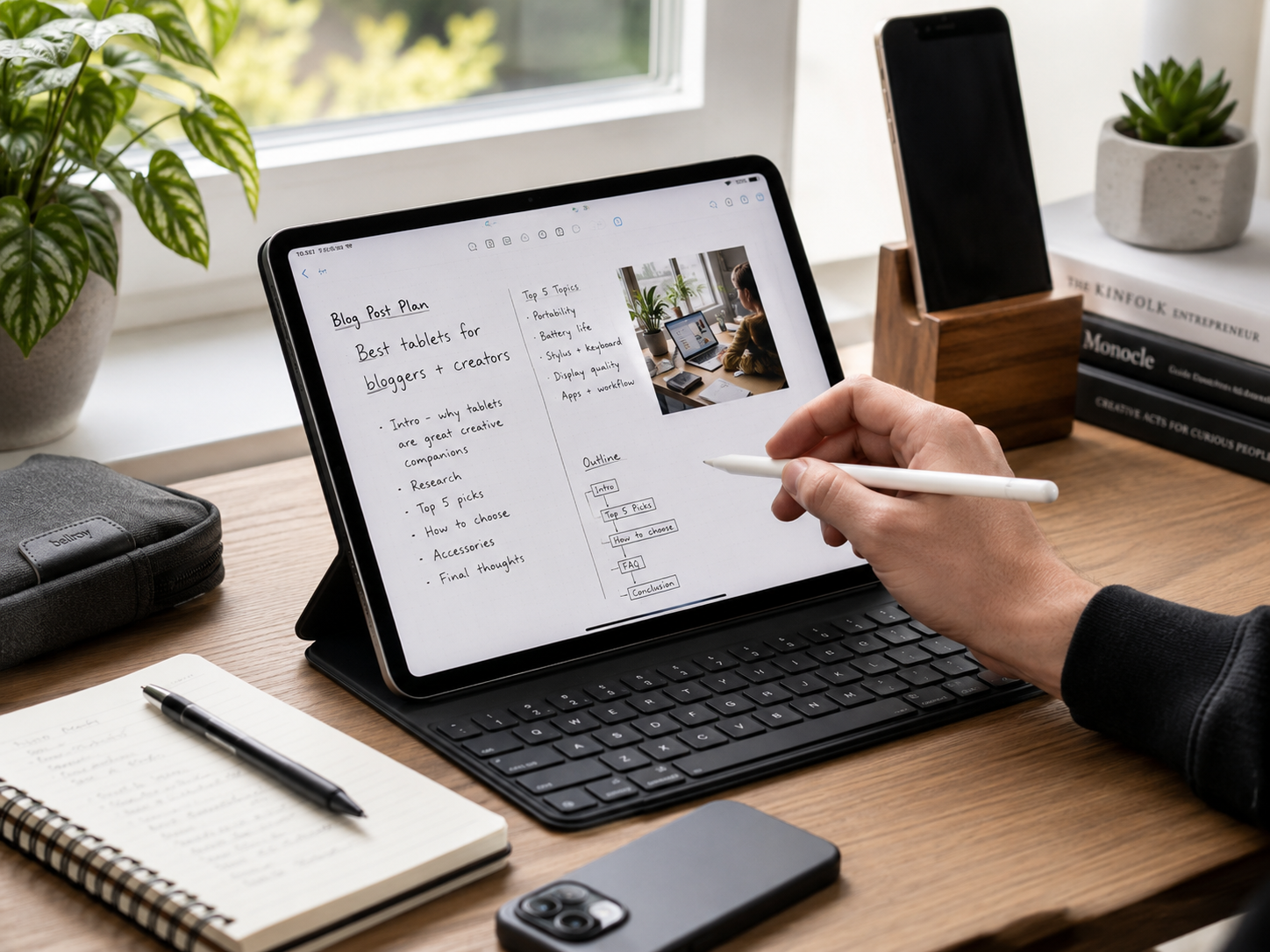
A tablet becomes much more useful with the right accessories. A keyboard helps with drafting. A stylus helps with notes, sketches and image review. A stand improves posture and viewing angle. Storage and cloud setup matter too. Without accessories, even a powerful tablet can become a beautiful slab for reading things you meant to act on.
The laptop replacement test
A tablet can replace a laptop only if your real work fits the apps, browser experience and accessories available. If you mostly draft, plan, read and review, a tablet may be enough. If you publish, optimise, upload, manage plugins and juggle dashboards, a laptop-style device or actual laptop will usually be less frustrating.
Best tablet for writing blog posts
Apple iPad Air M4 is the best writing pick for most bloggers because it balances power, portability, app support and keyboard compatibility. ReMarkable Paper Pro is better if your writing process starts with handwritten notes, outlines and distraction-free planning. Microsoft Surface Pro 11 is better if writing often becomes publishing, formatting and file management.
Best tablet for WordPress blogging
Microsoft Surface Pro 11 is the strongest pick if WordPress publishing, browser dashboards and multitasking matter most. It feels closer to a laptop workflow, which helps when editing posts, managing media, checking plugins or working in multiple browser tabs. Traditional tablets can help, but WordPress admin still prefers a more desktop-like setup.
Best tablet for content planning
Samsung Galaxy Tab S11 Ultra, Apple iPad Air M4, OnePlus Pad 3 and Honor MagicPad 4 are all strong for content planning. They give you large screens for calendars, notes, research, outlines and visual planning. ReMarkable Paper Pro is the calmest option if you want planning without app noise.
Best tablet for image review and creative work
Samsung Galaxy Tab S11 Ultra is the strongest Android pick for large-screen creative review. Apple iPad Air M4 is the safer all-rounder for creators who want broad app support. OnePlus Pad 3 and Honor MagicPad 4 are strong value alternatives for reviewing images, planning visuals and working across content ideas without paying premium prices.
Best tablet for distraction-free planning
ReMarkable Paper Pro is the best option if you want to think, write, annotate and organise ideas without notifications. It is not the best pick for publishing, SEO or media management. It is for the earlier stage: shaping posts, planning launches, reading notes and stopping your brain from being ambushed by another app badge.
Best tablet for Android value
OnePlus Pad 3 and Honor MagicPad 4 are the best Android value choices. OnePlus Pad 3 is stronger if you want a bigger performance-led Android tablet. Honor MagicPad 4 is appealing if you want a lighter, productivity-friendly alternative. Both suit creators who want Android flexibility without immediately choosing the most expensive tablet in the room.
Match the tablet to the job
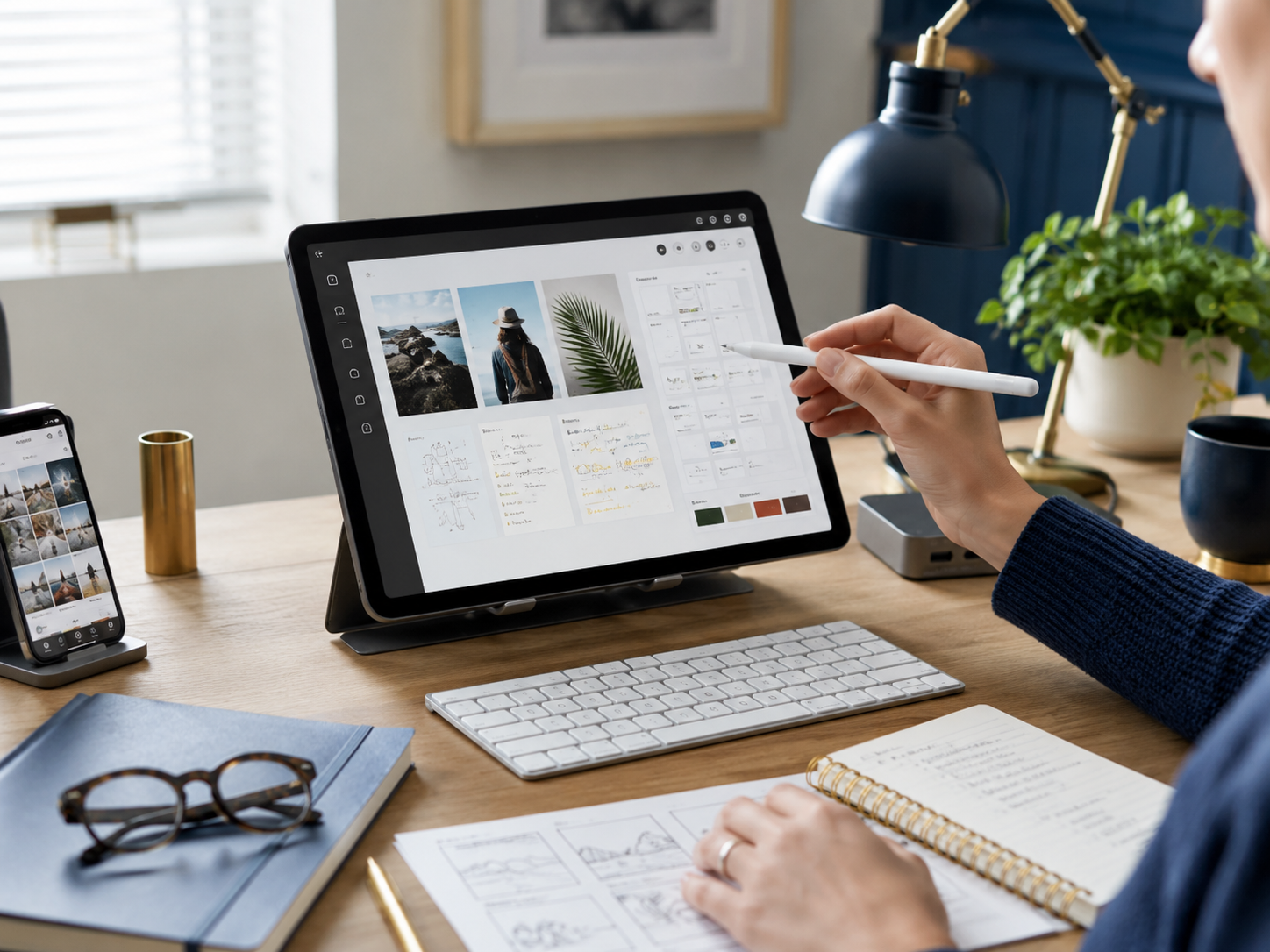
The best tablet depends on the part of the workflow you want to lighten. Writers need keyboard comfort. WordPress-heavy bloggers need browser confidence. Visual creators need screen quality and stylus support. Planning-focused creators need space, portability and battery life. Choose for the task you repeat most often, not the feature you will admire twice.
Match the tablet to the job
Expecting a tablet to do everything
A tablet can be brilliant, but it is not automatically a laptop replacement. Some tasks are still easier with a keyboard, trackpad, file system and full desktop browser. Before buying, list the five jobs you want the tablet to handle. If three of them are heavy publishing tasks, be realistic.
Ignoring keyboard comfort
Bloggers write. That means keyboard comfort matters. A tablet without a good keyboard setup may be fine for notes but annoying for long posts. If you plan to draft regularly, budget for a proper keyboard or choose a laptop-style tablet. Thumb-typing a full blog post is character-building in the worst way.
Buying for specs instead of workflow
Fast chips and bright screens are useful, but they do not automatically make blogging easier. A tablet with slightly lower specs but better accessories, app fit and portability may serve you better. Buy for how you work: writing, research, planning, editing, reviewing or publishing. The spec sheet is not the workflow.
Forgetting storage and files
Bloggers and creators deal with images, drafts, screenshots, downloads, PDFs and videos. Storage matters, but so does how easy it is to move files around. Cloud storage can help, but check whether your preferred apps and file habits feel smooth on the tablet. File friction gets old quickly.
The easiest mistake to avoid
Do not buy a tablet because it feels like a productivity shortcut. Buy it because it clearly improves one repeated task. If it helps you plan faster, write more comfortably, review visuals better or work away from your desk, it earns its place. If not, it may become an expensive second screen for avoiding the first one.
The easiest mistake to avoid
iPad vs Laptop for Blogging
If you are not sure whether a tablet is enough, iPad vs Laptop for Blogging is the natural next comparison. It can help you decide whether your workflow needs a lightweight writing device or a full laptop setup for publishing, SEO, media handling and admin work.
Best Portable Monitors for Home Business
Best Portable Monitors for Home Business is worth reading if you mostly work from a laptop but want more screen space. A portable monitor may solve the “I need more room” problem better than a tablet, especially for spreadsheets, research, dashboards and side-by-side editing.
Creator Desk Setup Shopping List
Creator Desk Setup Shopping List is useful if the tablet is only one part of a bigger workspace upgrade. A better desk setup can support writing, filming, editing, note-taking and planning without making every task feel like you are assembling a temporary command centre.
Best Cloud Storage for Bloggers and Creators
Best Cloud Storage for Bloggers and Creators matters because tablets work best when files are easy to access. Drafts, images, videos, PDFs and project folders need to move smoothly between devices. A good tablet with messy storage habits can still become a very expensive confusion rectangle.
Related wellness note
A tablet can help you work away from the main desk, but lighter work should not become work everywhere. Digital Calm for Home Business Owners is the natural wellness follow-up: the right device should give you flexibility without turning the sofa, kitchen table and bed into branch offices of your inbox.
Related wellness note
What is the best tablet for bloggers?
Apple iPad Air M4 is the best overall tablet for most bloggers because it balances performance, portability, app support and accessory options. Samsung Galaxy Tab S11 Ultra is best for premium Android users, while Microsoft Surface Pro 11 is strongest for laptop-style blogging and full publishing workflows.
Can you write blog posts on a tablet?
Yes, you can write blog posts on a tablet, especially with a good keyboard. Tablets are useful for drafting, outlining, editing and research. For heavy publishing, SEO tools, media management and plugin work, Microsoft Surface Pro 11 or a laptop-style device may feel easier.
Is a tablet better than a laptop for blogging?
A tablet can be better for light writing, planning, reading research and reviewing images. A laptop is usually better for full publishing workflows, SEO research, WordPress admin, affiliate dashboards and heavy multitasking. Many bloggers use a tablet as a companion device rather than a full replacement.
What tablet is best for content creators?
Samsung Galaxy Tab S11 Ultra is best for premium Android creative work. Apple iPad Air M4 is the best overall option for most creators. OnePlus Pad 3 and Honor MagicPad 4 are strong Android value alternatives, while ReMarkable Paper Pro is best for distraction-free planning and note-taking.
Is an iPad or Samsung tablet better for blogging?
Apple iPad Air M4 is usually better if you want broad app support, strong accessories and a polished creator workflow. Samsung Galaxy Tab S11 Ultra is better if you prefer Android, Samsung tools and a large premium tablet experience. Choose based on the devices, apps and workflow you already use.
Can a tablet replace a laptop for blogging?
A tablet can replace a laptop for some bloggers, especially if the work is mostly writing, planning, research and light editing. It is less likely to replace a laptop if you rely on heavy browser workflows, WordPress admin, SEO tools, plugins, bulk uploads or complex file management.
Final verdict
Choose Apple iPad Air M4 if you want the best overall tablet for writing, planning, research and creator work. Choose Samsung Galaxy Tab S11 Ultra if you want the premium Android tablet experience. Choose OnePlus Pad 3 if you want strong Android value, and Honor MagicPad 4 if you want a lighter productivity-friendly alternative.
Choose Microsoft Surface Pro 11 if you want the closest tablet-style device to a laptop workflow. Choose ReMarkable Paper Pro if you want distraction-free planning, notes and idea capture. A tablet should make your blogging workflow lighter, not become another beautiful device waiting for updates.


