



Host a Virtual Halloween Party: Audio,…

20 Minimalist Halloween Nail Ideas for…

Can Free Affinity Help You Build…

12 Lower-Sugar Halloween Treat Swaps Worth…

Can Hostinger AI Builder Launch a…

A 5-Step Screen-Free Autumn Reading Ritual…

Plug-In Solar Panels UK: Are They…

15 Last-Minute Zoom Halloween Costumes for…

Meta One Explained: Is the Subscription…

10 Low-Fuss Dog Halloween Ideas: Comfort…

Plaud One Explained: Can AI Earbuds…

9 Gothic Dinner Table Ideas for…

Namecheap vs Dynadot

7 UK Ghost Tours and How…

Convertkit Vs Beehiiv

Do You Really Need a £420…

Bluehost vs Siteground

15 Gentle Spooky Autumn Books to…

Namecheap review

How to Remove Halloween Face Paint…
Many home business owners think they need a faster laptop. The real issue is often trying to run a business from a single screen. Email sits on top of spreadsheets. Video calls compete with documents. Browser tabs multiply like rabbits. Eventually, everything becomes a game of constantly resizing windows. A portable monitor solves a surprisingly large number of productivity problems without requiring a new computer. More screen space often creates a bigger workflow improvement than many software upgrades.
Quick Overview
In this guide you will learn:
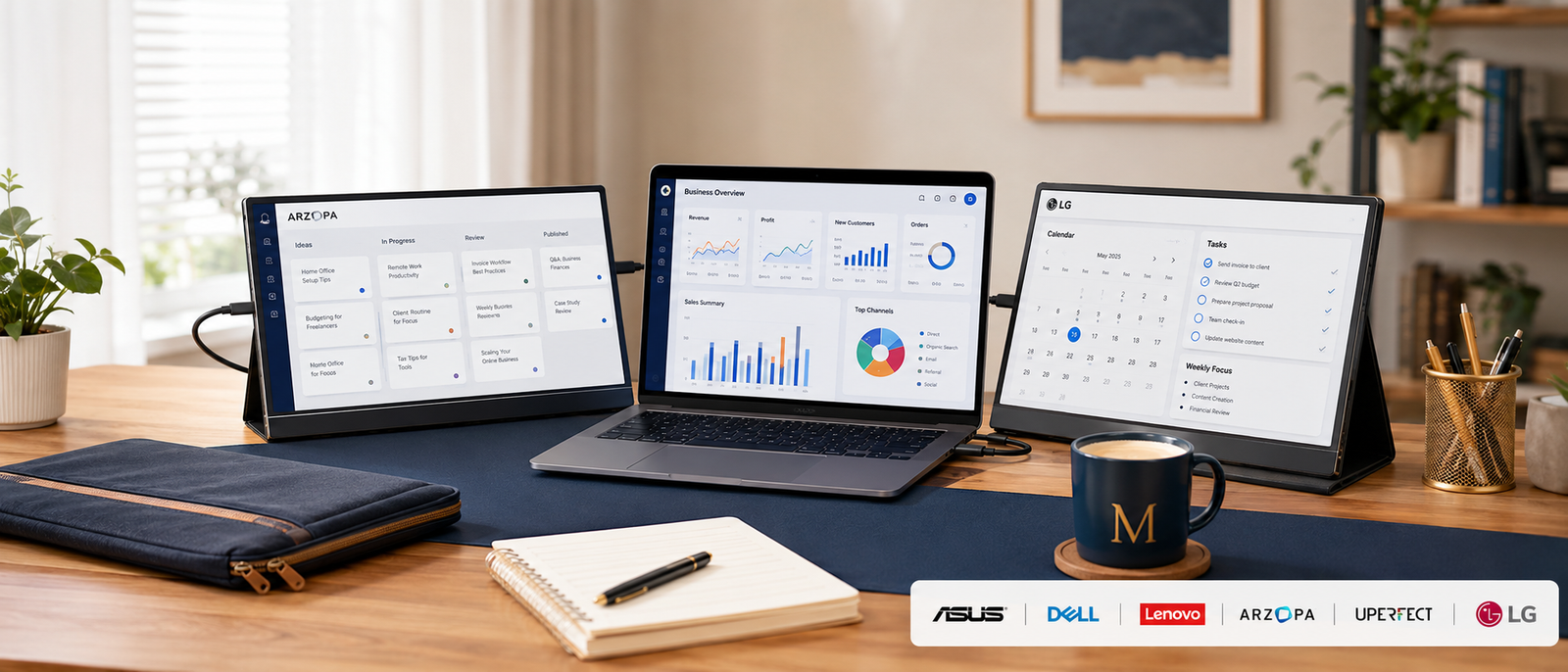
Home office productivity setup supporting multi-screen workflows.
Helpful next reads: Best Tablets For Bloggers And Creators
Why Portable Monitors Matter More Than People Expect
They Expand Your Workspace Instantly
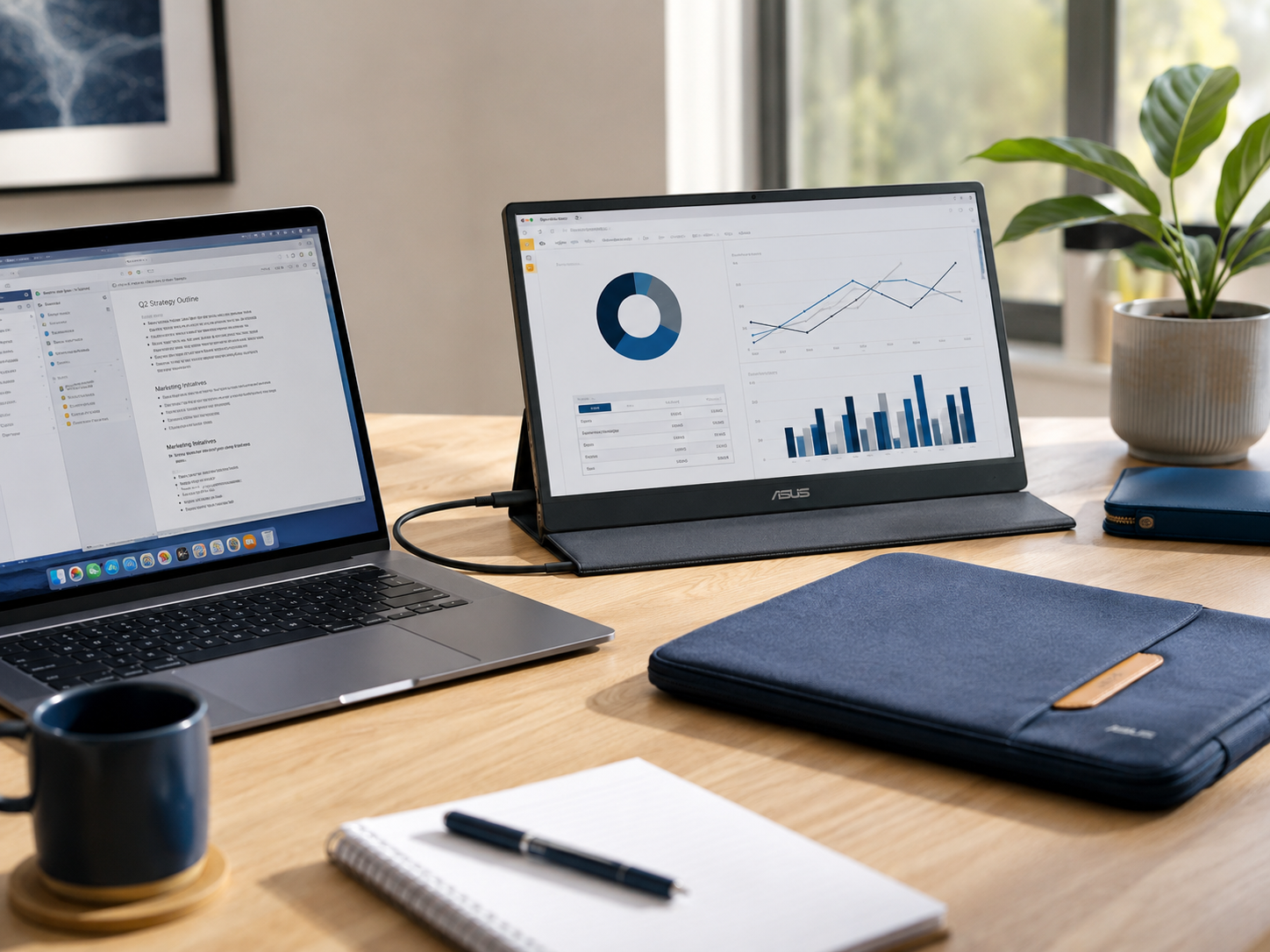
A second screen allows email, spreadsheets, documents, dashboards, calendars, and communication tools to remain visible simultaneously. Less time gets wasted opening, closing, and hunting for windows.
They Improve Multitasking
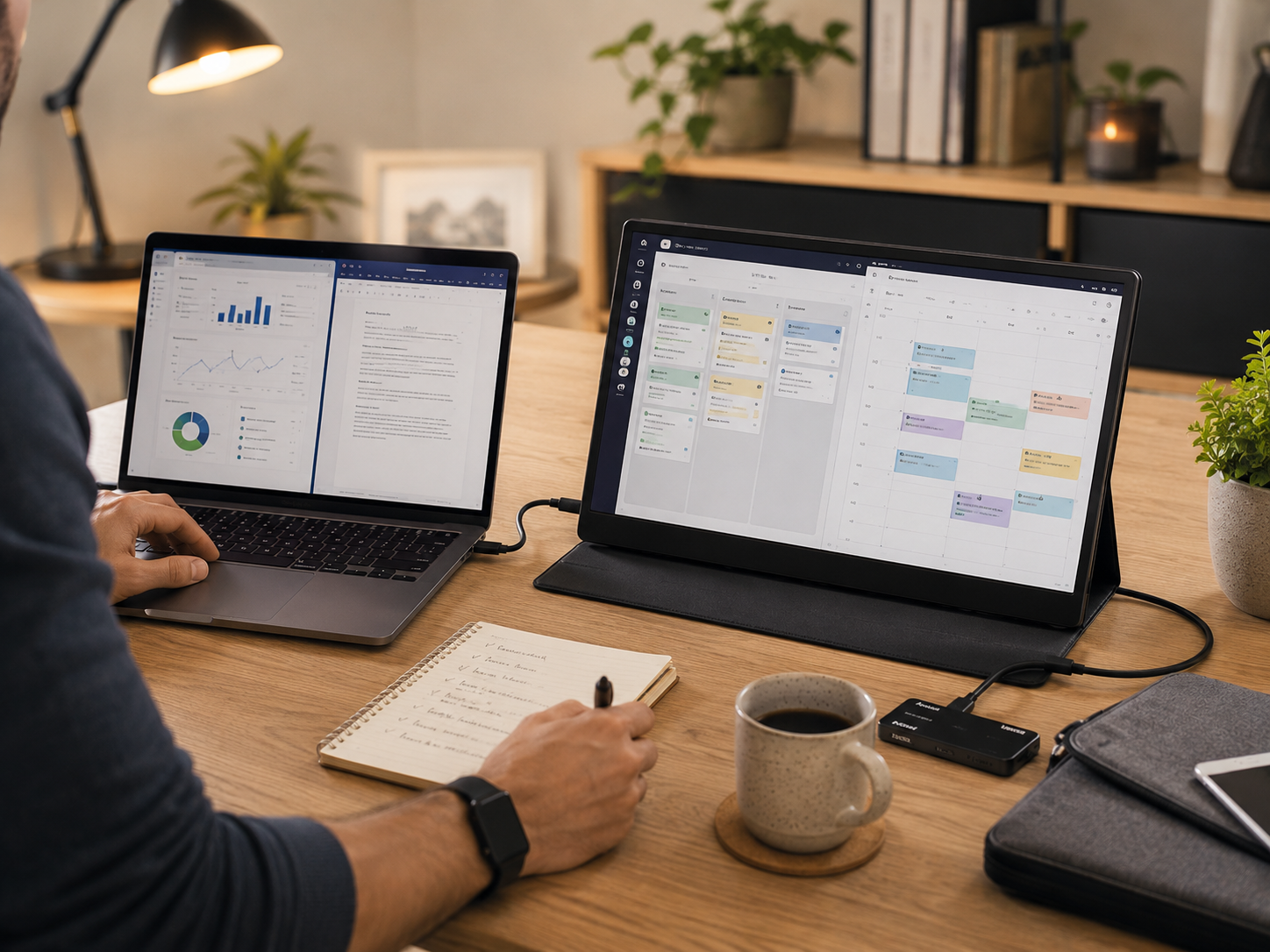
Business owners often need to compare documents, monitor analytics, answer messages, and attend meetings simultaneously. Additional screen space makes those tasks easier managing.
They Support Hybrid Working
Portable monitors allow users to recreate a dual-screen setup whether working from home, travelling, visiting clients, or using shared workspaces.
The Benefits Usually Appear Quickly
Most users notice workflow improvements within days because information remains visible instead of hidden behind other applications.
Best Portable Monitors For Home Business
ASUS ZenScreen MB16ACV
Best For
Business owners wanting the strongest overall balance between portability, usability, and display quality.
Limitation
Brightness is lower than some premium competitors, making outdoor use less comfortable.
Portable productivity monitor supporting flexible business workflows.
Lenovo ThinkVision M14
Best For
Travelling professionals prioritising portability above everything else.
Limitation
Smaller screen size provides less workspace than most 15.6-inch alternatives.
Lightweight business monitor supporting mobile productivity.
ViewSonic VG1655
Best For
Remote workers wanting strong connectivity and business-focused usability.
Limitation
Built-in speakers are convenient but offer only basic audio quality.
Business-focused portable display supporting remote work.
AOC I1601FWUX
Best For
Frequent travellers wanting a lightweight second screen.
Limitation
Older design lacks some of the connectivity flexibility found in newer competitors.
Lightweight travel monitor supporting portable business workflows.
Arzopa Portable Monitor 15.6
Best For
Buyers wanting additional screen space without spending premium money.
Limitation
Build quality is less refined than ASUS and Lenovo alternatives.
Budget-friendly productivity display supporting home business owners.
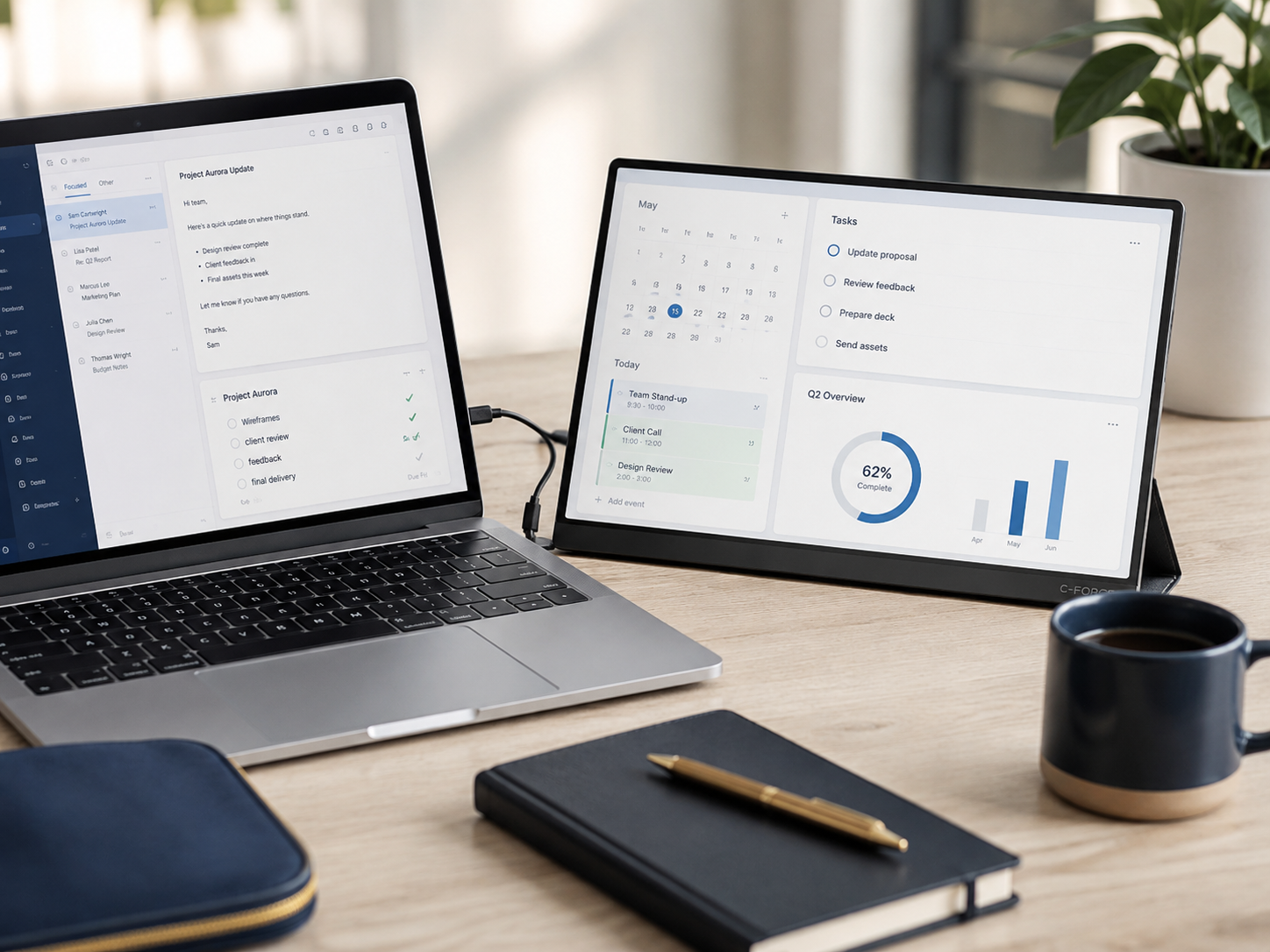
Best Portable Monitor For Productivity
Productivity users typically need three things: sufficient screen size, reliable connectivity, and comfortable everyday viewing. The ASUS ZenScreen MB16ACV usually provides the best overall productivity balance because its 15.6-inch display creates meaningful additional workspace without becoming cumbersome. The ViewSonic VG1655 follows closely thanks to its flexible connectivity options. Smaller 14-inch displays remain portable, but users spending long days inside spreadsheets and documents often appreciate the extra workspace available from 15.6-inch models.
Explore more insights: iPad vs Laptop For Blogging
Best Portable Monitor For Remote Workers
Best Overall Remote Work Choice
The ASUS ZenScreen MB16ACV combines portability, screen size, and ease of setup effectively for everyday business use.
Best Lightweight Choice
The Lenovo ThinkVision M14 weighs approximately 570g, making it one of the easiest options to carry regularly.
Best Connectivity Choice
The ViewSonic VG1655 includes USB-C and mini-HDMI support, helping accommodate more device types.
Best Value Choice
The Arzopa delivers additional screen space at a significantly lower cost than premium alternatives.
Best Portable Monitor For Travel
Weight Matters Most
Travelling professionals usually notice weight more than display specifications after carrying equipment all day.
Cable Simplicity Helps
USB-C monitors reduce cable clutter and simplify setup in hotels, coworking spaces, and client offices.
Durability Matters
Travel introduces bumps, knocks, and pressure inside bags. Protective covers become valuable quickly.
Lenovo ThinkVision M14 Wins
Its approximately 570g weight gives it a clear advantage for frequent travellers.
USB-C Vs HDMI Portable Monitors
USB-C Offers Simplicity
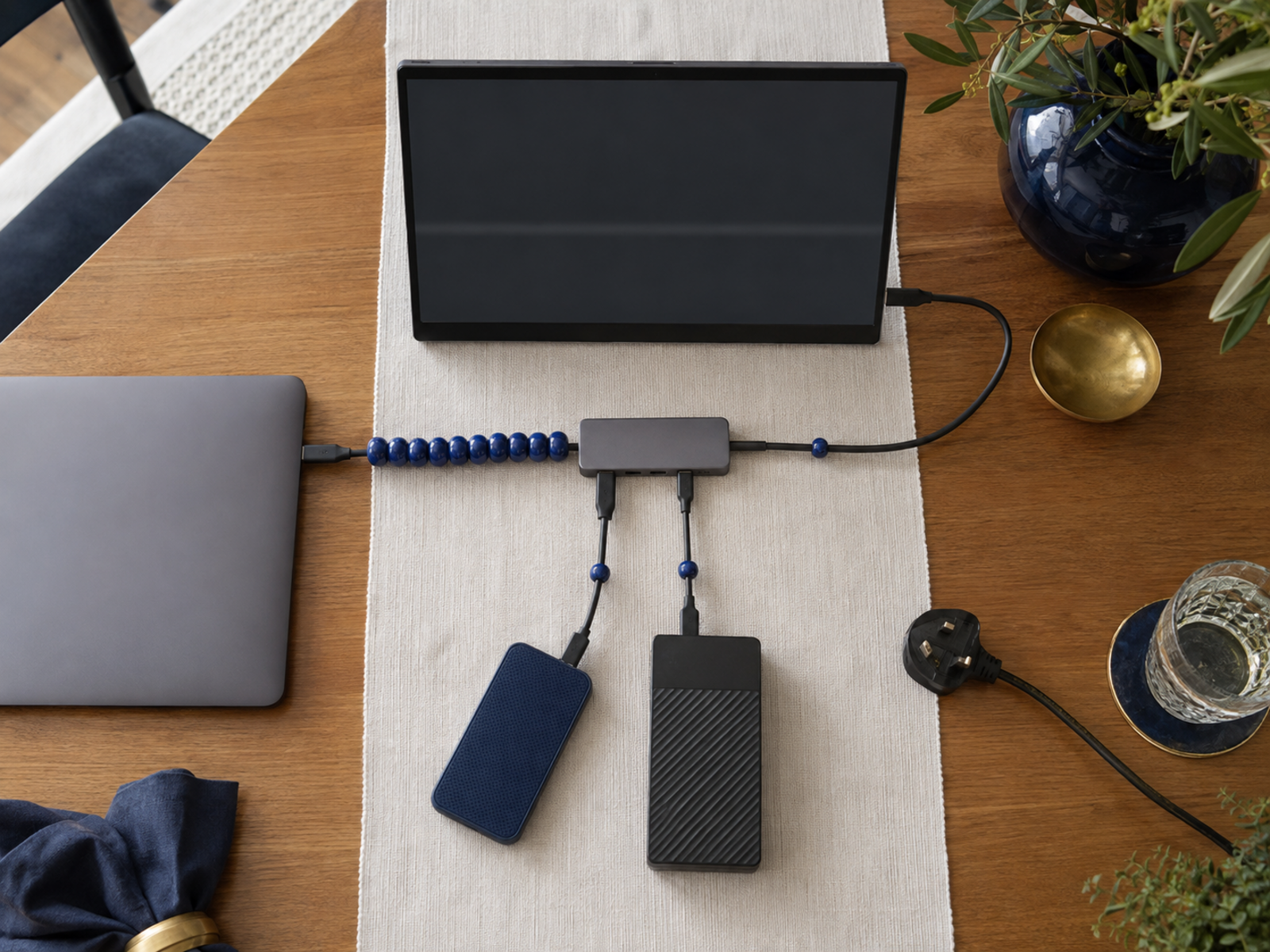
Many modern laptops can transmit video and power through a single USB-C cable.
HDMI Offers Compatibility
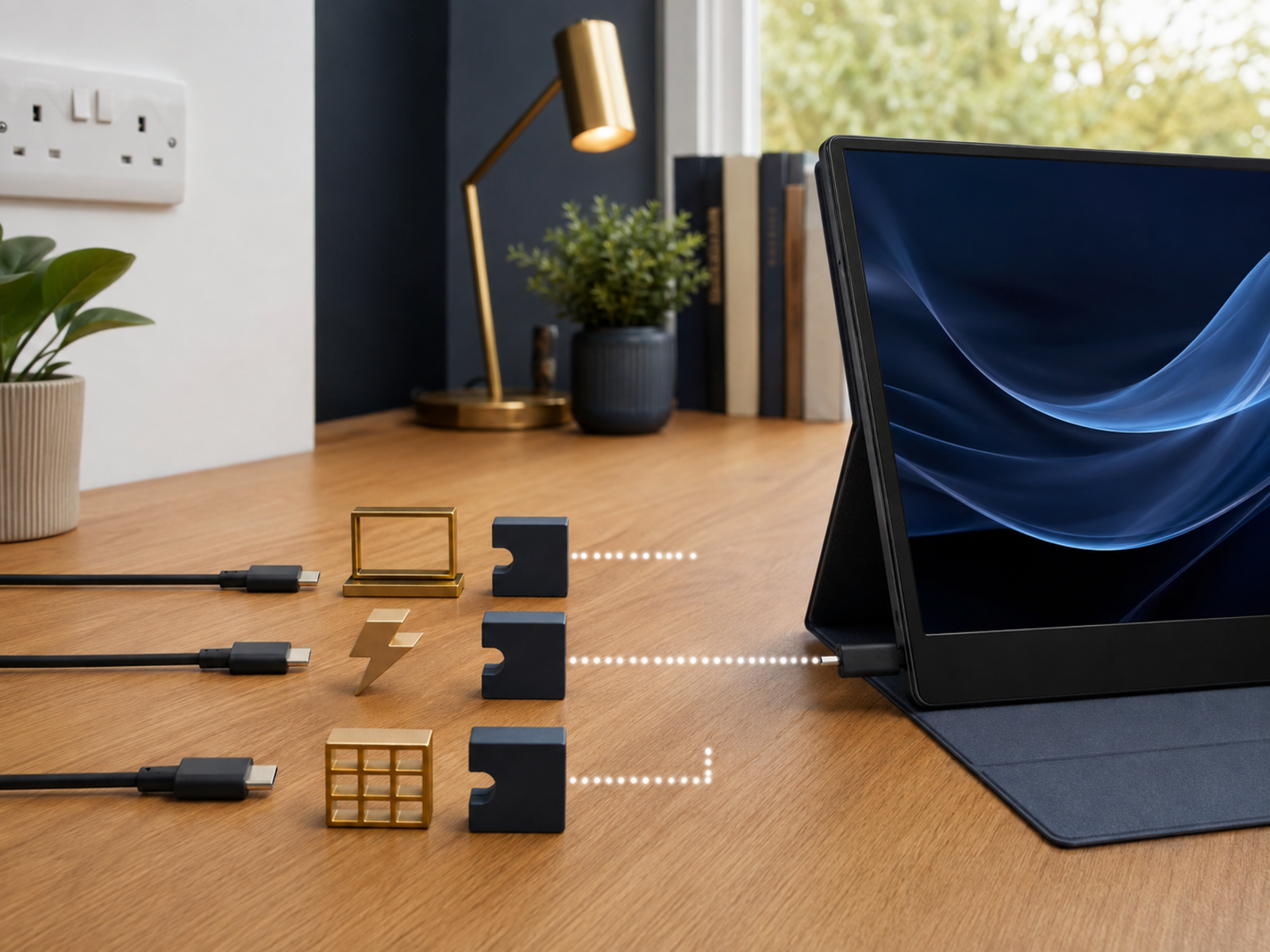
Older laptops, consoles, and devices often rely on HDMI connections.
Fewer Cables Improve Workflows
Single-cable setups generally create cleaner desks and faster deployment.
USB-C Usually Wins
For most business users buying today, USB-C support should be prioritised whenever possible.
Best Budget Portable Monitor
Best Budget Recommendation
The Arzopa Portable Monitor delivers a 15.6-inch Full HD display and modern connectivity at a much lower price than premium competitors.
What Matters Most
Screen size, reliability, and connectivity usually create more value than chasing premium features.
What To Avoid
Ultra-cheap displays often compromise build quality, brightness, and reliability.
Budget Winner
Arzopa offers the strongest balance between affordability and practical business usability.
Portable Monitor Size Guide
14-Inch Displays
Best for maximum portability and frequent travel.
15.6-Inch Displays
Best overall balance between workspace and portability.
Larger Displays
Provide more comfort but reduce portability considerably.
Recommended Size
Most home business owners will be happiest with a 15.6-inch monitor.
Common Portable Monitor Mistakes
Several buyers focus entirely on display quality while ignoring connectivity. Others purchase monitors that do not support their laptop ports. Some underestimate how useful integrated stands become during daily use. Another common mistake involves prioritising travel features despite rarely travelling. Before buying, identify whether productivity, portability, connectivity, or value matters most because different monitors excel in different areas.
Readers also enjoyed: Best Laptop Stands For Home Office Productivity
Accessories Worth Buying
Portable Monitor Stand
Improves ergonomics and viewing angles during longer work sessions.
Portable Monitor Case
Protects against scratches, dents, and travel damage.
Quality USB-C Cable
Reliable cables prevent many common connectivity frustrations.
Travel Organisers
Help keep cables, chargers, and accessories manageable.
Pros And Cons Of Portable Monitors
Pros
Cons
FAQs
What is the best portable monitor for home business owners?
The ASUS ZenScreen MB16ACV offers one of the strongest combinations of portability, usability, connectivity, and screen size.
Do portable monitors improve productivity when working from home?
For many users, yes. Additional screen space reduces window switching and improves multitasking efficiency.
Are portable monitors worth buying for laptop users?
They often provide excellent value because they solve workspace limitations without requiring a new computer.
What size portable monitor is best for business use?
A 15.6-inch display usually provides the best balance between portability and usable workspace.
Can a portable monitor run from a single USB-C cable?
Many modern portable monitors support power and video through a single USB-C connection when compatible devices are used.
Final Verdict
Many home business owners do not need more software. They need somewhere to put it.
A portable monitor solves one of the most common productivity bottlenecks by creating additional workspace without requiring a larger office, second computer, or permanent dual-monitor setup. The ASUS ZenScreen MB16ACV is the strongest overall option for most buyers. The Lenovo ThinkVision M14 excels for travel. The ViewSonic VG1655 offers excellent business-focused connectivity. The AOC I1601FWUX remains a solid travel companion, while the Arzopa delivers outstanding value.


