



Host a Virtual Halloween Party: Audio,…

20 Minimalist Halloween Nail Ideas for…

Can Free Affinity Help You Build…

12 Lower-Sugar Halloween Treat Swaps Worth…

Can Hostinger AI Builder Launch a…

A 5-Step Screen-Free Autumn Reading Ritual…

Plug-In Solar Panels UK: Are They…

15 Last-Minute Zoom Halloween Costumes for…

Meta One Explained: Is the Subscription…

10 Low-Fuss Dog Halloween Ideas: Comfort…

Plaud One Explained: Can AI Earbuds…

9 Gothic Dinner Table Ideas for…

Namecheap vs Dynadot

7 UK Ghost Tours and How…

Convertkit Vs Beehiiv

Do You Really Need a £420…

Bluehost vs Siteground

15 Gentle Spooky Autumn Books to…

Namecheap review

How to Remove Halloween Face Paint…
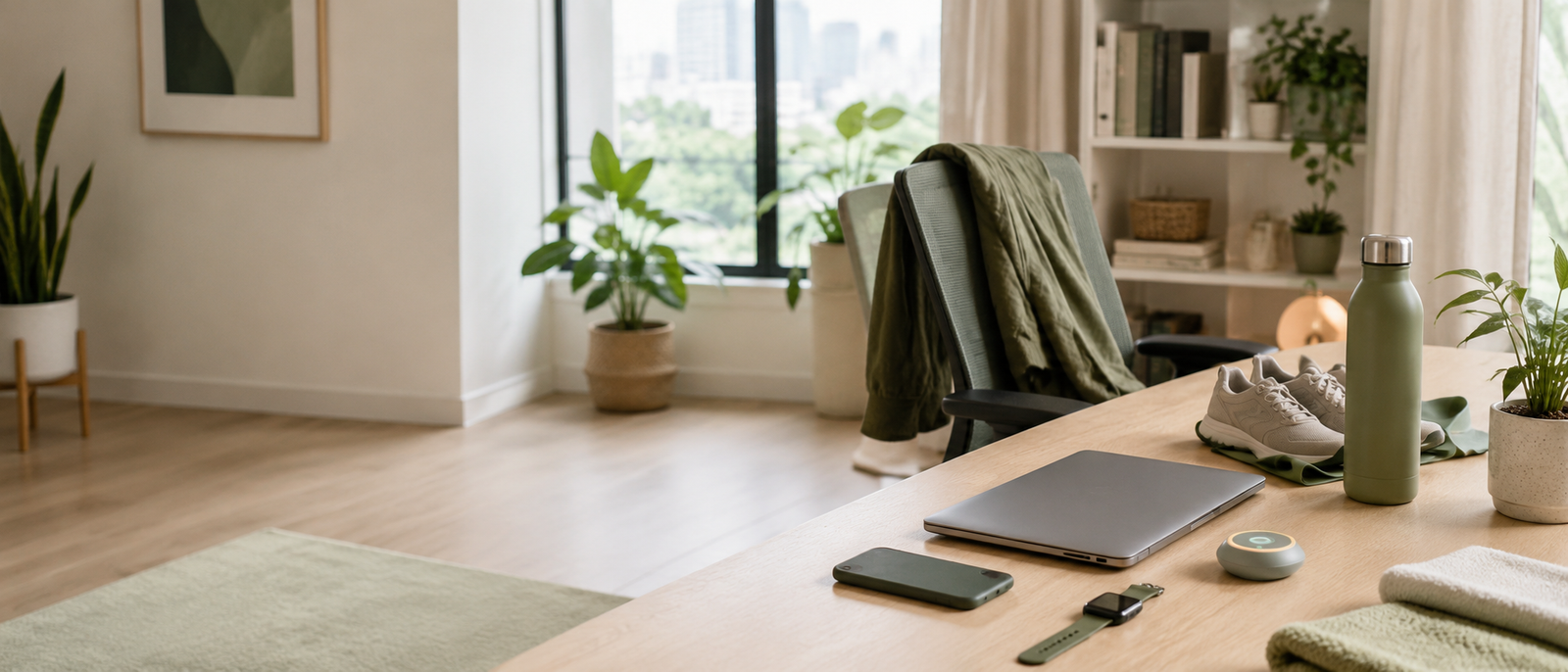
Wellness tech for people who sit too much should help with one clear desk-worker problem: staying still, staring at screens or ignoring body signals for too long. The right tool may remind you to move, make the desk easier on your eyes, support position changes or help you notice unhealthy workday patterns sooner. The wrong tool becomes another dashboard, cable or expensive reminder you stop using. Buy for the behaviour, not the gadget.
Sitting too much needs interruption
Movement reminders can help
Screen comfort matters too
Lighting can reduce desk strain
Blue-light claims need caution
Standing tools support variety
Buy for one behaviour change
Most Relevant Audience
This guide is for remote workers, home workers, freelancers, bloggers, creators, side hustlers, parents, carers and small business owners who spend too much of the day sitting at a computer.
It is especially useful if your workday includes long screen blocks, stiff shoulders, low movement, tired eyes, poor lighting or the feeling that your desk setup is starting to shape how your whole body feels.
What Sitting Too Much Actually Needs From Tech
A cue to move
The most useful wellness tech for long sitting is often a simple cue. Stand up. Walk for two minutes. Stretch. Change position. Look away from the screen.
A smartwatch, tracker or timer can help if you regularly forget to move. The reminder should support a small action, not make movement feel like another thing you are behind on.
A better screen environment
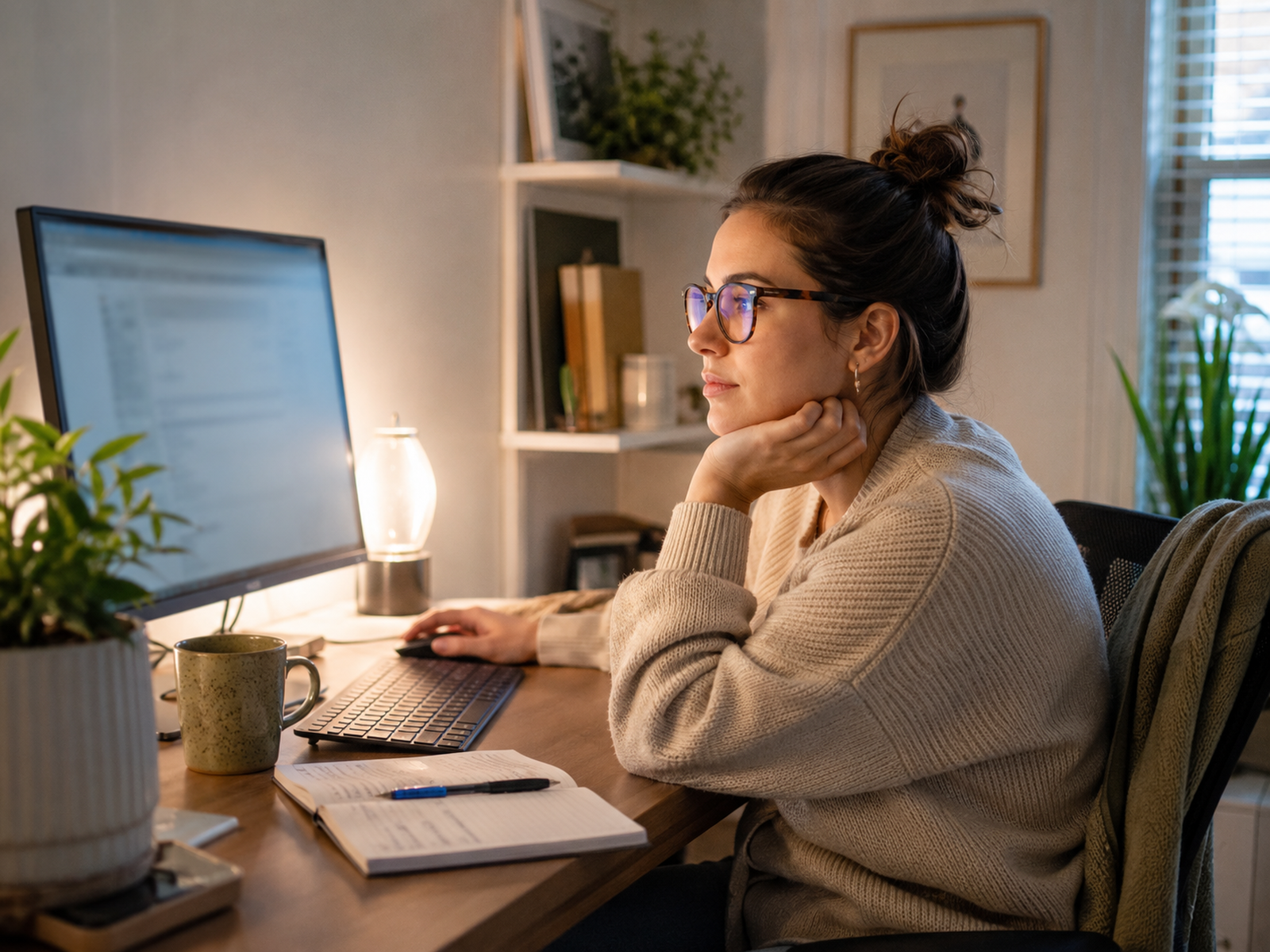
Screen-heavy work can feel worse when brightness, glare and room lighting are wrong. A monitor light or better desk lighting can make the workspace feel easier to use.
This is not about making the desk look fancy. It is about reducing harsh contrast, improving visibility and making long computer sessions feel less visually tiring.
A way to change position
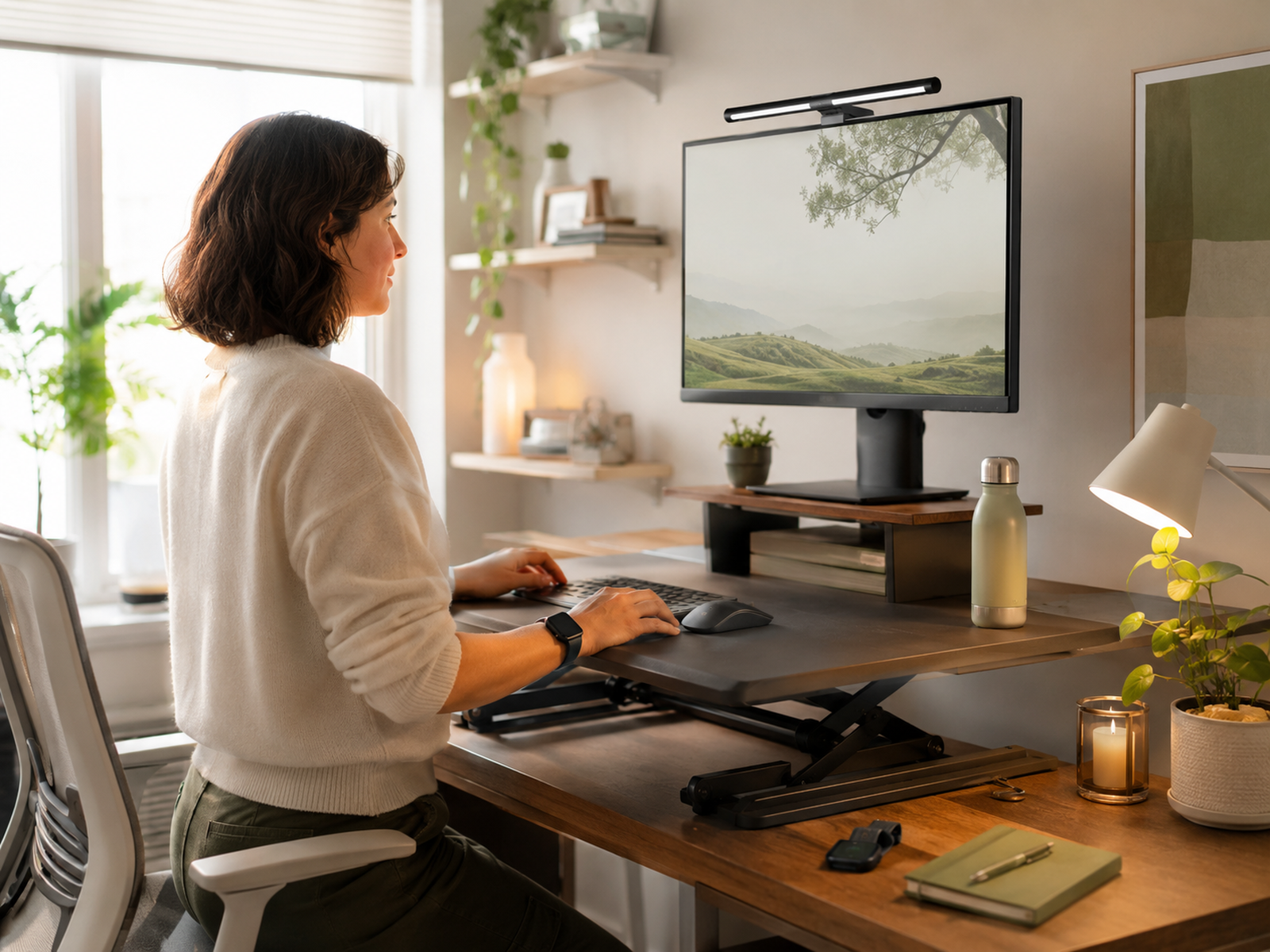
Sitting all day and standing all day are both imperfect. The useful goal is variety.
A standing desk converter can help you move between sitting and standing without replacing the whole desk. It works best when the keyboard, screen and arms still feel comfortable.
A signal before discomfort builds
Good wellness tech helps you notice patterns earlier. You may realise you have sat for three hours, skipped lunch, ignored water or stared at the same screen without a break.
The value is awareness that leads to action. If the device only creates data you ignore, simplify.
A smaller workday system
The best tools fit into the day quietly. They should help one habit: move more, sit differently, improve lighting or take screen breaks.
Avoid buying five products at once. More tech does not automatically create a healthier desk day.
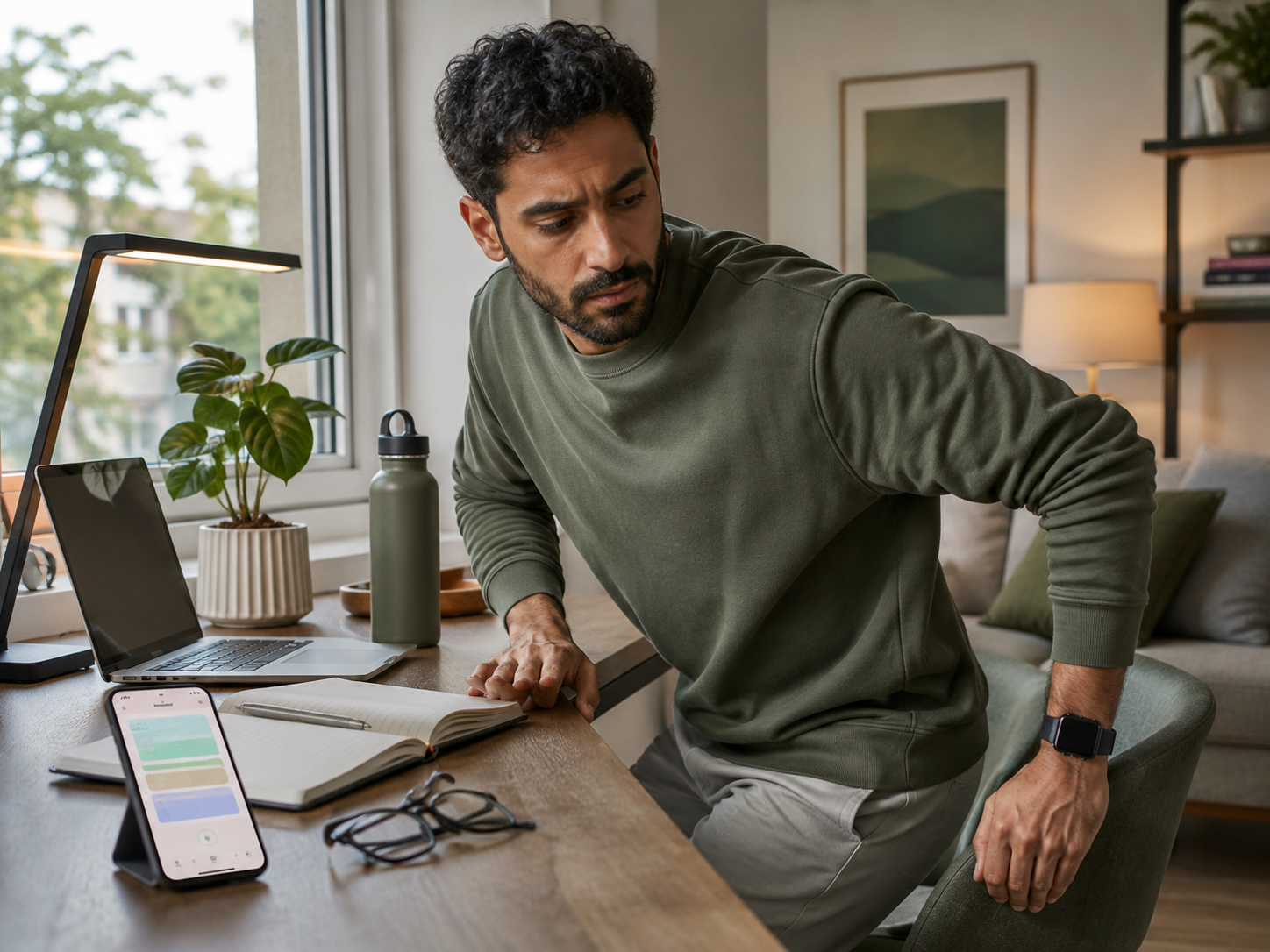
The useful starting point is not the gadget category. It is the sitting problem you want to change. Maybe you need a cue to stand, better lighting for long screen blocks, a way to alternate positions or a reminder to take breaks before discomfort builds. Choose the smallest tool that changes that behaviour.
Wellness Tech Options Reviewed
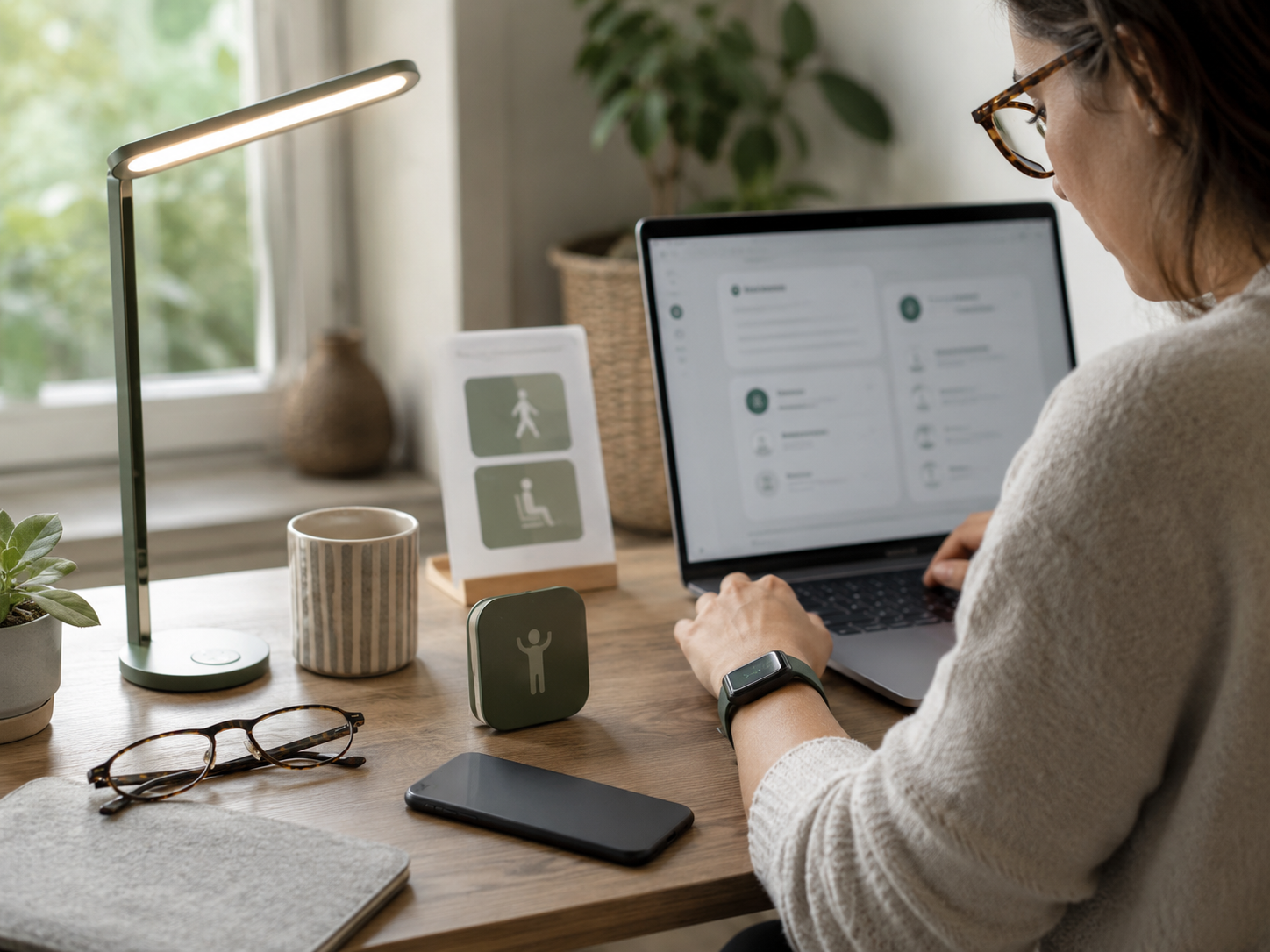
Which Problem Should You Fix First?
If you forget to move
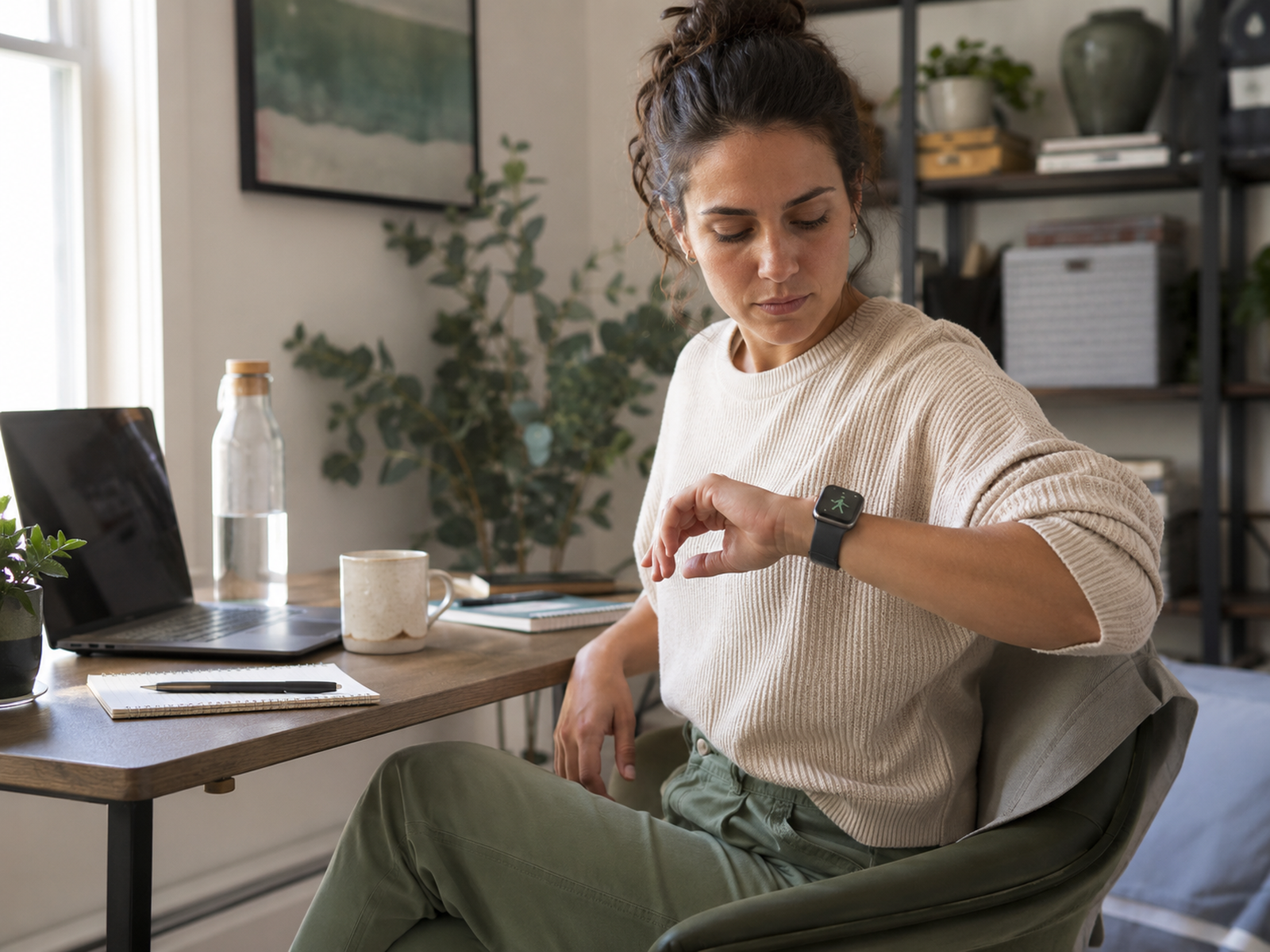
Start with a movement reminder. Fitbit Charge 6, Apple Watch Series 11 or a simple timer app can help you notice long sitting sooner.
Keep the cue basic. Stand, walk, stretch or refill water. The tech is useful only when it leads to a small action.
If your eyes feel tired
Start with screen comfort. Adjust brightness, reduce glare, improve room lighting and take regular screen breaks.
A monitor light such as BenQ ScreenBar may help some desk setups feel easier on the eyes. Computer glasses may suit some readers, but they should support better habits, not replace them.
If your posture collapses by lunch
Start with the workstation. Screen height, keyboard reach, chair position and desk height matter before more advanced wellness tech.
A standing desk converter can help if your setup supports it. But if your screen and keyboard are still awkward, standing will not automatically fix the strain.
If you sit for hours without noticing
Start with awareness. A wearable, timer or calendar reminder can help you catch the pattern earlier.
The aim is to change position before stiffness builds. The device is only useful if it helps you respond sooner.
If your desk already feels cluttered
Start with the lowest-friction option. A timer app, watch reminder or small lighting upgrade may be better than adding large equipment.
Wellness tech should make the workday easier. If the product adds cables, storage problems or another thing to manage, it may not be the first buy.
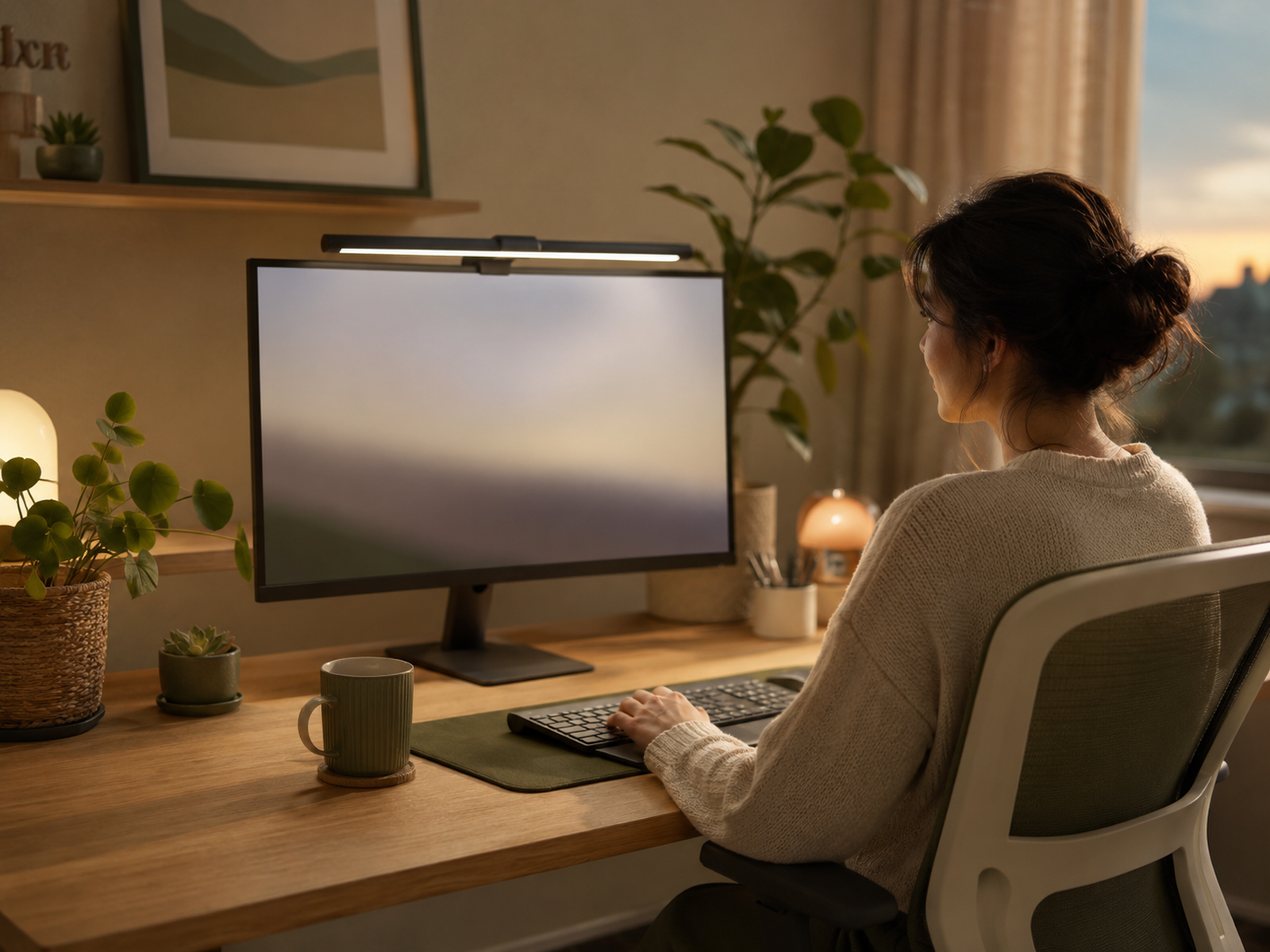
When Wellness Tech Helps
When it interrupts long sitting
Tech helps when it breaks the sitting spell. A reminder to stand or walk can be useful if you genuinely respond to it.
The action can be small: two minutes walking, a stretch, a water refill or standing during a low-pressure task. Small repeated changes are the point.
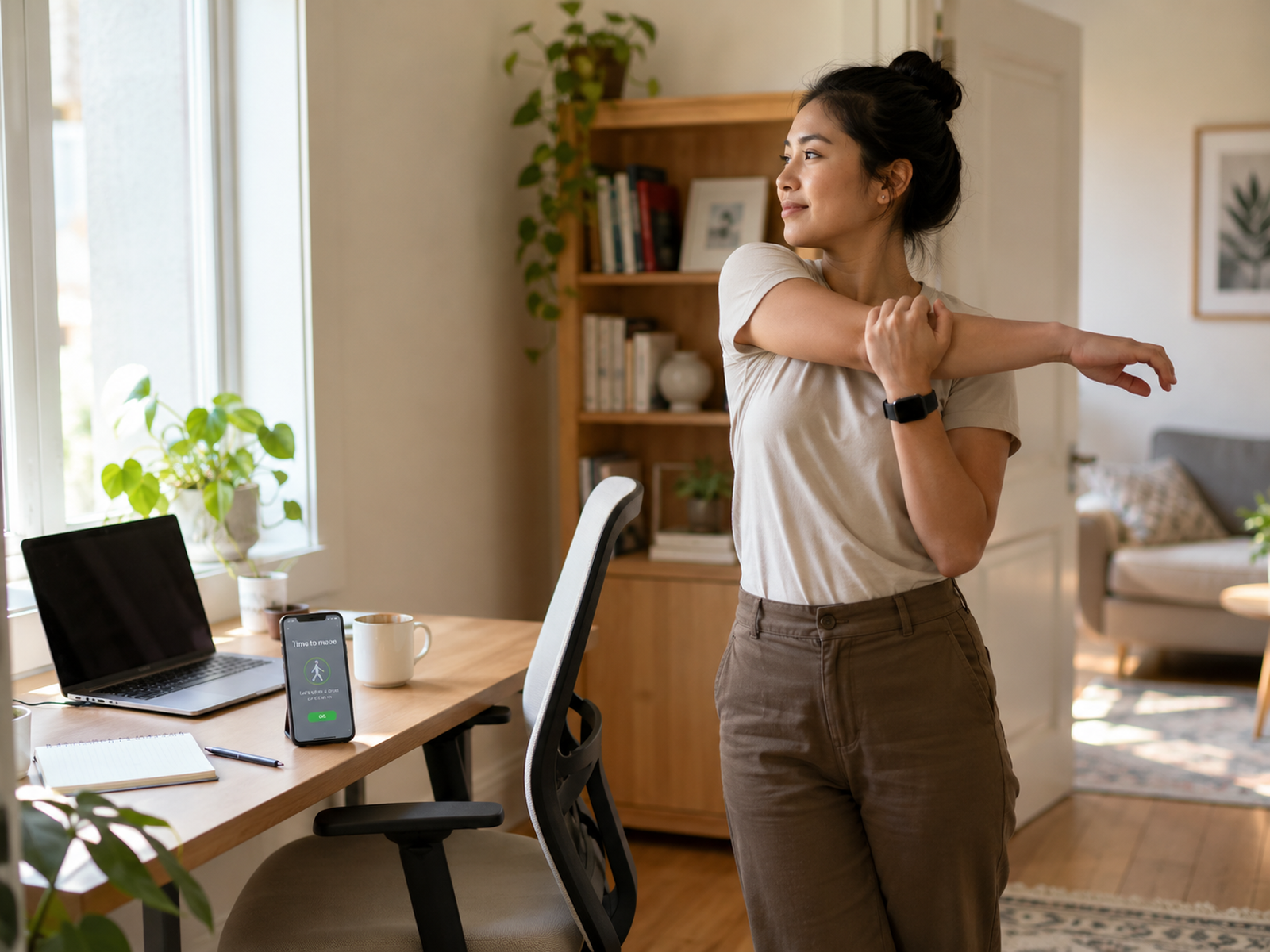
When it improves the desk environment
Lighting, glare and screen setup can affect how comfortable a desk feels across a long day.
A monitor light, better brightness settings or improved room lighting may help if your workspace feels harsh or visually tiring. This is especially relevant for darker rooms and evening work.
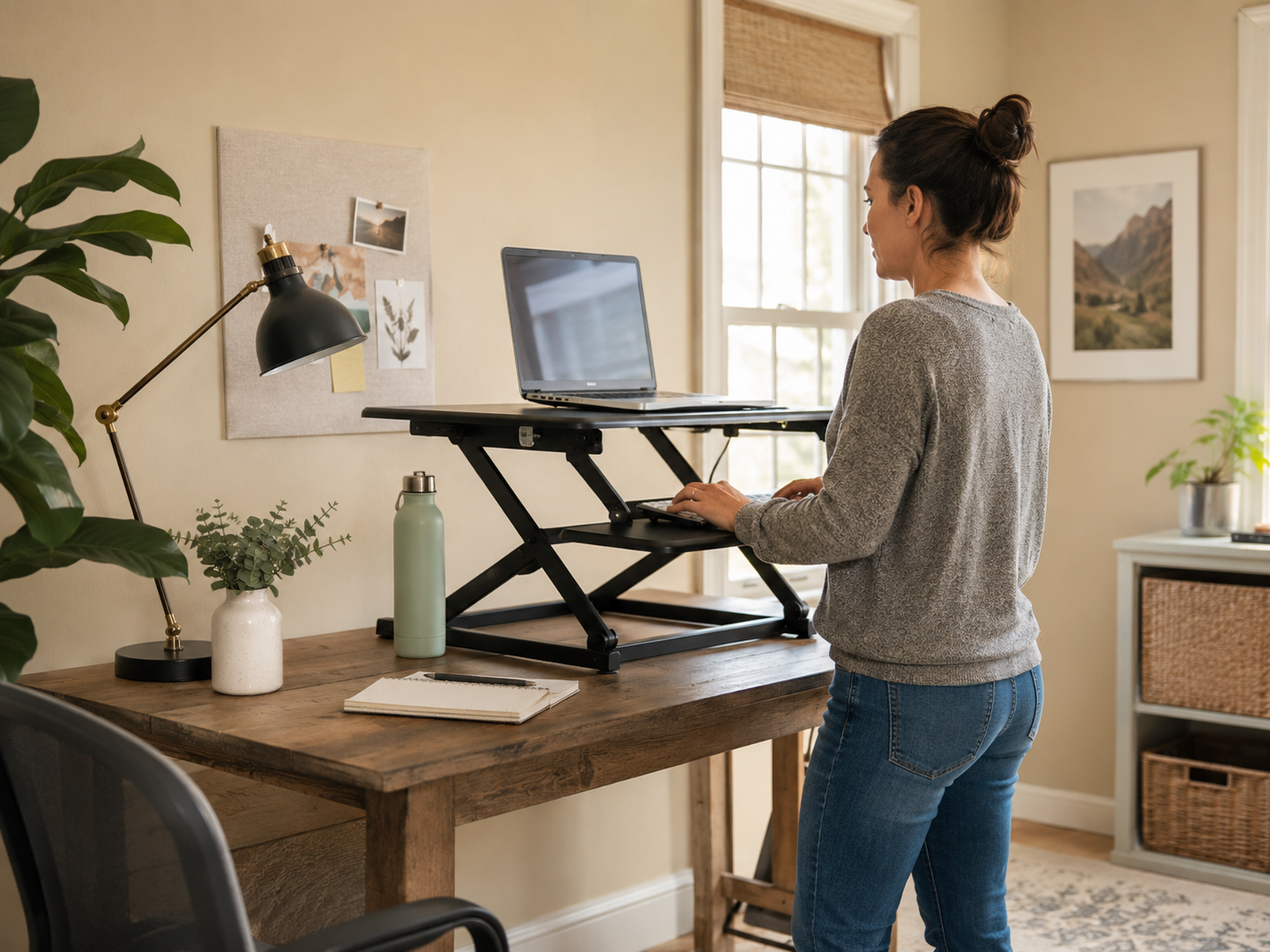
When it supports position variety
A standing desk converter can help you alternate between sitting and standing. That can be useful if you sit for long blocks and want a simple way to change posture.
Use it gradually. Standing all day can become its own problem if the setup is poor or the change is too sudden.
When it makes patterns visible
Wearables and trackers can reveal how little you move during desk-heavy days. That awareness can be useful if it leads to realistic adjustments.
Look for patterns, not perfection. The goal is to notice the workday earlier, not punish yourself with charts.
When Wellness Tech Becomes Another Distraction
Buying without naming the problem
Do not start with the gadget. Start with the problem: long sitting, tired eyes, poor lighting, stiff shoulders, no breaks or no position changes.
Once the problem is clear, the right tool becomes easier to choose. Without that clarity, wellness tech becomes shopping with good intentions.
Expecting a wearable to create discipline
A smartwatch or tracker can remind you to move, but it cannot make space in your calendar, reduce workload or force better breaks.
Use reminders as support. If the day has no realistic pause points, adjust the routine as well as the device settings.
Treating blue-light glasses as the whole answer
Computer glasses may feel helpful for some people, but they are not a complete screen-comfort plan.
Breaks, lighting, screen brightness, text size, distance from the screen and regular eye checks still matter. Glasses should be optional support, not the main strategy.
Standing without fixing the setup
A standing desk converter helps only if the screen, keyboard and mouse are comfortable while standing.
If the setup makes you reach, hunch or strain, standing may simply move the problem. Check height, stability and arm position before relying on it.
Adding too many alerts
More reminders do not always mean better habits. Too many nudges can become noise.
Choose one or two useful prompts. Movement after long sitting, screen breaks or end-of-day shutdown may be enough. The best reminder is the one you still respect next week.
What To Buy First On A Tight Budget
First fix: setup support
If your body feels strained at the desk, check screen height, keyboard position, mouse reach and chair support.
A standing desk converter may help later, but basic setup fixes often come first. Tech works better when the desk is not fighting your body.
First fix: one habit
Choose one behaviour to improve: move hourly, take screen breaks, stand after lunch or wind down on time.
Buy the tool that supports that habit only. If the habit sticks, you can add more later. If it does not, more gadgets probably will not help.
FAQ
What wellness tech helps people who sit too much?
Useful wellness tech for people who sit too much includes movement trackers, smartwatch reminders, timer apps, monitor lights, standing desk converters and simple screen-comfort tools.
The best choice depends on whether you need more movement, better lighting, position changes or more regular screen breaks.
Can a smartwatch help if I sit all day?
A smartwatch can help if it reminds you to stand, walk or notice long inactive periods.
It works best when reminders lead to small actions. If alerts become annoying or guilt-based, reduce them. A watch should support movement, not make the workday feel more pressured.
Are blue light glasses worth it for computer workers?
Blue-light glasses may feel useful for some computer workers, especially for glare or personal comfort preferences.
They should not be treated as a guaranteed fix for digital eye strain. Screen breaks, lighting, brightness, blinking, screen distance and eye checks are still important.
What tech helps with screen-heavy workdays?
For screen-heavy workdays, consider better desk lighting, monitor lights, screen brightness adjustments, reminder apps for breaks and, if preferred, computer glasses.
The most useful tech is the kind that helps you take breaks, reduce glare and make the screen environment more comfortable.
Is a standing desk converter better than a walking pad?
A standing desk converter is better if you mainly want to change position between sitting and standing.
A walking pad is better if you want step-based movement and have enough space, suitable desk height and tasks that work while walking. For many people, position variety comes before walking equipment.
How do I avoid buying wellness tech I will not use?
Name the problem first, then buy the simplest tool that supports one behaviour change.
Avoid buying several products at once. Test reminders, screen breaks, lighting changes or position changes first. If the tool does not fit your real workday, it will probably become clutter.
Final Verdict
Wellness tech for people who sit too much should help with one of the real desk-worker problems: moving more often, changing position, improving screen comfort, reducing harsh lighting or noticing unhealthy workday patterns earlier.
Fitbit Charge 6, Apple Watch Series 11, BenQ ScreenBar, GUNNAR computer glasses and standing desk converters can all help the right person. The best choice is not the most impressive gadget. It is the tool that helps you sit less, strain less and notice your body before the workday drains it.


