



Host a Virtual Halloween Party: Audio,…

20 Minimalist Halloween Nail Ideas for…

Can Free Affinity Help You Build…

12 Lower-Sugar Halloween Treat Swaps Worth…

Can Hostinger AI Builder Launch a…

A 5-Step Screen-Free Autumn Reading Ritual…

Plug-In Solar Panels UK: Are They…

15 Last-Minute Zoom Halloween Costumes for…

Meta One Explained: Is the Subscription…

10 Low-Fuss Dog Halloween Ideas: Comfort…

Plaud One Explained: Can AI Earbuds…

9 Gothic Dinner Table Ideas for…

Namecheap vs Dynadot

7 UK Ghost Tours and How…

Convertkit Vs Beehiiv

Do You Really Need a £420…

Bluehost vs Siteground

15 Gentle Spooky Autumn Books to…

Namecheap review

How to Remove Halloween Face Paint…
Email automation is usually talked about like a money machine: funnels, sales, launches and “earning while you sleep”. Useful, yes. But the calmer question is this: how much energy are you spending remembering the same follow-ups again and again? Email automation as a wellness tool works because it removes repetitive decisions from the day. It helps your business respond, guide and remind without making your brain personally carry every tiny nudge.
Automation reduces repetitive follow-up.
Manual email drains mental energy.
Creators need calmer systems.
Boundaries improve with scheduled emails.
Not every message should be automated.
Human tone still matters.
Start with repeatable emails first.

Email automation as a wellness tool
It removes repeated decisions
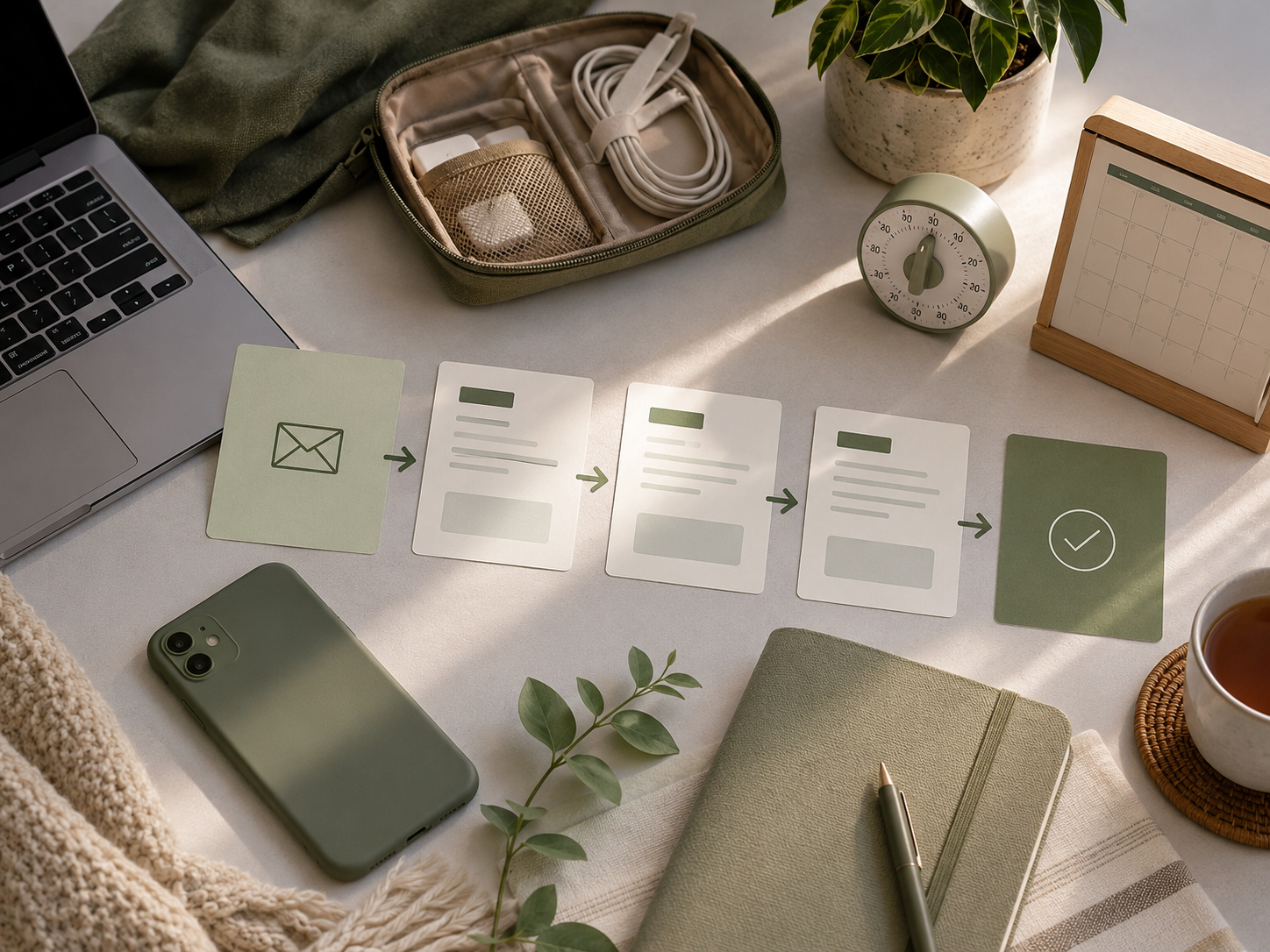
Every repeated email carries a small decision: what to say, when to send it, who needs it and whether you have forgotten someone. One decision is fine. Fifty tiny decisions across a week become mental clutter. Automation helps by turning repeatable follow-up into a system, so your brain is not constantly acting as the unpaid receptionist.
It protects attention
Manual follow-up pulls you back into the inbox. You open email to send one message, then see three replies, two newsletters and a task you definitely meant to handle yesterday. Automation reduces those unnecessary inbox visits. That protects attention because fewer small admin trips means fewer chances for the day to wander off with your focus.
It makes business feel less reactive
When every follow-up depends on memory, the business starts to feel reactive. You wait, remember, panic, reply, forget, check again and repeat. Automation creates a calmer rhythm. A welcome email, delivery email, reminder or next-step message can go out without you hovering over the inbox like it owes you rent.
It supports better boundaries
Email automation helps create boundaries because your business can still respond when you are not actively available. That matters for evenings, weekends and deep work sessions. The goal is not to disappear from customers. It is to stop being personally responsible for every small message at the exact moment it needs to happen.
The real wellness benefit
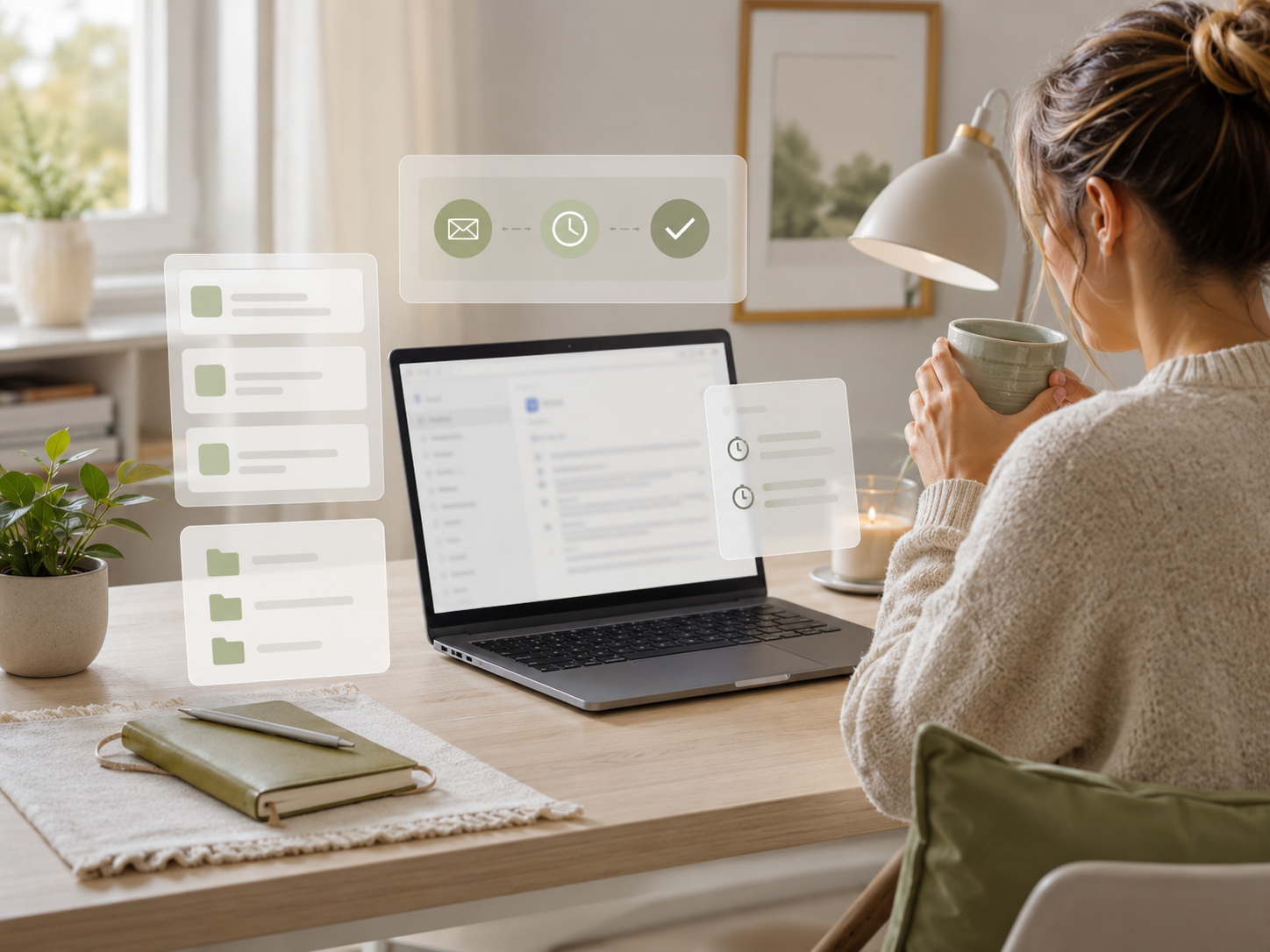
The wellness benefit is not that automation makes you work less forever. It is that it removes unnecessary remembering. When common emails have a reliable system, your brain gets fewer open loops. That makes online work feel less like juggling and more like running a business with actual edges.
The hidden cost of manual follow-up
Mental load
Manual follow-up creates mental load because you have to remember who needs what, when they need it and whether you already replied. That invisible tracking uses energy even when the task looks small. A creator may not feel tired from one email. They feel tired from carrying a hundred unfinished reminders in the background.
Context switching
Every manual email can pull you out of another task. You might be writing a post, editing a video, planning a product or resting after work. Then one reminder appears and the inbox opens. Context switching is expensive because it takes time to return to the original task. Automation reduces some of those forced interruptions.
Emotional pressure
Email can carry emotional pressure. You may worry about replying too late, sounding unhelpful or missing a lead. Automation helps with predictable messages because the first response does not rely on your mood, memory or available energy. A clear automated email can lower pressure without removing your human follow-up where it matters.
Admin drag
Admin drag is the slow build-up of small tasks that make the business feel heavier than it should. Delivering resources, welcoming subscribers, confirming steps and sending reminders are useful, but repetitive. Automating them gives your working day more room for creative work, client work and decisions that actually need you.

Why this matters for small online work
Creators and small business owners often blame themselves for feeling scattered. Sometimes the problem is not discipline. It is that the system expects one person to remember every follow-up, reminder, link, reply and next step manually. Automation does not remove responsibility. It gives responsibility somewhere sensible to live.
Who benefits most from email automation?
Most Relevant Audience
This article is for creators, bloggers, freelancers, coaches, consultants, newsletter owners, course creators and small business owners who feel mentally crowded by repeated email tasks. It is especially useful if you keep meaning to follow up, deliver resources, welcome subscribers or reply faster, but your inbox keeps turning into a tiny admin swamp.
Creators and bloggers
Creators and bloggers can use automation to welcome new subscribers, deliver lead magnets, share useful next steps and guide readers toward relevant content. This makes the audience experience smoother without forcing the creator to manually send the same message every time. It also stops growth from creating more inbox pressure than the content itself.
Small business owners
Small business owners can use automation for enquiries, booking reminders, onboarding emails, payment confirmations and follow-up sequences. This protects time and reduces the risk of missed messages. It is not about pretending to be a huge company. It is about having a few calm systems so every enquiry does not become a memory test.
Coaches and consultants
Coaches and consultants can automate onboarding, session reminders, preparation notes and post-call resources. That helps clients feel guided while reducing repetitive admin. The human work still happens in the coaching or consulting itself. Automation simply supports the edges around it so the relationship does not depend on scattered manual reminders.
Automation should support the relationship
Good automation does not replace the human part of the business. It protects it. When routine emails are handled calmly, you have more attention for thoughtful replies, better content, stronger client work and proper rest. The human touch improves when you stop spending all your energy manually moving the same small pieces around.
What to automate first
Welcome emails
A welcome email is one of the easiest places to start. It confirms that someone has joined your list, sets expectations and gives them the first useful step. This reduces uncertainty for the reader and reduces pressure for you. Nobody has to wonder what happens next, including your already-busy brain.
Resource delivery
If someone signs up for a checklist, guide, template or download, automate the delivery. Manual delivery creates avoidable stress and makes the reader wait. A simple automated email can send the resource instantly and explain how to use it. That is better for the subscriber and calmer for the creator.
Follow-up reminders
Follow-up reminders are ideal for automation when the message is predictable. This might include checking whether someone used a resource, reminding them about a booking or pointing them to the next step. The message should feel helpful, not pushy. A good reminder reduces friction without sounding like a robot with a clipboard.
Simple onboarding
Onboarding emails help new customers, clients or subscribers understand what happens next. They can explain steps, timelines, links, expectations and support options. This is especially useful for small businesses because clear onboarding prevents repeated questions. Fewer confused replies means fewer inbox fires for you to put out before lunch.
Start where repetition hurts
The best first automation is not the fanciest one. It is the email you keep rewriting, forgetting or delaying. Start with the repeated message that creates the most friction. Once that is calmer, build slowly. A few useful automations beat a complicated funnel that needs its own emotional support folder.
What not to automate
Sensitive replies
Do not automate messages that need empathy, judgement or personal context. Complaints, difficult client situations, personal replies and nuanced decisions need a human response. Automation works best for predictable steps. If the reader might feel dismissed by a template, pause and reply properly.
Every sales message
Not every email needs to become a sales sequence. Too much automation can make a small business feel strangely distant. Use automation to guide, support and follow up, not to chase people around their inbox. A calmer business does not mean every subscriber needs a daily tap on the shoulder.
Your actual personality
Automation should sound like you on a clear day, not like a corporate vending machine. Write messages in plain language. Explain the next step. Keep the tone human. If you would never say the sentence out loud, it probably should not live in your automation either.
Boundaries you will not keep
Automation can support boundaries, but it cannot create honest boundaries for you. If you promise replies within one hour, the system may increase pressure instead of reducing it. Set expectations you can actually maintain. A slower, clearer boundary is healthier than a fast promise that keeps stealing your evening.
Related money note
Once you understand automation as a wellbeing tool, the next step is learning how email campaigns, automations, segmentation and funnels work practically. The point is not to become more technical for fun. It is to build systems that protect energy while supporting growth.
Common email automation mistakes
Automating too much too soon
The fastest way to make automation stressful is to build too much at once. Start with one simple sequence: welcome, delivery, reminder or onboarding. Test it. Improve it. Then add more. A giant automation map might look impressive, but if you cannot explain it without sighing, it is too much.
Sounding robotic
Automated emails should still sound human. Avoid stiff phrases, vague promises and over-polished marketing language. Tell people what they need to know, why it matters and what to do next. A simple, warm email usually works better than a dramatic funnel message wearing too much aftershave.
Forgetting to review old emails
Automation is not “set and forget forever”. Offers change, links break, products move and your voice improves. Review automated emails regularly so they still match your business. Old automation can quietly create confusion if it points people to outdated pages, expired offers or advice you no longer stand behind.
Pros and cons
Pros
Reduces repetitive follow-up decisions.
Protects focus from inbox checking.
Helps subscribers get resources faster.
Supports clearer business boundaries.
Reduces missed reminders and delays.
Makes small businesses feel more organised.
Frees energy for human work.
Cons
Can sound cold if badly written.
Needs occasional review and updating.
Too many automations can confuse people.
Not suitable for sensitive replies.
Poor boundaries can still create pressure.
Broken links can cause frustration.
Overcomplicated systems become admin too.
FAQ
How can email automation improve wellbeing?
Email automation can improve wellbeing by reducing repetitive decisions, reminders and manual follow-up tasks. It helps your business respond to predictable situations without pulling you into the inbox constantly. That protects attention, lowers admin pressure and reduces the mental load of remembering every small next step.
Is email automation only for marketing?
No, email automation is not only for marketing. It can welcome subscribers, deliver resources, send reminders, guide customers, onboard clients and answer common next-step questions. It can support growth, but it can also make daily business feel calmer, clearer and less dependent on memory.
What emails should creators automate first?
Creators should usually automate welcome emails, lead magnet delivery, simple follow-ups, onboarding messages and basic reminders first. These are predictable emails that often repeat. Start with the message you rewrite most often or forget most easily. That is usually where automation gives the fastest relief.
Can automation reduce business stress?
Automation can reduce business stress when it removes repetitive admin and creates clearer systems. It will not fix an overloaded business by itself, but it can reduce small daily pressures. The key is to automate predictable tasks while keeping human attention for decisions, relationships and problems that need judgement.
How do you automate emails without sounding robotic?
Write automated emails in your normal helpful voice. Keep them clear, specific and warm. Avoid stiff corporate phrases and overdone sales language. Explain why the person is receiving the email, what happens next and how to get help. Automation sounds human when the writing is honest and useful.
Final verdict
Email automation as a wellness tool is about reducing repeated mental load. It can welcome subscribers, deliver resources, send reminders, support onboarding and guide people to the next step without making you manually carry every tiny task in your head.
The point is not to automate every human interaction. The point is to stop your inbox, memory and to-do list from forming a three-piece band called “Why Am I Tired?” Used well, automation protects attention, supports boundaries and makes online work feel calmer without making the business cold.


