



Host a Virtual Halloween Party: Audio,…

20 Minimalist Halloween Nail Ideas for…

Can Free Affinity Help You Build…

12 Lower-Sugar Halloween Treat Swaps Worth…

Can Hostinger AI Builder Launch a…

A 5-Step Screen-Free Autumn Reading Ritual…

Plug-In Solar Panels UK: Are They…

15 Last-Minute Zoom Halloween Costumes for…

Meta One Explained: Is the Subscription…

10 Low-Fuss Dog Halloween Ideas: Comfort…

Plaud One Explained: Can AI Earbuds…

9 Gothic Dinner Table Ideas for…

Namecheap vs Dynadot

7 UK Ghost Tours and How…

Convertkit Vs Beehiiv

Do You Really Need a £420…

Bluehost vs Siteground

15 Gentle Spooky Autumn Books to…

Namecheap review

How to Remove Halloween Face Paint…
Most creators think they need better equipment. The real issue is often that the workspace makes creating feel harder than it should. A surprising amount of content never gets created because cables are everywhere, the lighting is poor, the chair hurts, the audio sounds bad, or the setup takes ten minutes just to get started. The best creator desk setups are not built around impressive gear. They are built around removing excuses to start.
Quick Overview
In this guide you will learn:
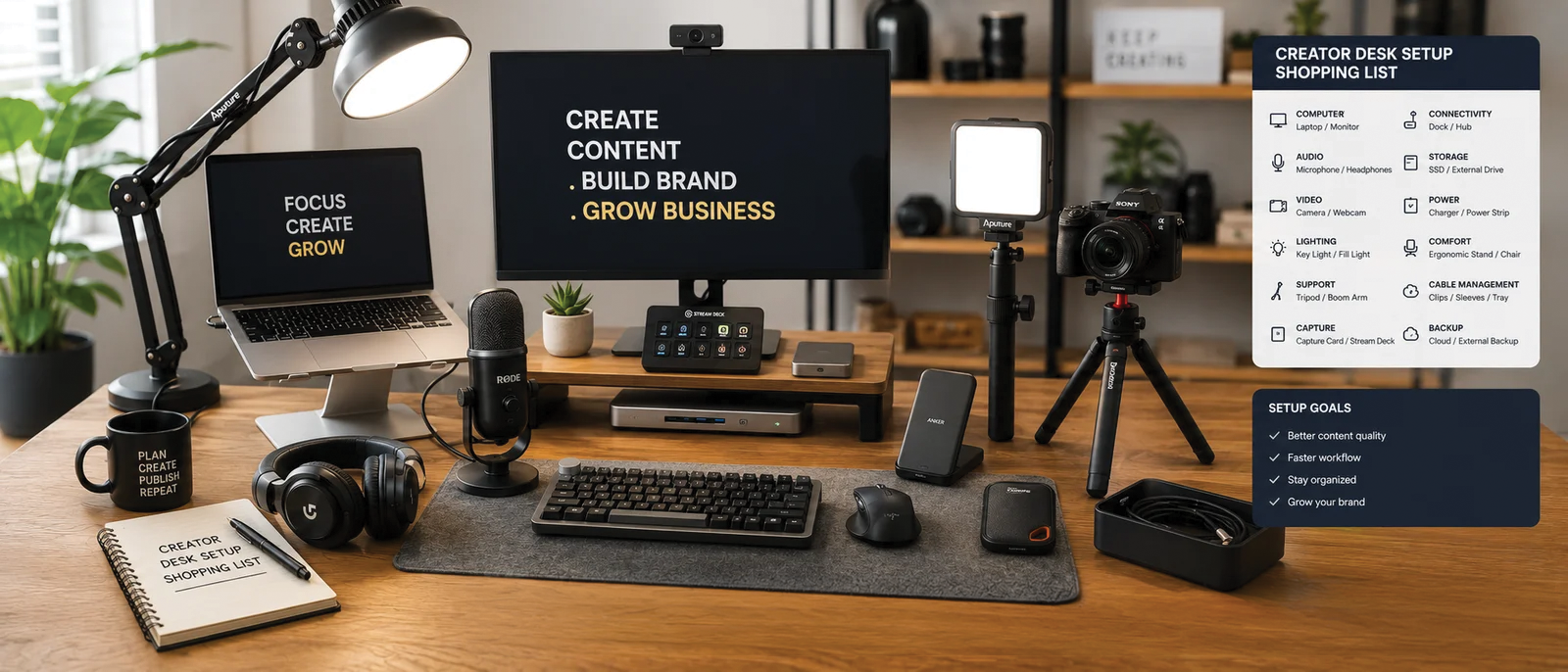
Modern content creator workspace supporting productivity and content creation.
Start here: Creator Tech Stack Explained
Creator Desk Setup Shopping List
FlexiSpot E7 Standing Desk
The FlexiSpot E7 gives creators a stable adjustable workspace that supports both sitting and standing. It helps reduce the feeling of being permanently attached to a chair during long editing, writing, and planning sessions.
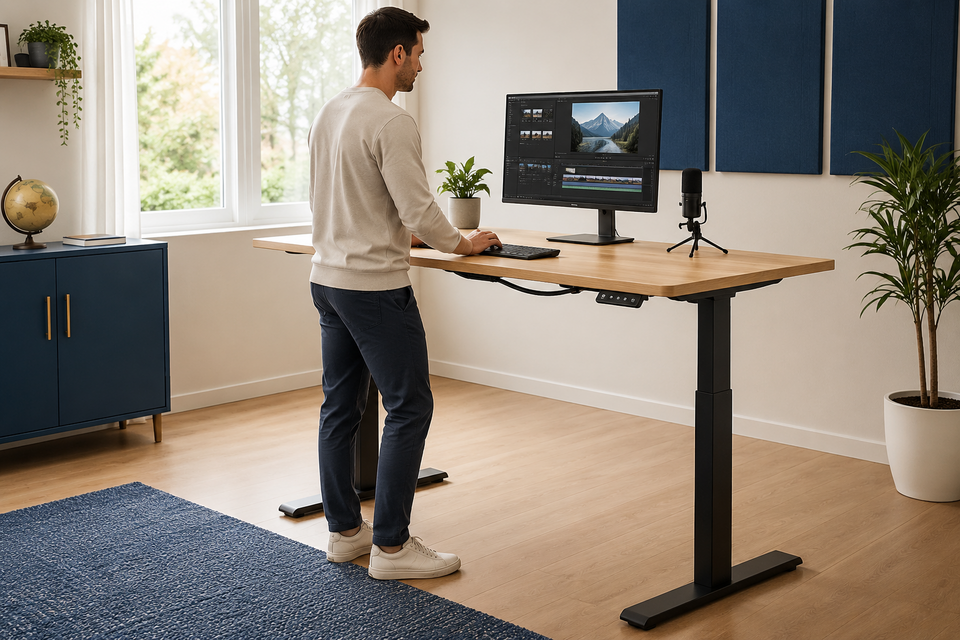
Adjustable desk supporting healthier creator work sessions.
Herman Miller Aeron
Many creators spend more time sitting than they realise. The Aeron remains one of the most recognised ergonomic chairs because it prioritises long-term comfort rather than looking impressive in social media photos.
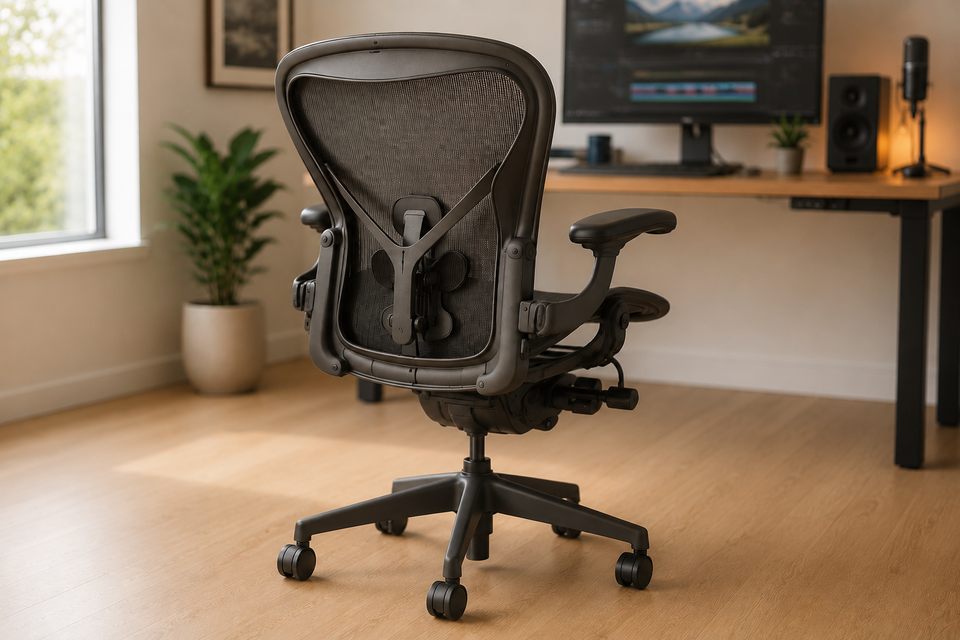
Ergonomic office chair supporting long creator workdays.
Wellness perspective: Budget ergonomic office Accessories That Are Worth It
ASUS ZenScreen MB16ACV
Portable monitors create additional workspace without requiring a larger office. The ASUS ZenScreen works especially well for creators working from different locations.
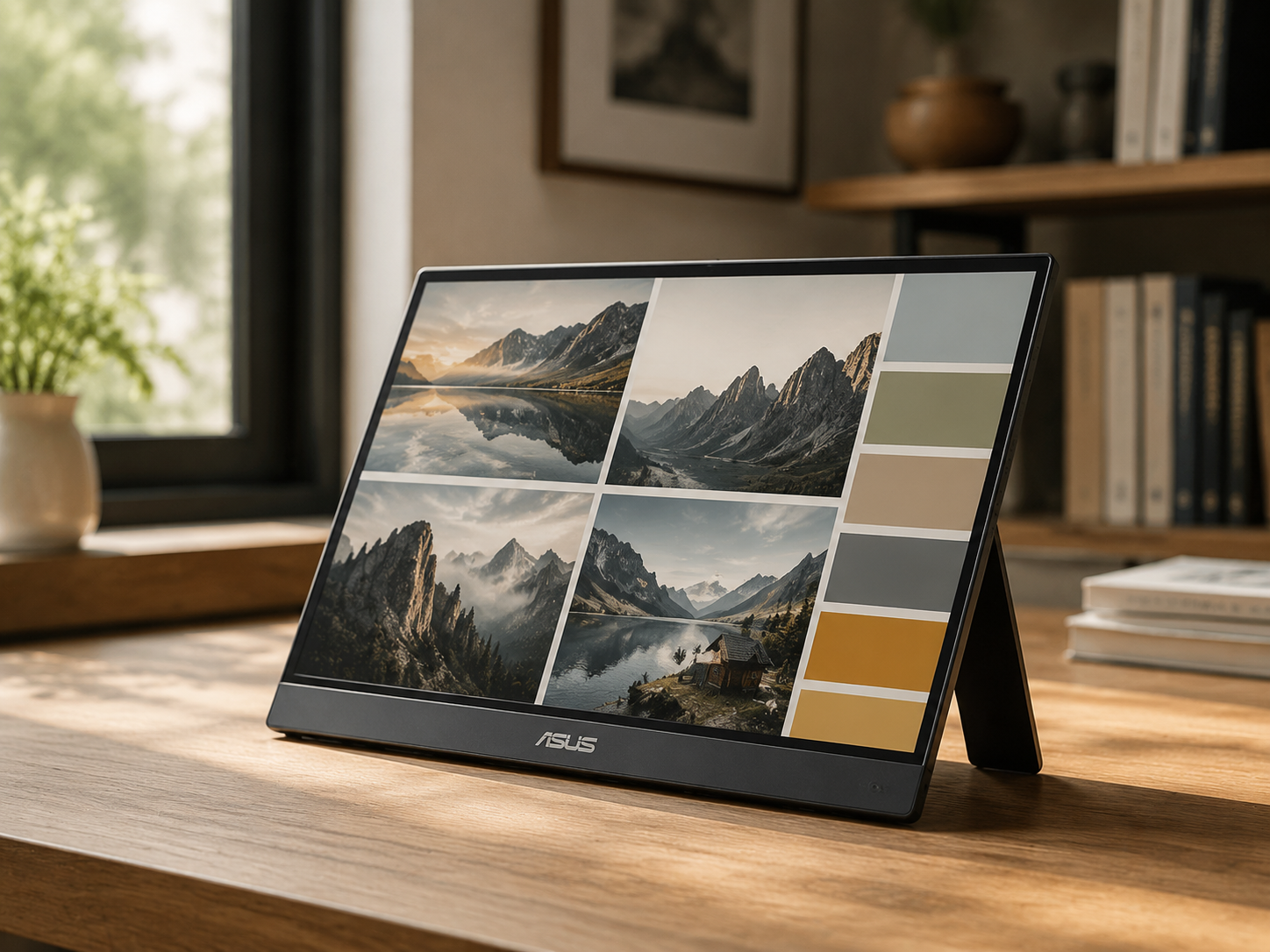
Portable monitor supporting multitasking and content creation.
Dell UltraSharp U2723QE
A larger primary display makes editing, writing, design work, and video production significantly easier. Extra screen space reduces constant window switching.
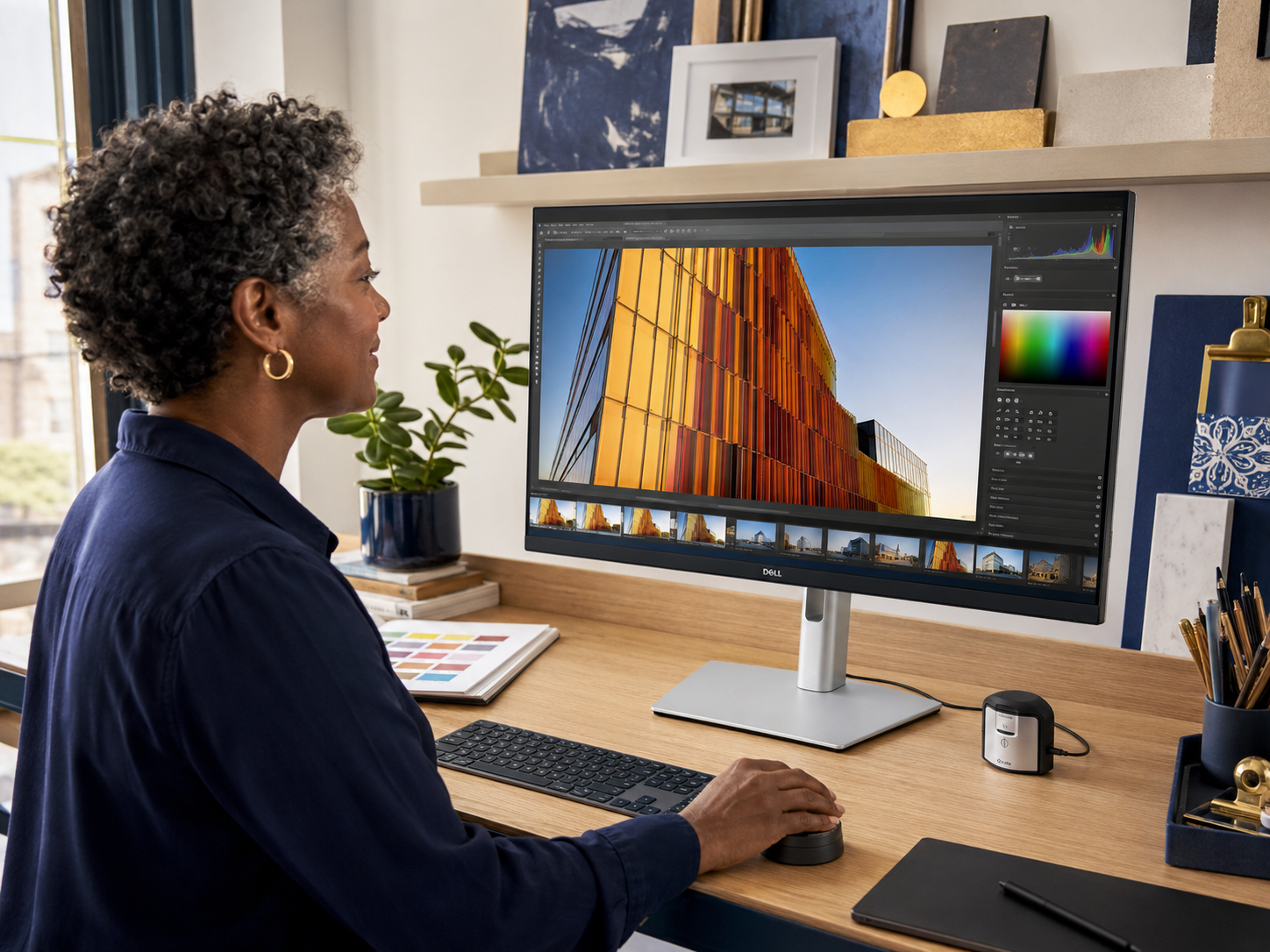
Professional monitor supporting creator productivity and editing workflows.
Sony WH-1000XM6
Distractions quietly destroy creative momentum. Sony's flagship noise-cancelling headphones help create a more focused working environment.
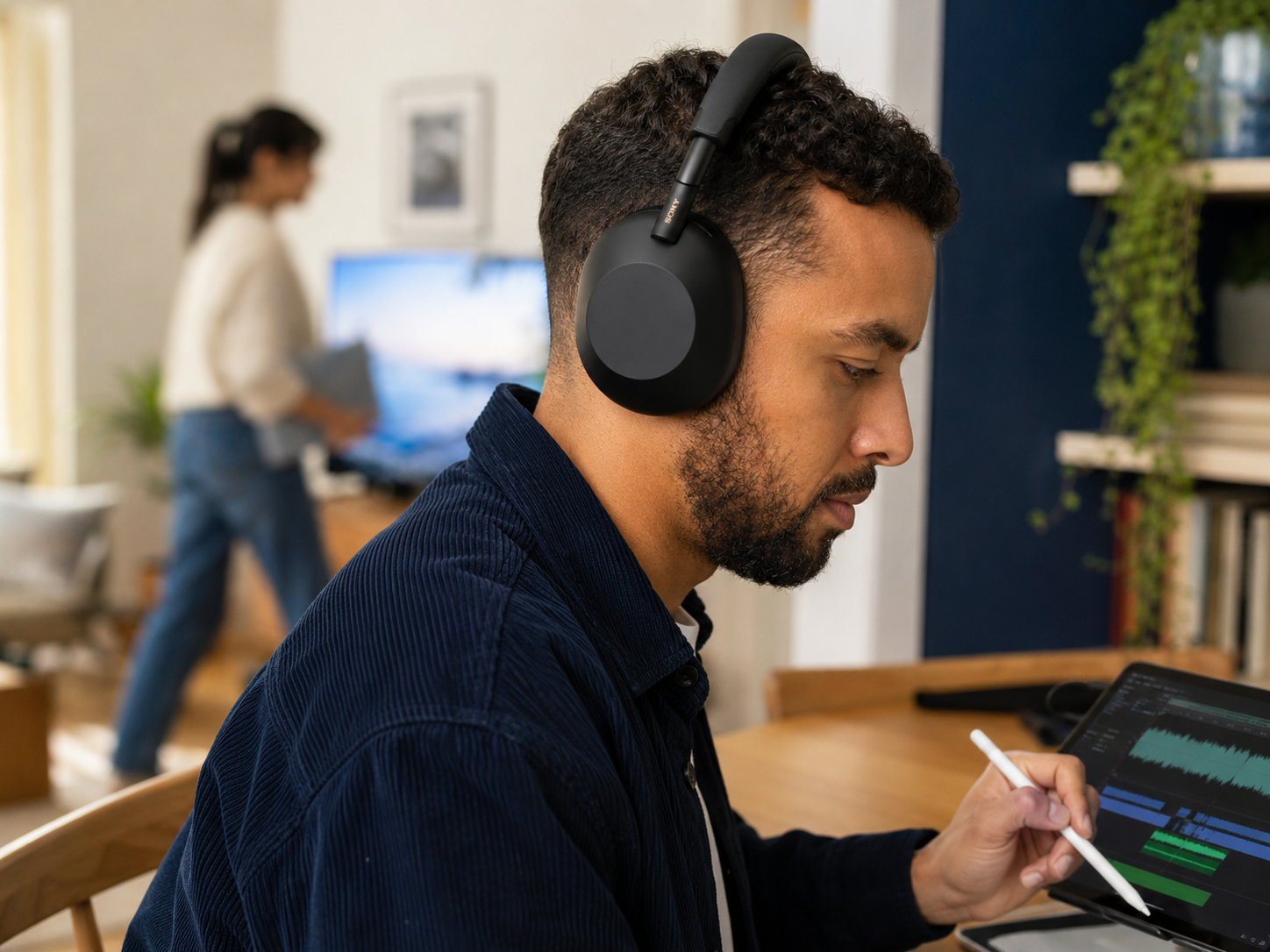
Noise-cancelling headphones supporting focused creative work.
Shure MV7+
Audio quality frequently matters more than camera quality. The Shure MV7+ remains popular among creators because it delivers professional-sounding audio without requiring a complicated recording setup.
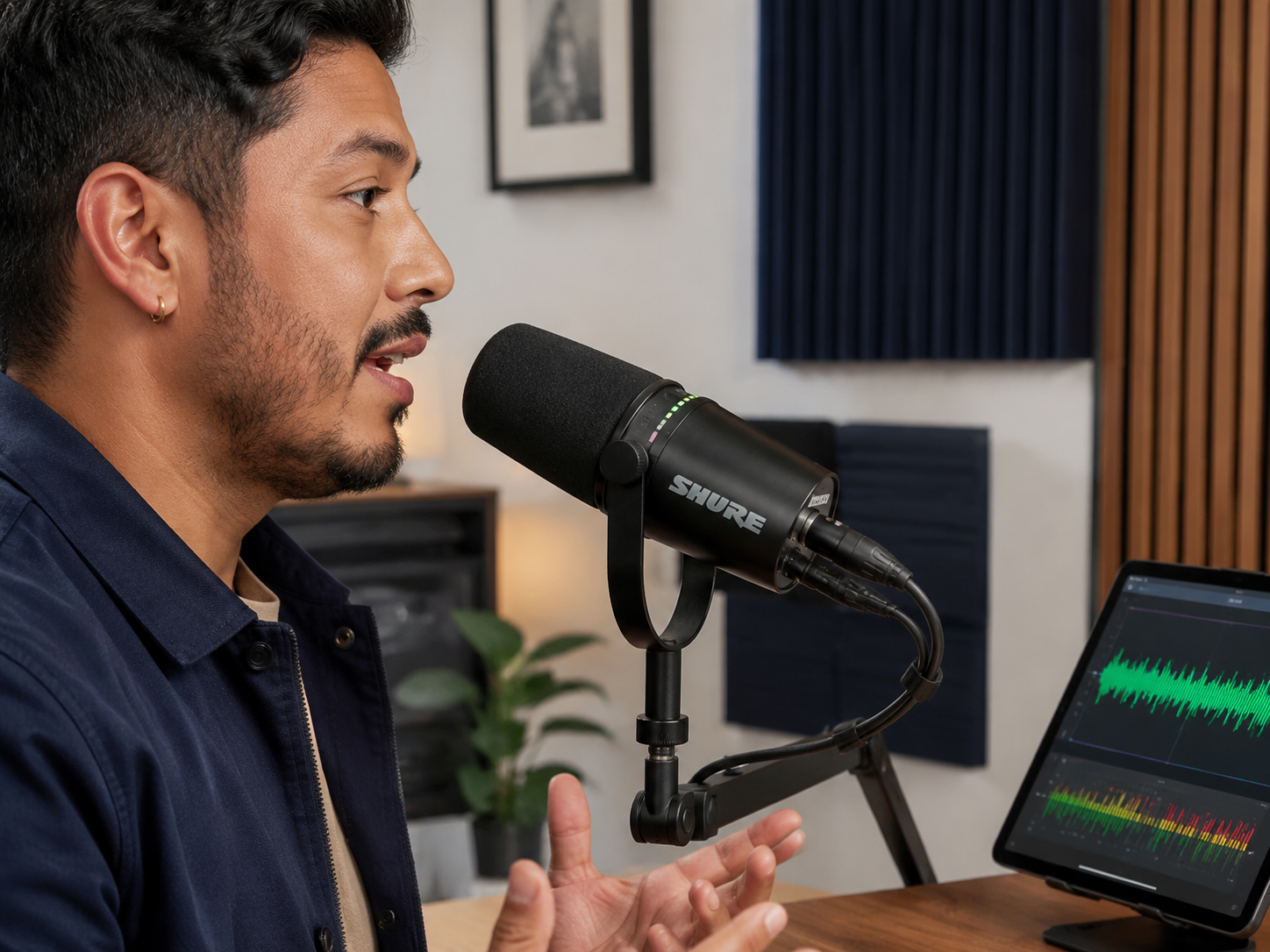
Creator microphone supporting podcasts, videos, and content production.
Elgato Key Light Mini
Good lighting often improves video quality more dramatically than camera upgrades. The Elgato Key Light Mini provides flexible lighting without requiring a large studio setup.
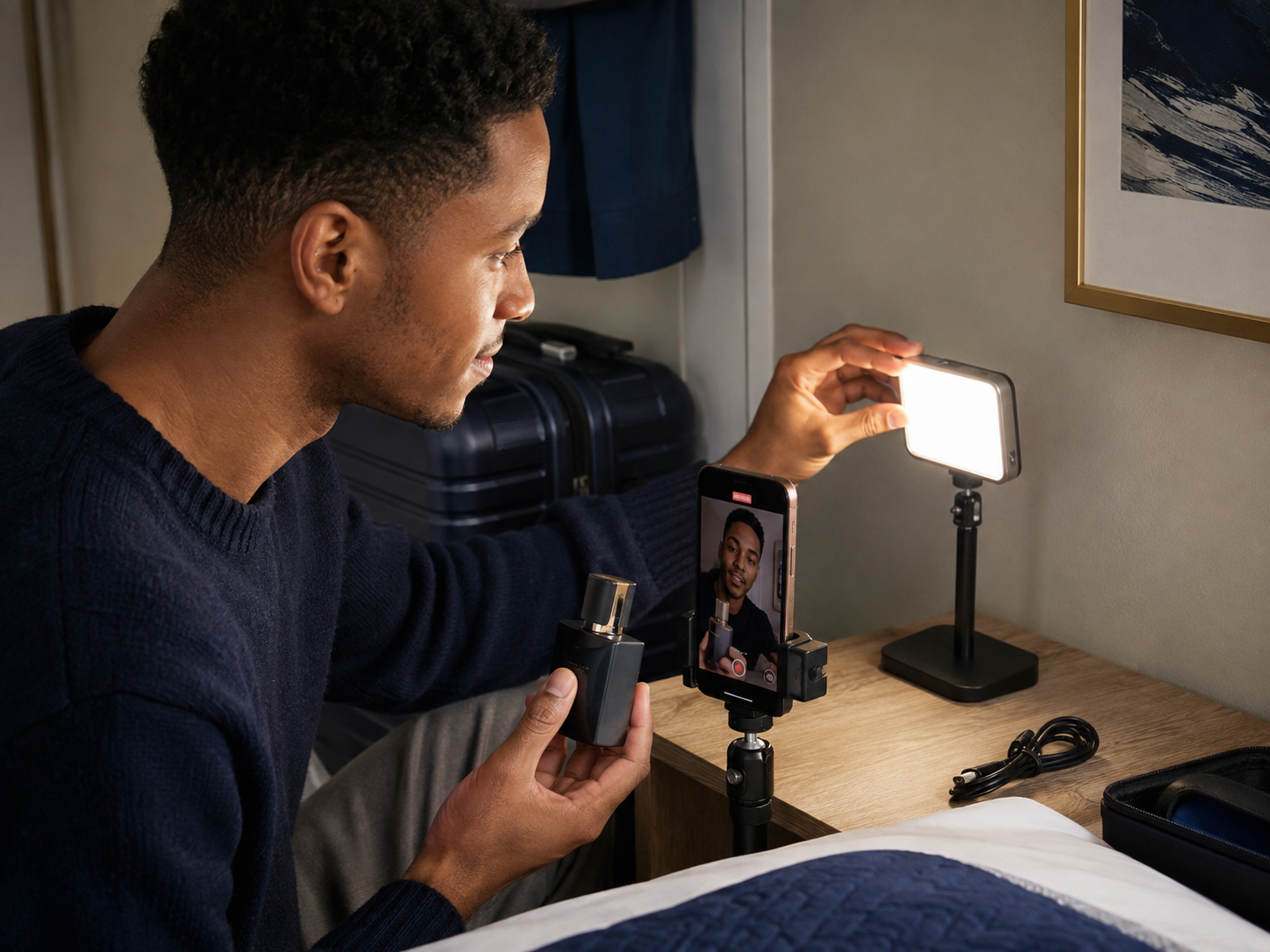
Compact creator lighting supporting better video quality.
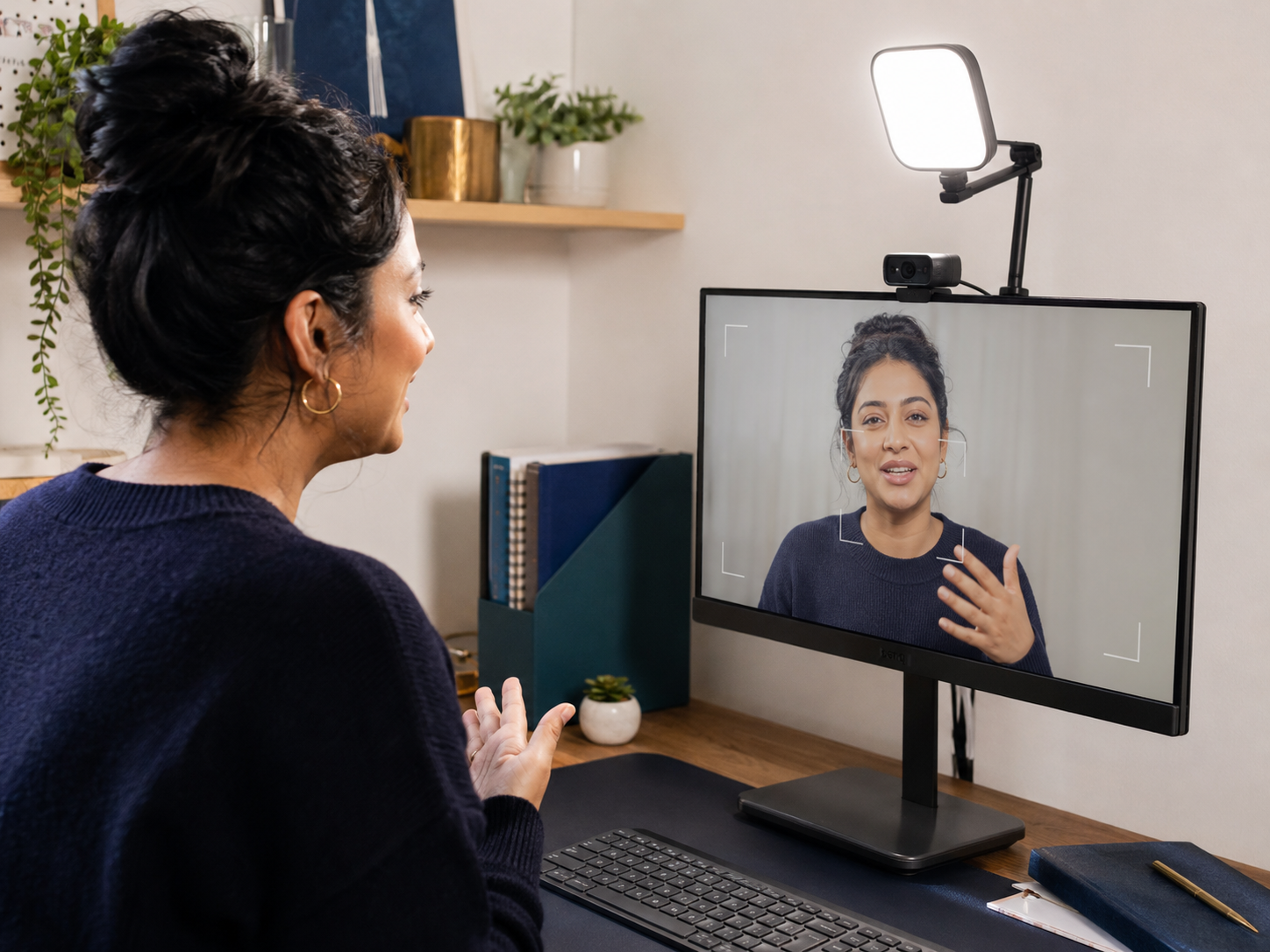
Logitech Litra Glow
The Logitech Litra Glow offers simple desk-friendly lighting for creators producing video calls, livestreams, tutorials, and online content.
Logitech MX Master 3S
The MX Master 3S helps reduce repetitive clicking and navigation friction. Small workflow improvements become surprisingly valuable after thousands of daily interactions.
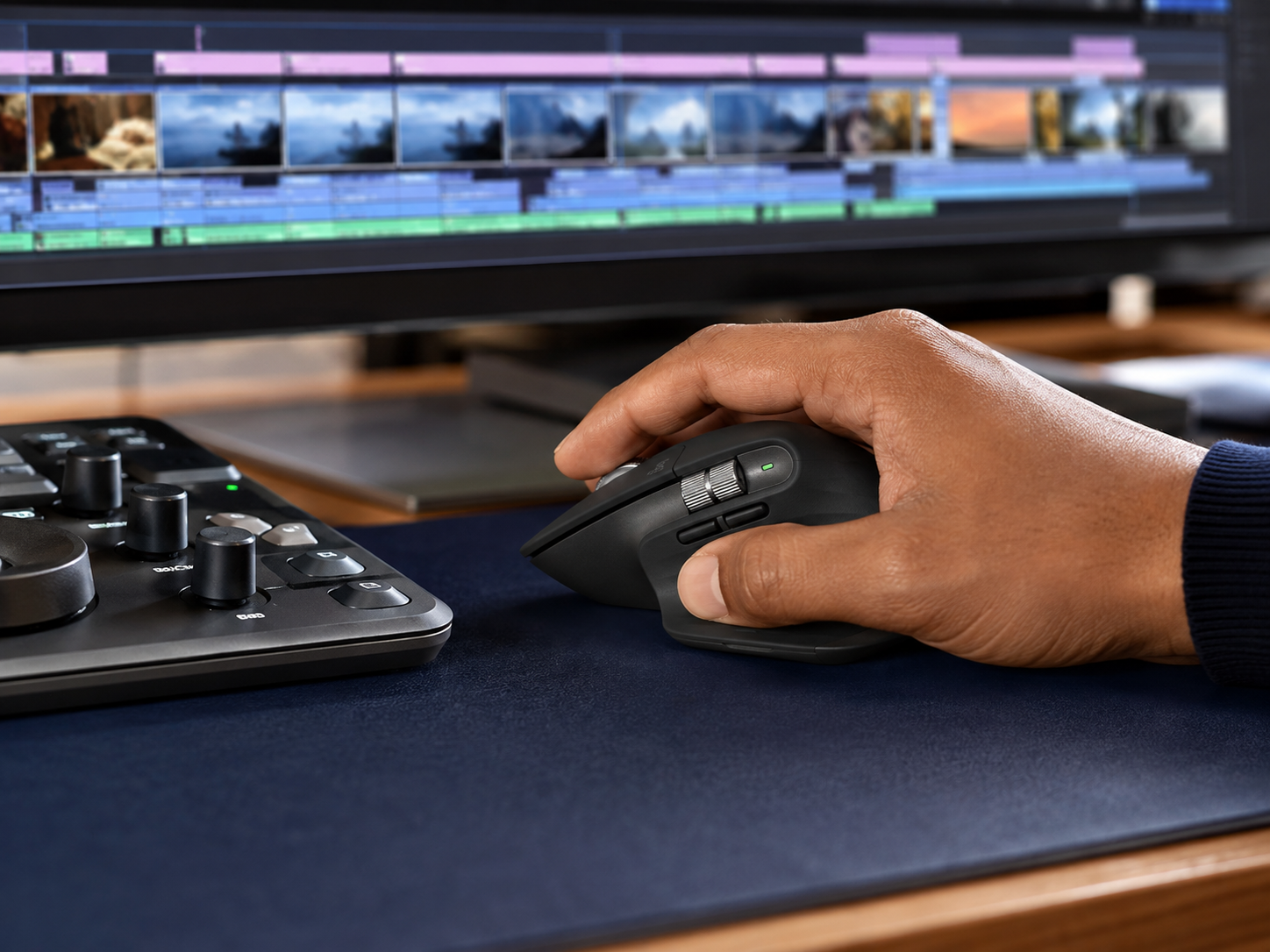
Productivity mouse supporting smoother creator workflows.
CalDigit TS4
The CalDigit TS4 simplifies workstation connectivity by bringing displays, storage, microphones, cameras, and accessories together through one hub.
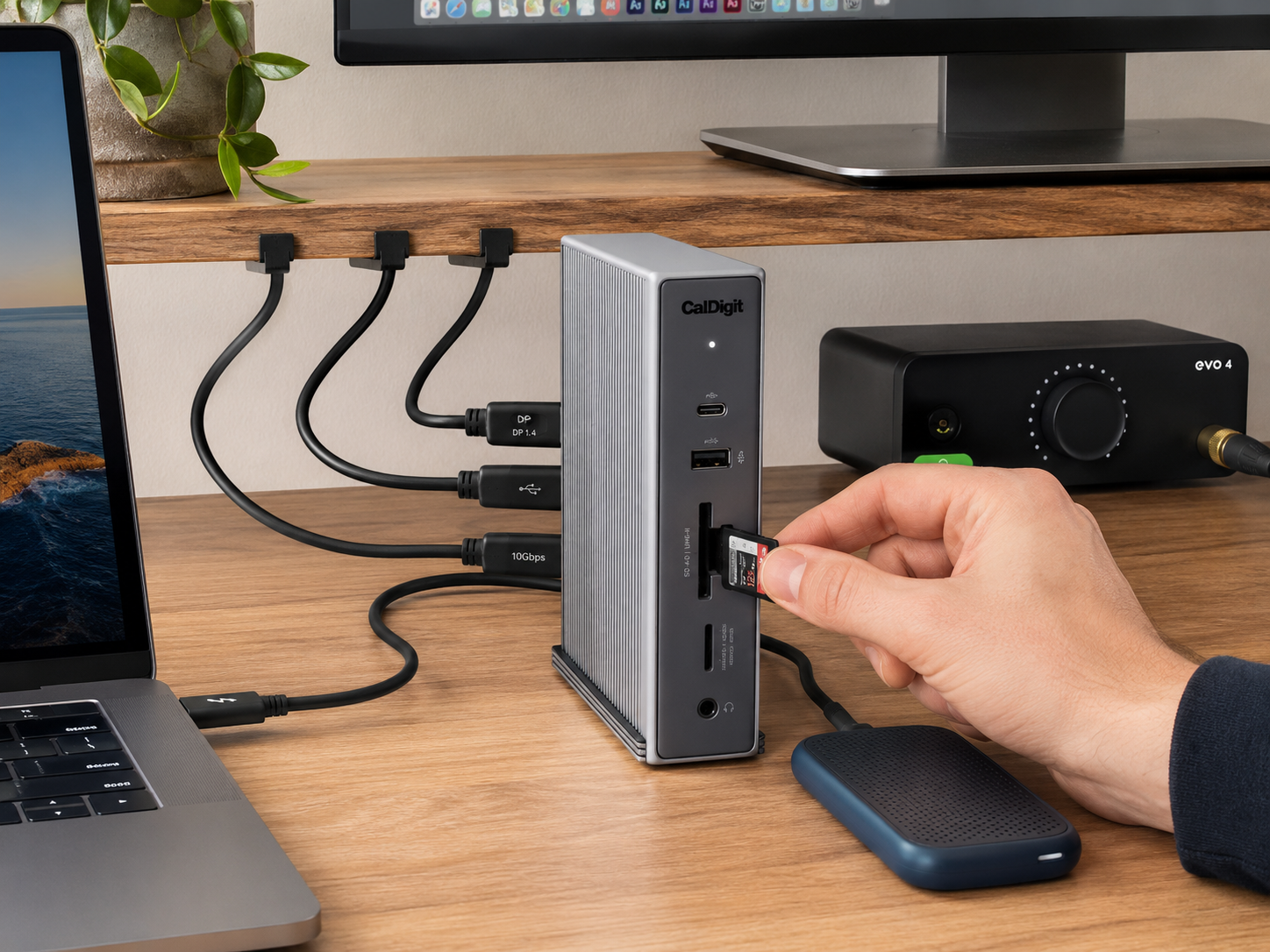
Docking station supporting cleaner creator desk setups.
Essential Equipment Every Creator Needs
Many creators spend money in the wrong order, buy cameras before fixing lighting. Or some buy software before improving organisation. They buy gadgets before improving comfort. A strong creator workspace starts with comfort, visibility, audio quality, and workflow efficiency. Better content often follows naturally once those foundations are in place.
Related guide: Best Content Creator Kits For Beginners
Building A More Effective Workspace
Best Monitor Setup
Dual displays often improve productivity because creators can keep editing tools, research, scripts, analytics, and communication visible simultaneously.
Monitor guide: Best Portable Monitors For Home Business
Best Microphones
Viewers tolerate average visuals longer than poor audio. Better microphones frequently create bigger quality improvements than camera upgrades.
Audio guide: Best Microphones For Bloggers
Best Lighting
Lighting affects image quality, professionalism, and viewer experience more than many beginners realise.
Lighting guide: Best Compact Lighting Gear For Video
Best Headphones
Noise reduction helps creators maintain focus when working from home, travelling, or sharing space with others.
Focus upgrade: Best Noise-Cancelling Headphones For Work And Creation
Best Cameras And Webcams
Many creators already own a capable camera inside their smartphone. Before upgrading cameras, improving lighting, audio, and stability often produces larger gains. For desk-based creators, a strong webcam paired with good lighting usually provides excellent results for courses, calls, tutorials, and livestreams.
Upgrade your video: Best Webcams For Bloggers And Course Creators
Desk Setup Details That Matter
Cable Management
Messy cables create visual clutter and make equipment harder to manage. Simple cable organisation creates a cleaner workspace and reduces frustration.
Desk Setup Mistakes
Many creators buy equipment faster than they improve workflows. Better systems usually outperform bigger equipment collections.
Budget Setups
A strong budget setup focuses on comfort, lighting, audio quality, and organisation before premium upgrades.
Premium Setups
Premium setups improve convenience, comfort, durability, and workflow speed rather than completely transforming content quality.
Why Great Setups Remove Friction
The best creator desk setups are not impressive because of the equipment. They are effective because they remove obstacles. When the microphone is ready, the lighting works, the monitor is organised, and the workspace feels comfortable, creating content becomes easier to start. Consistency usually grows from convenience more than motivation.
Wellness perspective: How To Make Your Home Office Feel Less Overwhelming
Pros And Cons Of Premium Creator Setups
Pros
Cons
FAQs
What equipment does a content creator need?
Most creators benefit from a comfortable desk, supportive chair, quality microphone, good lighting, reliable display, and a focused workspace before investing in advanced equipment.
How much should a creator desk setup cost?
Costs vary widely. Many creators can build an effective setup gradually rather than purchasing everything at once.
What is the most important piece of creator equipment?
Audio equipment often provides the biggest improvement because poor sound damages viewer experience quickly.
Do creators need dual monitors?
Not necessarily, but additional screen space often improves productivity, editing efficiency, and multitasking.
How can I improve my desk setup on a budget?
Focus first on comfort, lighting, organisation, and audio quality. These upgrades usually deliver the strongest value.
Final Verdict
Most creators do not need more equipment. They need fewer obstacles. The strongest creator desk setups focus on comfort, organisation, audio quality, lighting, and workflow efficiency before chasing expensive upgrades because better systems usually create more content than better gadgets. A well-designed setup makes work easier to start, reduces daily friction, improves consistency, supports higher-quality output, and remains useful long after the excitement of new gear fades. The best creator desk setups are not built around impressive equipment. They are built around removing excuses to begin.


