



Can Hostinger AI Builder Launch a…

Christmas Gifts for Home Workers That…

Plug-In Solar Panels UK: Are They…

Halloween Decorations Worth Buying — and…

Meta One Explained: Is the Subscription…

Anti-Optimisation Wellness: Can a Sunrise Lamp…

Plaud One Explained: Can AI Earbuds…

Sunrise Lamps Explained: What They Actually…

Namecheap vs Dynadot

Lifesum Review UK: Is Premium Worth…

Convertkit Vs Beehiiv

Garmin CIRQA Review: Screen-Free Tracking Without…

Bluehost vs Siteground

Garden Gatherings – Summer Is The…

Namecheap review

Portable Outdoor Speakers for Garden Offices

Cloudways Vs WP Engine

Outdoor WiFi Extenders For Garden Offices

Dropshipping Explained

Portable Pools For Home Workers This…
A healthier desk worker shopping list should start with the problem you notice most often: uncomfortable sitting, laptop neck, stiff legs, low movement, harsh lighting, stale air or afternoon energy dips. The goal is not to buy more accessories. It is to choose a few practical upgrades that make your actual workday feel more comfortable, supported and easier to get through.
Fix the biggest discomfort first
Seat cushions help existing chairs
Laptop stands improve screen height
Sit-stand tools add position changes
Trackers can prompt movement
Air purifiers may help small rooms
Do not buy everything at once
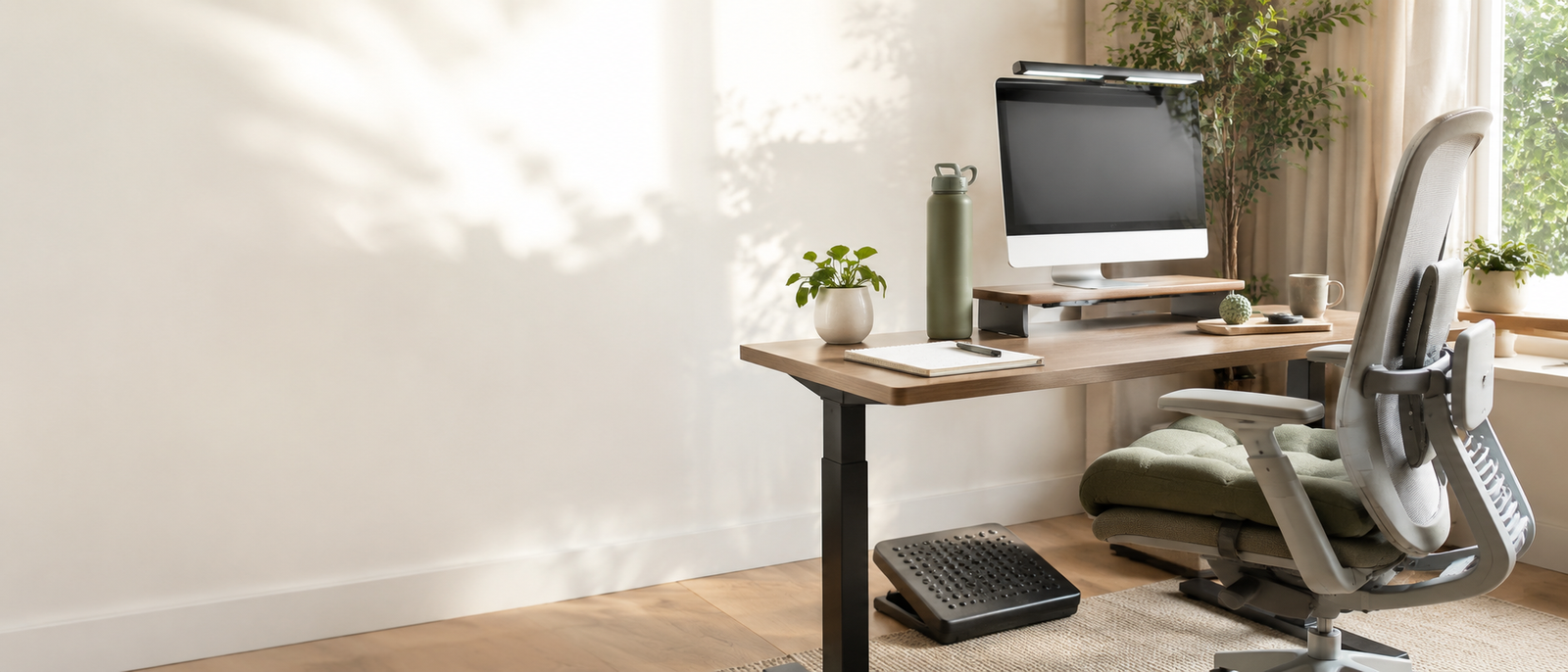
Most Relevant Audience
This guide is for remote workers, home workers, freelancers, bloggers, creators, side hustlers, parents, carers and small business owners who spend too much of the day at a desk.
It is especially useful if your workspace is a spare corner, kitchen table, bedroom desk or small home office where comfort has been slowly negotiated with whatever furniture was already there.
Choose Your First Desk Upgrade By Problem
If your chair feels uncomfortable
Start with seating support before buying a full new chair. A seat cushion such as the ComfiLife Gel Enhanced Seat Cushion can be a practical comfort upgrade for existing chairs.
It will not fix a badly matched desk height, poor posture or sitting all day without breaks, but it may make long desk sessions feel less harsh. Check cushion size, chair fit, cover cleaning and whether it raises your sitting height.
If your neck feels strained
Start with laptop height. A portable laptop stand such as the Nexstand K2 can raise your screen closer to eye level, especially when paired with a separate keyboard and mouse.
This is one of the most useful small upgrades for laptop workers. Avoid using a stand alone if it makes you type with raised arms. Screen height helps most when your hands can stay relaxed too.
If your legs feel stiff
Consider a sit-stand tool, movement reminder or walking break routine. A standing desk converter such as the Ergotron WorkFit can help if you want to change position without replacing the whole desk.
Standing all day is not the answer. The real benefit is variety: sitting, standing, stretching and walking across the day.
If you forget to move
A simple tracker such as Fitbit Charge 6 can help if reminders, steps and activity prompts make you more likely to stand, walk or stretch.
It is best for people who respond well to gentle nudges. If tracking makes you feel guilty or watched, adjust the settings. Movement support should not become a wrist-based performance review.
If the workspace feels stale
A compact air purifier such as the Levoit Core Mini may help small rooms feel fresher, especially if your desk sits in a bedroom, box room or shared space.
Keep expectations realistic. An air purifier is not a magic wellness device. Check room size guidance, filter replacement costs, noise level, placement and whether fresh air, cleaning and clutter reduction are also needed.
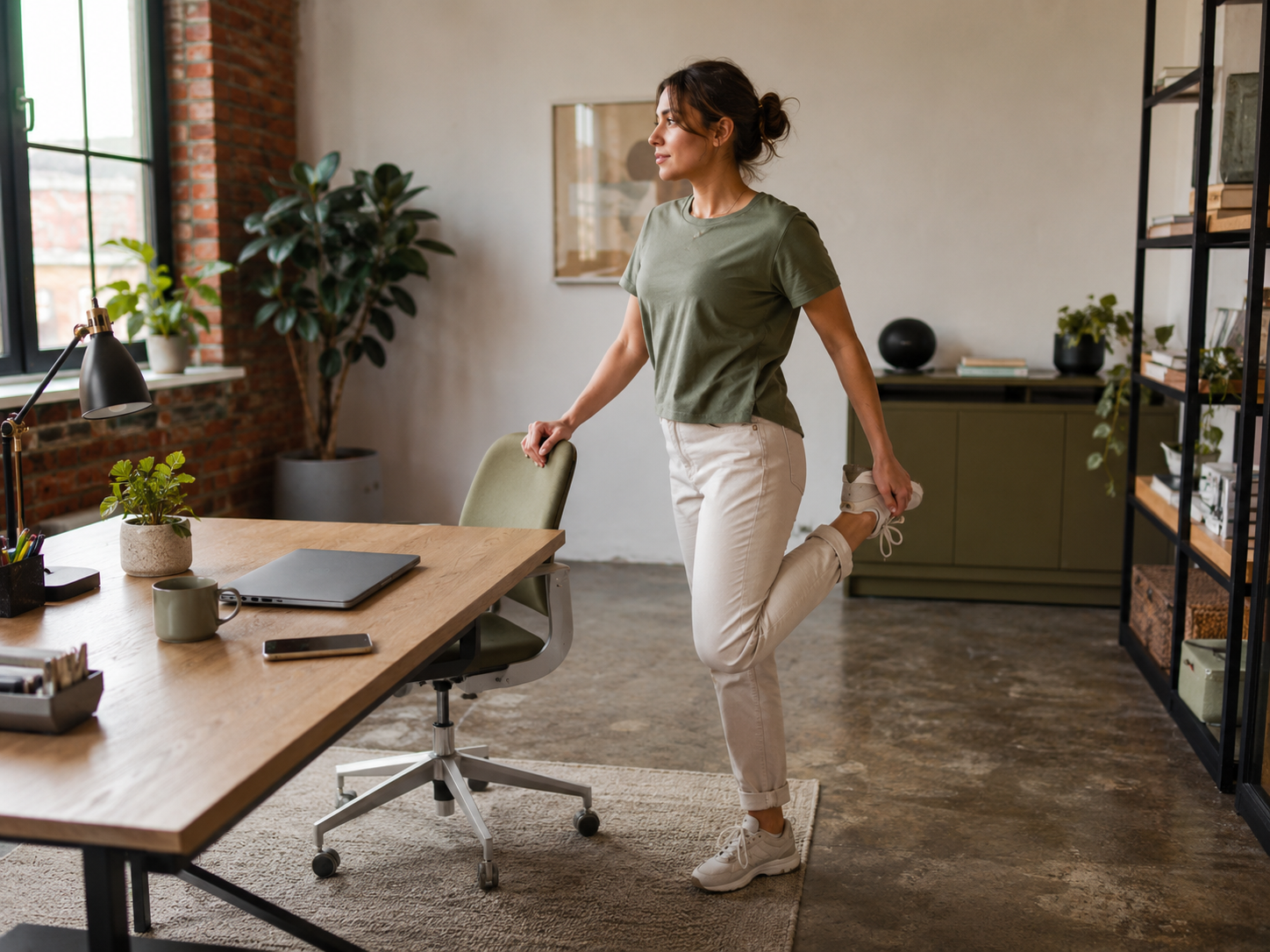
The best desk upgrade is the one that solves a repeated annoyance. If your back complains, start with sitting support. If your neck feels tight, raise the screen. If your body forgets it has legs, add movement prompts. A healthier setup is built in stages, not purchased in one dramatic basket.
Healthier Desk Worker Products Reviewed
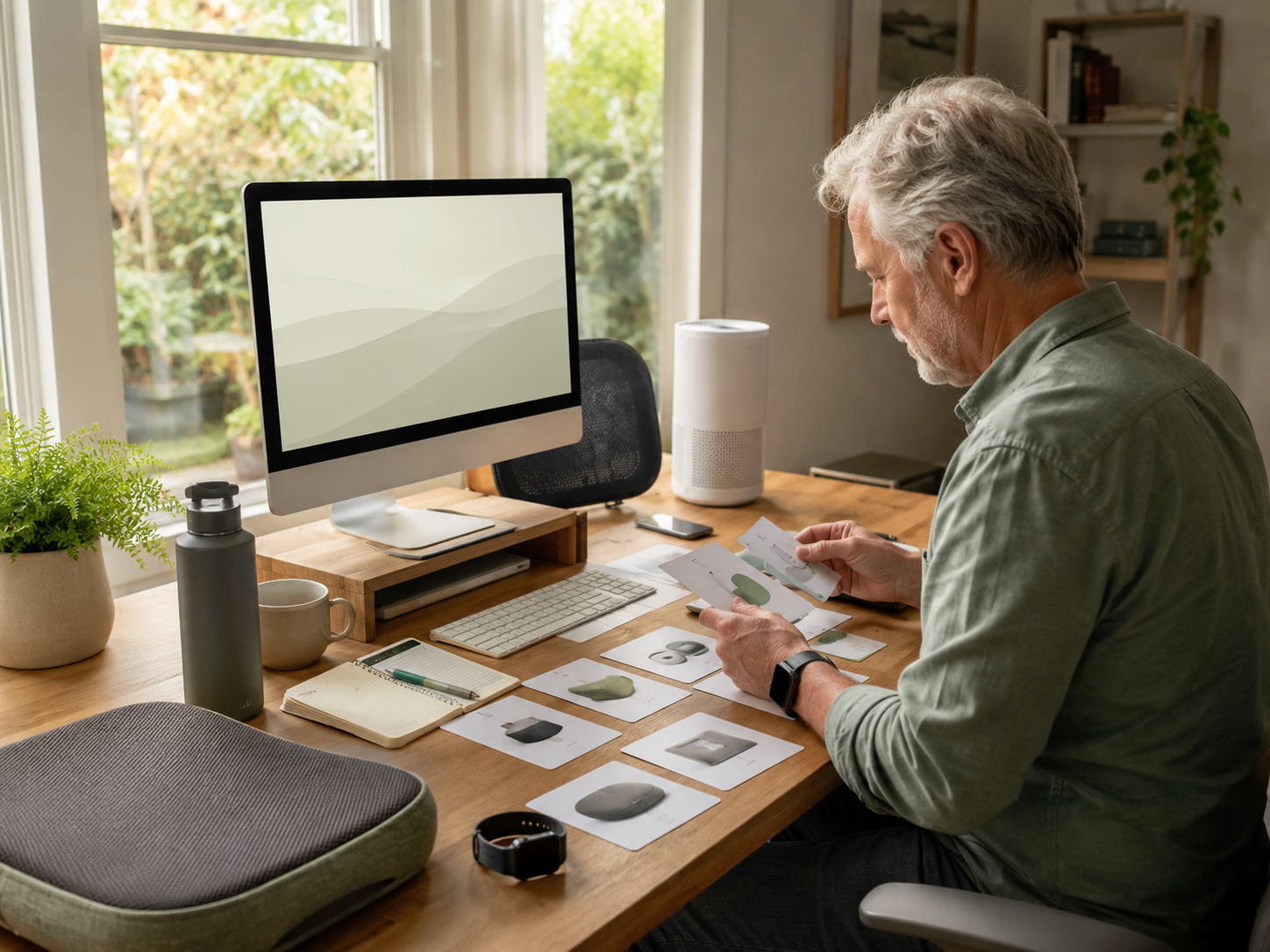
What A Healthier Desk Setup Actually Needs
Better screen position
Your screen should not force your neck downward all day. A laptop stand, monitor riser or external monitor can help improve screen height.
For laptop users, the missing pieces are often a keyboard and mouse. Raising the screen while still typing on the laptop can trade neck strain for shoulder tension.
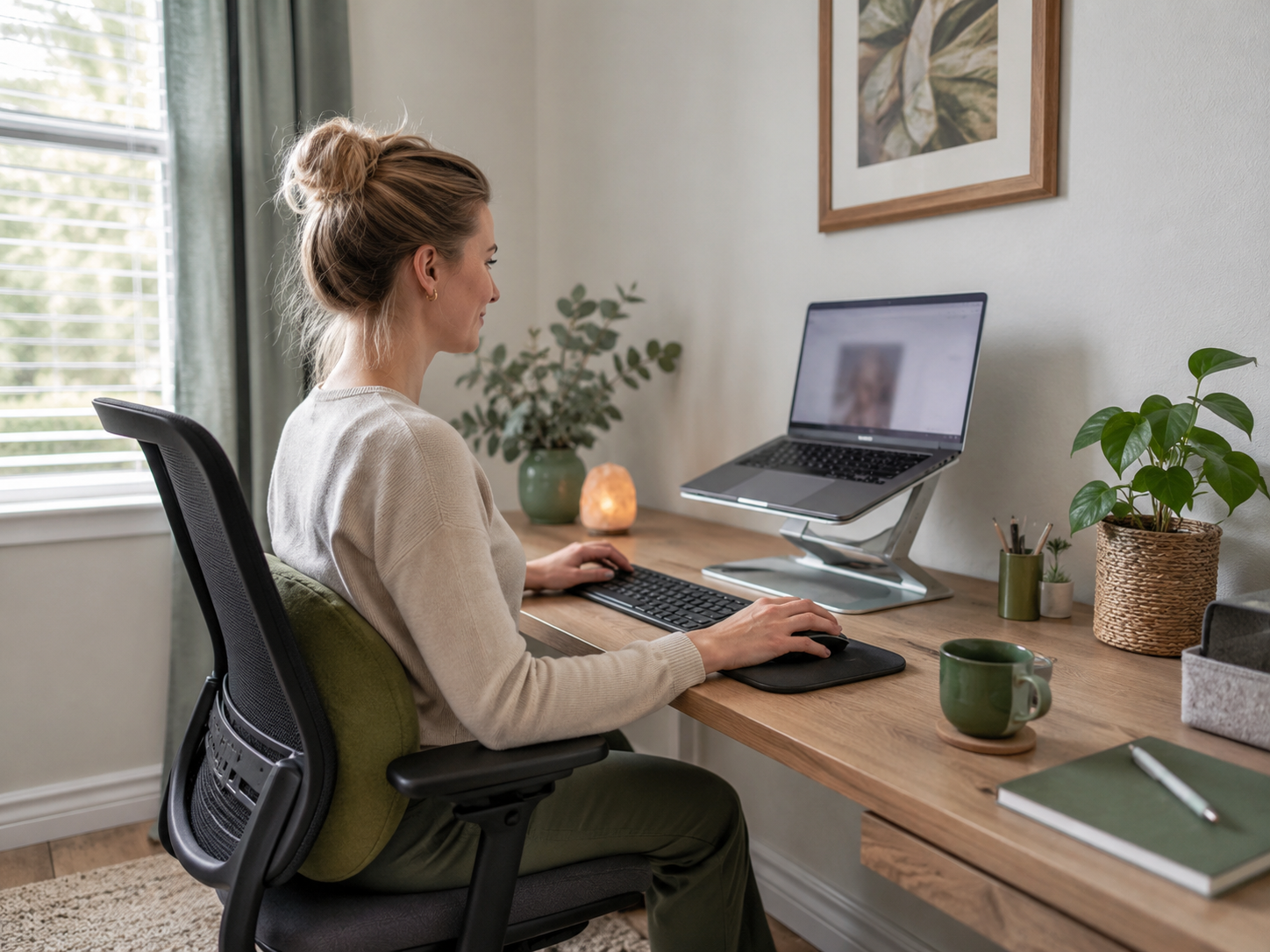
Better sitting support
Your chair should let you sit with your feet supported, shoulders relaxed and arms at a comfortable height. A cushion, lumbar support or footrest can help if the chair is close but not quite right.
If the chair is completely wrong, accessories may only delay the obvious. Sometimes the upgrade is the chair itself.
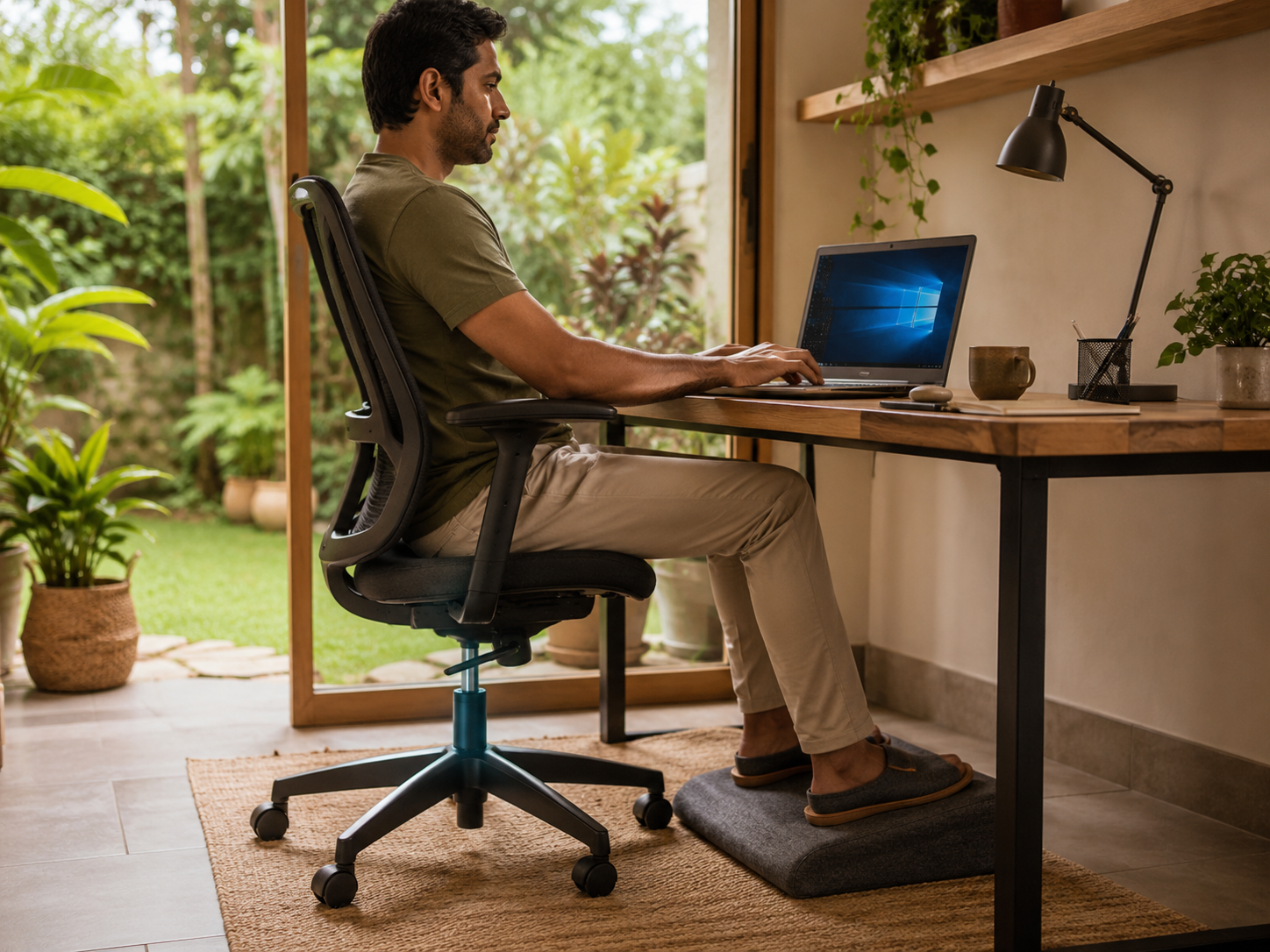
More position changes
Healthy desk work is less about one perfect posture and more about changing position. Sitting, standing, walking, stretching and moving between tasks all matter.
A standing desk converter, movement tracker or simple timer can help. The key is using it consistently, not admiring it from a chair.
Less environmental friction
Lighting, air quality, clutter, temperature and noise can all affect how your workspace feels. Small fixes can make the desk feel easier to return to.
This does not mean buying everything. It may mean a clearer surface, better lamp position, fresh air, a compact purifier or fewer cables arguing with your ankles.
What To Buy First On A Tight Budget
Best first buy for laptop workers
Buy a laptop stand first, then add a separate keyboard and mouse when possible. This is usually one of the highest-impact upgrades for people working from laptops all day.
A portable option like Nexstand K2 is useful if you need flexibility. Just remember: the stand is only half the posture fix.
Best first buy for chair discomfort
Try a seat cushion or lumbar support if your chair is usable but uncomfortable. The ComfiLife Gel Enhanced Seat Cushion is a practical example for improving seat comfort without buying a new chair.
Check whether it changes your sitting height. If your arms suddenly feel wrong at the desk, you may need to adjust chair height, add a footrest or rethink the setup.
Best first buy for long sitting
Choose movement support. That may be Fitbit Charge 6, a simple timer, standing desk converter, walking routine or stretch breaks between calls.
Do not start with the most expensive option. Start with the tool that will actually interrupt sitting. Movement only helps when it leaves the shopping list and enters the day.
Best first buy for a heavy-feeling room
Improve the environment gently. Open windows when practical, clear visual clutter, adjust lighting or consider a compact purifier such as Levoit Core Mini for smaller spaces.
If the desk feels unpleasant, you are less likely to take proper breaks or return calmly. A healthier desk is also about how the room feels.
Common Desk-Worker Shopping Mistakes
Buying before naming the problem
Do not start with “What should I buy?” Start with “What feels worst every day?”
Back, neck, wrists, legs, focus, air, light and energy point to different upgrades. Buying randomly creates clutter. Buying by problem creates relief.
Expecting one product to fix everything
A cushion will not solve laptop neck. A laptop stand will not make you move. A watch will not fix a punishing schedule.
Desk-worker comfort is usually a small system. Fix the biggest issue first, then add only what still feels necessary.
Buying a standing setup but never standing
Standing desk converters only help if you use them. If switching position feels awkward, heavy or disruptive, the habit may not stick.
Check height range, space, monitor fit and ease of adjustment before buying. The best sit-stand setup is the one you will change without making it an event.
Ignoring the keyboard and mouse
Laptop stands are useful, but they usually need a separate keyboard and mouse to work properly.
If you raise the laptop and keep typing on it, your shoulders may become the new complaint department. Pair screen height with relaxed arms.
Turning the desk into clutter
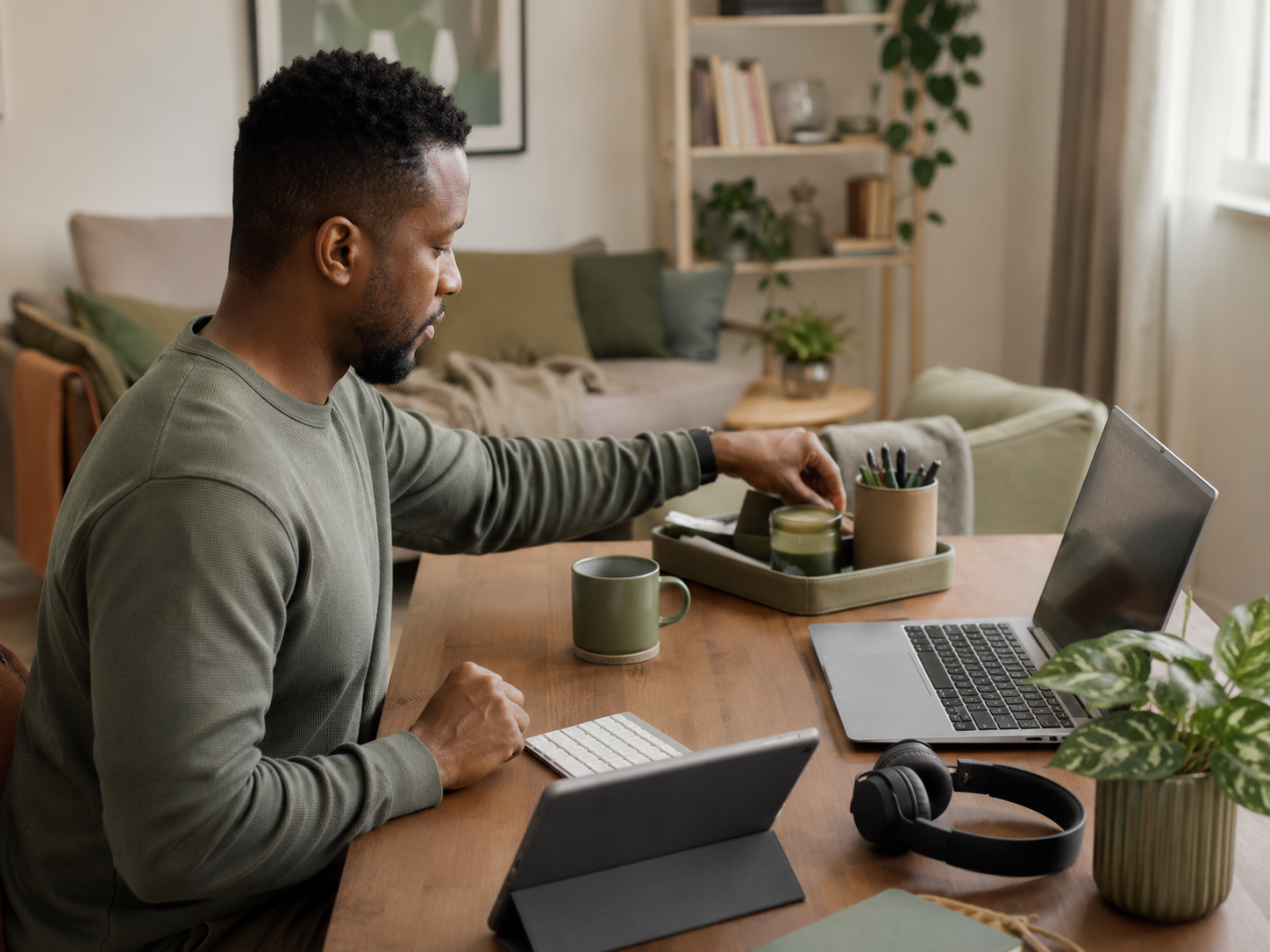
A healthier setup should make the desk easier to use. Too many accessories can create visual noise, cable mess and less working space.
Buy slowly. Remove what does not help. Your desk should feel supported, not crowded by well-intentioned objects.
FAQ
What should desk workers buy for a healthier setup?
Start with the problem that affects you most. A seat cushion may help chair comfort, a laptop stand can improve screen height, a sit-stand converter can add position changes, and a tracker can prompt movement.
Small environmental helpers like better lighting, a water bottle or compact air purifier can also help if they reduce daily friction.
What is the most important desk setup upgrade?
For laptop workers, a laptop stand with a separate keyboard and mouse is often one of the most important upgrades. It helps bring the screen up while keeping hands relaxed.
For chair discomfort, seating support may matter more. The best first upgrade depends on your daily discomfort.
Are laptop stands worth it for desk workers?
Laptop stands can be worth it if you work from a laptop for long periods. They help raise the screen and reduce the habit of folding around the device.
They work best with a separate keyboard and mouse. Without those, they may create new shoulder or wrist strain.
Do standing desk converters help?
Standing desk converters can help if they make it easy to alternate between sitting and standing. They are most useful when changing position becomes a normal part of the day.
They do not remove the need for walking, stretching or breaks. Standing still for hours is not a magic upgrade.
Can smart watches help desk workers move more?
Smart watches and fitness trackers can help desk workers move more if reminders lead to real action, such as standing, walking or stretching.
They are less useful if alerts become stressful or easy to ignore. Keep movement goals realistic and adjust notifications if they create pressure.
How do I improve my desk setup on a budget?
Choose one problem and fix that first. Raise the laptop, improve seating, add a simple movement reminder, tidy cables, improve lighting or keep water within reach.
You do not need a perfect desk. You need a few changes that make your actual workday feel better.
Final Verdict
A healthier desk worker shopping list should be practical, staged and honest. ComfiLife Gel Enhanced Seat Cushion can support chair comfort, Nexstand K2 can improve laptop height, Ergotron WorkFit can add sit-stand flexibility, Fitbit Charge 6 can prompt movement, and Levoit Core Mini can help smaller spaces feel fresher.
The win is not owning more desk accessories. It is removing the daily discomforts that make work feel harder: poor sitting support, laptop neck, stiff legs, forgotten movement, stale air and a workspace that slowly drains you.






