



Host a Virtual Halloween Party: Audio,…

20 Minimalist Halloween Nail Ideas for…

Can Free Affinity Help You Build…

12 Lower-Sugar Halloween Treat Swaps Worth…

Can Hostinger AI Builder Launch a…

A 5-Step Screen-Free Autumn Reading Ritual…

Plug-In Solar Panels UK: Are They…

15 Last-Minute Zoom Halloween Costumes for…

Meta One Explained: Is the Subscription…

10 Low-Fuss Dog Halloween Ideas: Comfort…

Plaud One Explained: Can AI Earbuds…

9 Gothic Dinner Table Ideas for…

Namecheap vs Dynadot

7 UK Ghost Tours and How…

Convertkit Vs Beehiiv

Do You Really Need a £420…

Bluehost vs Siteground

15 Gentle Spooky Autumn Books to…

Namecheap review

How to Remove Halloween Face Paint…
A home office rarely takes over all at once. It starts with one laptop on the table, then a charger by the sofa, then notes in the kitchen, then suddenly the whole house feels like it has joined a meeting you did not schedule. Learning how to stop your home office taking over your home is not about having a perfect spare room. It is about giving work clearer edges, so your home still feels like somewhere to live.
Work needs a clear zone
Storage makes shutdown easier
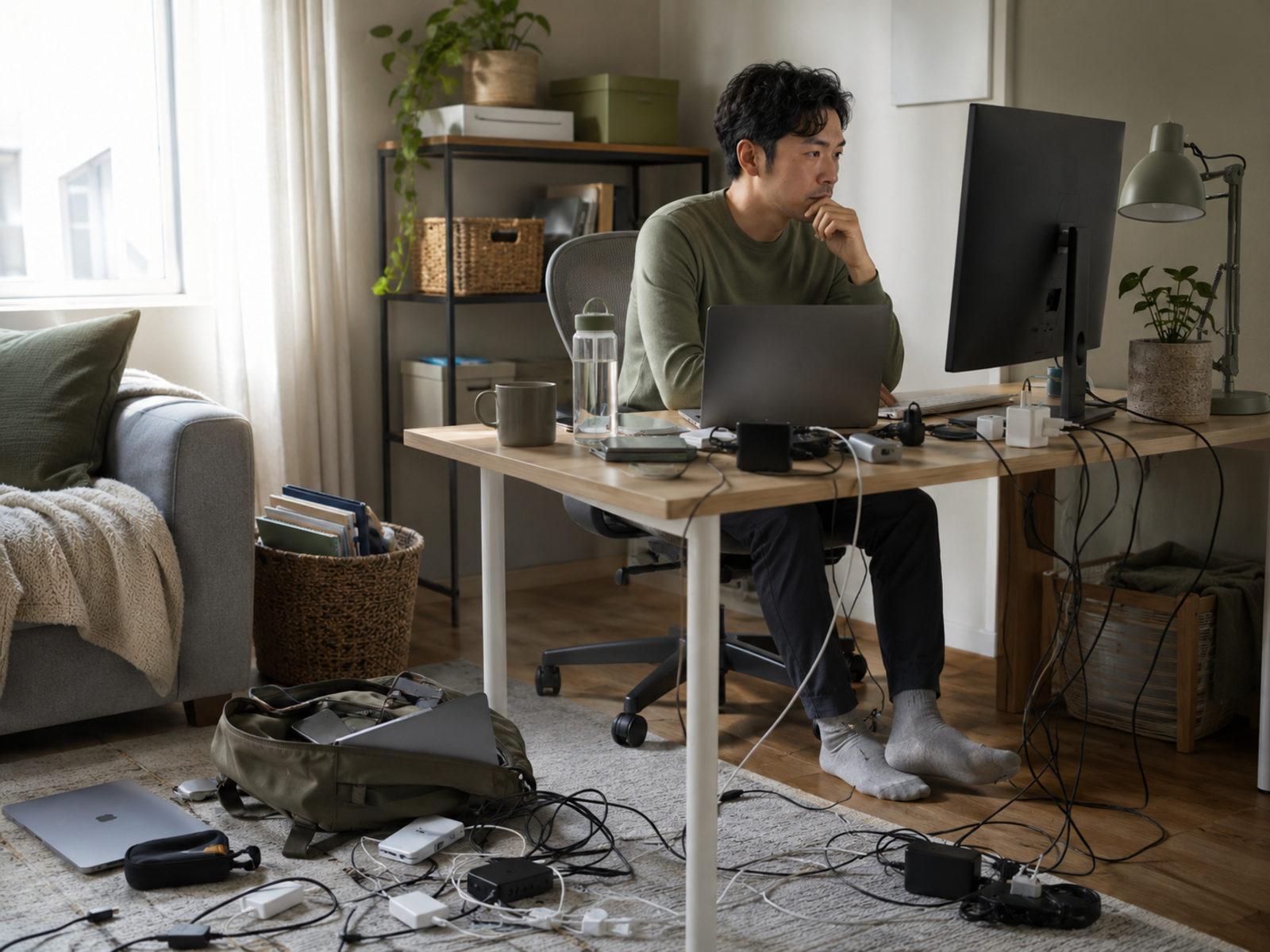
Cables create visual clutter
Small spaces need practical boundaries
Shutdown routines protect home life
Shared rooms need simple rules
Visible work signals matter
Most Relevant Audience
This guide is for remote workers, home workers, freelancers, bloggers, creators, side hustlers, parents, carers and small business owners whose work setup has started spreading through the home.
It is especially useful if your laptop, paperwork, cables, notebooks, chargers, work thoughts and “temporary” desk arrangement keep drifting into places that should feel restful, shared or properly off-duty.
Why Work Spreads When You Work From Home
It starts as convenience
Work often spreads because it feels easier in the moment.
You answer one email from the sofa, leave one notebook on the table or plug one charger into the nearest socket. None of that feels serious. The problem is repetition. Temporary choices become the normal layout of the home.
It follows unfinished tasks
Visible work items keep reminding you of unfinished work.
A laptop on the dining table, papers near the sofa or cables across the floor can keep the workday mentally open. Even when you are not working, your brain still receives little “you should do something” signals.
It blurs shared space
A shared room can quickly become awkward when work objects stay out all day.
The kitchen table stops feeling like a table. The living room starts feeling like a waiting area for the next task. Containment matters because shared spaces need to become home again after work.
It creates quiet visual noise
Cables, notebooks, boxes, papers and open devices can make a room feel busier than it really is.
This is not about being perfectly tidy. It is about reducing the work signals that stay visible long after the work has stopped.
It makes switching off harder
When work has no clear ending, home life can feel like the gap between tasks.
A contained setup helps your brain understand when work is finished. Even if the desk is three steps from the sofa, the workday needs a closing signal.
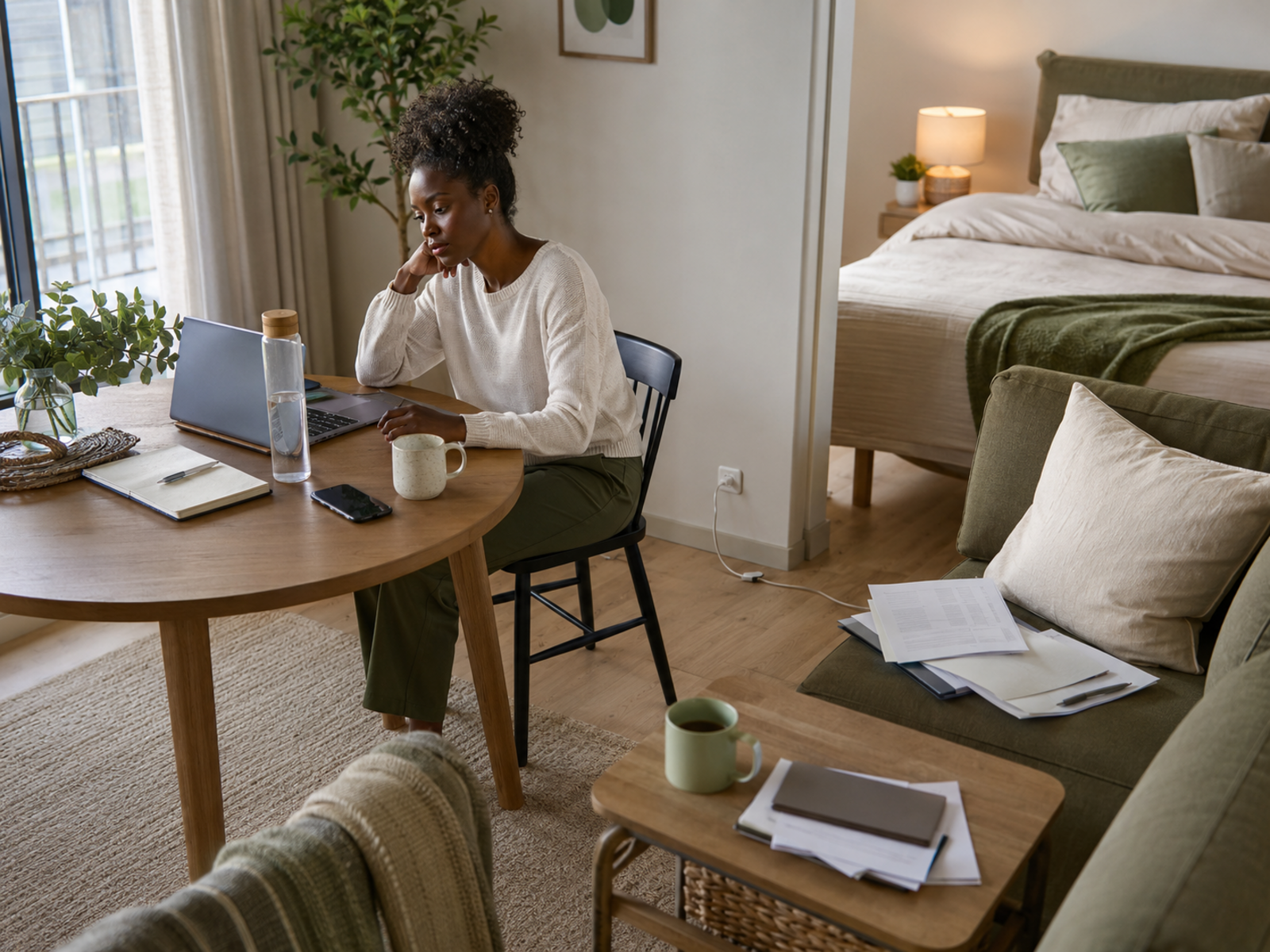
This guide is about physical containment: stopping laptops, papers, cables, chargers and work routines from spreading through the home. If the wider issue is time boundaries, decor or making the workspace feel calmer, those are separate layers. Start here with the practical question: where does work need to stop so home can start again?
Create A Clear Work Zone
Choose the main work spot
Choose one main place where work happens most of the time.
It does not need to be a separate office. It can be a corner desk, dining-table zone, fold-away setup or bedroom workspace. The key is consistency. Work spreads more easily when every room becomes available.
Mark the edge physically
A physical edge helps the space feel contained.
That might be a rug, shelf, folding screen, desk mat, lamp, tray or storage basket. The boundary does not need to be dramatic. It simply tells your brain and your home where work belongs.
Keep work tools nearby
Work spreads when tools are scattered.
Keep your laptop, notebook, charger, headphones, pens and papers close to the main work zone. If every item has to be hunted down, it will slowly start living wherever you last used it.
Decide what leaves the zone
Some work items should not travel around the home unless there is a reason.
For example, keep work notebooks out of the bedroom, chargers out of the sofa area and papers off the kitchen counter. Small rules make the boundary easier to keep.
Make shutdown visible
A clear work zone should look different after work.
Close the laptop, stack papers, put tools into storage and remove the obvious work signals. This helps the room return to home mode, even if the desk itself remains visible.
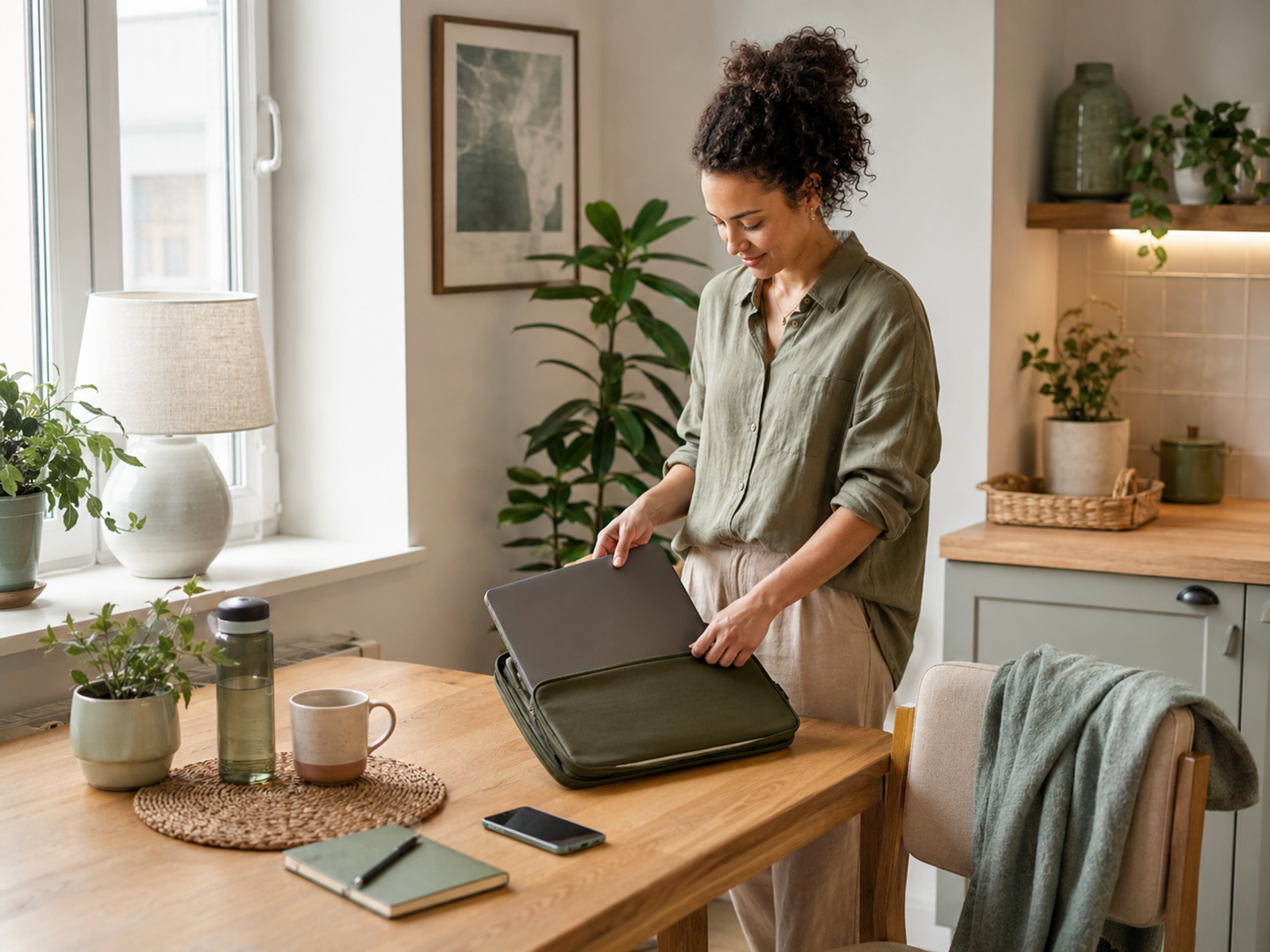
A contained home office is not only about tidiness. It protects focused work because tools are easier to find. It also protects rest because work stops appearing in every corner. For home workers and small business owners, that matters for income, energy and the feeling that the whole home has not become one long work surface.
Practical Containment Helpers
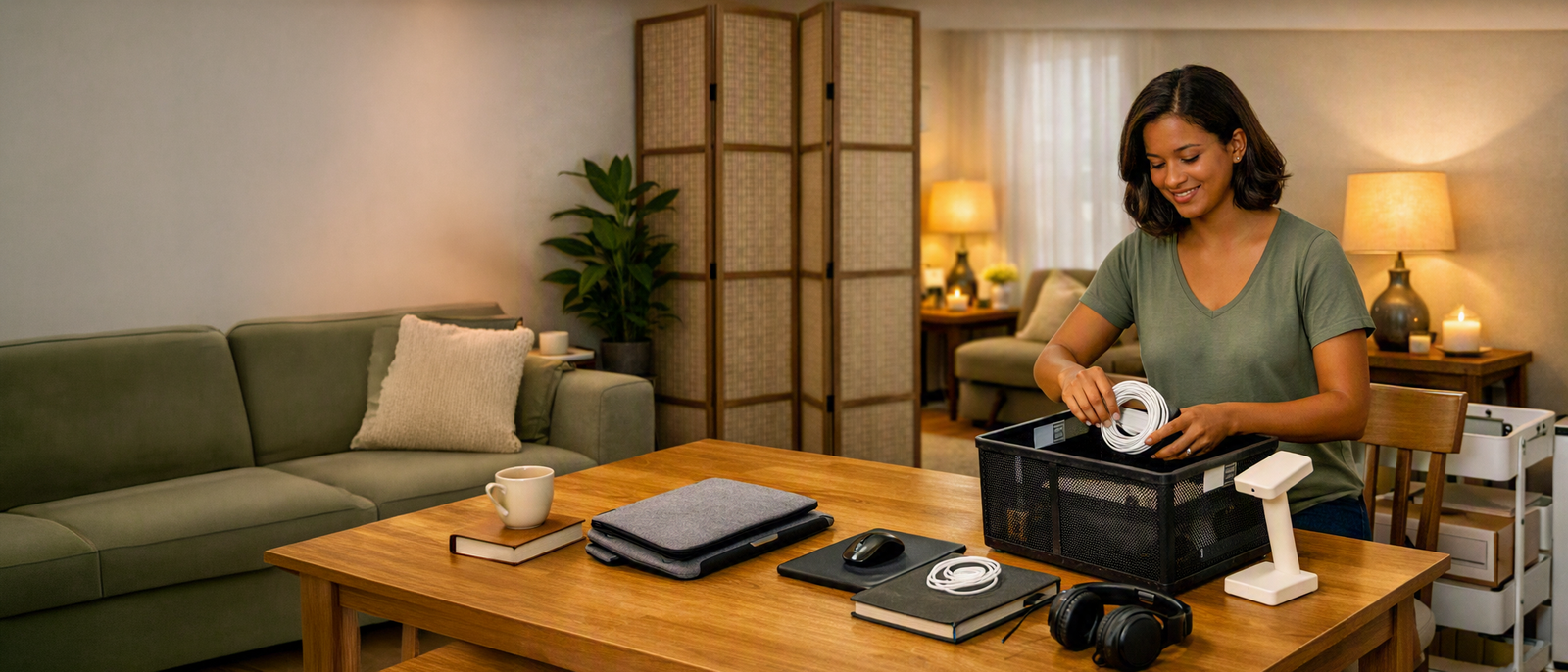
Desk Organisers And Storage Baskets
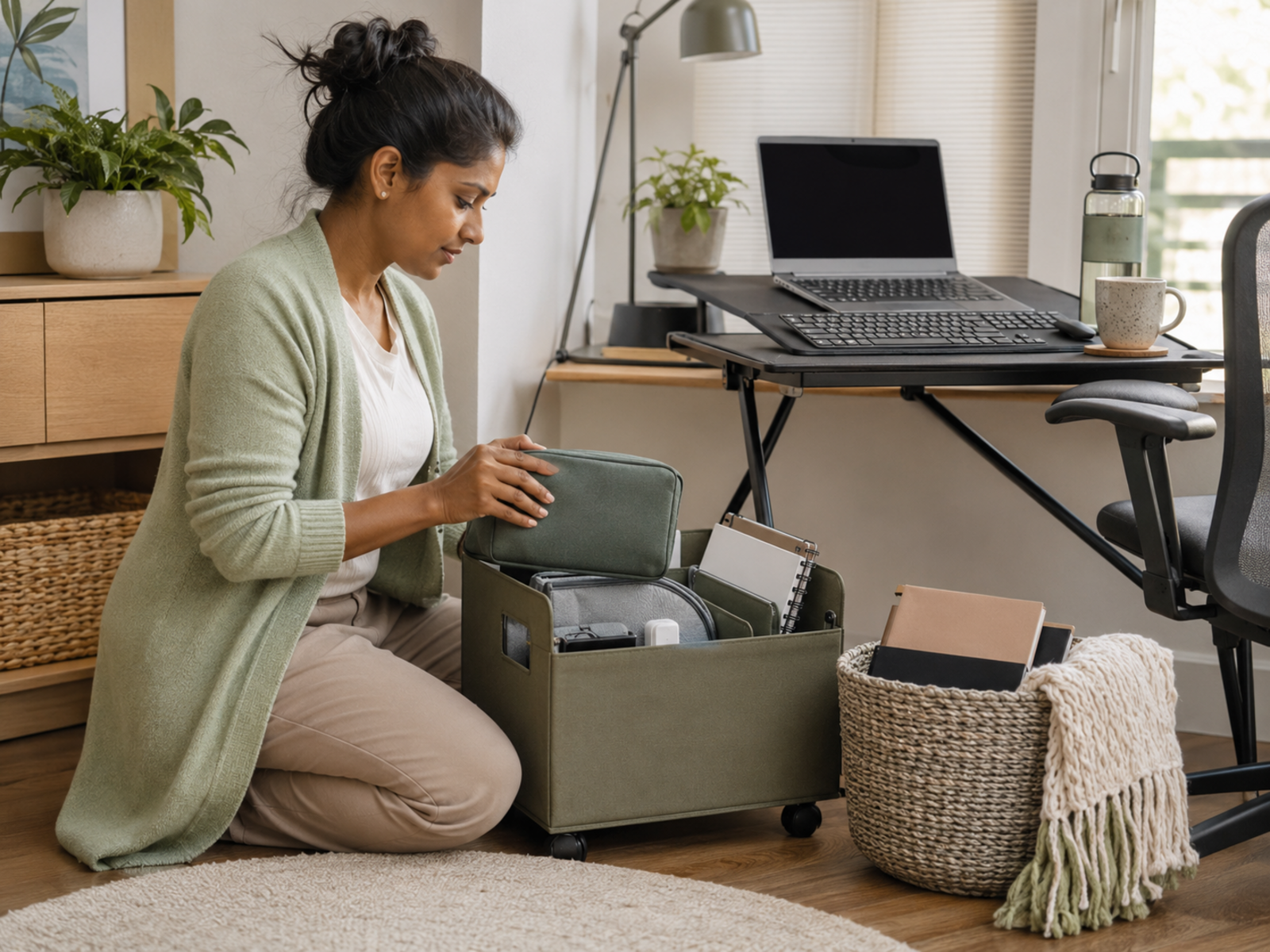
Desk organisers and storage baskets help work items leave sight quickly at the end of the day.
Best for: paperwork, notebooks, chargers, pens and small desk items. Skip if: the basket will become a permanent clutter cave. Choose storage that is easy to use daily, not just attractive when empty.
Cable Management Clips And Trays
Cable clips, trays and ties can make a home office feel calmer almost immediately.
Best for: chargers, monitor cables, extension leads and shared-room desks. Skip if: you keep changing your setup and need more flexibility. The goal is fewer trailing cables, not a complicated wiring project.
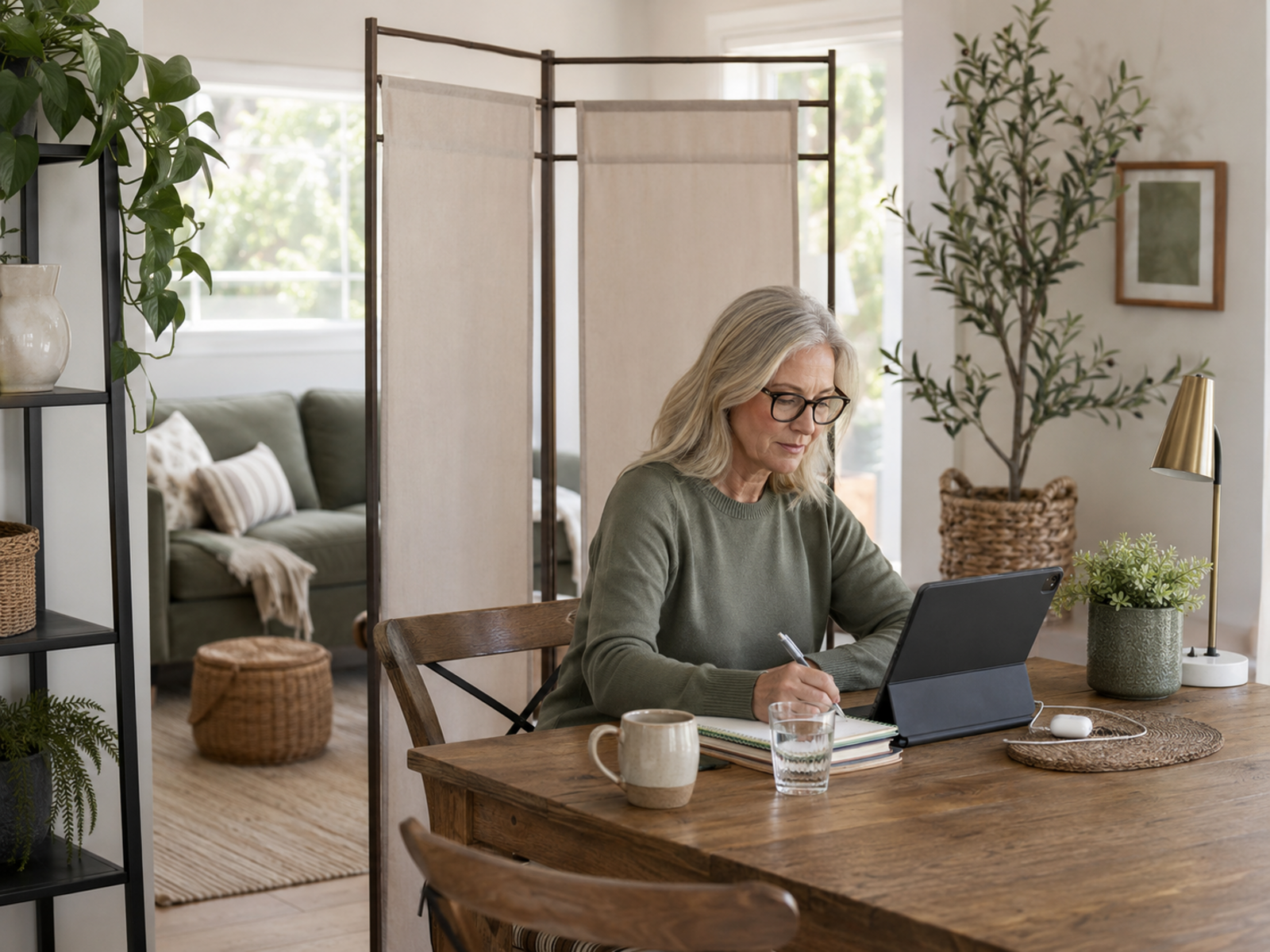
Room Dividers Or Folding Screens
Room dividers and folding screens can create a visible work boundary without needing a separate room.
Best for: bedrooms, living rooms and open-plan spaces. Skip if: the screen will block movement or make the room feel cramped. Choose something easy to move if the space changes often.
End-Of-Day Shutdown Checklist
An end-of-day shutdown checklist is the cheapest boundary tool.
Best for: closing loops, clearing visible work and helping the home feel like home again. Skip if: the checklist becomes too long. Five minutes is enough: close, clear, capture, charge and leave.
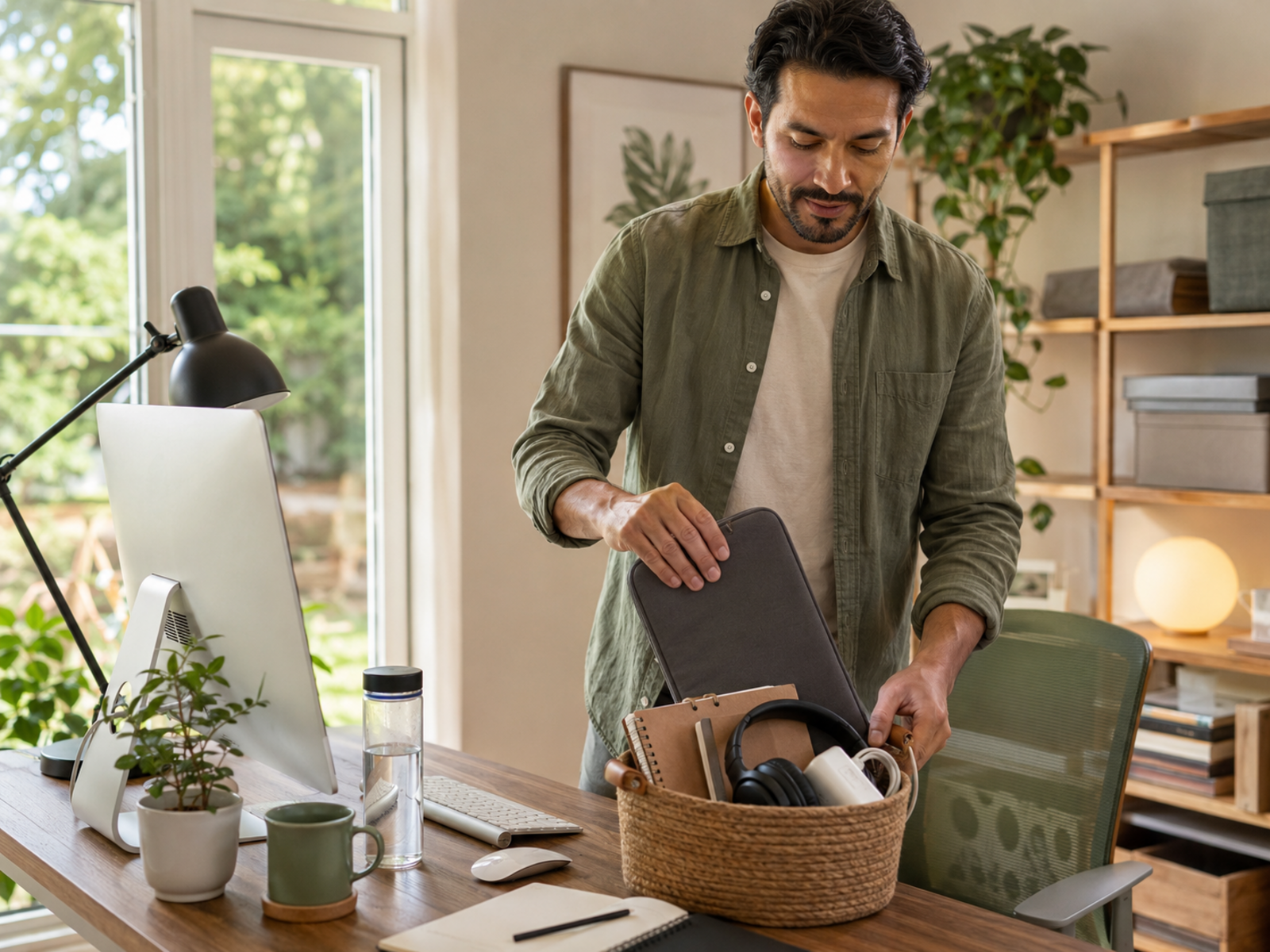
The best storage is not the prettiest box. It is the storage you can use when you are tired. If putting work away takes too many steps, work will stay out. Choose containers, trays and habits that make the end of the day easier, not more ceremonial.
Small-Space Boundaries That Still Work
When the dining table is the desk
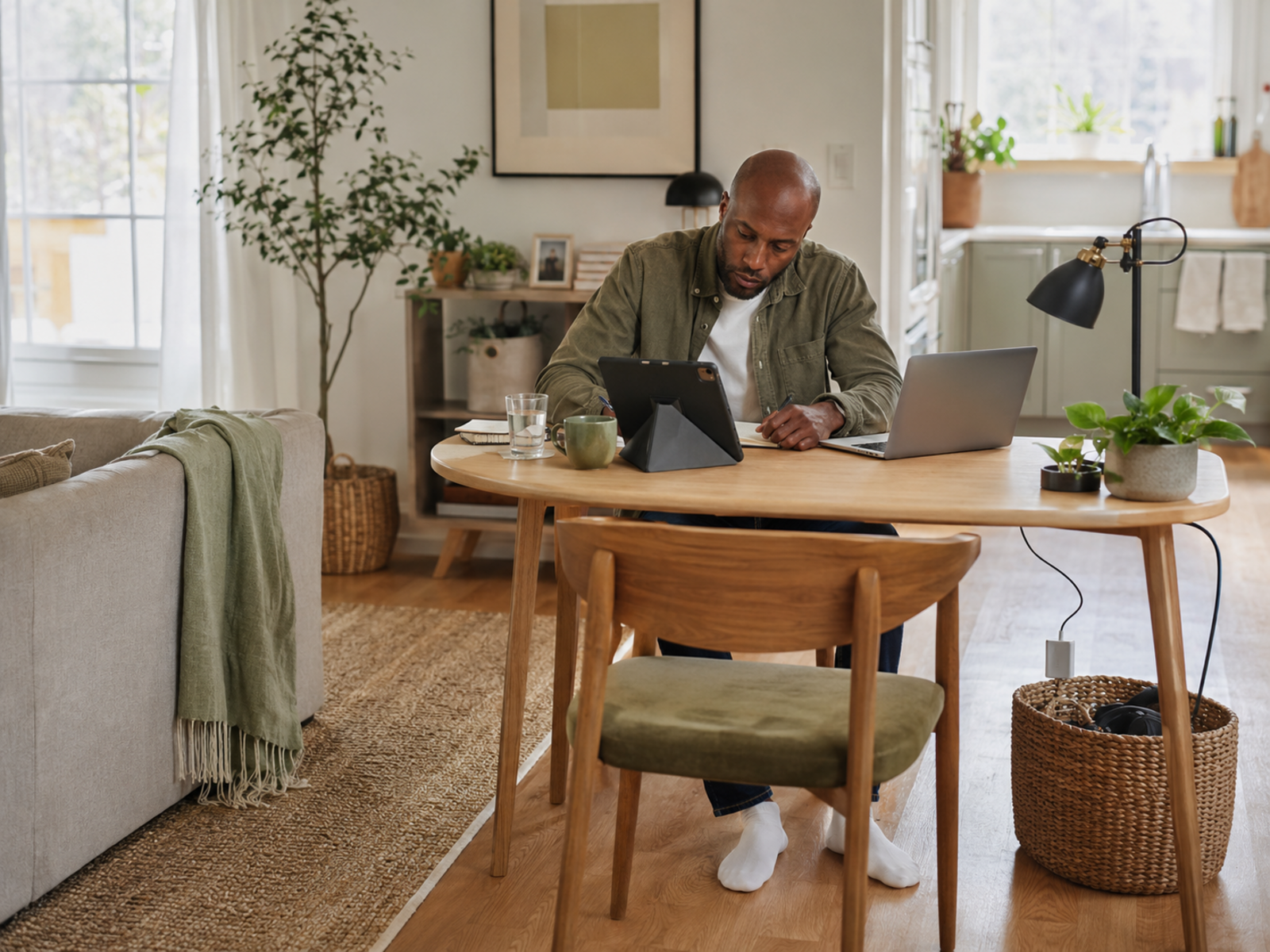
If the dining table is your desk, create a work tray or basket that clears quickly.
Keep only the work items you need for that session on the table. At shutdown, everything goes back into the tray. The table should be able to become a table again.
When the bedroom is the office
A bedroom workspace needs stronger shutdown habits because work can affect rest.
Close devices, store papers and avoid leaving bright work screens or notes beside the bed. A folding screen, small desk lamp or closed storage box can help separate sleep from work mode.
When the sofa keeps becoming the office
The sofa can be useful occasionally, but it should not quietly become the main workplace by accident.
Keep chargers and notebooks away from the sofa if you want that area to feel restful. If you work there, set a clear time limit and put everything away afterwards.
When family or housemates share the space
Shared spaces need simple rules, not silent resentment.
Agree when the table, room or corner is in work mode and when it returns to shared use. Use visible cues, such as headphones, a lamp, a divider or a packed-away laptop, so everyone can read the boundary.
When there is no spare room
If you cannot have a separate office, focus on separable habits.
Use a fold-away desk, storage basket, laptop stand, room divider or shutdown checklist. You may not be able to hide the workspace completely, but you can stop it spreading.
Common Home Office Boundary Mistakes
Letting temporary setups become permanent
A temporary setup can become the default if no one questions it.
If the laptop has lived on the table for months, it is no longer temporary. Decide whether that spot is truly working or whether the setup needs clearer storage, a smaller desk or a better boundary.
Storing work in every room
Work items spread quickly when every room holds a few pieces of the job.
Keep chargers, notebooks, files and work devices in one main area where possible. A home feels less crowded when work has fewer hiding places.
Buying storage without a habit
Storage only helps if it is easy to use.
A basket, tray or organiser will not fix the problem if there is no shutdown habit attached to it. Decide what goes where and when it gets put away.
Ignoring digital clutter
Physical work clutter is only part of the issue.
Open tabs, desktop files, unread messages and random downloads can make work feel mentally present even after the room is tidy. A small digital shutdown can support the physical one.
Forgetting rest needs space too
Home office boundaries are not only about making work look better.
Rest needs visual and emotional space. If work reminders remain visible during meals, evenings and weekends, the home can start feeling like a softer version of the office.
FAQ
How do I stop my home office taking over my home?
Start by choosing one main work zone and giving work items a clear storage place.
Use baskets, trays, cable management, a shutdown checklist and simple room rules. The goal is not hiding every sign of work. It is stopping work from spreading into every space.
How can I separate work and home in a small space?
Use visible boundaries such as a desk mat, storage basket, folding screen, compact desk or shutdown routine.
Small spaces need stronger habits because there is less physical separation. Put work away at the end of the day so the room can change function.
What should I do with work clutter after hours?
Put work clutter into one chosen place: a drawer, box, tray, basket or shelf.
Close the laptop, stack papers, tidy cables and capture loose tasks for tomorrow. Make the process short enough that you will still do it when tired.
How do I create boundaries when working from home?
Create boundaries with space, time and habits.
Choose where work happens, when it starts, when it stops and what gets put away afterwards. If other people share the home, make the work zone and shutdown signals easy to understand.
How can I make a shared room work as an office?
Use a clear work zone, compact storage and agreed rules for when the space is in work mode.
A folding screen, desk organiser, rolling cart or storage basket can help. The room should be able to return to shared use after work.
What is a good end-of-day shutdown routine?
A good shutdown routine is short and repeatable.
Close your laptop, capture loose tasks, check tomorrow’s first priority, clear the desk surface, tidy cables and put work items into storage. The aim is to end the workday visibly.
Final Verdict
To stop your home office taking over your home, give work a clear zone, a storage place and a visible shutdown. Desk organisers, cable trays, folding screens, compact desks and storage baskets can all help when they support a simple habit rather than becoming more clutter.
Your home office does not need more space as much as it needs better boundaries. Work can stay useful, visible and accessible without spreading into every room, every surface and every quiet part of the evening.


