



Host a Virtual Halloween Party: Audio,…

20 Minimalist Halloween Nail Ideas for…

Can Free Affinity Help You Build…

12 Lower-Sugar Halloween Treat Swaps Worth…

Can Hostinger AI Builder Launch a…

A 5-Step Screen-Free Autumn Reading Ritual…

Plug-In Solar Panels UK: Are They…

15 Last-Minute Zoom Halloween Costumes for…

Meta One Explained: Is the Subscription…

10 Low-Fuss Dog Halloween Ideas: Comfort…

Plaud One Explained: Can AI Earbuds…

9 Gothic Dinner Table Ideas for…

Namecheap vs Dynadot

7 UK Ghost Tours and How…

Convertkit Vs Beehiiv

Do You Really Need a £420…

Bluehost vs Siteground

15 Gentle Spooky Autumn Books to…

Namecheap review

How to Remove Halloween Face Paint…
Notion became popular because scattered work quietly makes simple tasks feel exhausting. Notes disappear across apps, ideas get buried inside random documents, and project updates hide inside endless tabs. Creators, freelancers, and remote teams often waste more time searching for information than actually using it. Notion promises one flexible workspace where planning, notes, projects, databases, and documentation can stay connected without forcing users into rigid systems or complicated software.
Quick Overview
In this review you will learn:

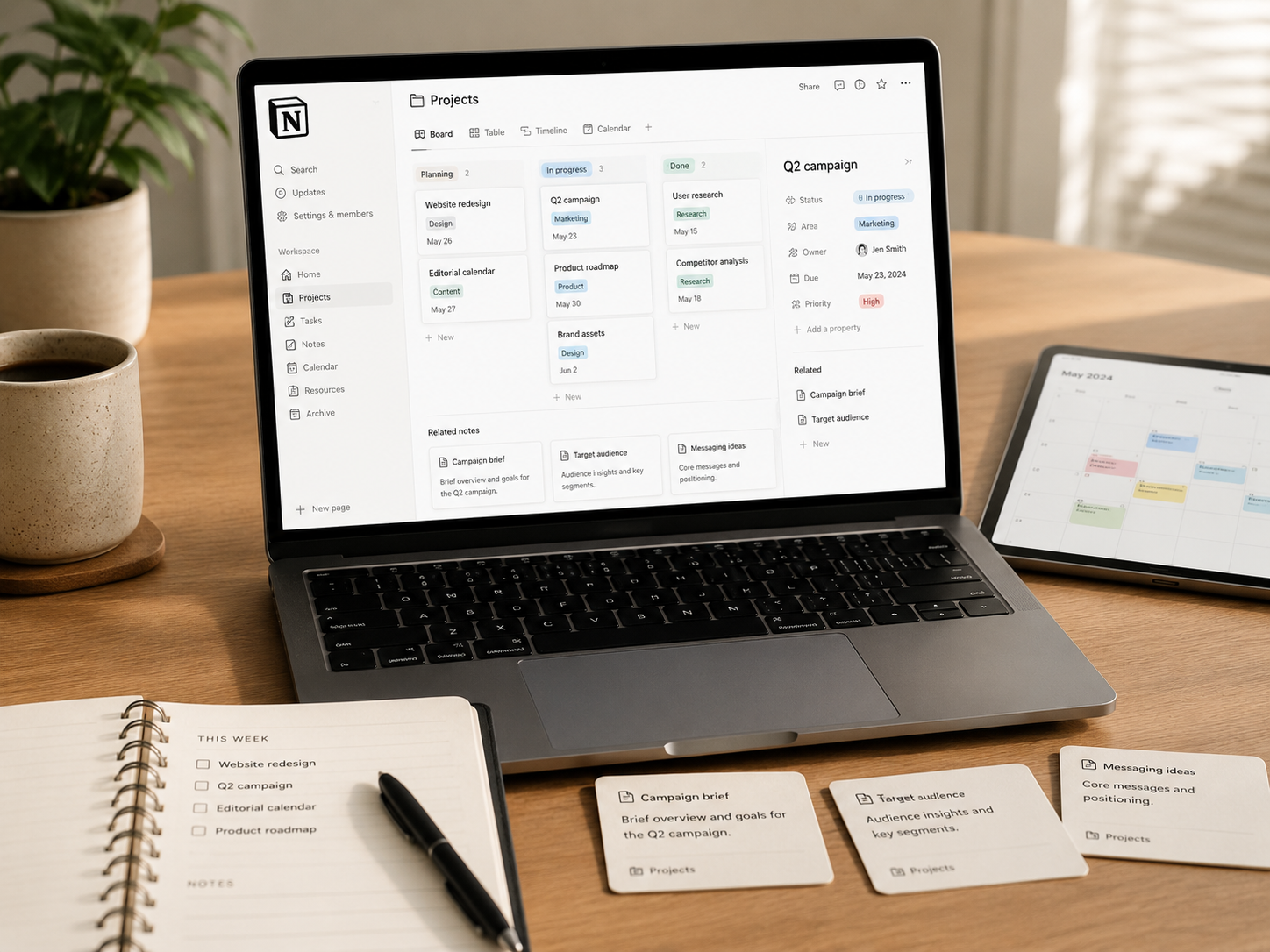
Productivity dashboard supporting planning and digital organisation.
Helpful next reads: Creator tech stack explained
Why Notion Became So Popular
It Replaces Scattered Notes
Writers, marketers, founders, and educators often store ideas across notebooks, spreadsheets, phone apps, and random documents. Notion makes information easier organising inside one searchable system.
Planning Feels More Visual
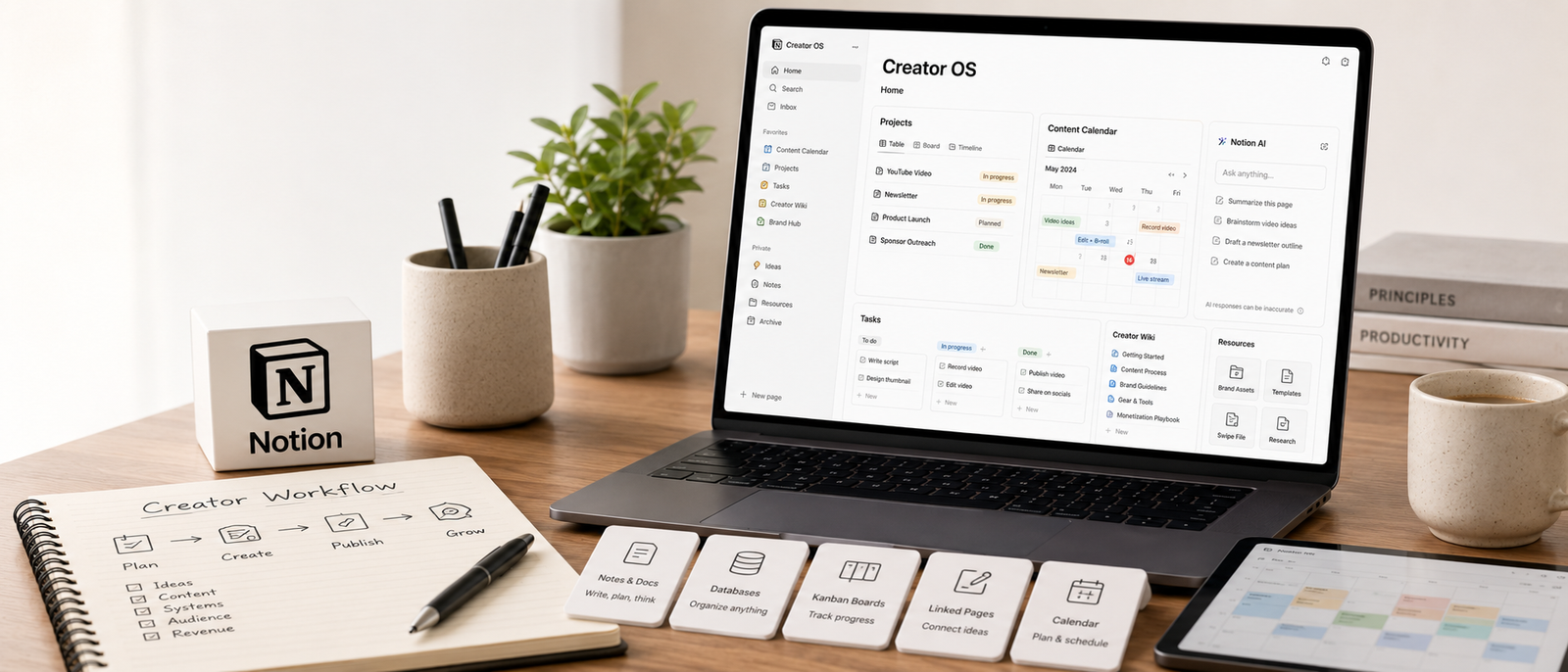
Pages can become calendars, boards, galleries, lists, databases, or clean documents depending on the workflow. That flexibility helps different users organise work in ways that feel natural.
It Works For Both Individuals And Teams
A solo blogger can manage article planning inside Notion while a remote team may use the same platform for onboarding, campaign planning, meeting notes, and project tracking.

The Platform Feels Flexible Without Coding
Users can build customised systems without needing technical skills. That balance between simplicity and flexibility attracts many creators and online businesses.

Productivity Tools Cannot Replace Clear Priorities
This is where many users quietly misuse Notion. A beautiful dashboard can create the feeling of productivity even when no meaningful work gets finished. Some creators spend hours adjusting layouts, icons, templates, and database views while important projects remain untouched. Notion works best when it supports real priorities instead of becoming another distraction. Simple systems usually survive longer because they remain easy maintaining during stressful workweeks.
Explore more insights: Email marketing automation explained

What Notion Does Well
Content Planning
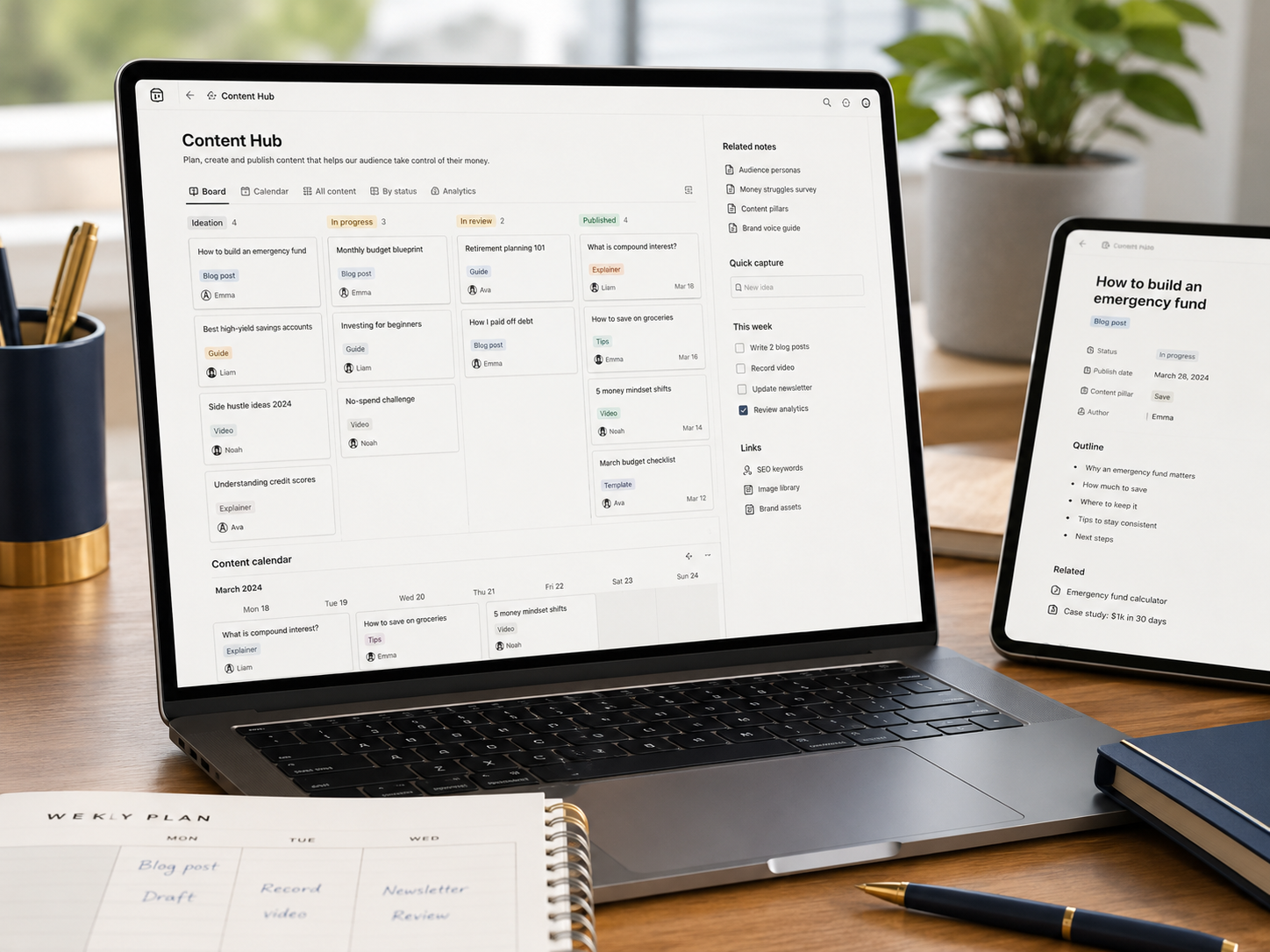
Notion works extremely well for article ideas, video scripts, newsletter planning, research notes, publishing calendars, and content workflows. Creators can move projects from draft to published without losing context.
Creator dashboard supporting articles, videos, and publishing schedules.
Related systems: SEO for blogs explained

Knowledge Management
The platform functions well as a personal or business knowledge base. Instead of digging through old chats or bookmarks, users can store important information inside organised pages.
Project Organisation
Tasks, deadlines, documents, owners, references, and updates can stay connected operationally. That structure reduces confusion during busy projects.

Client And Business Systems
Freelancers, coaches, and small businesses often use Notion for client notes, offer planning, standard operating procedures, onboarding documents, and resource libraries.
Where Notion Gets Frustrating
Flexibility Can Become Distracting
The same customisation that makes Notion powerful can also become overwhelming. Some users spend more time building systems than using them.
Templates Create Unrealistic Expectations
Online templates often look impressive in videos and screenshots, although many become difficult maintaining in real daily workflows.

Large Workspaces Need Maintenance
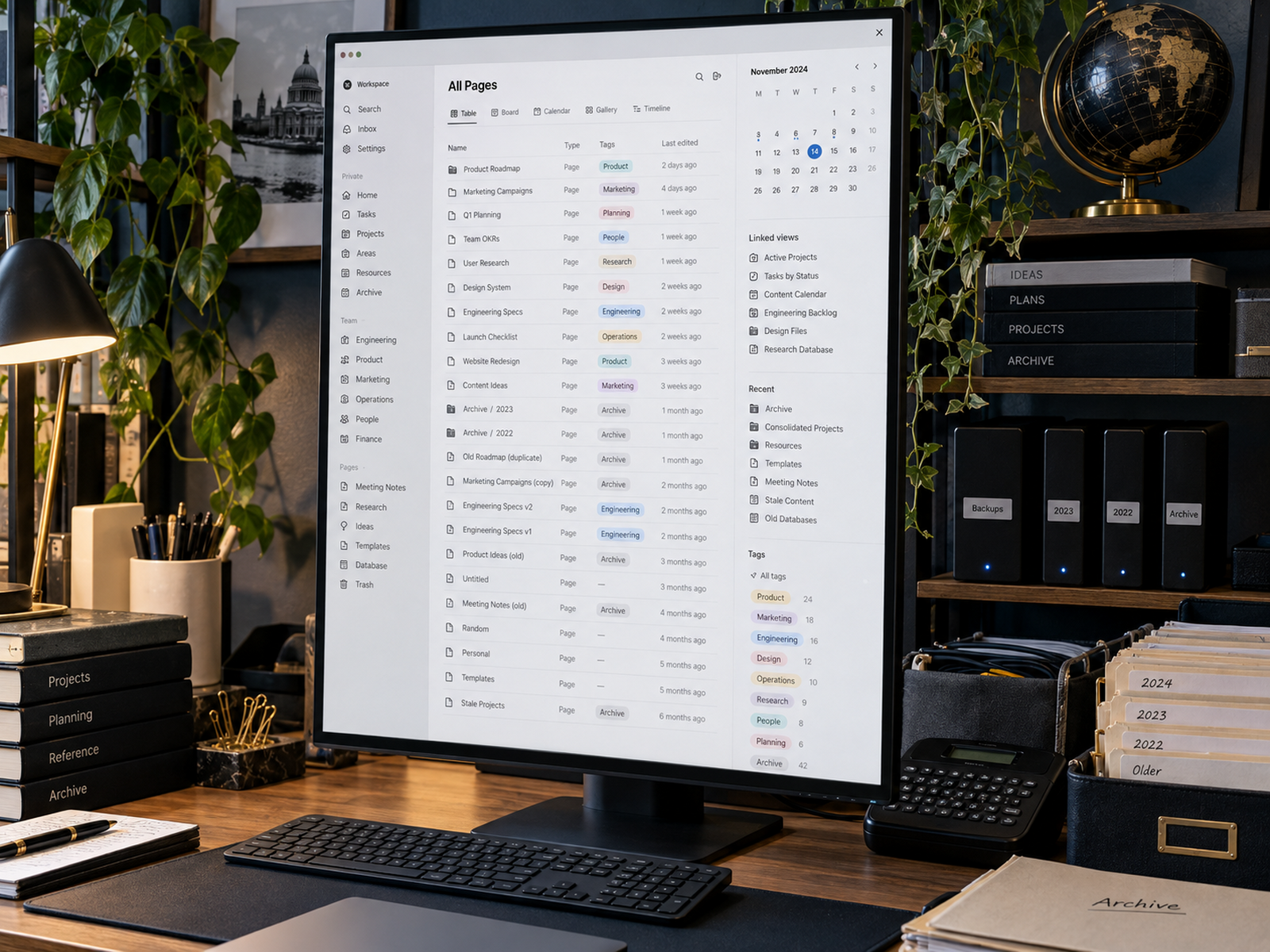
As pages, databases, tags, and linked views expand, workspaces can start feeling cluttered. Regular cleanup becomes necessary over time.
It Cannot Replace Every Dedicated Tool
Notion handles planning and organisation extremely well, although specialised software still works better for advanced accounting, video editing, customer support, or complex automation.

Simple Notion Systems Usually Last Longer
The strongest Notion review is not really about whether the platform can do everything. The more important question is whether the setup helps users return to meaningful work faster. A practical workspace may only need one content calendar, one project dashboard, one notes system, and one lightweight task manager. That simplicity reduces friction. Complicated systems often collapse because maintaining the workspace becomes another exhausting responsibility.
Frequently read together: Creator gear essentials

Who Notion Fits Best
Content Creators
Creators can manage outlines, scripts, publishing schedules, affiliate links, research notes, and brand planning inside one connected environment.

Small Teams
Remote teams frequently use Notion for documentation, onboarding materials, campaign planning, shared resources, and lightweight project management.

Freelancers And Coaches
Freelancers often organise client information, proposals, workflows, resources, and repeatable systems without needing several disconnected apps.

Personal Productivity Users
The platform also works well for reading lists, journaling, habit tracking, travel planning, learning notes, and everyday organisation.
Organisational workflows: Creator tech stack explained

Notion Works Best When It Reduces Mental Clutter
Many productivity systems fail because they require too much maintenance before actual work begins. Notion becomes valuable when it reduces decisions instead of adding more. Strong setups help users capture ideas quickly, organise projects clearly, and return to unfinished work without confusion. The platform feels most useful when it quietly supports execution in the background rather than constantly demanding attention itself.
Readers also enjoyed: Best email marketing platforms
Pros And Cons Of Notion
Pros
Cons
FAQs
Is Notion worth the hype today?
Yes, especially for creators, freelancers, and small teams needing better organisation, planning, and documentation systems.
What do creators use Notion for?
Many creators manage article ideas, scripts, publishing calendars, research, sponsor tracking, workflows, and content planning inside Notion.
Is Notion difficult learning initially?
There is a learning curve because the platform is highly flexible, although simple workspaces remain relatively easy understanding.
Why do some people stop using Notion?
Users often quit when their systems become too complicated, too difficult maintaining, or too focused on aesthetics instead of practical workflows.
Is Notion good for teams?
Yes. Teams frequently use Notion for onboarding, internal documentation, planning, meeting notes, project tracking, and shared operational visibility.
Final Verdict
Notion remains one of the strongest organisational platforms available for creators, freelancers, remote teams, and digital businesses wanting cleaner workflows without relying on disconnected apps and scattered documents.
The platform becomes extremely valuable once users stop treating it like a productivity hobby and start using it as a practical operational system. Simple dashboards, connected notes, organised projects, and lightweight workflows usually create the best long-term experience.
Used properly, Notion can reduce mental clutter, improve organisation, and make repeated work easier managing across content creation, planning, documentation, and business operations.


